YouTube Playables (Youtube Games) lets you ship web games directly in the YouTube app and site, tapping an audience of over two billion people — no install required. If your game already runs in a browser, the path to going live is simple, as long as you stick to Google’s technical and content rules. Here’s the full flow, from engine checks to certification.
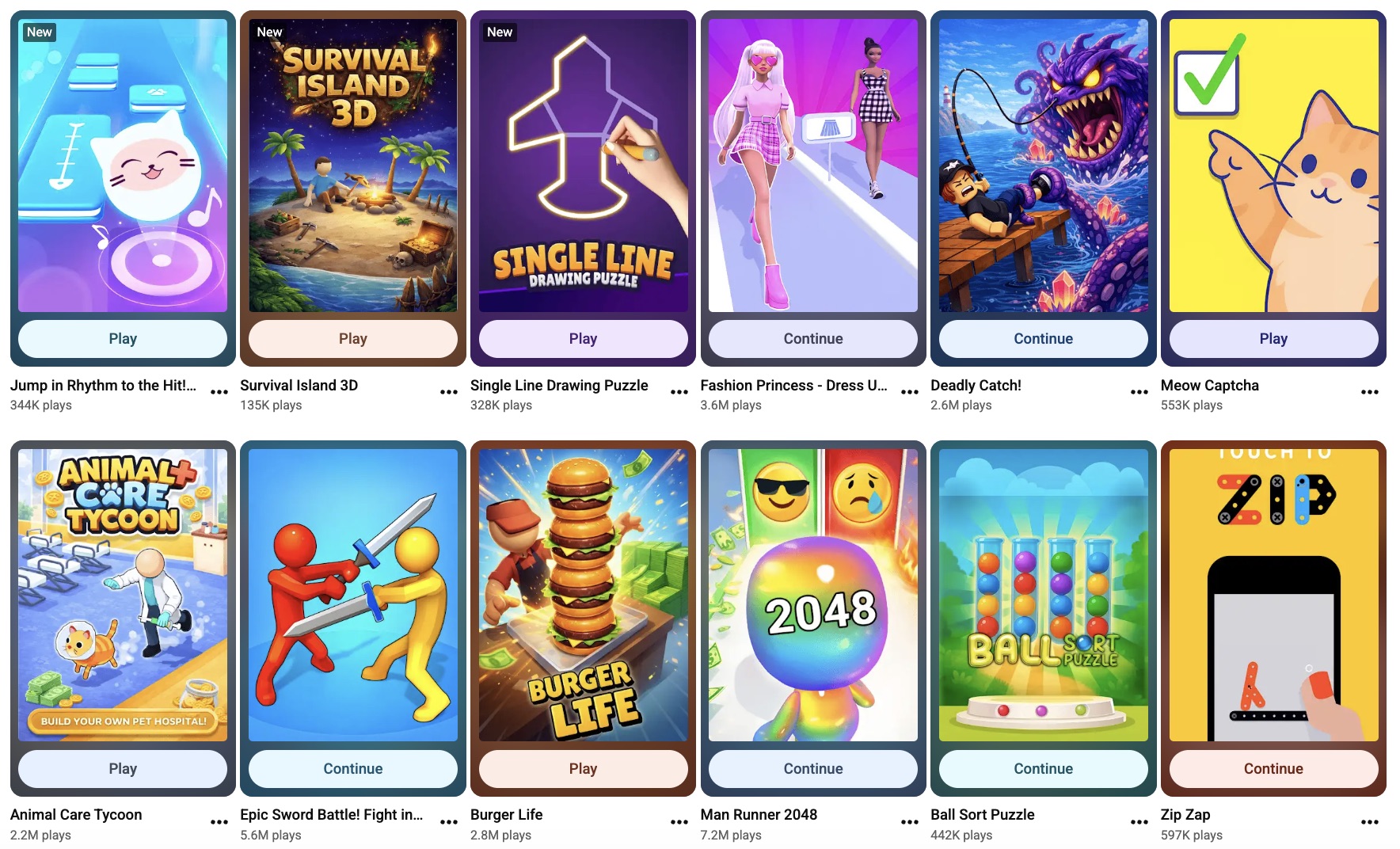
What YouTube Playables Are and What Engines Work
Playables are lightweight, instant games that live inside YouTube. They must be self-contained HTML5 builds: everything packed into a single ZIP, zero external network calls, and the first load capped at 30 MB. The platform supports modern web standards like WebGL and Canvas, so most web-first engines work immediately.
Engines and frameworks that are good to go:
- Unity and Godot (WebGL export)
- Cocos Creator, Construct, GameMaker, Defold, GDevelop
- Native JS stacks: Phaser, PlayCanvas, LayaAir
Portrait mode is required; landscape is optional but strongly advised if you want cross-device reach. Target devices are Android S+ and iOS 14+, with Chrome and Safari as the main browsers
Two Ways to Get In
There are two routes onto the platform. They differ in speed, paperwork, and how much you handle yourself.
Direct access.
Apply to Google for entry to the YouTube Games Developer Portal. You submit an interest form and wait for approval — that can drag on for weeks or months. Once cleared, you need Channel Manager rights in YouTube Studio, you must integrate the official YouTube Playables SDK, and you manage testing, certification, and live ops on your own.
Partner access.
The quicker path is publishing through a verified partner that already has portal access, a live catalog, and an active player base. You still integrate an SDK — either the partner’s wrapper or YouTube’s native kit — but you skip the queue and hit the ground running with existing traffic.
Why Publish Through Playgama
Playgama is an official YouTube Playables partner with 20+ games already live. Instead of applying to Google and waiting around, you integrate the Playgama Bridge SDK — a single kit that already contains the required YouTube bindings.
The main win is multi-platform reach. That same Bridge SDK also ships your game to MSN, Xiaomi, Y8, TikTok, and 10+ other instant-game platforms with zero extra code. Beyond distribution, Playgama pushes additional traffic through its own player base and paid user acquisition, so your game isn’t left to survive on YouTube organic discovery alone.
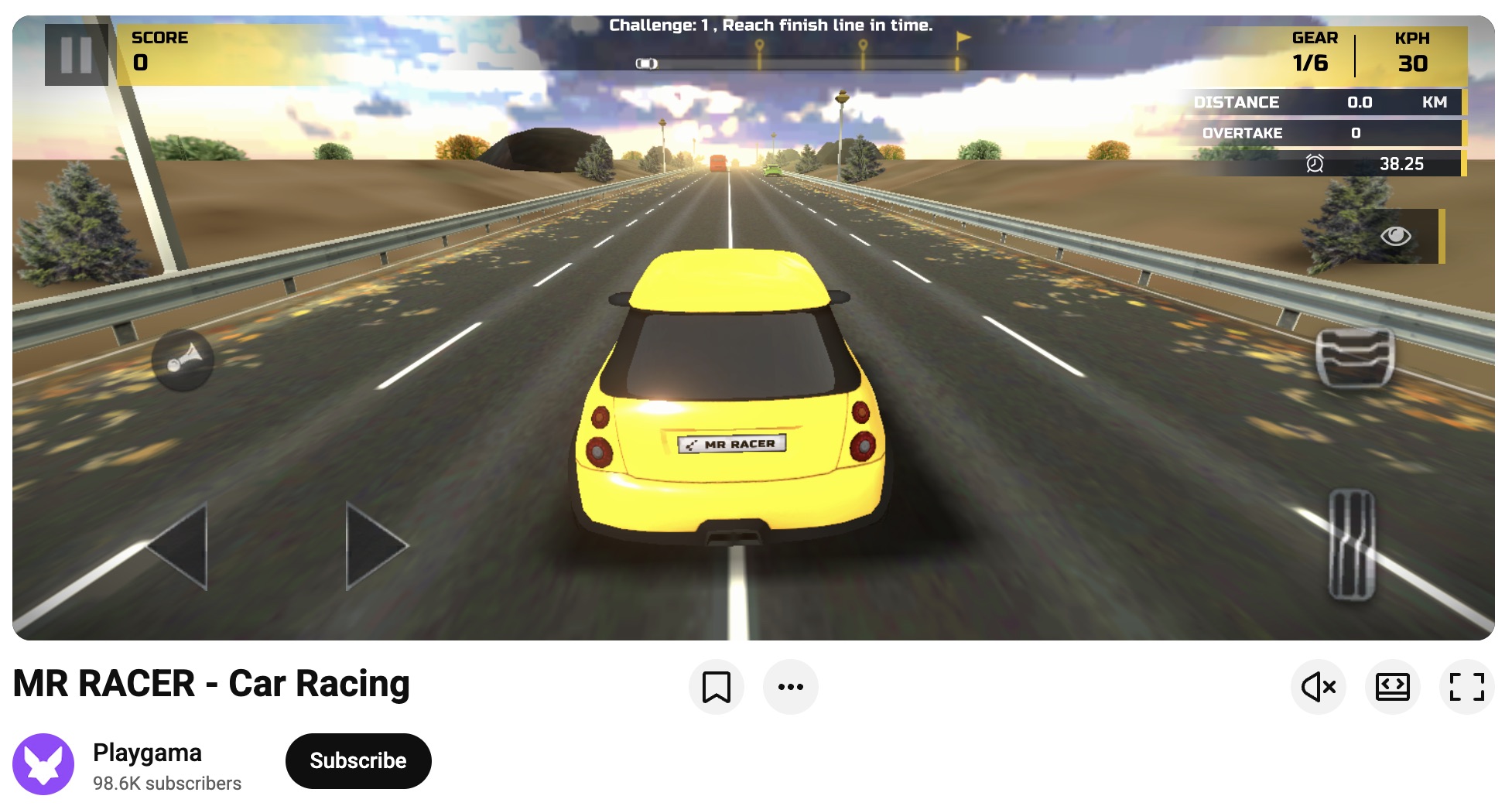
Playgama also runs its own browser games portal with a large audience across tier-1 markets.
The Three-Step Playgama Flow
- Integrate the SDK. Integrate Playgama Bridge into your project. It supports Unity, Godot, Cocos, Construct, and native JS engines. Docs and code samples are included.
- Create an account and upload your build as a ZIP archive.
- Let the team handle the rest. Playgama runs QA against the official YouTube Test Suite, checks every platform requirement, and gives you concrete fixes if anything is off — orientation handling, asset bundling, session length tuning, whatever it is. Once the build is clean, Playgama submits it for certification and talks directly with YouTube’s partnership team on your behalf.
Average time from upload to go-live: 2–4 weeks. Compare that to 3–6 months for direct publishing.
On top of that, Playgama helps with creative optimization, data-driven retention and monetization tips, and transparent revenue sharing.
The Market in 2026
YouTube Games is still wide open. The service is live in five major markets — the US, UK, Canada, Australia, and India — with only about 450 games total across all developers. That is a tiny fraction of any mobile app store catalog, which means low competition and strong visibility for new releases.
Monetization is already rolling out. YouTube’s pilot program serves interstitial ads to a growing share of the audience, and revenue sharing is active. With over two billion signed-in users in the app, the earning ceiling is basically unlimited.
—
Publishing on YouTube Playables comes down to three things: the right build, correct portal permissions, and a clean QA cycle. If you want to skip the waitlists and get hands-on help with testing, creative optimization, and direct communication with YouTube’s partnership team, publish through Playgama — most titles go live in two to four weeks instead of months.
Ready to reach two billion users? Start by integrating the Playgama Bridge SDK and uploading your build at developer.playgama.com