I spent the last week testing 15 two-player browser games to find out which ones are actually worth your time. Some were surprisingly solid. Others felt like they were coded in a weekend. Here’s what I found, ranked from best to ‘meh.’
TL;DR (Quick Summary)
- Best Overall: Basketball Stars – Snappy controls, great physics, and the big-head style actually works
- Best for Beginners: Ludo Legend – Classic board game rules, clean UI, zero learning curve
- Total Games: 15 browser games
- Average Rating: 4.4/5.0
Quick Comparison Table
| # | Game | Genre | Key Feature | Rating |
|---|---|---|---|---|
| 1 | Soccer Legends 2026 | Ball | Sports, Arcade | 4.4/5.0 |
| 2 | Master Checkers | board game | Italian Checkers rules | 4.1/5.0 |
| 3 | Soccer Random | physics-based sports | random modifiers | 4.3/5.0 |
| 4 | Crazy Volleyball Destruction | physics puzzle | destruction mode | 4.1/5.0 |
| 5 | Ludo Legend | board game | local multiplayer | 3.9/5.0 |
| 6 | Basket Random | Ragdoll | Basketball, Arcade | 4.7/5.0 |
| 7 | Ragdoll Soccer | physics-based sports | stick figures | 4.5/5.0 |
| 8 | Tennis Masters | Skill | Olympics, Sports | 4.5/5.0 |
| 9 | Rock, Scissors, Board | Strategy | PvE, PvP | 4.1/5.0 |
| 10 | Paint or Hunt | Shooting | Arcade, Action | 4.3/5.0 |
| 11 | Master Chess | turn-based strategy | online multiplayer | 4.7/5.0 |
| 12 | 2 Player Games Mini Games | mini-game collection | variety pack | 4.2/5.0 |
| 13 | Chess Online Playing | Chess | Board, Brain | 4.4/5.0 |
| 14 | 2 Player Tank combat | top-down shooter | fast-paced duels | 4.8/5.0 |
| 15 | Basketball Stars | arcade sports | big-head physics | 4.8/5.0 |
1. Soccer Legends 2026
Quick Info
- Genre: Ball, Sports
- Developer: MadPuffers
- Rating: 4.4/5.0 (697 ratings)
- Platforms: PC, Android, iOS
Screenshots

What’s the Point?
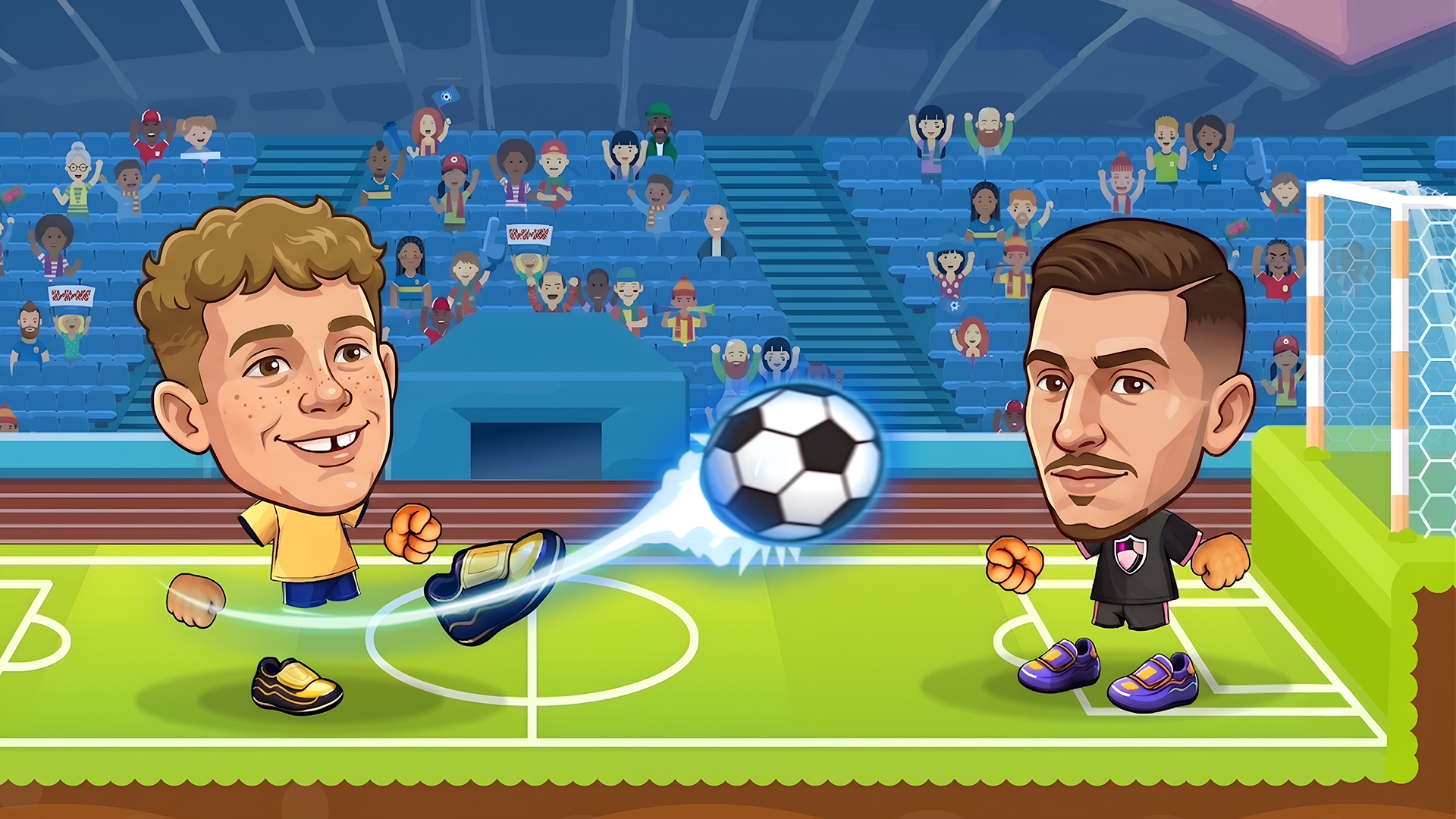
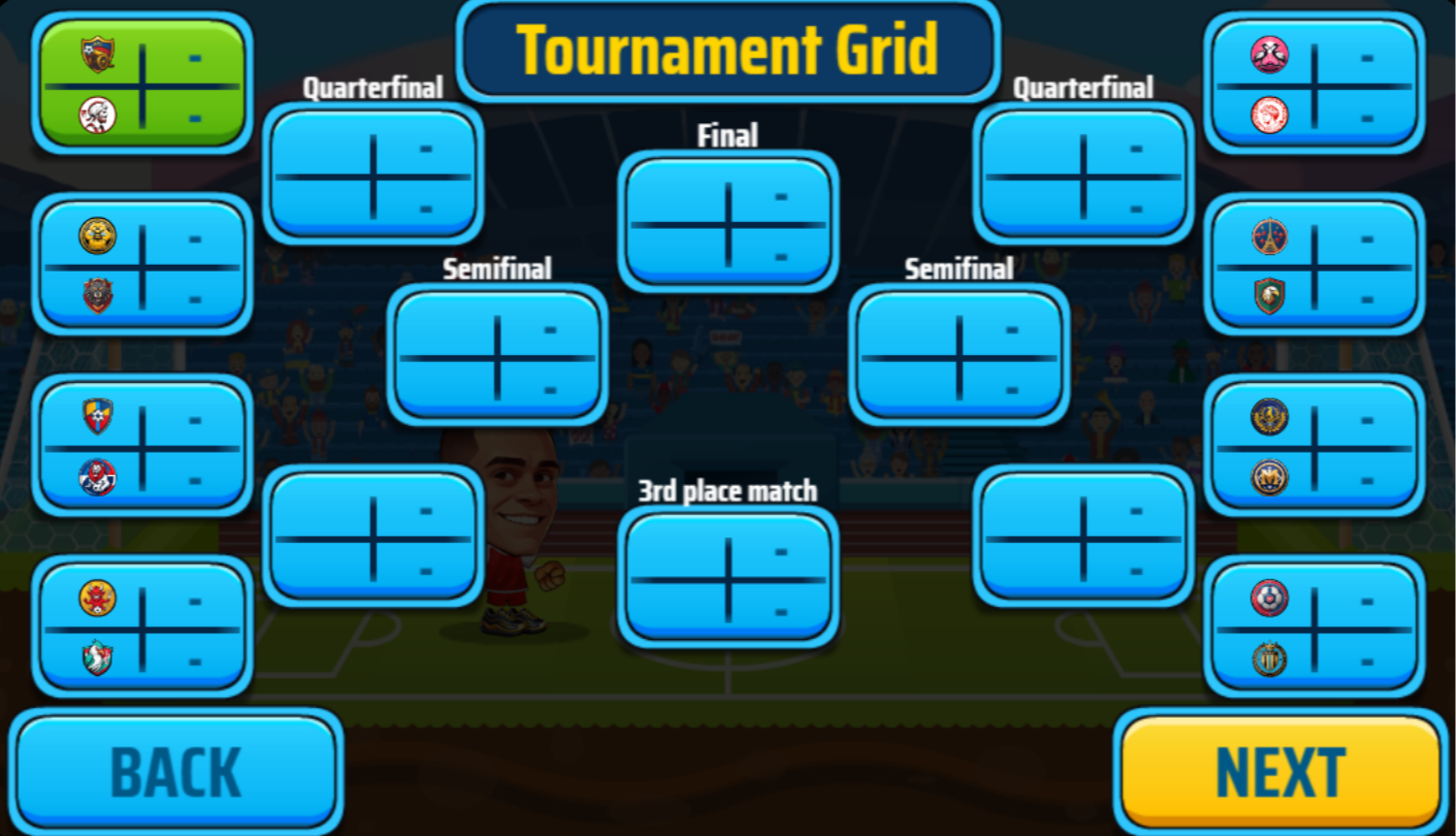
Soccer Legends 2026 is a fast-paced arcade soccer game from MadPuffers where solo play and 1v1 or 2v2 matches against friends are all on the table. Pick from a roster of unique players, each carrying special abilities — powerful superkicks, teleportation, and more — then outmaneuver opponents, compete in tournaments, and score incredible goals to claim the title of ultimate soccer champion.
How to Play
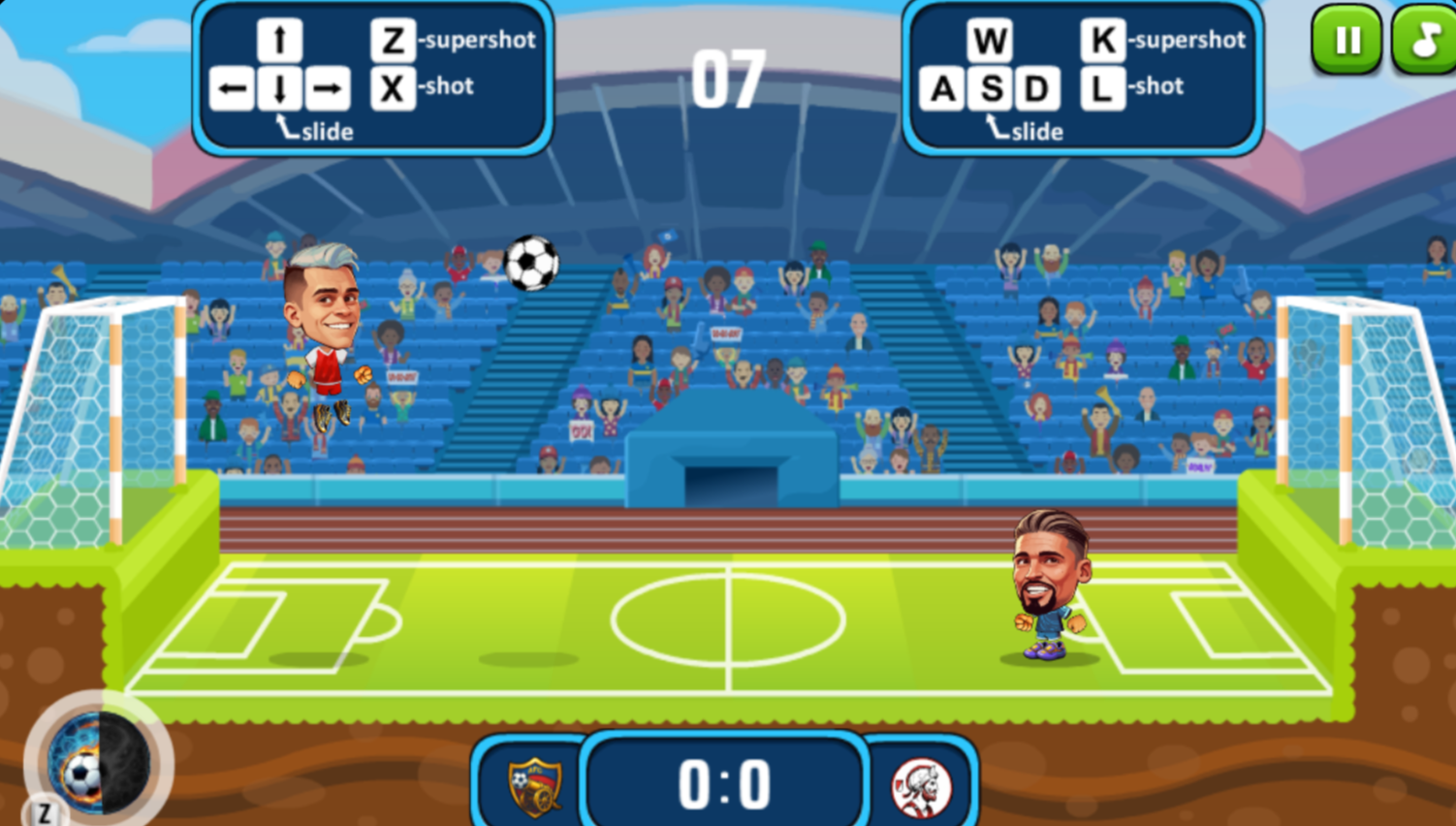
Score more goals than your opponent before time runs out. Move, jump, and slide to control your position, strike the ball with precise timing, and fire off your supershot to catch opponents off guard and seize the advantage.
Controls:
- A / Left Arrow: Move left
- D / Right Arrow: Move right
- W / Up Arrow: Jump
- S / Down Arrow: Slide
- X / L: Shot
- Z / K: Supershot
2. Master Checkers
Quick Info
- Genre: board game
- Developer: Games Hub Studio
- Rating: 4.1/5.0 (1273 ratings)
Gameplay Video
Watch real gameplay footage
Screenshots
Checkers board initial setup
White piece captured
Kinged black piece
What’s the Point?
This is a digital version of Italian Checkers, where you move pieces diagonally and capture opponents by jumping over them. The game has a clean 2D design with a faux-3D perspective for the pieces. You can play against the computer, a local player, or opponents worldwide. When a piece reaches the opposite side of the board, it gets ‘kinged’ and can move backward. The strategy involves blocking your opponent and setting up multi-jump captures.
Personal Experience
From the author: I started a match against the AI and got wrecked in about 10 moves. The AI was relentless, setting up multi-jump captures that I didn’t see coming. The UI was clean, and the piece movements were instant, but the game didn’t offer any hints or tutorials, so I was learning by losing. After a few rounds, I started to see patterns, but it took a while.
How to Play
Controls: Click or tap a piece to select it, then click or tap a valid square to move it.
Goal: Capture all of your opponent’s pieces or block them so they have no legal moves.
Performance & Browser Compatibility
Speed: Instant load, zero lag
Works best on: Desktop or mobile (works on both)
Browser: Chrome, Firefox, Safari (HTML5)
Who is this game for?
Casual mobile gamers of all ages, particularly those seeking a straightforward digital version of the classic board game. It’s suitable for quick sessions and offers a low barrier to entry, though the lack of tutorials may frustrate absolute beginners.
Pros & Cons
✅ Pros
- Italian Checkers rules add variety
- Clean, functional design
- Online multiplayer available
⛔ Cons
- No tutorials or hints
- AI can be punishing
- Visuals are generic
3. Soccer Random
Quick Info
- Genre: physics-based sports
- Developer: RHM Interactive
- Rating: 4.3/5.0 (9367 ratings)
Gameplay Video
Watch real gameplay footage
Screenshots
Player kicks soccer ball
Beach volleyball match
Player scores goal
What’s the Point?
This is soccer, but with intentionally janky physics. You control blocky, pixelated characters that flail around like ragdolls, trying to kick a ball into a goal. The twist is that the game randomly changes the ball (soccer ball, football, beach ball), the field (iced field, beach), and sometimes the players themselves. The goal is to score five goals first. Matches are chaotic and fast, usually under 5 minutes. You can play against an AI or a friend locally. The physics are the star here—your character’s movements are exaggerated and unpredictable, which adds a comedic element.
Personal Experience
From the author: I started a match and immediately noticed how floppy the controls were. My character jumped and kicked like a drunken flamingo, which was frustrating at first but became hilarious after a few goals. When the ball randomly changed to a beach ball mid-match, I couldn’t stop laughing. The game is pure chaos, and that’s the point.
How to Play
Controls: One button to jump/kick (varies by platform). Timing is everything.
Goal: Score five goals before your opponent by kicking the ball into their net.
Performance & Browser Compatibility
Speed: Loads instantly, runs smoothly at 60fps
Works best on: Desktop or mobile (simple controls work on both)
Browser: Chrome, Firefox, Safari (HTML5)
Who is this game for?
Casual gamers aged 8-30 who want quick, silly matches without taking things seriously. Great for kids or anyone looking for a low-stakes, high-laughter experience. Also perfect for parties or playing with non-gamer friends.
Pros & Cons
✅ Pros
- Random modifiers keep matches fresh
- Physics-based comedy is genuinely funny
- Super easy to pick up
⛔ Cons
- Controls are intentionally frustrating
- Matches are very short
- No progression or unlockables
4. Crazy Volleyball Destruction
Quick Info
- Genre: physics puzzle
- Developer: kbvpneofit
- Rating: 4.1/5.0 (75 ratings)
Gameplay Video
Watch real gameplay footage
Screenshots
Volleyball hits blue character
Yellow character happy, blue
Characters and ball floating
What’s the Point?
This is a physics-based volleyball game with two modes: normal and destruction. In normal mode, you play standard volleyball where the side where the ball lands loses. In destruction mode, the goal is to make your opponent fall off the map by destroying the terrain. You draw lines or place objects to guide the ball, and the physics engine does the rest. There are over 10 maps, each with unique terrain features. The game also has a shop for new character skins.
Personal Experience
From the author: I started with destruction mode and spent way too long drawing lines to knock my opponent off the map. The physics were floaty, and I couldn’t tell if I was doing it right or just getting lucky. After a few rounds, I switched to normal mode, which felt more straightforward. The character designs were cute, but the gameplay felt more like a puzzle game than a sports game.
How to Play
Controls: Desktop: Blue player uses arrow keys, Red player uses WAD. Mobile: On-screen buttons. Draw or place objects to guide the ball.
Goal: Normal mode: Don’t let the ball land on your side. Destruction mode: Knock your opponent off the map.
Performance & Browser Compatibility
Speed: Loads in 2-3 seconds, runs smoothly
Works best on: Mobile or tablet (touch controls for drawing)
Browser: Chrome, Firefox, Safari (HTML5)
Who is this game for?
Casual mobile gamers aged 6-12, preferring short, engaging puzzle sessions with a low entry barrier and simple, cute aesthetics. The destruction mode adds a unique twist that keeps it interesting for a few rounds.
Pros & Cons
✅ Pros
- Two distinct game modes
- Over 10 unique maps
- Character customization via shop
⛔ Cons
- Physics feel floaty and imprecise
- Destruction mode is confusing at first
- Visuals are very basic
5. Ludo Legend
Quick Info
- Genre: board game
- Developer: Inlogic Software s.r.o.
- Rating: 3.9/5.0 (130 ratings)
Gameplay Video
Watch real gameplay footage
Screenshots
Ludo board gameplay
Ludo board gameplay
Ludo board gameplay
What’s the Point?
It’s a digital version of Ludo, the classic board game. You roll a die, move your tokens around the board, and try to get all four tokens to the home base before your opponents. If you land on an opponent’s token, you send it back to their starting position. The game has a clean, colorful design with simple animations. You can play solo against AI or with friends on one device by passing it around. The pace is slow, as expected for a turn-based board game.
Personal Experience
From the author: I started a game against the AI and rolled a 6 on my first turn, which let me release a token from the start. The game highlighted my possible moves, which was helpful. After a few turns, I landed on an opponent’s token and sent it back to the start, which felt oddly satisfying. The pacing was slow, but that’s just how Ludo works.
How to Play
Controls: Tap or click to roll the die, then tap or click a token to move it.
Goal: Get all four of your tokens from start to the home base before your opponents.
Performance & Browser Compatibility
Speed: Instant load, zero lag
Works best on: Mobile or tablet (touch controls are ideal)
Browser: Chrome, Firefox, Safari (HTML5)
Who is this game for?
Casual gamers of all ages, including families and children, who enjoy classic board games and quick, turn-based multiplayer sessions. The simple rules and familiar gameplay make it accessible to everyone, from kids to grandparents.
Pros & Cons
✅ Pros
- Clean, colorful design
- Local multiplayer on one device
- Classic Ludo rules, no gimmicks
⛔ Cons
- Slow pacing (inherent to Ludo)
- No online multiplayer
- Visuals are generic
6. Basket Random
Quick Info
- Genre: Ragdoll, Basketball
- Developer: RHM Interactive
- Rating: 4.7/5.0 (1173 ratings)
- Platforms: PC, Android, iOS
Screenshots
What’s the Point?
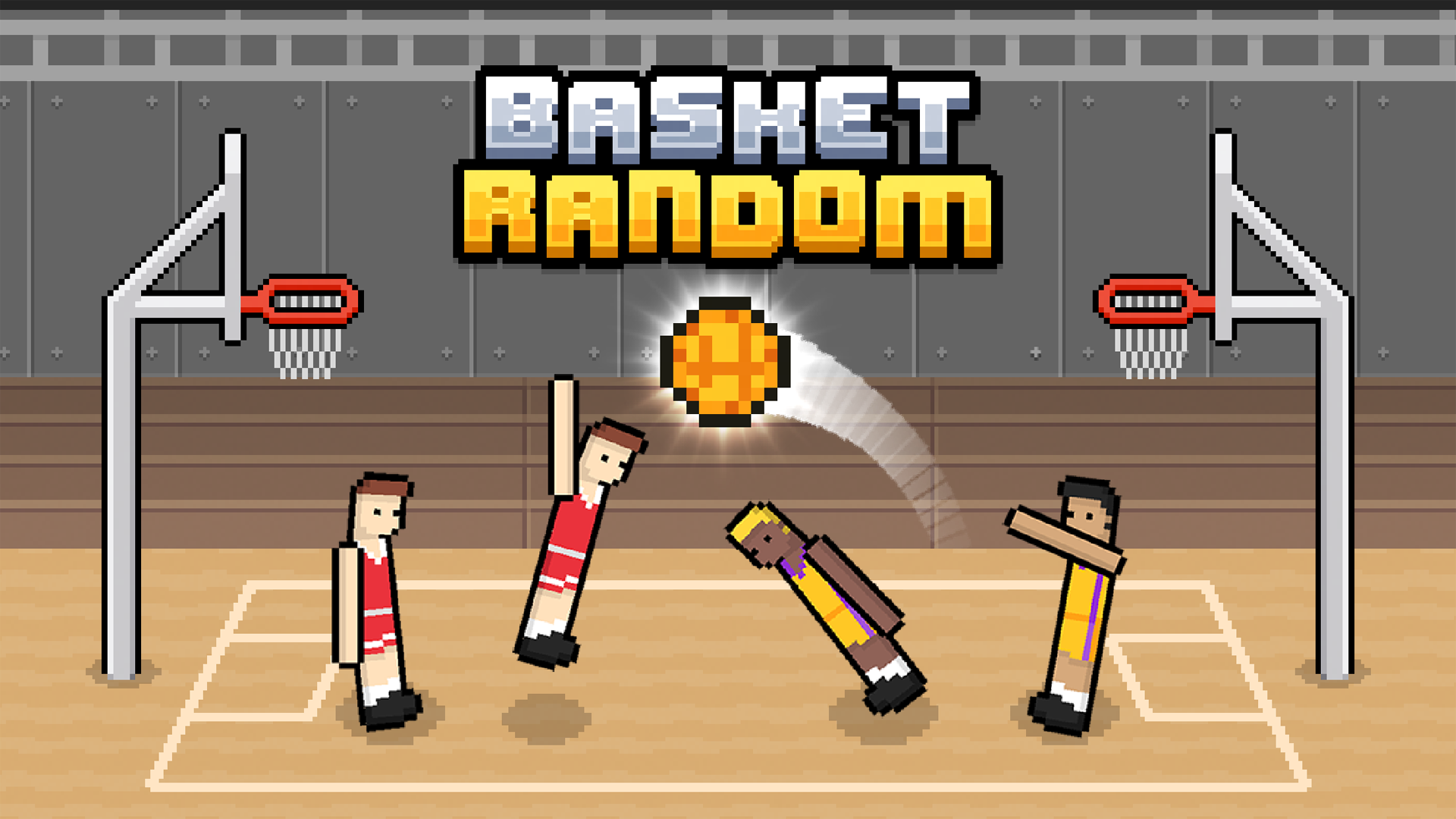
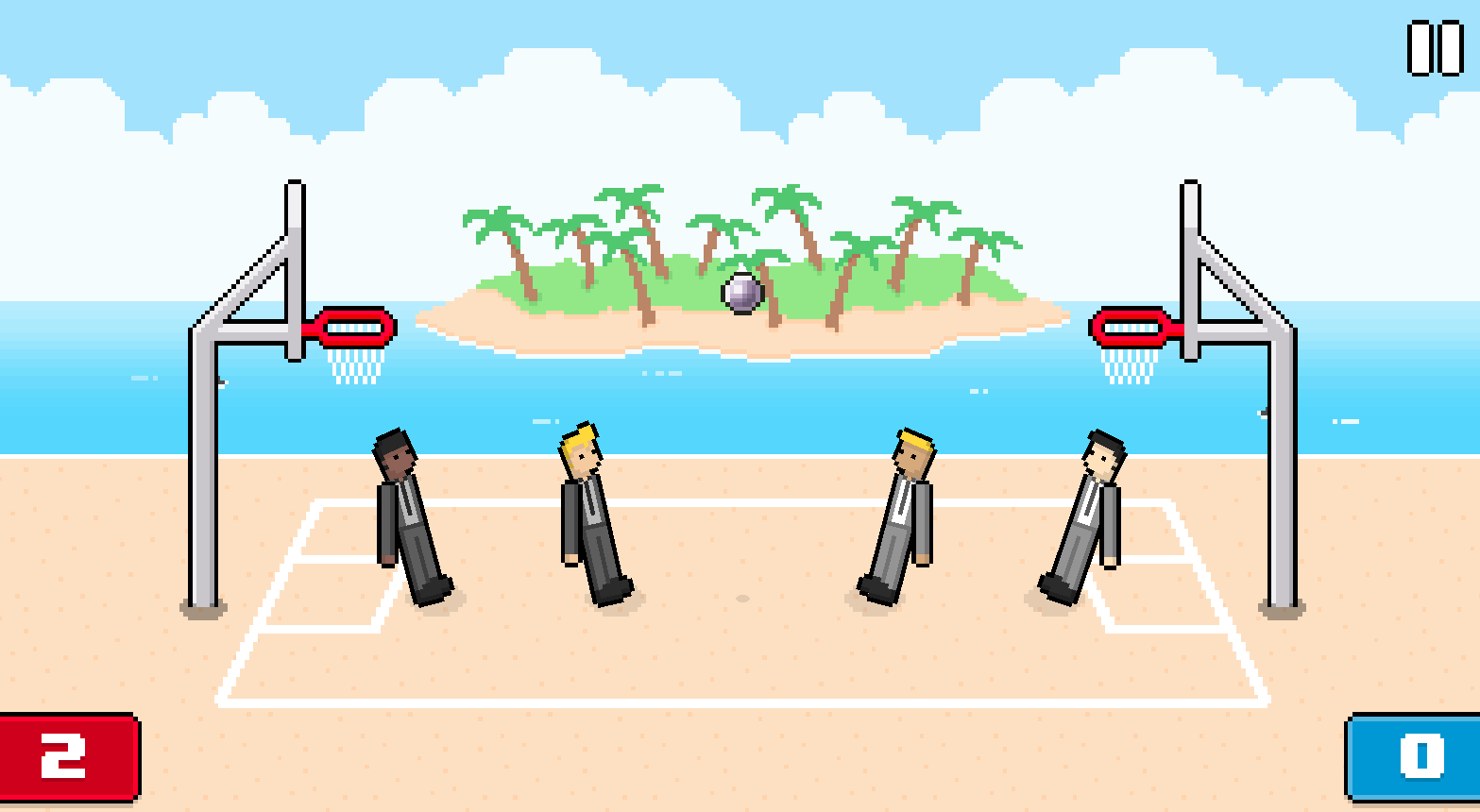
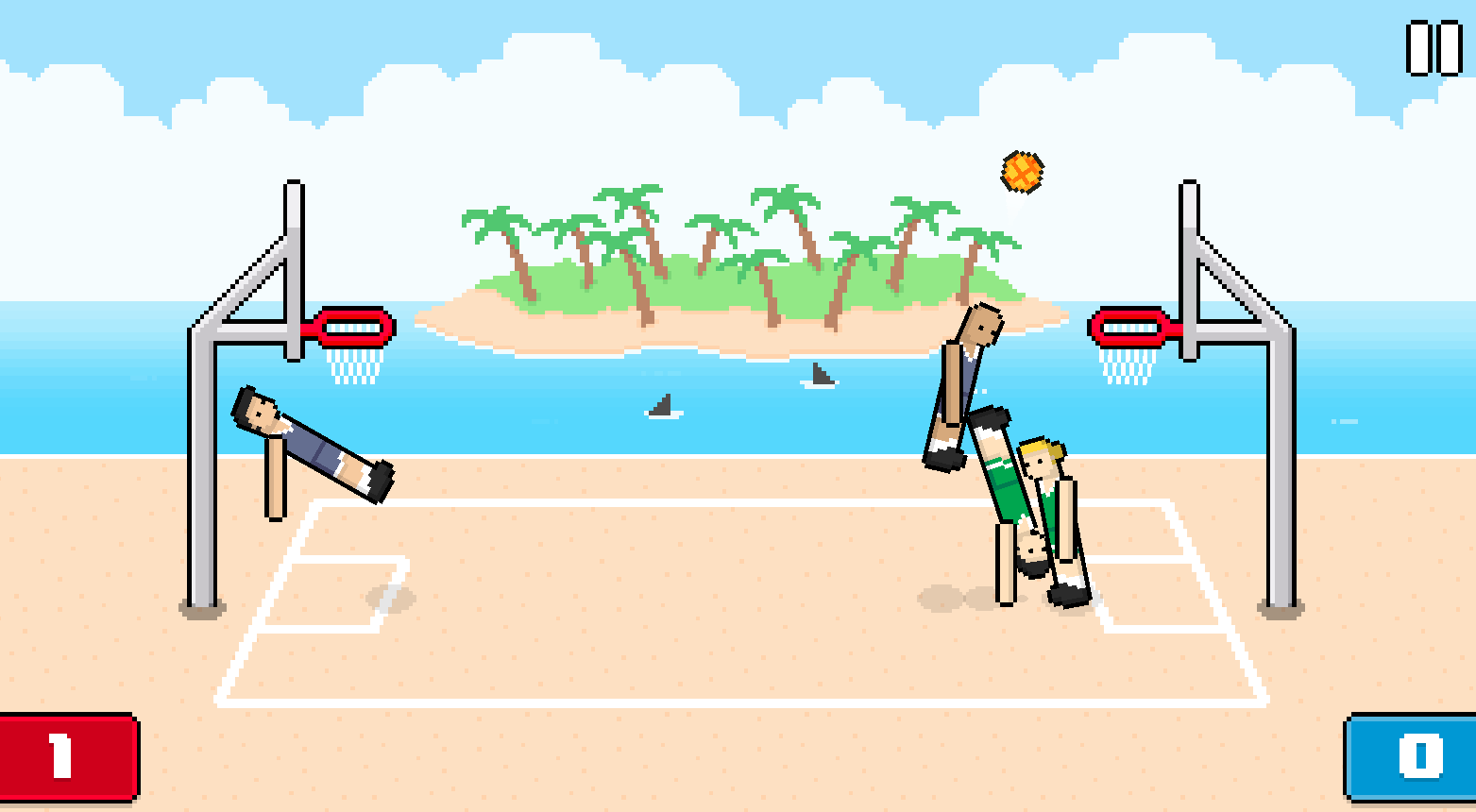
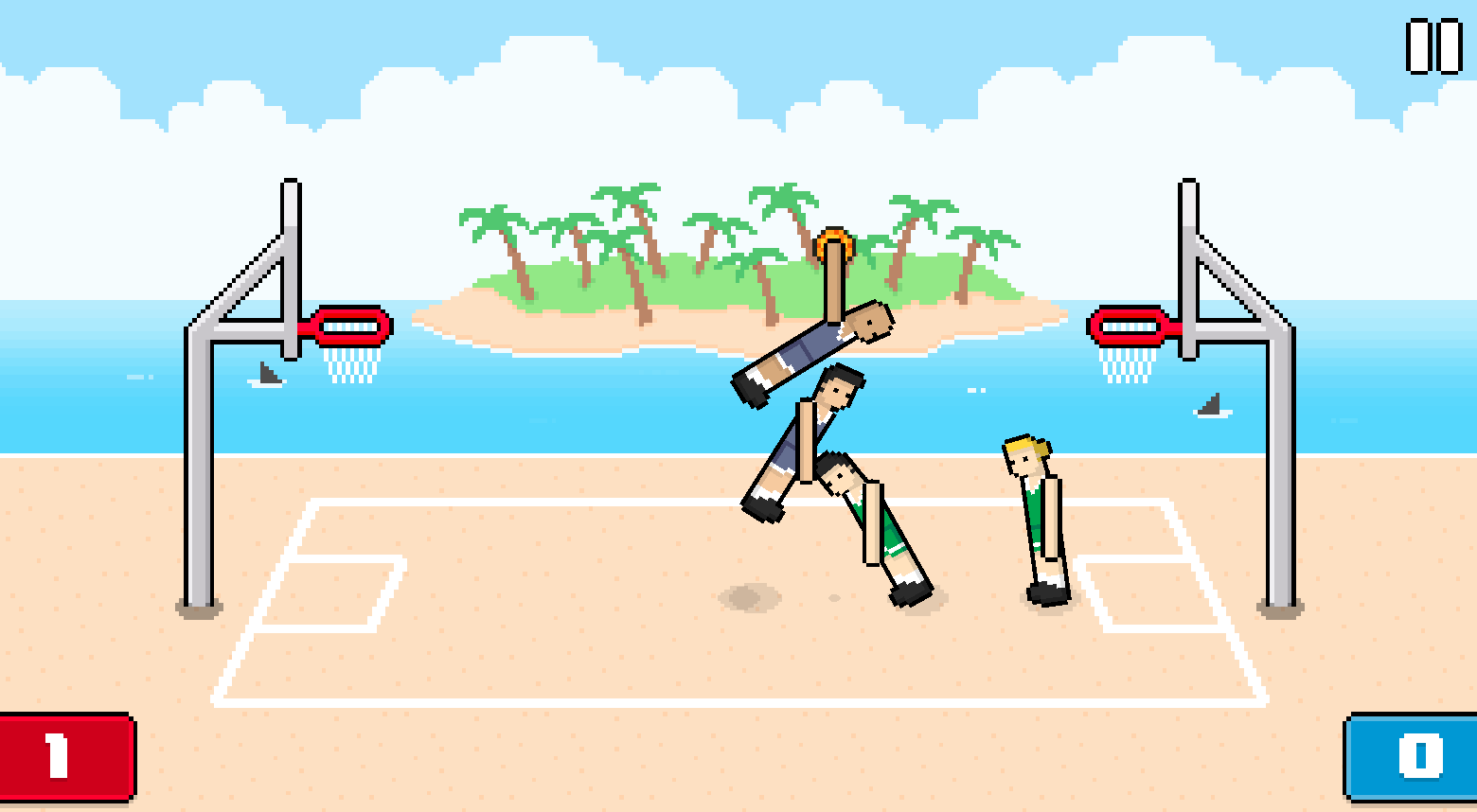
Basket Random is a chaotic arcade basketball game where every match becomes a funny test of timing, luck, and unpredictable physics. Rather than offering a serious sports simulation, it delivers quick rounds, simple controls, and hilarious ragdoll movement. The goal is easy to grasp: jump toward the ball, block your opponent, and score before the other side reaches the winning point. What keeps things interesting is how the game changes after almost every score — different courts, unusual player proportions, and a ball that behaves in unexpected ways ensure no two rounds feel the same.
How to Play
Each match runs until one team scores 5 points. With a single key per player, the task is to jump for the ball, defend your own hoop, and attack the opponent’s. The challenge lies in reading your characters’ movement and adapting quickly when the game shifts the court, the player bodies, or the ball behavior. A random combination of these three factors — court layout, ball physics, and character traits — creates a different balance to find with every new round. Choosing the right moment to jump is the core skill the game asks of you.
Controls:
- W: Jump and throw (Player 1)
- Up Arrow: Jump and throw (Player 2)
- Virtual Buttons: Jump and throw on mobile
7. Ragdoll Soccer
Quick Info
- Genre: physics-based sports
- Developer: x7-games
- Rating: 4.5/5.0 (1386 ratings)
Gameplay Video
Watch real gameplay footage
Screenshots
Stick figures scoring goal
Goal scored celebration
Mid-air ball contention
What’s the Point?
Another physics-based soccer game, but with stick figures instead of blocky characters. You control a stick figure to kick a ball into a goal, and the physics engine makes every movement look like a ragdoll flailing around. The game has a championship mode, single-player mode, and local multiplayer for two players. There are also boosters and abilities you can use during matches, though the video didn’t show much detail on those. Matches are fast and chaotic, with a focus on timing your kicks and jumps.
Personal Experience
From the author: I fired up a match and was immediately reminded of those old Flash stick-figure games from the 2000s. The physics felt similar to Soccer Random, but the stick-figure aesthetic gave it a different vibe. My character’s legs flailed wildly every time I jumped, and I scored a goal by accident when the ball bounced off my head. It’s dumb fun, and I mean that in the best way.
How to Play
Controls: WASD or arrow keys to move, specific button to kick/jump (varies by player).
Goal: Score more goals than your opponent within the time limit or score threshold.
Performance & Browser Compatibility
Speed: Instant load, smooth 60fps
Works best on: Desktop or mobile (simple controls)
Browser: Chrome, Firefox, Safari (HTML5)
Who is this game for?
Casual gamers aged 8-16 who enjoy quick, chaotic sports games with simple controls. Perfect for short sessions during breaks or playing with a sibling. The stick-figure style and physics-driven humor make it appealing to younger players.
Pros & Cons
✅ Pros
- Championship mode adds structure
- Boosters and abilities add variety
- Stick-figure aesthetic is nostalgic
⛔ Cons
- Physics can feel too random
- Visuals are extremely basic
- No online multiplayer
8. Tennis Masters
Quick Info
- Genre: Skill, Olympics
- Developer: MadPuffers
- Rating: 4.5/5.0 (136 ratings)
- Platforms: PC, Android, iOS
Screenshots


What’s the Point?
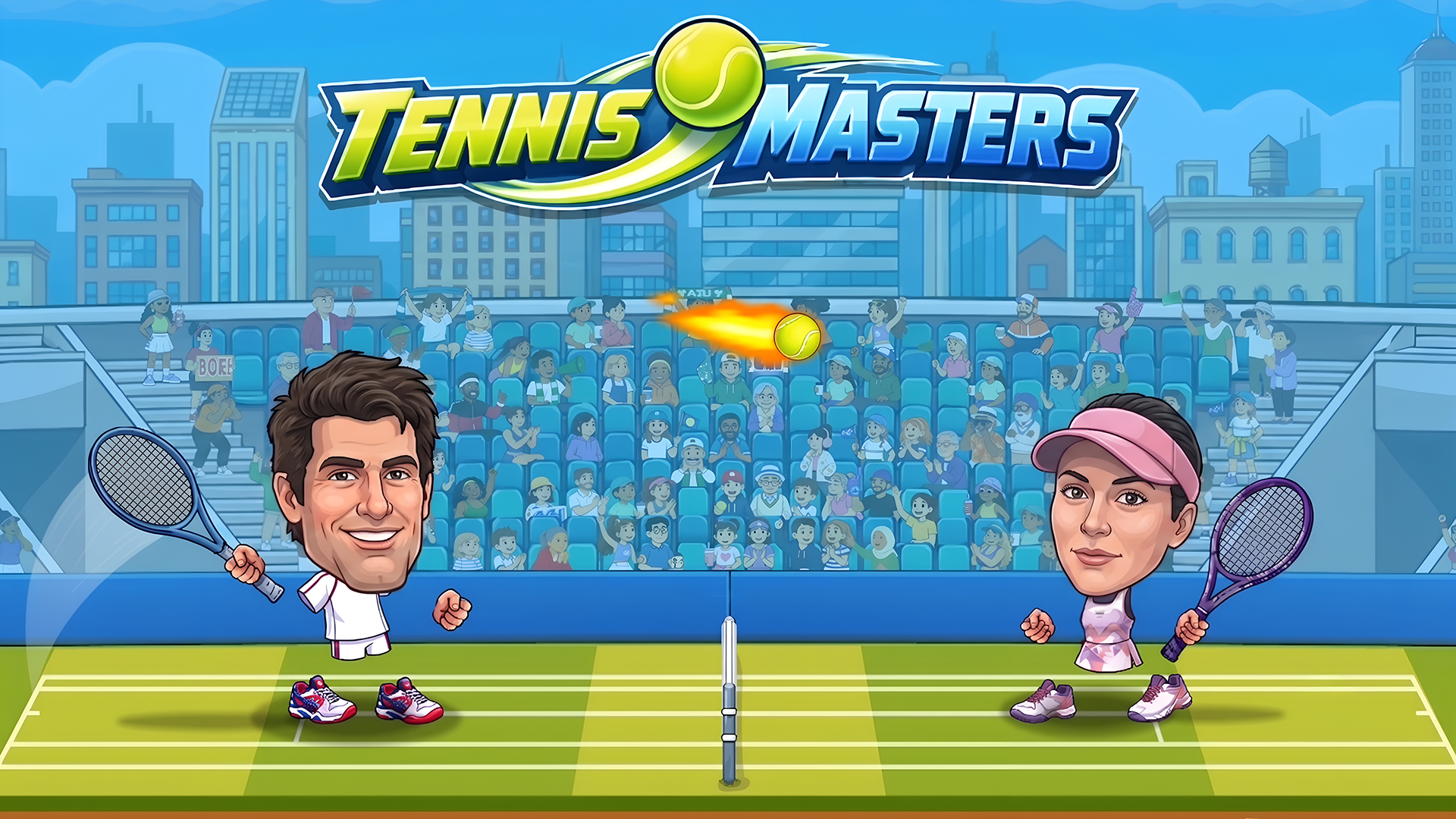
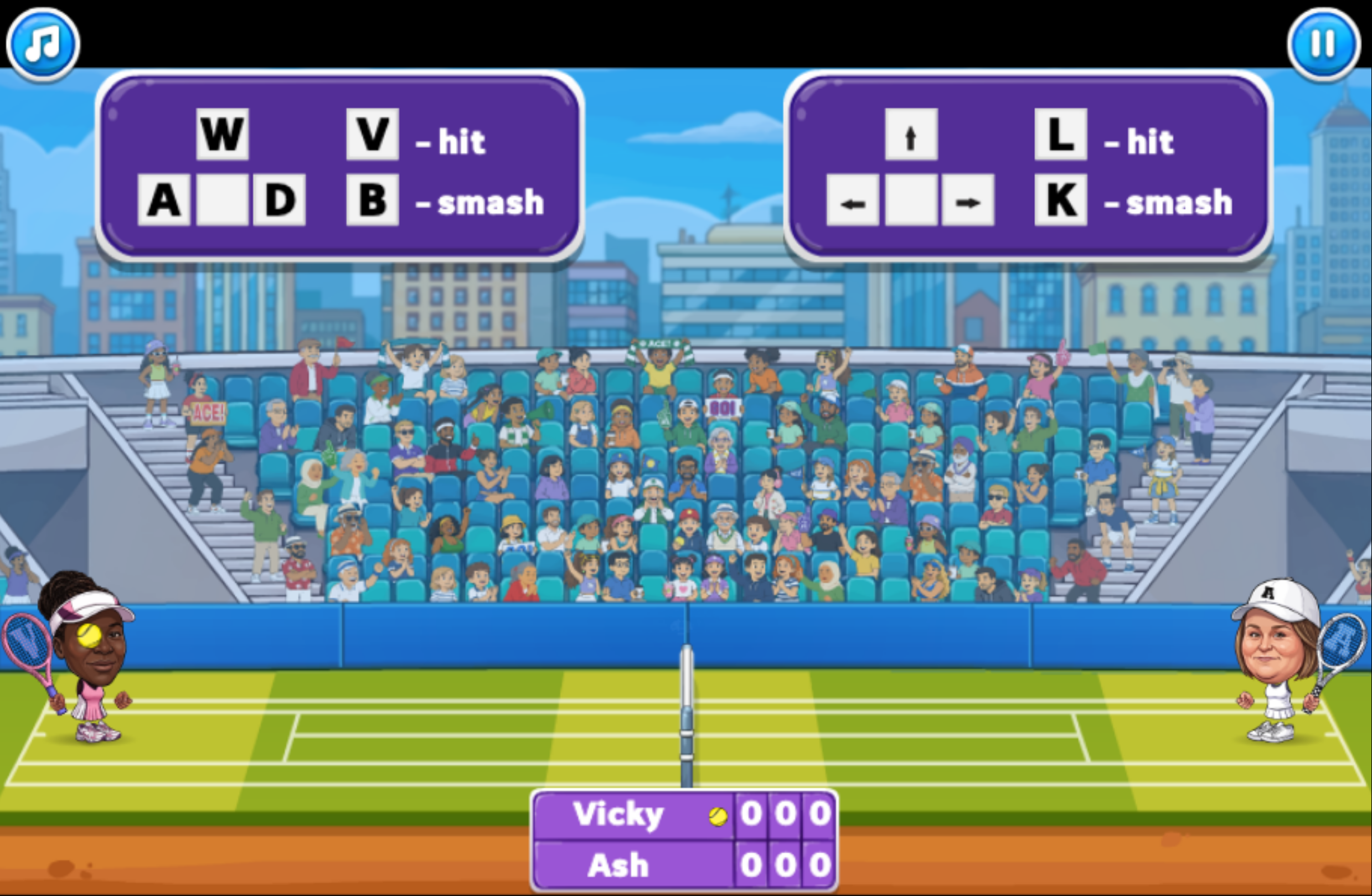
Tennis Masters is a competitive 1-on-1 tennis game from MadPuffers where you face off against the computer or a friend in 2-player mode. Grab power-ups and funny transformations along the way.
How to Play
Both players compete head-to-head on the same court, moving, jumping, hitting, and smashing to win the point. Power-ups and funny transformations appear during matches and can be collected mid-play.
9. Rock, Scissors, Board
Quick Info
- Genre: Strategy, PvE
- Developer: Eccentric Studio Games
- Rating: 4.1/5.0 (5 ratings)
- Platforms: PC, Android, iOS
Screenshots
What’s the Point?
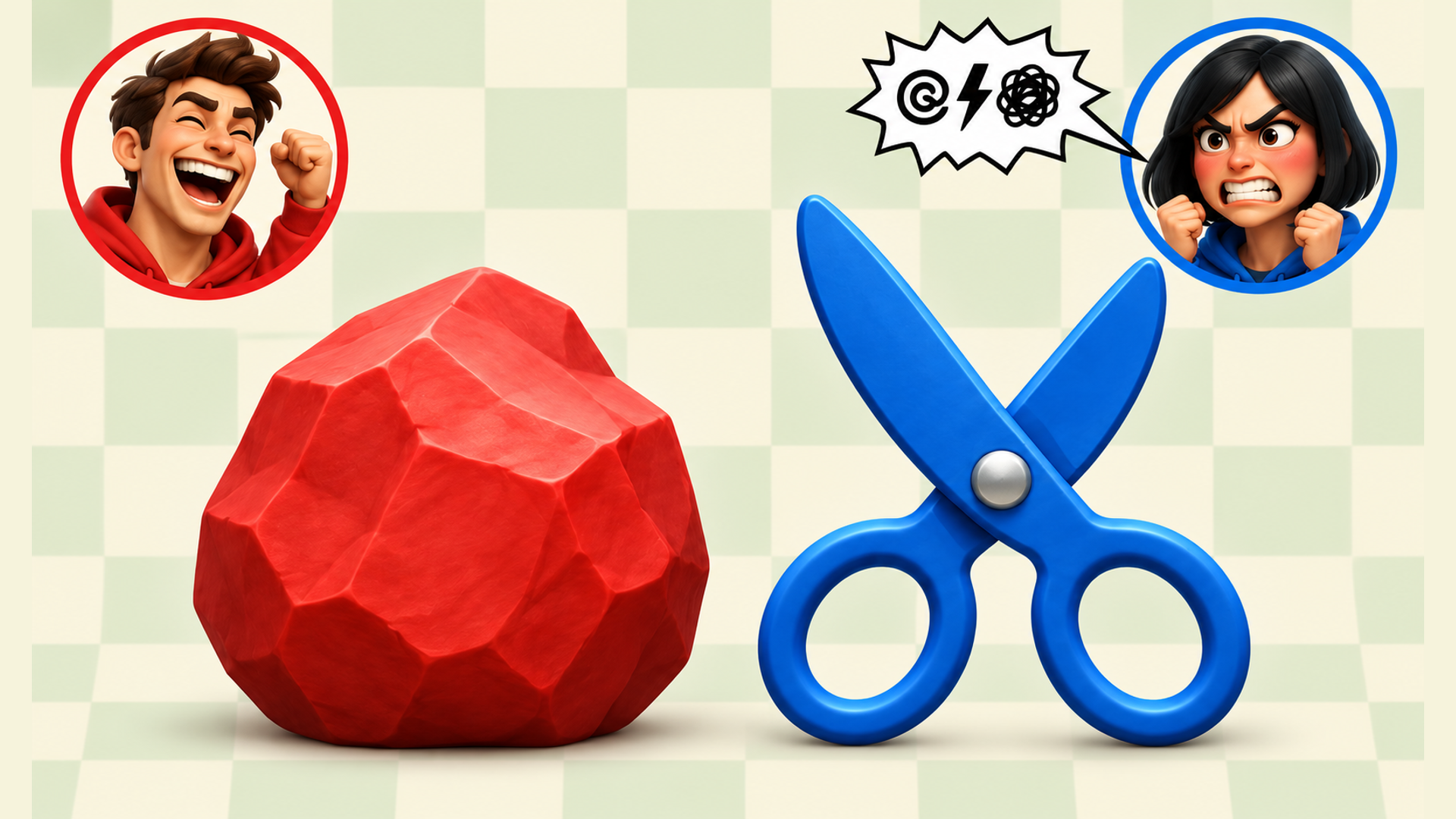
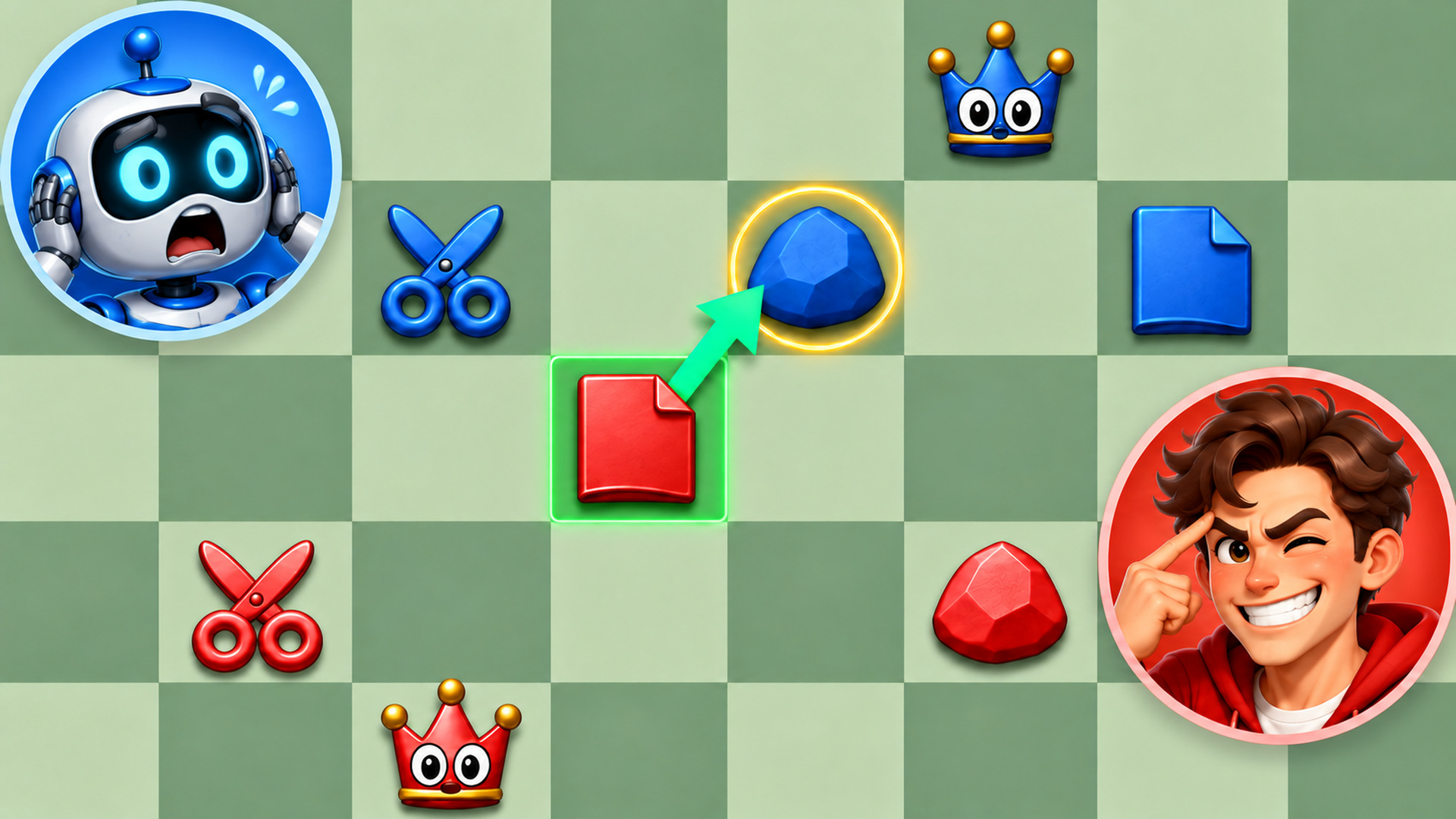
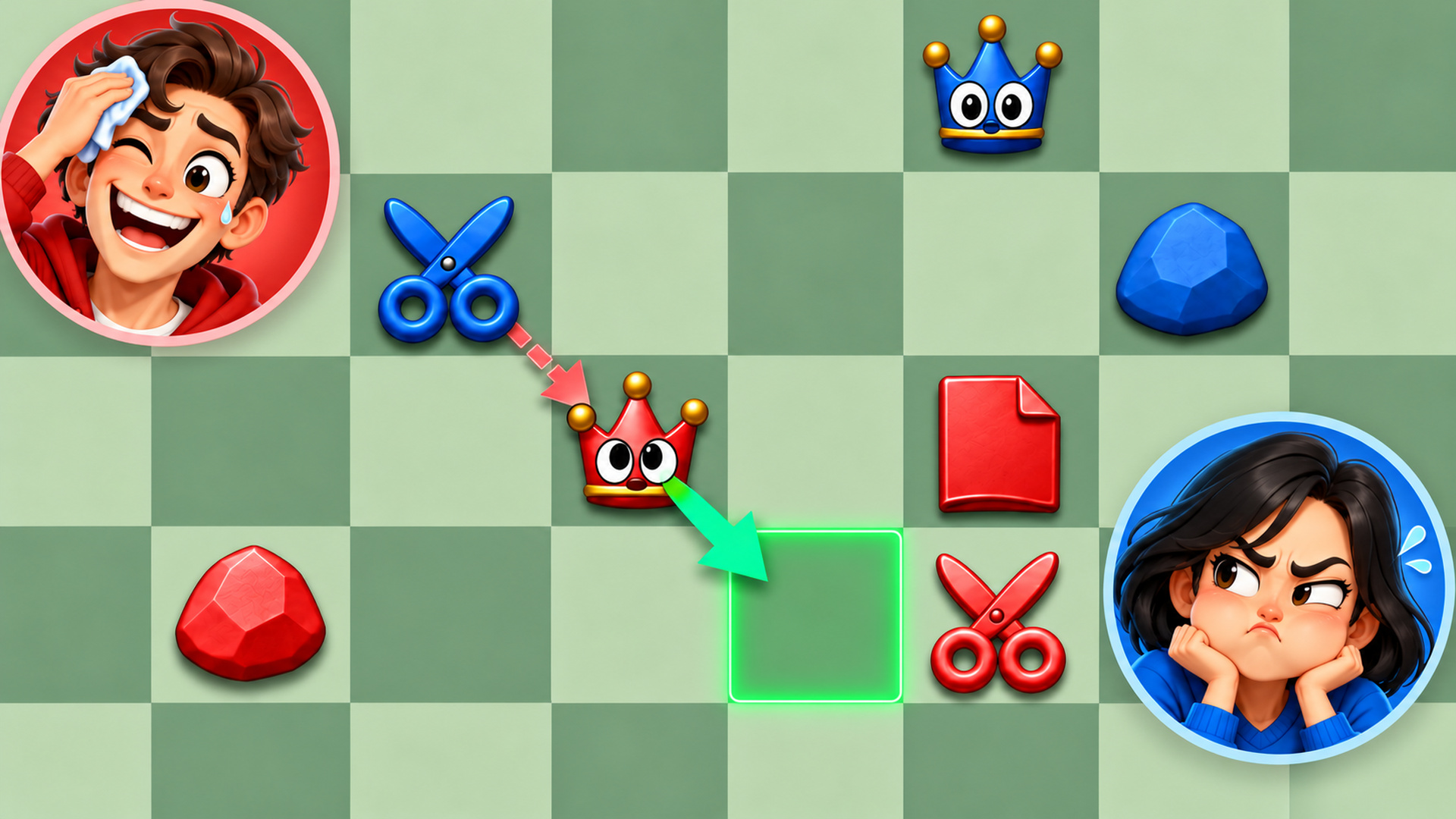
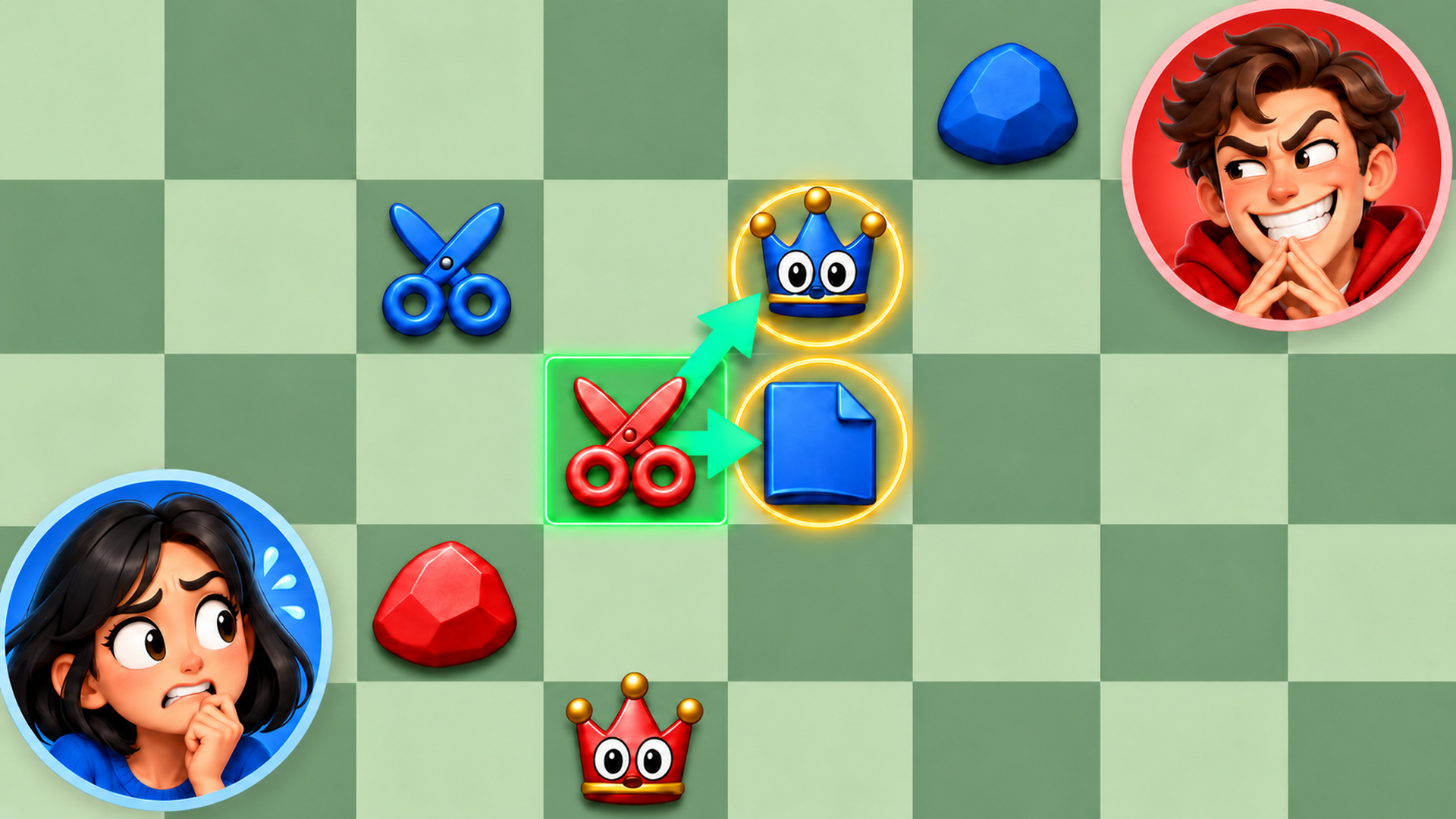
Rock, Scissors, Board takes the familiar logic of rock, paper, and scissors and rebuilds it as a turn-based board strategy game. The goal is to outmanoeuvre your opponent, set traps, and reach the opposing king with your scissors. Matches are quick, the rules are simple, and the game regularly delivers surprising twists. Pieces have personality too — scissors snap, paper folds, and captured rocks crumble.
How to Play
Each piece moves one square in any direction. The capture rules follow the classic cycle: rock captures scissors, scissors capture paper, and paper captures rock. Matching pieces cannot capture each other. The king can move but has no capturing ability. To win, capture the opposing king with scissors.
While your opponent is thinking, you are able to already prepare your next move.
Controls:
- Tap a piece, then tap a neighbouring square: Move that piece one square
- Drag a piece to a neighbouring square: Move that piece one square
10. Paint or Hunt
Quick Info
- Genre: Shooting, Arcade
- Developer: Cursora Labs
- Rating: 4.3/5.0 (38 ratings)
- Platforms: PC, Android, iOS
What’s the Point?
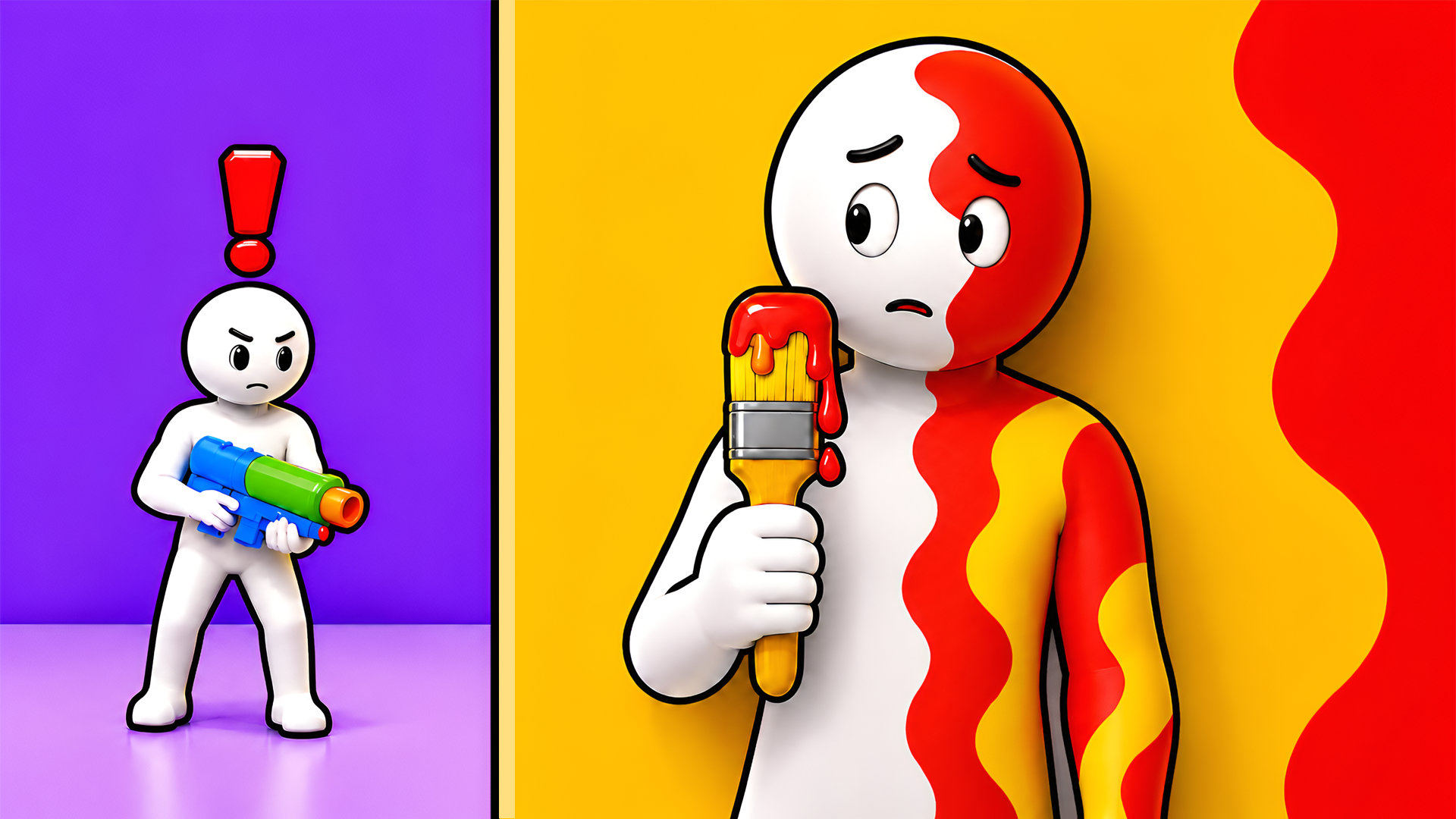
Paint or Hunt is a Meccha-inspired hide-and-seek game that turns every map into a contest between clever camouflage and sharp observation. Each round, players take on the role of either Hiders or Hunters across seven colorful maps, with the outcome decided by how well one side can blend in and how carefully the other side can spot what doesn’t belong.
How to Play
At the start of each round, Hiders have a preparation period to find a convincing location. The eyedropper copies nearby colors, painting the character to match the environment. Selecting the right one of 17 available poses, combined with careful positioning and angle, determines whether a Hider survives the round or gets discovered.
Once the preparation period ends, Hunters enter the map and must locate every hidden player before their search time runs out. Listening for whistle clues and examining suspicious silhouettes are the core tools for tracking down well-disguised opponents. Shooting a target that appears out of place ends their round.
Seven maps are available, each offering different hiding spots and new ways to outsmart the opposing side. Match settings — hiding time, hunting time, and Hunter count — can be customized before play begins.
Controls:
- W, A, S, D or Arrow Keys: Move
- Mouse: Aim (Hunters)
- Left-Click: Shoot (Hunters)
- Left Shift: Run
- Space: Jump
- R: Choose Pose (Hiders)
- V: Open Paint Panel
- B + Left-Click: Eyedropper / Select Color
- Alt + Mouse Scroll: Adjust Brush Size
- T: Taunt (Hiders)
- F: Fly Mode
- X: Rotation Lock (Hiders)
- C: Free Cam (Hiders)
- P: Pause
11. Master Chess
Quick Info
- Genre: turn-based strategy
- Developer: CodeThisLab
- Rating: 4.7/5.0 (1606 ratings)
Gameplay Video
Watch real gameplay footage
Screenshots
Black knight moves
White rook captures
White queen moves
What’s the Point?
It’s chess. You know the rules. You select a piece, the game highlights legal moves with a blue outline, and you move it. The board and pieces have a slightly aged, wooden aesthetic, which is fine but not groundbreaking. You can play against an AI or another player online. The AI has difficulty levels, so you’re not stuck playing a grandmaster every time. The game is entirely turn-based, so the pace is as fast or slow as you make it.
Personal Experience
From the author: I loaded up a match against the AI on medium difficulty and got checkmated in about 15 moves. The move highlights were helpful, but I still blundered my queen like an idiot. The pieces animated smoothly when I moved them, and the game didn’t try to do anything fancy—it’s just chess. I appreciated that it didn’t have intrusive ads or popups.
How to Play
Controls: Click or tap a piece to select it, then click or tap a highlighted square to move it.
Goal: Checkmate your opponent’s king by placing it under attack with no legal moves to escape.
Performance & Browser Compatibility
Speed: Instant load, zero lag
Works best on: Desktop or mobile (works on both)
Browser: Chrome, Firefox, Safari (HTML5)
Who is this game for?
Chess players of all ages, from 8 to 80+, who want a clean digital version of the classic game. Perfect for quick matches during breaks or longer strategic sessions. Also good for teaching kids the basics.
Pros & Cons
✅ Pros
- Clean, distraction-free interface
- Online multiplayer works smoothly
- AI difficulty levels for all skill levels
⛔ Cons
- Visuals are generic
- No tutorials or hints for beginners
- Nothing innovative—just chess
12. 2 Player Games Mini Games
Quick Info
- Genre: mini-game collection
- Developer: VeturGames
- Rating: 4.2/5.0 (253 ratings)
Gameplay Video
Watch real gameplay footage
Screenshots
Tic-Tac-Toe game board
Tug of War game
Fruit slicing game
What’s the Point?
This is a collection of simple, casual mini-games designed for local multiplayer on one device. The pack includes tennis, air hockey, tic-tac-toe, curling, billiards, and a few other quick competitive modes. Each match is score-based, and the controls are optimized so two players can compete on one screen. The mini-games feature short rounds, intuitive mechanics, and increasing difficulty. There’s also a smart AI opponent for solo play.
Personal Experience
From the author: I jumped into tic-tac-toe first and immediately felt like I was back in elementary school. The controls were simple—just tap to place your mark. I switched to air hockey, which was more engaging, but the paddle controls felt a bit floaty. The tug-of-war game required rapid tapping, which was fun for about 30 seconds before my finger got tired. Overall, it’s a solid variety pack, but none of the games are deep enough to hold my attention for long.
How to Play
Controls: Varies by mini-game. Most use tap or click controls. Two players share one screen.
Goal: Win individual rounds or matches within each mini-game by outscoring your opponent.
Performance & Browser Compatibility
Speed: Instant load, zero lag
Works best on: Mobile or tablet (touch controls are ideal)
Browser: Chrome, Firefox, Safari (HTML5)
Who is this game for?
Casual mobile gamers of all ages, particularly those looking for quick, simple, and competitive local multiplayer experiences or short single-player diversions. The low complexity and familiar game types make it perfect for parties or playing with non-gamers.
Pros & Cons
✅ Pros
- Wide variety of mini-games
- Local multiplayer on one device
- AI opponent for solo play
⛔ Cons
- No progression or unlockables
- Mini-games are too simple to be engaging long-term
- Visuals are extremely basic
13. Chess Online Playing
Quick Info
- Genre: Chess, Board
- Developer: MIKMOK
- Rating: 4.4/5.0 (1999 ratings)
- Platforms: PC, Android, iOS
Screenshots
What’s the Point?
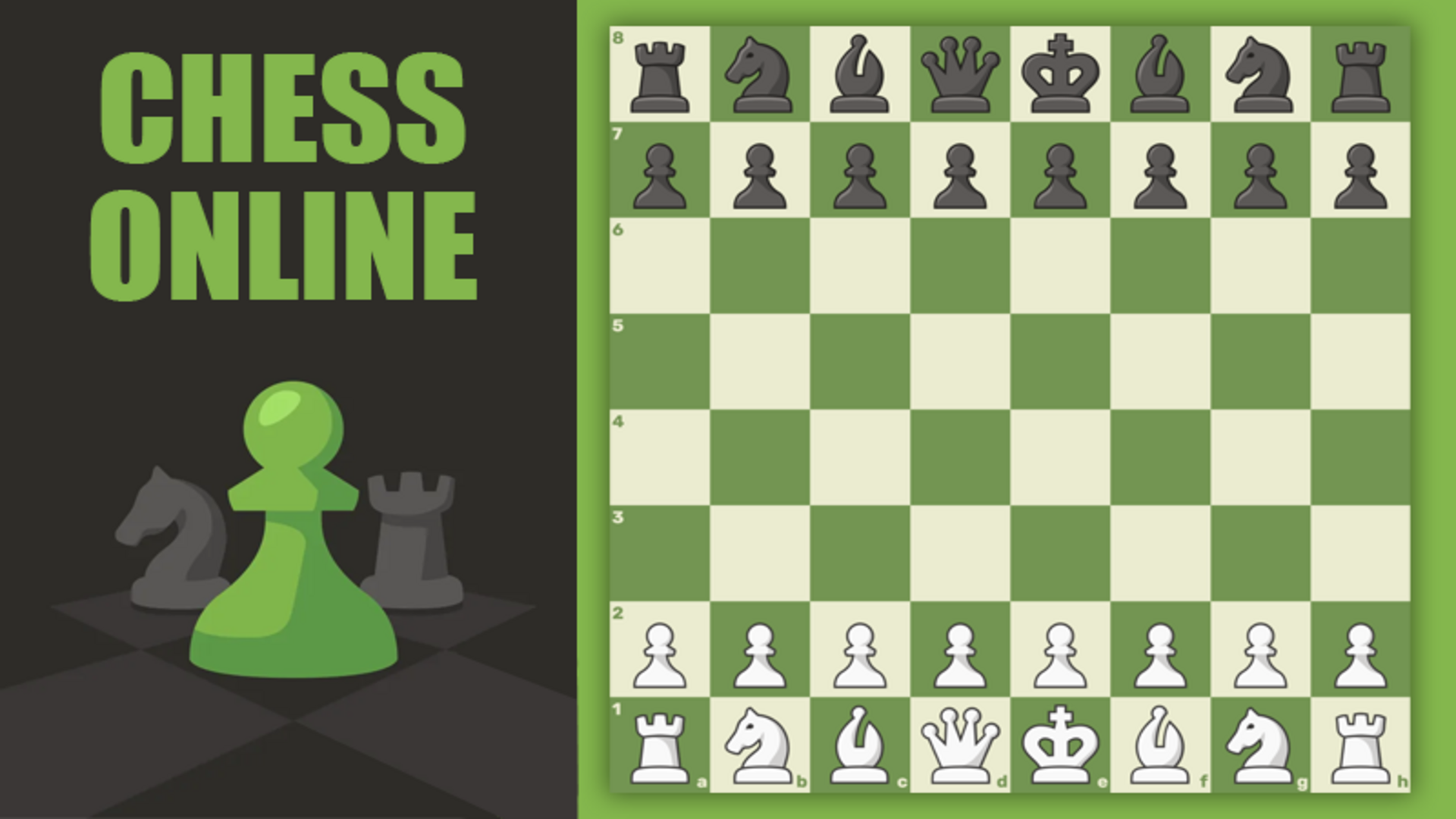
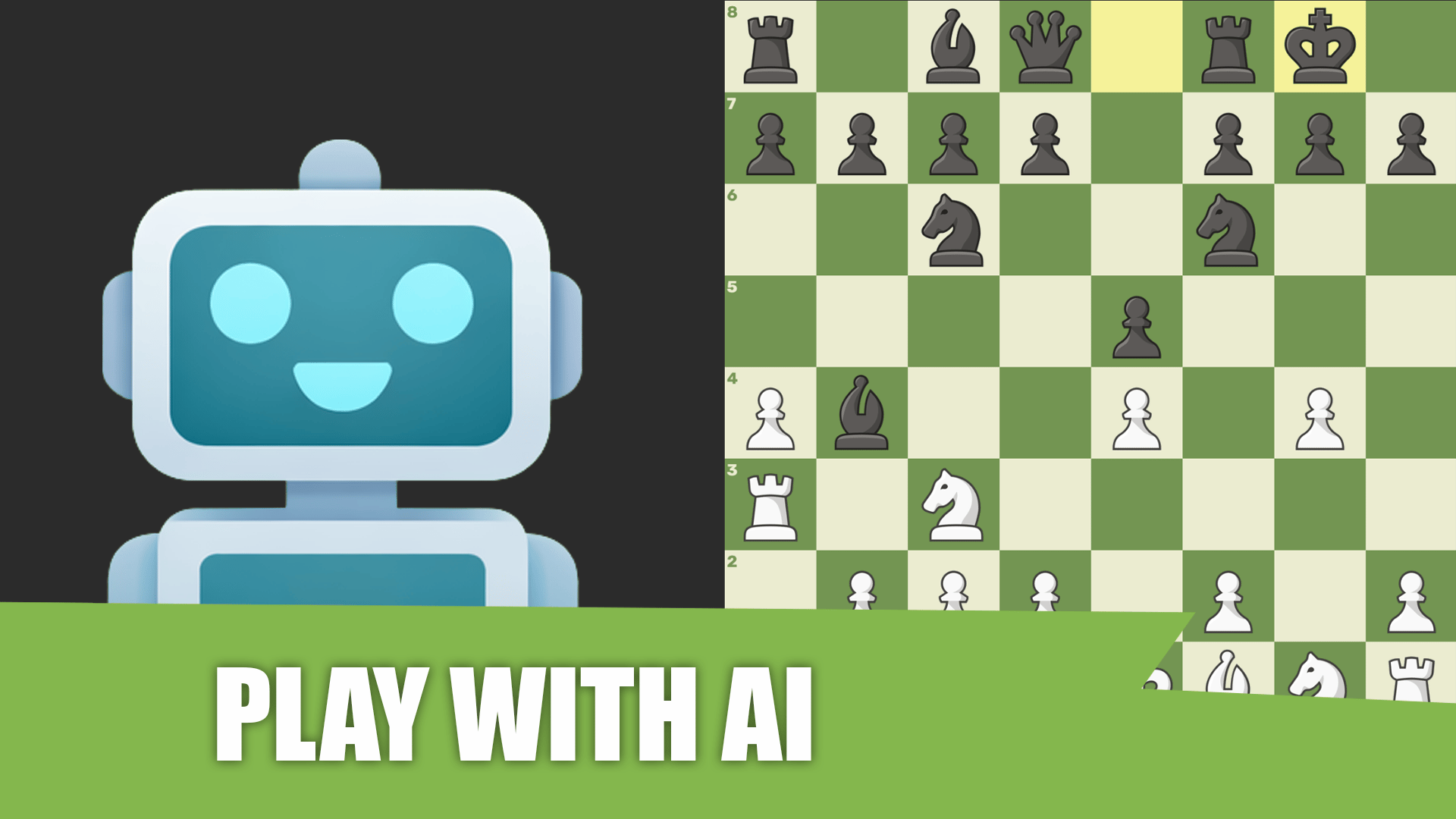
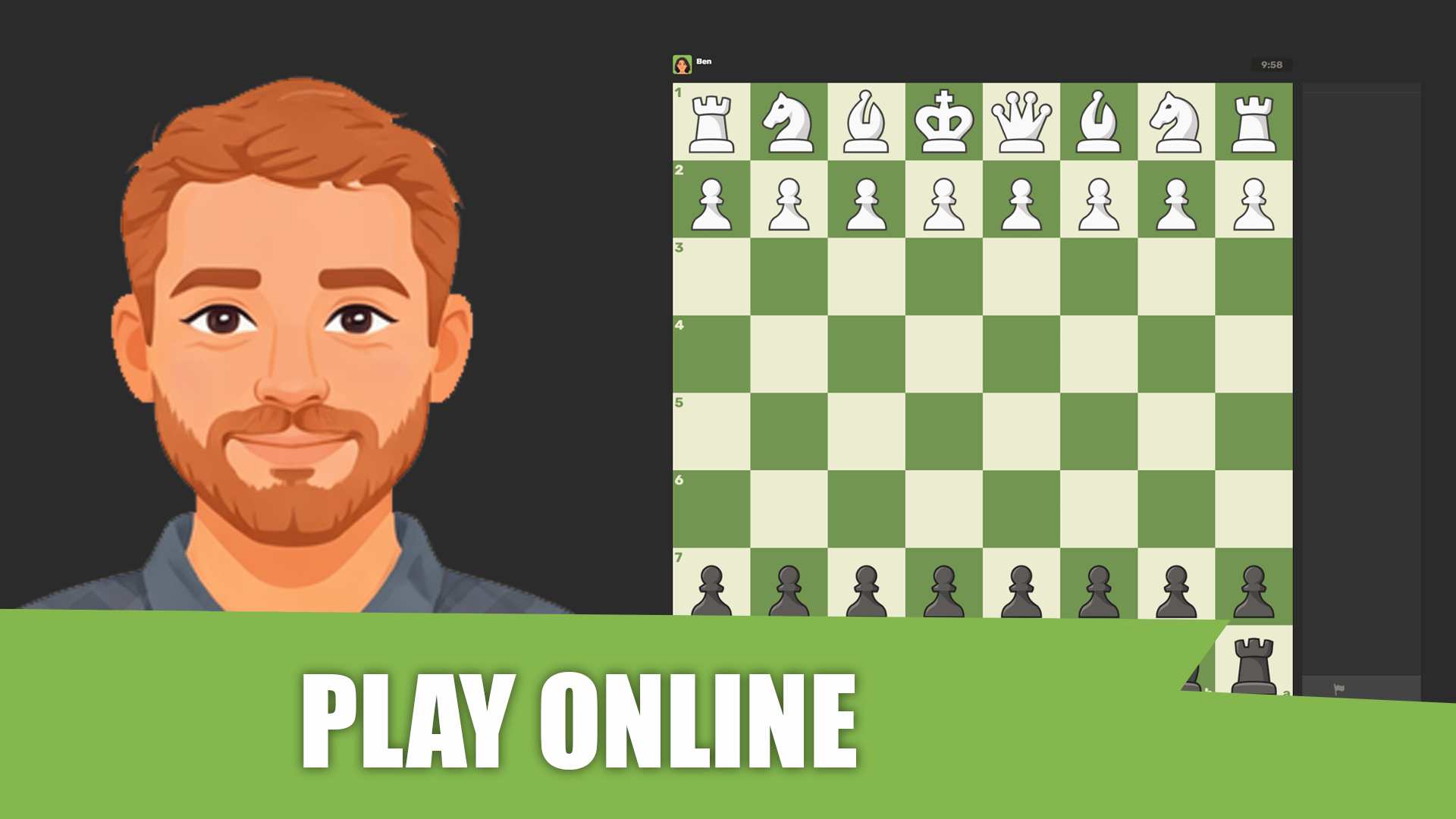
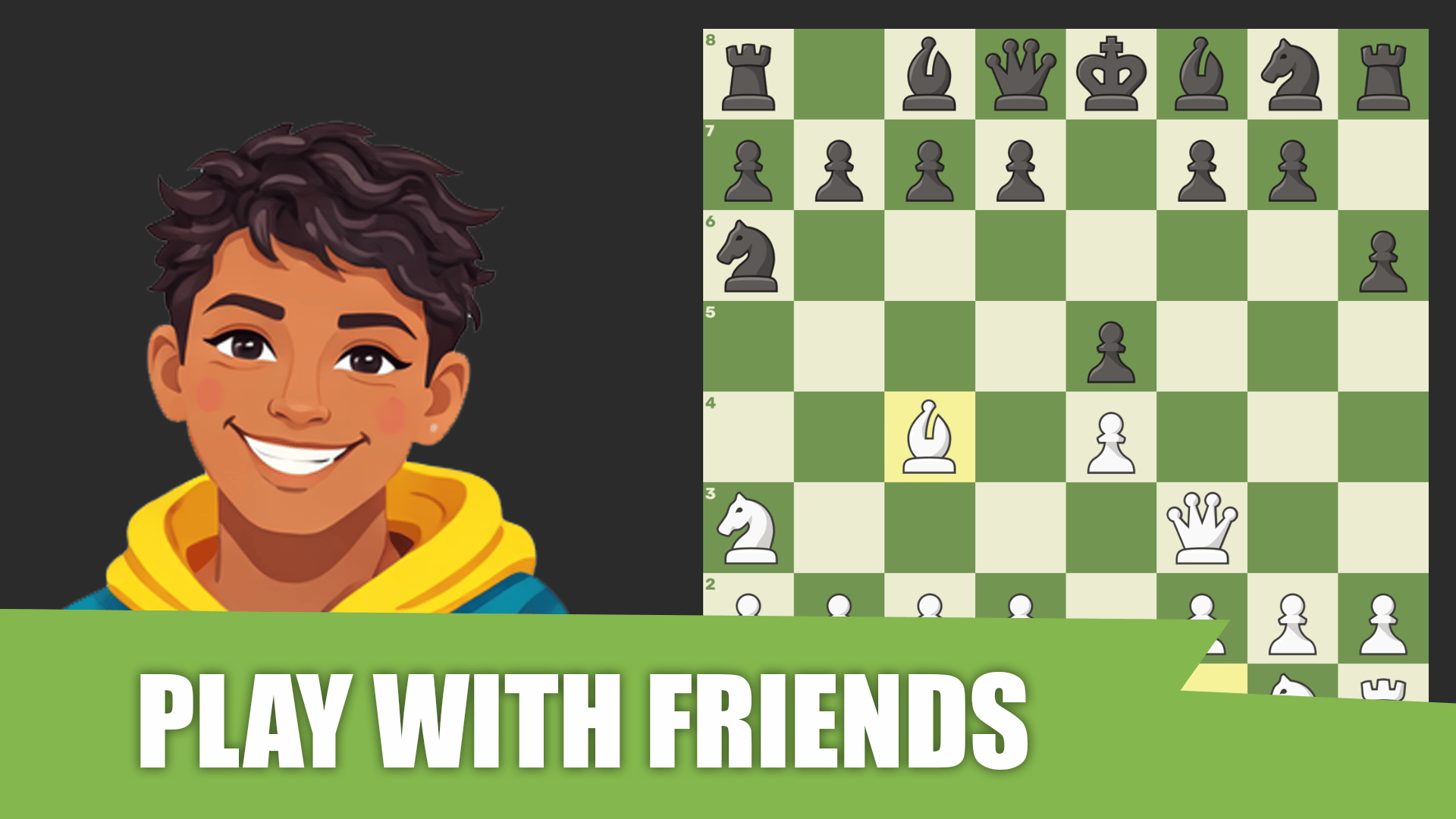
Chess Online Playing is a free online chess game built with full functionality for both amateurs and professionals. The classic game arrives in a modern version, offering three distinct ways to compete: against real opponents from around the world, against an AI opponent, or with friends in private or shared sessions.
How to Play
Open the main menu, click “Play,” and choose a mode — online, with a computer, or with a friend. To make a move, select one of your pieces and then select the destination square. The goal is to checkmate the opponent’s king or win on time.
Controls:
- Click piece: Select the piece to move
- Click destination square: Place the selected piece on that square
14. 2 Player Tank combat
Quick Info
- Genre: top-down shooter
- Developer: lucas christ
- Rating: 4.8/5.0 (122 ratings)
Gameplay Video
Watch real gameplay footage
Screenshots
Red and blue tanks
Tanks near buildings
Tanks firing bullets
What’s the Point?
This is a top-down tank combat game where two players battle head-to-head using powerful tanks. You control either a red or blue tank, moving and firing projectiles at your opponent. The tanks leave track marks in the sand as they move, and explosions generate simple smoke and light effects. The game pace is relatively fast, with quick movements and rapid firing. The goal is to destroy your opponent’s tank before they destroy yours. The arenas are colorful and varied, adding some visual interest.
Personal Experience
From the author: I loaded up a match and immediately started firing at my opponent. The controls were responsive, and the tank moved exactly where I wanted it to. The explosions were satisfying, with simple but effective smoke and light effects. After a few rounds, I started using the terrain to my advantage, hiding behind obstacles and ambushing my opponent. The fast pace kept me engaged, and the colorful arenas were a nice touch.
How to Play
Controls: Player 1: WASD to move, V to shoot. Player 2: Arrow keys to move, M to shoot.
Goal: Destroy your opponent’s tank by firing projectiles and avoiding their shots.
Performance & Browser Compatibility
Speed: Instant load, smooth 60fps
Works best on: Desktop (keyboard controls are key)
Browser: Chrome, Firefox, Safari (HTML5)
Who is this game for?
Casual mobile gamers aged 8-16, preferring quick, arcade-style sessions with simple controls and a low barrier to entry. The bright colors and straightforward combat suggest a family-friendly appeal, making it perfect for short competitive matches with a friend.
Pros & Cons
✅ Pros
- Fast-paced, instant action
- Colorful arenas add visual variety
- Simple controls, easy to pick up
⛔ Cons
- Visuals are low-poly and basic
- No progression or unlockables
- Matches are very short
15. Basketball Stars
Quick Info
- Genre: arcade sports
- Developer: MadPuffers
- Rating: 4.8/5.0 (526 ratings)
Gameplay Video
Watch real gameplay footage
Screenshots
Player dunks basketball
Unleash super dunks
Score and block
What’s the Point?
This is arcade basketball stripped down to pure chaos. You control oversized-head players in 2v2 matches, trying to score while your opponent flails around trying to block you. The shooting has a power meter, dunks trigger huge ‘JAM!!!’ text overlays, and there’s a supershot ability that charges up over time. Matches are fast—maybe 2-3 minutes—and the game doesn’t pretend to be a sim. It’s all about timing your shots and stealing the ball at the right moment. The UI is minimal, which keeps the focus on the action. Also, the ‘STUFF!!!’ popup when you block a dunk never gets old.
Personal Experience
From the author: When I first loaded this up, I was skeptical about the big-head art style, but it actually works. The controls felt immediately responsive—my character reacted the instant I pressed a button, which is rare for browser games. After a few rounds, I noticed the supershot meter filling up, and landing one of those from across the court felt ridiculously satisfying. The game’s pace is relentless, so there’s no downtime to get bored.
How to Play
Controls: Player 1: WASD to move, B to shoot/steal, S to pump/block. Player 2: Arrow keys to move, L to shoot/steal. Dash by double-tapping direction keys.
Goal: Score more points than your opponent by shooting or dunking the ball before time runs out.
Performance & Browser Compatibility
Speed: Loads instantly, runs at 60fps with no stuttering even during dunks
Works best on: Desktop (keyboard controls are key)
Browser: Chrome, Firefox, Safari (HTML5)
Who is this game for?
Perfect for casual gamers aged 8-16 who want quick, competitive matches without a steep learning curve. Also great for office breaks or killing time with a friend. The exaggerated visuals and simple controls make it accessible to anyone, even if you’ve never played a sports game before.
Pros & Cons
✅ Pros
- Instant action—no tutorials or setup
- Supershot mechanic adds a fun twist
- Big-head style is goofy but charming
⛔ Cons
- Matches are over very quickly
- No progression system or unlockables
- AI opponent is pretty basic