Look, I’m not here to tell you these word games will change your life. But after clicking through dozens of cookie-cutter word puzzles that all look like they were made in the same Unity template factory, I found 10 that are actually worth your time. Some are polished, some are janky, but they all do something right. I tested each one on my MacBook Pro M1, and yeah, my browser tabs got heavy. Here’s what actually worked.
TL;DR (Quick Summary)
- Total Games: 10 browser games tested
- Tested on: MacBook/PC, Chrome browser, no special hardware
- Average Rating: 4.3/5.0
Quick Comparison Table
| # | Game | Genre | Key Feature | Rating |
|---|---|---|---|---|
| 1 | Word Connect | Word Puzzle / Crossword | Classic swipe-to-form mechanic | 4.4/5.0 |
| 2 | Crosswords 2026 | Educational | Scrabble, Word | 4.4/5.0 |
| 3 | Simple Words | Educational | Word, Puzzle | 4.4/5.0 |
| 4 | Word Chef | Word Puzzle / Crossword | Chocolate-themed reskin | 4.6/5.0 |
| 5 | Classic Fillwords | Puzzle | Word, Brain | 4.1/5.0 |
| 6 | Word Search Hidden Words | Word Search / Grid Puzzle | Classic word search format | 4.5/5.0 |
| 7 | Words from Letters: Cozy Crosswords | Puzzle | Word, Cozy | 4.4/5.0 |
| 8 | Word Solitaire | Educational | Solitaire, Card | 4.4/5.0 |
| 9 | Word Scramble – Family Tales | Word Puzzle / Grid | Family story narrative | 4.4/5.0 |
| 10 | Crossword: Arrowword Puzzles | Educational | Puzzle, Quiz | 4.1/5.0 |
1. Word Connect
Quick Info
- Genre: Word Puzzle / Crossword
- Developer: David (Playgama)
- Rating: 4.4/5.0 (1117 ratings)
Gameplay Video
Watch real gameplay footage
Screenshots
Forming word ‘PLAN’
Word ‘NAP’ completed
Forming word ‘PA’
What’s the Point?
You get a circle of letters. You swipe them to make words. Those words fill a crossword grid. That’s it. This is the most basic version of a word puzzle you’ll find, and honestly, that’s not a bad thing. The core loop is clean: identify letter combos, drag to connect, watch them populate the grid. No fancy mechanics, no weird gimmicks. Just you versus the English language. The game doesn’t try to reinvent anything. It’s a straight clone of Wordscapes-style games, but it runs smoothly and the feedback is instant. Letters turn red when you select them, and you get a little ‘correct’ animation when a word fits. The difficulty ramps up as you progress through levels, but it’s never punishing.
Personal Experience
From the author: When I first loaded this, I immediately recognized the format—I’ve played this exact game under five different names. But the responsiveness was solid. I swiped ‘CAT’ and it appeared instantly in the grid with a satisfying little pop. The pace is entirely in your control, which I appreciated. No timers, no pressure. After about ten minutes, I found myself in a rhythm, and the simplicity became almost meditative. The UI is bare-bones, but it works.
How to Play
Controls: Drag/swipe cursor or finger across letters in the circle to form words
Goal: Find all valid words to complete the crossword-style grid and progress to the next level
Performance & Browser Compatibility
Speed: Instant loading, no lag. Runs at 60fps with zero hiccups.
Works best on: Mobile (touch controls feel more natural than mouse)
Browser: Chrome, Firefox, Safari (HTML5)
Who is this game for?
Perfect for casual players aged 10-50 who want a relaxing, no-pressure word game for short sessions. Great for kids learning vocabulary or adults unwinding during a commute. If you like Wordscapes, you’ll like this. If you want something innovative, look elsewhere.
Pros & Cons
✅ Pros
- Super responsive controls, no input lag
- Clean, distraction-free interface
- Good for vocabulary building without feeling like homework
⛔ Cons
- Zero originality—this is a clone of a clone
- Graphics are flat and dated (looks like 2015 mobile)
- No unique hook to differentiate it from 100 other word games
2. Crosswords 2026
Quick Info
- Genre: Educational, Scrabble
- Developer: Whalebox
- Rating: 4.4/5.0 (156 ratings)
- Platforms: PC, Android, iOS
Screenshots
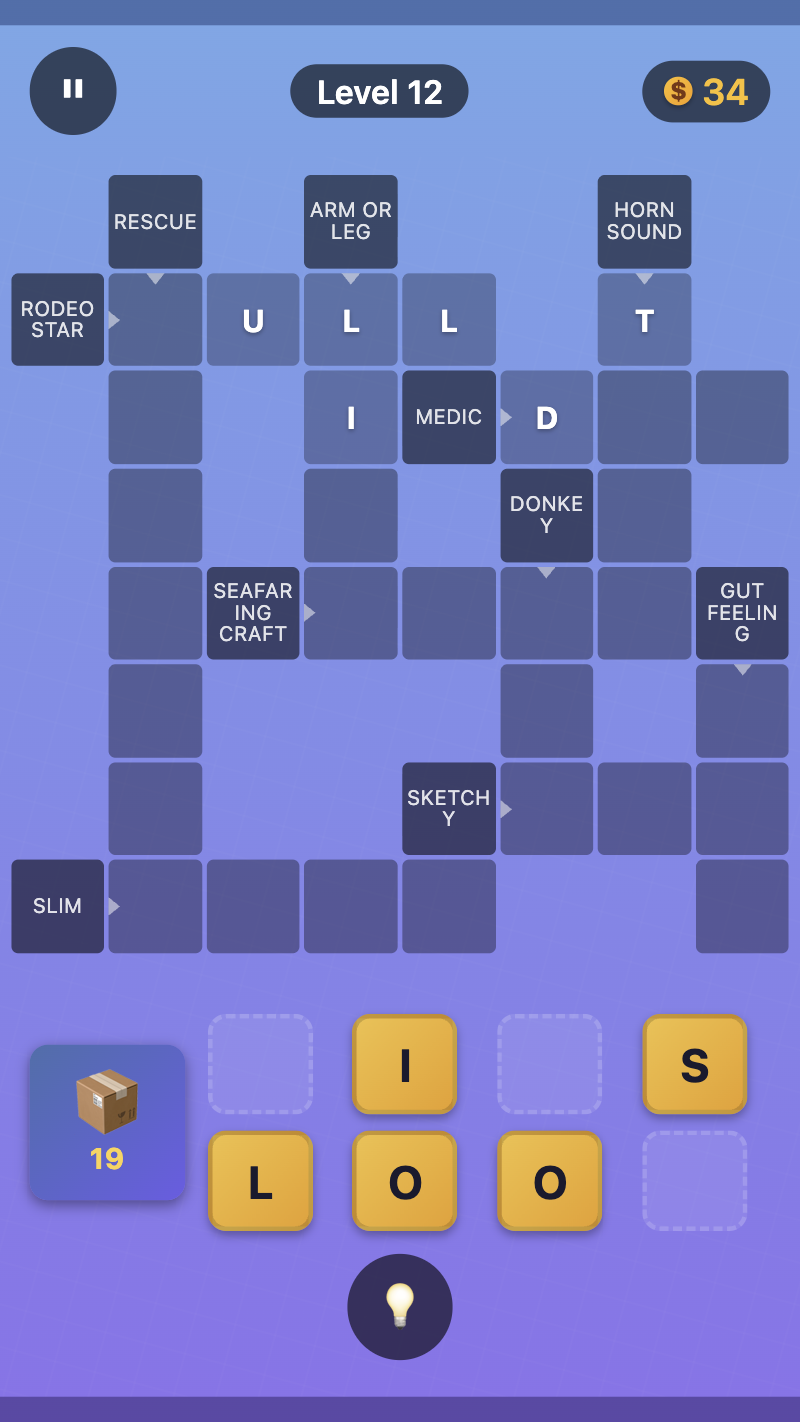
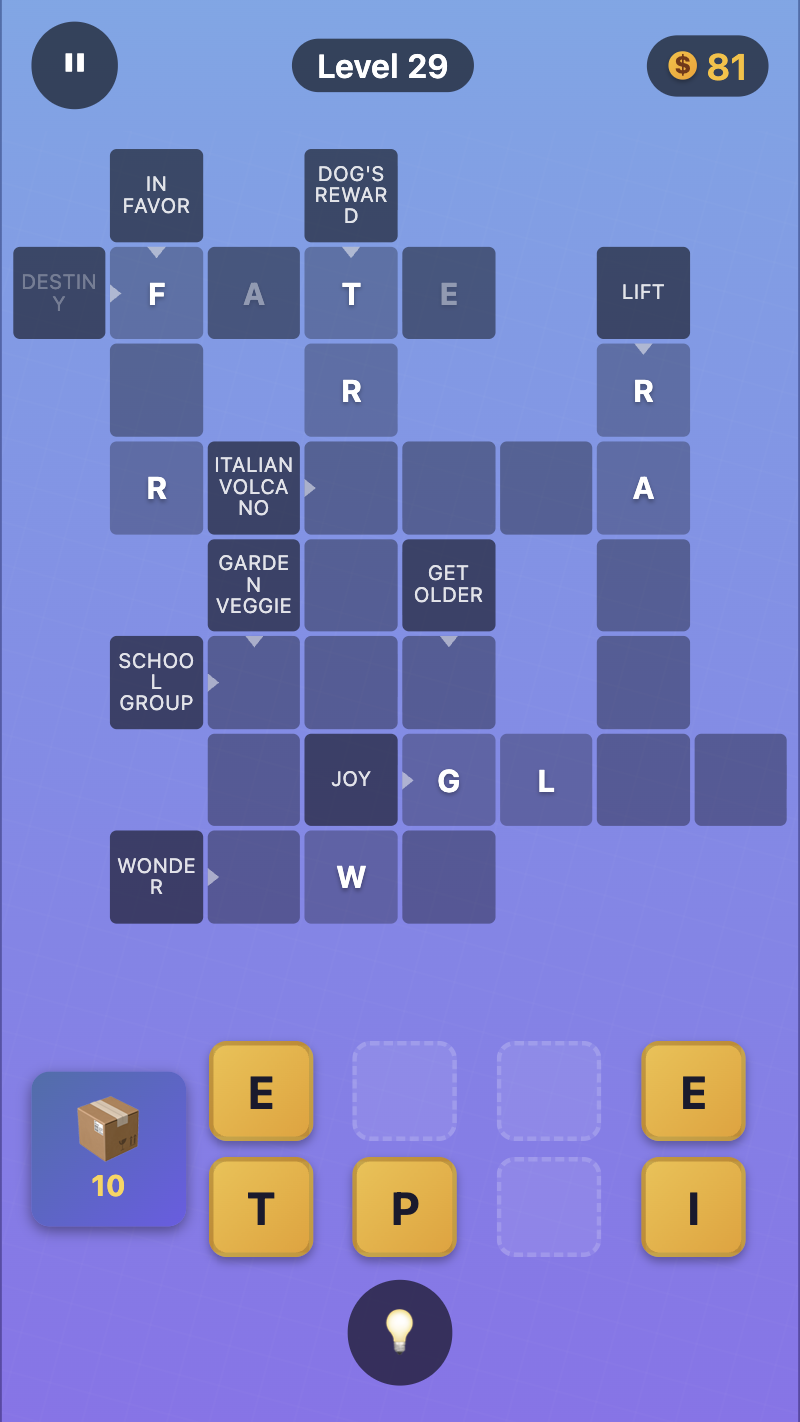
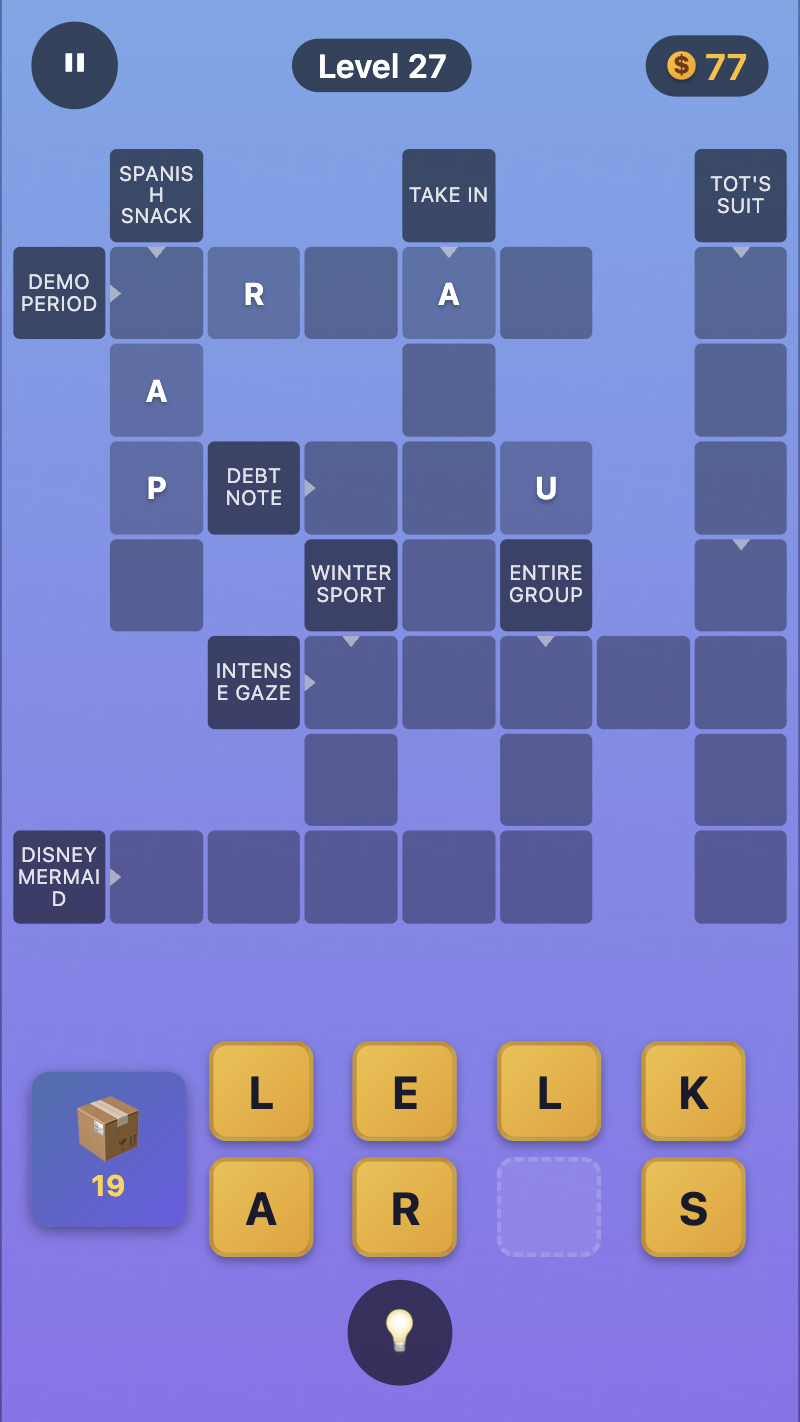
What’s the Point?
Crosswords 2026 drops you into a world of word puzzles where every letter tile matters. The core idea is straightforward: draw letter tiles from a box, form words, clear challenges, and advance through levels. The catch that keeps things interesting is a hard cap of 8 tiles in hand at any one time, which means every decision carries real weight.
How to Play
Draw letter tiles from the box and arrange them to create words inside the crossword grid. Because the 8-tile limit is always in effect, every move demands focus, logic, and a sharp vocabulary. Search for the strongest combinations, use rare letters wisely, and find solutions even in tricky spots. When you’re stuck, the light bulb hint is there to help.
Controls:
- Drag: Move letters into the crossword grid
- Tap the box: Draw new letters
- Tap the light bulb: Activate a hint
3. Simple Words
Quick Info
- Genre: Educational, Word
- Developer: House Boat Games
- Rating: 4.4/5.0 (297 ratings)
- Platforms: PC, Android, iOS
Screenshots
What’s the Point?
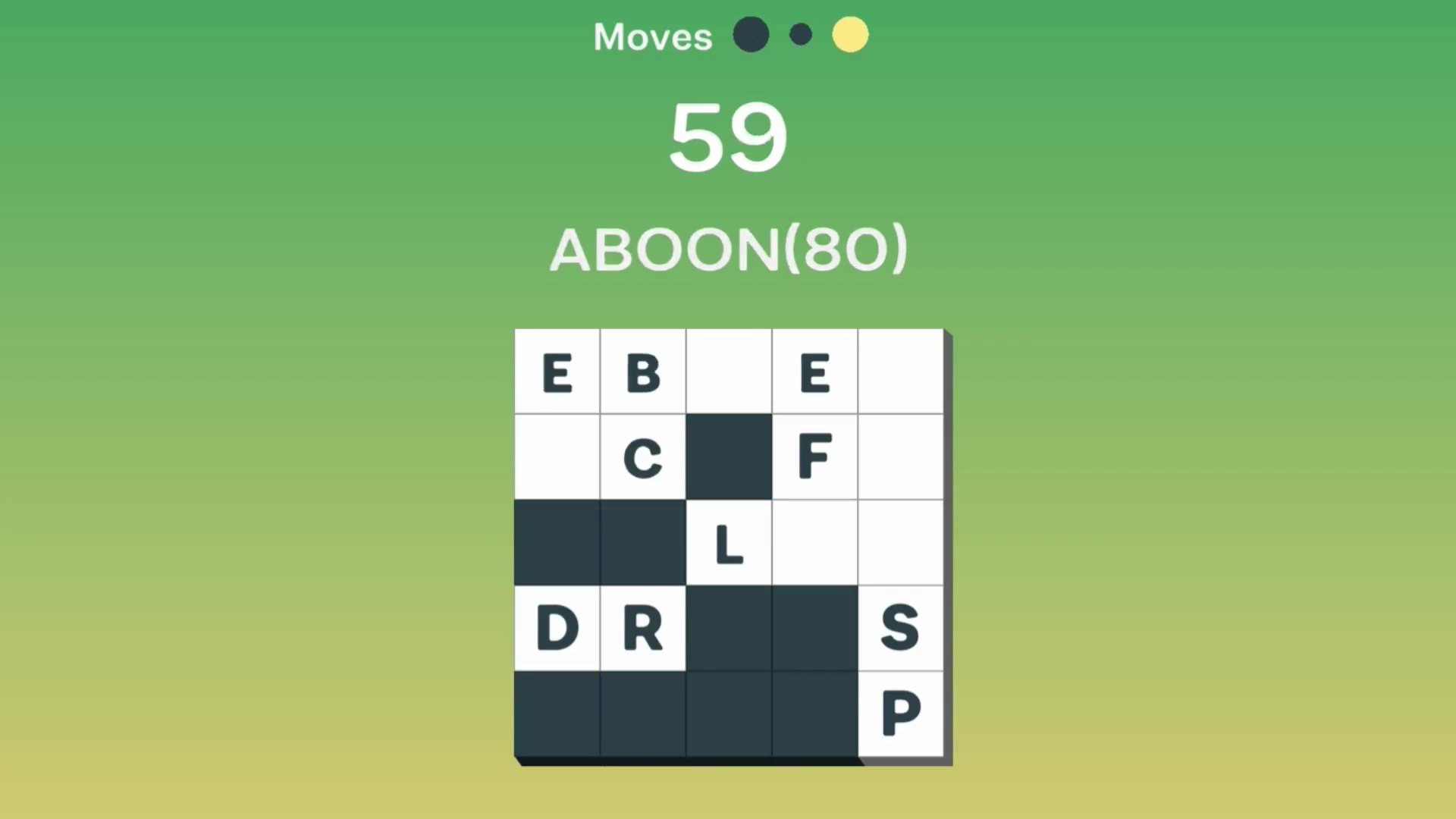
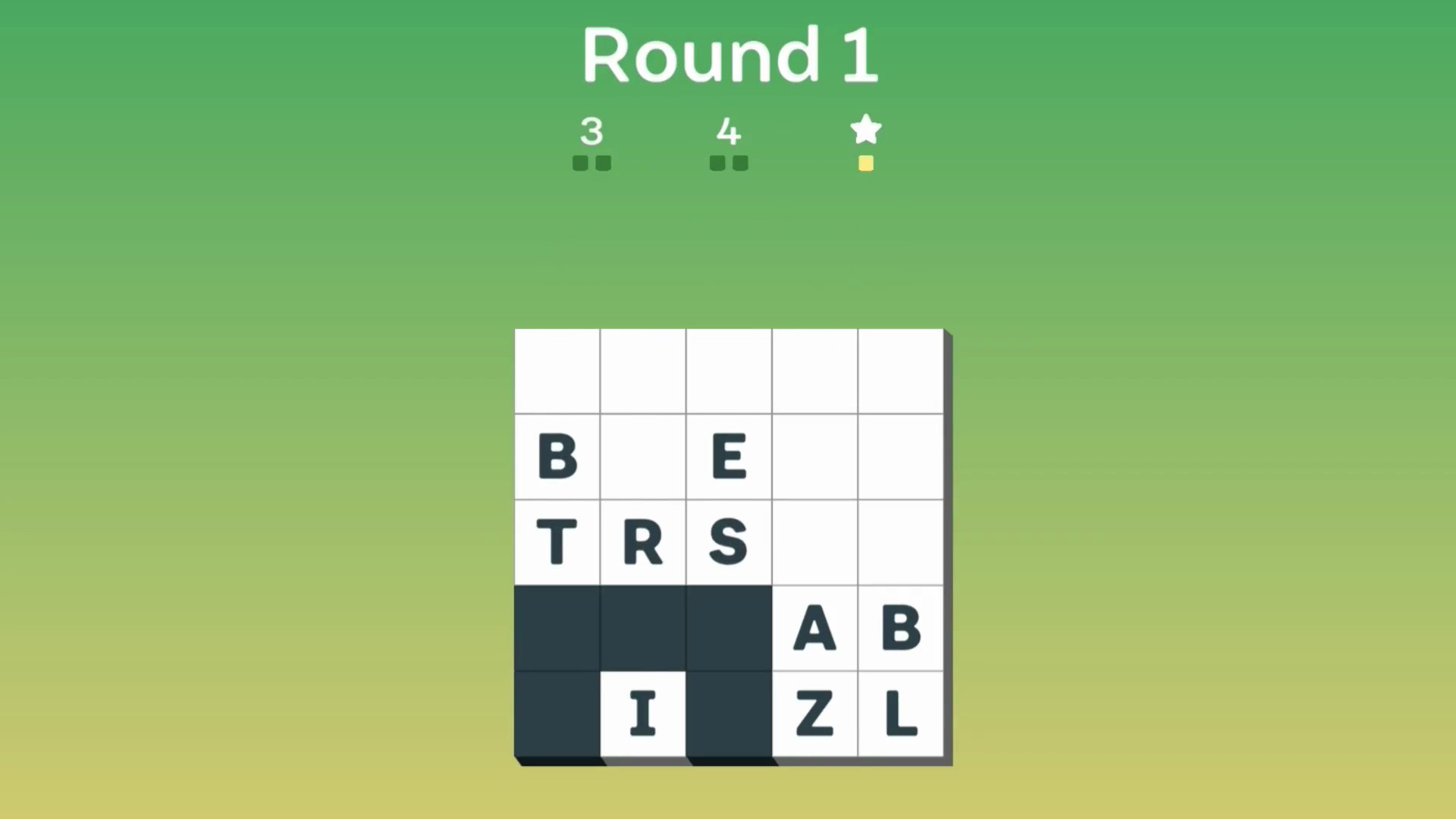
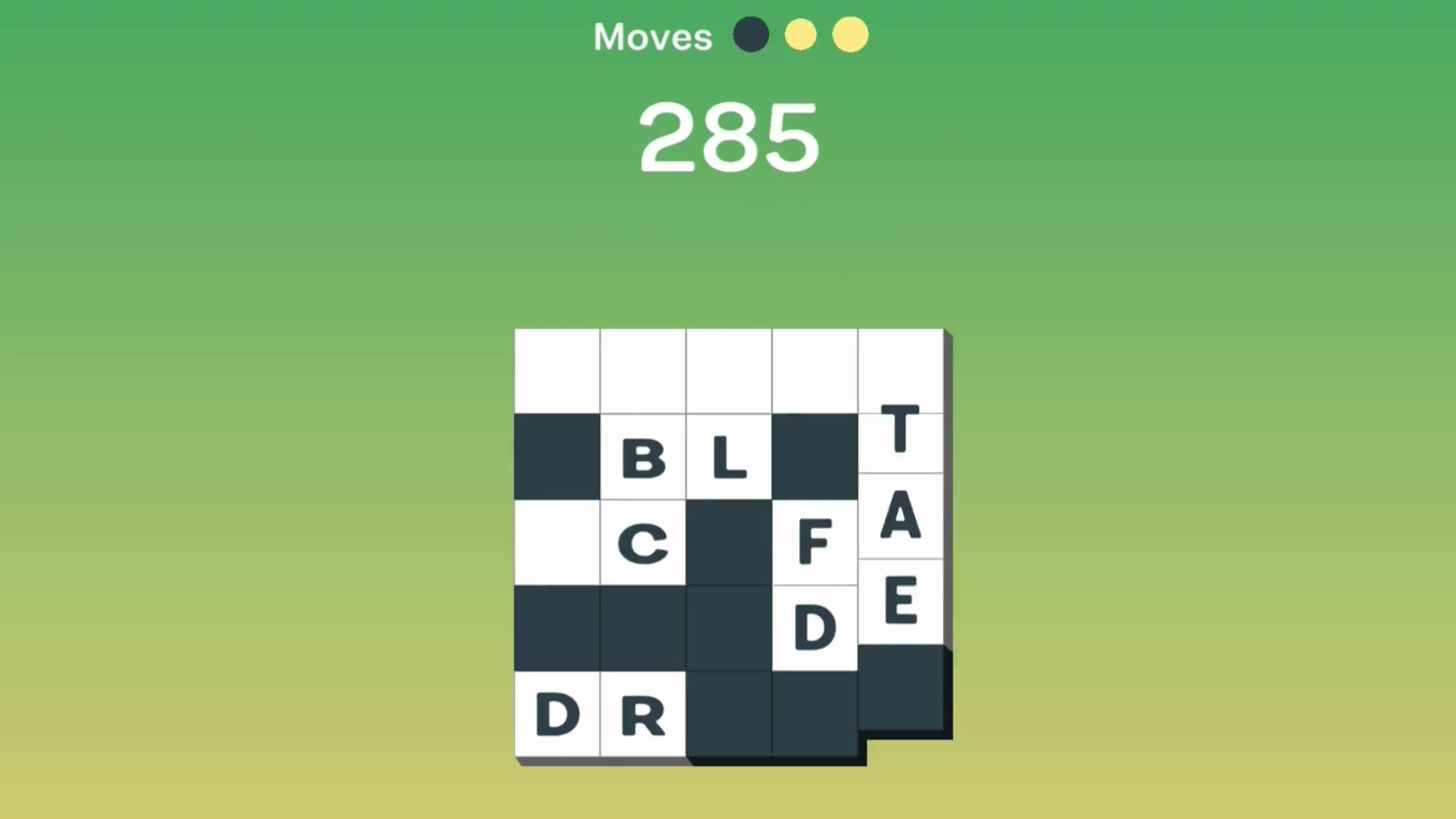
Simple Words is a puzzle word game that blends match-3 falling block mechanics with word-building gameplay. The concept is straightforward: select letters to form words while watching the block grid respond. Several scenes show a 5×5 grid at the center of the screen, filled with white and dark grey square blocks.
How to Play
The rules are deliberately simple. Tap or click any letters to build a word, used letters go dark, and a row clears once all its letters have been used. That clean loop — pick letters, form words, clear rows — is where the satisfying strategy lives.
Controls:
- Tap / Click: Select letters to make a word
4. Word Chef
Quick Info
- Genre: Word Puzzle / Crossword
- Developer: Drivix Games
- Rating: 4.6/5.0 (104 ratings)
Gameplay Video
Watch real gameplay footage
Screenshots
Forming word ‘WITH’
Forming word ‘POT’
Forming word ‘FOR’
What’s the Point?
This is Word Connect with a chocolate/cooking theme. You swipe letters, fill grids, progress through levels. The visual style is slightly more polished than the base Word Connect, with chocolate bar backgrounds and dessert-themed UI elements. But mechanically, it’s identical. The game has 500+ levels across six difficulty tiers (Beginner to Expert), so there’s plenty of content if you’re into this type of puzzle. The difficulty ramp is smooth—early levels are almost insultingly easy, but Expert mode actually requires some thought. The hint system uses a premium currency (rubies), which is annoying but standard for this genre.
Personal Experience
From the author: I played this right after Word Connect, and the similarities were jarring. Same swipe mechanic, same grid layout, same feedback sounds. The chocolate theme is cute but superficial—it doesn’t change how the game plays. That said, the responsiveness was excellent. I swiped ‘CAKE’ and it appeared instantly with a ‘Good Job’ overlay. The game feels smooth, and the difficulty progression kept me engaged longer than I expected. The ruby system is predatory, though.
How to Play
Controls: Drag/swipe cursor or finger across letters in sequence to form words
Goal: Find all valid words hidden in the letter scramble to complete each level
Performance & Browser Compatibility
Speed: Fast loading, stable 60fps. No lag or stuttering.
Works best on: Mobile (designed for touch, but works on desktop)
Browser: Chrome, Firefox, Safari (HTML5)
Who is this game for?
Casual mobile gamers aged 8-60 who want short, mentally stimulating sessions. The chocolate theme appeals to kids and families. Perfect for quick breaks or relaxation, with a low entry barrier.
Pros & Cons
✅ Pros
- Highest rating in this list (4.6/5.0)—players clearly enjoy it
- 500+ levels with six difficulty tiers keep it fresh
- Smooth, responsive controls with instant feedback
⛔ Cons
- Blatant Wordscapes clone with a chocolate reskin
- Graphics look 5-7 years old (low-fidelity 2D assets)
- Rubies (premium currency) are required for hints—feels exploitative
5. Classic Fillwords
Quick Info
- Genre: Puzzle, Word
- Developer: jaxkkk
- Rating: 4.1/5.0 (4 ratings)
- Platforms: PC, Android, iOS
Screenshots
What’s the Point?
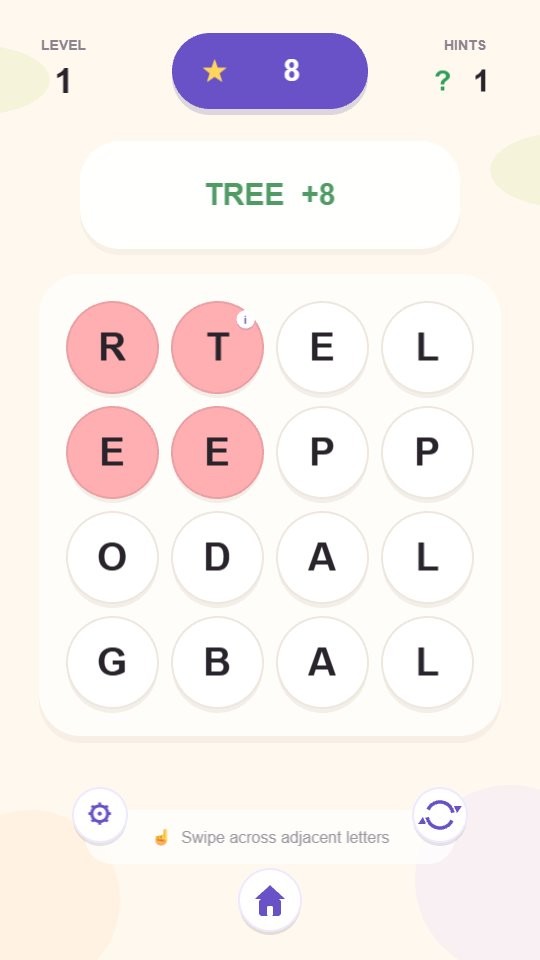
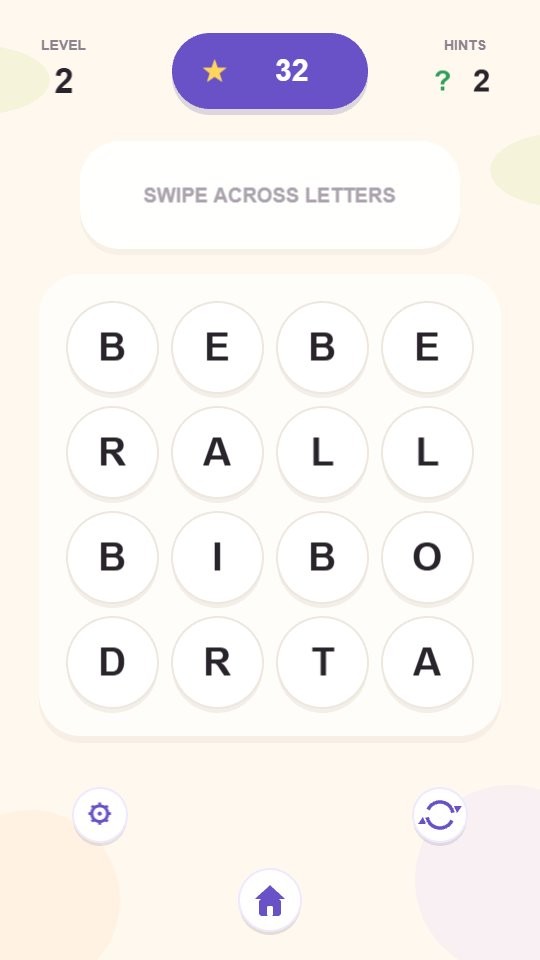
Classic Fillwords is a relaxing word puzzle game built around finding hidden words by connecting letters on a board. The goal is straightforward but satisfying: trace every required word until the entire grid is filled. Levels grow increasingly challenging as you progress, and bonus words scattered across the board reward careful exploration beyond the required list.
How to Play
Every level presents a grid of letters with a set of hidden words to uncover. Drag across adjacent letters to form a word, and correct words are revealed directly on the grid. Find every required word to complete the level. Along the way, discovering bonus words earns extra points, and hints are available whenever you get stuck.
Controls:
- Mouse (desktop): Drag across letters to form words
- Finger swipe (mobile): Swipe across adjacent letters to form words
6. Word Search Hidden Words
Quick Info
- Genre: Word Search / Grid Puzzle
- Developer: Drivix Games
- Rating: 4.5/5.0 (352 ratings)
Gameplay Video
Watch real gameplay footage
Screenshots
Word search puzzle grid
Completed words highlighted
New word puzzle
What’s the Point?
This is a traditional word search game. You get a grid of letters and a list of words to find. You drag across the grid to highlight words in any direction (horizontal, vertical, diagonal, even backwards). When you find a word, it’s crossed off the list and highlighted in the grid. No gimmicks, no twists—just pure word search. The simplicity is the appeal here. No energy bars, no premium currency, no progression systems. Just puzzles. The difficulty scales based on grid size and word length, but it’s never overwhelming. The UI is bare-bones, but it works. This is for people who just want a word search without the mobile game baggage.
Personal Experience
From the author: I appreciated how straightforward this is. I loaded a puzzle, saw the word list, and started dragging. The responsiveness was instant—letters highlighted as I dragged, and completed words got a satisfying color change. The pace is entirely in my control, which is rare for browser games. No timers, no pop-ups, no distractions. It’s almost meditative. The graphics are dated (looks like early mobile), but for a word search, that’s fine.
How to Play
Controls: Swipe or drag across letters in any direction to highlight words
Goal: Find all hidden words from the list to complete the puzzle
Performance & Browser Compatibility
Speed: Instant loading, no lag. Runs at 60fps with zero hiccups.
Works best on: Mobile or Desktop (works equally well on both)
Browser: Chrome, Firefox, Safari (HTML5)
Who is this game for?
Casual mobile gamers of all ages who enjoy traditional word search puzzles. Great for kids learning vocabulary, adults seeking relaxation, or anyone wanting short, no-pressure gameplay sessions.
Pros & Cons
✅ Pros
- No monetization BS—just pure word search puzzles
- Simple, distraction-free interface
- Works equally well on mobile and desktop
⛔ Cons
- Zero originality—this is a basic word search
- Graphics are flat and dated (looks like 2010 mobile)
- No progression system or meta-game to keep you engaged
7. Words from Letters: Cozy Crosswords
Quick Info
- Genre: Puzzle, Word
- Developer: Alexander Denisov
- Rating: 4.4/5.0 (6 ratings)
- Platforms: PC, Android, iOS
Screenshots
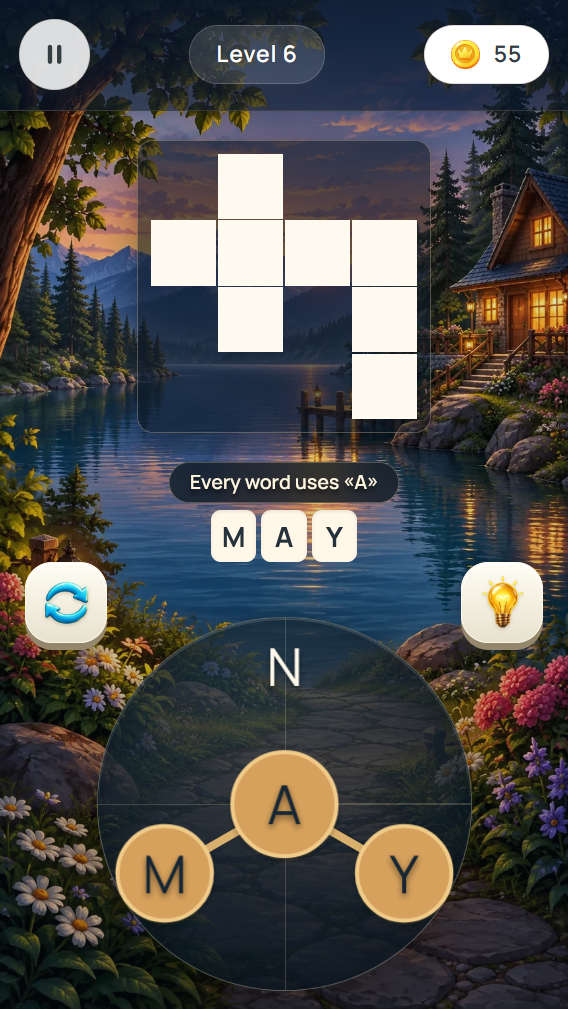
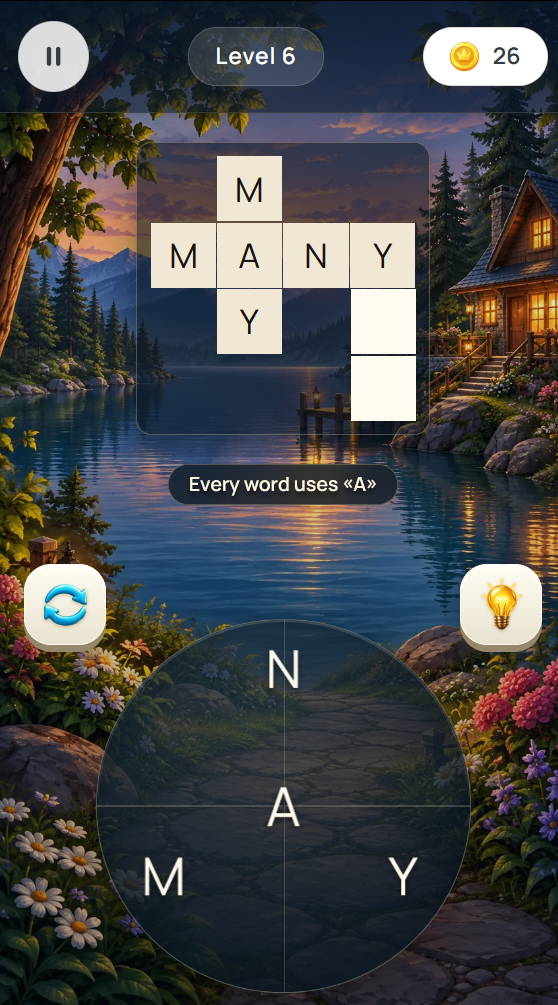
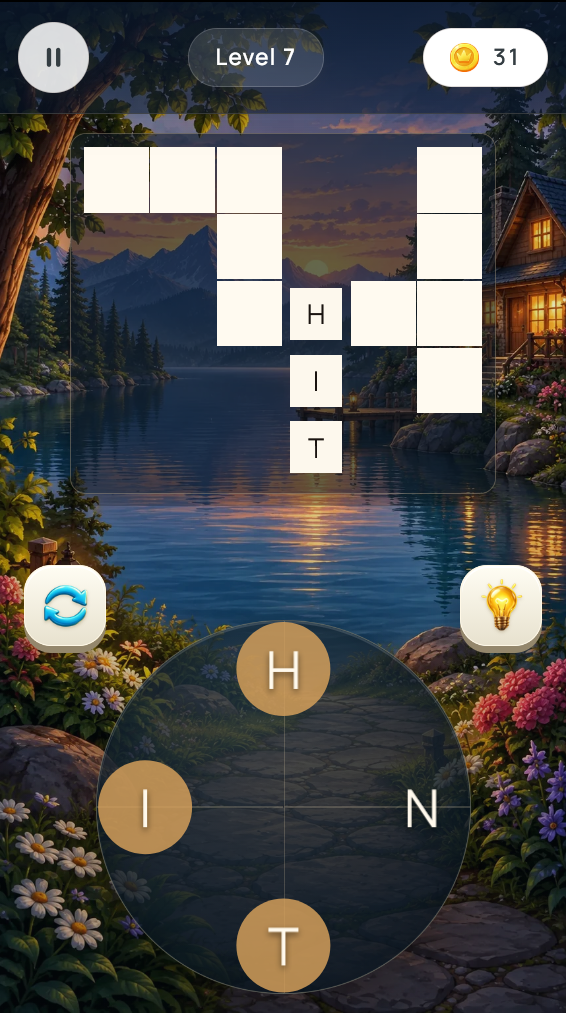
What’s the Point?
Words from Letters: Cozy Crosswords puts letter-connecting and crossword-filling at the center of every session. Drag across a circle of letters to build words, complete grids, and collect coins along the way. Calm landscapes and large letters keep the experience easy on the eyes, making it a natural fit for a short word puzzle break.
How to Play
Every required word in a level must be filled to finish that level. Along the way, finding bonus words earns coins, and completing levels unlocks scenic jigsaw pictures.
Controls:
- Drag finger or mouse across letters: form a word on the circle
- Release: check the formed word
8. Word Solitaire
Quick Info
- Genre: Educational, Solitaire
- Developer: Mewton Games
- Rating: 4.4/5.0 (3680 ratings)
- Platforms: PC, Android, iOS
Screenshots
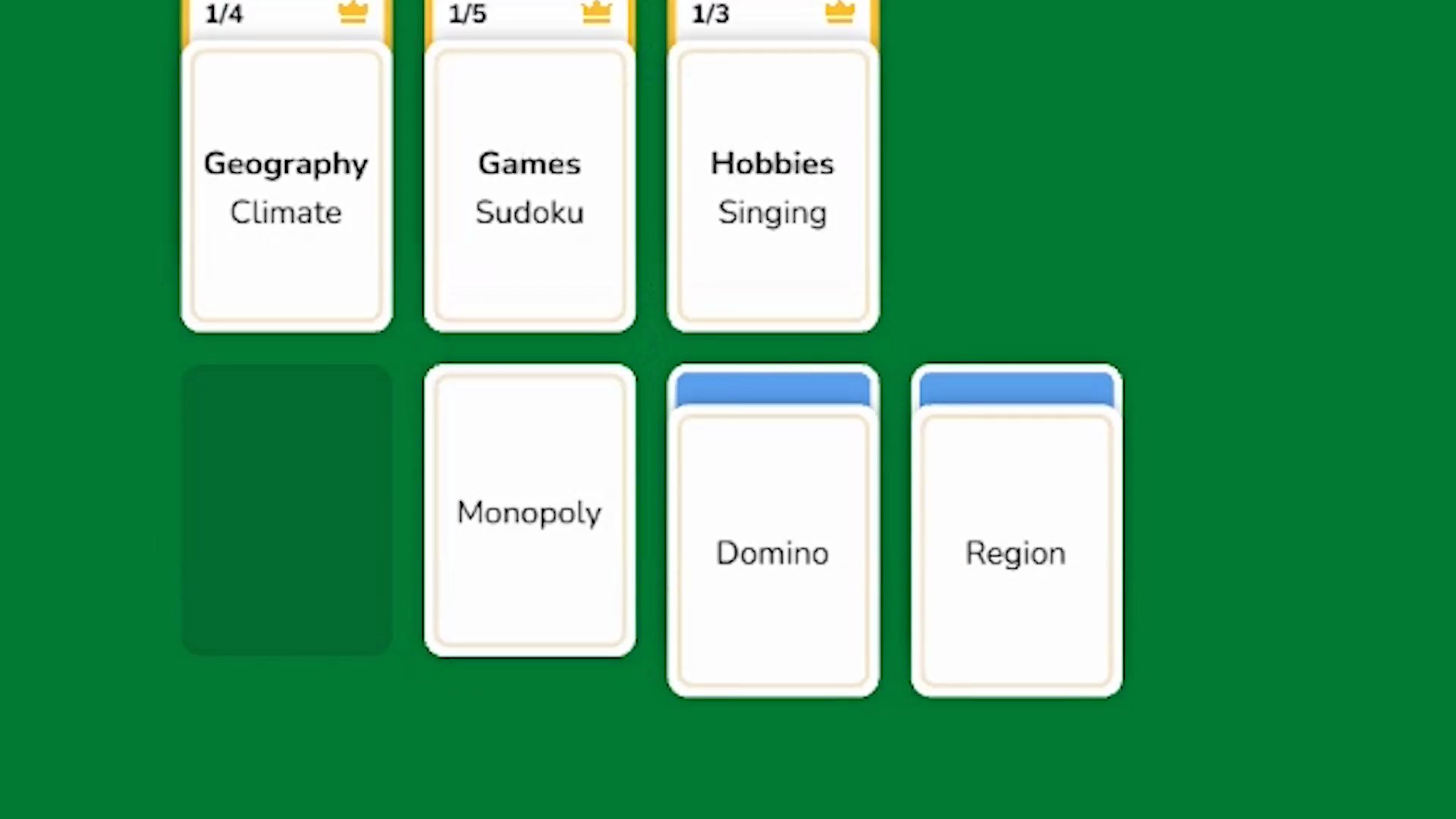
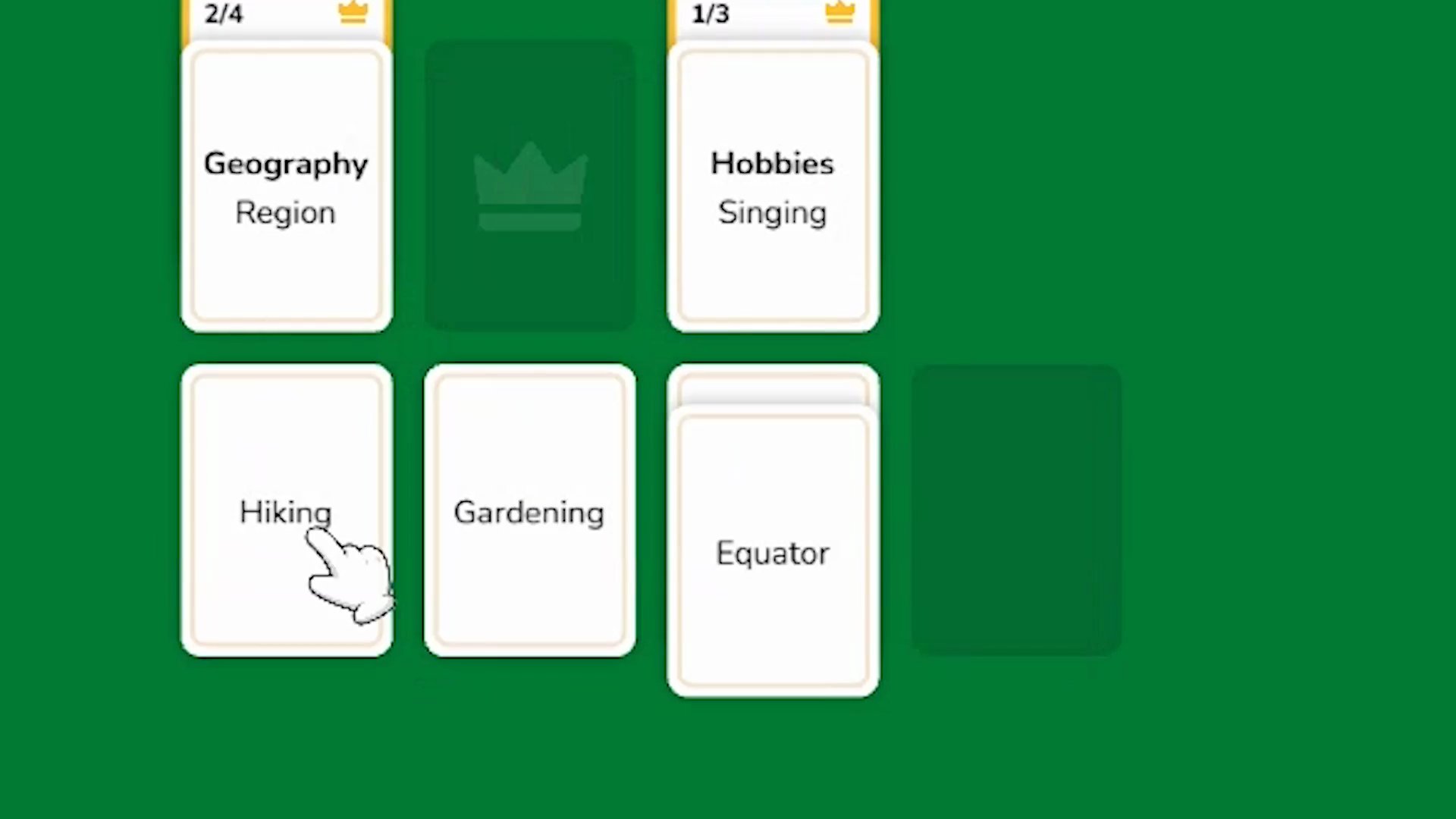
What’s the Point?
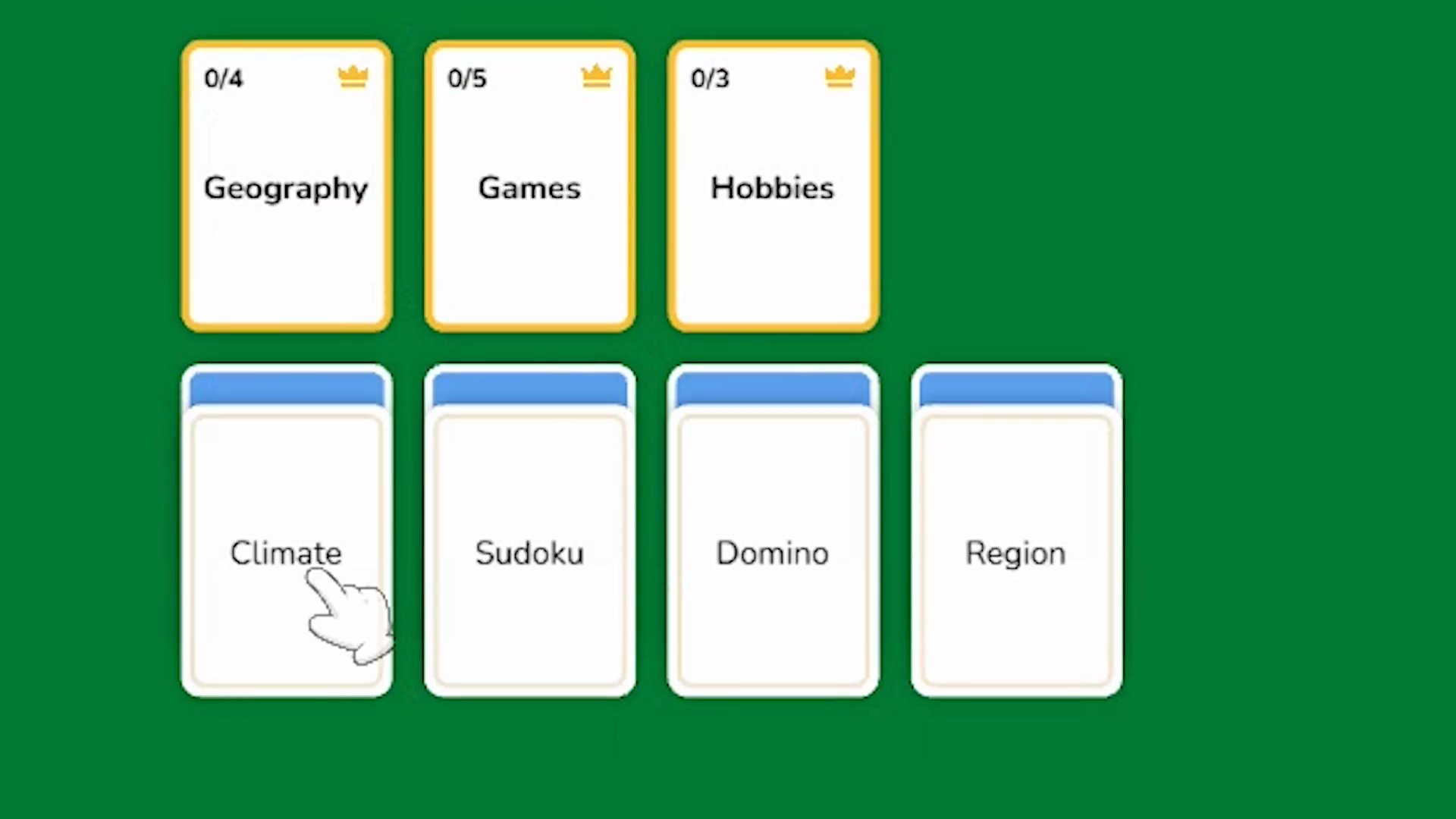
Word Solitaire takes the familiar structure of solitaire card games and replaces the playing cards with word cards and category cards, turning a classic pastime into a vocabulary and logic challenge. The goal is to sort a deck of word cards into thematic groups, developing associative thinking and expanding vocabulary along the way. It blends classic mechanics with modern word puzzles, testing vocabulary, logic, and strategy in equal measure.
How to Play
Each level opens with a partially filled board. One card at a time is drawn from the deck and placed strategically on the board. To build a category stack, a category card must be placed first, and then all related word cards are added to complete that set. The objective is to sort every card into its correct thematic group and clear the table within a limited number of moves.
Victory comes when all cards are sorted by theme and the table is cleared before the move limit runs out. A loss occurs when moves are exhausted or no valid next move remains.
As progress continues through levels, the number of available moves decreases, the number of categories increases, and the words themselves become more complex.
Controls:
- Desktop: Click
- Mobile: Tap
9. Word Scramble – Family Tales
Quick Info
- Genre: Word Puzzle / Grid
- Developer: Rainbow Games (Andrey Mesheryakov)
- Rating: 4.4/5.0 (1345 ratings)
Gameplay Video
Watch real gameplay footage
Screenshots
Player finds ‘HAT’ word
Player finds ‘NEWSPAPER’ word
Player finds ‘TROUSE’ word
What’s the Point?
This is a word puzzle game wrapped in a light narrative about a family’s journey. You drag letters to form words, which fill a list of missing words at the top of the screen. Successfully finding words earns coins and stars, which you use to progress the story and decorate rooms. It’s the same word wheel mechanic, but with a home renovation meta-game. The narrative is minimal—mostly text snippets between levels—but it adds a sense of purpose beyond just solving puzzles. The room decoration system is shallow but gives you something to spend your coins on. The gameplay is relaxed, with no timers or pressure.
Personal Experience
From the author: I liked the home renovation angle more than I thought I would. After completing a few puzzles, I unlocked a new room and got to pick furniture, which felt rewarding. The word puzzle mechanics are identical to every other game in this list, but the meta-game kept me engaged. The UI is clean, and the visual feedback (sparkling effects, glowing letters) is satisfying. The pace is slow and deliberate, which is perfect for a casual game. The hint system is generous compared to others.
How to Play
Controls: Drag finger or mouse across letter tiles to form words
Goal: Find all target words to earn coins and stars; use rewards to progress the family story and decorate rooms
Performance & Browser Compatibility
Speed: Fast loading, stable 60fps. No lag or stuttering.
Works best on: Mobile (touch-optimized, but playable on desktop)
Browser: Chrome, Firefox, Safari (HTML5)
Who is this game for?
Casual mobile gamers aged 25-55 who enjoy relaxing puzzle games with light narrative elements. The home renovation meta-game appeals to players who want more than just word puzzles. Perfect for short, engaging sessions.
Pros & Cons
✅ Pros
- Home renovation meta-game adds depth and purpose
- Clean, appealing visuals with satisfying feedback
- Generous hint system compared to other games
⛔ Cons
- Core gameplay is still a Wordscapes clone
- Narrative is minimal—mostly text snippets
- Room decoration is shallow—limited customization
10. Crossword: Arrowword Puzzles
Quick Info
- Genre: Educational, Puzzle
- Developer: Alexander Denisov
- Rating: 4.1/5.0 (91 ratings)
- Platforms: PC, Android, iOS
Screenshots
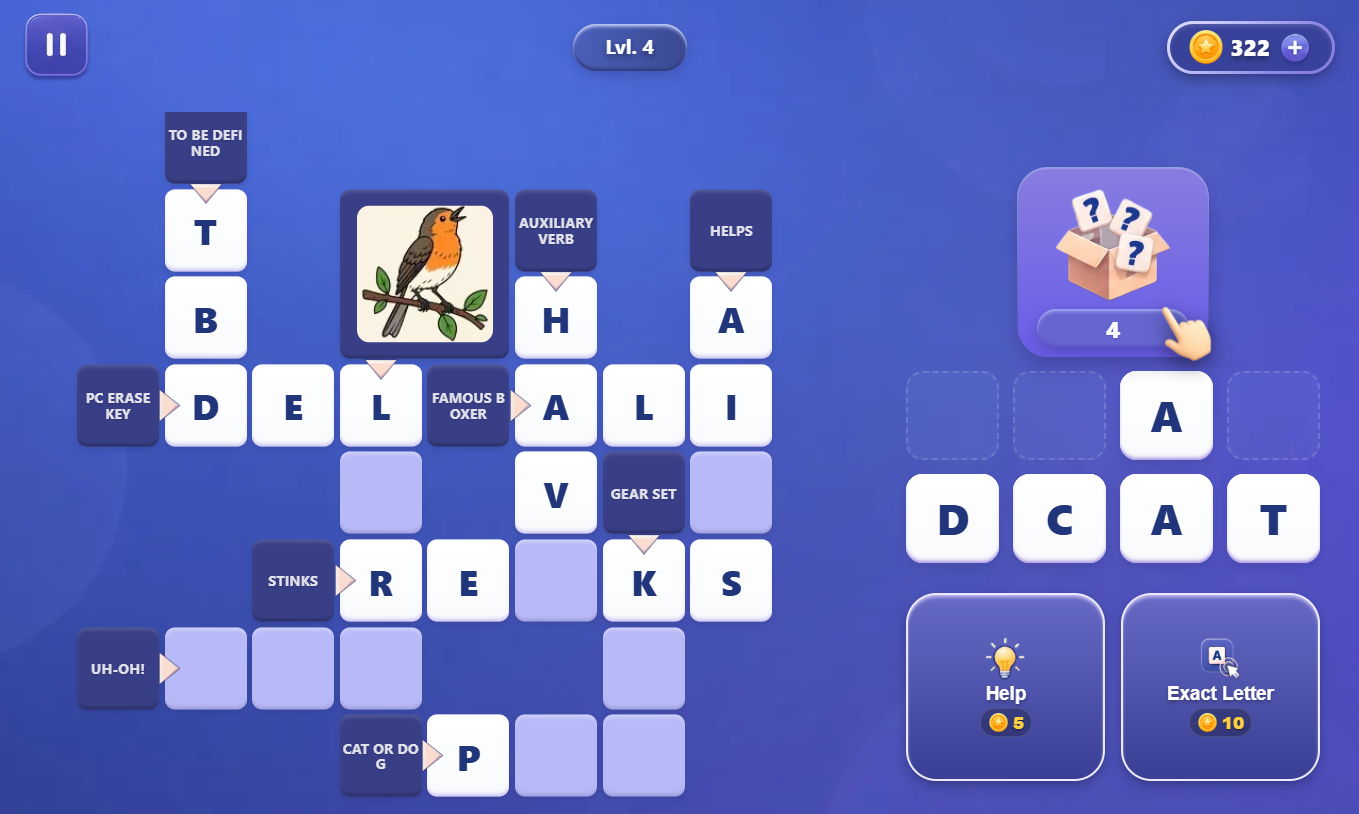
What’s the Point?
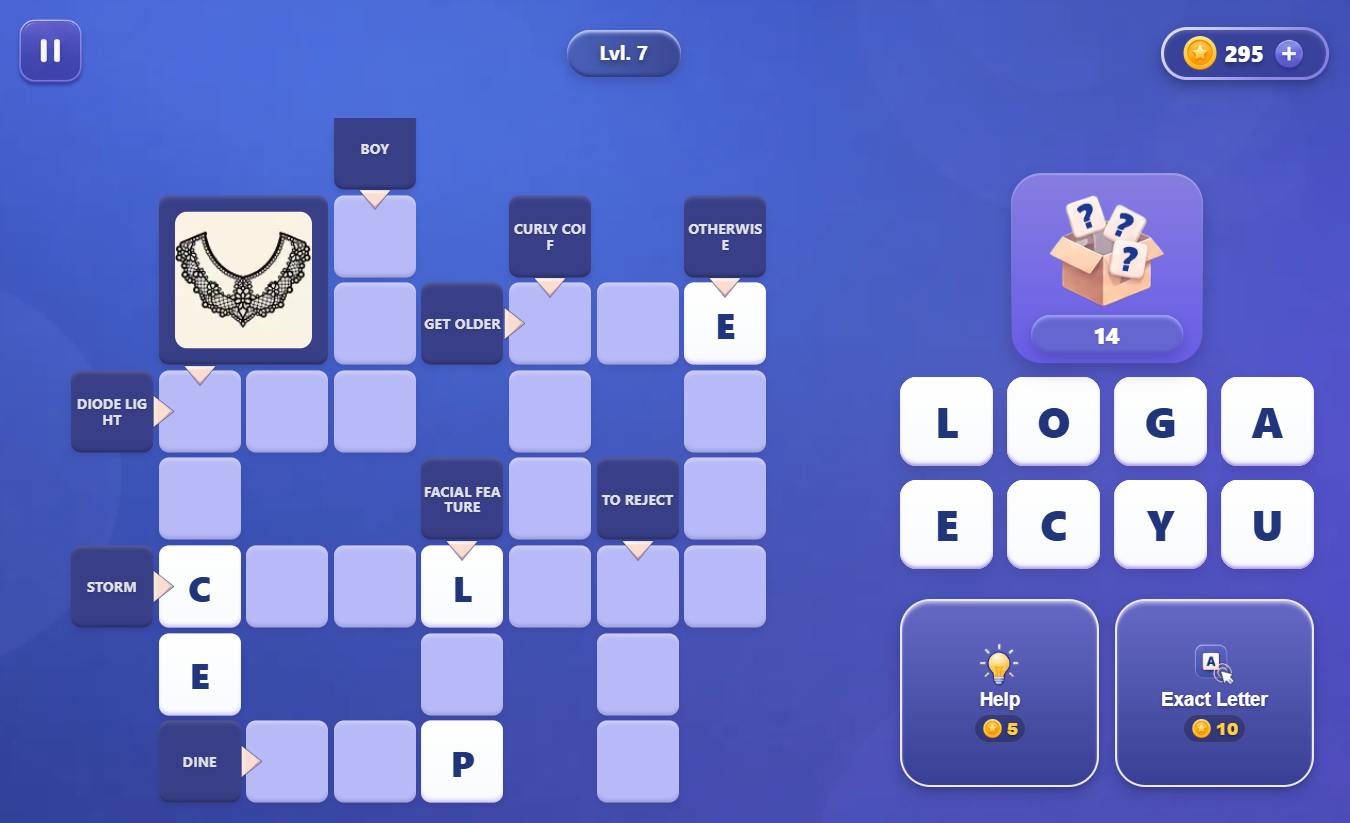
Crossword: Arrowword Puzzles puts a fresh spin on classic arrowword crosswords: instead of typing answers, you draw letters from a magic box and drag them onto the grid. Match letters to clues, sharpen your vocabulary, and work through 100 levels that grow progressively more complex. No timers, no rush — a calm brain-training puzzle built for anyone who loves pen-and-paper crosswords and word search puzzles, now in a comfortable phone format. The game also works offline, so a flight or a road trip is fair game.
How to Play
Open new letters from the box, pick one, and place it into the correct cell on the crossword grid. Tap any clue cell marked with an arrow to zoom in and read it clearly. Once every letter in a word is placed correctly, the whole line lights up. Clear every word to complete the level.