Look, I get it. You’re staring at a tab full of .io games that all look suspiciously similar. Snake clones, arena shooters, and ‘eat-to-grow’ simulators everywhere. So I spent the last few days testing 13 of the most popular .io games right now to figure out which ones are actually fun versus which ones feel like they were coded during a lunch break. The weird thing is, some of these games with terrible graphics ended up being way more addictive than the polished ones. Here’s what I found.
TL;DR (Quick Summary)
- Best for Beginners: Slither Classic – Instant recognition and zero learning curve
- Total Games: 13 browser games
- Average Rating: 4.3/5.0
Quick Comparison Table
| # | Game | Genre | Key Feature | Rating |
|---|---|---|---|---|
| 1 | Kubz.io | Minecraft | .io, Survival | 4.6/5.0 |
| 2 | Slither Classic | Snake Arena | Pure simplicity | 4.7/5.0 |
| 3 | SlitherCraft.Io | Minecraft Snake | Minecraft reskin | 4.8/5.0 |
| 4 | Eat Blobs Simulator | Agar.io Clone | Two-player mode | 4.1/5.0 |
| 5 | Ball Eating Simulator | Agar.io Clone | Roblox-style avatars | 4.3/5.0 |
| 6 | morphz.io | Shooting | Arcade, .io | 4.5/5.0 |
| 7 | Twisty.io | Survival | .io, Arcade | 4.1/5.0 |
| 8 | SnakeWar.io | Snake | .io | 4.1/5.0 |
| 9 | Bus.io | Snake | Arcade, .io | 4.1/5.0 |
| 10 | ObbloxGun.io 3D FPS Shooter | Obby | .io, Action | 4.4/5.0 |
| 11 | Snake.ioPro | Snake | .io | 4.2/5.0 |
| 12 | Ants Io | Survival | Arcade, .io | 4.1/5.0 |
| 13 | Tall io | Runner Brawler | Grow your crowd | 3.9/5.0 |
1. Kubz.io

Quick Info
- Genre: Minecraft, .io
- Developer: Good Games
- Rating: 4.6/5.0 (521 ratings)
- Platforms: PC, Android, iOS
Screenshots
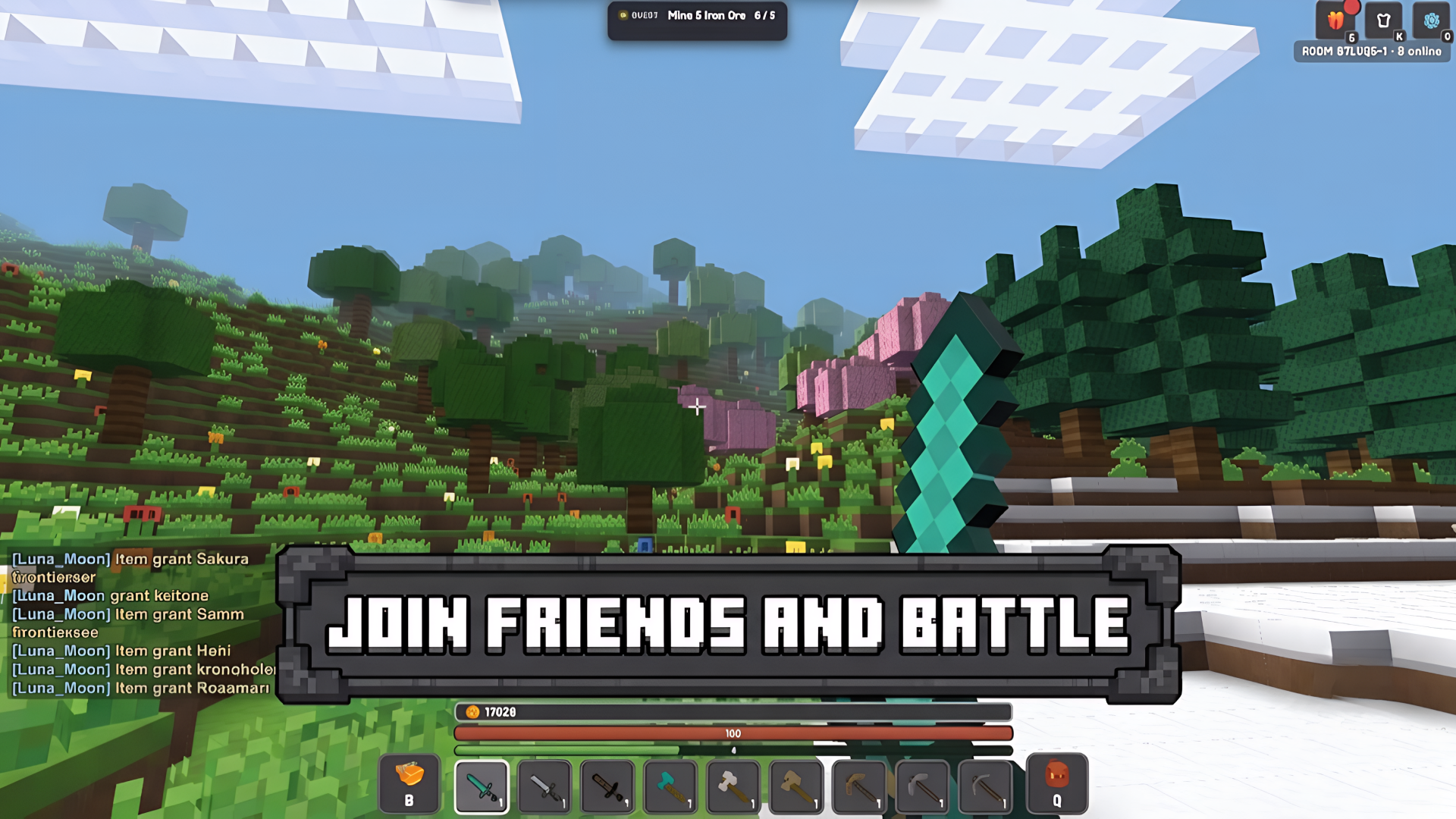
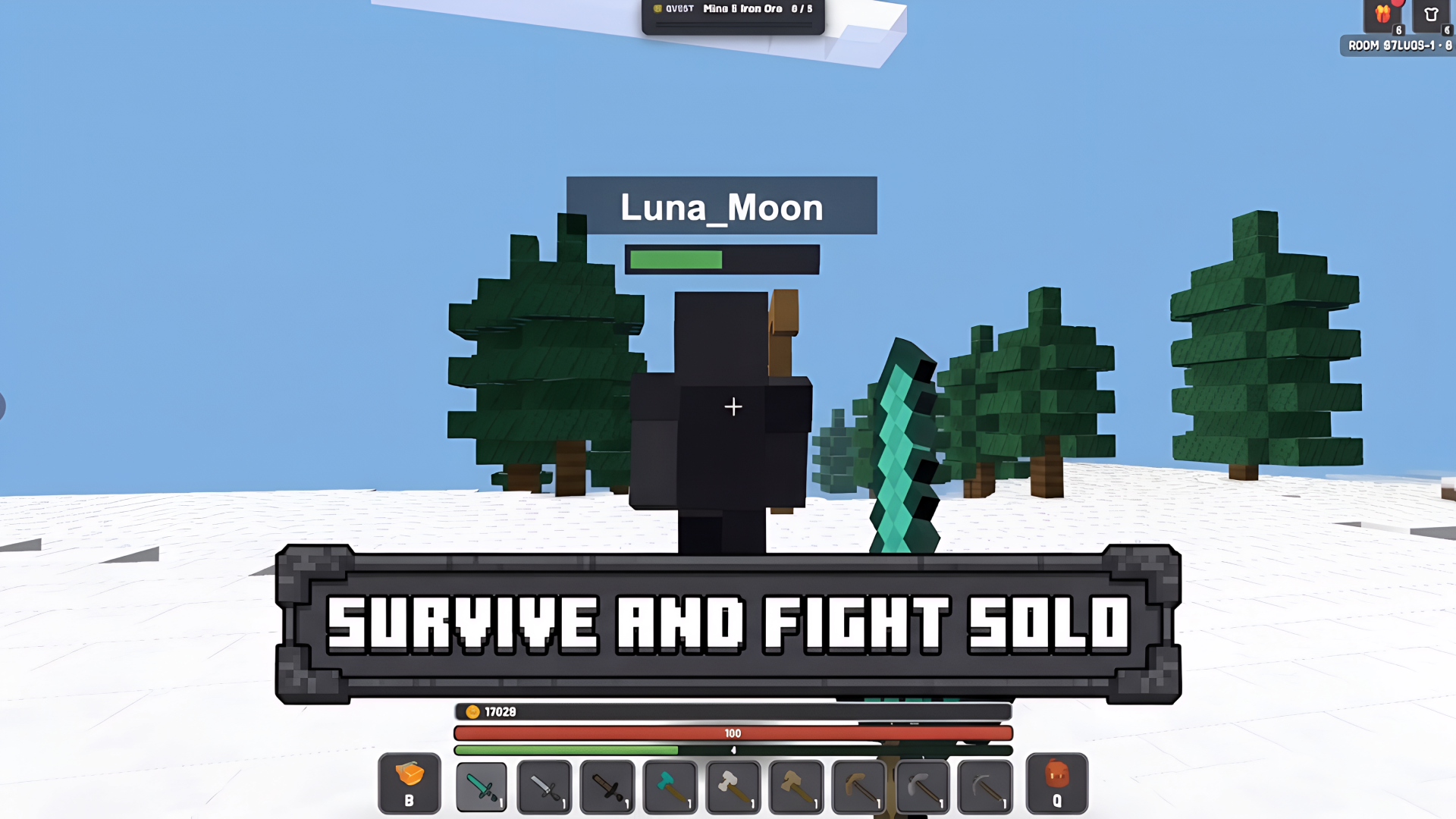
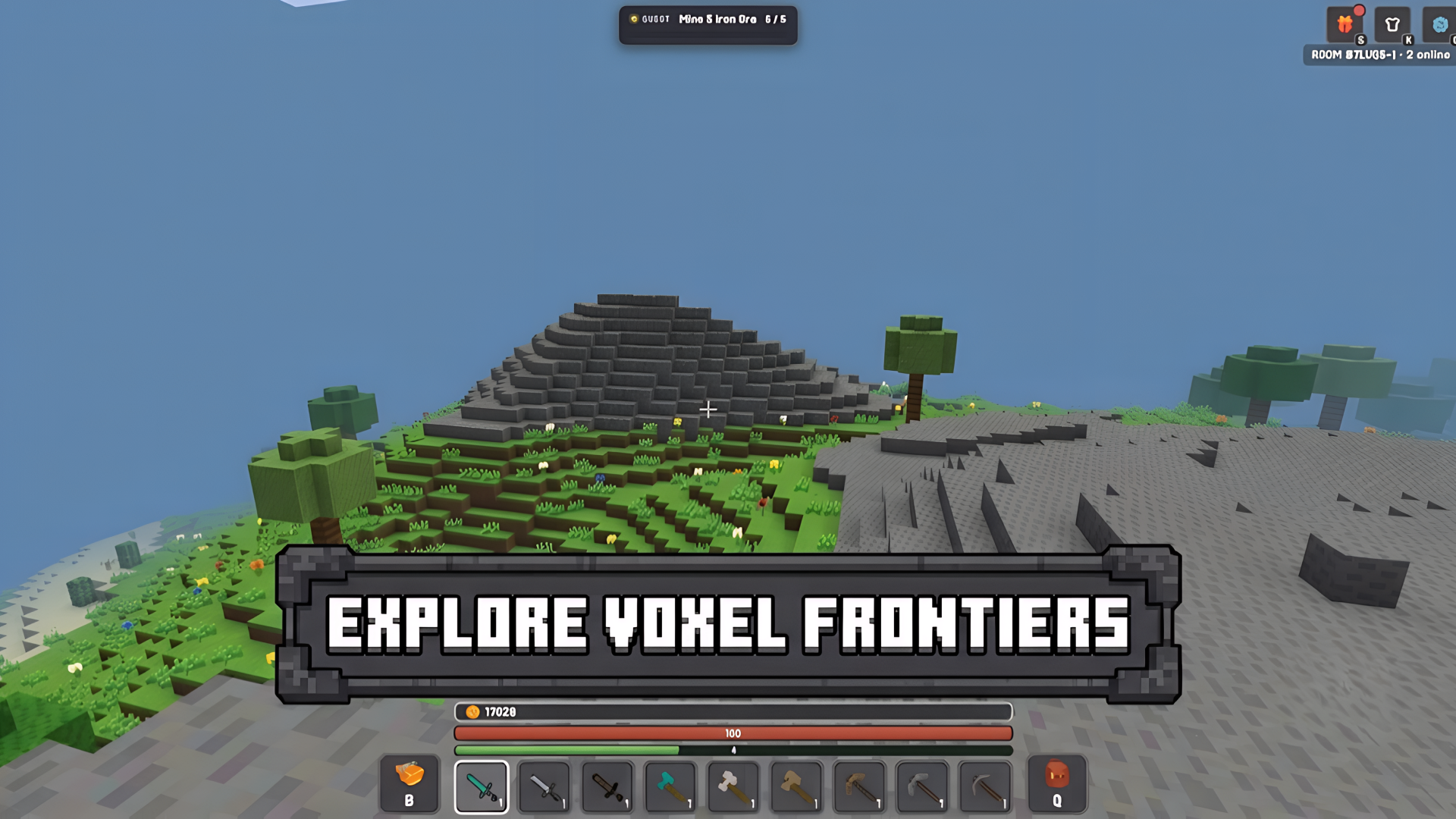
What’s the Point?
Kubz.io is a multiplayer voxel sandbox where you start with bare hands and work your way up through wood, stone, iron, gold, and diamonds — crafting tools, weapons, and armor as you go. The loop is straightforward and satisfying: gather resources, craft better gear, fight off zombies, collect coins, build a base, and defend it. Solo play is available, but the game opens up when you share a world with friends or step into a public space full of other players, mobs, and PvP combat.
How to Play
The progression path is clear: punch wood, craft planks and a pickaxe, then mine stone, iron, gold, and finally diamond. Each ore tier requires the matching pickaxe tier to break — wood unlocks stone, stone unlocks iron, and so on. Better materials mean better tools, weapons, and armor, which in turn let you take on tougher mobs and survive longer.
Mobs drop coins when defeated; spend those coins in the shop on land protectors and bulk blocks. Placing a protector claims your build and prevents other players from griefing it. Eat food to restore health. Achievements unlock by reaching specific goals during play — defeating enemies, gathering resources, and creating new items. Earning coins also puts your name on the leaderboard, where the highest coin totals rank players against each other. Log in daily to collect streak rewards.
If your health bar reaches zero — whether from zombies, other players, or falling into lava — your progress resets and you start over. What counts as victory is entirely up to you.
Controls:
- WASD / Arrow keys: Move around the map
- Mouse: Look around
- Space: Jump / swim up
- Shift: Sprint / descend
- Left Mouse Button: Mine / attack (hold to break) / interact with objects
- Right Mouse Button: Place block / place objects
- 1–9: Select hotbar slot
- Q: Switch to crafting mode using resources
- B: Shop
- G: Rewards
- K: Skins
- O: Settings
- V: Change camera view
- Left joystick: Move
- Drag right side: Look around
- On-screen buttons: Jump, dive, place; hold to break
- Desktop
- Mobile / Touch
2. Slither Classic
Quick Info
- Genre: Snake Arena
- Developer: Lory Games
- Rating: 4.7/5.0 (3522 ratings)
Gameplay Video
Watch real gameplay footage
Screenshots
Worm consuming dots
Multiple worms, large player
Worm avoiding opponent
What’s the Point?
This is the .io game your brain already understands. You move a worm around a dark arena, eat colorful dots to grow longer, and try to make other worms crash into your body. When they do, they explode into a cluster of dots you can consume. That’s it. No upgrades, no special abilities, no meta-progression. Just pure, distilled snake gameplay. The art style is extremely basic—flat colors, simple sprites, minimal effects. It looks like it was made in 2010, and honestly, that’s part of its charm. There’s something satisfying about the simplicity. The controls are responsive enough, though the worm feels slightly floaty compared to more polished versions.
Personal Experience
From the author: I loaded Slither Classic expecting nothing, and that’s exactly what I got—in a good way. The game started instantly, no loading screen, no tutorial. I just started moving and eating. The controls felt a bit loose at first; my worm didn’t turn as sharply as I wanted. But after a minute, I got into the rhythm of circling smaller players and baiting them into my body. The most memorable moment was when I accidentally crashed into someone else and watched my 10-minute progress explode into dots. Frustrating, but I immediately hit restart. That’s the sign of decent core gameplay.
How to Play
Controls: Hold left mouse button and move cursor to control snake direction
Goal: Eat dots to grow, avoid crashing into other snakes, and force opponents to crash into you
Performance & Browser Compatibility
Speed: Instant loading, consistent 60 FPS, extremely lightweight
Works best on: Desktop or Mobile (works everywhere)
Browser: Chrome, Firefox, Safari (HTML5)
Who is this game for?
Perfect for casual players of all ages who just want a quick 5-minute session. No learning curve, no commitment. Great for kids, office workers on break, or anyone who remembers the original Snake on Nokia phones. If you want depth or progression, look elsewhere. This is pure arcade simplicity.
Pros & Cons
✅ Pros
- Instant loading with zero friction
- Works on literally any device
- Nostalgic simplicity is oddly satisfying
⛔ Cons
- Extremely basic visuals, even for a .io game
- Controls feel slightly floaty and imprecise
- Zero progression or variety—what you see is what you get
3. SlitherCraft.Io
Quick Info
- Genre: Minecraft Snake
- Developer: PlayDanilych
- Rating: 4.8/5.0 (784 ratings)
Screenshots
Player snake grows longer
Smaller player snake
What’s the Point?
Someone took the basic Snake game, slapped Minecraft-style blocky graphics on it, and called it a day. You control a pixelated worm made of cubes, collect food cubes to grow, and avoid other worms. The Minecraft aesthetic is purely cosmetic—there’s no mining, crafting, or building. It’s just Snake with a different skin. The gameplay is identical to every other snake clone: move around, eat stuff, get big, don’t crash. The only ‘unique’ element is the visual style, which will appeal to kids who like Minecraft but doesn’t add any actual gameplay value. The controls work fine, but there’s nothing here you haven’t seen a hundred times before.
Personal Experience
From the author: I clicked play expecting some Minecraft-inspired mechanics. Nope. Just regular Snake with blocky graphics. The controls responded instantly, which is good, but the game felt completely generic. I collected some food, grew a bit longer, then crashed into another worm within 2 minutes. The Minecraft aesthetic didn’t make it more fun—it just made it look like a game that should be more interesting than it actually is. I played for about 5 minutes before getting bored and closing the tab.
How to Play
Controls: PC: worm moves toward mouse. Mobile: worm moves toward screen touch
Goal: Collect food to grow, dodge other worms, and destroy opponents to become the biggest
Performance & Browser Compatibility
Speed: Fast loading, smooth performance, very lightweight
Works best on: Mobile (simple touch controls)
Browser: Chrome, Firefox, Safari (HTML5)
Who is this game for?
This is strictly for young kids (ages 6-12) who are obsessed with Minecraft and will play anything with blocky graphics. If you’re older than 13 or looking for actual gameplay innovation, skip this. It’s a 2-minute distraction at best, and even kids will probably get bored quickly.
Pros & Cons
✅ Pros
- Minecraft aesthetic appeals to young kids
- Lightweight and runs smoothly
- Simple enough for very young players
⛔ Cons
- Zero originality—just a reskinned Snake
- Minecraft theme is purely cosmetic, adds nothing
- Gets boring within 5 minutes
4. Eat Blobs Simulator
Quick Info
- Genre: Agar.io Clone
- Developer: Cursora Labs
- Rating: 4.1/5.0 (9117 ratings)
Gameplay Video
Watch real gameplay footage
Screenshots
Player blob, score
Large blob, small pellets
Multiple players, various skins
What’s the Point?
This is an Agar.io clone with a Unity polish. You control a blob, move around a checkered green arena, and collect small pellets to grow. Other player blobs are doing the same thing. The bigger you get, the slower you move. The game adds a two-player local mode, which is actually kind of fun if you have a friend next to you. Player 1 uses WASD, Player 2 uses arrow keys, and you compete on the same screen. The visuals are basic low-poly 3D with simple shaders—nothing impressive, but clean enough. The camera controls (left-click to pan, scroll to zoom) work well in single-player mode. The gameplay loop is exactly what you’d expect: collect, grow, avoid bigger blobs, chase smaller ones.
Personal Experience
From the author: I tested this in single-player mode first. The controls felt smooth—my blob responded immediately to WASD input, and the camera panning worked without lag. After growing to a decent size, I noticed the pace slowed down significantly, which makes sense but also made the game feel less exciting. Then I tried two-player mode with my roommate. That’s where it got fun. We were both scrambling around the same arena, stealing each other’s pellets and laughing when one of us got too big to move. The game is way more entertaining with someone next to you.
How to Play
Controls: Single-player: WASD to move, left-click + mouse to control camera, scroll to zoom. Two-player: Player 1 uses WASD, Player 2 uses arrow keys. Mobile: joystick controls
Goal: Collect pellets to grow larger, chase smaller blobs, avoid bigger ones, and become the king of the arena
Performance & Browser Compatibility
Speed: Fast loading (2-3 seconds), smooth 60 FPS, very lightweight
Works best on: Desktop (two-player mode requires keyboard)
Browser: Chrome, Firefox, Safari (HTML5)
Who is this game for?
Casual players aged 8-16 who enjoy simple .io games with quick sessions. The two-player mode makes it perfect for siblings or friends hanging out in the same room. Great for 5-10 minute sessions when you just want to zone out. If you’re playing solo, it’s nothing special—but with a friend, it’s actually pretty fun.
Pros & Cons
✅ Pros
- Two-player local mode adds replay value
- Smooth controls and responsive camera
- Clean visuals, easy to understand
⛔ Cons
- Single-player mode is generic Agar.io
- Slows down significantly as you grow
- No online multiplayer—just local or solo with bots
5. Ball Eating Simulator
Quick Info
- Genre: Agar.io Clone
- Developer: Cursora Labs
- Rating: 4.3/5.0 (5010 ratings)
Gameplay Video
Watch real gameplay footage
Screenshots
Player character with sunglasses
Player with speed boost
Multiple players in arena
What’s the Point?
Another Agar.io clone, but this time with customizable Roblox-esque spherical avatars. You roll around a checkered arena collecting small colored balls to grow your score. Other players are doing the same. The bigger your score, the larger your sphere gets. The game adds a progression system with coins, skins, daily gifts, and a lucky spin wheel—all the mobile game staples. Visually, it’s low-poly with flat shading and basic lighting. The customization options are the main draw here: you can unlock different skins to make your ball look unique. The gameplay itself is identical to every other ‘eat-to-grow’ game, but the meta-progression might keep you coming back.
Personal Experience
From the author: I started as a small ball and immediately began collecting the scattered colored balls. The controls felt smooth—my character responded instantly to WASD input. After a few minutes, I had grown significantly and could see my score climbing. The game showed me a ‘lucky spin’ notification, which felt very mobile-game-y. I tried the camera controls (left-click to pan, scroll to zoom), and they worked well. The most interesting part was seeing other players with different skins—it made the arena feel slightly less generic. But fundamentally, this is just Agar.io with a different coat of paint.
How to Play
Controls: Single-player: WASD to move, left-click + mouse to control camera, scroll to zoom. Two-player: Player 1 uses WASD, Player 2 uses arrow keys. Mobile: joystick controls
Goal: Collect balls to increase your score and size, consume smaller players, avoid larger ones, and unlock skins
Performance & Browser Compatibility
Speed: Fast loading (3-4 seconds), smooth 60 FPS, lightweight
Works best on: Desktop or Mobile (works well on both)
Browser: Chrome, Firefox, Safari (HTML5)
Who is this game for?
Casual mobile gamers and kids (ages 8-16) who enjoy simple progression systems and character customization. Perfect for quick 5-10 minute sessions with a low barrier to entry. The Roblox-style avatars will appeal to younger players who are already familiar with that aesthetic. If you’re looking for deep gameplay, this isn’t it—but if you like collecting skins and seeing numbers go up, you might get hooked.
Pros & Cons
✅ Pros
- Smooth controls and responsive camera
- Customizable avatars add personality
- Progression system (coins, skins, daily rewards) provides goals
⛔ Cons
- Core gameplay is generic Agar.io
- Mobile-game mechanics (lucky spin, daily gifts) feel manipulative
- Visually basic, even for a .io game
6. morphz.io
Quick Info
- Genre: Shooting, Arcade
- Developer: Emrecan45
- Rating: 4.5/5.0 (38 ratings)
- Platforms: PC, Android, iOS
Screenshots
What’s the Point?
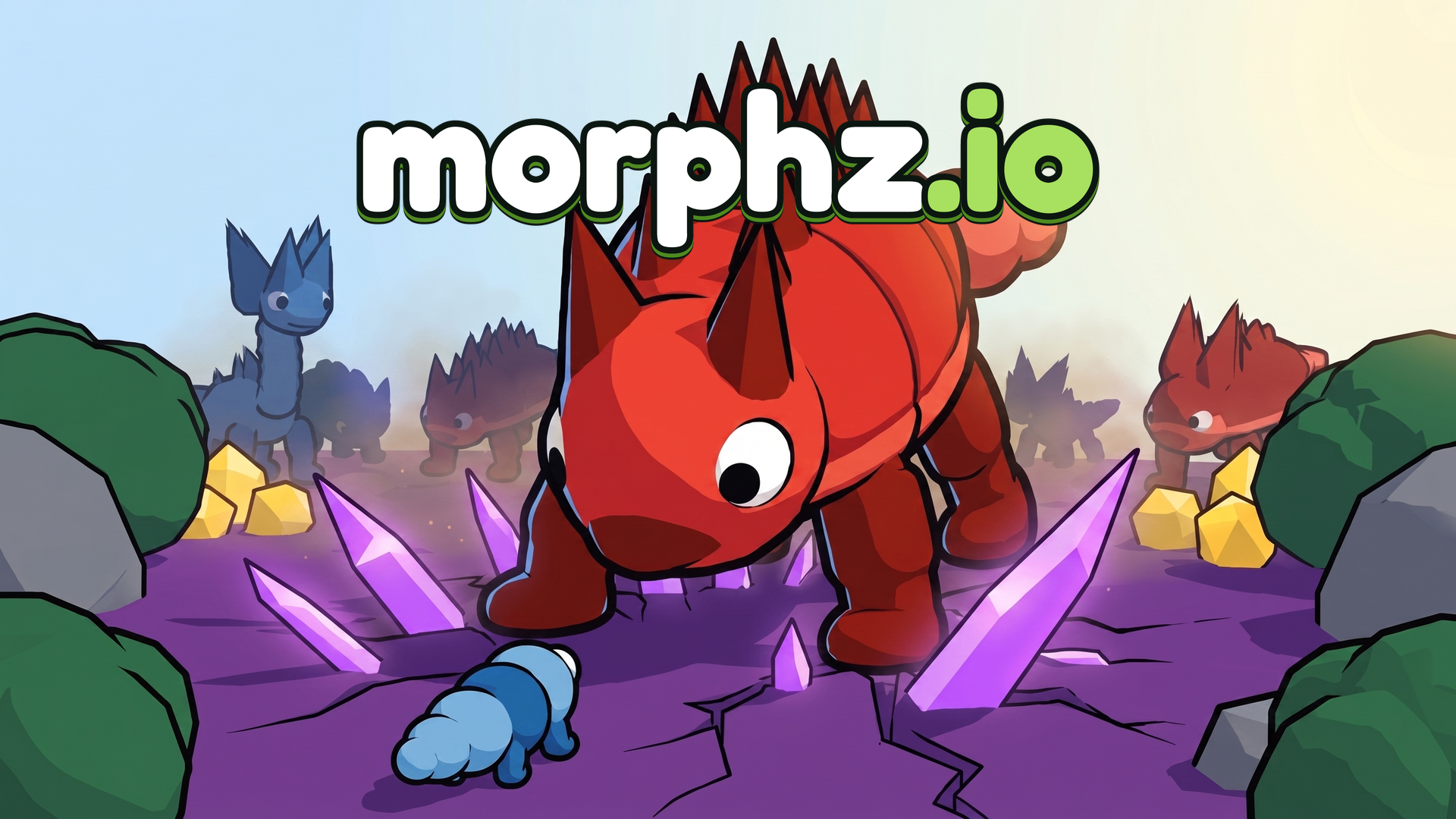
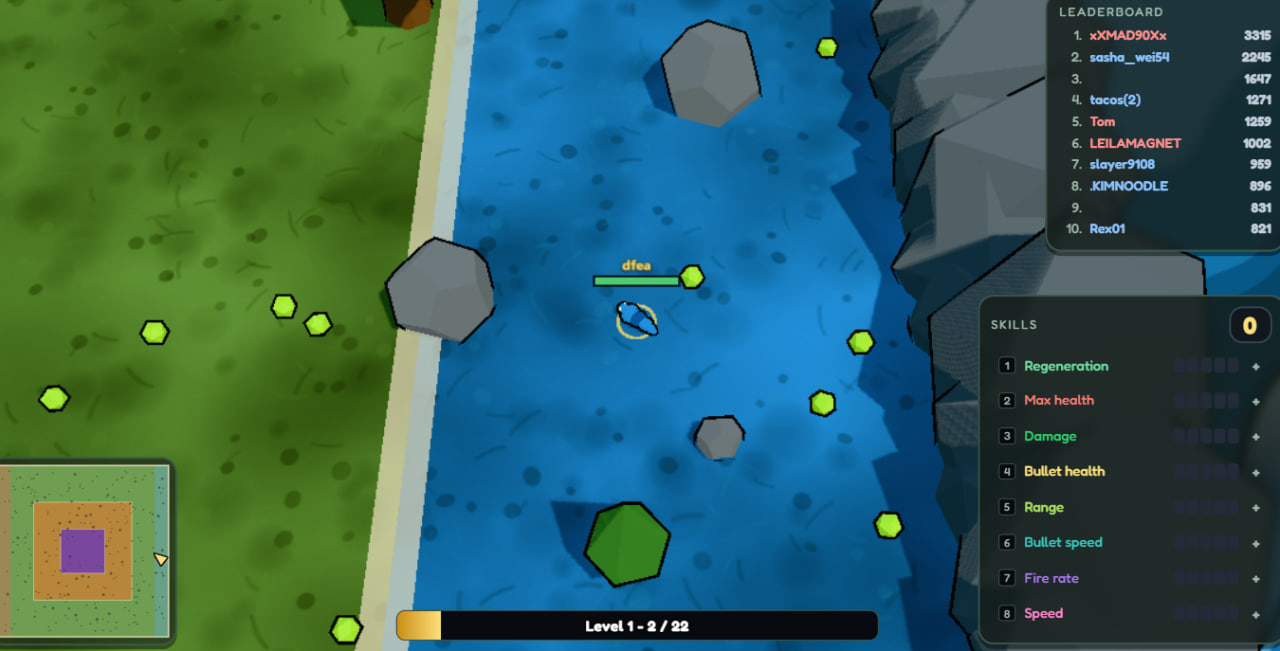
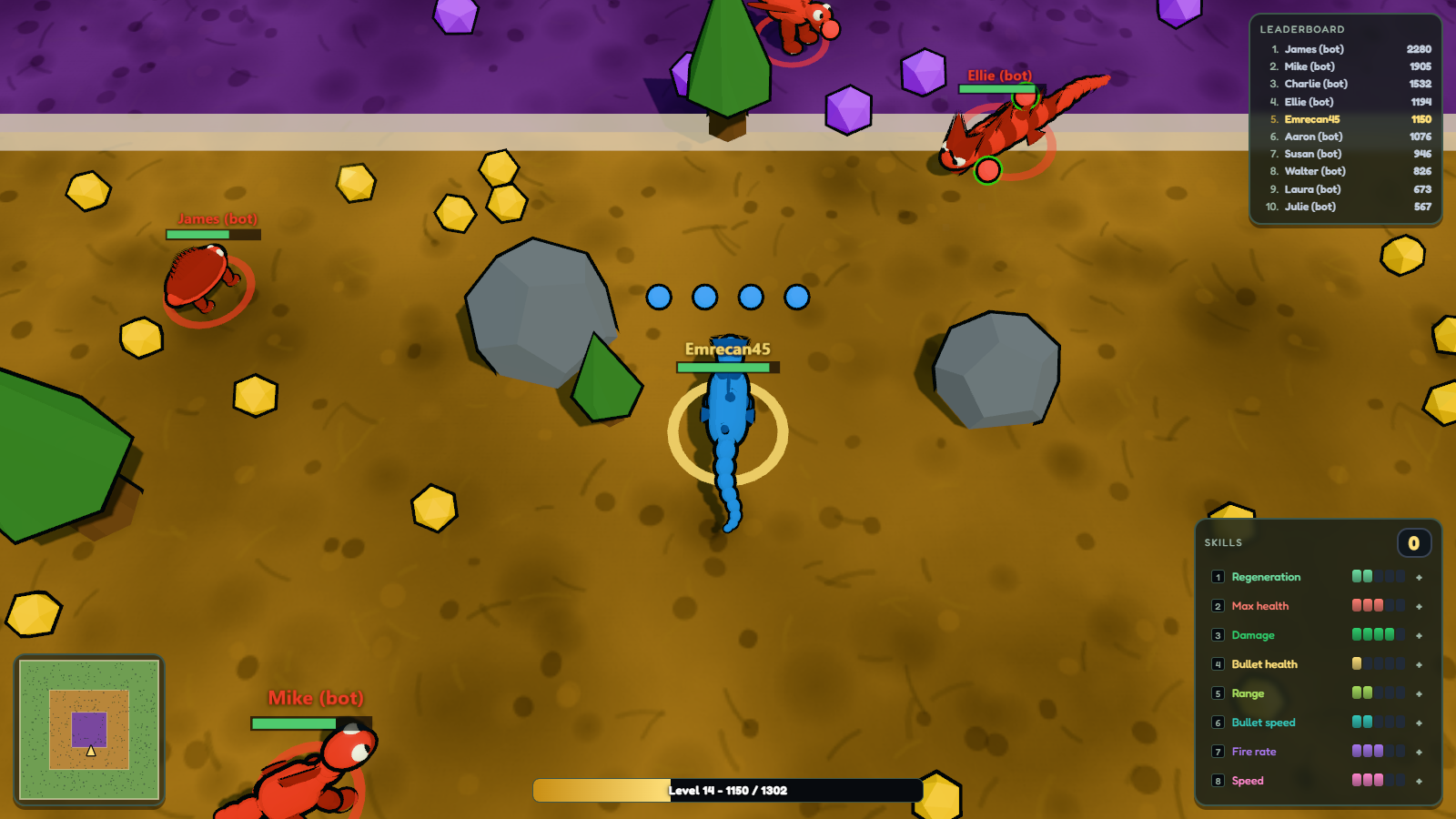
morphz.io is a 3D evolution .io game where every run begins with the same ridiculous grub and ends — permanently — when something bigger finds you first. The core loop is eat, grow, and choose: at each tier you pick your next creature from sixteen total, split across three branches, and each branch carries its own weapon. There is no going back once a shape is chosen, so every morph is a committed decision.
How to Play
Eating and hunting both fill the same progression bar, so leveling up happens whether you graze peacefully or pick a fight. Every level gained and every morph completed awards skill points to distribute across your abilities. The environment plays a role too: rocks and trees block bullets, and bushes provide cover. Death ends the run entirely — no checkpoint, no second chance, straight back to the grub.
Controls:
- WASD or Arrow keys (PC) / Left stick (Mobile): Move
- Mouse (PC) / Right stick (Mobile): Aim
- Left click or Space (PC) / Hold right stick (Mobile): Shoot
- Keys 1 to 8: Choose a shape or a skill
- Escape or P: Pause
- M: Mute
7. Twisty.io
Quick Info
- Genre: Survival, .io
- Developer: PlayKovo
- Rating: 4.1/5.0 (4 ratings)
- Platforms: PC, Android, iOS
Screenshots
What’s the Point?
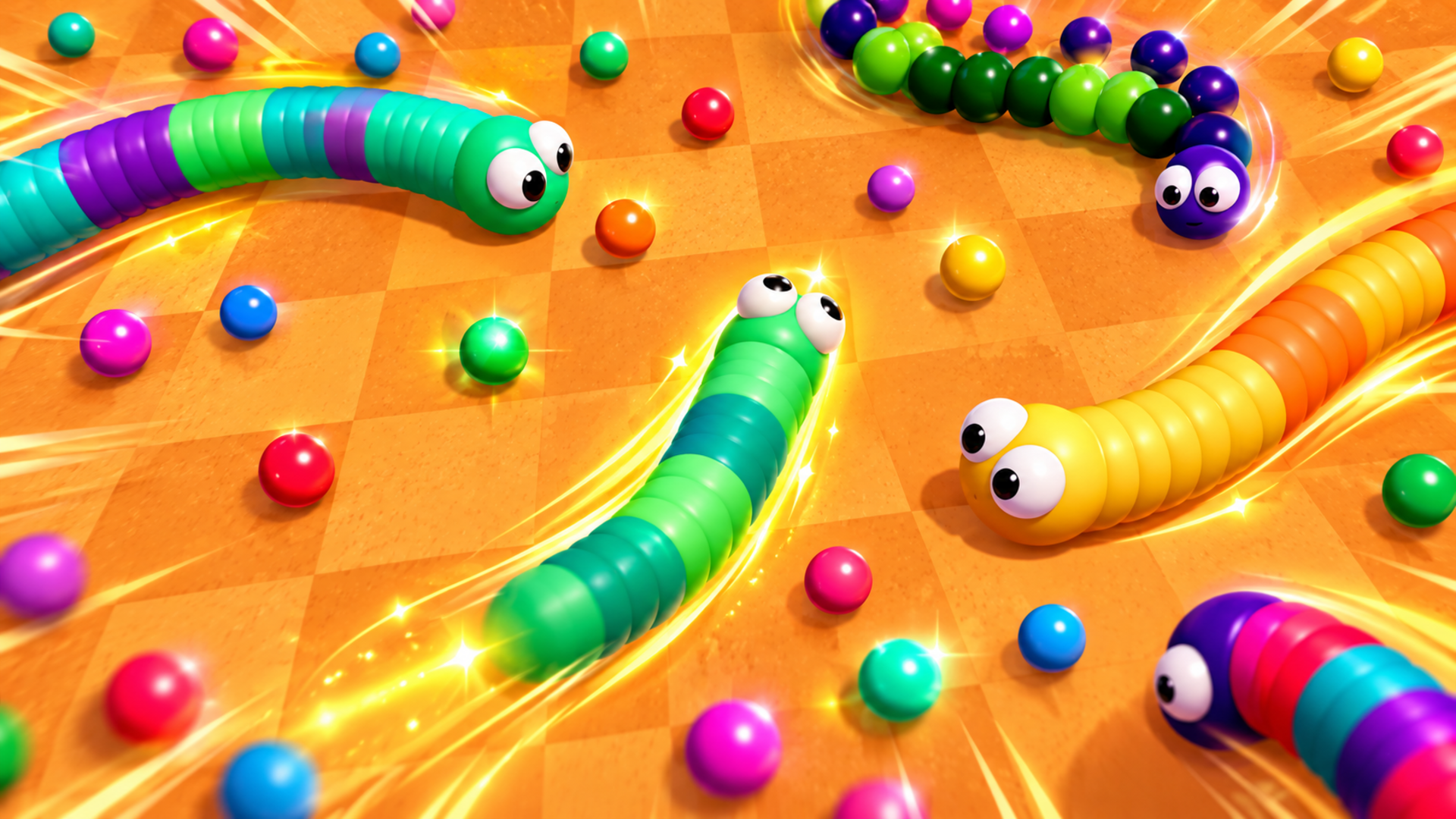
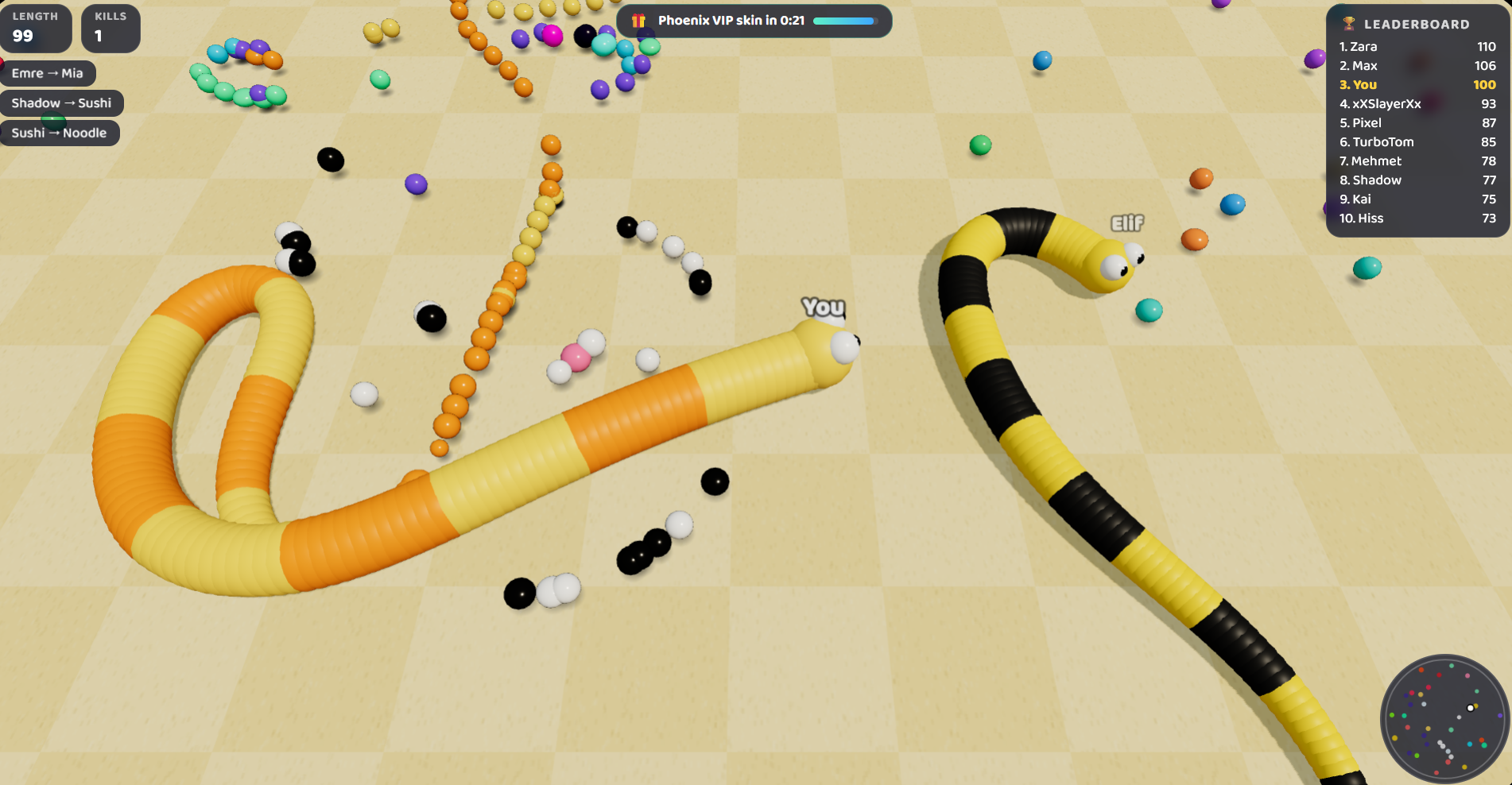
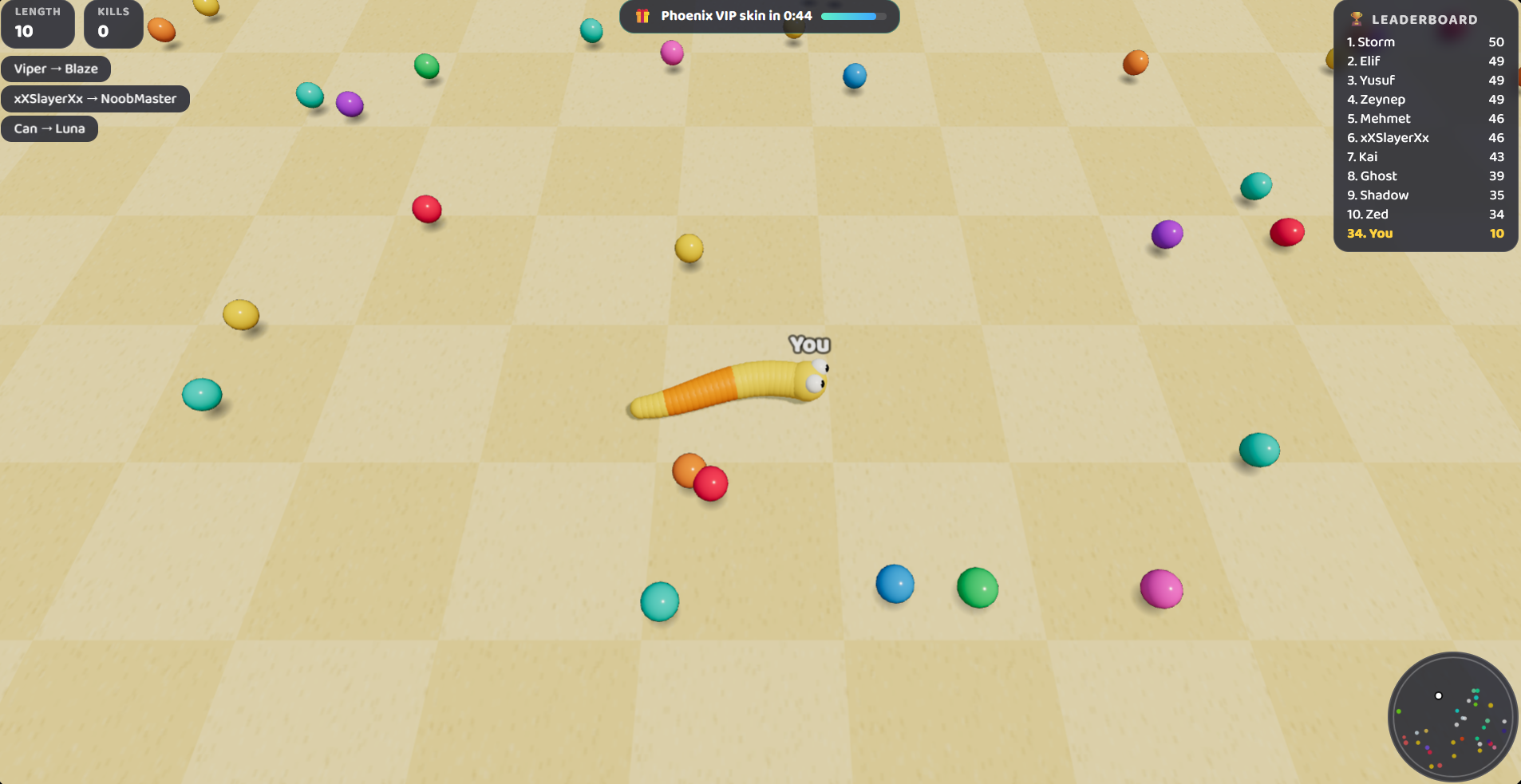
Twisty.io drops you into a fast, free 3D snake battle where the goal is simple and the competition is relentless. Slither around a colorful arena, eat glowing candy to grow longer, and outsmart a crowd of rival snakes. Boost past opponents, cut them off, and make them crash into your body to turn them into a feast of food. After each round, coins go straight into your pocket to spend in the shop on skins and trail effects.
How to Play
Eat the glowing candy scattered across the arena to grow longer and climb the leaderboard. If your head touches another snake’s body or the arena wall, you are out. Boost to cut off rivals and force them to crash into you — but boosting burns length, so use it wisely. When a snake dies it drops all its food, making it worth circling the big snakes and grabbing the leftovers. Coins earned after each round can be spent in the shop.
8. SnakeWar.io
Quick Info
- Genre: Snake, .io
- Developer: Next Games
- Rating: 4.1/5.0 (87 ratings)
- Platforms: PC
What’s the Point?
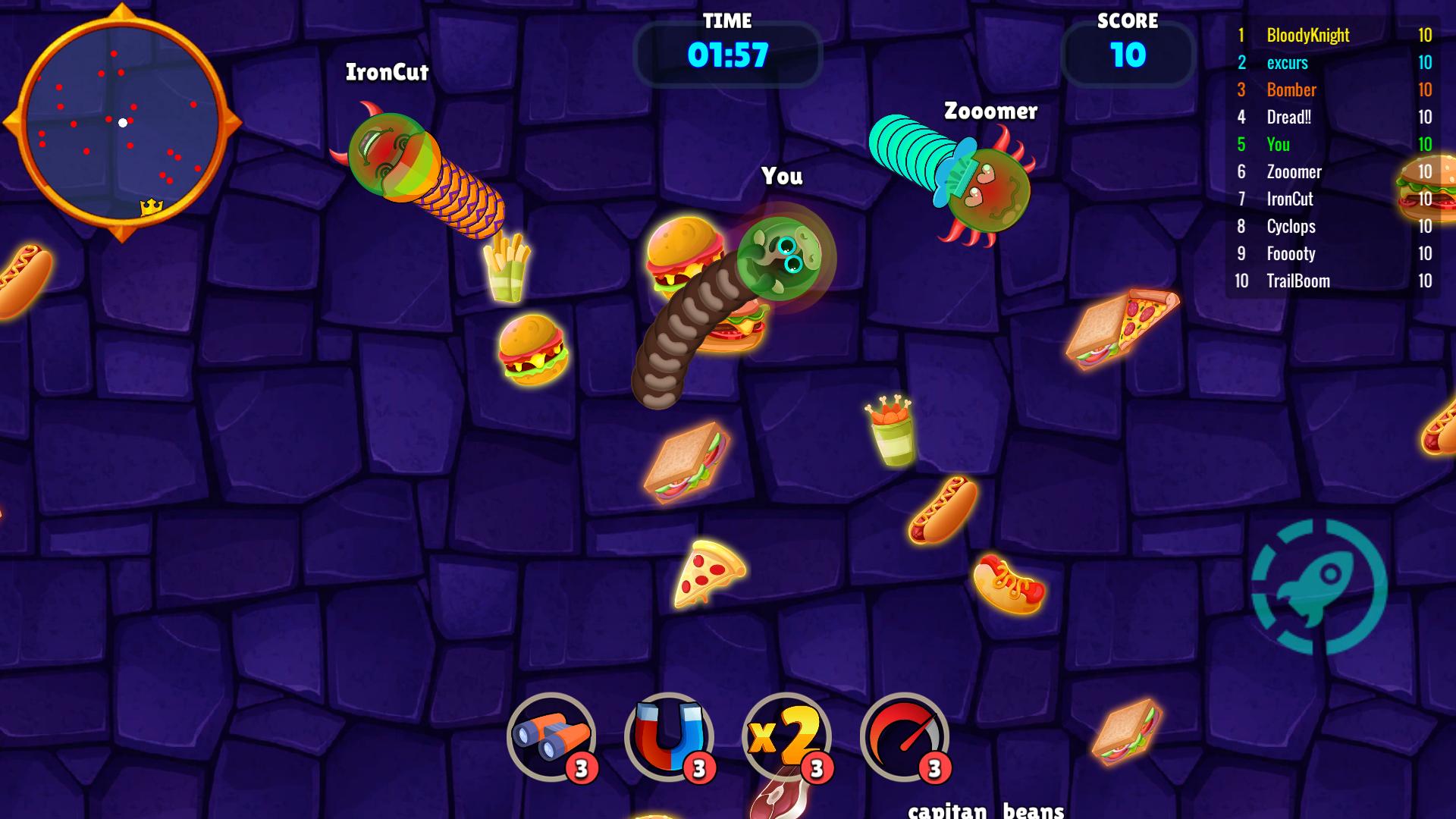
SnakeWar.io drops you into a competitive arena where survival comes down to being the smartest and fastest player on the map. The goal is straightforward: grow the longest snake by eating fruits, eliminating rivals, and climbing the leaderboard. The game runs on classic snake logic fused with modern IO-style competition, presented from a top-down 2D perspective with flat vector graphics that keep things running lag-free on any device.
How to Play
Grow your snake by collecting fruits scattered across the map. The bigger your snake becomes, the more dangerous it is to other players. Force enemy snakes to crash headfirst into your body to eliminate them — the moment another snake’s head touches your body, that snake is instantly destroyed and explodes into a large pile of fruits. Grab those dropped fruits quickly before other players swoop in and take them.
Controls:
- Mouse Movement: Move snake
- Left Click (hold): Boost speed
9. Bus.io

Quick Info
- Genre: Snake, Arcade
- Developer: Studio
- Rating: 4.1/5.0 (7 ratings)
- Platforms: PC, Android, iOS
Screenshots
What’s the Point?
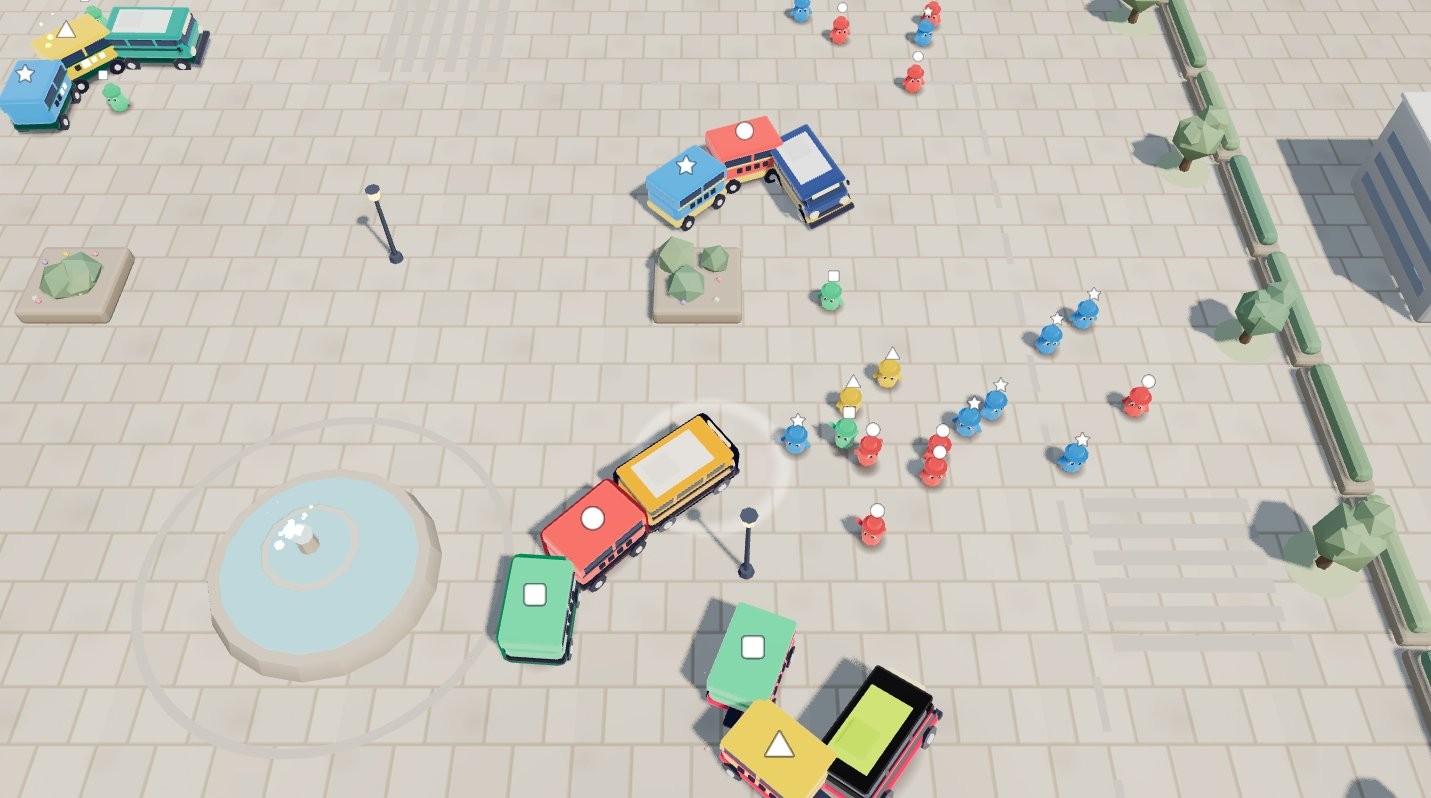
Bus.io is a colour-sorting io arcade game where you drive a bus through the city, picking up riders whose colour matches your carriages. Fill carriages to grow your bus longer, steal riders from rival buses, and knock their carriages off with a well-aimed bump. The game spans 25 levels across 4 worlds — Downtown, Sunny Boardwalk, Snowy Village, and Neon City — with boss buses, bus stops, power-ups, and rush hours keeping each run lively. A new Daily Route arrives every day, and an Endless mode is always available. Bus.io is available in 7 languages.
How to Play
The goal is to grow the longest bus and win each level before time runs out. Match riders to your carriage colours to fill those carriages, which extends your bus. Steal riders from rival buses and bump into rivals to knock off their carriages. Avoid losing your own carriages while chasing the level goal.
Controls:
- Drag (finger or mouse): Steer the bus anywhere on screen
- Arrow keys / WASD: Steer the bus on desktop
10. ObbloxGun.io 3D FPS Shooter
Quick Info
- Genre: Obby, .io
- Developer: BKGames
- Rating: 4.4/5.0 (104 ratings)
- Platforms: PC, Android, iOS
Screenshots
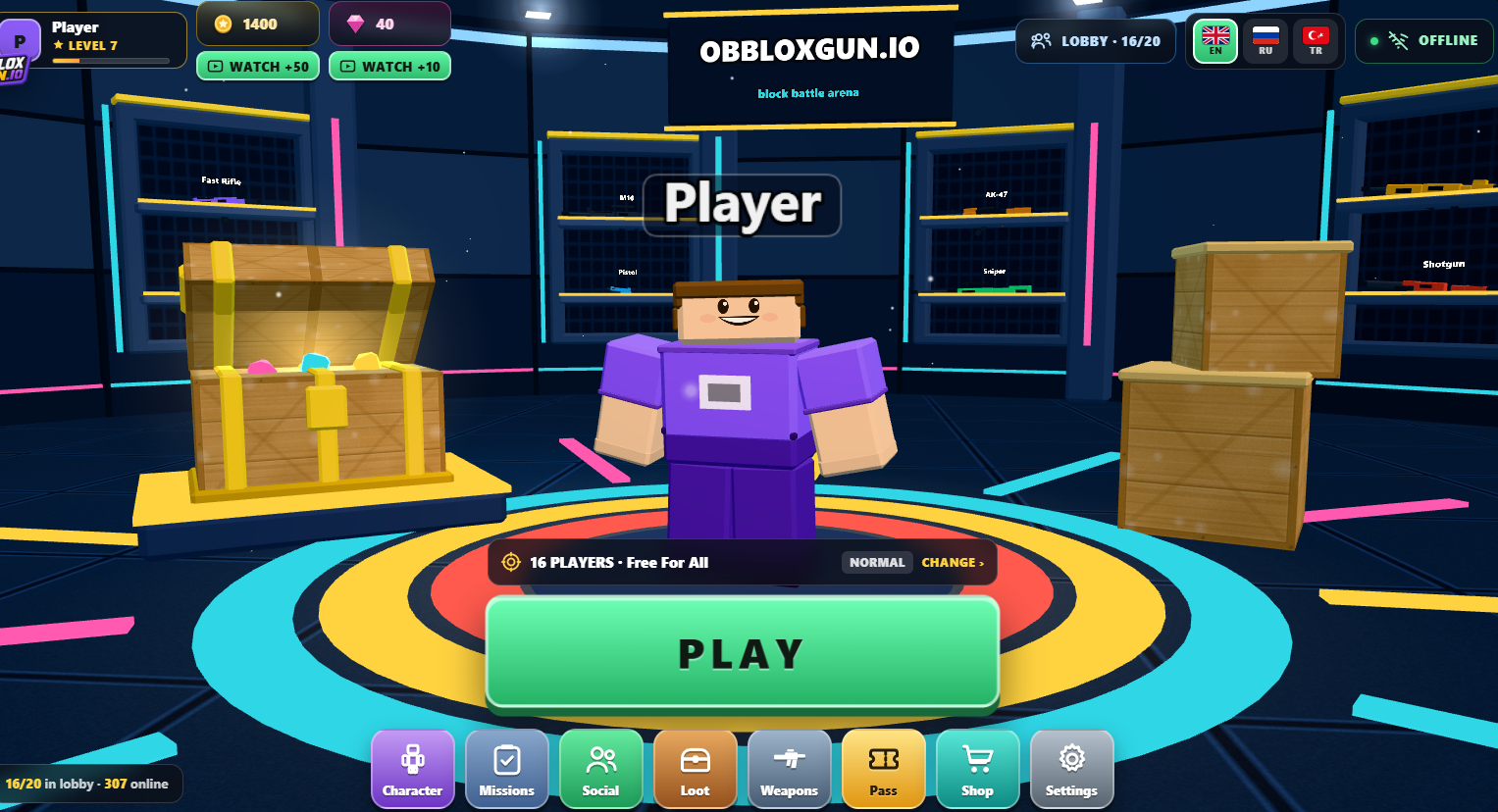
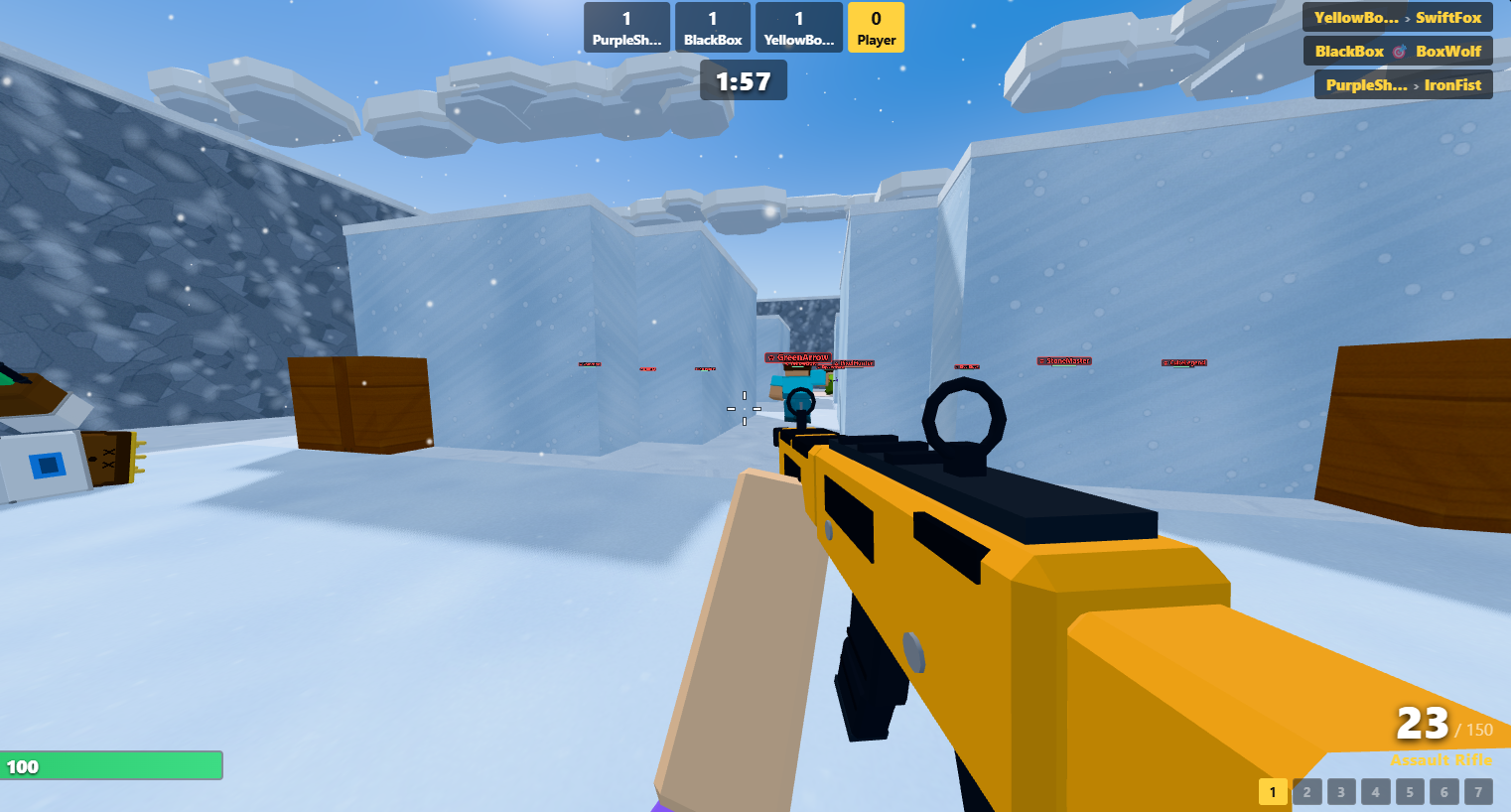
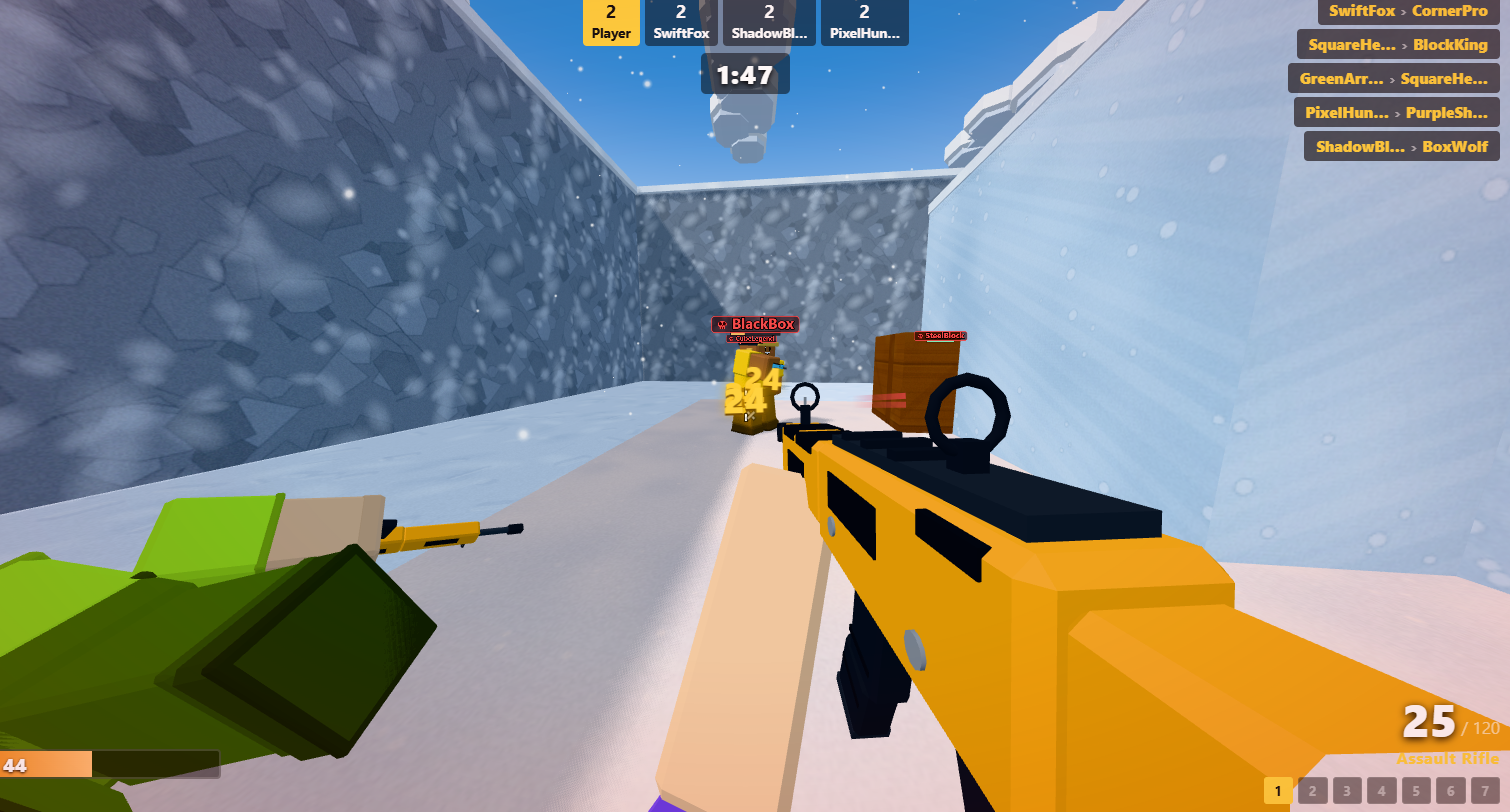
What’s the Point?
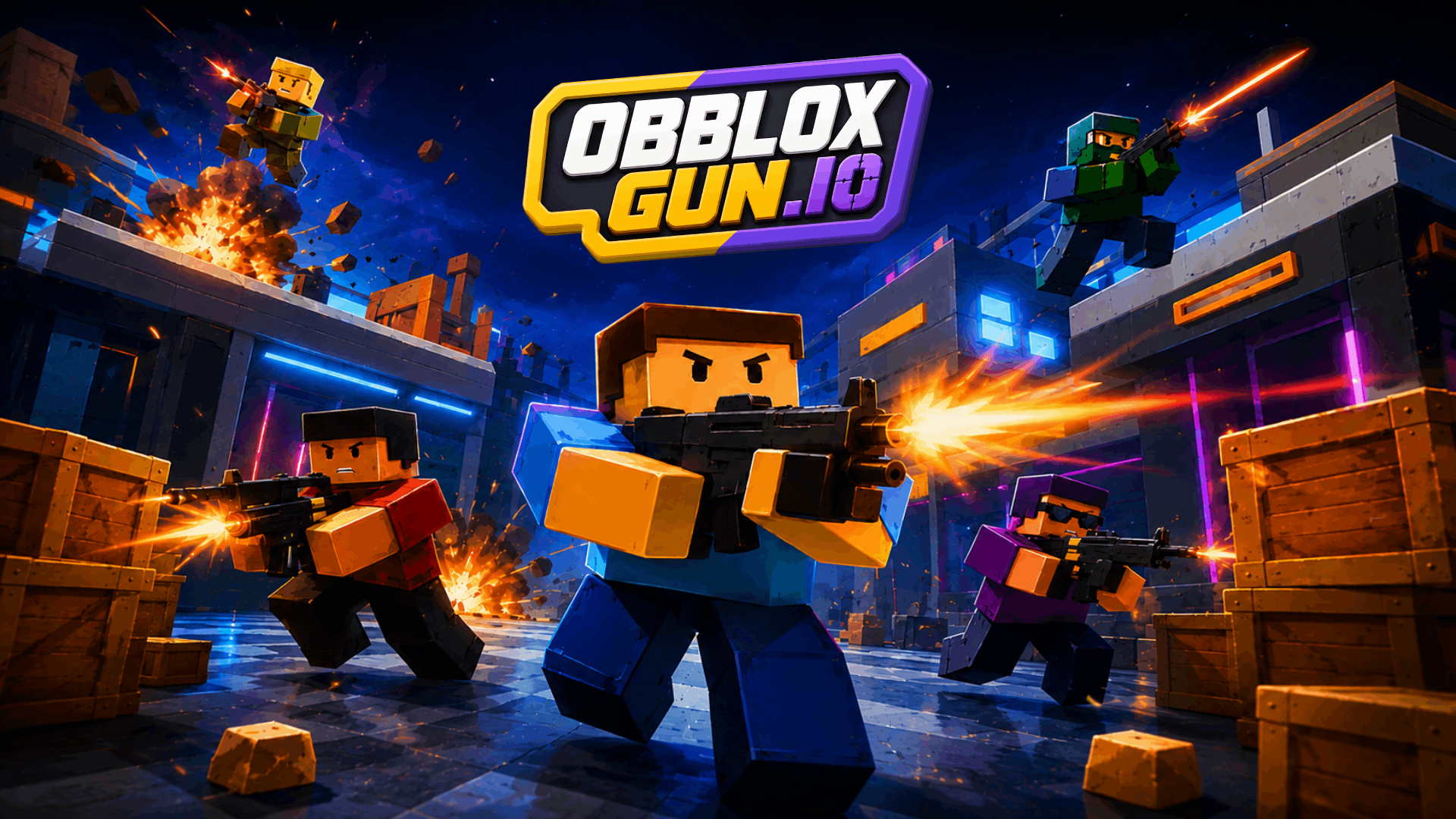
ObbloxGun.io 3D FPS Shooter drops players into fast-paced first-person combat where blocky visuals meet competitive multiplayer battles. Colorful 3D maps are built for quick, action-packed matches against opponents from around the world, and the goal is simple: eliminate enemies, earn coins, unlock powerful weapons, and climb to the top of the leaderboard. Precise aim and fast reflexes decide the outcome.
How to Play
Jump into arena matches, eliminate opponents, and work toward becoming the top shooter. Earning coins lets you unlock new guns, and improving your aim and reflexes is central to dominating the battlefield.
Controls:
- WASD keys: Move
- Left mouse button: Shoot
- Mobile touch controls: Fully supported; Auto Aim and Auto Fire are enabled on mobile devices
11. Snake.ioPro

Quick Info
- Genre: Snake, .io
- Developer: HicKupu
- Rating: 4.2/5.0 (293 ratings)
- Platforms: PC, Android, iOS
Screenshots
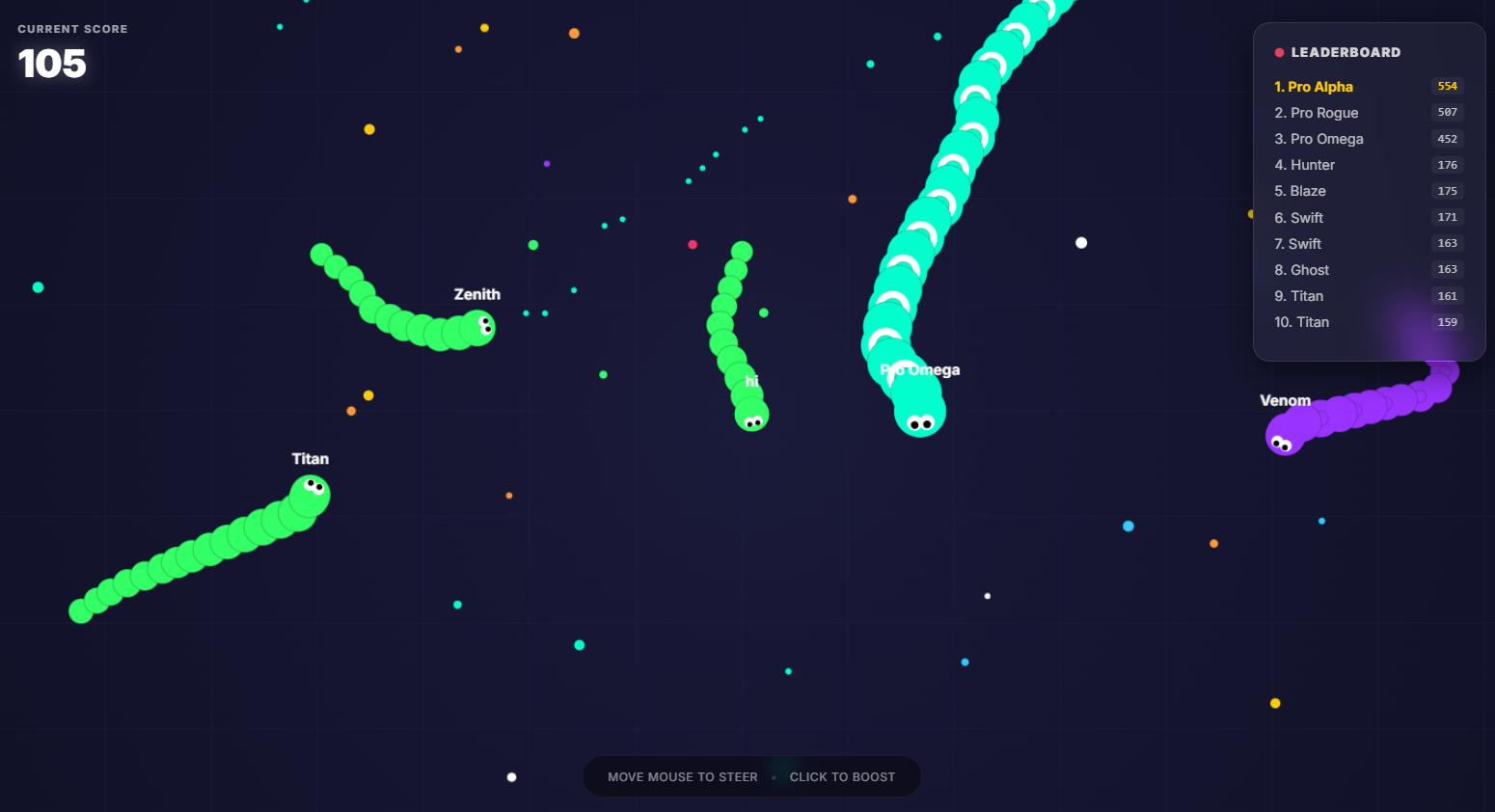

What’s the Point?
Snake.ioPro drops you into a massive neon arena where the objective is to grow your snake longer than every rival on the leaderboard. The arena is never empty — smart AI bots and designated “Pro” challengers constantly pressure you, looking for any opportunity to cut you off. One collision ends your run immediately, so every decision carries real weight. The game moves fast, and the competition is relentless.
How to Play
Glowing food particles are scattered across the map; collecting them increases both your snake’s length and your score. When you force an opponent into your body and they explode, they leave behind a trail of high-value food — a strong incentive to play aggressively. The red arena borders are just as deadly as rival snakes, so staying aware of the edges is essential.
Controls:
- Mouse movement (Desktop): Steers your snake’s direction
- Left Mouse Button — click and hold (Desktop): Activates speed boost
- Virtual Joystick (Mobile): Guides your snake’s direction
- Right Side of Screen — tap (Mobile): Activates speed boost
12. Ants Io
Quick Info
- Genre: Survival, Arcade
- Developer: wavegame
- Rating: 4.1/5.0 (101 ratings)
- Platforms: PC, Android, iOS
What’s the Point?
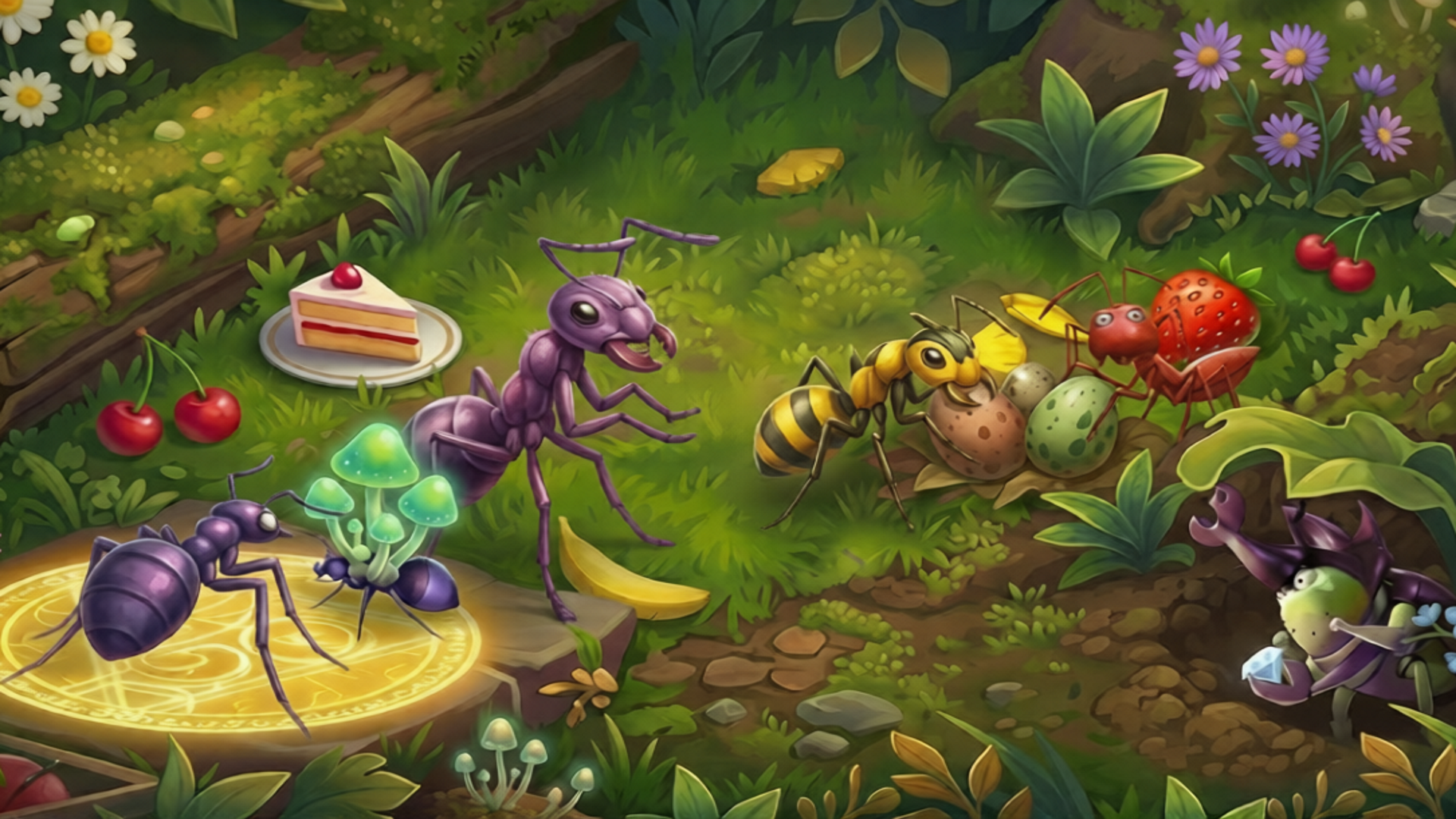
Ants Io drops you into a microscopic multiplayer arena where a single hungry ant must grow into the ruler of the nest. The core philosophy driving every match is “Survive and Expand”—you collect food scattered across the map to lengthen your colony while dodging rivals large enough to end your run in an instant. Fluid colony-following mechanics keep movement feeling alive, and the dynamic pace means every bite shifts the balance of power on the leaderboard.
How to Play
Consuming food is the engine of everything in Ants Io. Each piece you eat increases your length and the overall size of your colony. The real skill lies in maneuvering opponents so their heads collide with your trail, converting them into a burst of energy you are able to absorb. The ultimate objective is to outlast every rival and claim the top spot on the leaderboard as the Ant King.
Controls:
- Mouse Movement: Control the direction of your ant
- Left Click / Spacebar: Consume energy to boost speed and intercept rivals
- On-Screen Joystick: Drag to move in any direction
- Boost Button: Tap the designated button for a temporary speed burst
13. Tall io
Quick Info
- Genre: Runner Brawler
- Developer: Orange B
- Rating: 3.9/5.0 (5033 ratings)
Gameplay Video
Watch real gameplay footage
Screenshots
Player collects green blocks
Player avoids red blocks
Player navigates sawblade obstacle
What’s the Point?
This is a hyper-casual runner where you control a stick figure collecting colored blocks to increase your size and number. The game uses a ‘grow your crowd’ mechanic: as you collect blocks, your character multiplies or gets taller. You encounter other colored stick figures (opponents) along the way. When you collide with a smaller opponent, they’re eliminated with a blood-like splash effect, and you absorb their blocks. The goal is to be the biggest by the end. The visuals are low-poly with simple textures and basic lighting. The game is clearly designed for mobile, with straightforward mechanics and a low barrier to entry. It’s the kind of game you play for 3 minutes while waiting for something.
Personal Experience
From the author: I started as a small green stick figure and began collecting green blocks. My character grew taller with each pickup, indicated by a number above my head. The controls were simple—just move in the direction I wanted to go. After a few seconds, I collided with a red opponent who was smaller than me, and they exploded with a satisfying splash. I collected their blocks and continued running. The game is mindless and repetitive, but there’s something oddly satisfying about watching your number increase. I played for about 4 minutes before getting bored.
How to Play
Controls: Arrow keys or WASD to navigate. Collect colored blocks to grow. Avoid obstacles. Engage in combat with opponents
Goal: Collect blocks to increase your size, avoid larger opponents, eliminate smaller ones, and reach the goal
Performance & Browser Compatibility
Speed: Instant loading, smooth 60 FPS, very lightweight
Works best on: Mobile (designed for touch controls)
Browser: Chrome, Firefox, Safari (HTML5)
Who is this game for?
Casual mobile gamers aged 8-16 who want extremely simple, quick sessions with minimal commitment. Perfect for 2-5 minute bursts while waiting for something. The low entry barrier and straightforward mechanics make it accessible to everyone, but it’s too shallow to hold attention for long. If you’re looking for depth or replayability, skip this.
Pros & Cons
✅ Pros
- Extremely simple, instant gratification
- Lightweight and runs smoothly
- Satisfying growth mechanic
⛔ Cons
- Zero originality, generic hyper-casual clone
- Gets boring within 3 minutes
- Visually basic, even for mobile
Discover More IO Games
Frequently Asked Questions
Are these .io games safe for kids?
Yes, all these games are browser-based and don’t require downloads or personal information. Most are suitable for ages 8 and up.
Can I play these games offline?
No, all .io games require an active internet connection since they’re multiplayer and run in your browser. However, they’re lightweight and don’t consume much bandwidth once loaded, so even a moderate connection will work fine. You won’t need a high-speed connection to play smoothly.
Do these games work on mobile devices?
Most of them work on mobile, but the experience varies. Check the ‘Works best on’ section for each game.
Why do some .io games look so similar?
Because most of them are clones. The .io genre is notorious for games copying successful formulas (Agar.io, Slither.io, Diep.io) with minimal changes. Games like Slither Classic, SlitherCraft.io, and Eat Blobs Simulator are all variations of the same core mechanics. The originality score in each review will tell you how derivative a game is.