










Chess Online Playing










About Chess Online Playing: Classic Chess for Amateurs and Professionals
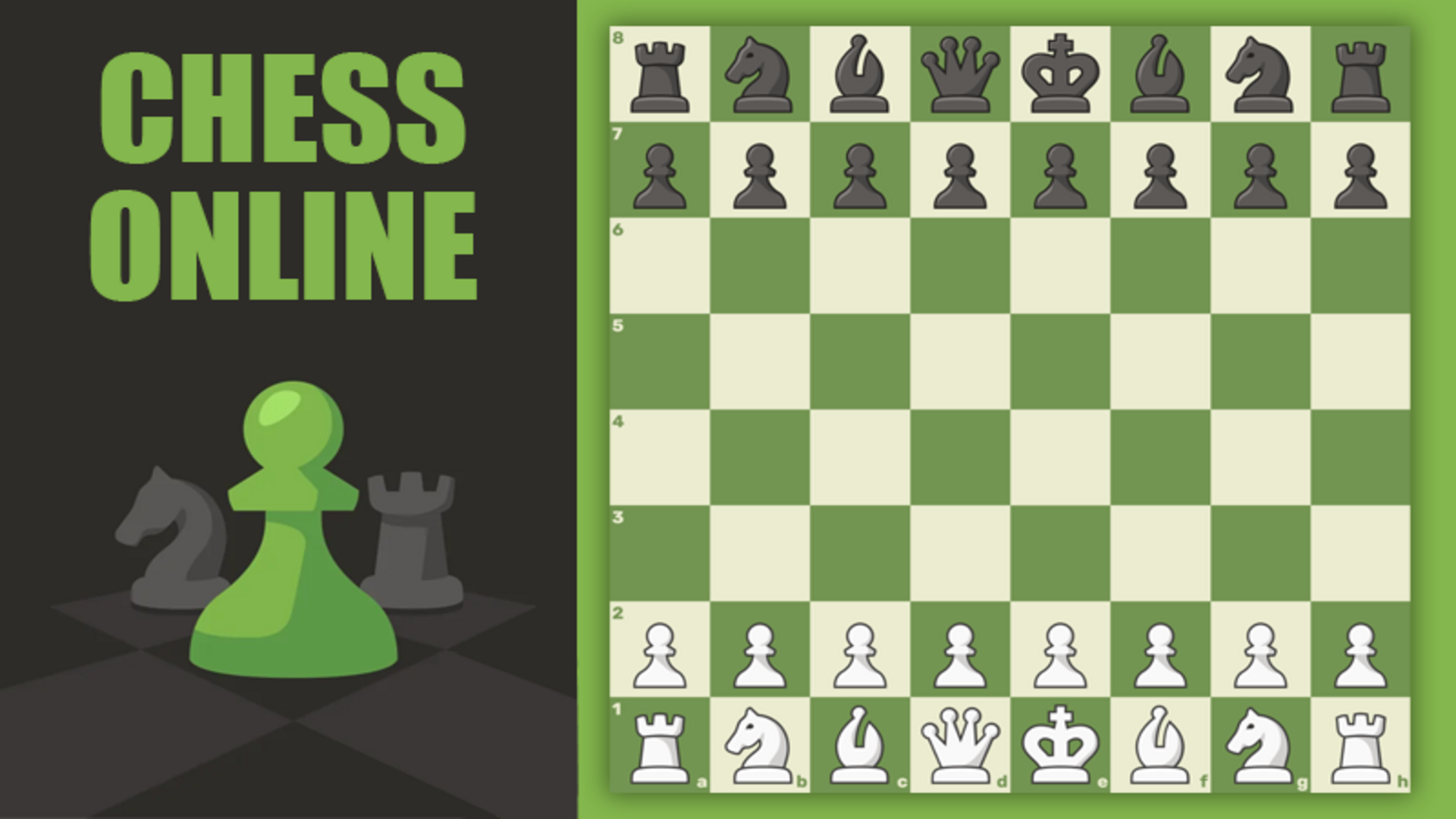
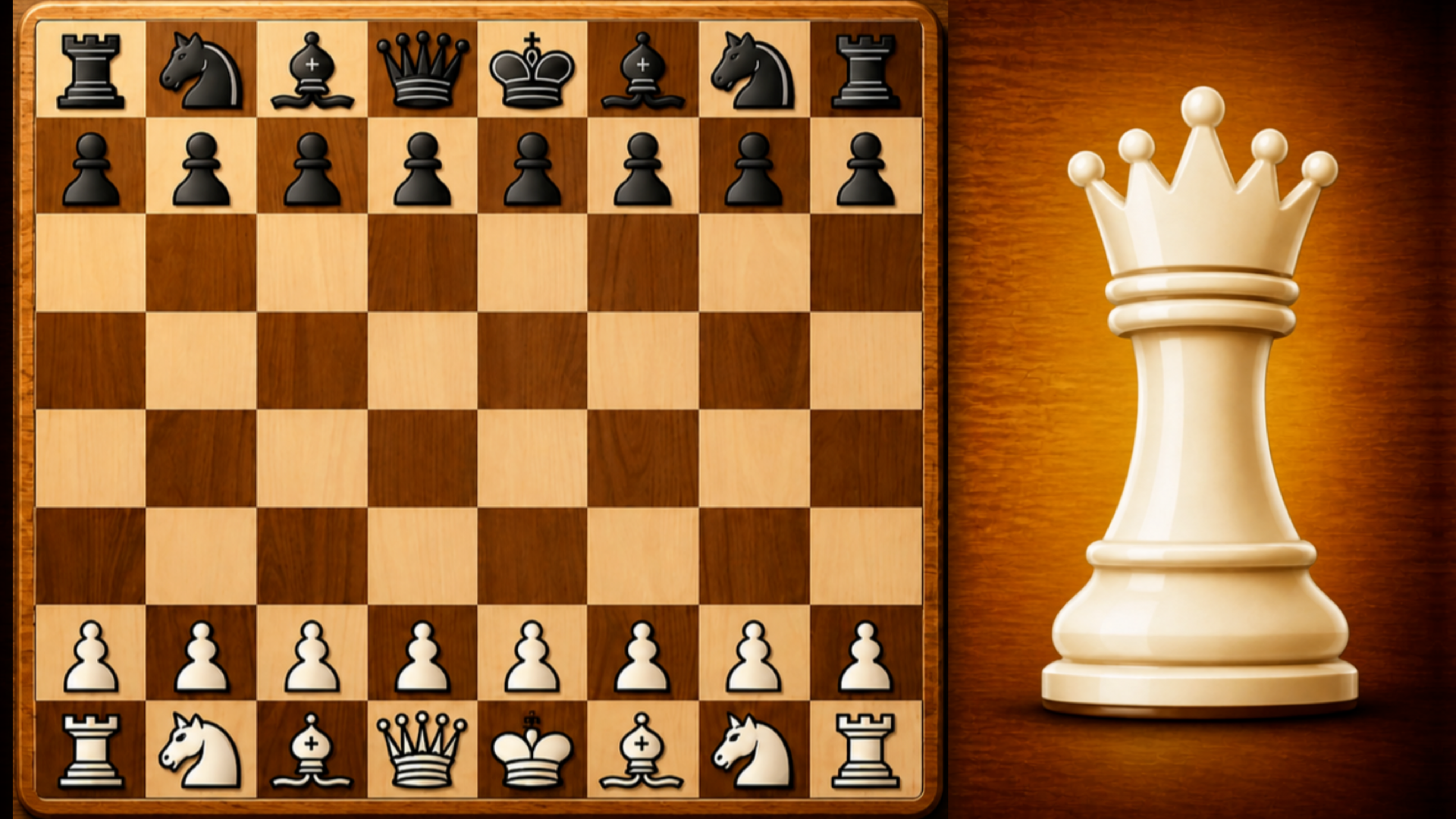
Chess Online Playing is a free online chess game built with full functionality for both amateurs and professionals. The classic game arrives in a modern version, offering three distinct ways to compete: against real opponents from around the world, against an AI opponent, or with friends in private or shared sessions.
How to Play Chess Online Playing: Checkmate the King or Win on Time
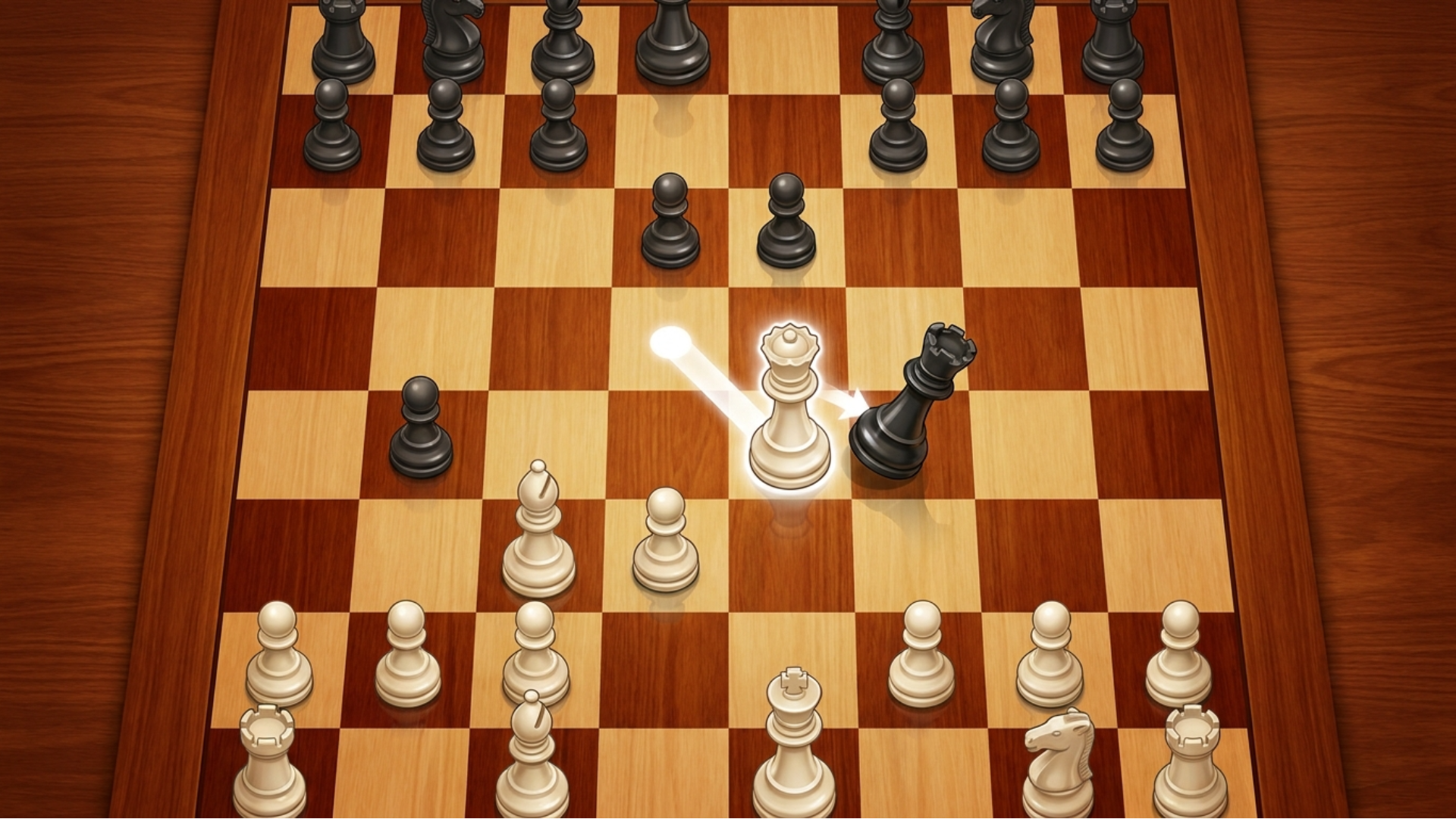
Open the main menu, click "Play," and choose a mode — online, with a computer, or with a friend. To make a move, select one of your pieces and then select the destination square. The goal is to checkmate the opponent's king or win on time.
Game Modes
- With real players: Challenge opponents from around the world online, increase your rating, and prove your superiority.
- With a computer: Train against an advanced AI with a difficulty level ranging from beginner to master.
- With friends: Create a private room for an online battle, or play classic mode on the same phone by passing the move to each other.
Themes and Appearance
- Open the "Themes" section to change the appearance of the pieces and the board.
- Select options in the "Shape type" block to adjust piece style.
- Select options in the "Board type" block to adjust the board appearance.
Controls
- Click piece: Select the piece to move
- Click destination square: Place the selected piece on that square
Games You Might Like
For more competitive chess action, the full Chess games category on Playgama covers everything from casual play to rated matches. Chess Online Multiplayer similarly lets you face the computer, play online opponents, or share a screen with a friend — no registration needed. CHESSVOLA focuses on real-time rated matches with multiple time controls and a clean browser interface built for fast play. Chess Pro challenges you to devise tactical approaches against the computer or a friend on the same device. Master Chess sharpens your tactics against AI or live opponents from around the world.
Browse the Two Player games collection for more head-to-head board and strategy titles, or explore the broader Multiplayer games category for competitive options beyond chess.
Video
Use this link to embed the game on your website using an iframe
 Sign in to Embed and Monetize Games