I just finished testing 10 soccer games that claim to deliver the football experience without downloads. Some were surprisingly solid. Others felt like they were coded during a halftime break. The biggest surprise? A Roblox-style multiplayer game that actually kept me playing for 30 minutes straight, and a penalty shootout that made my palms sweat more than I’d like to admit. Here’s what I found after kicking virtual balls around for way too long.
TL;DR (Quick Summary)
- Total Games: 10 browser games tested
- Tested on: MacBook/PC, Chrome browser, no special hardware
- Average Rating: 4.2/5.0
Quick Comparison Table
| # | Game | Genre | Key Feature | Rating |
|---|---|---|---|---|
| 1 | Ragdoll Soccer | Ragdoll | Stickman, Sports | 4.6/5.0 |
| 2 | Soccer Dash | Skill | Arcade, Sports | 4.7/5.0 |
| 3 | Soccer Legends 2026 | Ball | Sports, Arcade | 4.4/5.0 |
| 4 | Penalty Challenge | Penalty Shootout | Swipe-to-kick mechanics | 4.8/5.0 |
| 5 | Soccer Random | Physics-Based Arcade | Chaotic randomness | 4.3/5.0 |
| 6 | Button Soccer 2026 | Sports | Arcade, World Cup | 4.5/5.0 |
| 7 | Goalkeeper Wiz | Goalkeeper Sim | Glove-based saves | 4.8/5.0 |
| 8 | Football – Soccer | Simulation | Sports, Soccer | 4.4/5.0 |
| 9 | Soccer Rebound | Skill | Arcade, Sports | 4.1/5.0 |
| 10 | Italian Brainrot Head Soccer | Sports | Soccer | 4.5/5.0 |
1. Ragdoll Soccer
Quick Info
- Genre: Ragdoll, Stickman
- Developer: x7-games
- Rating: 4.6/5.0 (9125 ratings)
- Platforms: PC, Android, iOS
Screenshots
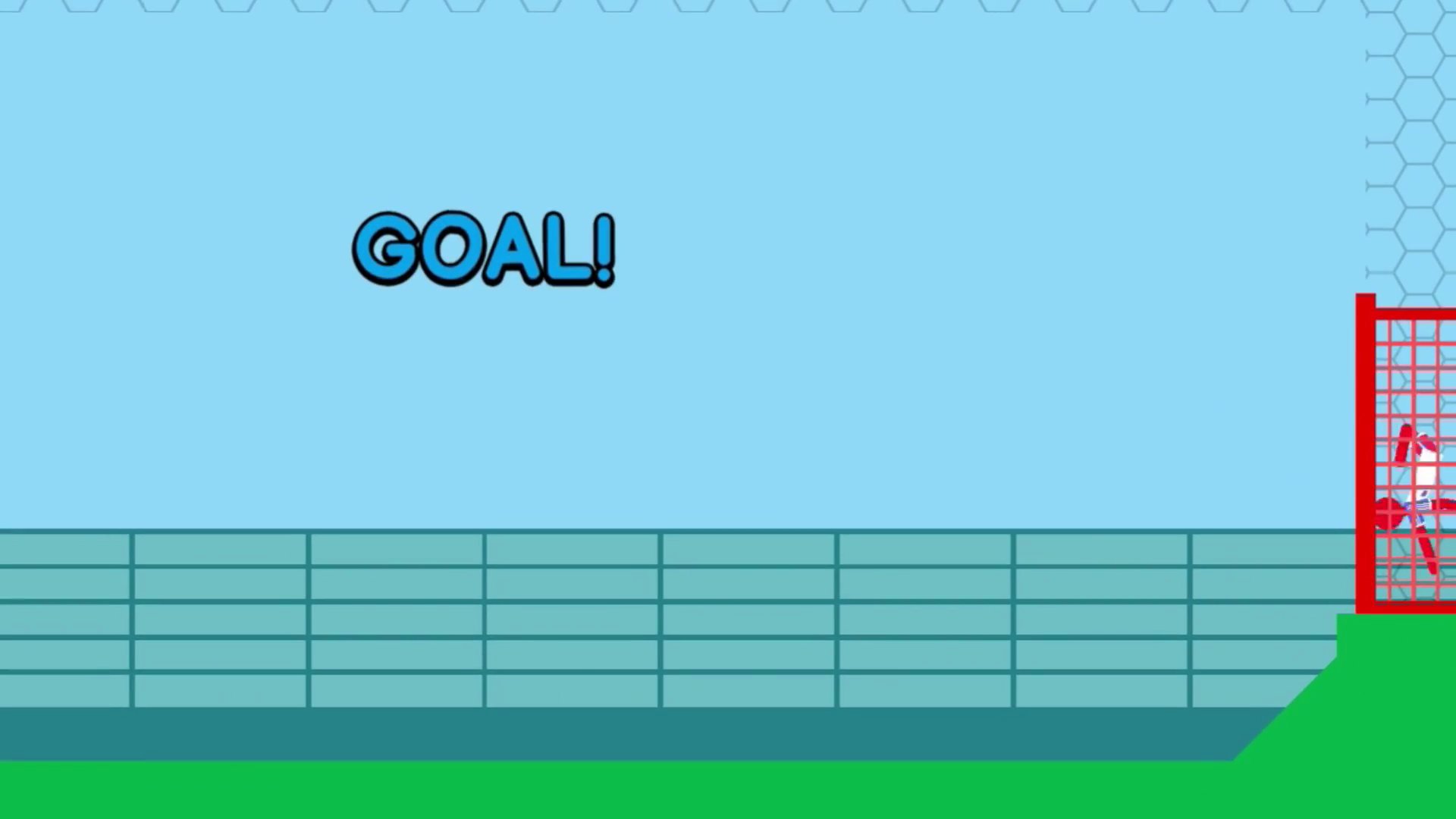
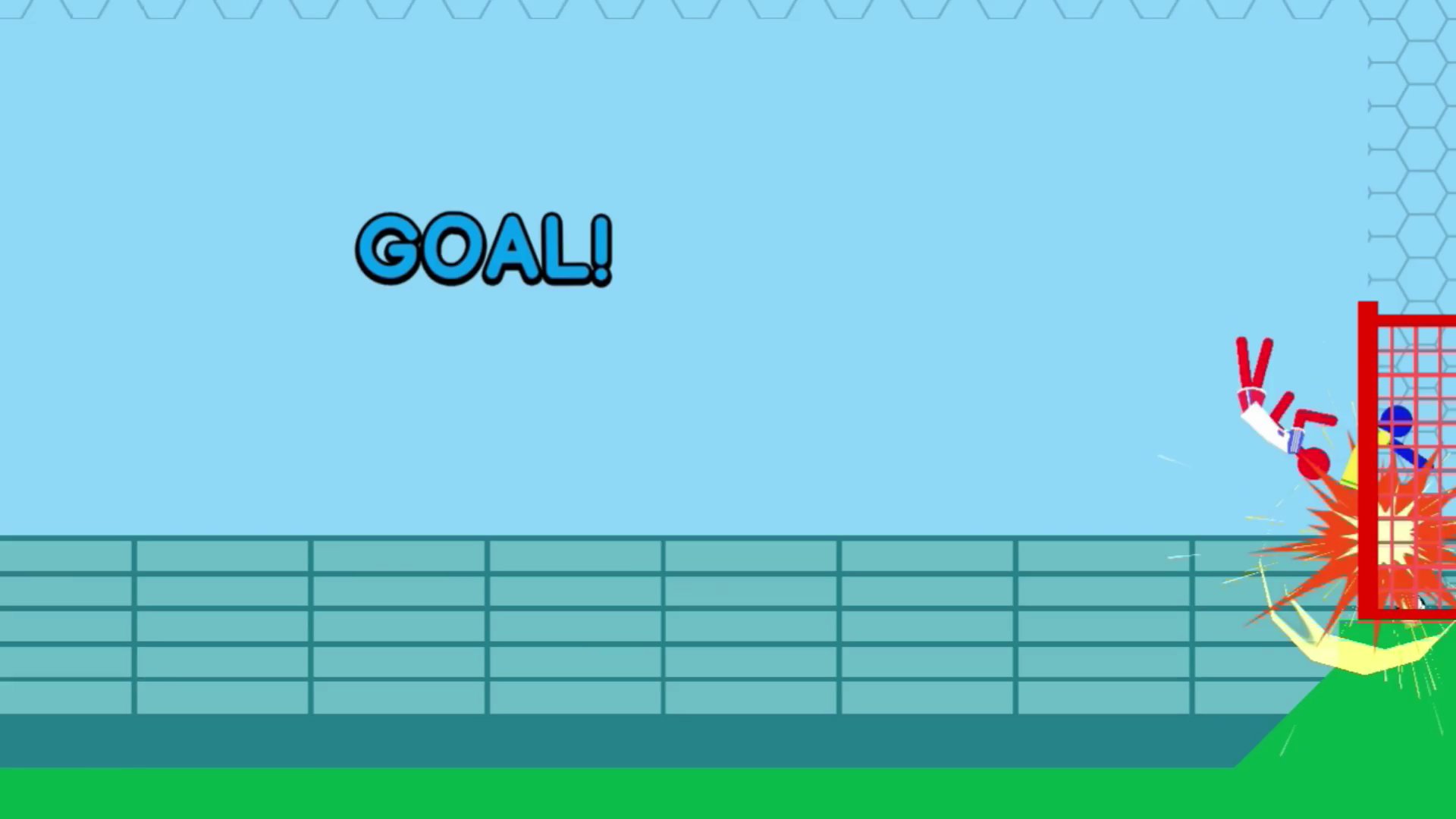

What’s the Point?
Ragdoll Soccer drops you into a 2D football match where the player character is a floppy stick figure whose ragdoll physics constantly defy expectation. The goal is straightforward — outscore your rival before time runs out — but the stickman’s unpredictable flexibility turns every kick and collision into something spontaneous. The game runs on familiar football rules: get the ball into the opponent’s net, dodge their challenges, and keep the pressure on. What sets it apart is how the ragdoll body responds to every input, adding a layer of surprise that keeps matches lively whether you’re going solo or sharing a screen with a friend.
How to Play
Control the stickman like a doll, hit the ball, and score in the opponent’s goal. The scoreboard counts down, and whoever puts more goals past the opposition when time expires wins. Kick the ball, dodge opponents, and use power-ups to swing the match in your favor. The ragdoll stickman’s flexibility means no two moments play out the same way, so spontaneity is part of every match.
Controls:
- WASD: movement (desktop)
- Q: headbutt (desktop)
- E: kick (desktop)
- Mouse: alternative control input (desktop)
- Gamepad: full controller support (desktop)
- Virtual joystick: movement (mobile)
- Virtual buttons: headbutt and kick (mobile)
2. Soccer Dash
Quick Info
- Genre: Skill, Arcade
- Developer: Mirra Games
- Rating: 4.7/5.0 (13700 ratings)
- Platforms: PC, Android, iOS
Screenshots
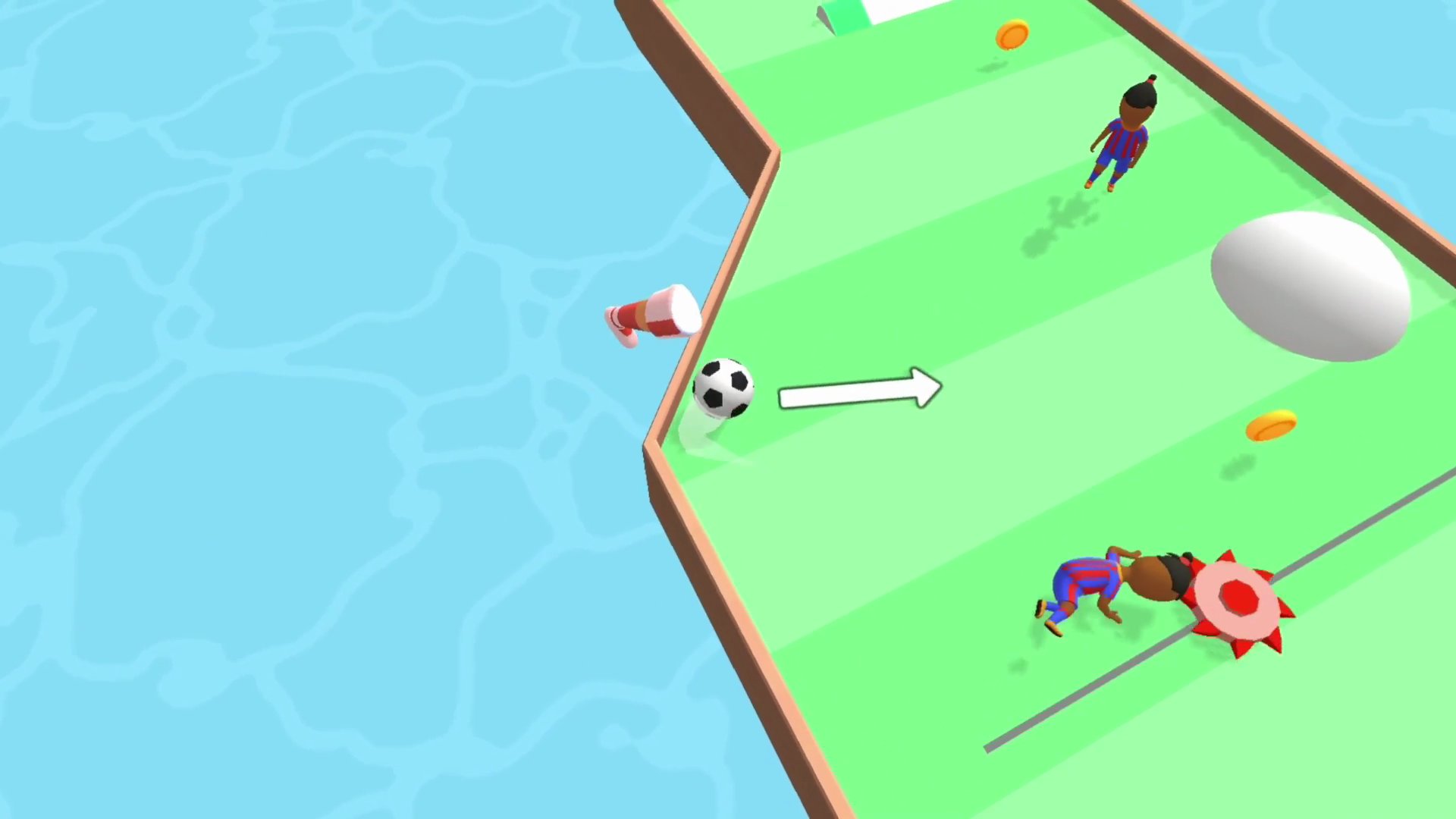
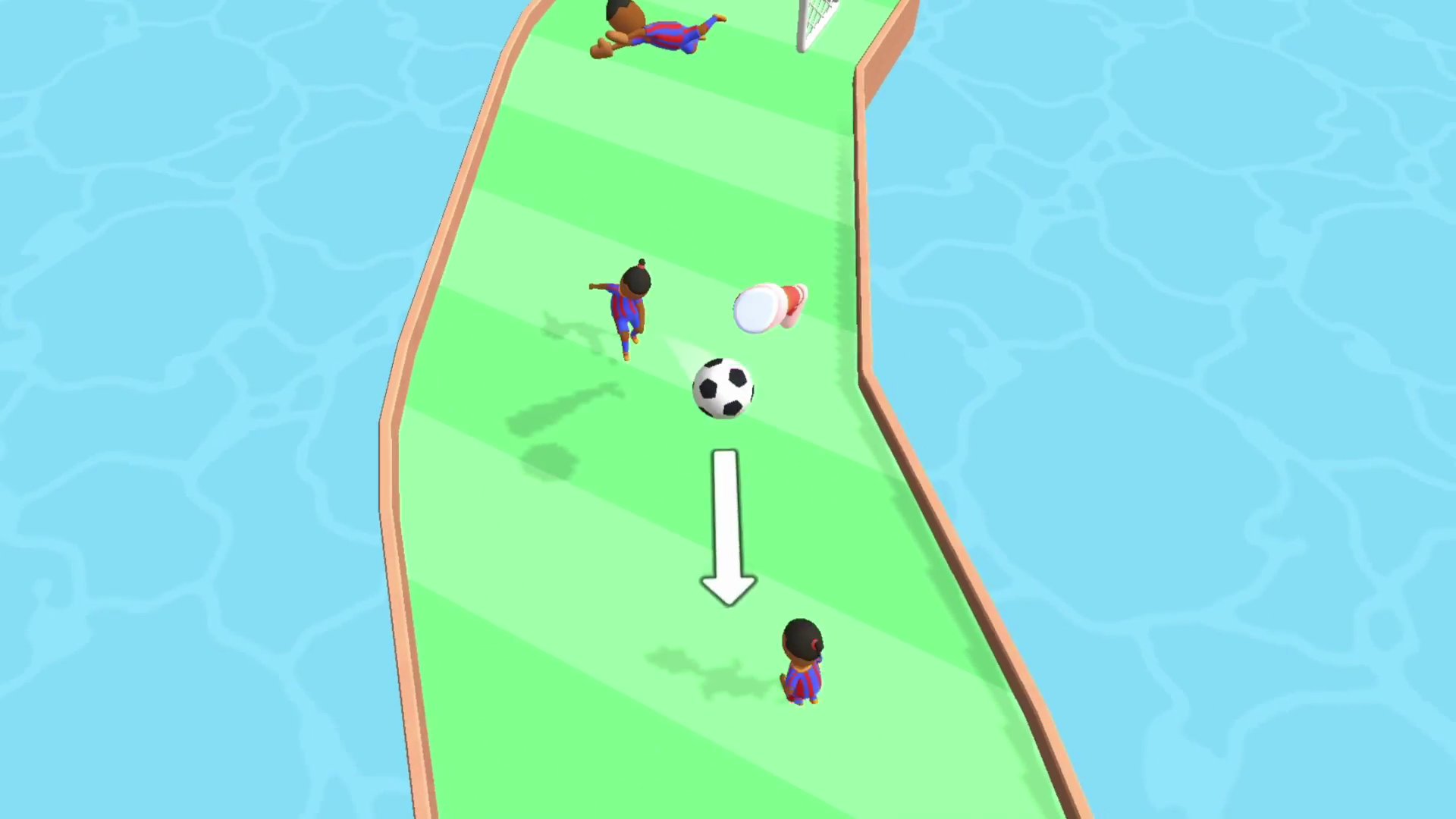
What’s the Point?
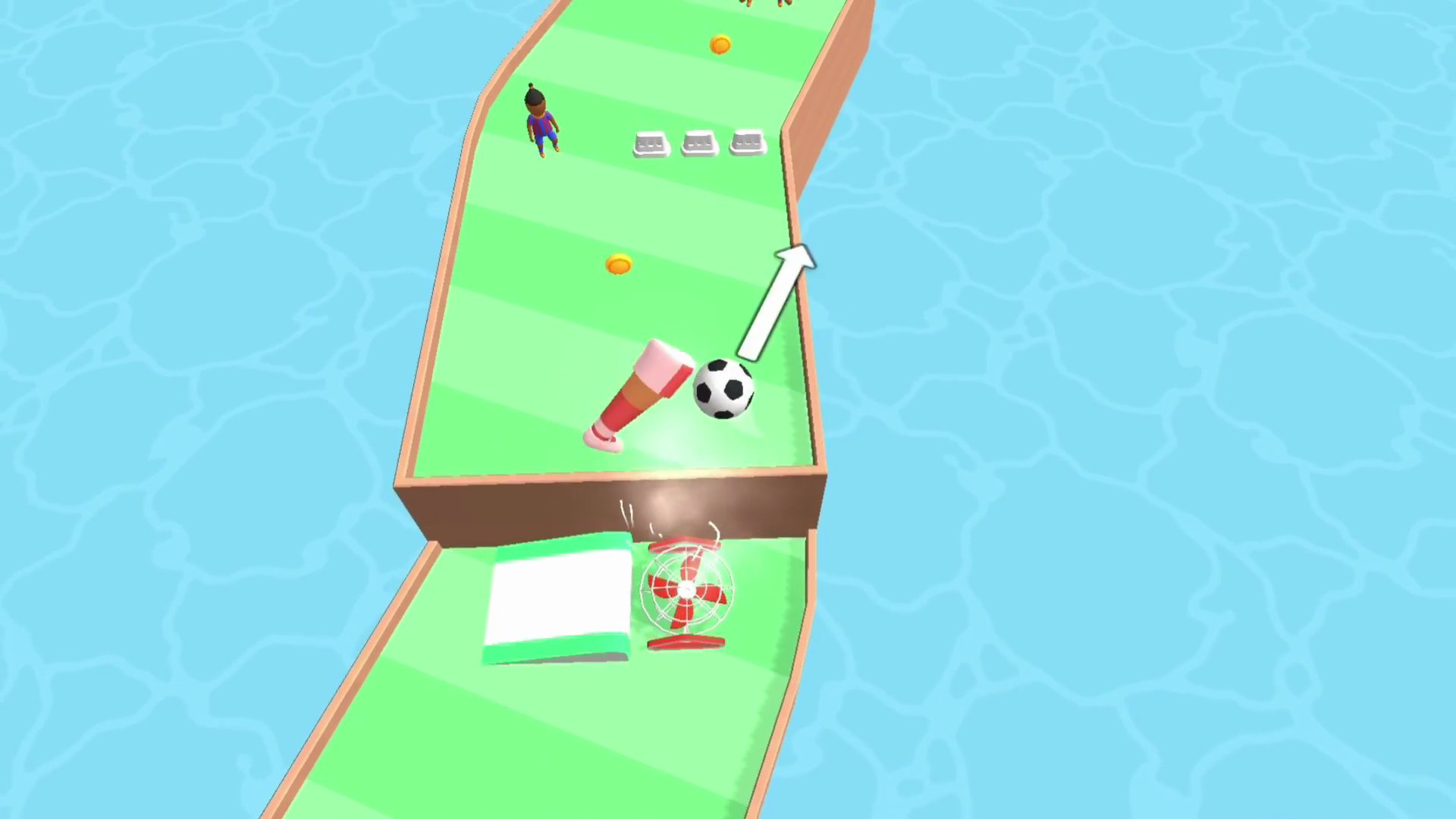
Soccer Dash is a soccer game where the challenge is to swipe a ball through obstacles and past soccer players to hit the back of the net. The pace is deliberate by design — dragging the ball triggers a slow-motion state, giving you time to line up the perfect kick before releasing. Several scenes show a green segmented track bordered by brown edges, with light-blue water-patterned surfaces surrounding the play area. Small characters in blue and purple striped jerseys with black hair styled in a top bun appear across the game’s views. A red and white fan with a circular wire cage sits positioned on the track in one scene.
How to Play
The objective is to navigate the ball past every trap and score a goal. Drag the ball to set the direction of the kick, then release to launch it. While you are dragging, the game enters slow motion so there is no rush to commit to a direction.
Controls:
- Swipe / Drag: Choose the direction of the kick
- Release: Launch the ball
3. Soccer Legends 2026
Quick Info
- Genre: Ball, Sports
- Developer: MadPuffers
- Rating: 4.4/5.0 (697 ratings)
- Platforms: PC, Android, iOS
Screenshots
What’s the Point?
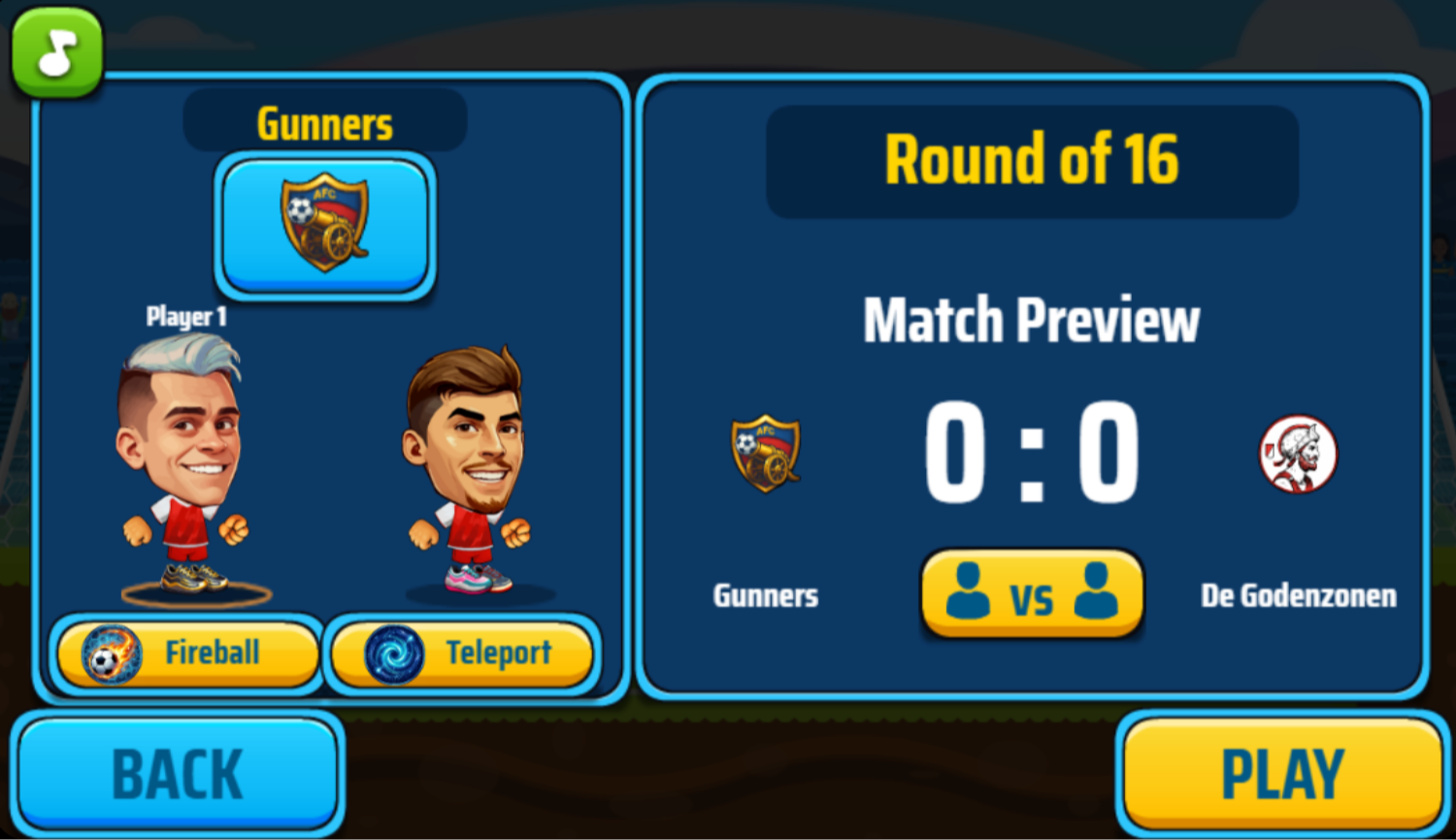
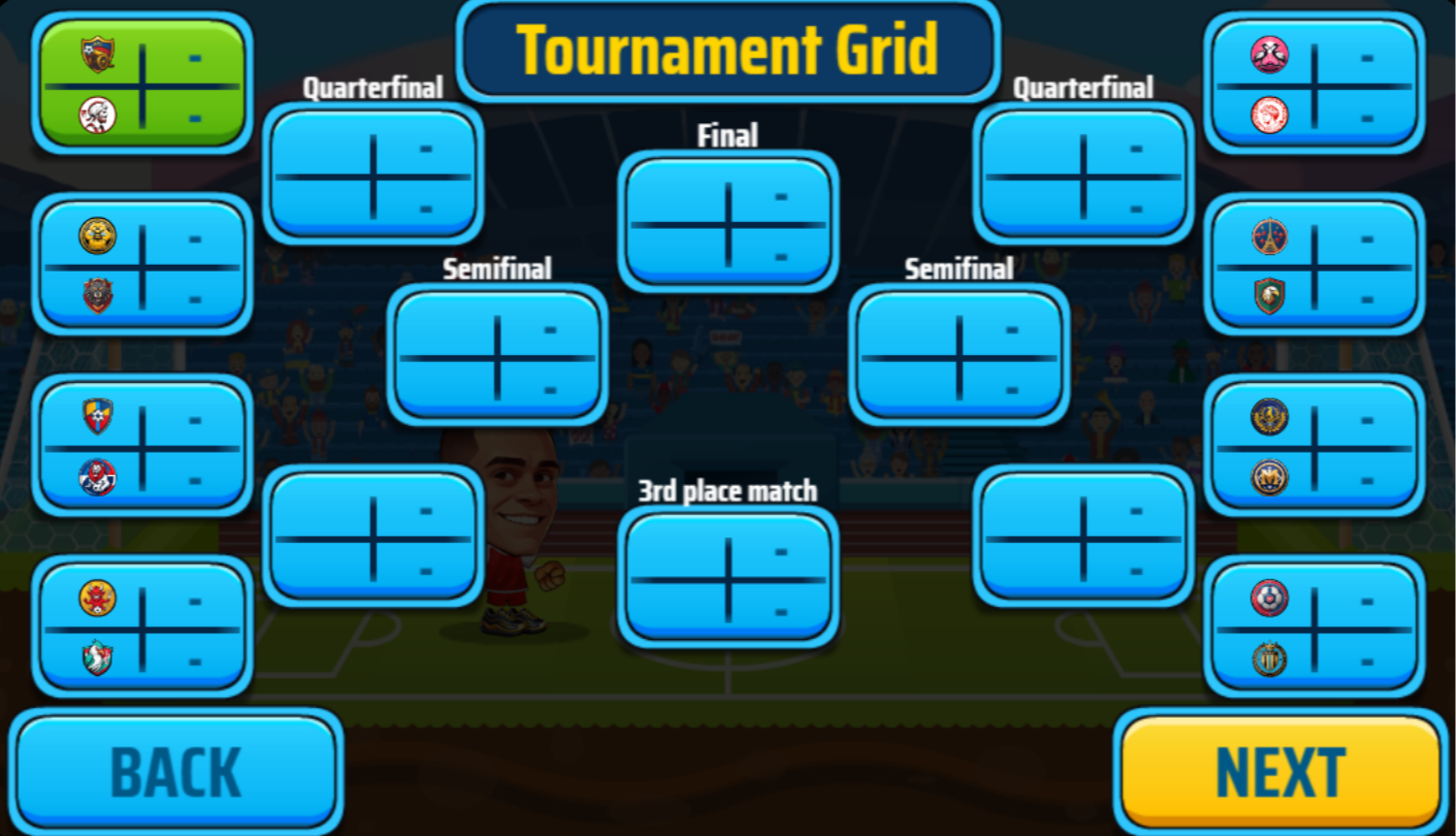
Soccer Legends 2026 is a fast-paced arcade soccer game from MadPuffers where solo play and 1v1 or 2v2 matches against friends are all on the table. Pick from a roster of unique players, each carrying special abilities — powerful superkicks, teleportation, and more — then outmaneuver opponents, compete in tournaments, and score incredible goals to claim the title of ultimate soccer champion.
How to Play
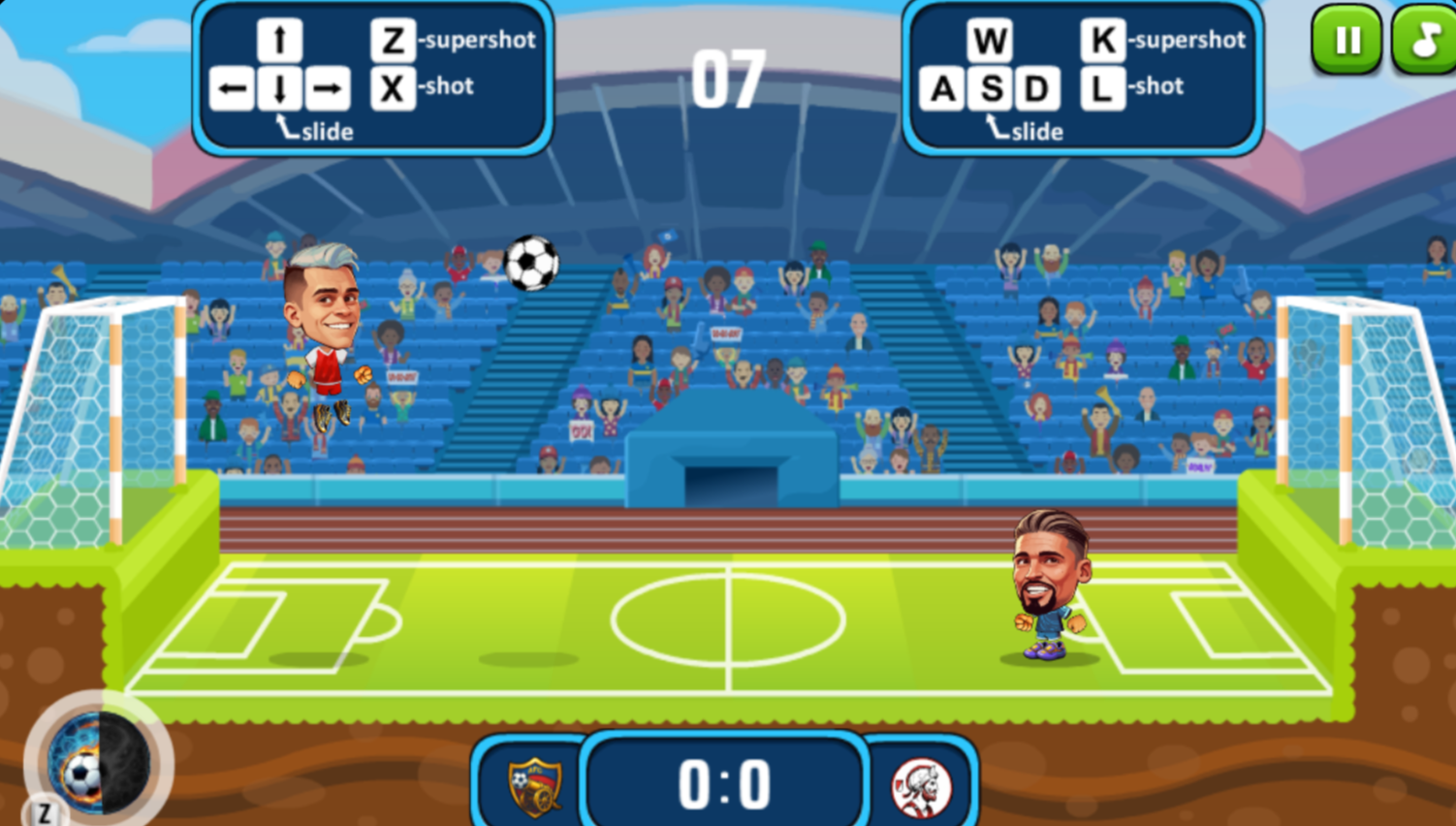
Score more goals than your opponent before time runs out. Move, jump, and slide to control your position, strike the ball with precise timing, and fire off your supershot to catch opponents off guard and seize the advantage.
Controls:
- A / Left Arrow: Move left
- D / Right Arrow: Move right
- W / Up Arrow: Jump
- S / Down Arrow: Slide
- X / L: Shot
- Z / K: Supershot
4. Penalty Challenge
Quick Info
- Genre: Penalty Shootout
- Developer: CodeThisLab
- Rating: 4.8/5.0 (1066 ratings)
Gameplay Video
Watch real gameplay footage
Screenshots
Player prepares penalty kick
Goalkeeper view, saving
Goalkeeper view, ball saved
What’s the Point?
Penalty Challenge strips soccer down to its most nerve-wracking moment: the penalty shootout. You alternate between taking kicks and playing goalkeeper. When shooting, you swipe to control the ball’s trajectory – swipe direction determines where the ball goes, swipe speed affects power. When goalkeeping, you swipe to dive in the direction you think the ball will go. The core loop is simple but tense: read your opponent’s body language (or guess), react fast, and try to win the shootout. There’s a global leaderboard, so you’re competing for experience points and rankings.
Personal Experience
From the author: I took my first shot, swiped up and to the right, and watched the ball sail into the top corner. The goalkeeper didn’t even move. That felt good. Then I switched to goalkeeper mode, and suddenly I was the one guessing. The striker kicked, I swiped left, and the ball went right. I got scored on. My palms actually started sweating a bit – the pressure of guessing the right direction is real. The animations are stiff, but the core mechanic of swiping and reacting works well enough to create tension.
How to Play
Controls: Swipe on screen (or mouse drag on desktop) to kick the ball as a striker or dive as a goalkeeper. Swipe direction controls trajectory, swipe speed affects power.
Goal: Score more goals than your opponent in a series of penalty kicks, or save more shots as goalkeeper.
Performance & Browser Compatibility
Speed: Loads in 2 seconds, runs at 30fps with basic 3D rendering
Works best on: Mobile (designed for swipe gestures, though desktop mouse works)
Browser: Chrome, Firefox, Safari (HTML5)
Who is this game for?
Perfect for casual mobile gamers of all ages who want quick, high-stakes moments without learning complex controls. Great for 2-3 minute sessions during breaks – you can play a full shootout in under a minute. The simple swipe mechanic makes it accessible to kids, but the competitive leaderboard appeals to teens and adults who want to chase high scores.
Pros & Cons
✅ Pros
- Swipe mechanics are intuitive and create genuine tension
- 4.8/5 rating with over 1,000 reviews shows it resonates with players
- Global leaderboard adds a competitive layer beyond single matches
⛔ Cons
- Animations are stiff and lack the fluidity of a polished game
- Repetitive gameplay – it’s just penalty kicks, nothing else
- AI patterns become predictable after a few rounds
5. Soccer Random
Quick Info
- Genre: Physics-Based Arcade
- Developer: RHM Interactive
- Rating: 4.3/5.0 (9368 ratings)
Gameplay Video
Watch real gameplay footage
Screenshots
Player heads soccer ball
Beach soccer match
Player kicks soccer ball
What’s the Point?
Soccer Random is pure chaos. You control a pixelated character who can only jump – that’s it. One button. The ball changes (soccer ball, American football, beach ball), the field changes (ice, beach, normal grass), and even the goalposts change size. The physics are intentionally wonky, so every match feels unpredictable. The core loop is frantic: jump at the right moment to hit the ball toward the opponent’s goal, first to 5 goals wins. It’s less about skill and more about reacting to the absurd situations the game throws at you. The randomness is the point – no two matches feel the same.
Personal Experience
From the author: I pressed W to jump, my blocky character flailed in the air, and somehow I kicked the ball into the goal. I didn’t even mean to. The next round, the field turned to ice, and my character slid everywhere. I was laughing more than I was concentrating. The physics are so loose that every interaction feels like a lucky accident. I played against the CPU and won 5-3, but I’m not sure if I actually outplayed it or if I just got lucky with the random bounces. That’s the charm, though – it’s not trying to be a realistic soccer sim.
How to Play
Controls: Player 1: W to jump. Player 2: UP ARROW to jump. Touch controls on mobile/tablets.
Goal: Score 5 goals before your opponent by jumping at the right moment to hit the ball into their goal.
Performance & Browser Compatibility
Speed: Loads instantly (under 1 second), runs at 60fps with smooth pixel art
Works best on: Desktop or Mobile (one-button control works on any device)
Browser: Chrome, Firefox, Safari (HTML5)
Who is this game for?
Perfect for casual gamers aged 8-30 who want quick, chaotic fun without any learning curve. Great for playing with a friend in local 2-player mode – just pass the keyboard. If you like games like QWOP or Getting Over It where physics-based frustration is part of the fun, you’ll enjoy this. Also works well for short bursts when you want something silly and unpredictable.
Pros & Cons
✅ Pros
- One-button control makes it instantly accessible to anyone
- Randomness keeps every match fresh and unpredictable
- 9,368 ratings with 4.3/5 shows it has a dedicated fanbase
⛔ Cons
- Lack of control can be frustrating if you want precision
- Pixel art style is charming but extremely low-fidelity
- No progression system – it’s just match after match with no unlocks
6. Button Soccer 2026
Quick Info
- Genre: Sports, Arcade
- Developer: kgonen
- Rating: 4.5/5.0 (163 ratings)
- Platforms: PC, Android, iOS
Screenshots
What’s the Point?
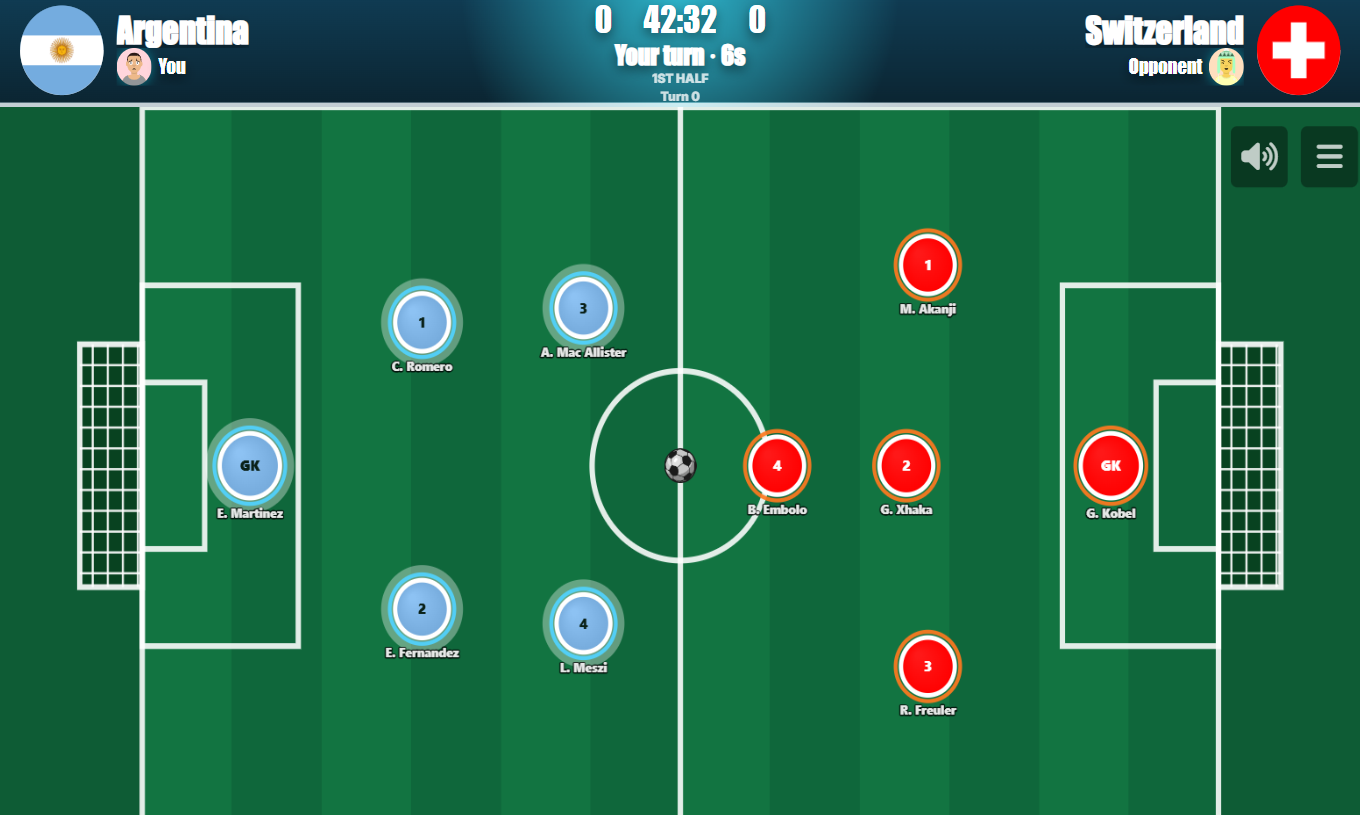
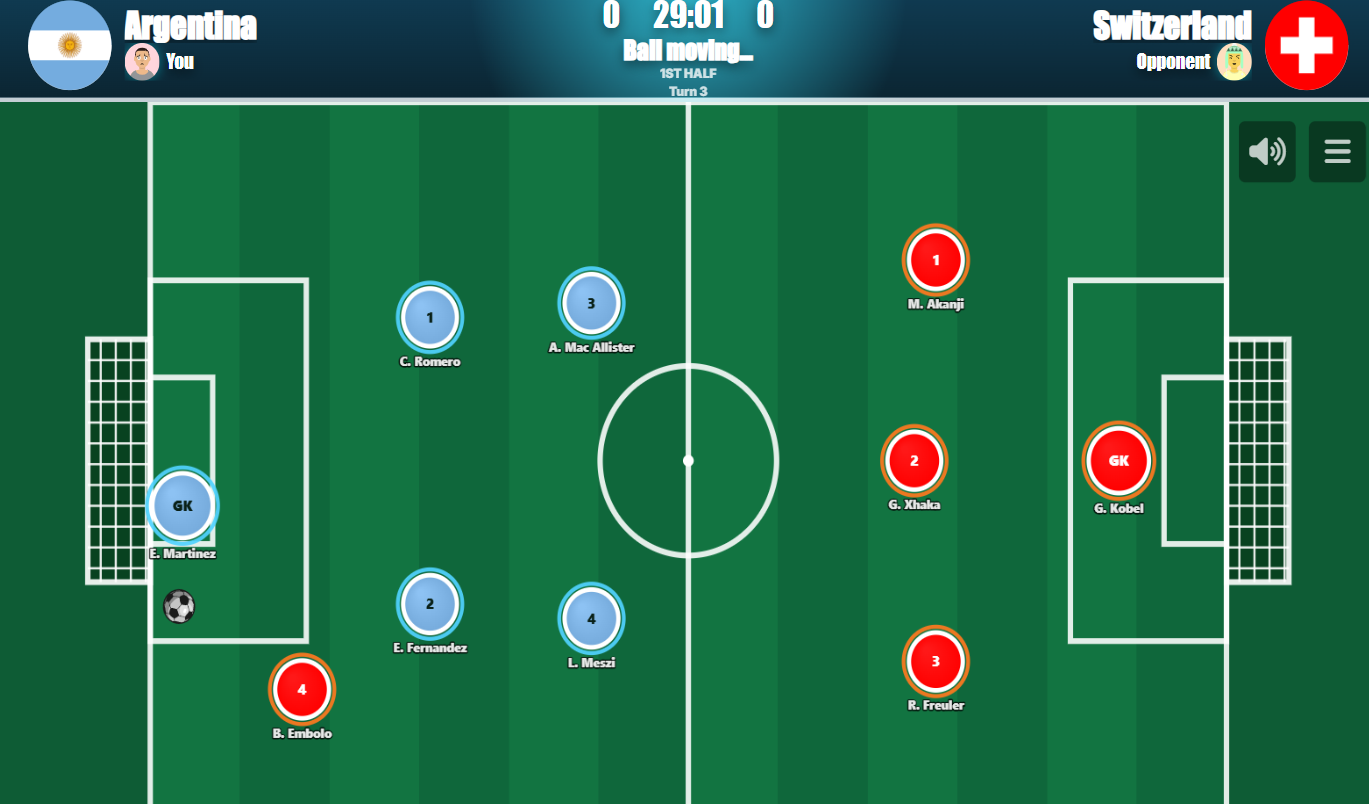
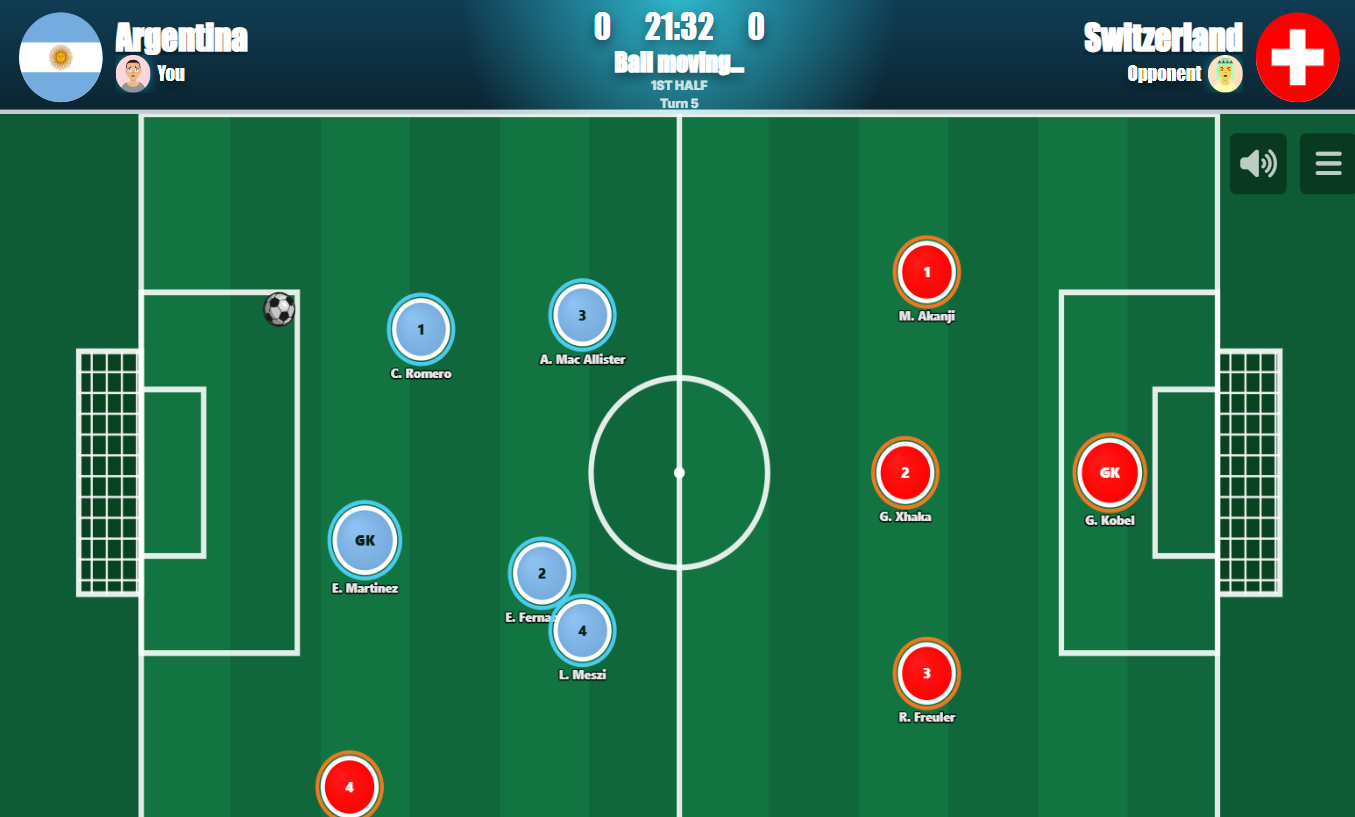
Button Soccer 2026 brings the classic tabletop football experience to your screen through pool-style physics and strategic arcade soccer. The game puts you in control of national teams, sliding player buttons across the pitch to pass, defend, and shoot the ball into the net. Several scenes show a green field with parallel light and dark vertical stripes and white line markings, with red and blue circular discs representing the competing sides. The blend of tactical formation choices and satisfying physics makes each match feel distinct from the last.
How to Play
Before kick-off, pick the formation that suits your approach — options like 1-2-2 or 1-3-1 are available to shape how your buttons are arranged on the pitch. Once the match begins, you and your opponent take turns sliding player buttons to pass, defend, and shoot. Use the walls to bounce the ball for trick shots, and keep your defense tight to prevent counter-attacks.
Controls:
- Left Mouse Button (click and hold): Select one of your players on the pitch
- Mouse drag backward: Adjust aiming angle and shot power
- Release Left Mouse Button: Strike the ball
- Tap and hold (touch): Select one of your players on the pitch
- Drag backward across screen: Aim and set power
- Lift finger: Shoot
7. Goalkeeper Wiz
Quick Info
- Genre: Goalkeeper Sim
- Developer: Games Hub Studio
- Rating: 4.8/5.0 (182 ratings)
Gameplay Video
Watch real gameplay footage
Screenshots
Goalkeeper prepares for shot
Ball saved by goalkeeper
Goalkeeper misses the ball
What’s the Point?
Goalkeeper Wiz puts you in the role of a goalkeeper during a penalty shootout. You control a pair of gloves that move in response to your taps or swipes. The opposing player kicks the ball, and you have to react fast to block it. The core loop is simple: watch the striker, predict where the ball will go, tap or swipe to move the gloves, and try to make the save. There are multiple levels, and you unlock a bonus round if you save the final shot. It’s all about reflexes and reading the striker’s body language (or just guessing and hoping you’re right).
Personal Experience
From the author: I watched the striker wind up, I tapped the left side of the screen, and my gloves dove left. The ball went right. I missed. The next shot, I waited a split second longer, tapped right, and made the save. That felt satisfying. The game pace is quick – each shot lasts only a few seconds, so there’s no time to overthink. The gloves respond instantly to my taps, which is crucial for a game like this. After a few rounds, I started noticing patterns in the AI’s shooting, which made it easier to predict, but that also made it less exciting.
How to Play
Controls: Tap or swipe on screen (or click/drag on desktop) to move the goalkeeper gloves in the direction you think the ball will go.
Goal: Block every shot aimed at your goal by reacting quickly and positioning your gloves correctly.
Performance & Browser Compatibility
Speed: Loads in 2 seconds, runs at 30fps with basic 3D rendering
Works best on: Mobile (designed for quick tap reactions, though desktop works)
Browser: Chrome, Firefox, Safari (HTML5)
Who is this game for?
Perfect for casual mobile gamers of all ages who want a simple, repetitive challenge that tests reflexes. Great for quick 2-3 minute sessions when you’re waiting in line or on a break. The simple tap mechanic makes it accessible to kids, but the challenge of reading the striker’s movements can appeal to older players chasing high scores.
Pros & Cons
✅ Pros
- Instant input response makes the gloves feel reactive and precise
- Multiple levels and a bonus round add some progression
- 4.8/5 rating shows players enjoy the simple, focused gameplay
⛔ Cons
- AI shooting patterns become predictable after a few rounds
- Graphics are low-to-mid fidelity with basic textures and lighting
- Repetitive gameplay – it’s just penalty saves, nothing else
8. Football – Soccer
Quick Info
- Genre: Simulation, Sports
- Developer: 3S Games
- Rating: 4.4/5.0 (152 ratings)
- Platforms: PC, Android, iOS
Screenshots

What’s the Point?
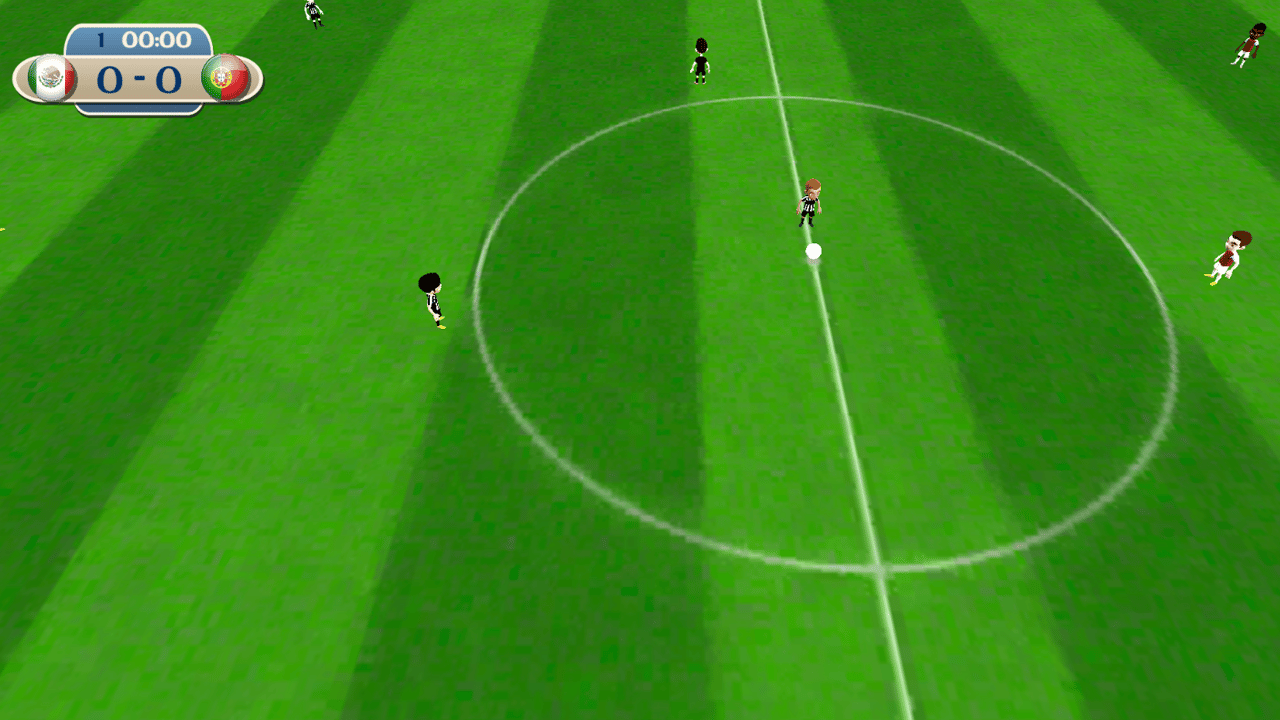
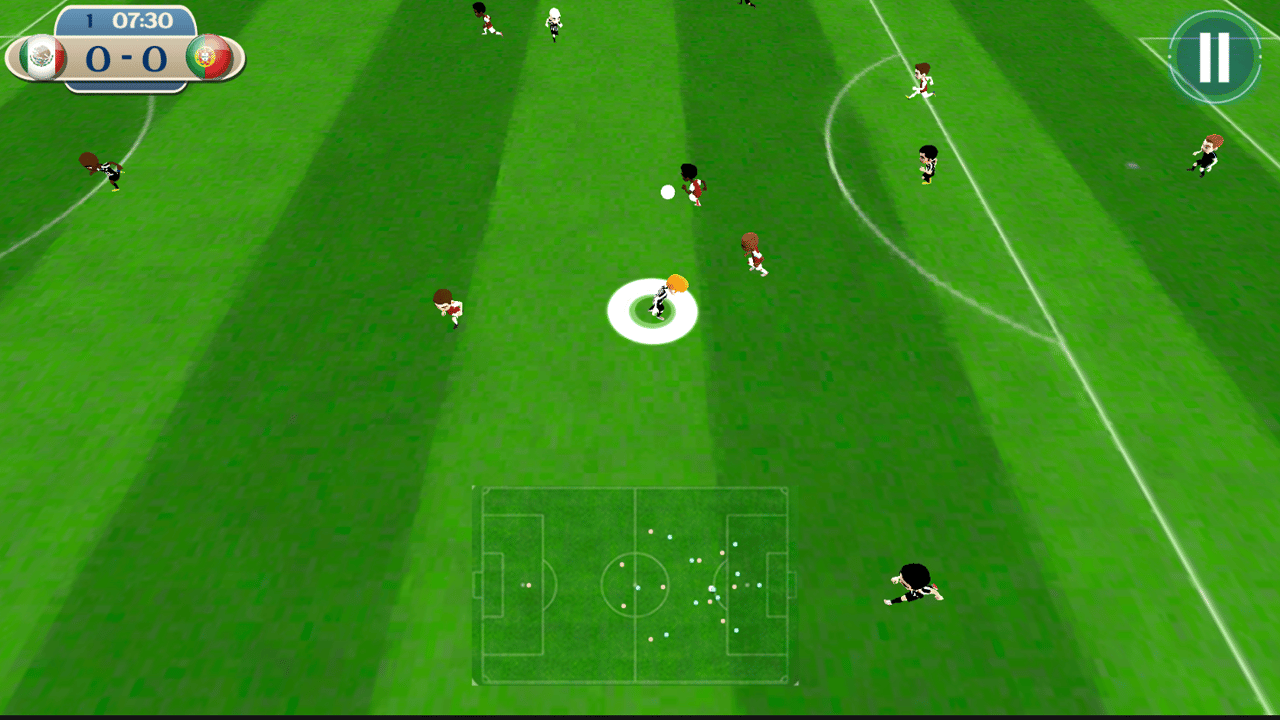
Football – Soccer is an exciting online football simulator that puts players in the middle of professional championships and tournaments. The game draws on 3D graphics to place you inside realistic virtual stadiums, where the atmosphere of a real match comes through in every moment. Several scenes show a green grass field with white painted boundary lines, a center circle, and a white goal net. A stadium environment with tiered seating sections filled with a dense crowd pattern appears across multiple views of the game.
How to Play
The core goal is to participate in championships and tournaments, defeat opposing teams, and become a champion. Gameplay shifts depending on whether your player controls the ball or is defending against an opponent who has it — each situation calls for different actions mapped to the same controls.
9. Soccer Rebound
Quick Info
- Genre: Skill, Arcade
- Developer: Intelligentia Studios
- Rating: 4.1/5.0 (7 ratings)
- Platforms: PC, Android, iOS
Screenshots
What’s the Point?
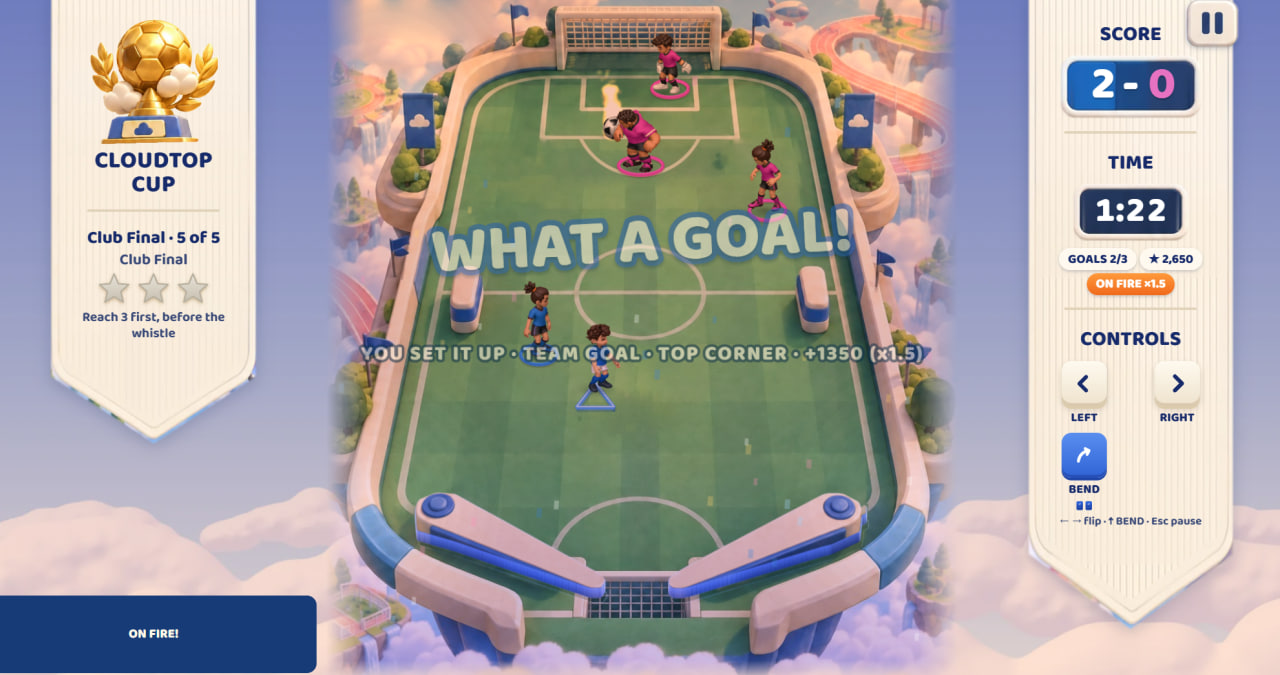
Soccer Rebound is a game that fuses soccer with pinball mechanics. Two flippers sit at your command as you bank shots around defenders, link up with teammates, and drive the ball toward the top goal. The World Tour spans 50 stages divided across ten cups, and as you advance, fields grow larger, new player roles appear, ball powers come into play, and opponents become increasingly active. Up to 150 stars are on offer across the tour, with cosmetic rewards to unlock along the way. A Score Attack mode lets you practise skills and chase personal bests outside the main campaign.
How to Play
Keep the ball in play using the two flippers and aim for the goal at the top of the field. Each match comes with its own objective to follow. The side rails open up angles that direct passes, and feeding the ball to teammates sets up combination plays. As progress accumulates through the World Tour, powers unlock; arm BEND before a powered flip to put it to use.
Controls:
- Left Arrow / A: Activate left flipper
- Right Arrow / D: Activate right flipper
- Up Arrow / W / Space: Arm BEND when available
- Esc / P: Pause
- M: Toggle sound
- On-screen LEFT button: Activate left flipper (phones and tablets)
- On-screen RIGHT button: Activate right flipper (phones and tablets)
- On-screen power button: Arm power (phones and tablets)
10. Italian Brainrot Head Soccer
Quick Info
- Genre: Sports, Soccer
- Developer: Fabbox Studios
- Rating: 4.5/5.0 (4259 ratings)
- Platforms: PC, Android, iOS
Screenshots
What’s the Point?
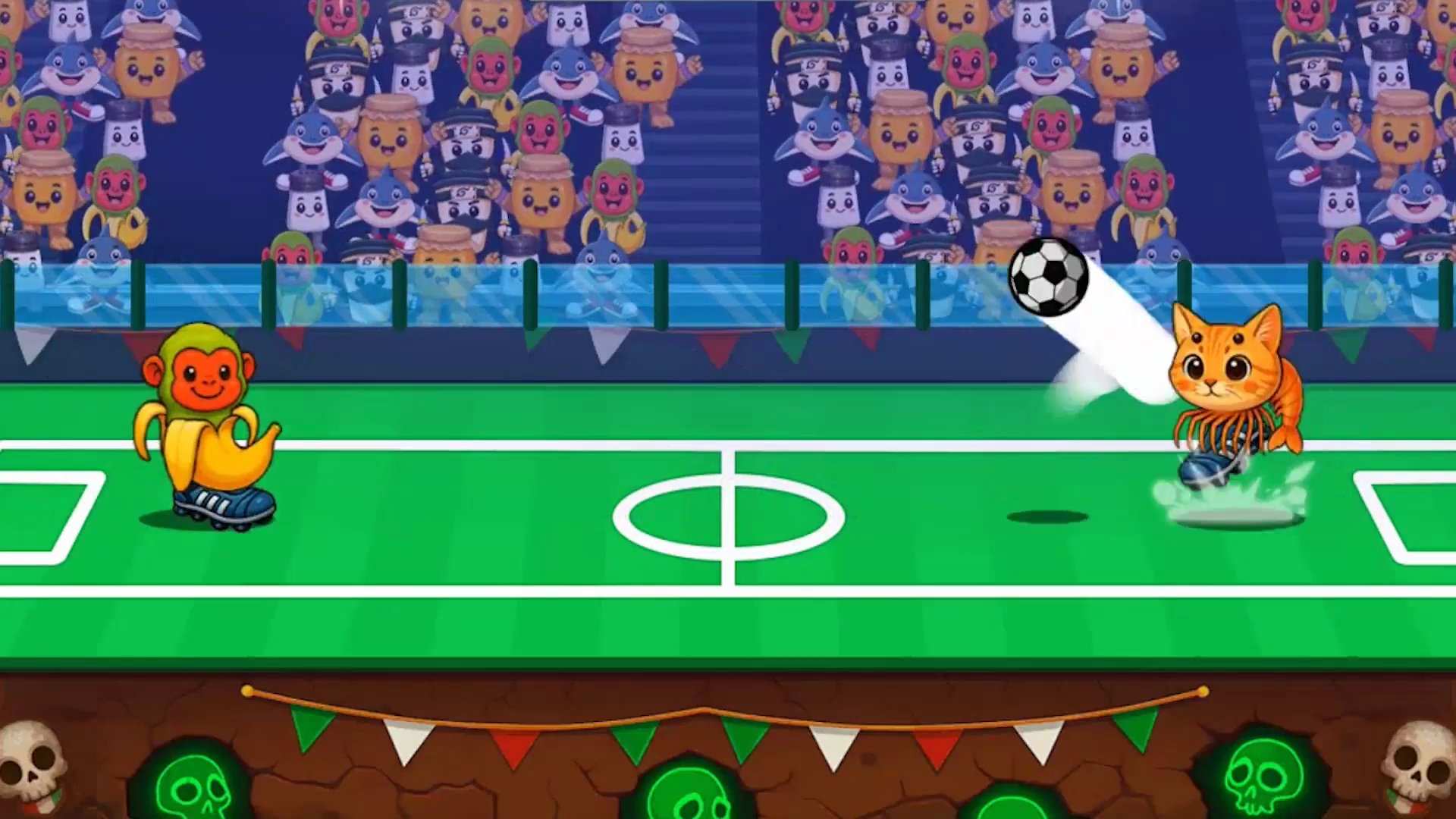
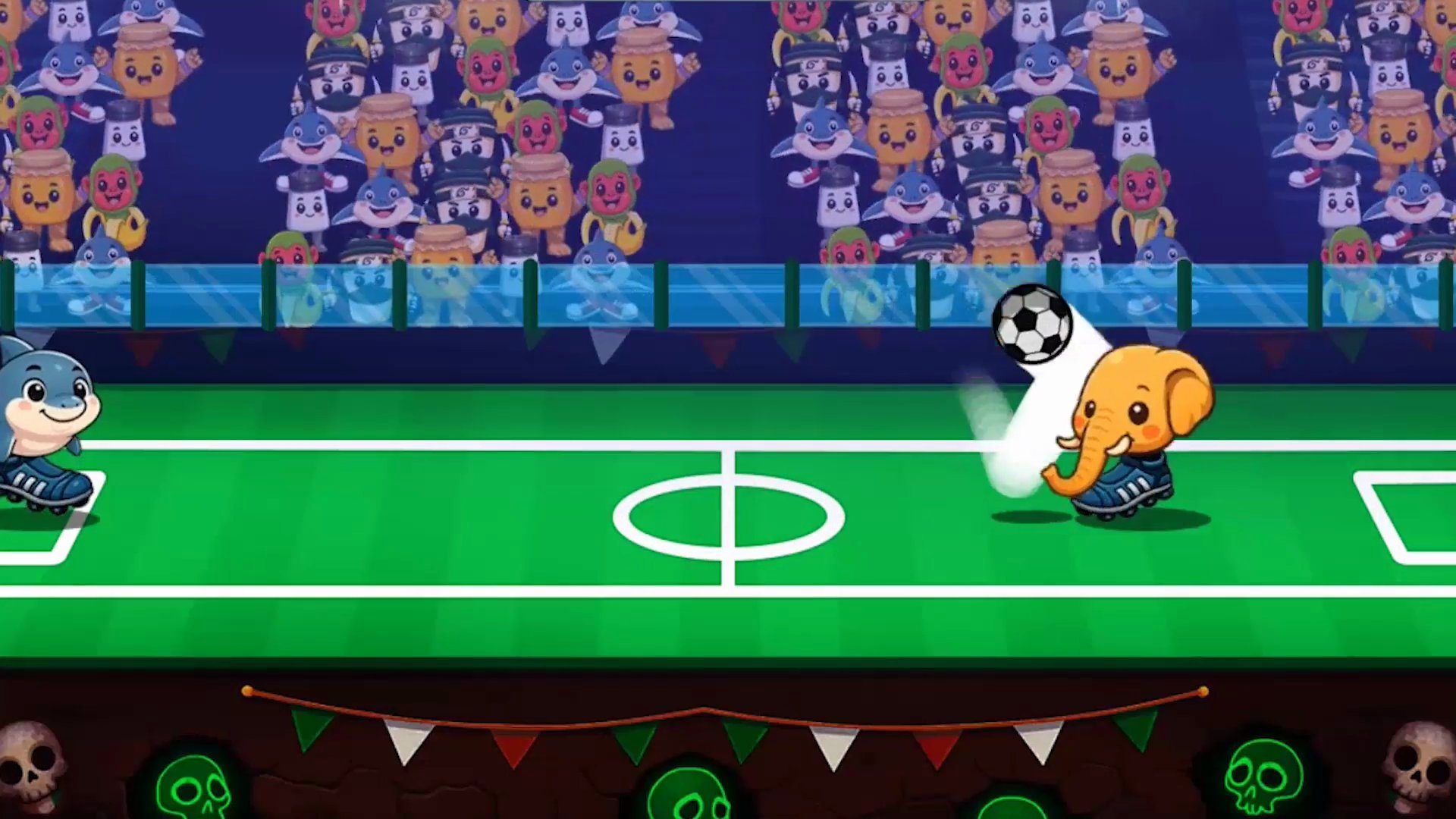
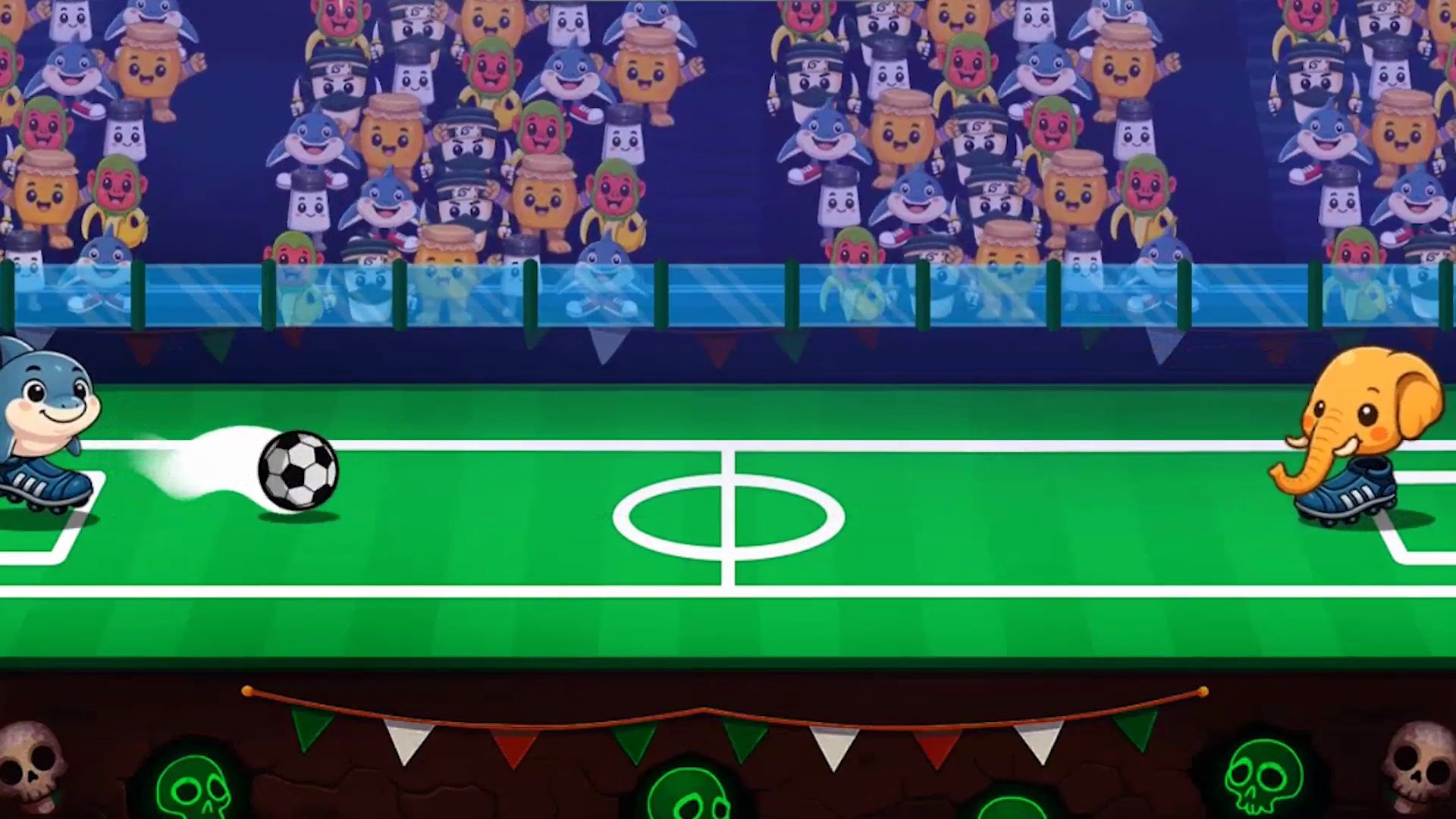
Italian Brainrot Head Soccer throws the most unhinged soccer match imaginable onto the pitch. Choose your favorite brainrot character, step into the arena, and get ready to bounce, kick, and headbutt your way to victory. Oversized heads, wild physics, and chaotic gameplay make every match unpredictable and laugh-out-loud fun—whether going solo or challenging a friend, every goal lands like a ridiculous highlight reel moment.
How to Play
The goal is straightforward: outscore your opponent before the timer runs out. React fast, time your jumps, and try to keep control of the ball—if you are able to.
Controls:
- Arrow keys: Move (PC)
- Z or X: Kick (PC)
- Tap arrows: Move (Mobile)
- Tap jump and kick button: Kick the ball (Mobile)