Look, I’ll be honest: block puzzle games are everywhere. They’re the gaming equivalent of coffee shops—there’s one on every corner, and most of them taste the same. But after clicking through dozens of these things over the past few days, I found 10 that actually have something going for them. Some nail the basics so well you forget you’re playing a clone. Others throw in weird twists that shouldn’t work but somehow do. And yeah, a couple are just polished enough to make you wonder why you’re still playing at 2 AM. I tested all 10 on a MacBook Pro M1, and here’s what actually stuck.
TL;DR (Quick Summary)
- Total Games: 10 browser games tested
- Tested on: MacBook/PC, Chrome browser, no special hardware
- Average Rating: 4.2/5.0
Quick Comparison Table
| # | Game | Genre | Key Feature | Rating |
|---|---|---|---|---|
| 1 | Block Blast Master | Block-fitting puzzle | Combo system with satisfying visual feedback | 4.3/5.0 |
| 2 | Color Block Blast | Block-matching puzzle | Glossy block textures and vibrant color scheme | 4.5/5.0 |
| 3 | Blockibo: Color Blocks | Puzzle | Block, Color | 4.5/5.0 |
| 4 | Wood Blocks Jam | Matching | Puzzle, Block | 4.6/5.0 |
| 5 | Blocks 8 | Puzzle | Block, Classic | 4.1/5.0 |
| 6 | Hexa Block Puzzle | Hex grid puzzle | Hexagonal grid and shapes change spatial planning | 4.1/5.0 |
| 7 | Hex Block Puzzle Master | Hex puzzle with colorful blocks | Bright hex blocks with smooth animations | 4.1/5.0 |
| 8 | Block Blast Mania | Grid-based puzzle with level objectives | Level-based mode with specific objectives like collecting pigs | 4.3/5.0 |
| 9 | QBlock Puzzle | Block-matching with visual themes | 4 free visual themes (Wood, Cartoon, Day & Night) | 4.5/5.0 |
| 10 | Blocks and that’s it | Puzzle | Arcade, Block | 4.4/5.0 |
1. Block Blast Master
Quick Info
- Genre: Block-fitting puzzle
- Developer: Vyacheslav (Playgama)
- Rating: 4.3/5.0 (1888 ratings)
Gameplay Video
Watch real gameplay footage
Screenshots
Initial grid setup
Grid with various blocks
Line clear animation
What’s the Point?
This is the classic ‘drag blocks onto a grid, clear lines’ formula done right. You pick a shape from the bottom, drop it on a 10×10 board, and when you fill a row or column, it vanishes with a clean animation and a score pop-up. The twist? Combo multipliers. Clear multiple lines at once, and you get bonus points that actually feel rewarding. The blocks snap instantly to the grid, and the whole thing runs smooth as butter. No fancy mechanics, no gimmicks—just pure block-fitting with enough polish to keep you engaged. The game ends when you run out of space, so every move counts. It’s simple, but the execution is what makes it work.
Personal Experience
From the author: When I first loaded this up, I expected another generic block puzzle. But the moment I cleared my first combo and saw that ’20’ pop up with the clearing effect, I got it. The responsiveness is instant—blocks follow your cursor perfectly, and there’s zero lag between placement and feedback. After about 10 minutes, I found myself planning 3-4 moves ahead, trying to set up bigger combos. The game doesn’t rush you, which is nice, but that also means you can get stuck overthinking simple placements.
How to Play
Controls: Drag blocks from the bottom selection area onto the 10×10 grid using mouse or touch
Goal: Fill complete horizontal or vertical lines to clear them and earn points before running out of space
Performance & Browser Compatibility
Speed: Instant loading, smooth 60fps animations, no stuttering
Works best on: Desktop (larger grid benefits from mouse precision)
Browser: Chrome, Firefox, Safari (HTML5)
Who is this game for?
Perfect for casual players aged 10-50 who want a relaxing puzzle game without time pressure. Great for office breaks or winding down before bed. The simple mechanics mean anyone can pick it up, but the combo system adds enough depth for players who want to optimize their scores. Kids will enjoy the immediate feedback, while adults will appreciate the strategic planning.
Pros & Cons
✅ Pros
- Instant input response and smooth animations
- Combo system adds strategic depth
- Clean interface with no distractions
⛔ Cons
- Zero innovation—it’s a polished clone
- Can get repetitive after 20-30 minutes
- No progression system or unlockables
2. Color Block Blast
Quick Info
- Genre: Block-matching puzzle
- Developer: Drivix Games
- Rating: 4.5/5.0 (123 ratings)
Gameplay Video
Watch real gameplay footage
Screenshots
Blocks clearing, combo text
Block placement, grid filling
Grid nearly full
What’s the Point?
Another take on the ‘place blocks, clear lines’ formula, but this one goes all-in on visual appeal. The blocks have a glossy, almost candy-like texture that makes clearing lines feel more satisfying than it should. You’re working with an 8×8 grid (slightly smaller than most), which means less room for error and faster-paced decision-making. The combo system is here too, with multipliers that stack when you clear multiple lines. The game’s pace is entirely up to you—no timers, no pressure—but the smaller grid means you’ll hit ‘game over’ faster if you’re not careful. It’s straightforward, colorful, and weirdly addictive.
Personal Experience
From the author: I wasn’t expecting much from this one, but the glossy block aesthetic actually makes a difference. When I cleared a full row and saw those shiny blocks disappear with particle effects, it felt good in a way that basic flat graphics don’t. The 8×8 grid is trickier than it looks—I ran out of space way faster than I anticipated. After a few rounds, I started placing blocks more carefully, and that’s when the game clicked. It’s simple, but the visual polish elevates it.
How to Play
Controls: Drag Tetris-like blocks from the bottom onto the 8×8 grid using mouse or touch
Goal: Complete rows or columns to blast them away, earn points, and trigger combos by clearing multiple lines
Performance & Browser Compatibility
Speed: Fast loading, smooth particle effects, no frame drops
Works best on: Mobile and Desktop (works equally well on both)
Browser: Chrome, Firefox, Safari (HTML5)
Who is this game for?
Ideal for casual mobile gamers aged 8-60 who prefer short, relaxing puzzle sessions with a low entry barrier. The vibrant colors and simple mechanics make it great for kids, while the smaller grid provides a quick challenge for adults during commutes or lunch breaks. Perfect for anyone who wants familiar gameplay with a polished presentation.
Pros & Cons
✅ Pros
- Glossy visuals make clearing lines satisfying
- 8×8 grid creates faster, more intense sessions
- Clean UI with immediate visual feedback
⛔ Cons
- Smaller grid means shorter playtime per session
- No original mechanics—pure clone territory
- Gets repetitive quickly without progression
3. Blockibo: Color Blocks
Quick Info
- Genre: Puzzle, Block
- Developer: Lunvo Studio
- Rating: 4.5/5.0 (194 ratings)
- Platforms: PC, Android, iOS
Screenshots
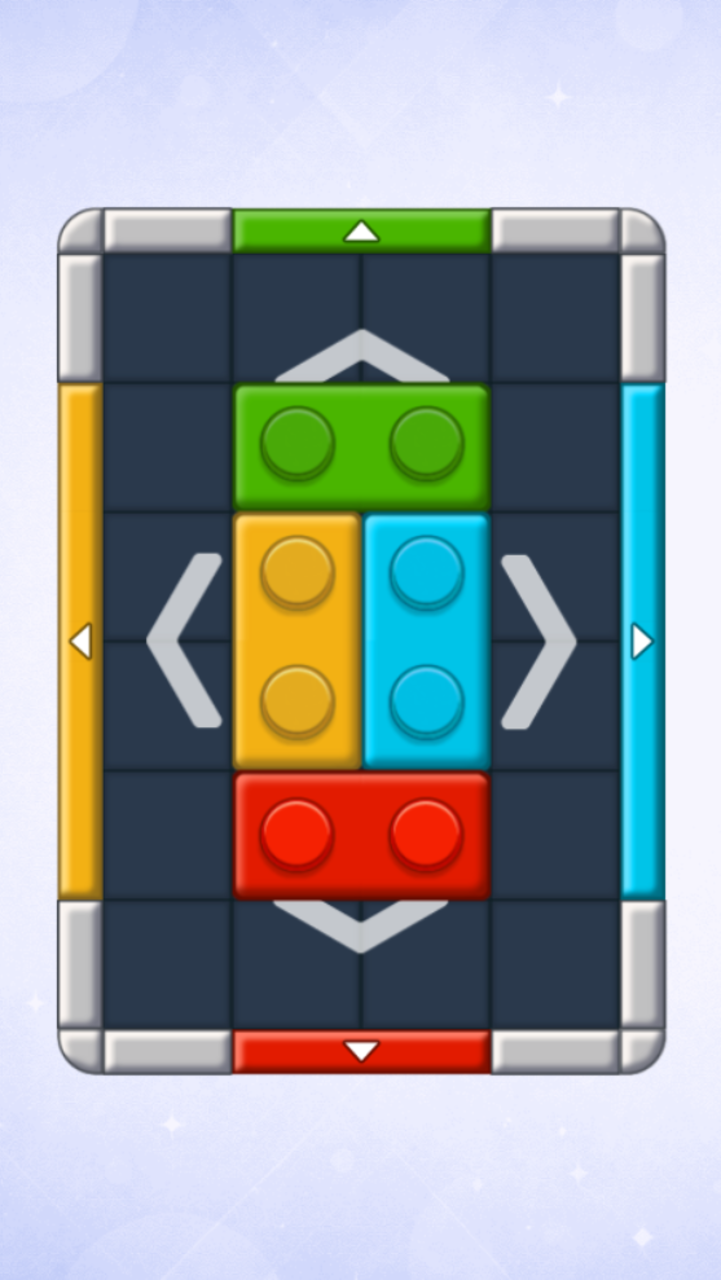
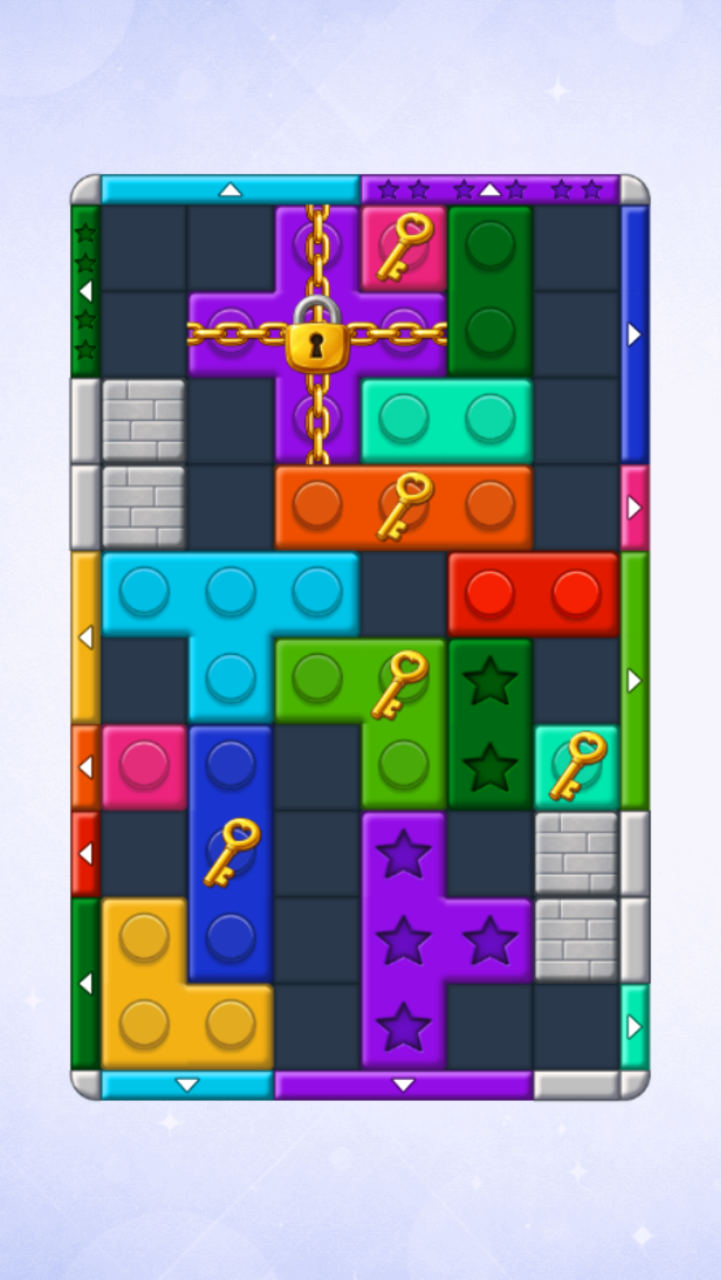
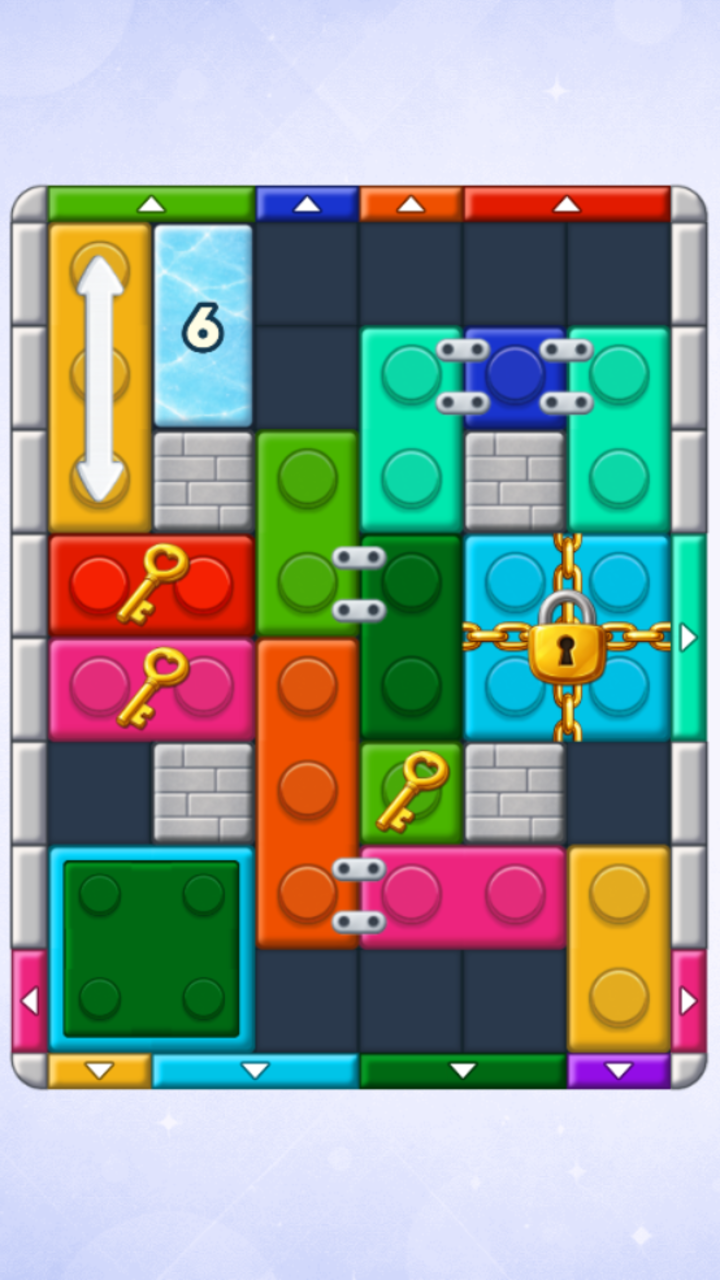
What’s the Point?
Blockibo: Color Blocks is a puzzle game where every move carries real weight. The premise is straightforward — move colorful blocks, send them through gates, clear obstacles, and use boosters to finish each level — but the challenge builds steadily as new mechanics arrive to test your logic and planning.
How to Play
The goal of each level is to clear the entire board. Move colorful blocks around the game board, directing them into gates to open the path toward the exit. Obstacles stand in the way, and a wrong decision can block your route entirely, so planning ahead is essential.
When a situation becomes difficult, boosters are available to help. Attention to detail matters just as much as broad strategy — each level is a fresh logic challenge that rewards careful thinking over hasty moves.
4. Wood Blocks Jam
Quick Info
- Genre: Matching, Puzzle
- Developer: Kleo Games
- Rating: 4.6/5.0 (5344 ratings)
- Platforms: PC, Android, iOS
Screenshots
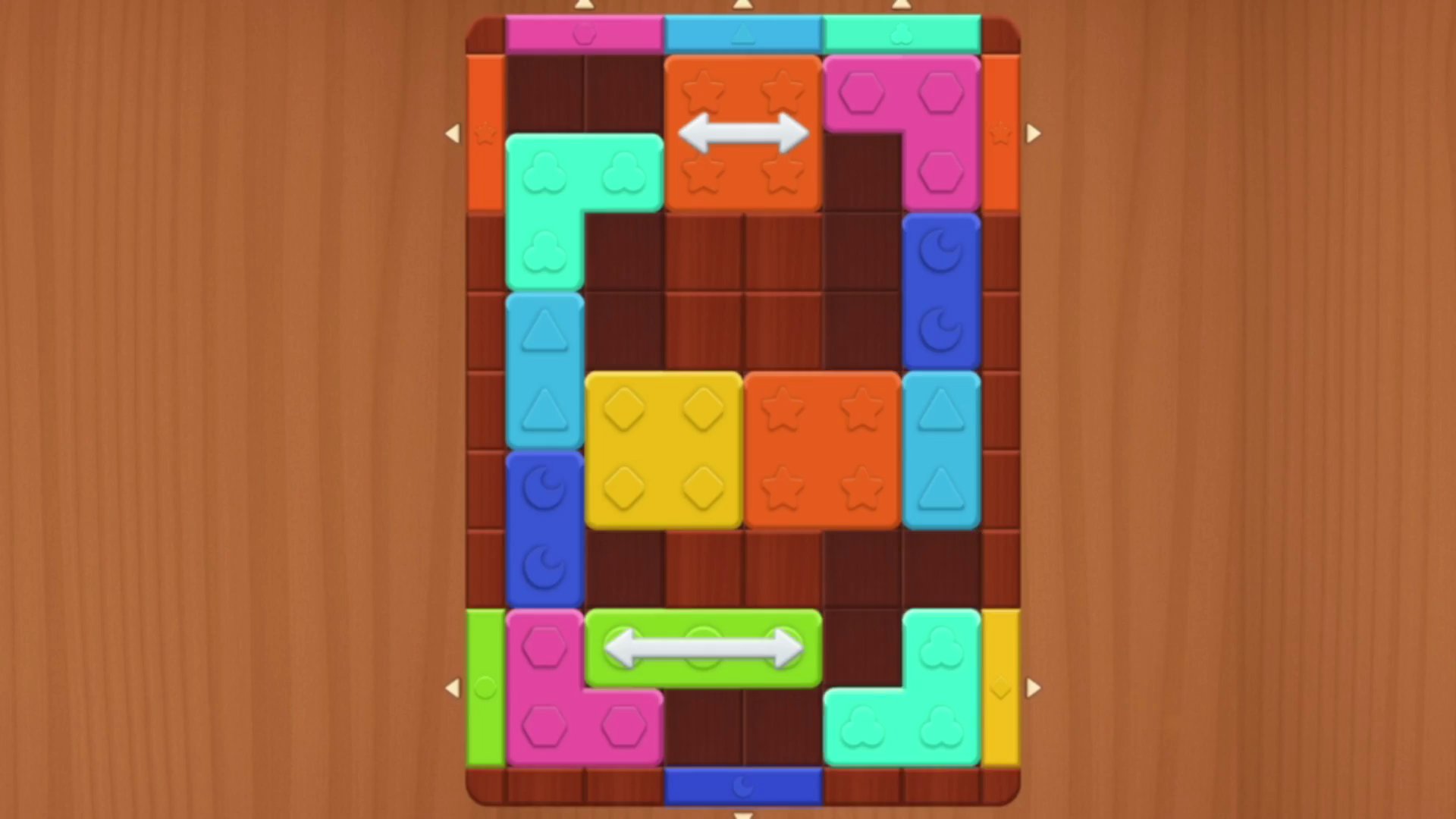
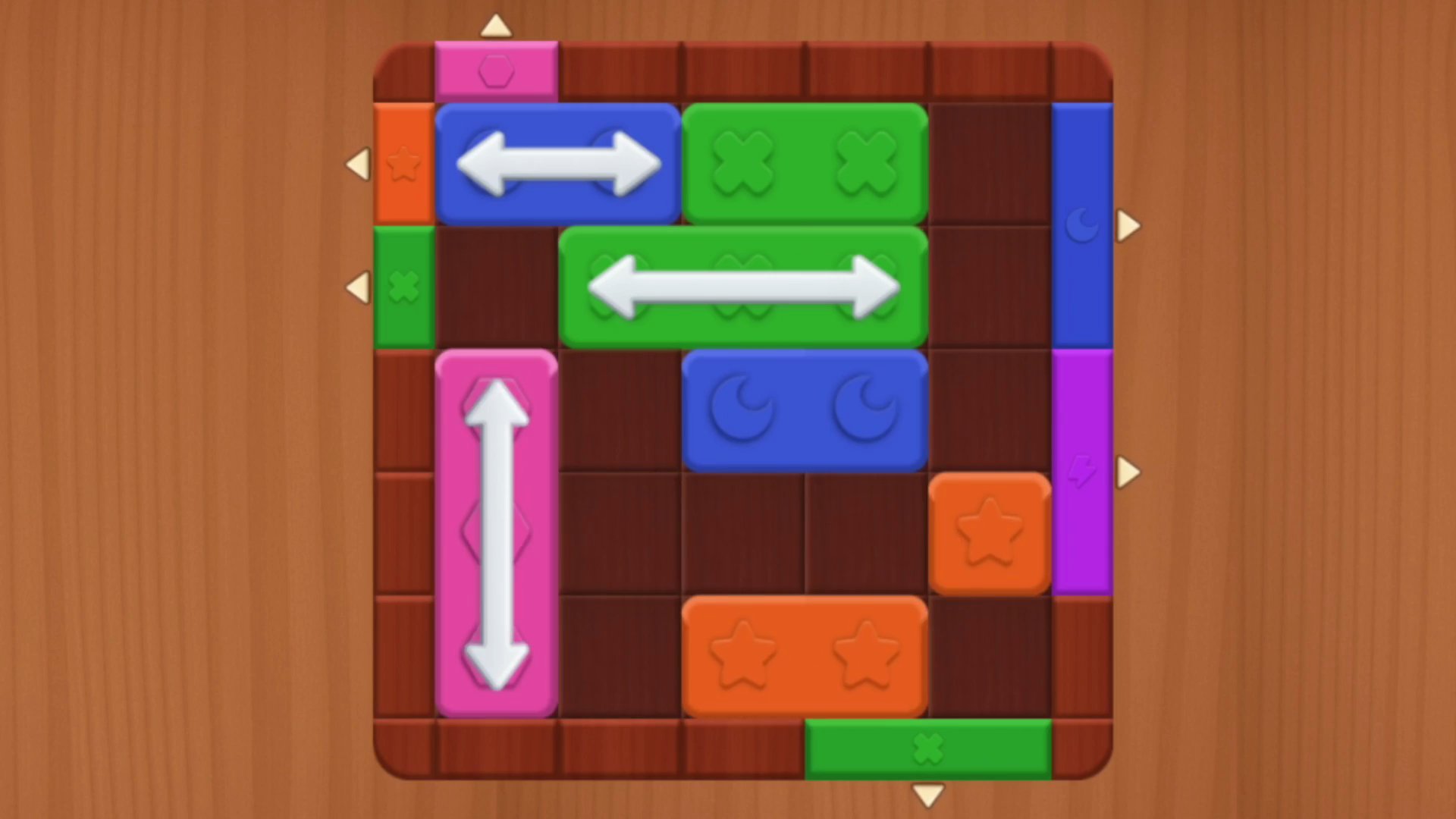
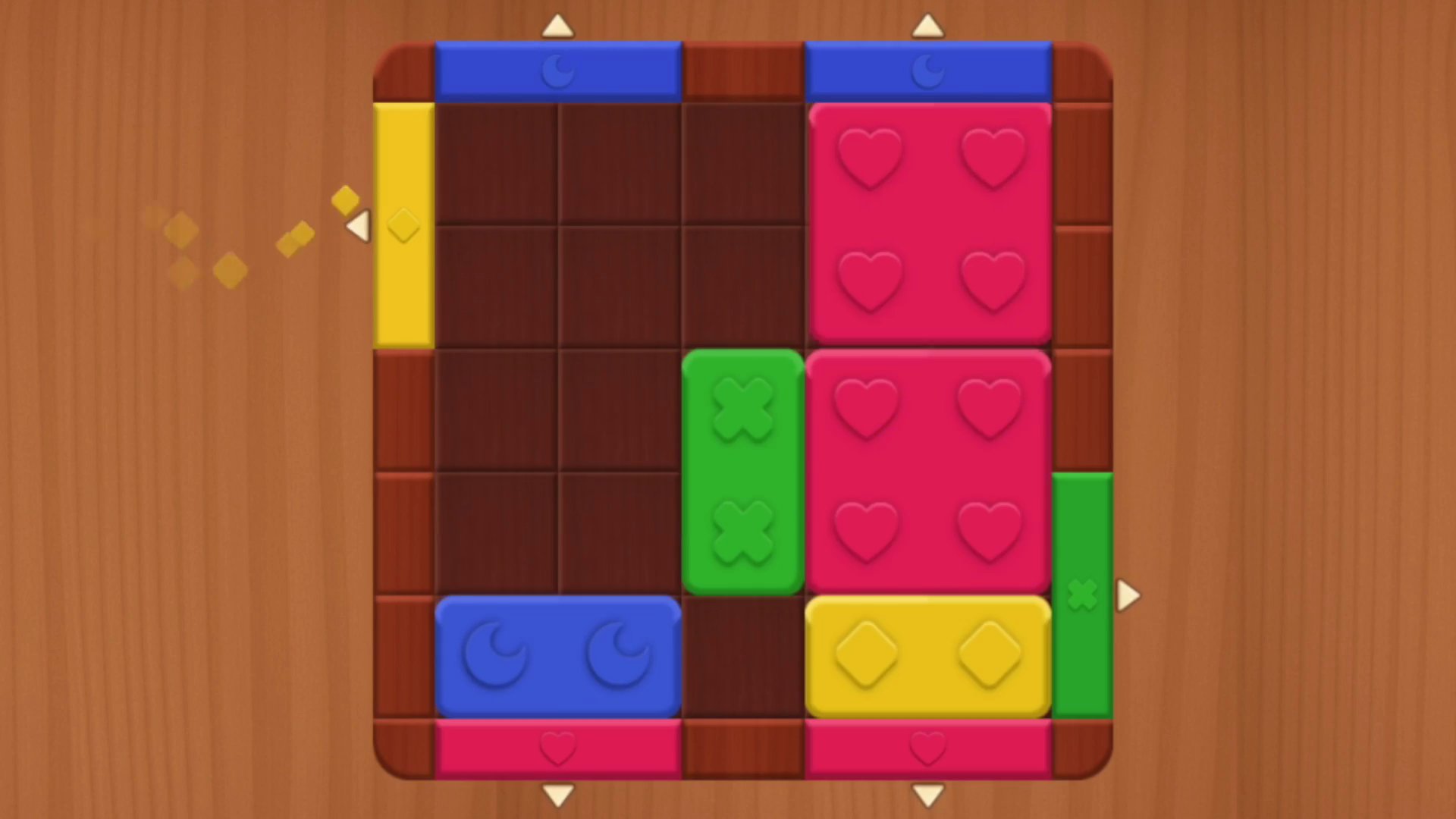
What’s the Point?
Wood Blocks Jam is a relaxing logic puzzle game built around colorful wooden blocks and calm, thoughtful gameplay. The goal is straightforward: drag each block into a gate that matches its color, clearing the board one move at a time. You’ll find no time limits, so every puzzle unfolds at whatever pace suits you.
How to Play
The objective is to clear the board by matching each colored block with its corresponding gate. As you advance, puzzles grow trickier, introducing new mechanics, obstacles, and challenges that reward careful planning.
When you get stuck, three boosters are available to help:
Think ahead and plan your moves carefully before committing, and use boosters when a puzzle has you cornered.
Controls:
- Mobile — drag with finger: drag blocks with your finger and drop them into the matching color gates
- Desktop — left mouse button click and hold: grab a block, then drag it to the correct gate
5. Blocks 8
Quick Info
- Genre: Puzzle, Block
- Developer: Renato Duchini (Onduck Games)
- Rating: 4.1/5.0 (1242 ratings)
- Platforms: PC, Android, iOS
What’s the Point?
Blocks 8 is a fun and addictive block puzzle game where the goal is to fill rows and columns to clear the board and rack up points. Like Tetris in spirit, it gives you the freedom of free block movement — drag pieces wherever they fit rather than watching them fall on a fixed timer. The result is a logic game that rewards planning at your own pace, making it a satisfying pick for quick brain-teasing sessions.
How to Play
Drag and drop the block pieces shown below the board into position. When a piece completes an entire row or column, that line clears from the board and points are scored. The challenge lies in arranging each piece so that lines fill cleanly, keeping the board open for the pieces that follow.
Controls:
- Drag and drop: Move a block piece from the tray onto the board
6. Hexa Block Puzzle
Quick Info
- Genre: Hex grid puzzle
- Developer: Drivix Games
- Rating: 4.1/5.0 (75 ratings)
Gameplay Video
Watch real gameplay footage
Screenshots
Hexagonal puzzle in progress
Empty hexagonal puzzle grid
Partially filled puzzle grid
What’s the Point?
Finally, something different. Instead of a square grid, you’re working with hexagons. The blocks are made of connected hexagons, and you’re fitting them into a larger hexagonal grid. The spatial planning is completely different—you can’t rely on the usual Tetris muscle memory because the angles and connections work differently. Each puzzle gives you a set of pieces and a specific grid shape to fill. The goal is to fit all the pieces without leaving gaps. No timers, no pressure, just pure spatial reasoning. The difficulty ramps up as the grid shapes get weirder and the piece combinations get trickier.
Personal Experience
From the author: This one broke my brain in the best way. I’m so used to square grids that the hexagonal layout forced me to actually think about each placement. The first few puzzles were easy, but by puzzle 5, I was rotating pieces in my head and second-guessing every move. The pieces snap into place with a satisfying click, and the visual feedback is clear. It’s slower-paced than traditional block puzzles, but the hexagonal twist makes it feel fresh. I spent way more time on this than I planned.
How to Play
Controls: Drag hexagonal block shapes from the bottom onto the main hexagonal grid using mouse or touch (pieces cannot be rotated)
Goal: Fill the entire hexagonal grid with all available pieces without leaving empty spaces
Performance & Browser Compatibility
Speed: Fast loading, smooth drag-and-drop, clean animations
Works best on: Desktop (mouse precision helps with hex placement)
Browser: Chrome, Firefox, Safari (HTML5)
Who is this game for?
Casual mobile gamers of all ages who want a mentally stimulating puzzle without time pressure. The hexagonal grid appeals to players who are bored with traditional block puzzles and want a fresh challenge. Great for short breaks, with a low entry barrier but enough spatial complexity to keep experienced puzzle fans engaged. Suitable for quick sessions where you want to think, not react.
Pros & Cons
✅ Pros
- Hexagonal grid provides a genuinely fresh challenge
- No time pressure allows for thoughtful planning
- Clean visuals and satisfying snap-to-grid feedback
⛔ Cons
- Still a clone of existing hex puzzle games
- Can get frustrating when pieces don’t fit as expected
- Limited replay value once you solve a puzzle
7. Hex Block Puzzle Master
Quick Info
- Genre: Hex puzzle with colorful blocks
- Developer: John Hany
- Rating: 4.1/5.0 (129 ratings)
Gameplay Video
Watch real gameplay footage
What’s the Point?
Another hexagonal block puzzle, but this one focuses on visual polish. You’re placing colored hex blocks onto a grid, and the goal is to fill rows or specific patterns to clear them. The blocks are brightly colored, and the animations are smooth with satisfying particle effects when you clear a section. The mechanics are straightforward—drag blocks from a queue, place them on the grid, and clear patterns to score points. No rotation, so you have to plan placements carefully. The pace is quick, with immediate block placement and fast clearing animations. It’s designed for short, engaging sessions with a focus on visual satisfaction.
Personal Experience
From the author: The first thing I noticed was how colorful everything is. The hex blocks are vibrant, and clearing a row triggers a satisfying particle burst. The pace is faster than the other hex puzzle I tested—blocks disappear quickly, and new ones appear instantly. I found myself placing blocks more impulsively here, which led to some bad decisions and quick game overs. The input is instant, and the visuals are clean. It’s not deep, but the visual feedback makes it more engaging than it should be.
How to Play
Controls: Drag hexagonal blocks onto the grid using mouse or touch (blocks cannot be rotated)
Goal: Place blocks carefully to fill the grid, complete patterns, and progress through increasingly challenging levels
Performance & Browser Compatibility
Speed: Fast loading, smooth animations, satisfying particle effects
Works best on: Mobile and Desktop (works equally well on both)
Browser: Chrome, Firefox, Safari (HTML5)
Who is this game for?
Casual mobile gamers of all ages who prefer short, engaging puzzle sessions with bright visuals and simple mechanics. The colorful hex blocks and smooth animations make it appealing for kids, while the quick pace provides a light challenge for adults during commutes or breaks. Perfect for anyone who wants a visually polished puzzle without complex rules.
Pros & Cons
✅ Pros
- Bright, colorful visuals with satisfying animations
- Fast-paced gameplay keeps you engaged
- Instant input response and smooth particle effects
⛔ Cons
- Derivative of other hex puzzle games
- Fast pace can lead to impulsive mistakes
- No depth beyond the core block-placing loop
8. Block Blast Mania
Quick Info
- Genre: Grid-based puzzle with level objectives
- Developer: Ermac Alex
- Rating: 4.3/5.0 (1280 ratings)
Gameplay Video
Watch real gameplay footage
Screenshots
Player places pink blocks
Clearing blocks with pigs
Placing blue block piece
What’s the Point?
This game mixes the classic block puzzle formula with level-based objectives. You’re placing Tetris-like blocks on a grid, but instead of just clearing lines for points, you have goals like collecting pigs or jars. Clear lines that contain these items, and they disappear from the board. Complete all objectives to finish the level. There’s also a classic endless mode for pure score chasing. The level mode adds structure and variety—you’re not just mindlessly placing blocks, you’re working toward specific targets. Boosters (bomb, shuffle) are available to help you out of tight spots, which is a clear mobile game influence.
Personal Experience
From the author: The level objectives gave me a reason to care about my placements. Instead of just clearing lines, I was hunting for specific pigs and jars, which made me think more strategically. The first few levels were easy, but by level 5, I was using boosters to bail myself out. The input is instant, and the visuals are cartoonish and clean. The endless mode felt standard, but the level mode kept me engaged. The boosters are a nice safety net, though they scream ‘mobile monetization hook.’
How to Play
Controls: Drag Tetris-like blocks from the bottom onto the grid using mouse or touch (blocks cannot be rotated)
Goal: Clear lines to collect goal items (pigs, jars) and complete level objectives, or maximize score in endless mode
Performance & Browser Compatibility
Speed: Fast loading, smooth block placement, basic animations
Works best on: Mobile (level objectives and boosters feel mobile-first)
Browser: Chrome, Firefox, Safari (HTML5)
Who is this game for?
Casual mobile gamers aged 8-40 who prefer short, relaxing puzzle sessions with clear objectives and simple mechanics. The level-based mode appeals to players who enjoy structured progression, while the boosters provide a safety net for less experienced players. Great for kids and adults who want familiar gameplay with a light challenge and tangible goals.
Pros & Cons
✅ Pros
- Level objectives add variety and structure
- Boosters provide a helpful safety net
- Two gameplay modes offer different experiences
⛔ Cons
- Core mechanics are a direct Tetris clone
- Boosters are a clear mobile monetization hook
- Cartoonish visuals feel generic
9. QBlock Puzzle
Quick Info
- Genre: Block-matching with visual themes
- Developer: Anna Inc
- Rating: 4.5/5.0 (102 ratings)
Gameplay Video
Watch real gameplay footage
Screenshots
Wooden blocks puzzle grid
Colorful blocks clear animation
Wooden blocks combo score
What’s the Point?
This game offers four different visual themes—Wood, Cartoon, Day, and Night—so you can switch up the aesthetic while playing the same core block puzzle mechanics. You’re placing polyomino shapes on a 9×9 grid, clearing lines to earn points. The block rotation is available here, which is rare for this genre and adds a bit more flexibility. The themes are purely cosmetic—wooden blocks on a wood background, colorful glossy blocks on blue, etc.—but they do make the game feel less monotonous if you’re planning to play for extended sessions. The clearing animations change slightly with each theme, which is a nice touch.
Personal Experience
From the author: I switched between themes a few times, and it actually made a difference in how the game felt. The wood theme is calming, while the cartoon theme is more vibrant and energetic. The block rotation feature caught me off guard—most clones don’t allow it, so being able to rotate pieces opened up more placement options. The input is instant, and the animations are smooth. The combo notifications and particle effects are satisfying, especially in the cartoon theme. It’s still a clone, but the themes and rotation give it a bit more personality.
How to Play
Controls: Drag and drop polyomino shapes onto the 9×9 grid using mouse or touch (block rotation is available)
Goal: Fill entire rows or columns to clear them, earn points, and avoid running out of placement space
Performance & Browser Compatibility
Speed: Instant loading, smooth animations, clean theme transitions
Works best on: Mobile and Desktop (works equally well on both)
Browser: Chrome, Firefox, Safari (HTML5)
Who is this game for?
Casual mobile gamers of all ages, including kids and adults, who enjoy simple, relaxing puzzle games with short play sessions and a focus on high scores. The multiple themes appeal to players who want visual variety, and the block rotation feature adds flexibility for those who find standard block puzzles too restrictive. Great for quick breaks or winding down.
Pros & Cons
✅ Pros
- 4 visual themes add variety and personalization
- Block rotation feature is rare and useful
- Smooth animations and satisfying combo effects
⛔ Cons
- Core mechanics are identical to Wood Block Puzzle clones
- Themes are purely cosmetic with no gameplay impact
- No progression system beyond high scores
10. Blocks and that’s it
Quick Info
- Genre: Puzzle, Arcade
- Developer: Big Game Freaks
- Rating: 4.4/5.0 (121 ratings)
- Platforms: PC, Android, iOS
Screenshots
What’s the Point?
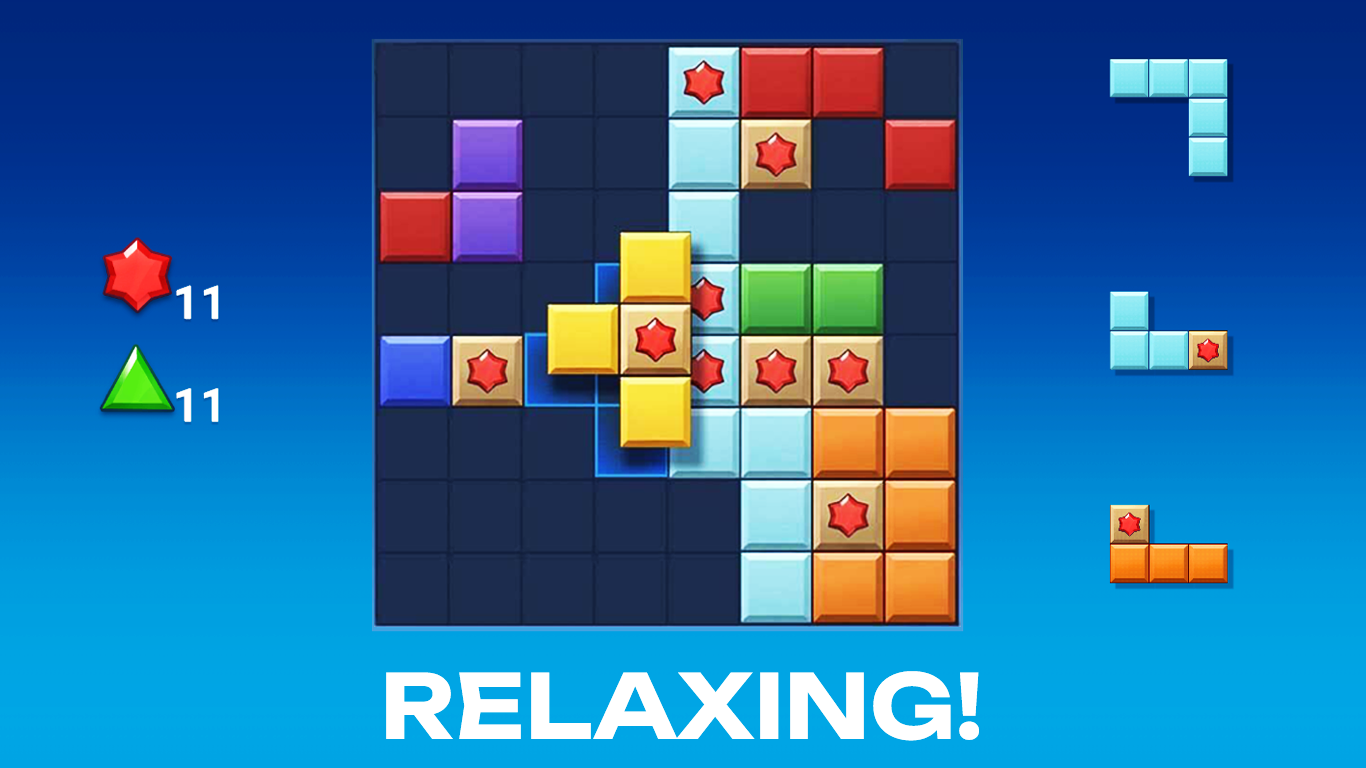
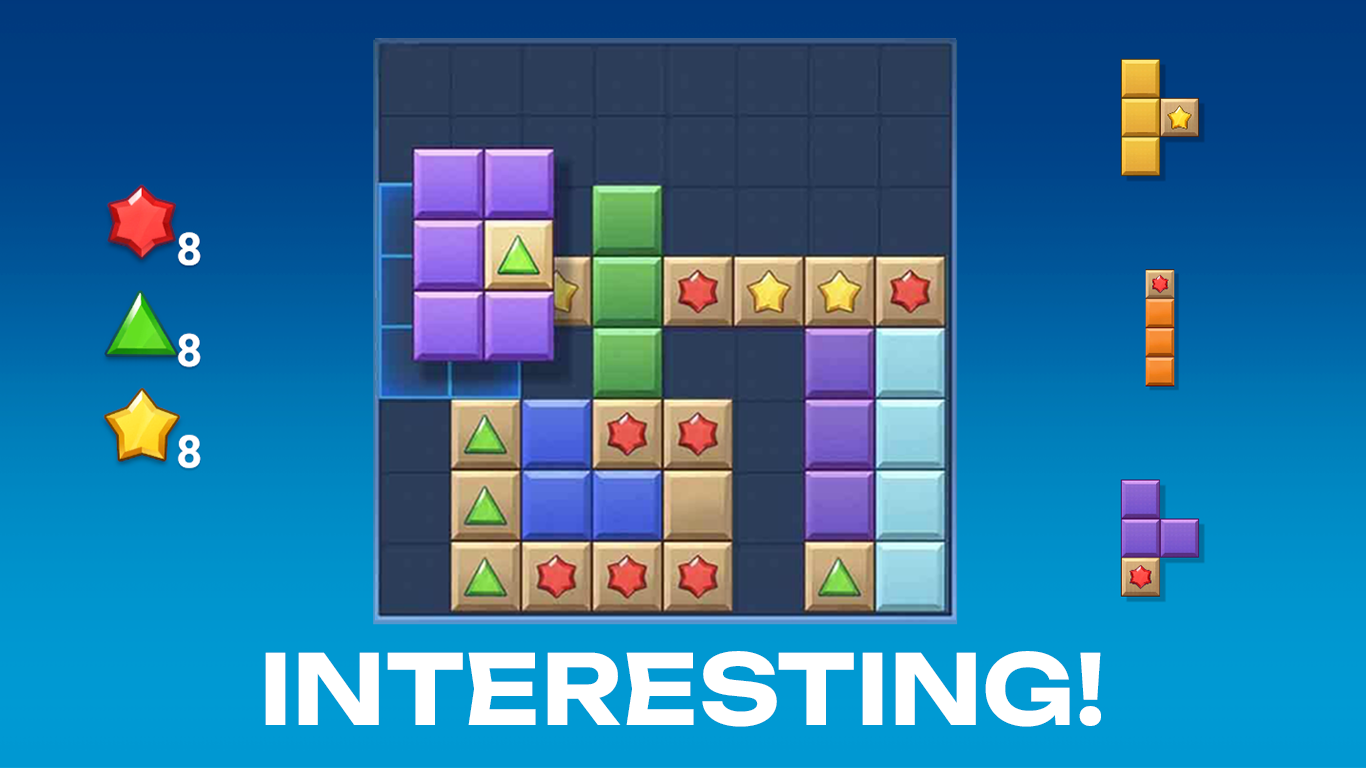
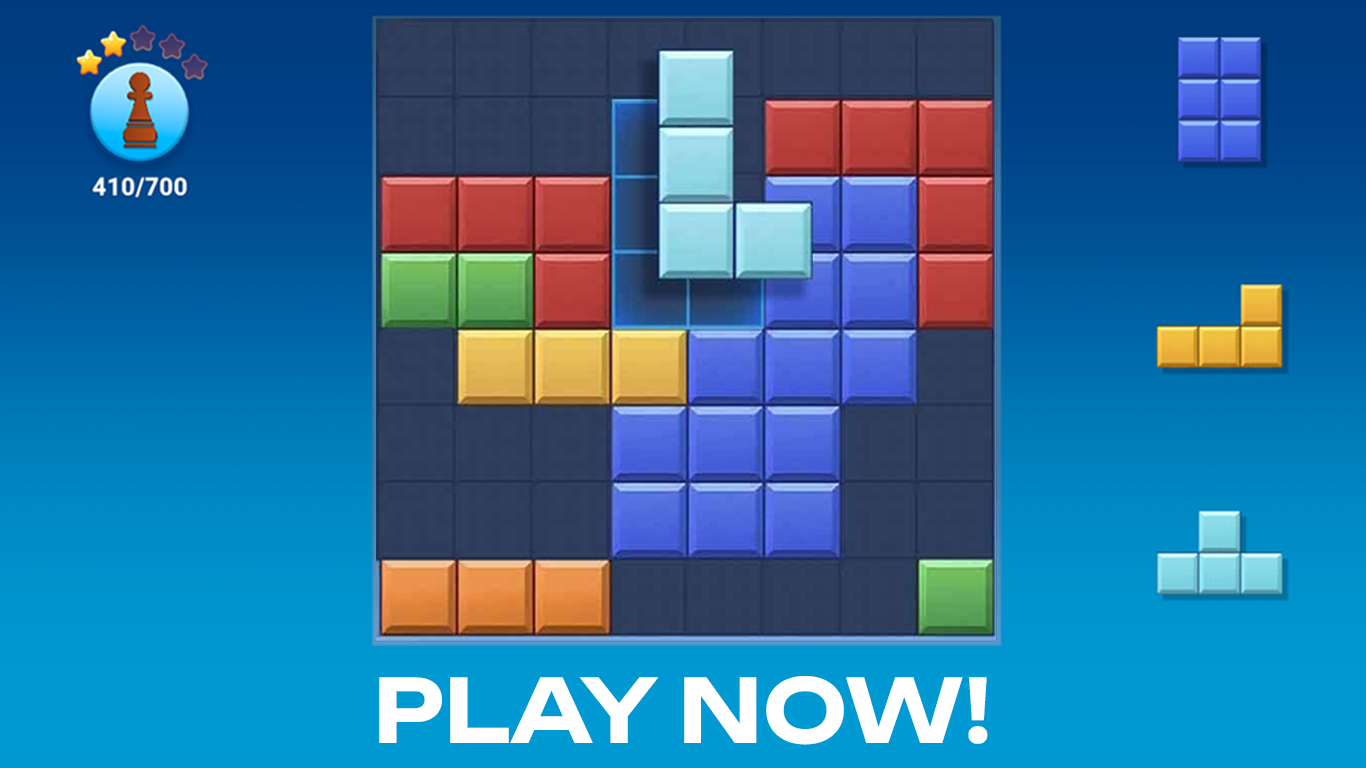
Blocks and that’s it is a relaxing block puzzle built for quick sessions. The goal is straightforward: place colorful shapes on an 8×8 board, complete rows and columns, build combos, and push your best score as far as it will go. The game adapts to both desktop and mobile screens and saves progress through the Playgama Bridge. Several scenes show solid red six-pointed shapes embedded in square blocks. Bright green triangles appear inside tan square blocks across multiple views.
How to Play
At any moment, three shapes are available. Drag one onto an empty area of the 8×8 board — mouse on desktop, touch on mobile. When a complete row or column is filled, it clears and earns points. Once all three shapes have been placed, a fresh set of three appears. The run ends when none of the remaining shapes can fit anywhere on the board.
Controls:
- Mouse drag: Place a shape onto the board
- Touch drag: Place a shape onto the board on mobile