Look, I get it. You want to shoot some pool without installing anything or signing up for yet another account. I tested 10 browser-based pool games over the past few days, and honestly? Most of them are basically the same game with different UI skins. But a few stood out. Some have surprisingly decent physics. Others are janky as hell but oddly fun. Here’s what I found, ranked by how much I actually wanted to keep playing after the first match.
TL;DR (Quick Summary)
- Total Games: 10 browser games tested
- Tested on: MacBook/PC, Chrome browser, no special hardware
- Average Rating: 3.5/5.0
Quick Comparison Table
| # | Game | Genre | Key Feature | Rating |
|---|---|---|---|---|
| 1 | Pool: 8 Ball Mania | Classic 8-Ball | Mobile-first controls | 3.6/5.0 |
| 2 | 9 Ball Pool 3D | Simulation | Sports, Mouse | 4.1/5.0 |
| 3 | Pool Shoot Tournament | Bubble Shooter | Skill, Classic | 4.6/5.0 |
| 4 | Pool Blast | Puzzle | Pool, Simulation | 4.1/5.0 |
| 5 | Eco Pool Online | Pool | Sports | 4.3/5.0 |
| 6 | Pool Mania | Arcade Pool | Star collection system | 4.0/5.0 |
| 7 | Pool 8 | Puzzle | Classic, Pool | 4.2/5.0 |
| 8 | Your Billiards Eight Ball | Skill | Arcade, Sports | 4.1/5.0 |
| 9 | Billiards 3D: Russian Pyramid | Russian Pyramid | Customizable AI difficulty | 4.1/5.0 |
| 10 | Ultimate Billiard 3D Game | Skill | Sports, Ball | 4.2/5.0 |
1. Pool: 8 Ball Mania
Quick Info
- Genre: Classic 8-Ball
- Developer: Inlogic
- Rating: 3.6/5.0 (1924 ratings)
Gameplay Video
Watch real gameplay footage
Screenshots
Two players’ pool tables
Game title screen
What’s the Point?
This is your standard mobile pool game ported to browser. You aim with a line guide, adjust power with a slider, and try to sink your balls before the AI does. The physics are basic but functional – balls roll predictably, cushion bounces work as expected. There’s a timer per turn which adds some pressure, but it’s generous enough that you won’t feel rushed. The aiming assist is strong, showing you exactly where the cue ball and target ball will go, which makes it accessible but removes some skill ceiling. It’s 8-ball by the book – solids vs stripes, sink the black last, scratch and you lose your turn.
Personal Experience
From the author: When I first loaded this, I was immediately reminded of every mobile pool game I’ve ever played. The controls are smooth enough – click to aim, drag the power meter, release to shoot. The game responded instantly to my inputs, which is good. What surprised me was how forgiving the pockets are; I made shots I definitely should have missed. After a few games, I noticed the AI difficulty is wildly inconsistent – sometimes it misses easy shots, sometimes it runs the table. The timer at the top kept me moving, but I never felt like I was running out of time.
How to Play
Controls: Mouse to aim, click and drag power meter to adjust shot strength
Goal: Pocket all your balls (solids or stripes) and then sink the black 8-ball to win
Performance & Browser Compatibility
Speed: Loads in 2-3 seconds, runs at smooth 60fps, no lag
Works best on: Mobile and tablet (touch-optimized UI)
Browser: Chrome, Firefox, Safari (HTML5)
Who is this game for?
Perfect for casual players who want a quick pool game during a break. The strong aiming guides make it beginner-friendly, but experienced players might find it too easy. Good for ages 10+ who want 5-10 minute sessions without much challenge. If you’re looking to kill time on your phone, this works fine.
Pros & Cons
✅ Pros
- Responsive touch controls, feels snappy
- Clear visual guides for aiming
- Quick matches, no commitment needed
⛔ Cons
- AI difficulty is all over the place
- Pockets are unrealistically forgiving
- Looks generic, nothing stands out visually
2. 9 Ball Pool 3D
Quick Info
- Genre: Simulation, Sports
- Developer: Breymantech
- Rating: 4.1/5.0 (106 ratings)
- Platforms: PC, Android, iOS
Screenshots
What’s the Point?
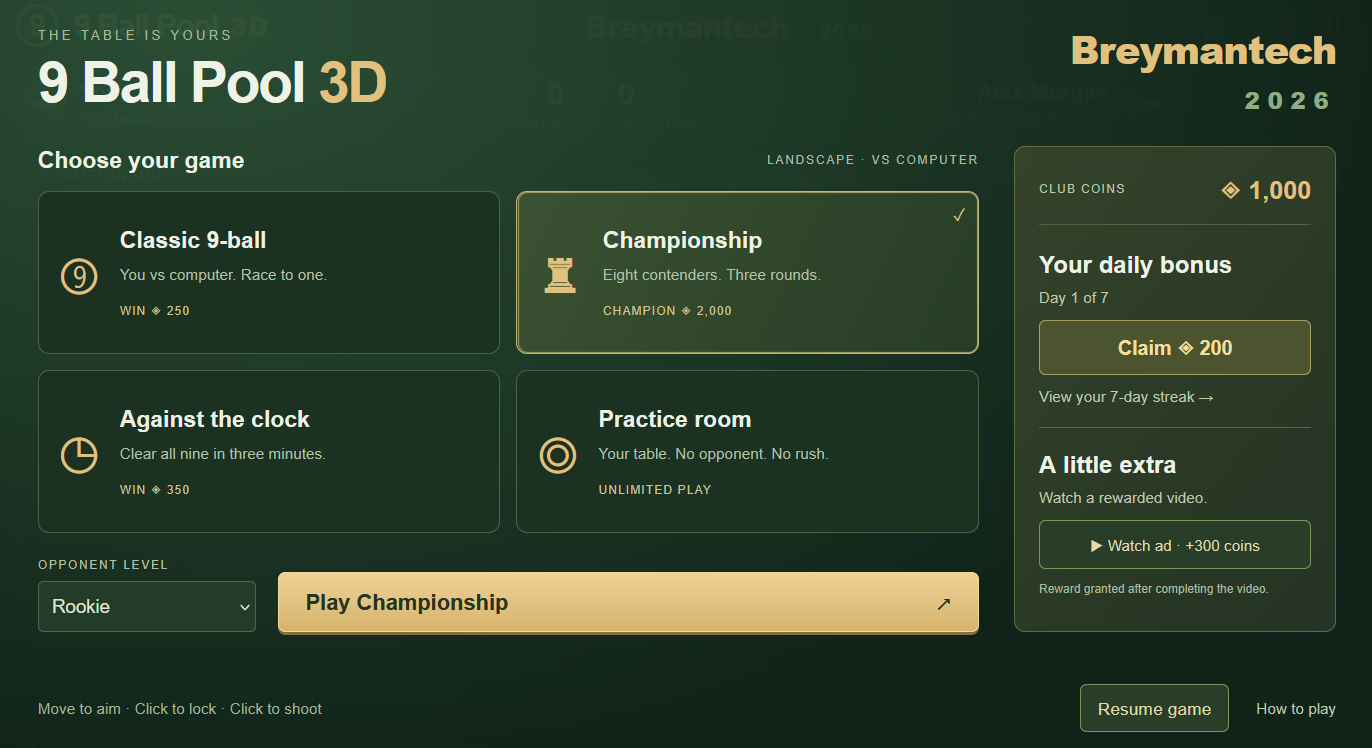
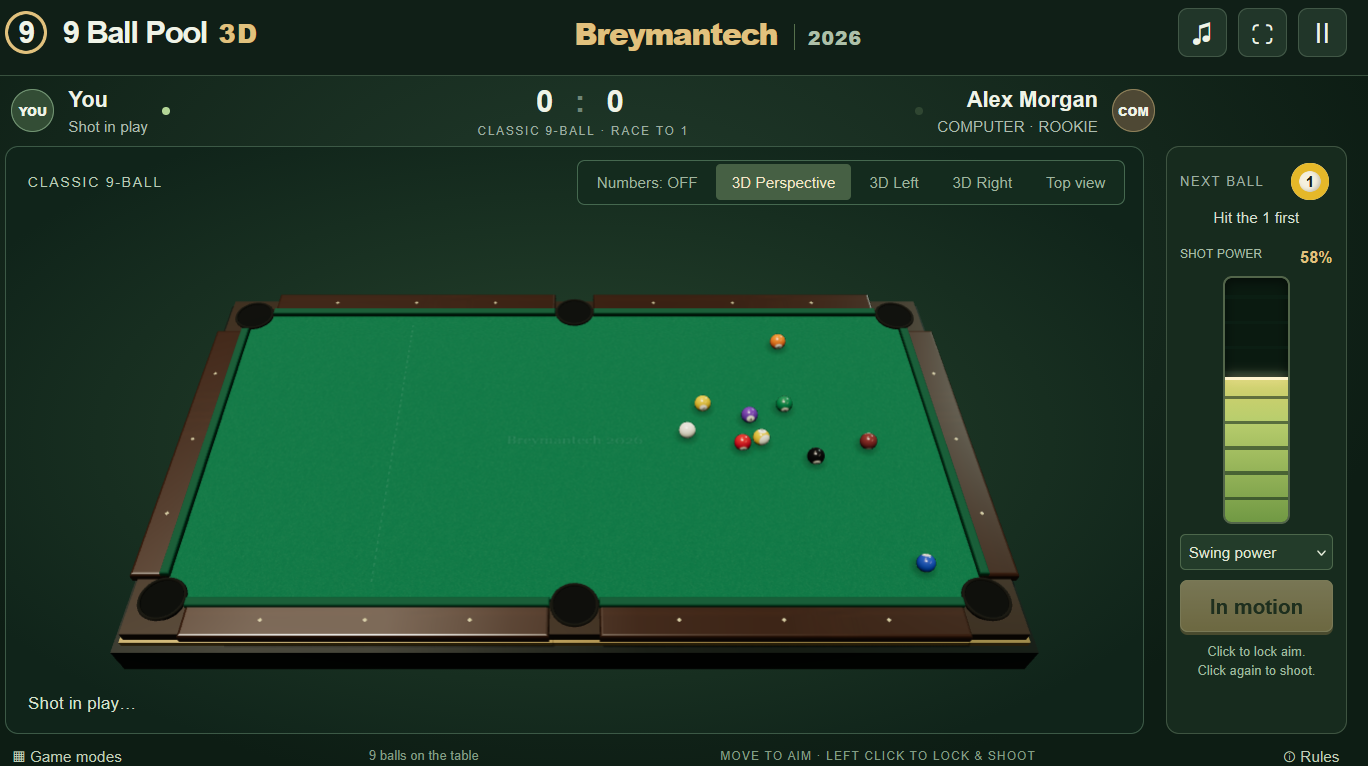
9 Ball Pool 3D is a polished 3D pool game from Crazygamesup.com. The game puts authentic 9-ball rules at the center: strike the lowest-numbered ball first and legally pocket the 9-ball to win a rack. Challenge computer opponents, compete in a three-round championship, beat the clock, or sharpen your skills in the practice room. Two camera perspectives — isometric and top-down — let you read the table from the angle that suits your eye. A green rectangular surface with six dark circular holes is bordered by dark brown panels in one view of the table. Daily rewards and club coins give returning players something to collect each session.
How to Play
Every rack follows the same core rule: hit the lowest-numbered ball on the table first. Pocketing any ball legally keeps your turn going. The rack ends the moment you pocket the 9-ball legally. A scratch, wrong first contact, or failing to send a ball to a rail after contact counts as a foul — your opponent receives ball in hand.
Shots use a rising power meter by default. Lock your aim first, then let the meter climb to your desired strength before firing. A Manual Power option is also available if you prefer to set shot strength with a slider instead. Use the camera buttons at any time to switch between Isometric and Top View.
Controls:
- Mouse move: Aim the cue
- Left click (first): Lock aim and start the power meter
- Left click (second): Shoot
- Arrow keys: Fine-tune aim on desktop
- Space: Lock aim / shoot on desktop
- Drag: Aim on mobile
- Tap (first): Lock aim on mobile
- Tap (second): Shoot on mobile
3. Pool Shoot Tournament
Quick Info
- Genre: Bubble Shooter, Skill
- Developer: Kozha games
- Rating: 4.6/5.0 (2605 ratings)
- Platforms: PC, Android, iOS
Screenshots
What’s the Point?
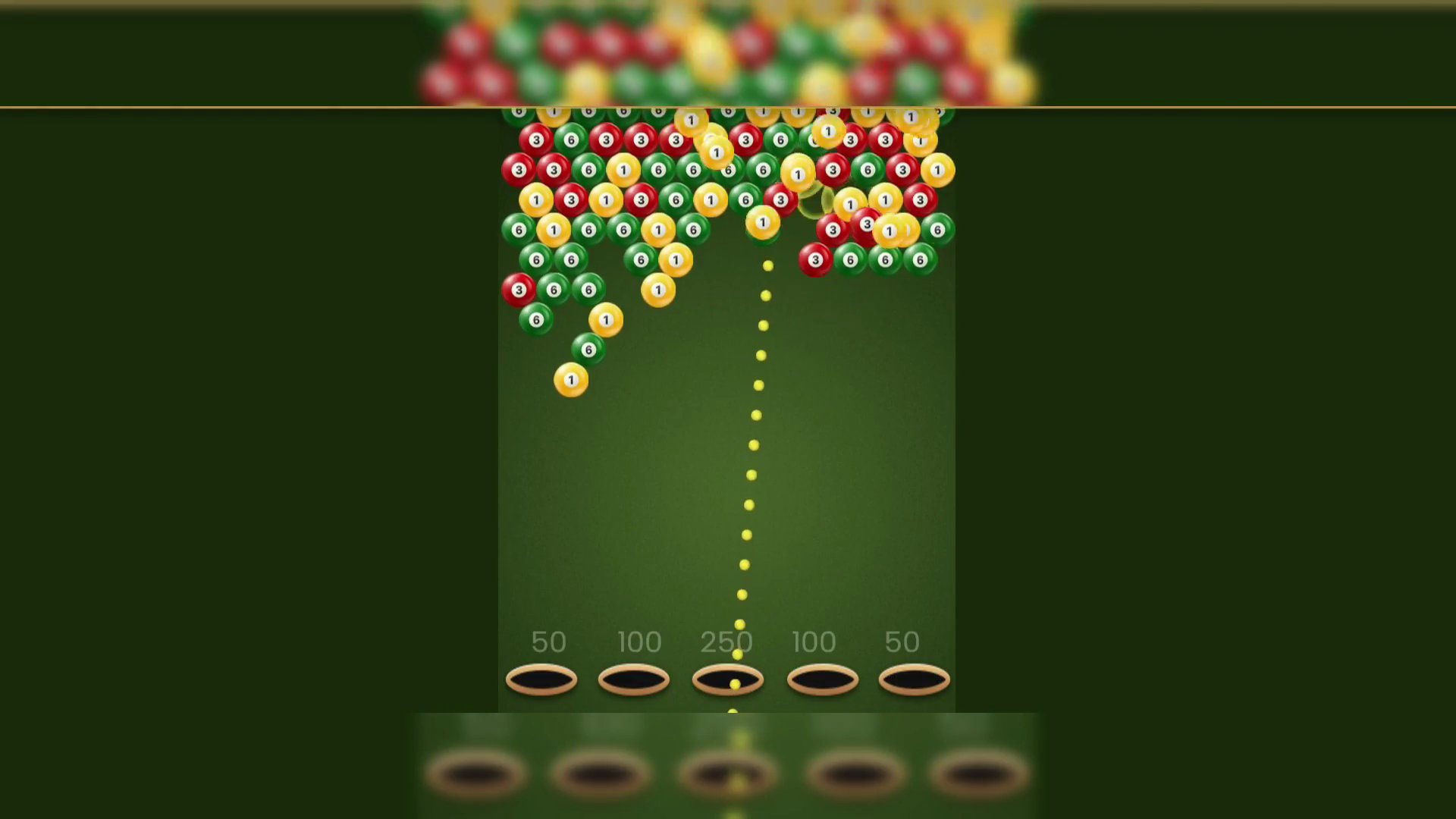
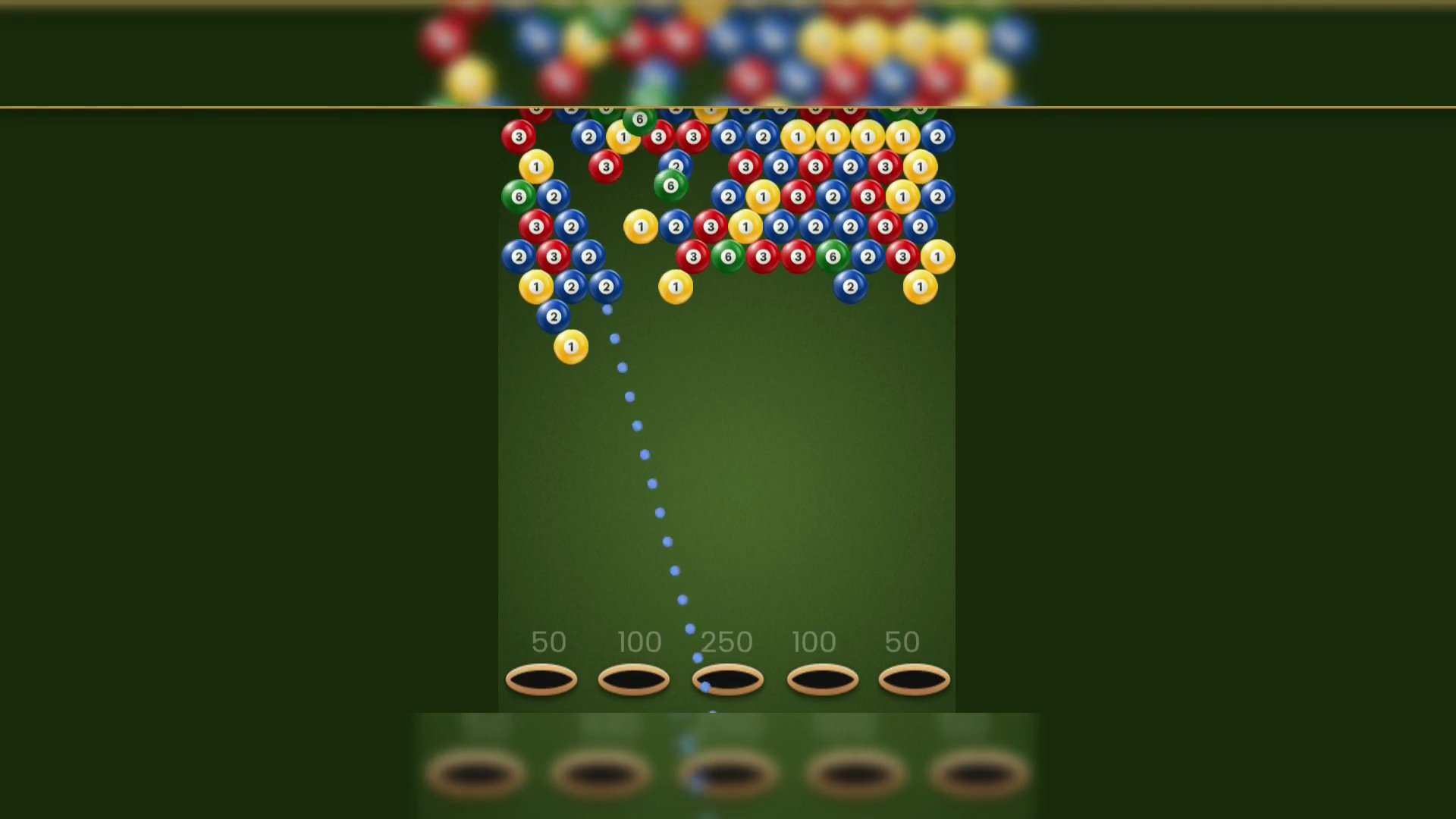
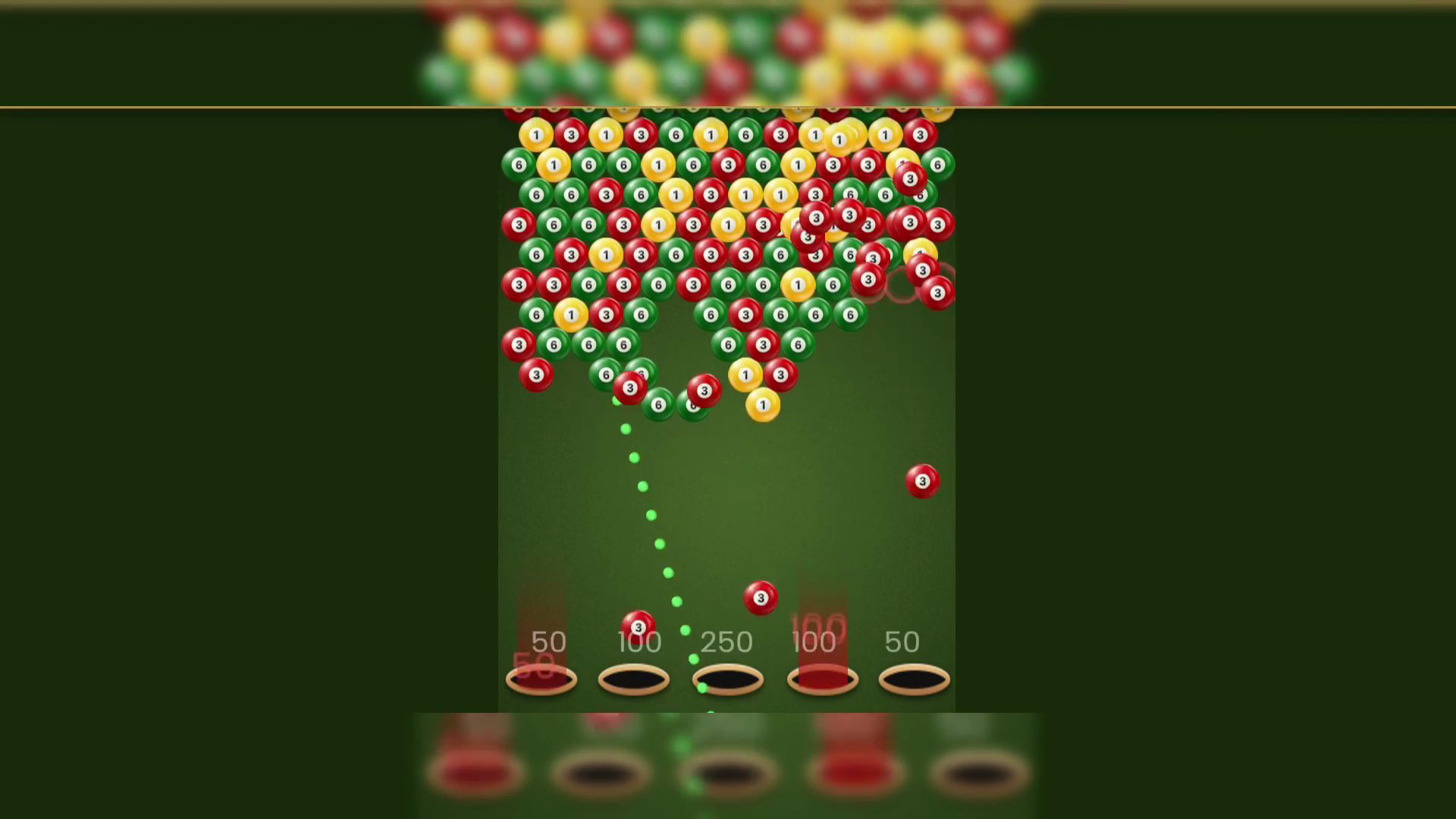
Pool Shoot Tournament is an online arcade game that blends skill and strategy around one core challenge: shooting colored balls with enough accuracy to eliminate them in groups. The pace demands quick thinking and precise aim, and the game runs on both mobile and desktop.
How to Play
The goal is to earn the highest possible score by shooting bubbles. To maximize points, each shot should take down a large group of balls at once, using both direct hits and ricochet angles to your advantage. A valid group requires at least three balls of the same color. The game ends the moment any ball from the advancing wall reaches the bottom.
4. Pool Blast
Quick Info
- Genre: Puzzle, Pool
- Developer: Green Train
- Rating: 4.1/5.0 (7 ratings)
- Platforms: PC, Android, iOS
Screenshots
What’s the Point?
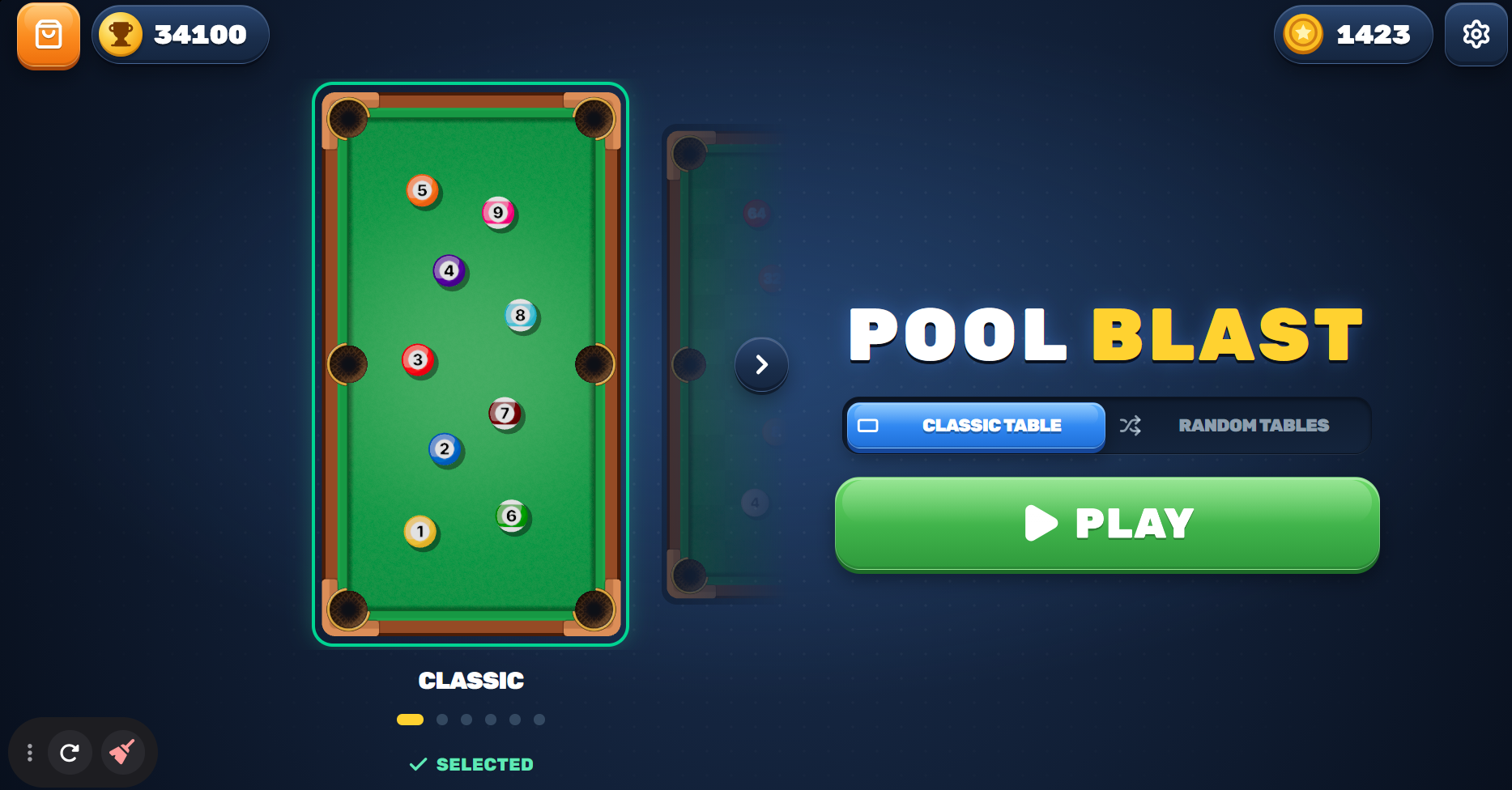
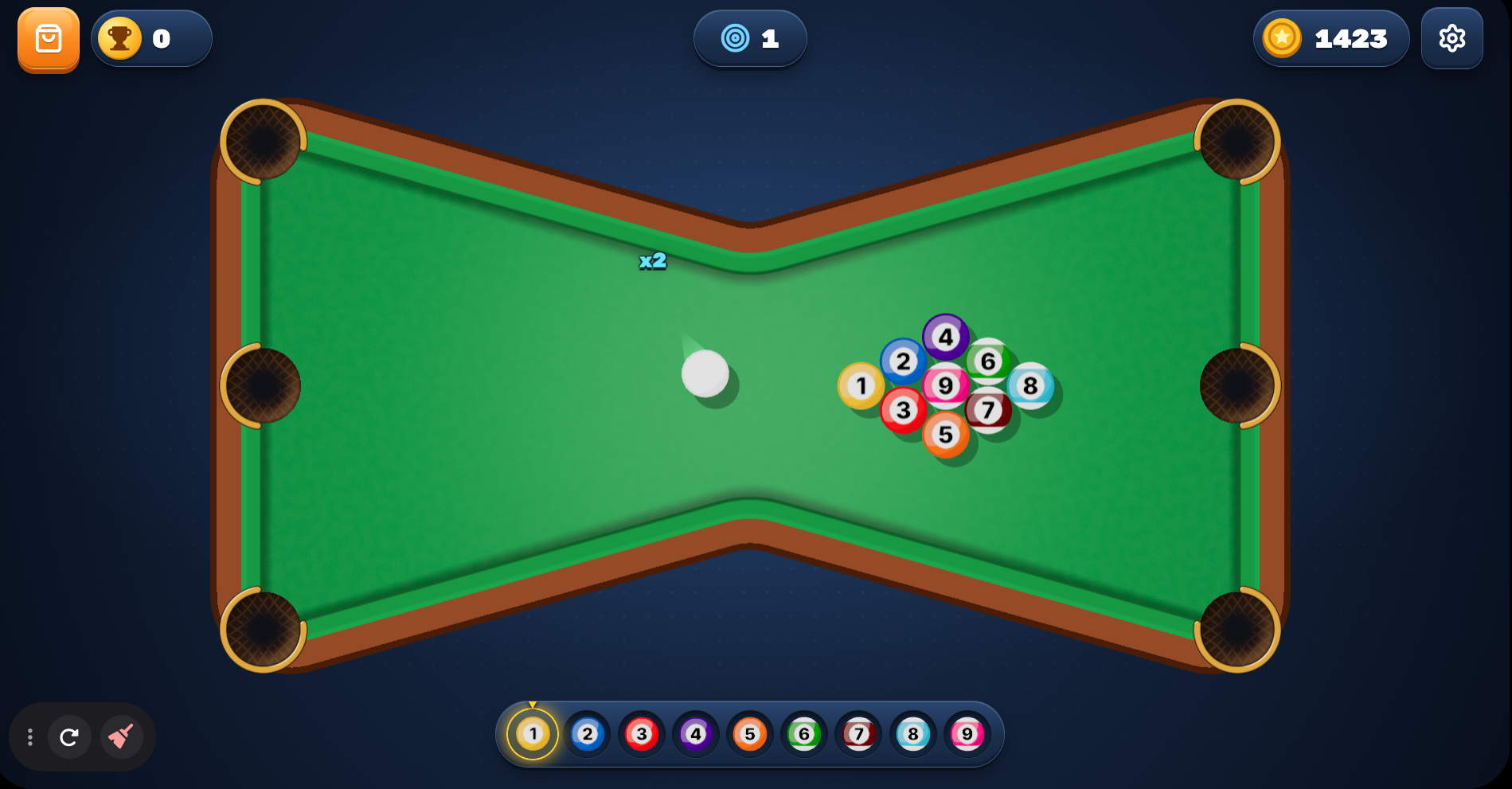
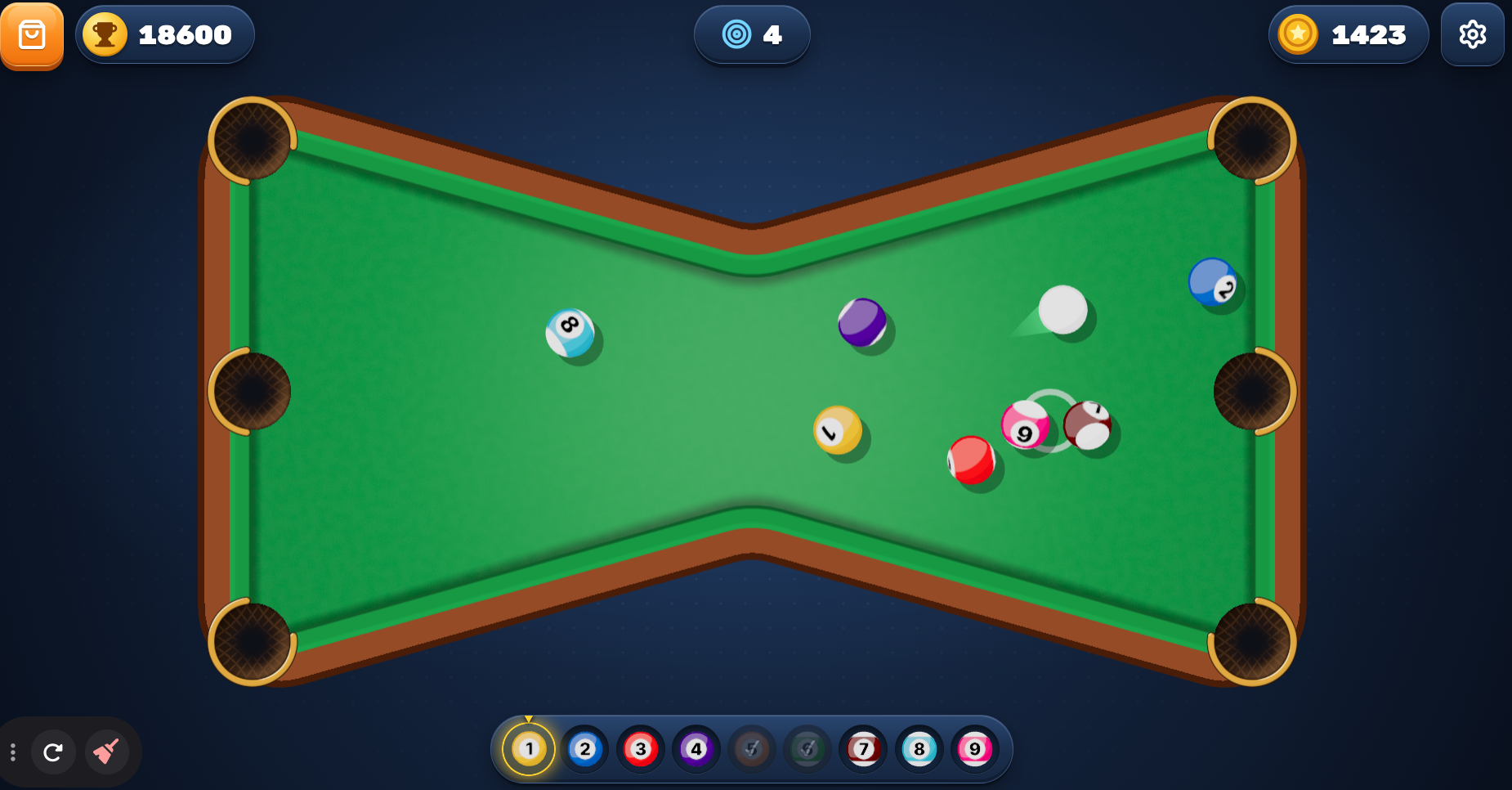
Pool Blast is a fast 3D pool puzzle built around a clear rule: clear balls numbered 1 to 9, always striking the lowest-numbered ball first. Bank shots off the cushions, sink balls in a row to build your score, and spend those points on new ball skins. Several scenes show a pool table with an hourglass or bowtie shape, fitted with six circular pockets and green felt. A grid of small white dots runs across the dark blue background behind the UI in several views.
How to Play
The core objective is to pocket all nine balls in order, always contacting the lowest-numbered ball first. Bank shots off the cushions and sink consecutive balls to push your score higher. A foul wipes out the shot’s points, deducts up to 100 points, and returns any potted balls to the table.
Controls:
- Mouse aim: Move the cursor to aim
- Left mouse button (hold and pull back): Set shot power
- Left mouse button (release): Shoot
- Touch (drag back): Aim and set power like a slingshot, then release to shoot
- Esc: Cancel the shot currently being aimed
5. Eco Pool Online
Quick Info
- Genre: Pool, Sports
- Developer: Motion Theory
- Rating: 4.3/5.0 (238 ratings)
- Platforms: PC, Android, iOS
Screenshots
What’s the Point?
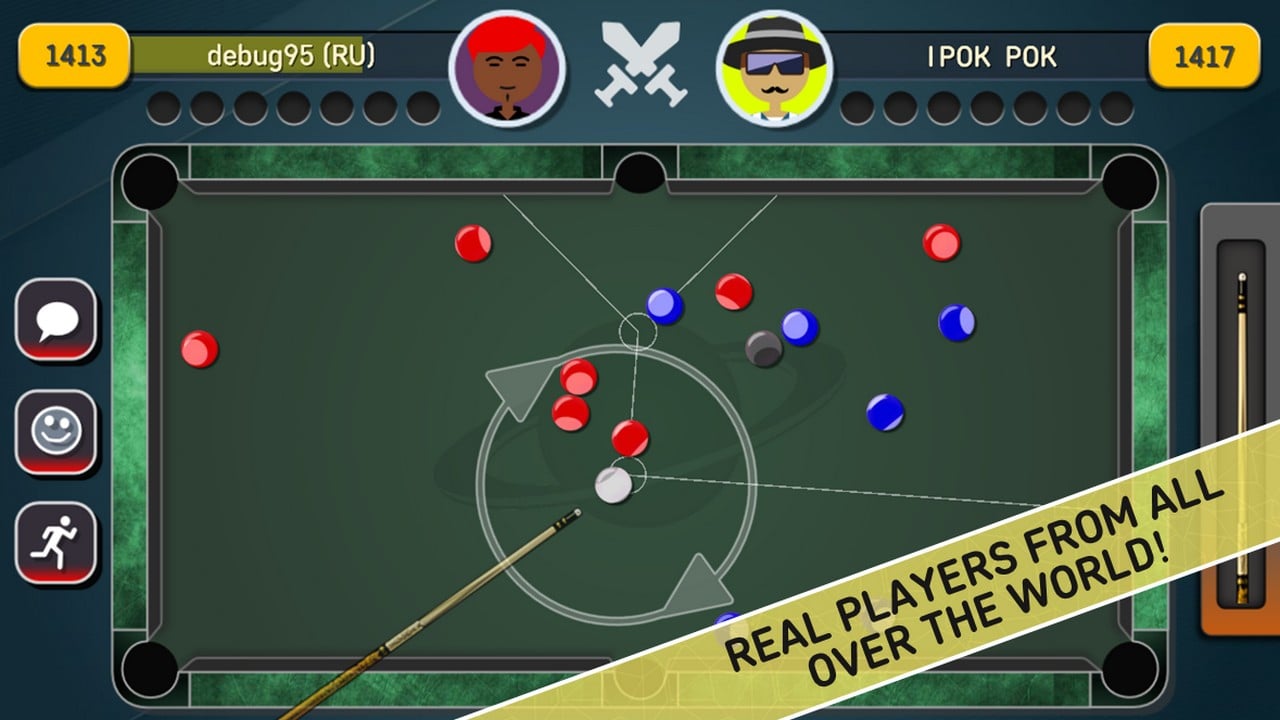
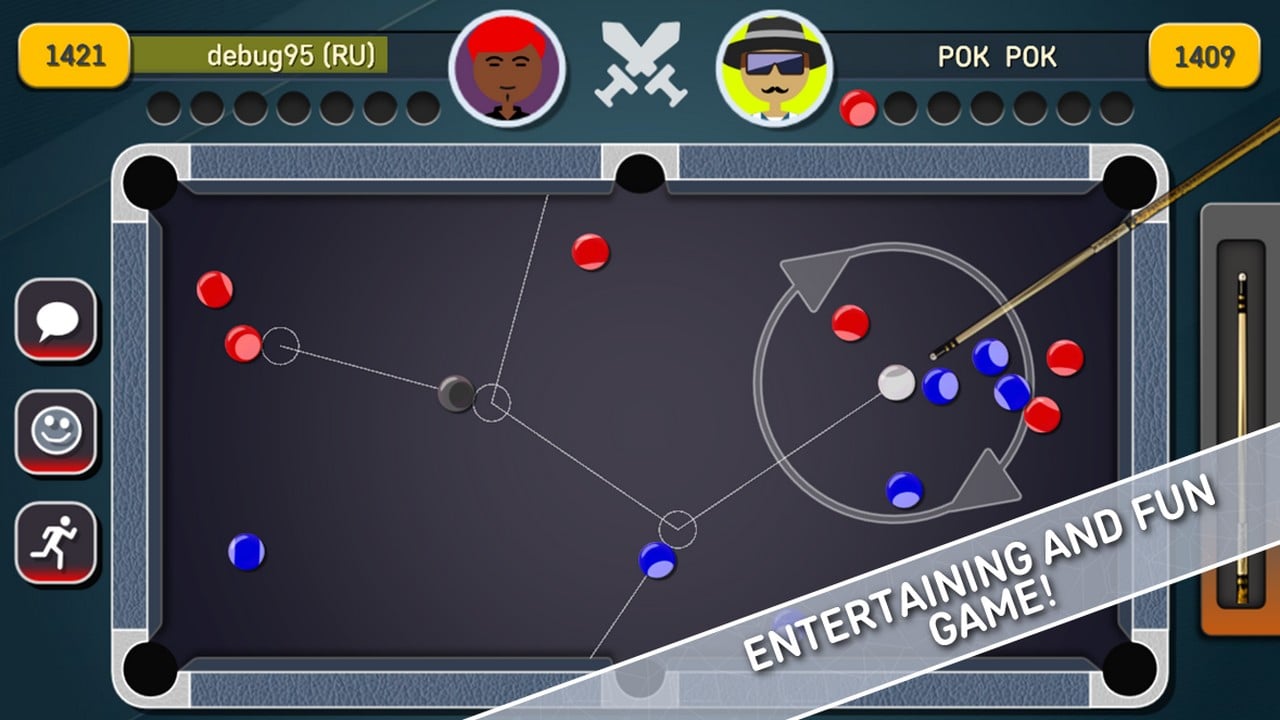
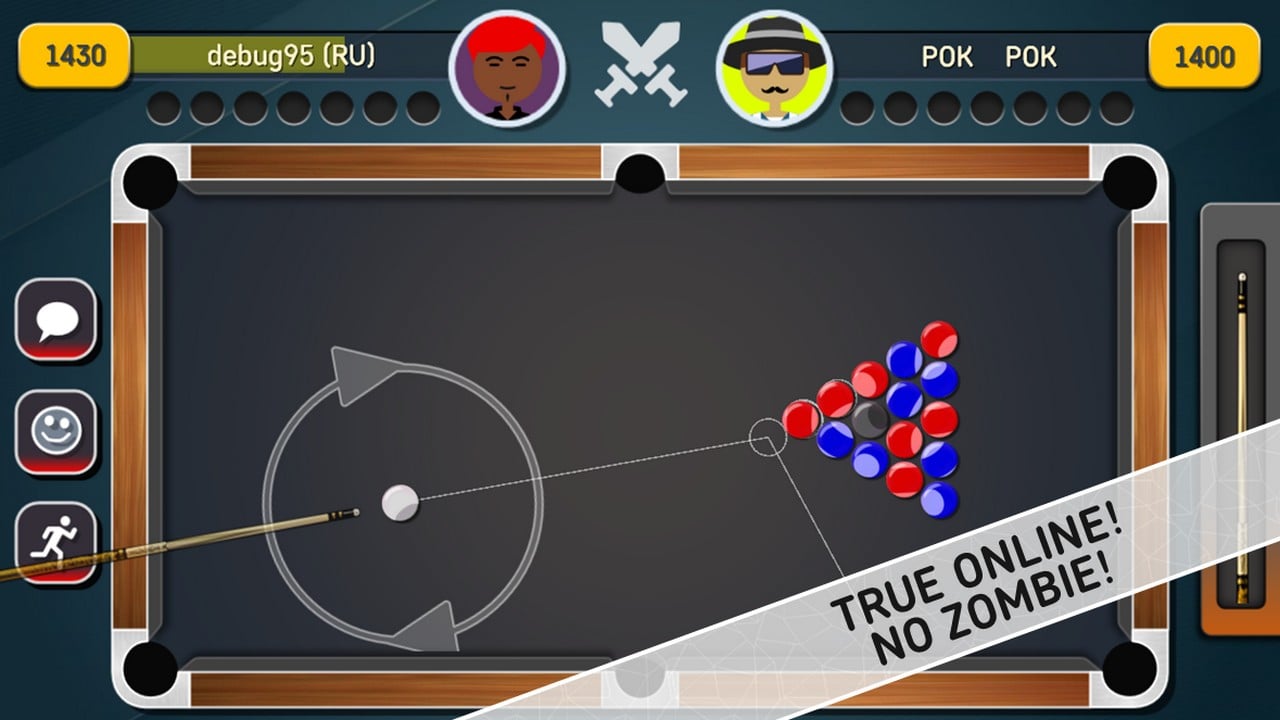
Eco Pool Online drops you straight into a virtual pool table without any installations — open a browser and the game begins. Built around classic eight-ball billiards, it pits two players against each other in duels with real opponents online or sends a solo player through a series of unique single challenges. The physics engine aims to stay as close to real-world billiards as possible, and the controls are designed to feel simple and intuitive from the first shot. The design is described as stylish, keeping the visual experience clean and pleasing.
How to Play
Controls:
- Mouse / touch: Aim and shoot using simple, intuitive input
6. Pool Mania
Quick Info
- Genre: Arcade Pool
- Developer: Inlogic
- Rating: 4.0/5.0 (3697 ratings)
Gameplay Video
Watch real gameplay footage
Screenshots
Player aiming shot
Table with brown felt
Table with green felt
What’s the Point?
Pool Mania takes a more arcade approach, focusing on collecting stars and unlocking stronger cues through level progression. Each level presents a specific table setup, and you need to clear it efficiently to earn stars. The better you perform (fewer shots, more difficult pockets), the more stars you get. Stars unlock new cues with better stats, which help you tackle harder levels. The physics are simplified – this isn’t trying to be a realistic simulation. It’s more about quick reflexes and pattern recognition than strategic pool play.
Personal Experience
From the author: I jumped into the first level and immediately noticed the simplified controls – just aim and shoot, no complex spin or power adjustments. The star system motivated me to replay levels for better scores, which is smart design. The progression felt good; unlocking a new cue with better power made me want to go back and retry earlier levels. However, the physics are so simplified that it barely feels like pool – balls zip around the table unrealistically fast, and pockets seem to have magnetic properties. It’s fun as an arcade game, but don’t expect authentic billiards.
How to Play
Controls: Drag to aim, pull back on cue stick to set power, release to shoot
Goal: Clear each level’s table setup, collect stars based on performance, unlock stronger cues to progress
Performance & Browser Compatibility
Speed: Loads instantly (1-2 seconds), runs at 60fps on any device
Works best on: Mobile (designed for touch controls and quick sessions)
Browser: Chrome, Firefox, Safari (HTML5)
Who is this game for?
Casual mobile gamers ages 10-25 who want an arcade experience rather than realistic pool. If you like progression systems and unlocking upgrades, this delivers. Good for very short sessions (2-5 minutes) when you just want to clear a quick level. Kids will enjoy the simplified mechanics and star collection.
Pros & Cons
✅ Pros
- Star system and cue unlocks create good progression
- Simplified controls are accessible
- Loads and runs fast on any device
⛔ Cons
- Physics are unrealistically arcade-like
- Barely feels like actual pool
- Generic graphics and presentation
7. Pool 8
Quick Info
- Genre: Puzzle, Classic
- Developer: Drivix Games
- Rating: 4.2/5.0 (158 ratings)
- Platforms: PC, Android, iOS
Screenshots
What’s the Point?
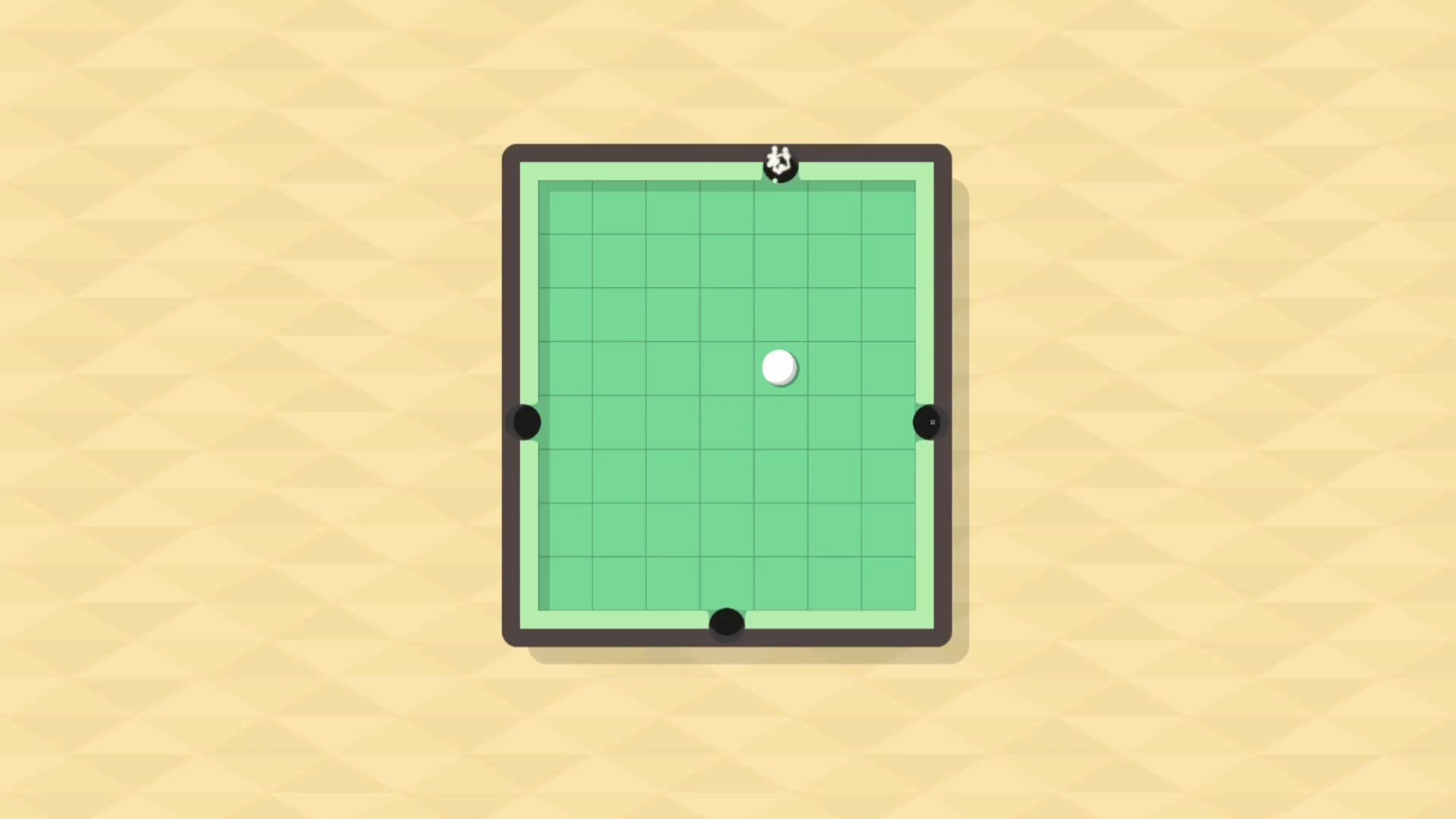
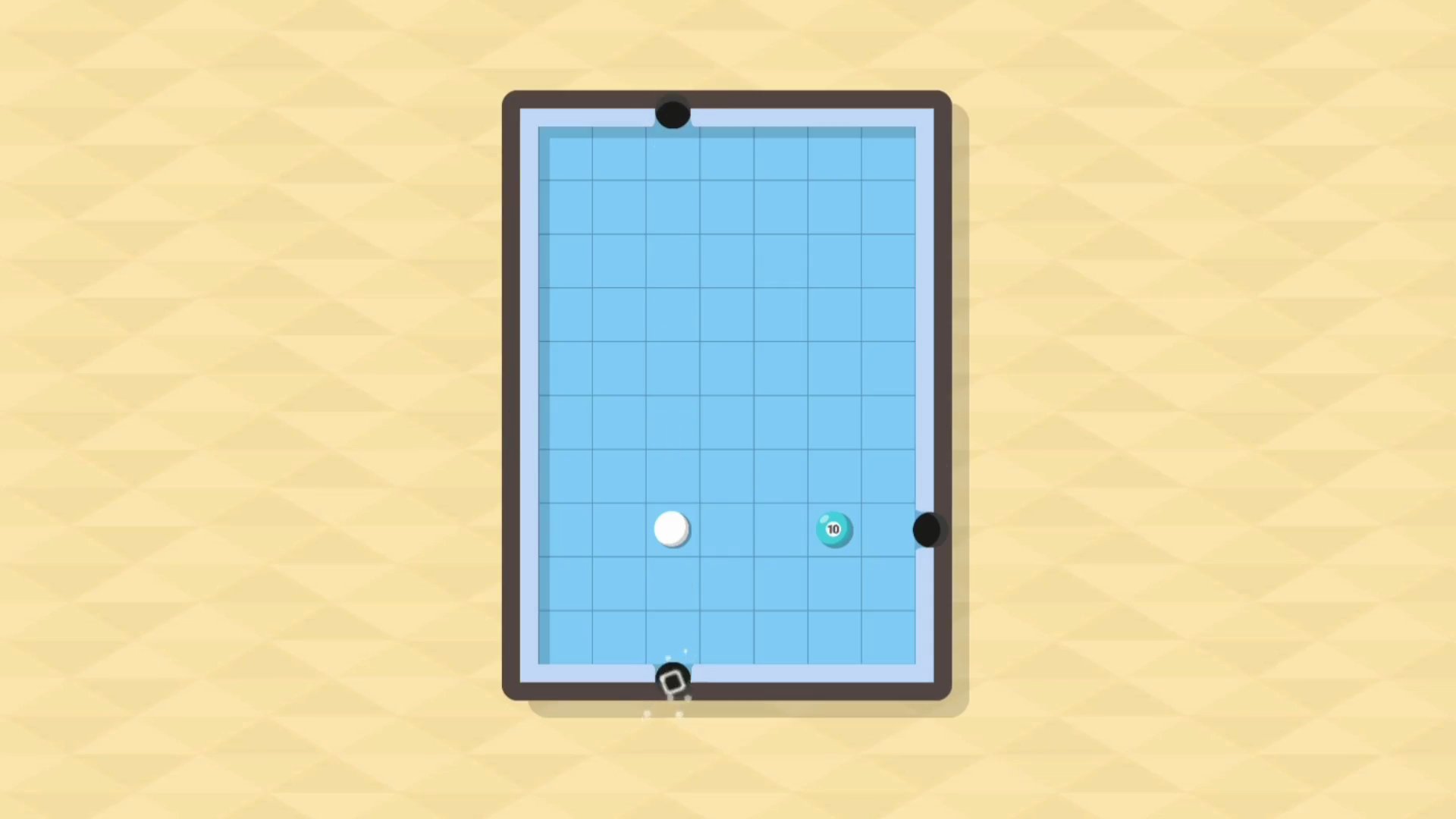
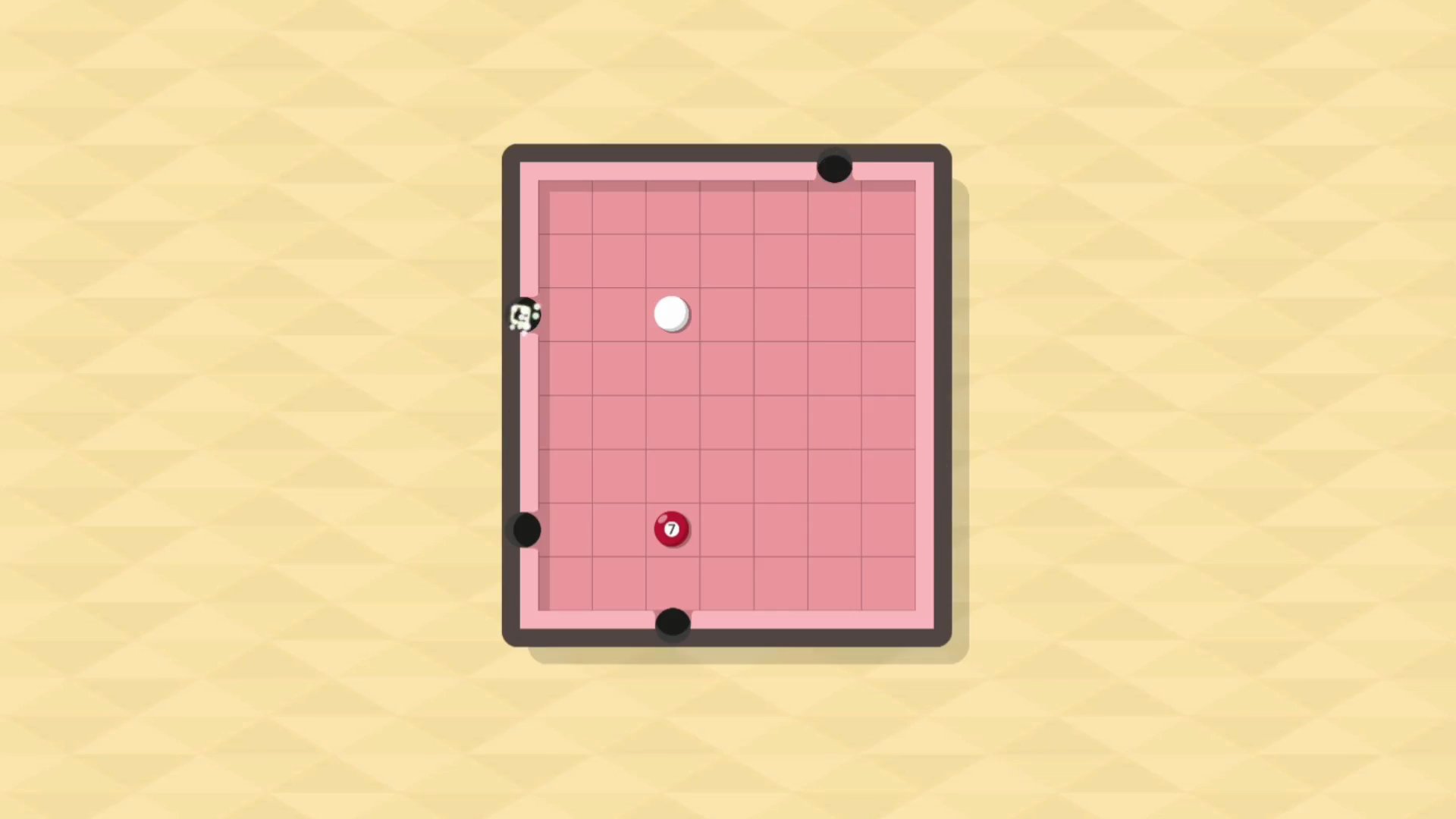
Pool 8 is a brain-teasing puzzle game built on a pool board, where the challenge is to pot balls in the correct order across a series of increasingly difficult levels. The game starts out easy and naturally ramps up as you progress through its multitude of difficulty levels, beginning with the “rookie” level at the easiest end.
How to Play
The mechanics here are deliberately constrained: movement is limited to up, down, left, and right only — no diagonal shots are possible. That restriction becomes a genuine puzzle when multiple balls sit on the table at once, because every move must be planned with the full sequence in mind. The key to clearing each level is working out the order of moves so that all shots can be lined up successfully.
8. Your Billiards Eight Ball
Quick Info
- Genre: Skill, Arcade
- Developer: Jovany Nady
- Rating: 4.1/5.0 (7 ratings)
- Platforms: PC, Android, iOS
Screenshots
What’s the Point?
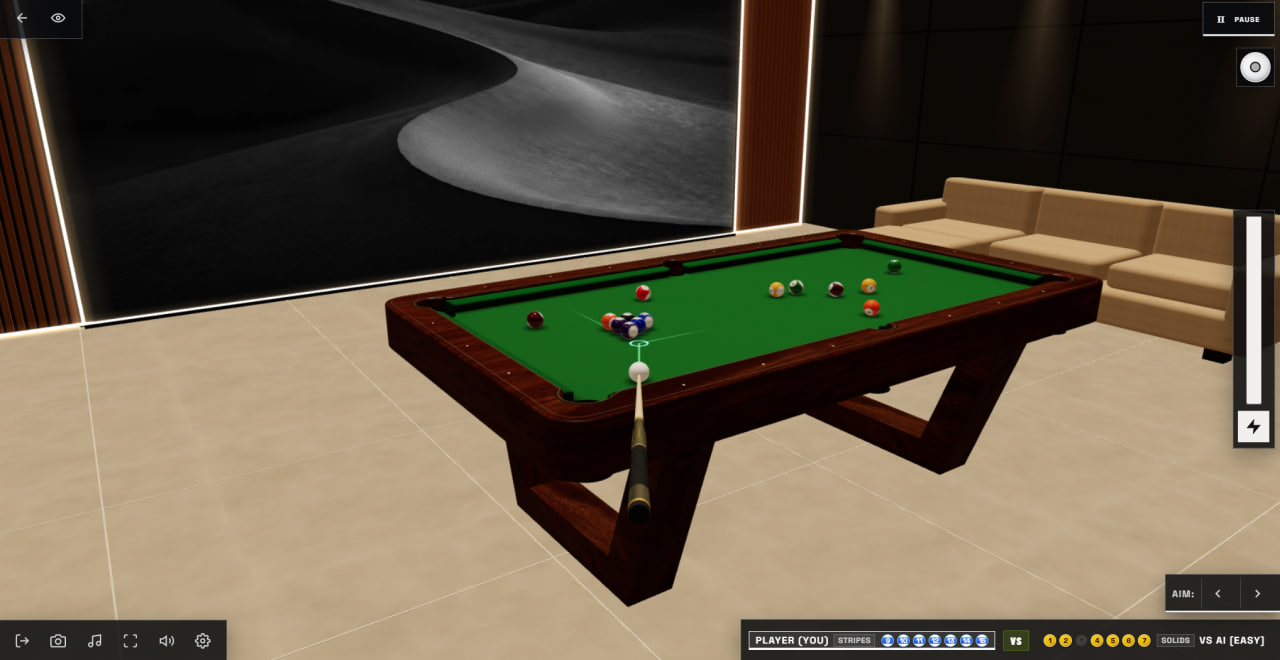
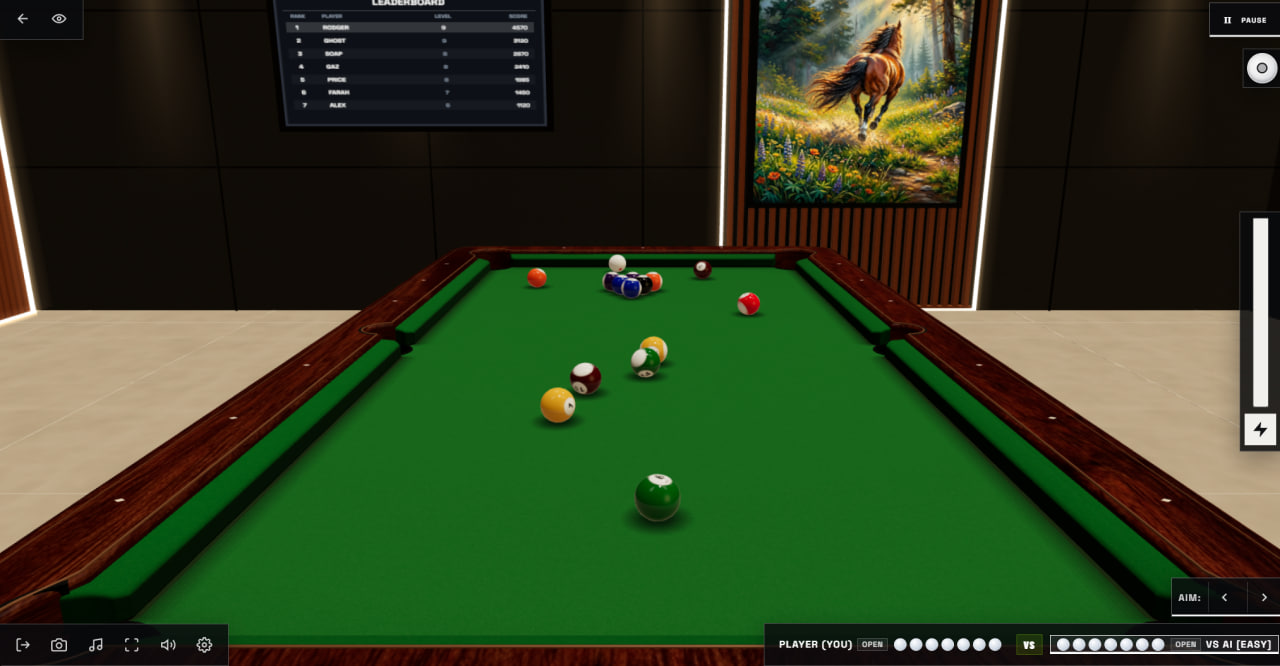
Your Billiards Eight Ball puts a full eight-ball pool table in your browser, built around a 3D physics engine that handles ball-to-ball collisions, cushion rebounds, rolling rotation, pocket capture, and cue-ball spin. Matches follow standard Eight-Ball rules, and the game supports both single-player VS AI and local 2-player Pass & Play on the same device. The AI offers Easy, Medium, and Hard difficulty levels, so beginners can ease in while experienced players may face accurate, tactical opposition.
How to Play
Every match opens with the break. Once the first legal ball drops, each player is assigned either Solids (1–7) or Stripes (9–15). The goal is to clear all seven balls in your group and then legally pocket the black 8-ball to win.
Controls:
- Mouse move / Touchscreen drag: Rotate the cue stick to aim
- Click-drag backward / Touch-drag backward from cue ball: Set shot power, then release to shoot
- Vertical power control (click/touch): Adjust shot strength with more precision
- Left/Right fine-aim controls: Make small aiming adjustments
- Left Arrow / Right Arrow keys (desktop): Fine-aim adjustments
- Cue-ball spin control (click/touch): Apply top spin, backspin, or side spin
- Keys 1, 2, 3, 4 (desktop): Switch between the four camera views
- On-screen camera buttons: Switch camera views on touchscreen
9. Billiards 3D: Russian Pyramid
Quick Info
- Genre: Russian Pyramid
- Developer: illusion21
- Rating: 4.1/5.0 (744 ratings)
Gameplay Video
Watch real gameplay footage
Screenshots
Player aiming shot
Balls after shot
Close-up aiming view
What’s the Point?
Another Russian billiards game, but more focused on single-player practice. You can customize the AI’s skill level to match your ability, which is useful for learning. The tables come in different sizes, which changes the challenge significantly. The 3D graphics are low to medium fidelity – functional but not impressive. The core gameplay is standard Russian pyramid rules with tighter pockets than American pool. The precision aim wheel is helpful for fine-tuning shots, though it can feel fiddly on mouse controls.
Personal Experience
From the author: I started on the easiest AI setting and gradually increased difficulty as I got comfortable with the controls. The precision aim wheel is useful but took practice – I kept overshooting my target angle and having to dial it back. The different table sizes genuinely change the game; the smaller tables feel cramped and require more careful positioning. The 3D graphics are serviceable but lack the polish of The Best Russian Billiards. After a few matches, I appreciated the customizable AI – it let me find a challenge level that was engaging without being frustrating.
How to Play
Controls: Click and rotate to aim, precision wheel for fine adjustments (or hold Shift on PC), click cue and drag to set power
Goal: Pocket balls according to Russian pyramid rules, customize AI difficulty to match your skill level
Performance & Browser Compatibility
Speed: Loads in 3 seconds, runs at 60fps on most hardware
Works best on: Desktop (precision controls work better with mouse)
Browser: Chrome, Firefox, Safari (HTML5)
Who is this game for?
Players ages 16-40 who want to learn or practice Russian billiards at their own pace. The customizable AI makes it good for beginners who want to improve gradually. Suitable for 15-30 minute practice sessions. If you’re serious about Russian pyramid, this is a decent training tool.
Pros & Cons
✅ Pros
- Customizable AI difficulty helps learning
- Different table sizes add variety
- Precision aim wheel allows fine control
⛔ Cons
- Graphics are dated and low-fidelity
- Precision wheel can be fiddly
- Less polished than The Best Russian Billiards
10. Ultimate Billiard 3D Game
Quick Info
- Genre: Skill, Sports
- Developer: NeuroPlay Studios
- Rating: 4.2/5.0 (104 ratings)
- Platforms: PC, Android, iOS
Screenshots
What’s the Point?
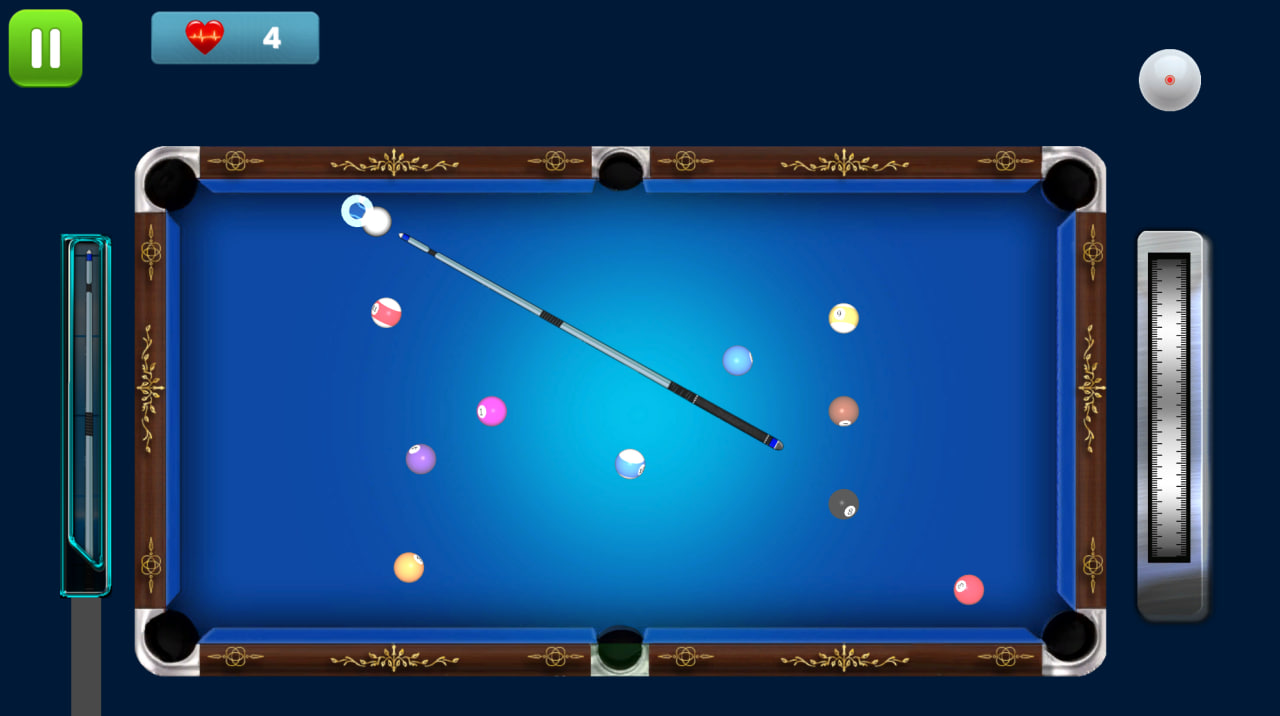
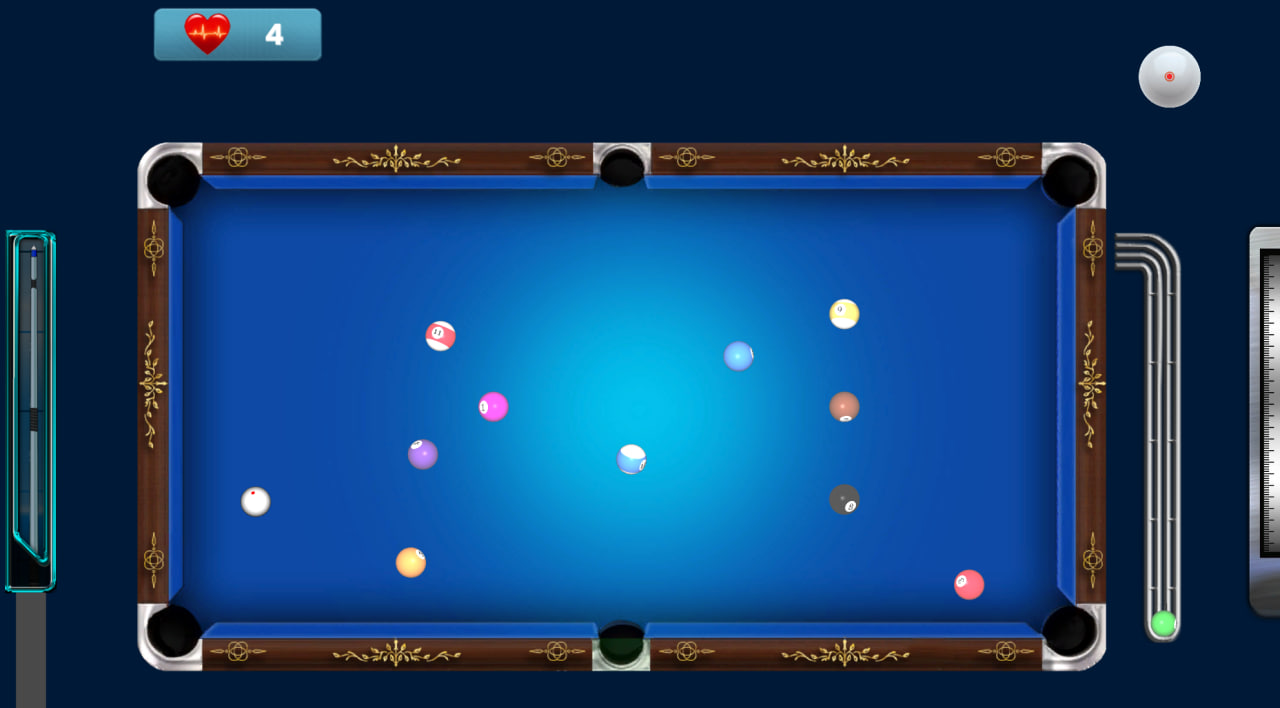
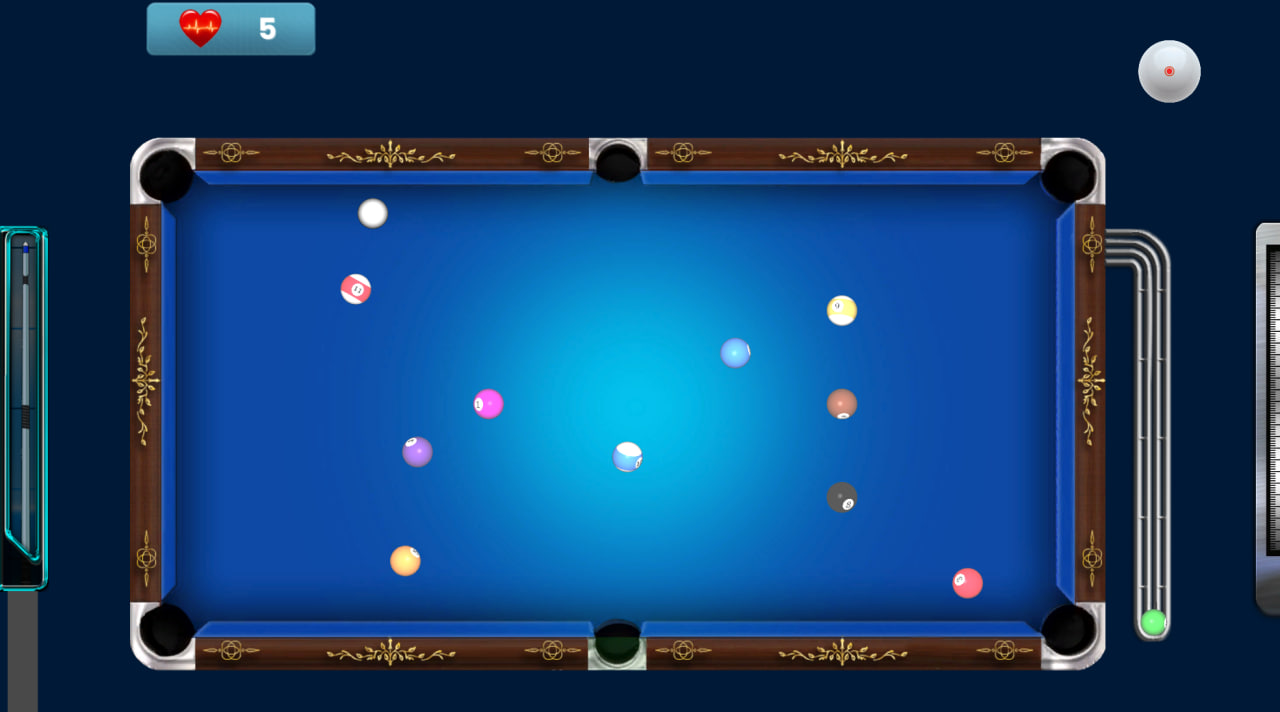
Ultimate Billiard 3D Game brings a full 3D billiards simulator to your mobile device, combining realistic pool physics, smooth cue controls, and snooker challenges in one package. Whether you are just learning the basics or aiming for professional-level precision, the game covers the full range of cue sport experiences. Beautiful graphics, realistic ball movement, and addictive gameplay define its character from the first rack.
How to Play
Authentic billiards gameplay runs on advanced physics that make every shot feel natural. Aim carefully, control your cue power, apply spin, and pocket every ball with precision. The game challenges you with increasingly difficult levels while you work on mastering trick shots, bank shots, combo shots, and accurate cue control.
Controls:
- Mouse click: Interact with any button