Who this is for: This list is perfect for anyone looking to enhance their typing skills while enjoying engaging gameplay. Ideal for students, professionals, and game enthusiasts seeking a mix of education and entertainment.
Typing games have surged to unexpected prominence in 2025, driven by remote work culture and the growing emphasis on digital literacy skills. These browser-based experiences combine education with entertainment, offering everything from speed tests to word puzzles that challenge both reflexes and vocabulary. The genre’s accessibility and instant feedback loops have made typing games a go-to choice for quick mental workouts and skill improvement sessions.
Typewriter Rush
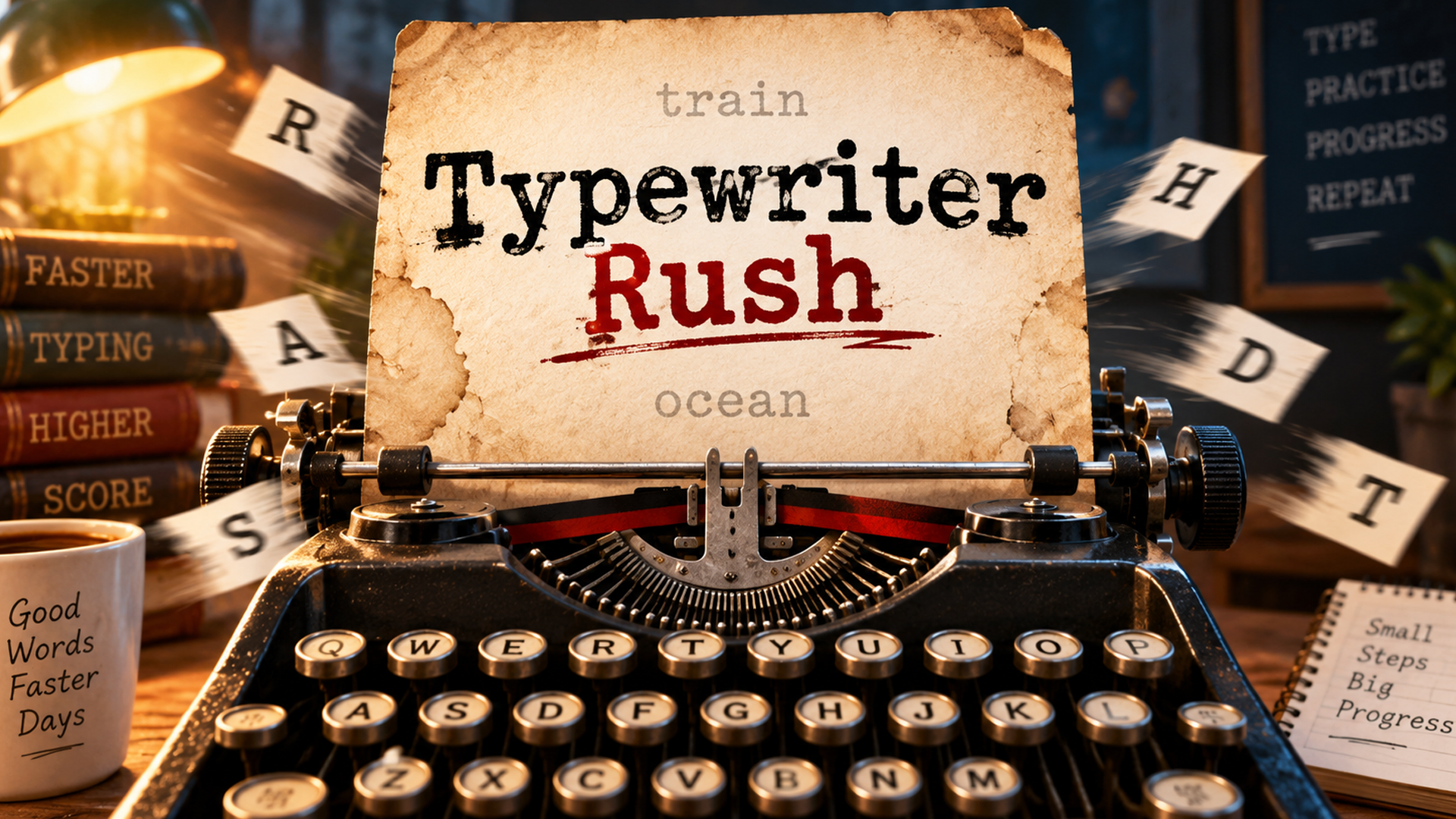
Typewriter Rush is a fast-paced typing survival game that draws its style from classic typewriters. The challenge is straightforward: type each word correctly before the timer runs out, earning a small time bonus for every word completed while surviving stages that grow progressively harder. One wrong letter costs time and resets the current word, keeping the pressure constant. The cozy vintage typewriter aesthetic wraps what is, at its core, an intense score-chasing experience.
How to play: A large word appears at the center of the screen — type it correctly to clear it. Each completed word adds 0.5 seconds to the timer and slides the next word into position. Hit a wrong letter and the current word resets, costing you precious time. As you advance through the stages, words grow longer and more difficult, steadily raising the stakes.
+1 Speed Keyboard Escape [HALLOWEEN UPDATE]
![+1 Speed Keyboard Escape [HALLOWEEN UPDATE] cover](https://static.playgama.com/p-img/pg/1-speed-keyboard-escape/big_preview/e6f4f82b509d4fe190920398a2bfce6f)
+1 Speed Keyboard Escape [HALLOWEEN UPDATE] is a fast-paced arcade game built around a single relentless idea: every key press makes you faster. Press keys, build momentum, and push through increasingly challenging stages for as long as possible. The faster your speed climbs, the harder the obstacles become — so survival depends entirely on how far you are able to push that acceleration.
How to play: Every key press adds to your speed. Keep pressing to accelerate, navigate the obstacles that grow more demanding as your speed rises, and aim to reach new speed levels while surviving longer. The goal is to complete all stages and hit the ultimate speed — but the challenge scales with every gain you make.
- Keyboard keys (PC): Accelerate
- WASD / Arrow keys (PC): Move
- Mouse (PC): Look around
- Joystick (Mobile): Move
- Tap controls (Mobile): Interact
Mister Chef
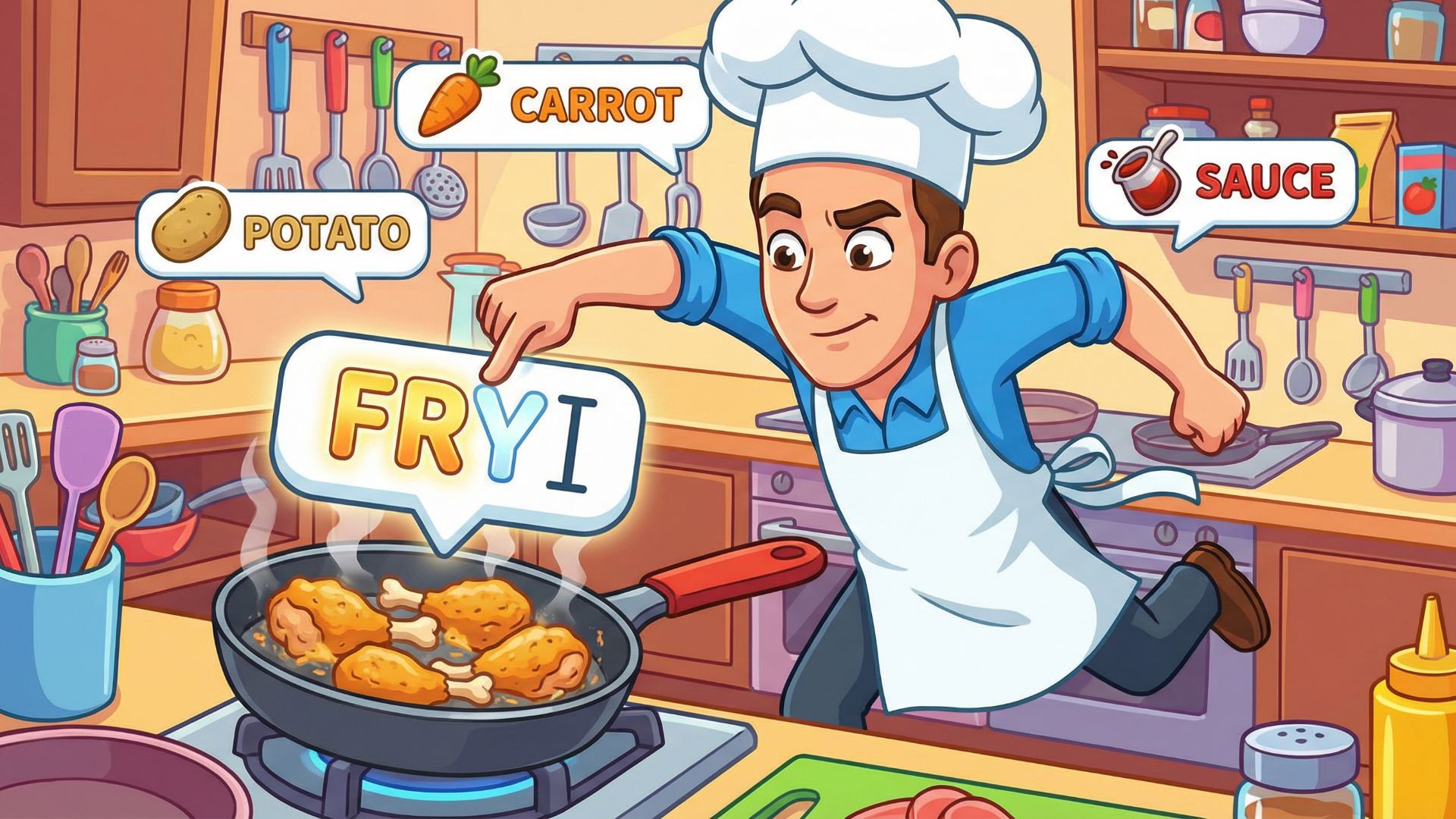
Mister Chef puts you in the apron of a busy chef whose only tool is a keyboard. The premise is direct: type words correctly and quickly to prepare dishes and fulfill orders. Difficulty starts gentle, giving newcomers room to find their rhythm, then steadily ramps up with faster orders, longer words, and mounting pressure. Several scenes show a row of small green square tiles spanning the wall behind the character. The game sits squarely in the fast-paced typing genre, where keyboard accuracy drives every outcome.
How to play: Every word displayed on screen represents part of a dish or order. Type it correctly to complete that step. Early rounds keep things manageable — words are short and arrive at a relaxed pace — but as you progress, words grow longer and appear more rapidly. Falling too far behind the incoming orders ends the game, so maintaining pace is essential.
- Keyboard: Type the words shown on screen to complete dishes and orders
keyboard run
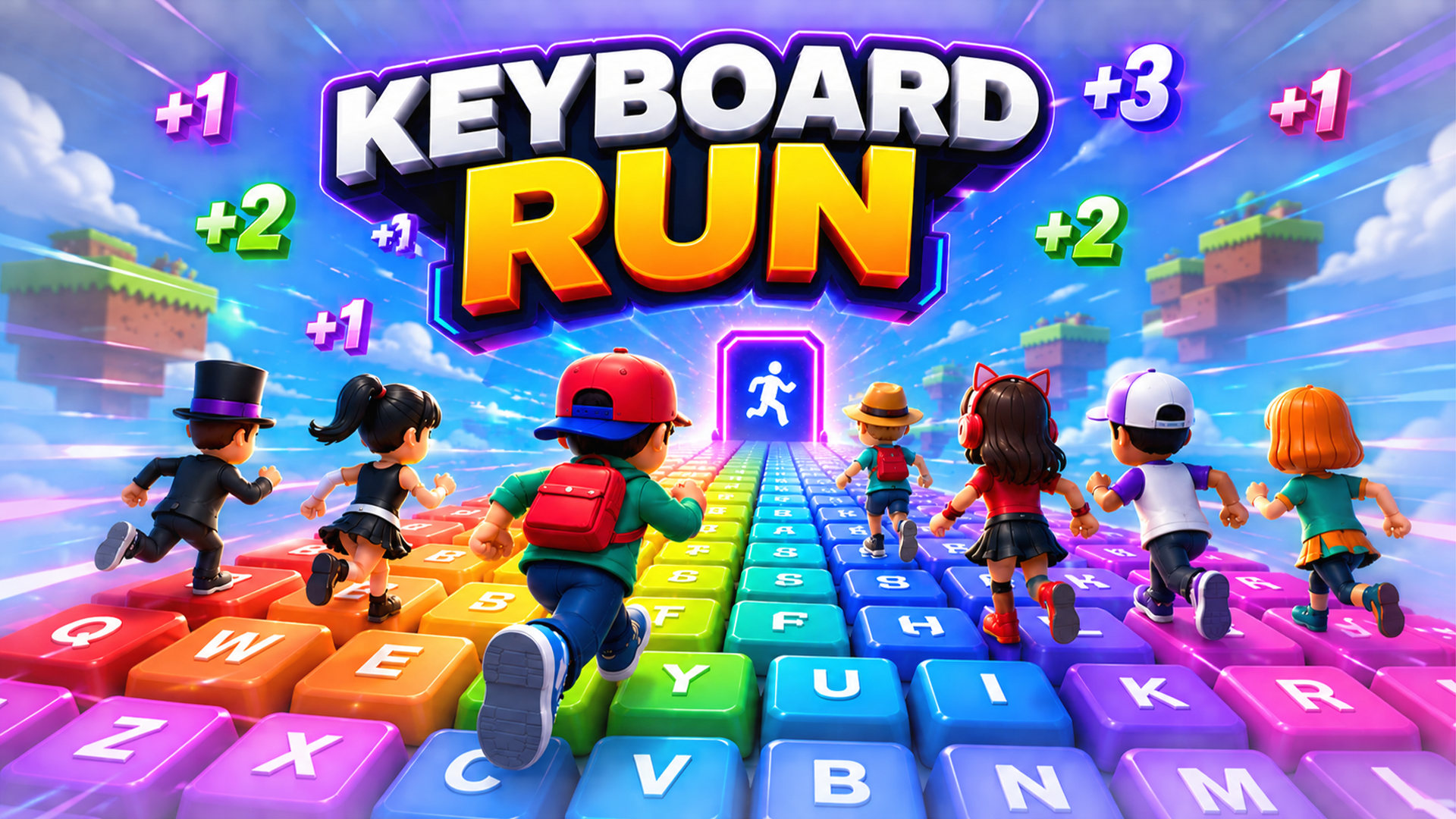
keyboard run drops you onto a world built entirely from oversized keyboard keys, where every step you take pushes your speed up by +1. The pace climbs fast, the path demands precision, and a single wrong move sends you straight back to the beginning. Run, jump, and escape as far as you are able to across the keyboard path in this fast-paced, endlessly challenging arcade experience.
How to play: The goal is simple: run as far as possible across the giant keyboard without falling off. Each step adds +1 to your speed, so the run grows faster and more demanding the longer you survive. Jump over gaps and obstacles to stay on the keyboard path, and keep in mind that one wrong move resets everything back to the start. Speed is everything here — but so is staying on course.
- W / A / S / D: Move
- Space: Jump
- Tab: Look Mode
- Joystick: Move (mobile)
- Arrow Up: Jump (mobile)
Voxel Blast – Ultimate Edition
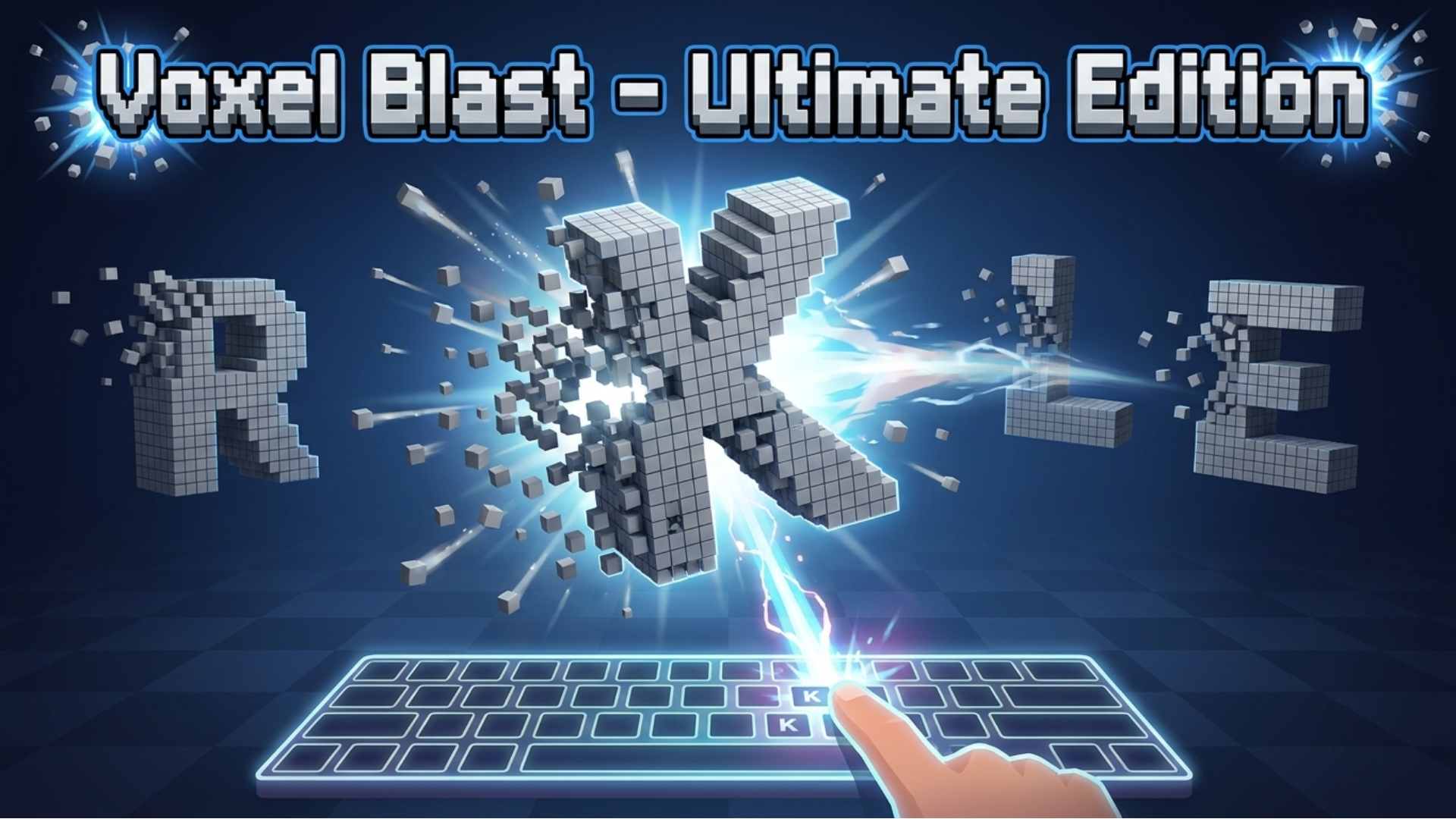
Voxel Blast – Ultimate Edition puts your typing speed and accuracy to the test in a 3D arcade setting where giant letters built entirely from voxel blocks float onto the screen. Type the matching letter as fast as possible to shatter each structure into explosive particles. String correct keystrokes together to build a combo, push your speed multiplier higher, and chase a massive high score. Best scores, highest combos, and total matches played are all tracked directly from the main menu.
How to play: Each floating letter that appears on screen is your target. Match it with the correct keystroke to destroy it, keep your combo alive, and grow your speed multiplier. Wrong keystrokes matter — in Damage mode each one costs a life, so precision counts as much as pace.
- A–Z keys (physical keyboard): Press the corresponding alphabetical key to destroy the matching letter on screen.
- Click or tap (on-screen virtual keyboard): Select letters on the virtual keyboard at the bottom of the screen to destroy them.
- Speaker icon (🔊): Click to mute or unmute blast and error sound effects.
Math Meteors
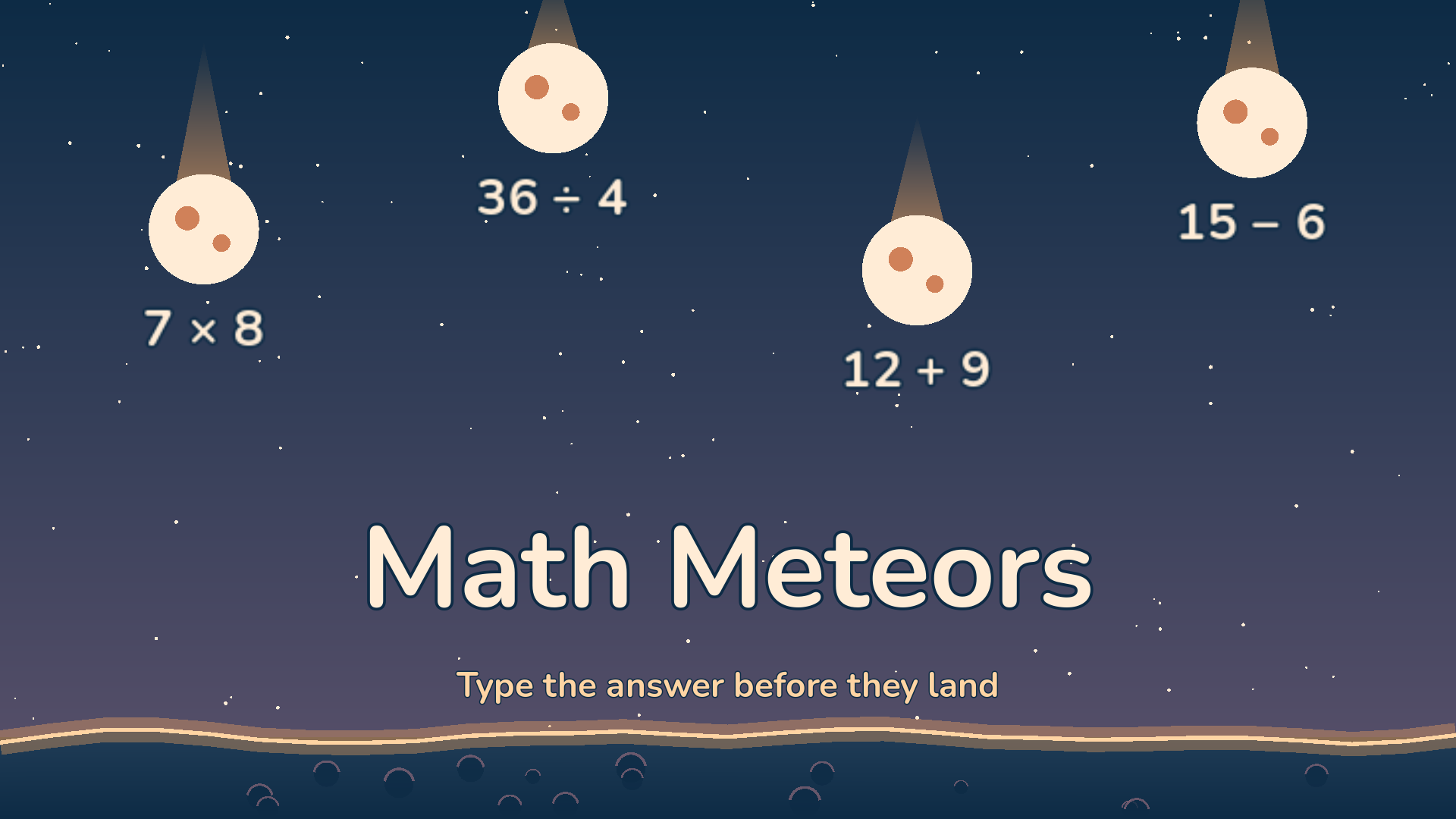
Math Meteors is a mental-math arcade where meteors drift down toward a planet, each one carrying a math problem. Type the correct answer and the matching meteor explodes; let one reach the surface and it costs a life. Three lives stand between the player and the end of the round.
How to play: Press Play and the round begins immediately using the last selected mode and difficulty. On a first visit the default is all problems on Normal. To switch modes or difficulty, use the two rows of buttons beneath Play or on the result screen.
- On-screen keypad digits: Enter answer digits
- ⌫ (keypad): Delete the last digit
- ✓ (keypad): Submit the answer
- Computer keyboard digits: Enter answer digits
- Backspace: Delete the last digit
- Enter: Submit the answer
- Pause button (keypad corner): Pause the round; access settings or return to main menu
TL;DR
Typing games have evolved far beyond simple speed tests, now incorporating RPG elements, puzzle mechanics, and social features that make skill development genuinely entertaining. The genre’s success in 2025 reflects the growing demand for productive entertainment that combines learning with fun. From competitive typing tests to narrative adventures, these games prove that educational content can achieve mainstream appeal when wrapped in engaging gameplay. The market’s embrace of typing games signals a broader shift toward games that offer tangible real-world benefits alongside entertainment value.