Let me be blunt: the actual Grand Theft Auto VI isn’t hitting browsers anytime soon. But the internet is absolutely flooded with games trying to capture that open-world chaos, and I just spent way too much time sorting through them. Some are surprisingly decent. Most are… well, you’ll see. I tested 10 of the most popular GTA-style browser games to figure out which ones are actually worth your time and which ones feel like they were coded during a lunch break. Here’s what I found.
TL;DR (Quick Summary)
- Best Graphics: Grand Shift Auto – Cleanest visuals and smoothest performance
- Total Games: 10 browser games
- Average Rating: 4.6/5.0
Quick Comparison Table
| # | Game | Genre | Key Feature | Rating |
|---|---|---|---|---|
| 1 | Grand Shift Auto | Third-Person Shooter | Weapon variety | 4.6/5.0 |
| 2 | Sandbox City | Driving | Action, Car | 4.6/5.0 |
| 3 | Crime and Vice City Police | Driving | Car, Simulation | 4.7/5.0 |
| 4 | Police Car Simulator Game Criminal Case | Driving | Police, Simulation | 4.6/5.0 |
| 5 | Mafia Wars | Shooting | Strategy, Gun | 4.6/5.0 |
| 6 | Gangsta Island: Crime City | Adventure | GTA | 4.7/5.0 |
| 7 | Grand Father Auto 6 | Parkour Action | Wall-running | 4.5/5.0 |
| 8 | Barry Prison Run GTO 6 | Open-World Driving | Vehicle variety | 4.7/5.0 |
1. Grand Shift Auto
Quick Info
- Genre: Third-Person Shooter
- Developer: oneru220
- Rating: 4.6/5.0 (417 ratings)
Gameplay Video
Watch real gameplay footage
Screenshots
Player aims at enemy
Player with rocket launcher
Player shooting purple car
What’s the Point?
This is your standard ’cause chaos in a city’ simulator with three missions that basically boil down to shooting everything that moves. You’ve got access to rifles, shotguns, and even a rocket launcher, which is honestly the most fun part. The wanted system works exactly like you’d expect—commit crimes, get stars, police show up. The driving feels arcade-y in a good way, though the physics when you run over pedestrians is hilariously janky. The game doesn’t pretend to be anything more than a quick power fantasy.
Personal Experience
From the author: When I first loaded this up, I was immediately struck by how responsive the shooting felt compared to other browser GTA clones. The weapons switch quickly, and there’s something satisfying about the shotgun’s punch, even if the ragdoll physics are ridiculous. After stealing a truck and running over about 20 pedestrians, I noticed the wanted system actually works—cops spawned and chased me, which is more than I can say for some of these games.
How to Play
Controls: WASD to move, Space to jump, Shift to run, Left Mouse Click to shoot, Middle Mouse to change weapons, F to enter vehicles, Tab for weapon shop
Goal: Complete three missions while causing chaos in the city, stealing vehicles, and evading police
Performance & Browser Compatibility
Speed: Loads in 3-4 seconds, runs at smooth 60fps on most hardware
Works best on: Desktop (keyboard and mouse required)
Browser: Chrome, Firefox, Safari (HTML5)
Who is this game for?
Perfect for casual gamers aged 13-25 who want a quick 10-15 minute chaos session without any commitment. The simple mission structure and immediate action make it ideal for office breaks or when you just need to blow off steam. Kids will enjoy the cartoonish violence, though parents should note it’s pretty explicit with the crime theme.
Pros & Cons
✅ Pros
- Responsive shooting mechanics that actually feel good
- Decent weapon variety including rocket launchers
- Smooth performance even on lower-end hardware
⛔ Cons
- Only three missions, gets repetitive fast
- AI is braindead—pedestrians just stand there
- Generic city with no personality or landmarks
2. Sandbox City
Quick Info
- Genre: Driving, Action
- Developer: Yilmaz Kiymaz
- Rating: 4.6/5.0 (567 ratings)
- Platforms: PC, Android, iOS
Screenshots
What’s the Point?
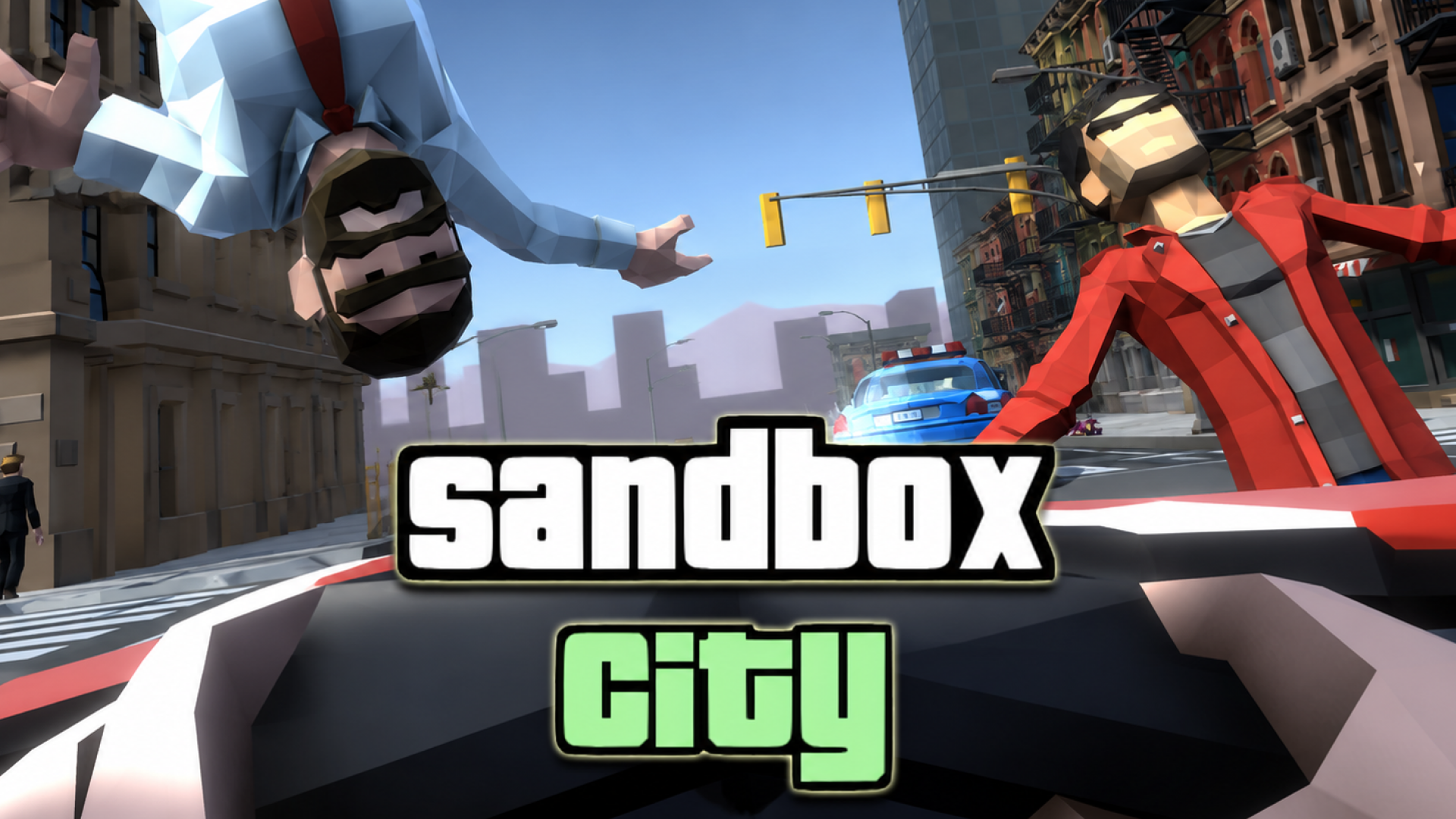
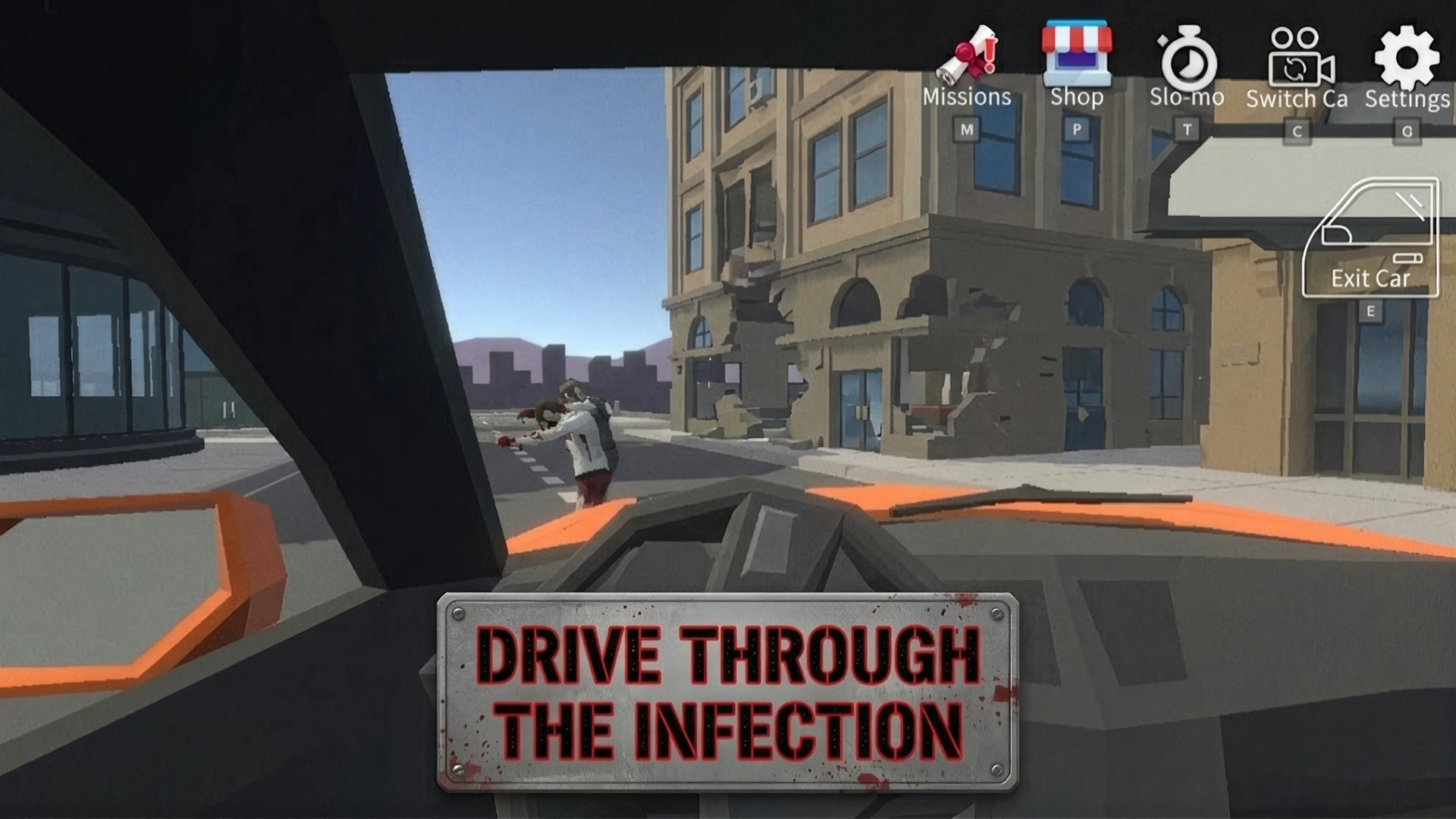
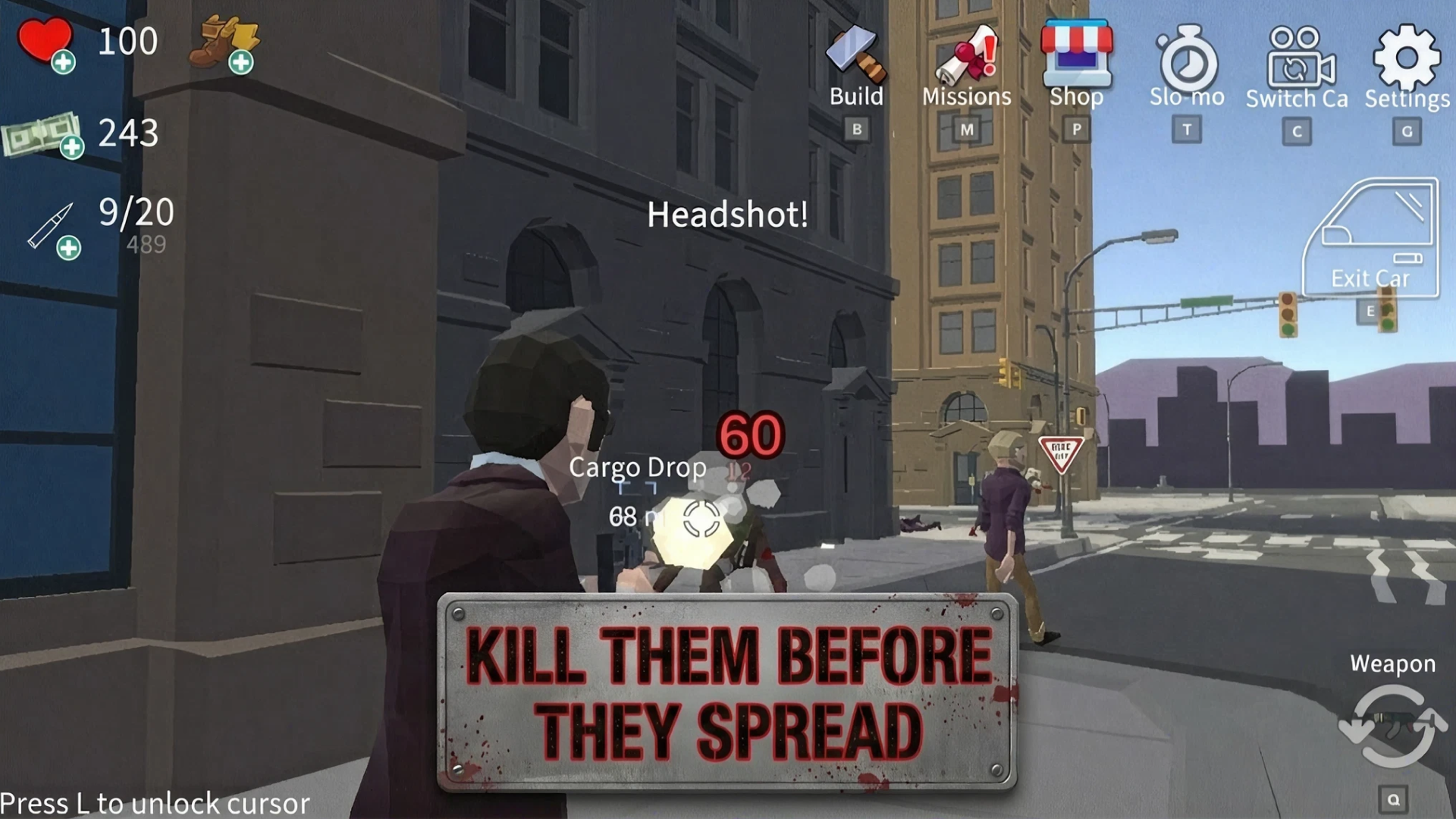
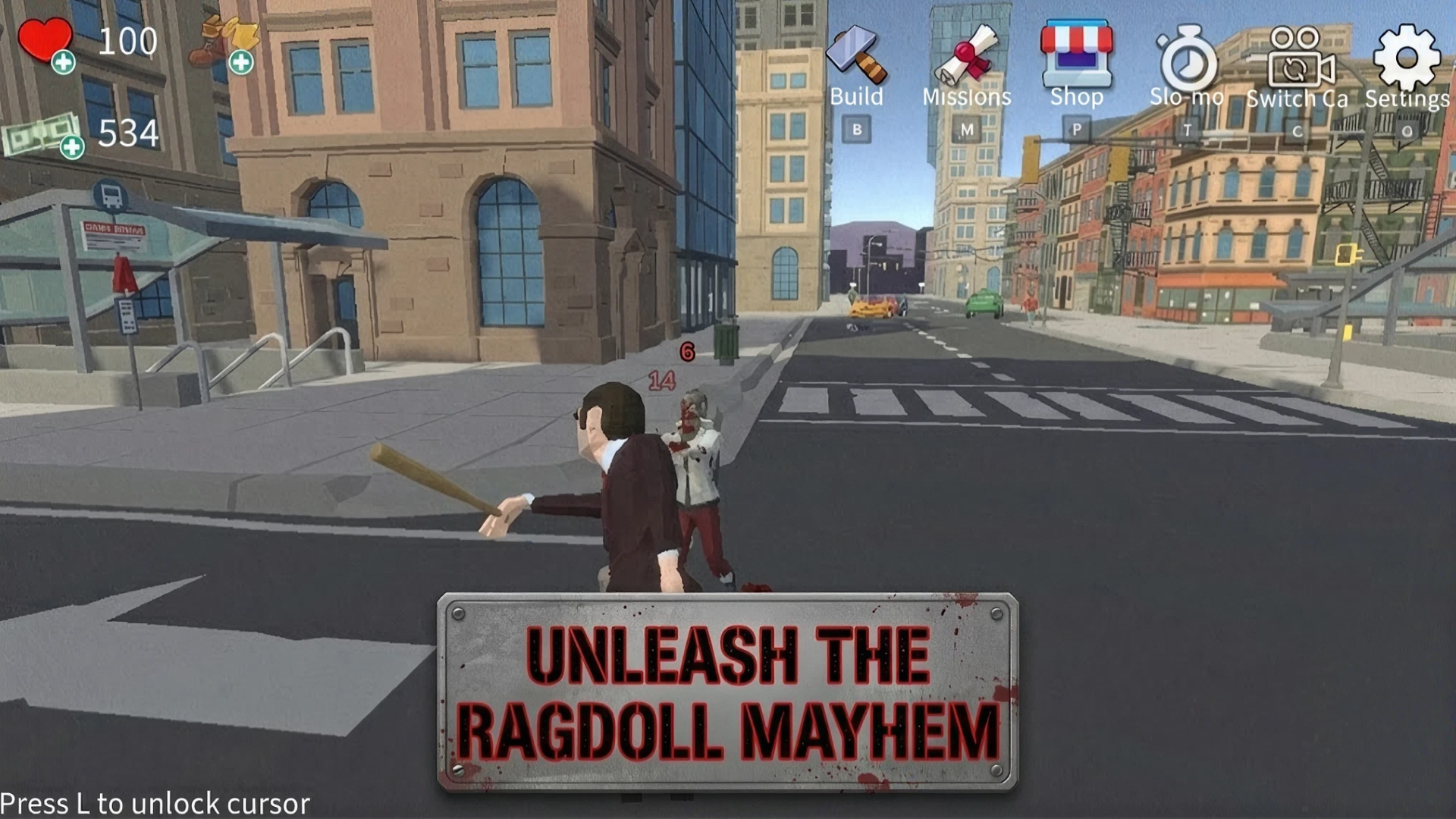
Sandbox City – Cars, Zombies, Ragdolls! drops you into a bustling metropolis where ordinary citizens share the streets with zombies that can attack people or disguise themselves as regular passersby. Your character arrives in the city, buys a house, completes missions to save residents, and works to stop the chaos before the infection spreads. Car theft, open exploration, and a retro visual style give the game its distinct energy, while a clear mission system pulls you in from the very first seconds.
How to Play
3. Crime and Vice City Police
Quick Info
- Genre: Driving, Car
- Developer: KreizLand
- Rating: 4.7/5.0 (1551 ratings)
- Platforms: PC, Android, iOS
Screenshots
What’s the Point?
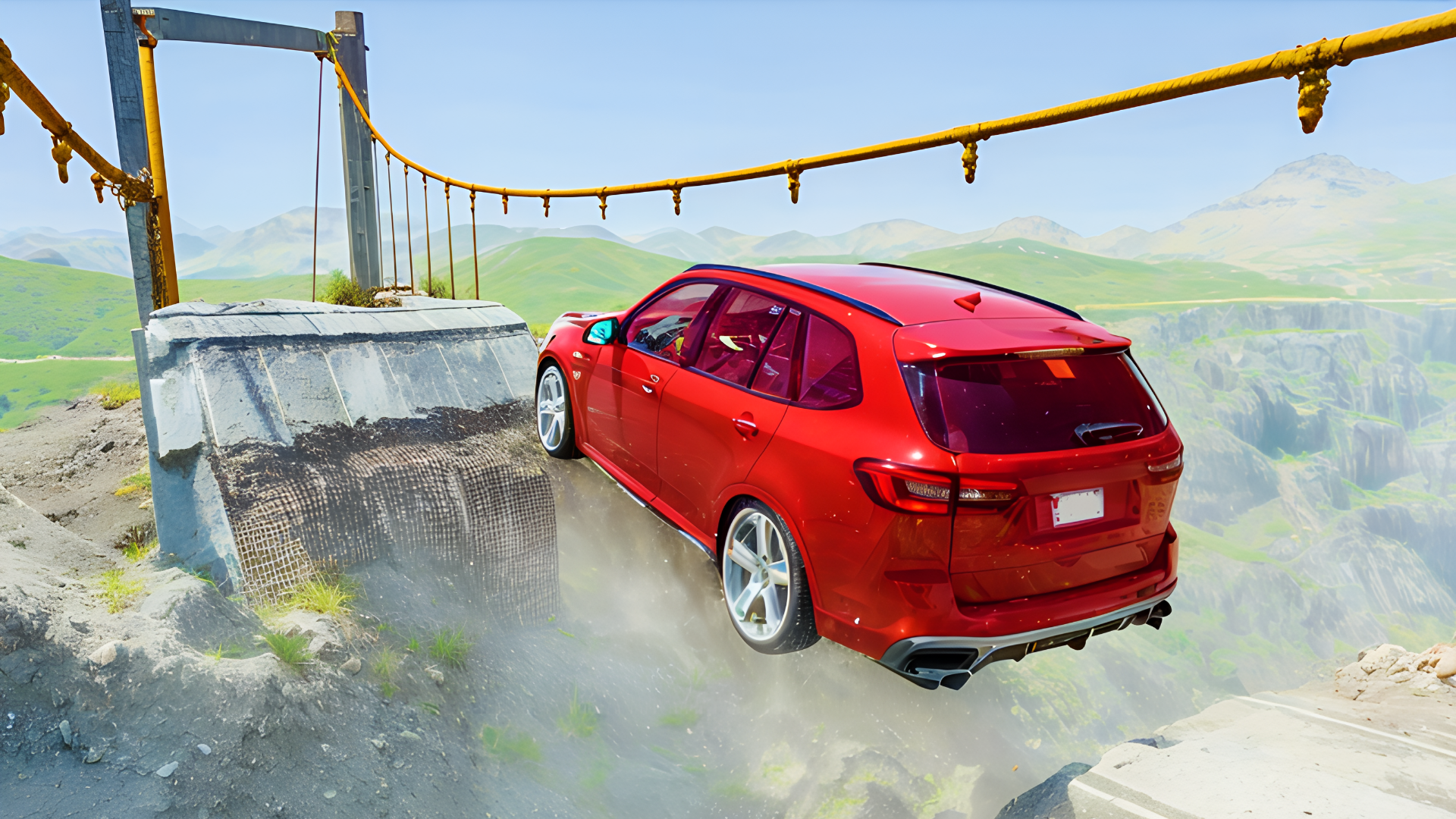
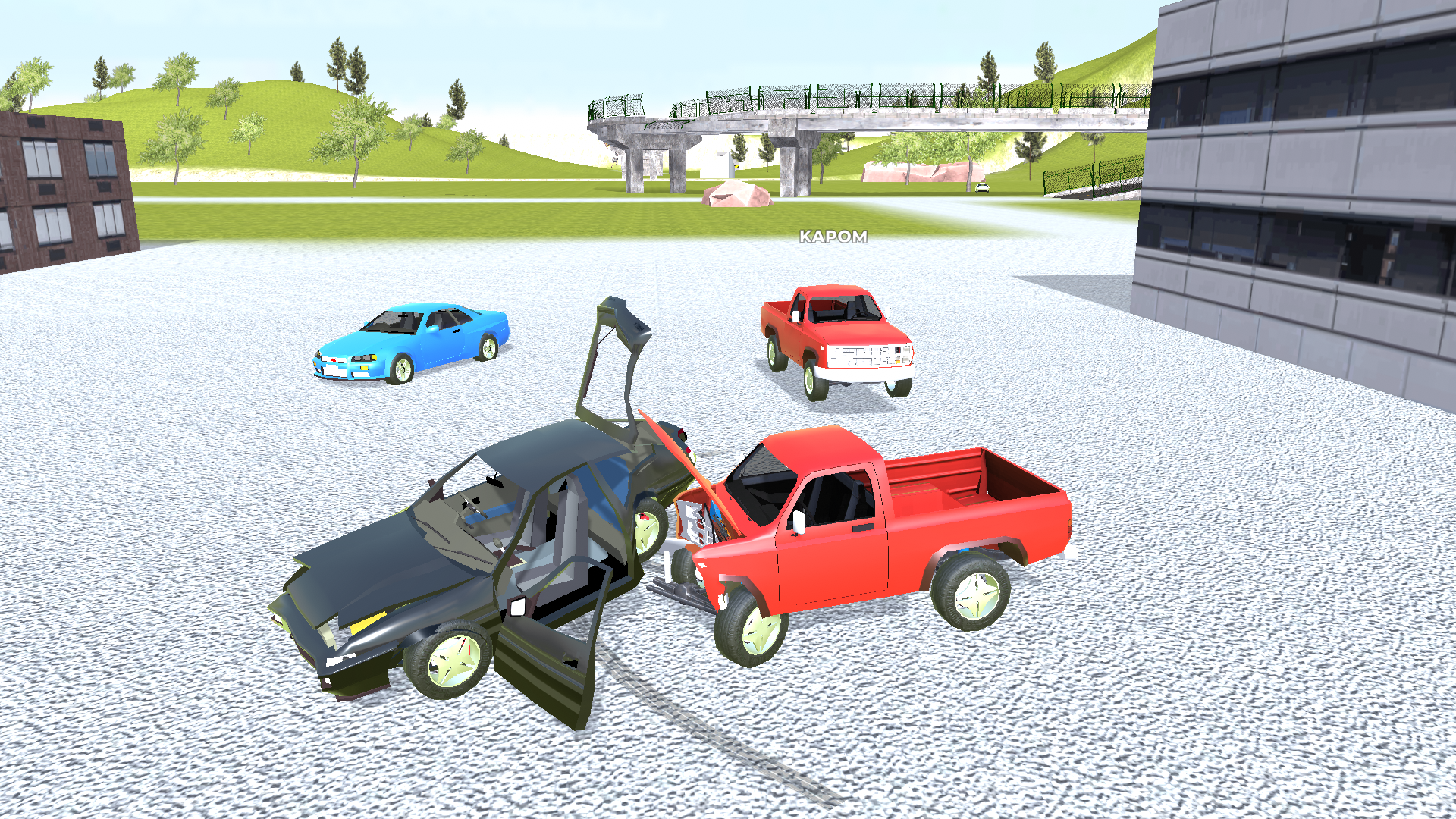
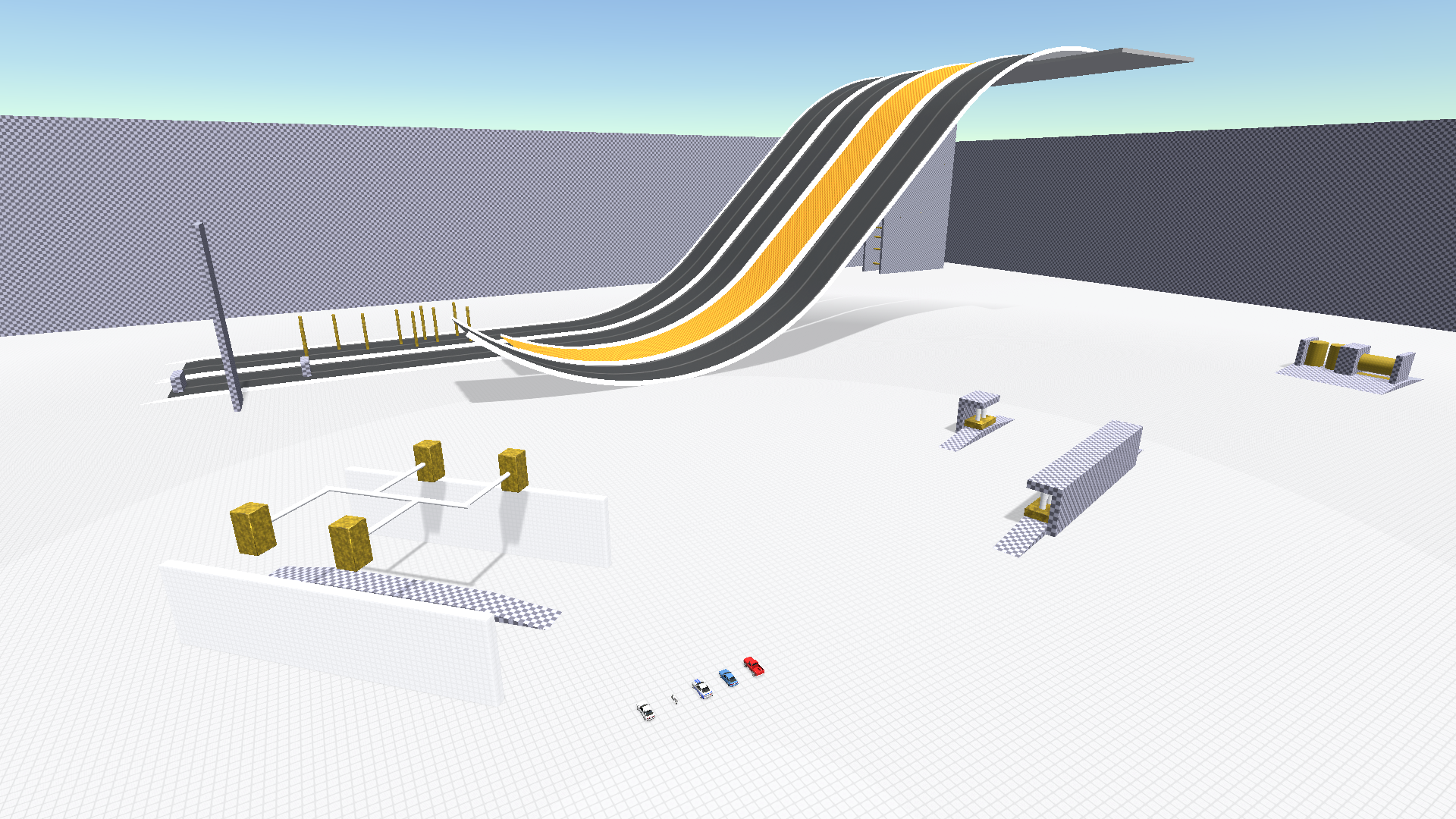
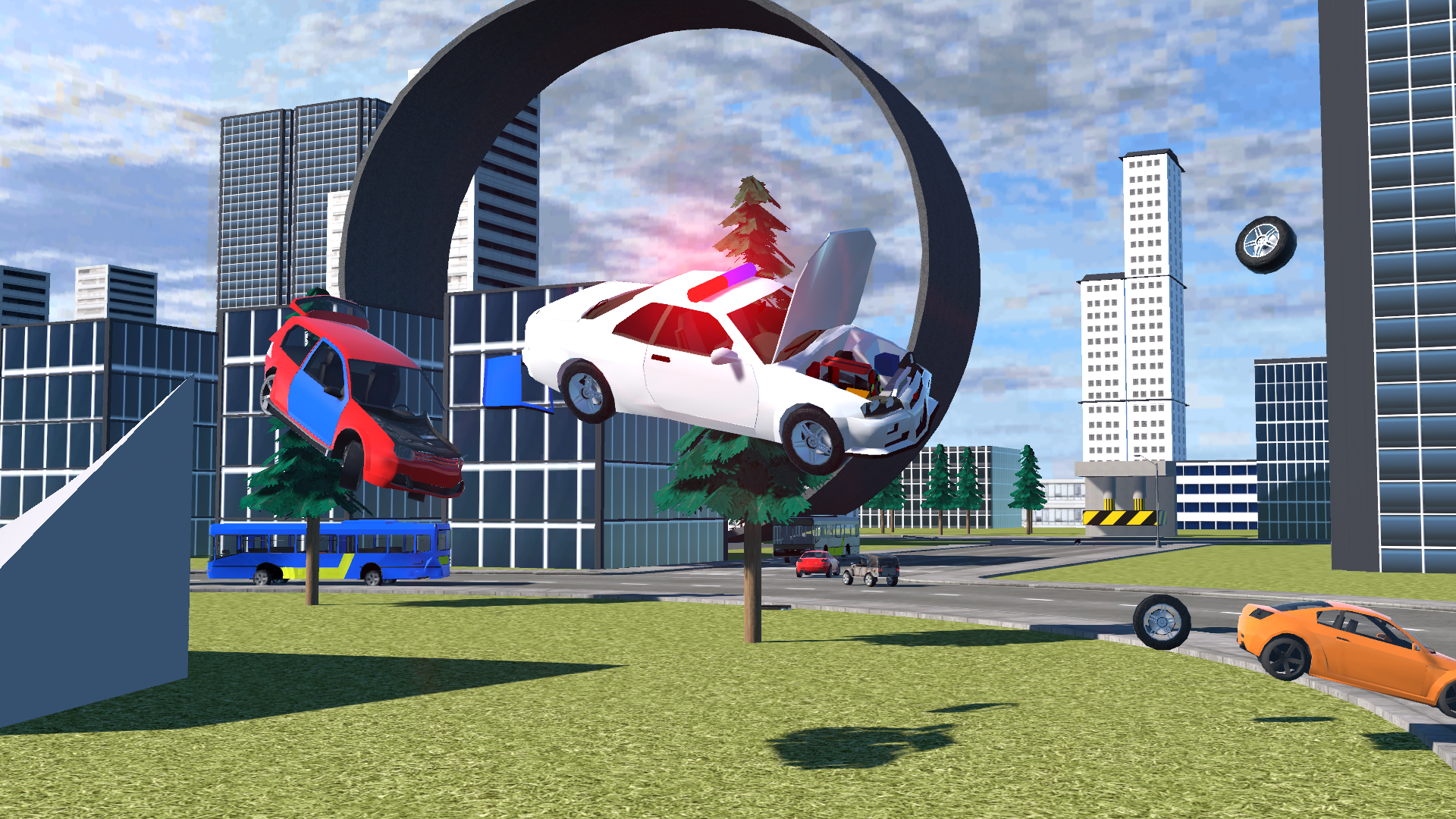
Crime and Vice City Police drops you into an open city environment where switching between cars and colliding with traffic is the whole point. The game centers on realistic car destruction physics — every collision produces complete deformation of the vehicle, and crashes can be replayed in slow motion to watch the damage unfold. Other cars populate the city highway, and all of them can be broken. Clean 3D graphics back the simulation, and the city itself spans multiple distinct locations.
How to Play
Controls:
- W: move forward
- S: move backward
- A: turn left
- D: turn right
- Spacebar: handbrake
- Shift: nitro
- C: change camera
- R: reset car
- K: restore car
- B: slow down time
- N: switch car
- TAB / Escape: pause menu
- Mobile: use the in-game interface
4. Police Car Simulator Game Criminal Case
Quick Info
- Genre: Driving, Police
- Developer: FINGERNIC
- Rating: 4.6/5.0 (175 ratings)
- Platforms: PC, Android, iOS
Screenshots
What’s the Point?
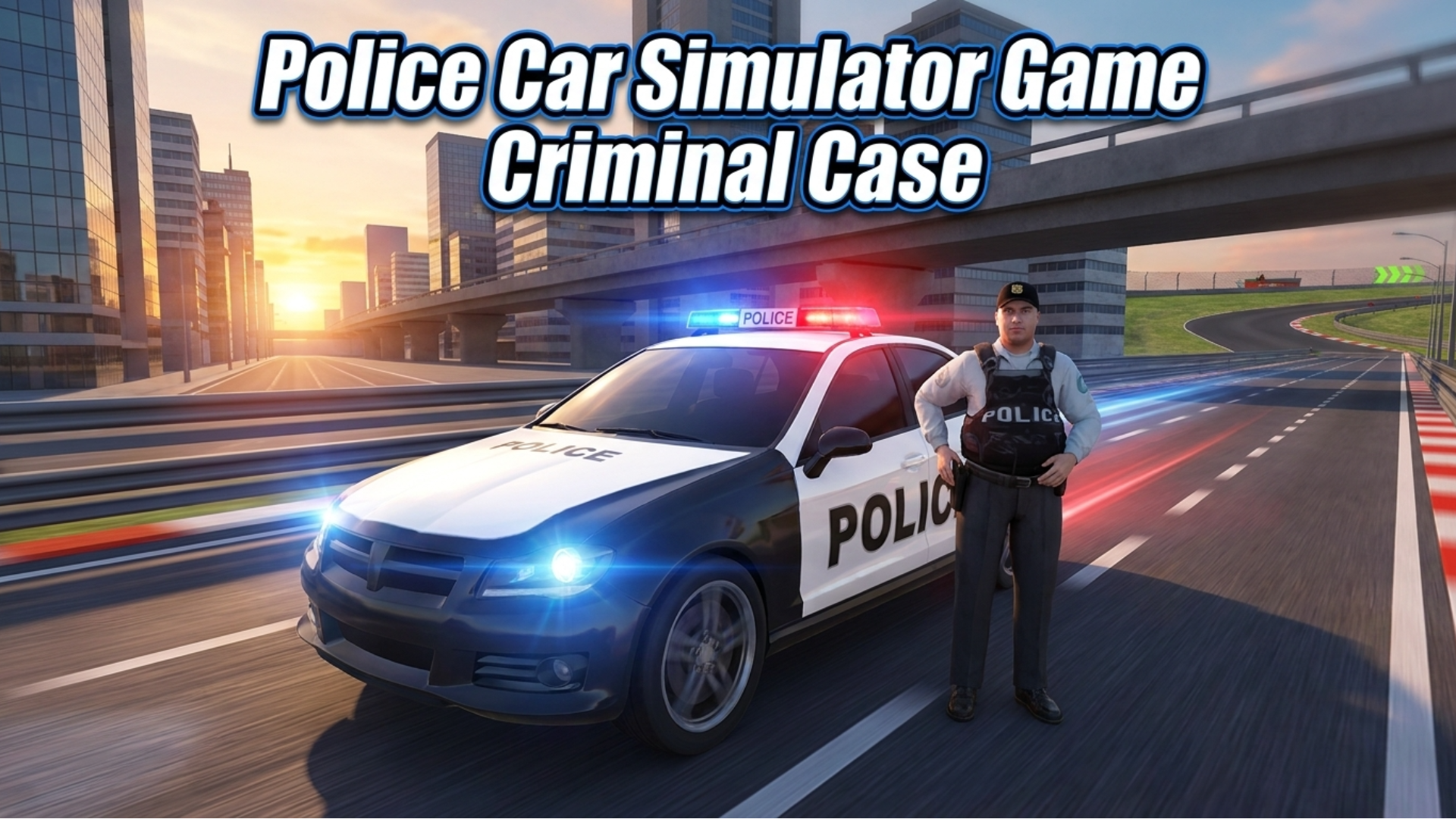
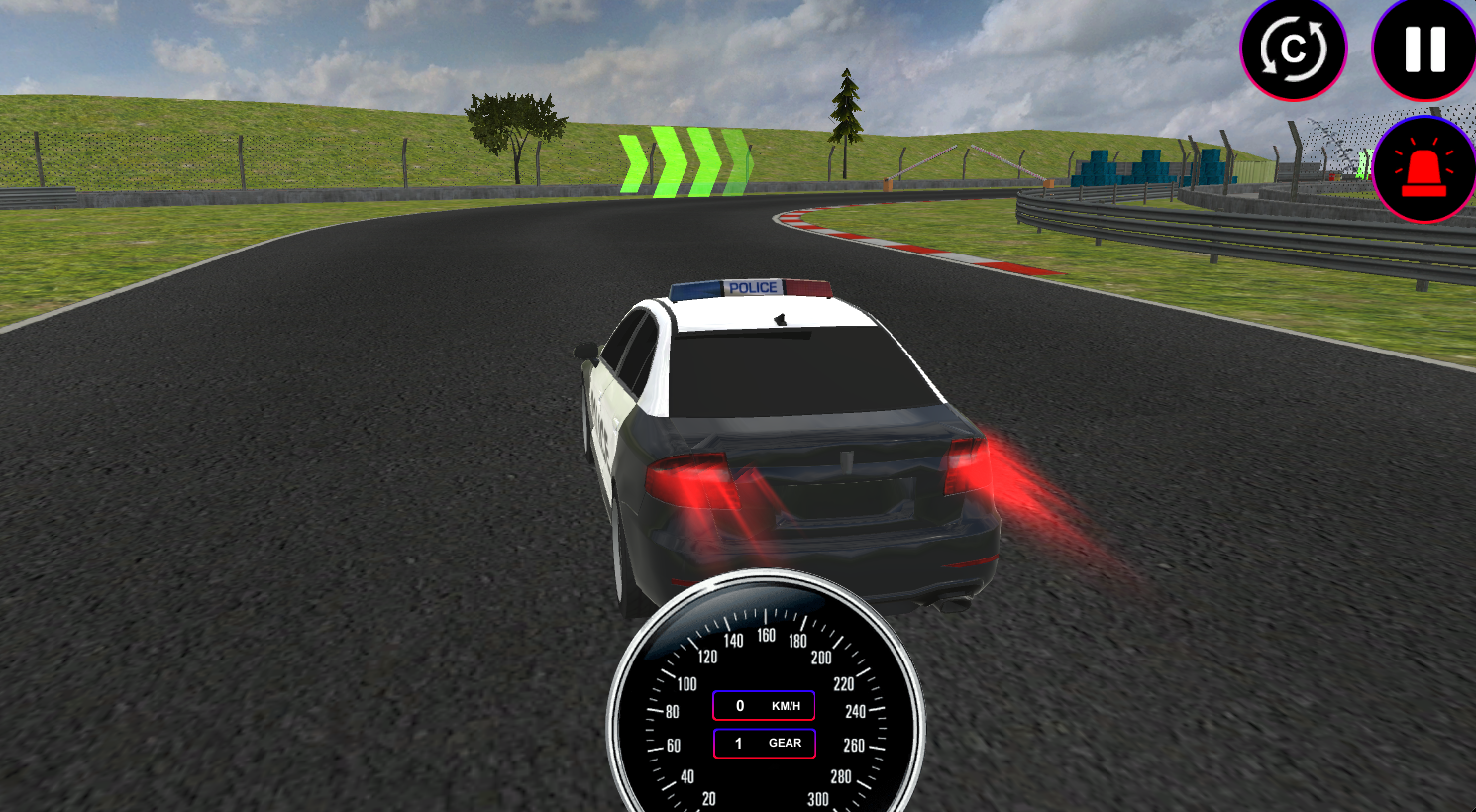
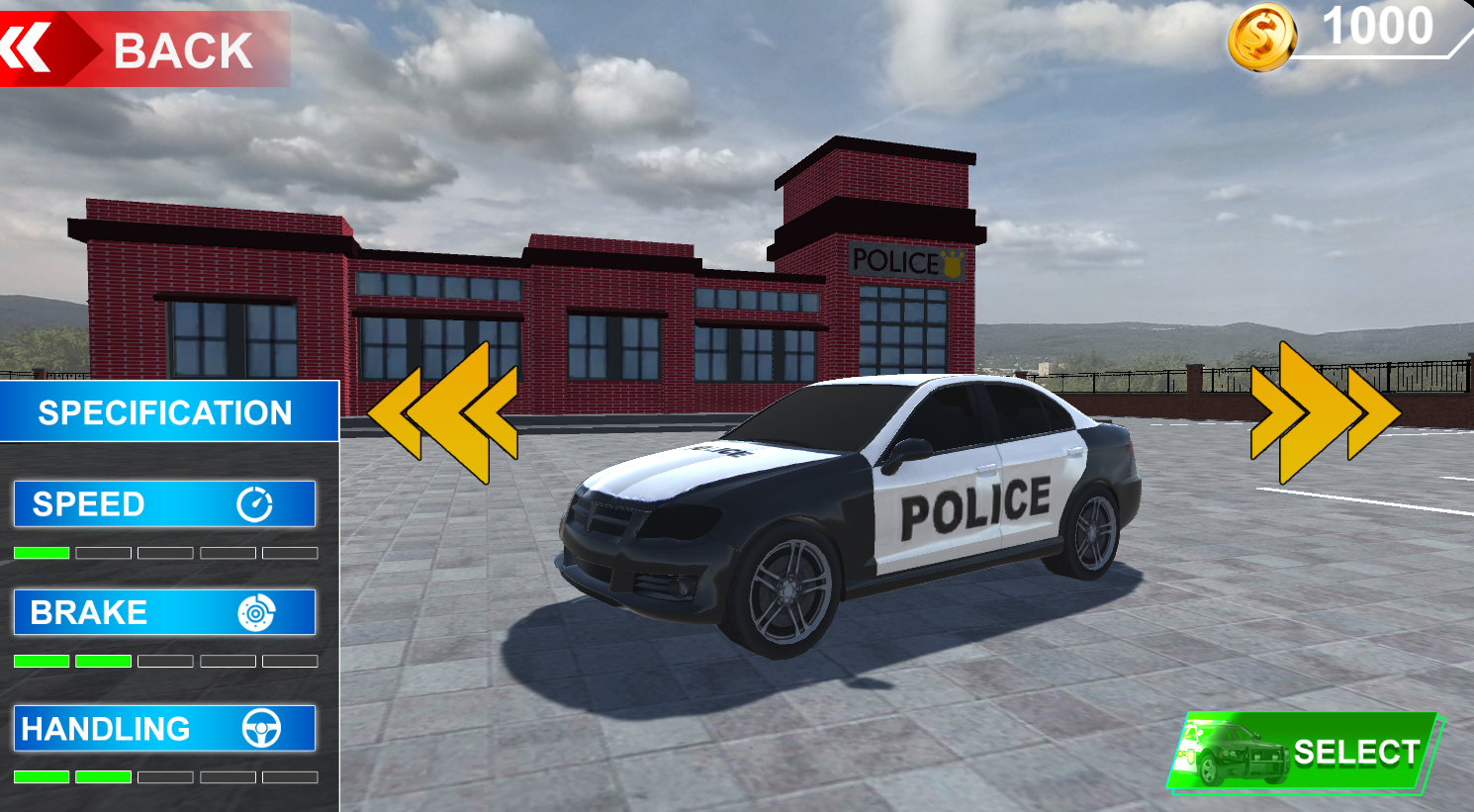
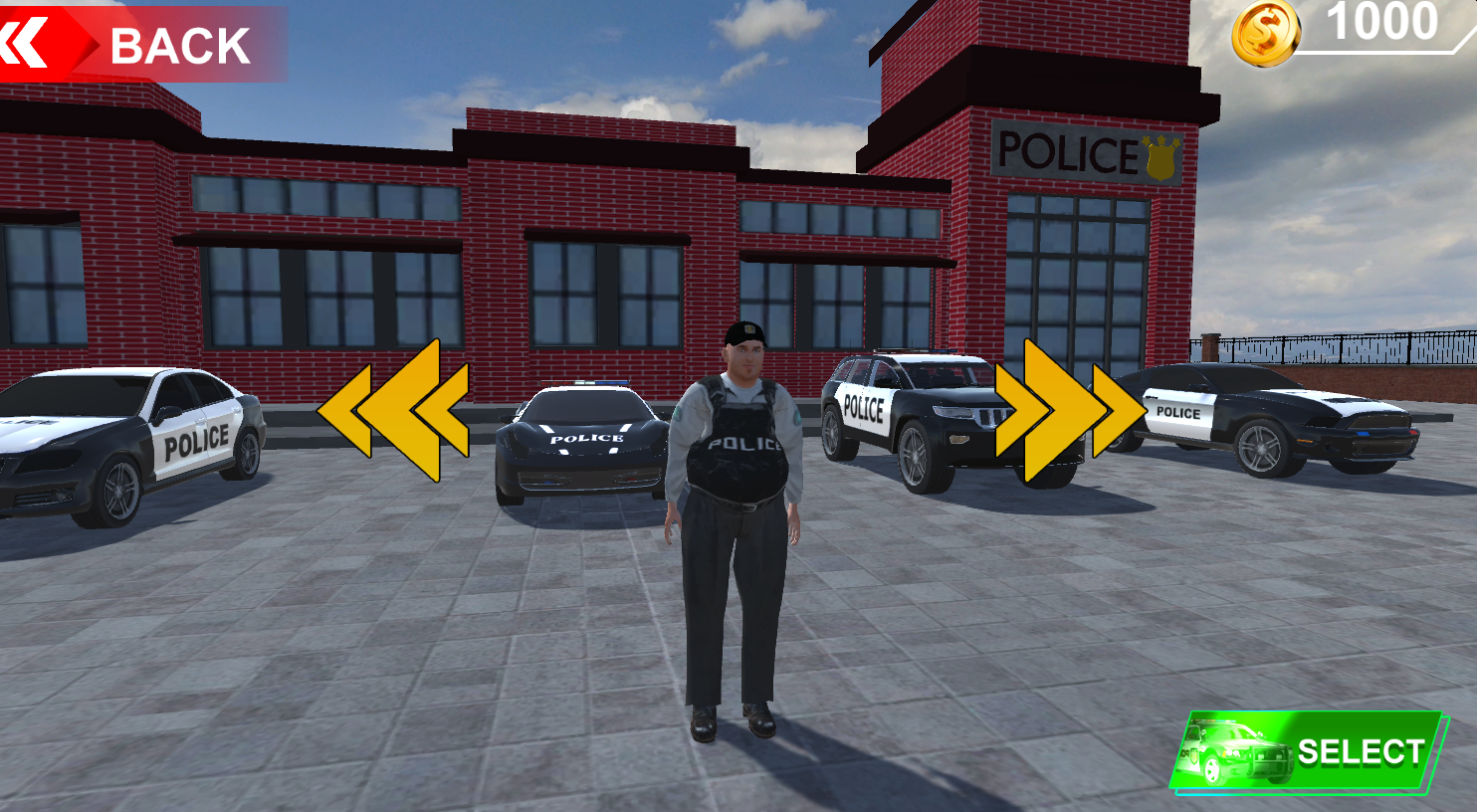
Police Car Simulator Game Criminal Case drops you into the world of law enforcement as a full city experience built around freedom, control, and thrill. Starting out at the police training academy, the game walks you through the fundamentals before unleashing you onto the streets to chase down dangerous criminals. It blends police parking, racing, open-world exploration, and crime-fighting missions into one package billed as the ultimate cop simulator.
How to Play
The game moves you through police training before sending you into open-world streets for criminal pursuits. Modes cover police parking, racing, open-world exploration, and crime-fighting missions, giving each session a distinct objective. Mouse clicks handle any on-screen button interaction.
Controls:
- W / Arrow Up: Move Front
- S / Arrow Down: Move Back
- A / Arrow Left: Move Left
- D / Arrow Right: Move Right
- Mouse Click: Interact with any on-screen button
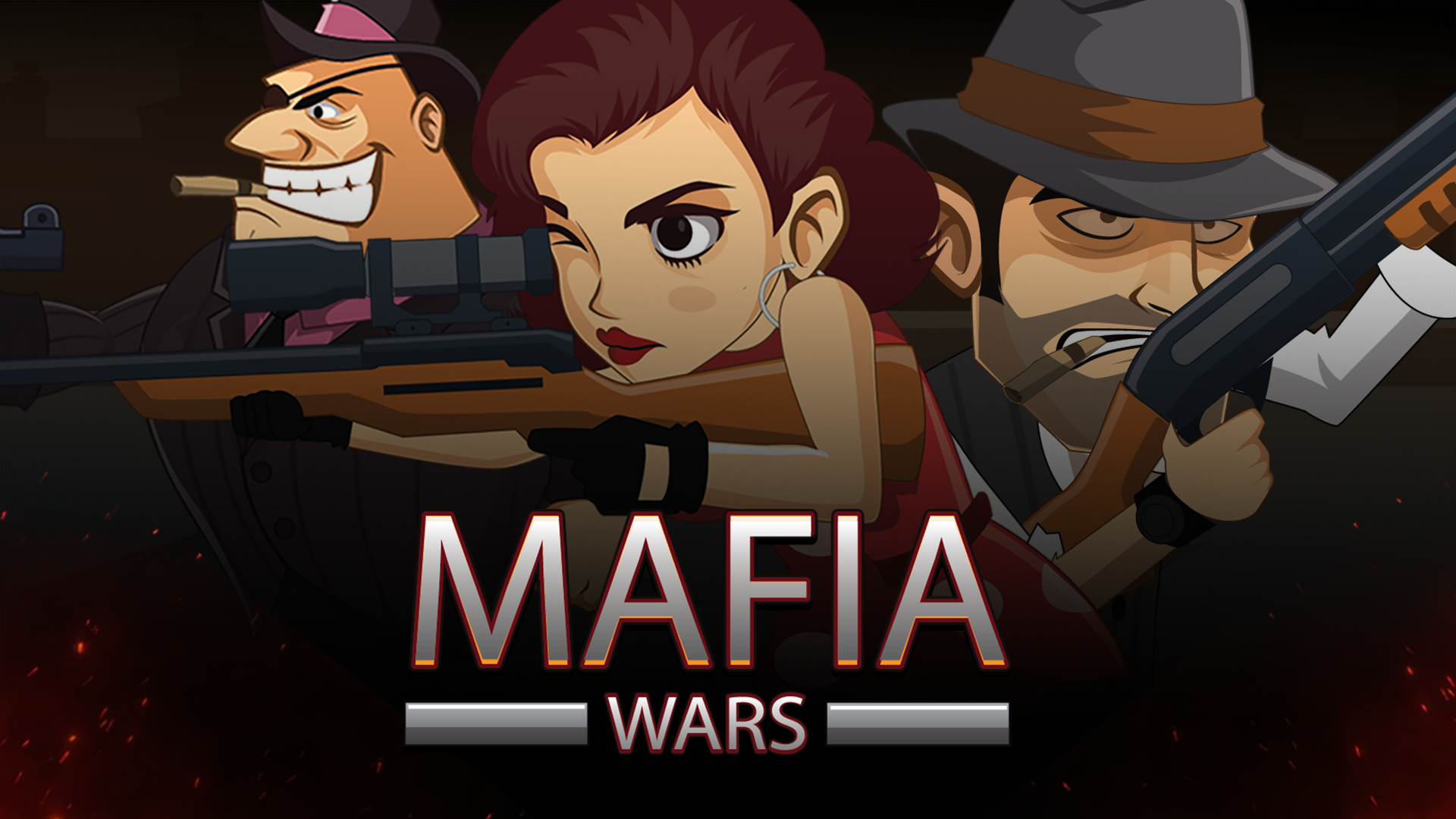
5. Mafia Wars
Quick Info
- Genre: Shooting, Strategy
- Developer: Beedo Games
- Rating: 4.6/5.0 (1350 ratings)
- Platforms: PC, Android, iOS
Screenshots
What’s the Point?
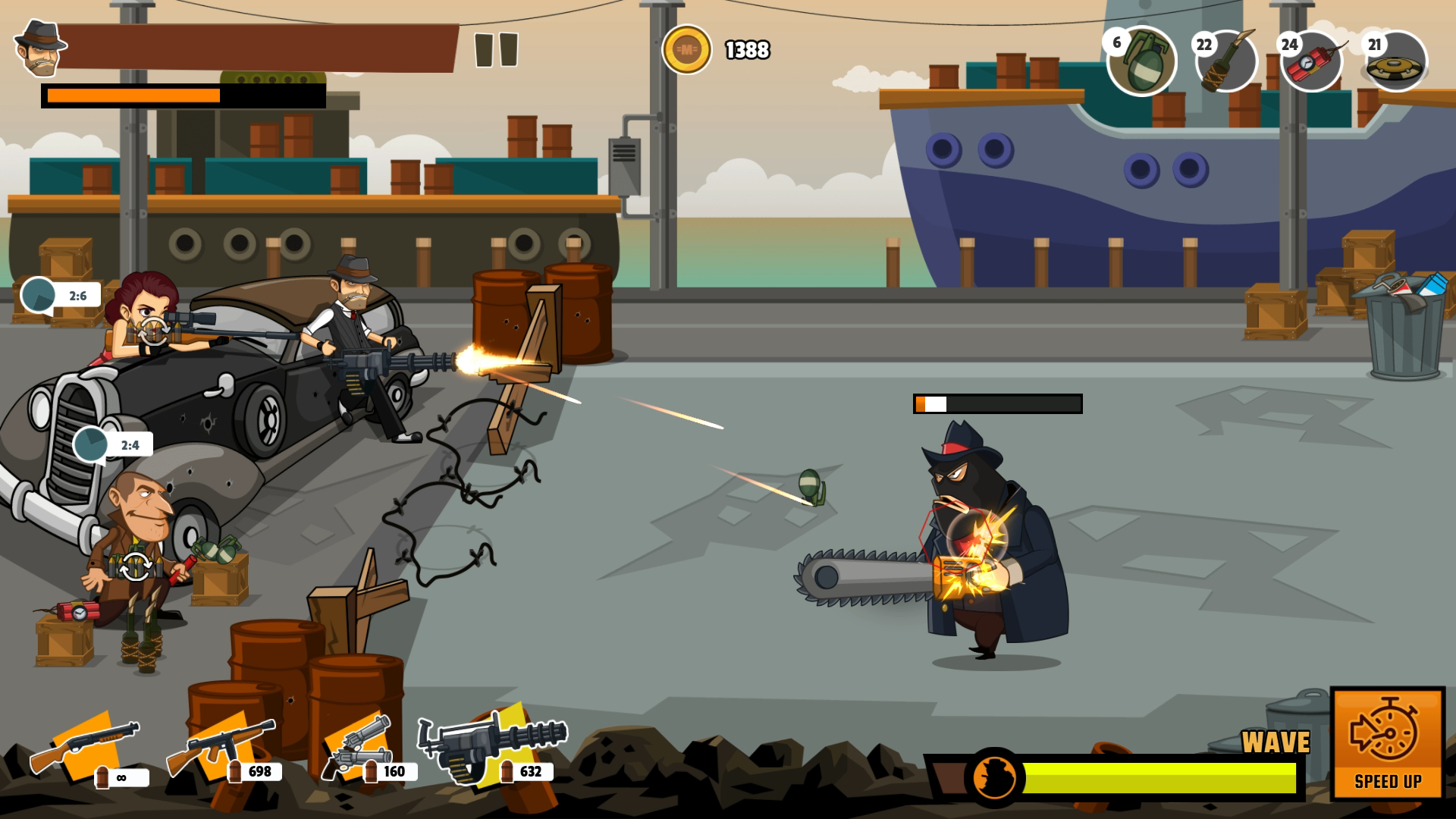
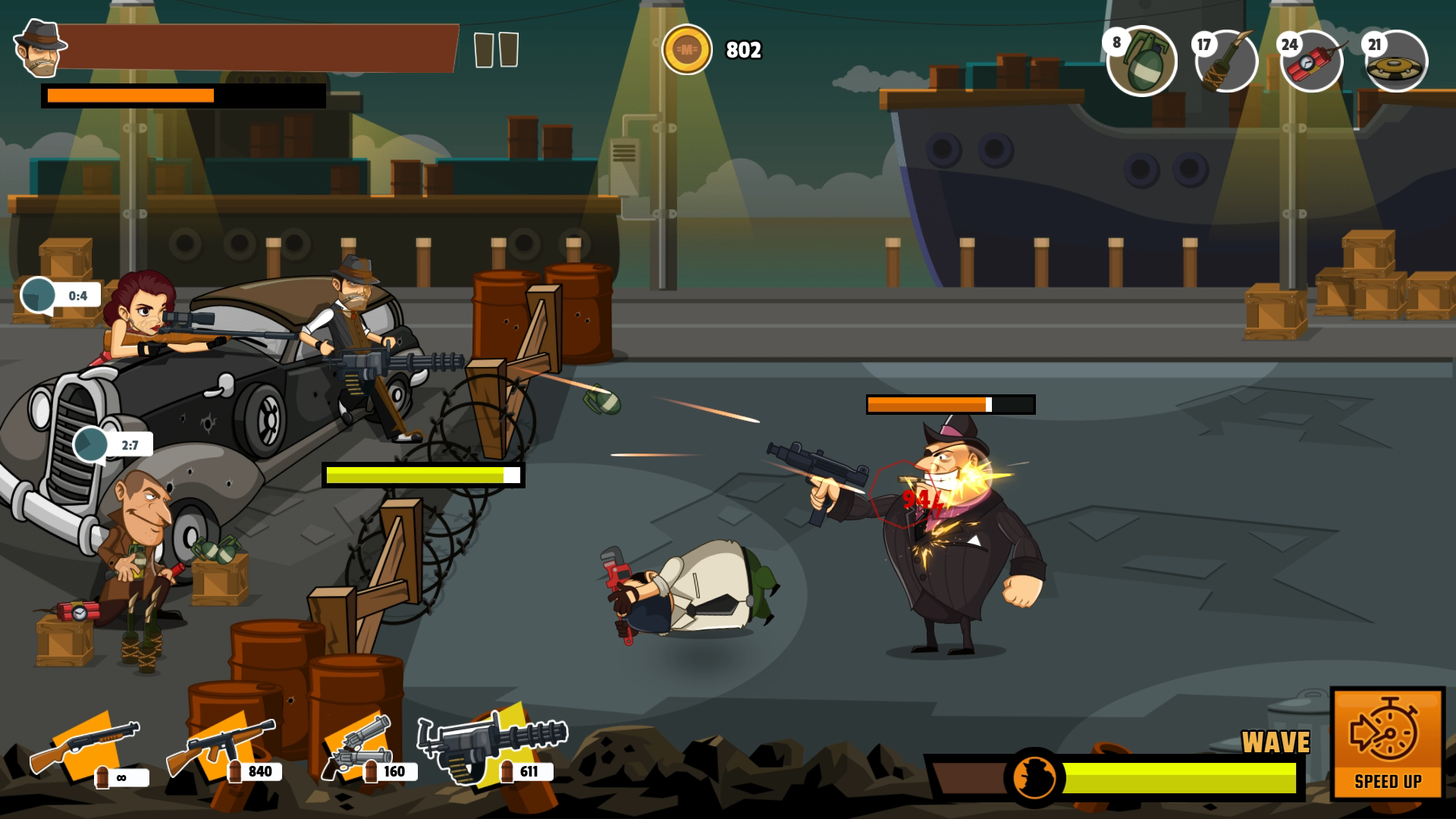
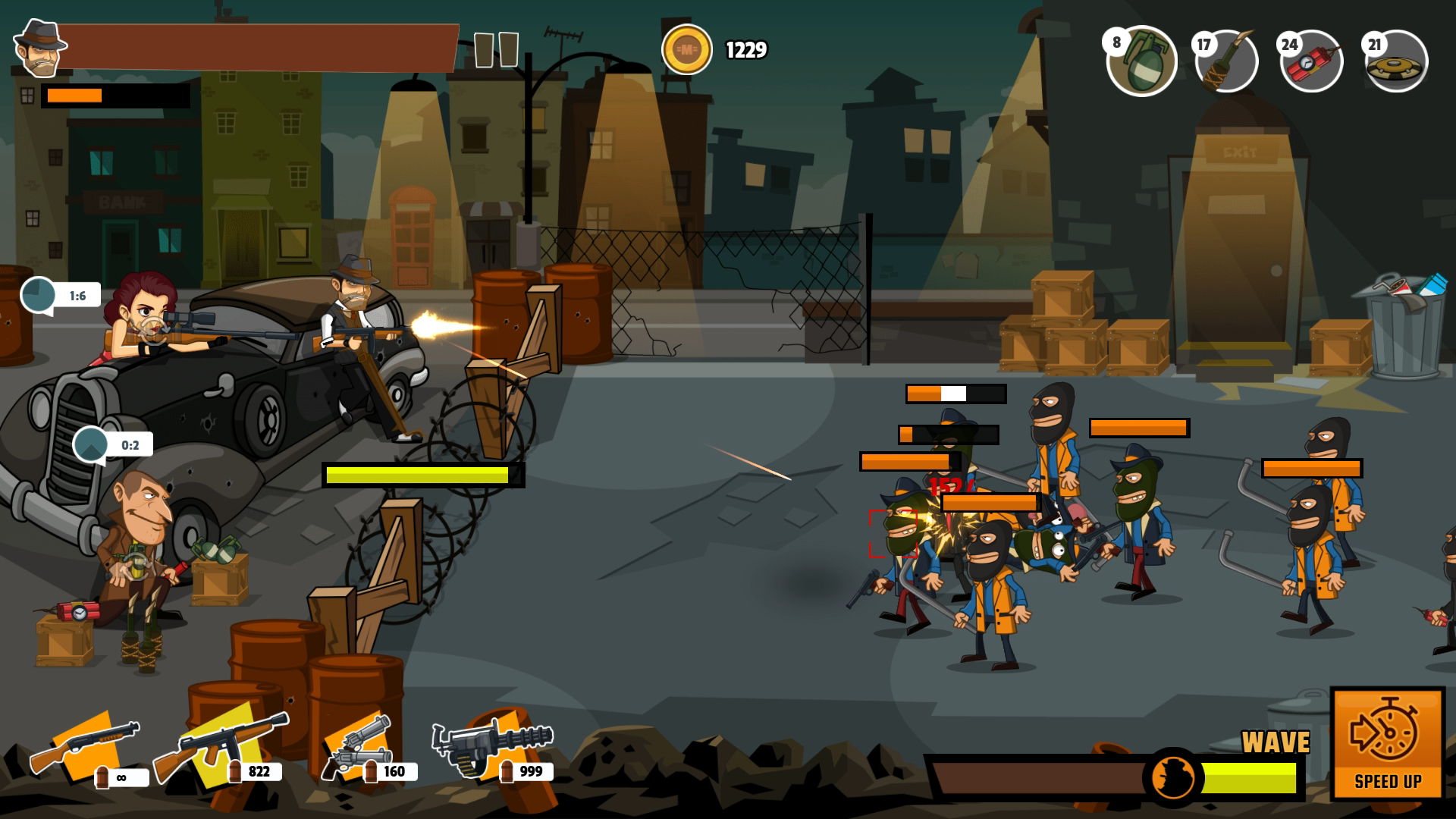
Mafia Wars puts you in the boots of a cowboy vigilante taking on the corruption of the mafia across engaging levels packed with various kinds of bosses. The game blends arcade shooting with action-fighting tension, demanding that you manage your ammunition carefully — saving bullets pays off when the battles get genuinely difficult.
How to Play
Tapping on characters marks the location where your player fires, but the bullet takes a moment to travel there — timing that mark matters. When a swarm of enemies closes in, switch to automatic weapons to handle the volume. Support and powerful defense barricades can be unlocked, and certain matches cannot be won without them. Selecting and upgrading weapons is handled through the game UI before and between battles.
Controls:
- Mouse click (Desktop): Trigger the player’s weapon fire during battle
- Game UI interaction (Desktop): Select and upgrade weapons
- Touchscreen tap (Mobile): Trigger the player’s weapon fire during battle
- Game UI interaction (Mobile): Select and upgrade weapons
6. Gangsta Island: Crime City
Quick Info
- Genre: Adventure, GTA
- Developer: StoreRider
- Rating: 4.7/5.0 (13048 ratings)
- Platforms: PC, Android, iOS
Screenshots
What’s the Point?
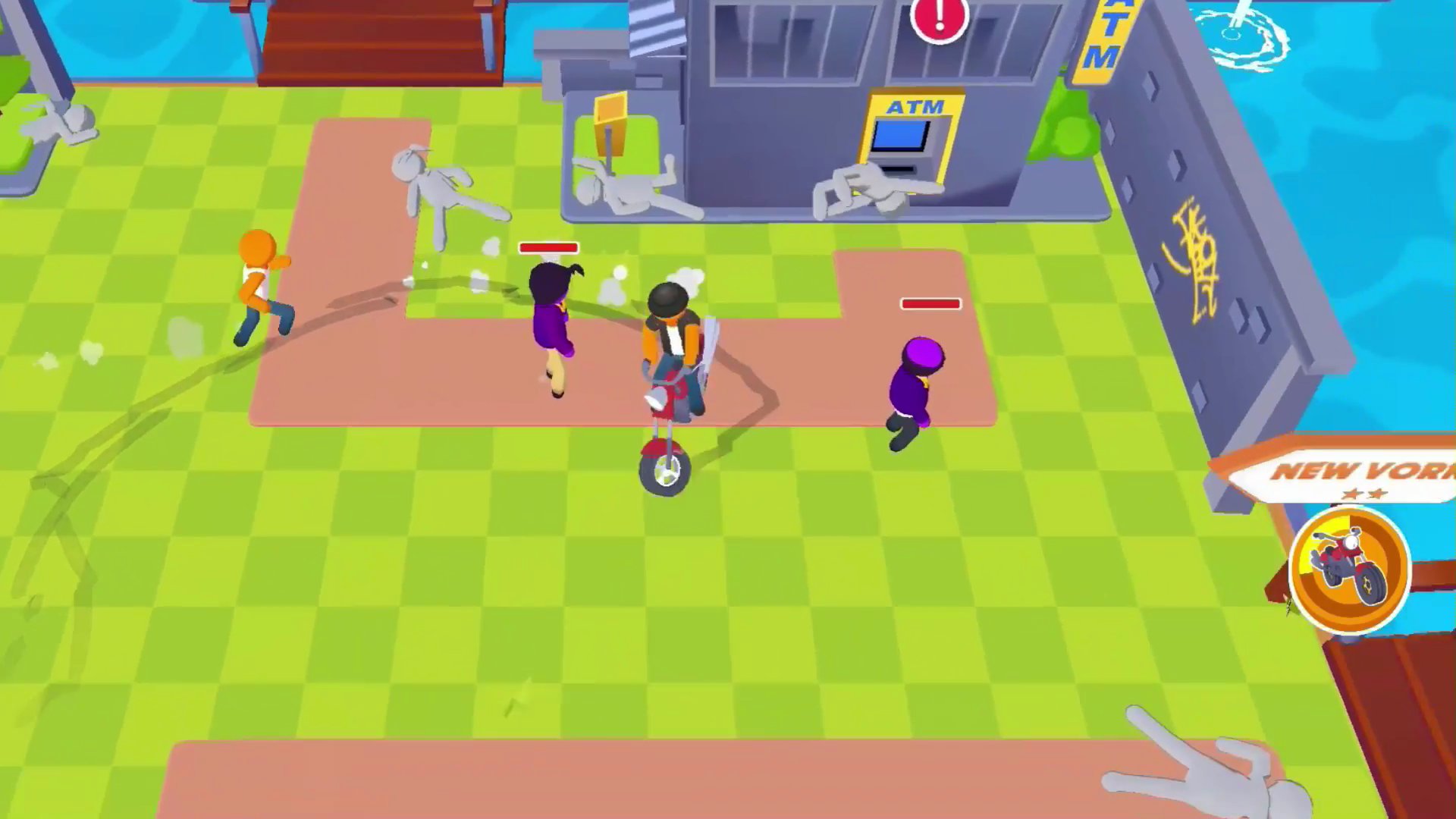
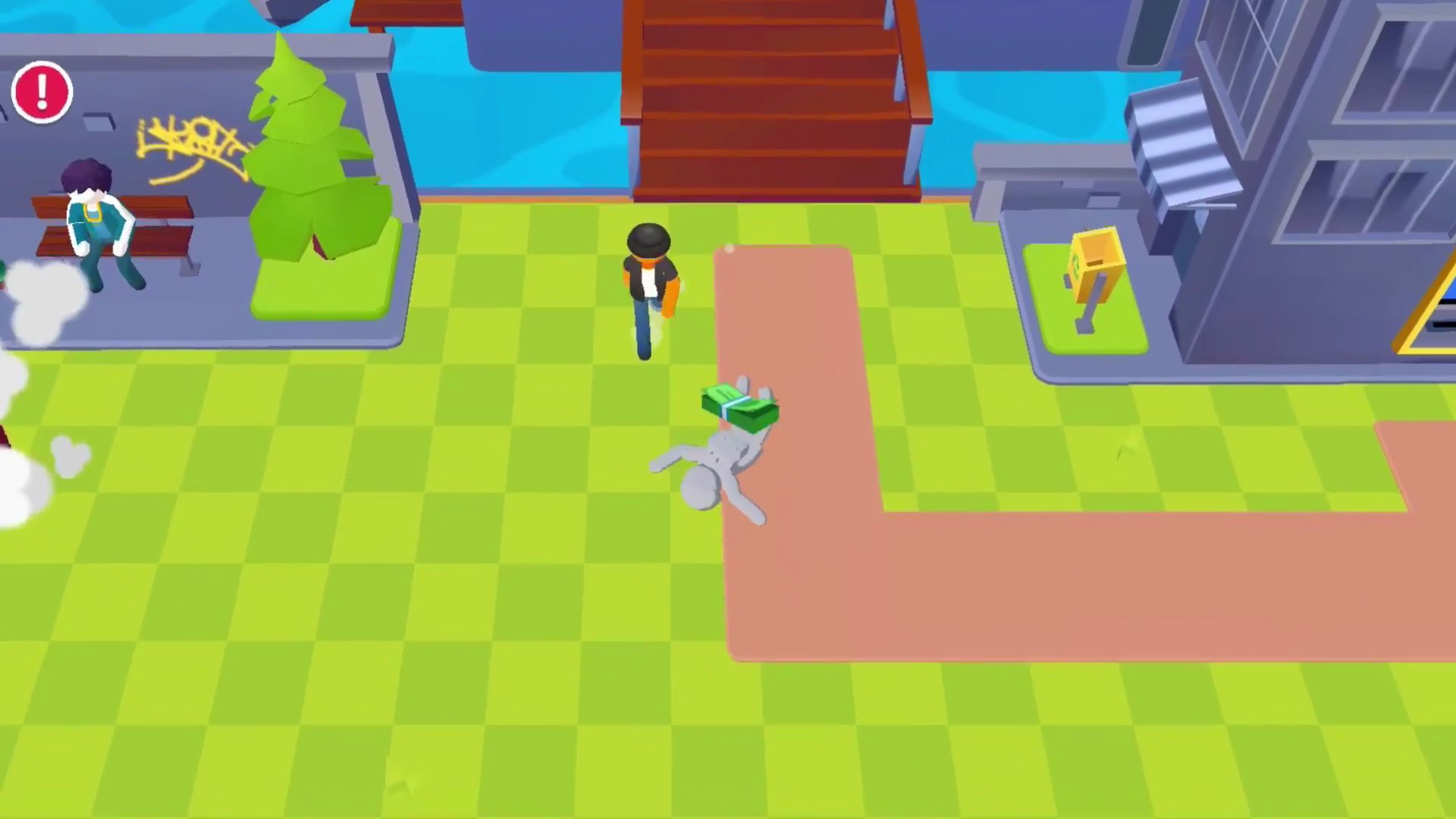
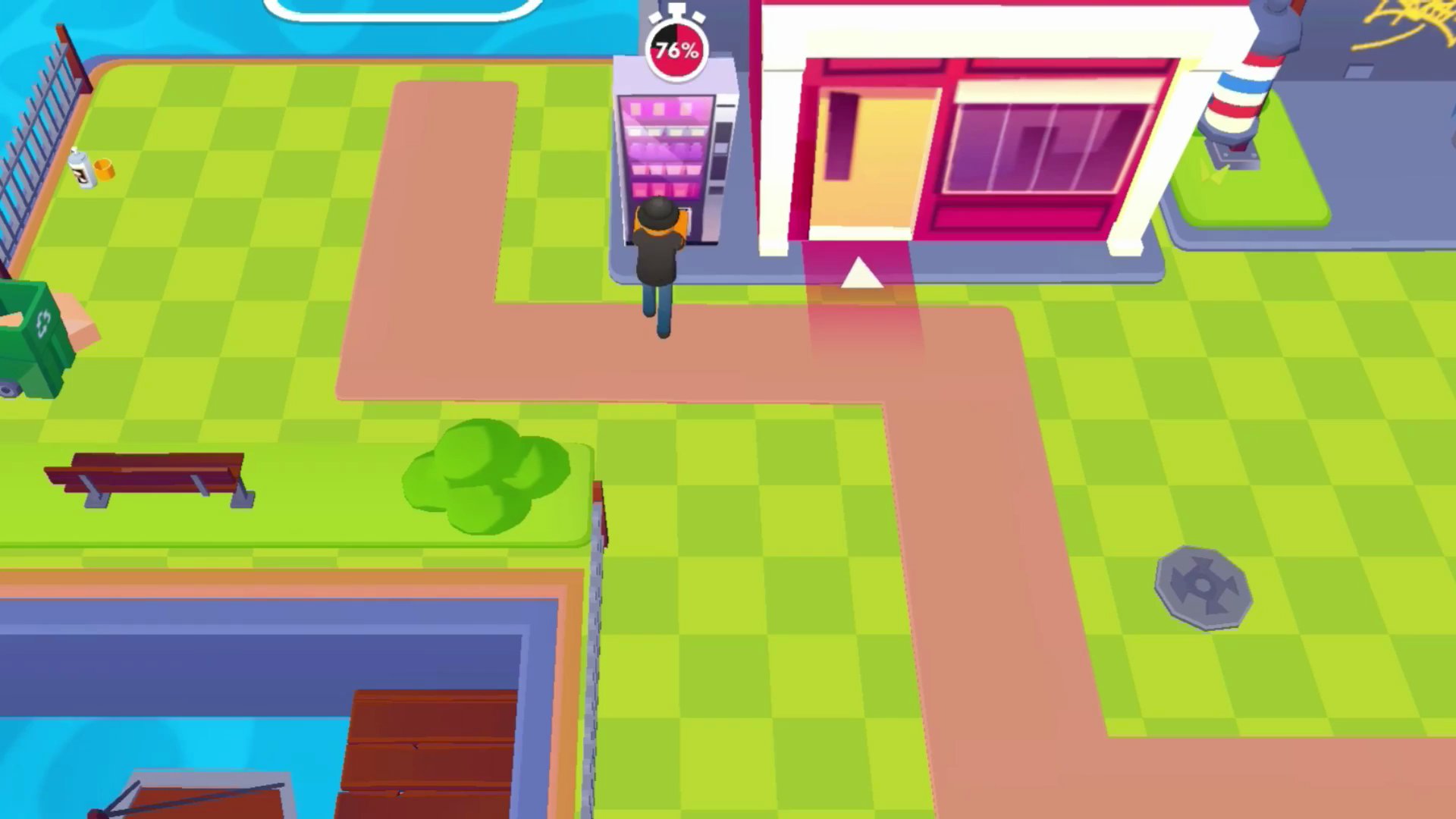
Gangsta Island: Crime City drops you at the bottom of the criminal ladder and dares you to claw your way to world domination. Starting as a street dweller, you build your reputation through street-smart skills, petty thefts, confrontations with rival crews, and eventually high-stakes heists in Las Vegas. Mini-games and activities are woven throughout the journey as you push toward becoming the ultimate underworld boss.
How to Play
The path upward in Gangsta Island: Crime City runs through increasingly dangerous territory. Early on, street-smart skills and petty thefts establish your foothold. From there, confronting rival crews raises the stakes, and venturing into high-stakes heists in Las Vegas marks the upper end of the criminal career. Captivating mini-games and activities break up the main progression and keep the grind toward underworld boss status varied.
7. Grand Father Auto 6
Quick Info
- Genre: Parkour Action
- Developer: lucas christ
- Rating: 4.5/5.0 (192 ratings)
Gameplay Video
Watch real gameplay footage
Screenshots
Character running on road
Character power-up effect
Character falling from building
What’s the Point?
This is the weirdest entry on the list. Despite the GTA-inspired title, this is actually a parkour game where you control a bald guy named Benoit who runs, jumps, and wall-runs across a city. The movement is clunky and lacks fluid animation—characters ‘snap’ into positions rather than smoothly transition. There’s a flying mechanic (press F), which is bizarre and unexplained. The game tries to mix open-world exploration with superhero-like movement, but the execution is rough. It’s less GTA and more ‘low-budget Spider-Man simulator.’ The humor is intentional, but the gameplay is too janky to be fun.
Personal Experience
From the author: I ran, jumped, and wall-ran across the city, and the animations were so stiff it felt like watching a robot. The character would suddenly ‘snap’ into a wall-run position, which broke any sense of flow. I pressed F and started flying, which was hilarious but made no sense. The power-up effects were visually jarring, and the whole thing felt like a weird tech demo rather than a coherent game.
How to Play
Controls: WASD to move, Mouse for camera, F to fly, Space to jump, Shift to run, E for map, R to retry
Goal: Navigate the city using parkour moves like running, jumping, and wall-running while completing stunts and reaching objectives
Performance & Browser Compatibility
Speed: Fast loading (2-3 seconds), 60fps on most devices
Works best on: Desktop (keyboard required for complex controls)
Browser: Chrome, Firefox, Safari (HTML5)
Who is this game for?
Casual mobile gamers, likely kids or teens (8-14), looking for a simple, free-to-play experience with superhero-like movement. The blocky aesthetic and janky physics might appeal to younger players who enjoy games like Roblox or simple physics sandboxes, but don’t expect polished gameplay.
Pros & Cons
✅ Pros
- Unique parkour and wall-running mechanics
- Flying ability is hilariously absurd
- Runs smoothly on low-end hardware
⛔ Cons
- Clunky animations ruin the flow
- Barely resembles a GTA game at all
- No clear objectives or structure
8. Barry Prison Run GTO 6
Quick Info
- Genre: Open-World Driving
- Developer: lucas christ
- Rating: 4.7/5.0 (192 ratings)
Gameplay Video
Watch real gameplay footage
Screenshots
Player on motorcycle
Player stealing bus
Police car driving
What’s the Point?
Barry Prison Run is a blocky, Roblox-style GTA clone focused on driving. You steal vehicles—motorcycles, school buses, police cars—and drive around an open-world city. The vehicle handling is arcade-like with quick turns and acceleration, but the physics are super simplistic. Collisions with pedestrians result in ragdoll physics that are more funny than realistic. There’s no real mission structure, just sandbox-style chaos. The blocky aesthetic is intentional and works for what it is, but the lack of depth means you’ll get bored quickly unless you’re really into just driving around.
Personal Experience
From the author: I stole a motorcycle, then a school bus, then a police car, and the handling on all of them felt the same—fast and floaty. Hitting pedestrians sent them flying with exaggerated ragdoll physics, which was amusing for about 5 minutes. The game is clearly built for mobile with simple touch controls, and it shows. The blocky characters and vehicles are charming in a low-budget way, but there’s no substance here.
How to Play
Controls: WASD to move, F to get on/off vehicles, C to change camera view, Q to quit, L to show/hide cursor
Goal: Drive various vehicles around an open-world city, steal cars, and cause chaos with no structured objectives
Performance & Browser Compatibility
Speed: Fast loading (2-3 seconds), 60fps on all devices
Works best on: Mobile (simple touch controls)
Browser: Chrome, Firefox, Safari (HTML5)
Who is this game for?
Casual mobile gamers aged 8-14 who enjoy sandbox-style driving games with low graphical fidelity and simple mechanics. Fans of Roblox or blocky aesthetic games will feel at home here. Perfect for short sessions with zero commitment, but don’t expect depth or polish.
Pros & Cons
✅ Pros
- Blocky aesthetic is charming and intentional
- Variety of vehicles from motorcycles to buses
- Runs flawlessly on any device
⛔ Cons
- No missions or objectives—just aimless driving
- Vehicle physics are too simple and floaty
- Gets boring after 10 minutes
Discover More Gta Games
BROWSE NOWFrequently Asked Questions
Which GTA browser game has the best graphics?
Grand Shift Auto stands out with the cleanest visuals and smoothest performance. It runs at a stable 60fps on most hardware and has more polished textures and lighting compared to the other games on this list, though it’s still low-fidelity by modern standards.
Are these GTA games safe for kids?
All of these games are browser-based and don’t require downloads or personal information, so they’re technically safe. However, they all feature crime themes, violence, and carjacking, so parental guidance is recommended for younger children. Most are rated for teens (13+) due to the content.
Can I play these games on mobile?
Yes, most of these games are optimized for mobile devices with on-screen joysticks and touch controls.
Do these games require fast internet?
No, these games load quickly and don’t consume much bandwidth once loaded. A moderate internet connection is sufficient for all of them. The low-poly graphics and simple mechanics mean they’re optimized for low-end devices and slower connections.
Are these games free to play?
Yes, all of these games are completely free to play in your browser. You can jump in and start playing immediately without any purchases.