







Copy the Drawing







About Copy the Drawing: Hundreds of Levels Across 18 Categories
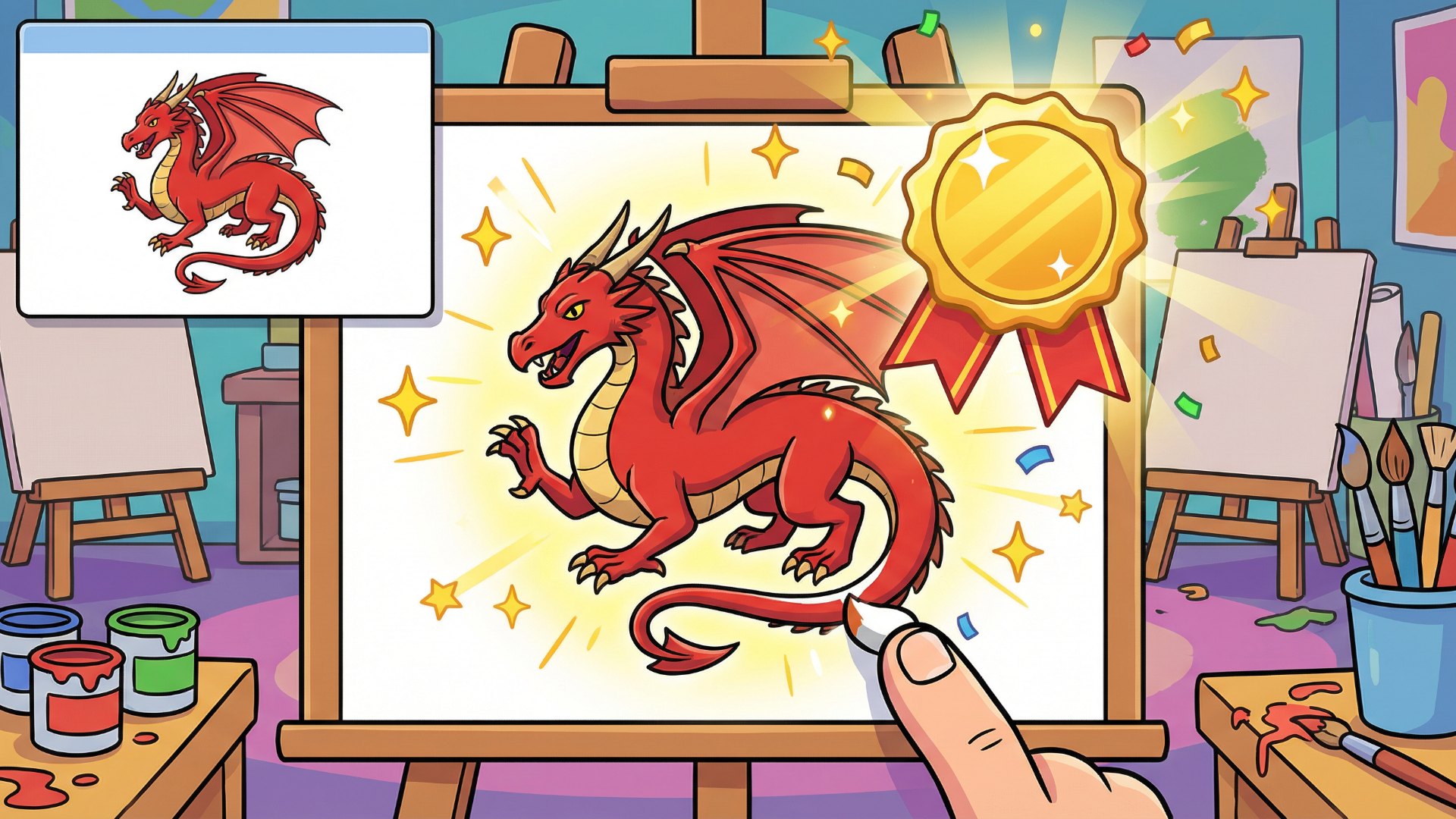
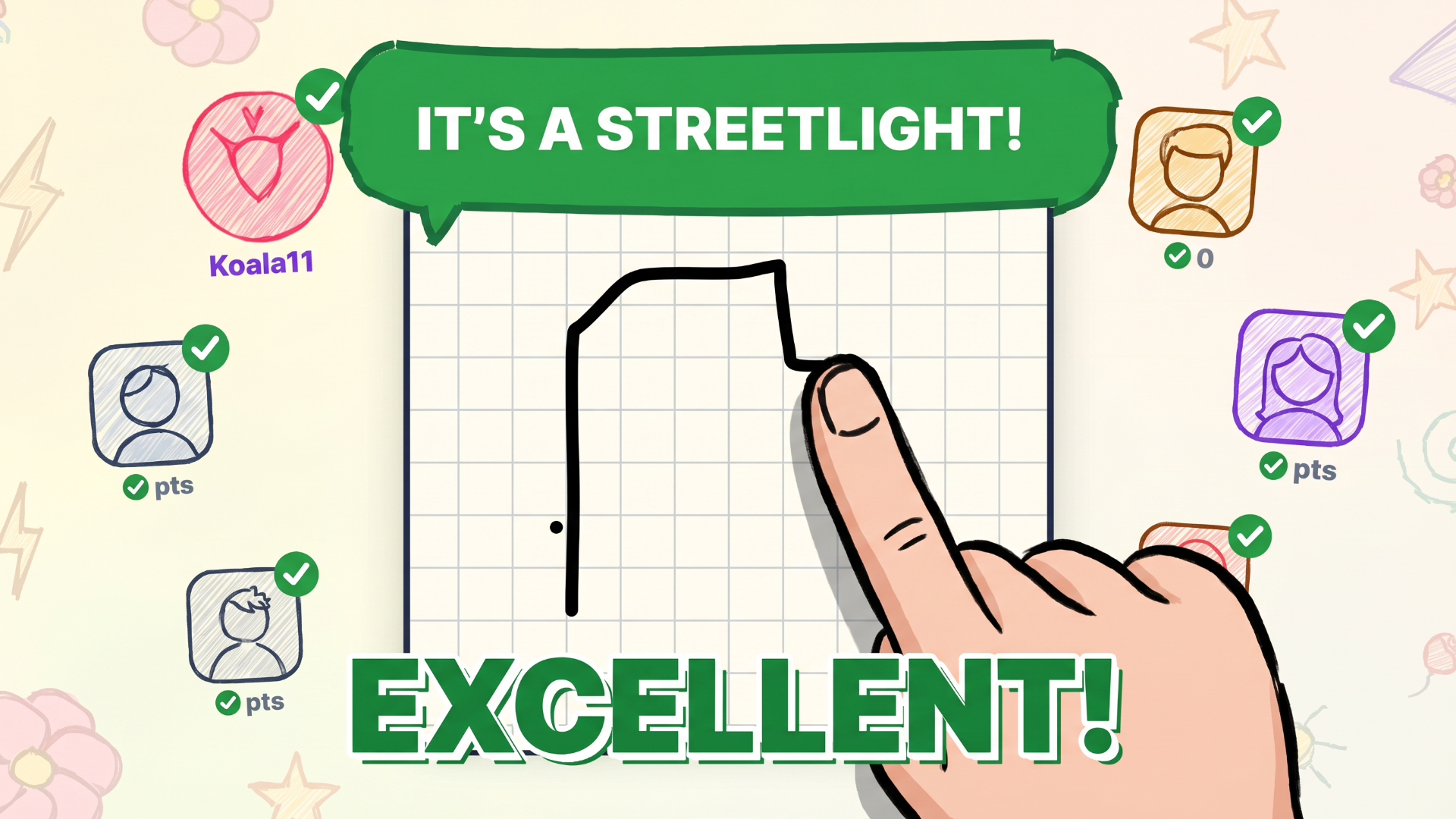
Copy the Drawing is a drawing game built around one satisfying challenge: look at an example image and recreate it as accurately as possible on a canvas below. The closer your copy, the higher your score. With 300 levels spread across 18 categories — ranging from simple shapes to animals, transport, space, fantasy, and Japanese culture — there is always something new to attempt.
A daily drawing of the day refreshes the challenge every 24 hours, letting you build a streak and measure your progress against your own previous efforts. A medal system ties everything together: bronze, silver, and gold awards reflect how closely your drawing matches the original.
How to Play Copy the Drawing: Match the Example to Earn a Medal
Each session starts by picking a category and a level. The example drawing sits at the top of the screen, and the blank canvas waits below. Reproduce the image as faithfully as you are able to, then submit it to receive a match score and a medal.
Brush and Canvas Tools
- Three brush sizes are available for precise line work
- Hints are available when you need guidance
- Tap Check when you are satisfied with your drawing
Medal Thresholds
- Bronze: 50% match or higher
- Silver: 70% match or higher
- Gold: 90% match or higher
Reaching the required score thresholds unlocks new levels and categories.
Controls
- Draw on canvas: Recreate the example picture
- Tap brush size selector: Switch between three brush sizes
- Tap Undo: Remove the last stroke
- Tap Clear: Erase the entire canvas and start over
- Tap Check: Submit your drawing for scoring
Games You Might Like
If Copy the Drawing has you hooked on canvas challenges, the full collection of drawing games on Playgama offers plenty more ways to put your artistic instincts to work. For a similar reference-matching experience with added color mechanics, Tracoria: Draw, Color & Match asks you to trace and color illustrations to earn three stars per level.
If you prefer a puzzle angle on drawing, Draw Puzzle: Complete One Part challenges you to identify what is missing from a sketch and draw that single piece to complete the picture. The broader puzzle games category is also worth exploring if you enjoy level-based brain challenges.
Use this link to embed the game on your website using an iframe
 Sign in to Embed and Monetize Games