

















silver coin
3000Daily bonus
Numicolor
NumicolorPuzzle
Numicolor
Numicolor
NumicolorPuzzle
Save IconKeep your progress on every device — log in

Numicolor

★★★★★★★4.3 / 132 votesPG
Developer: medoborodyj
Game Orientation: Portrait
Platforms: PC, Android
Release date: August 2025
Last Update: February 2026
Supported Languages: English

Numicolor - Play Online

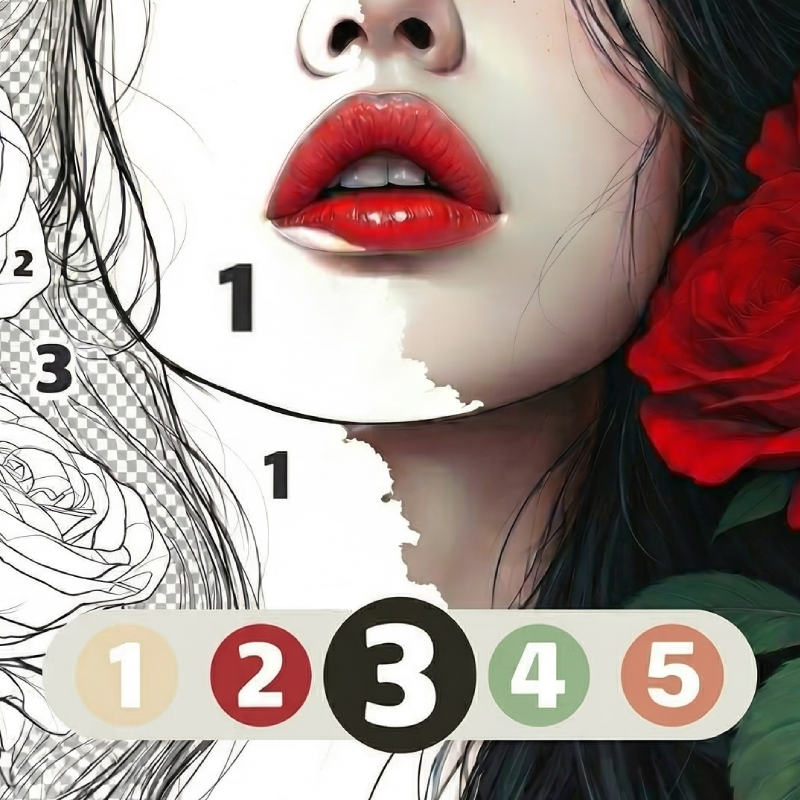
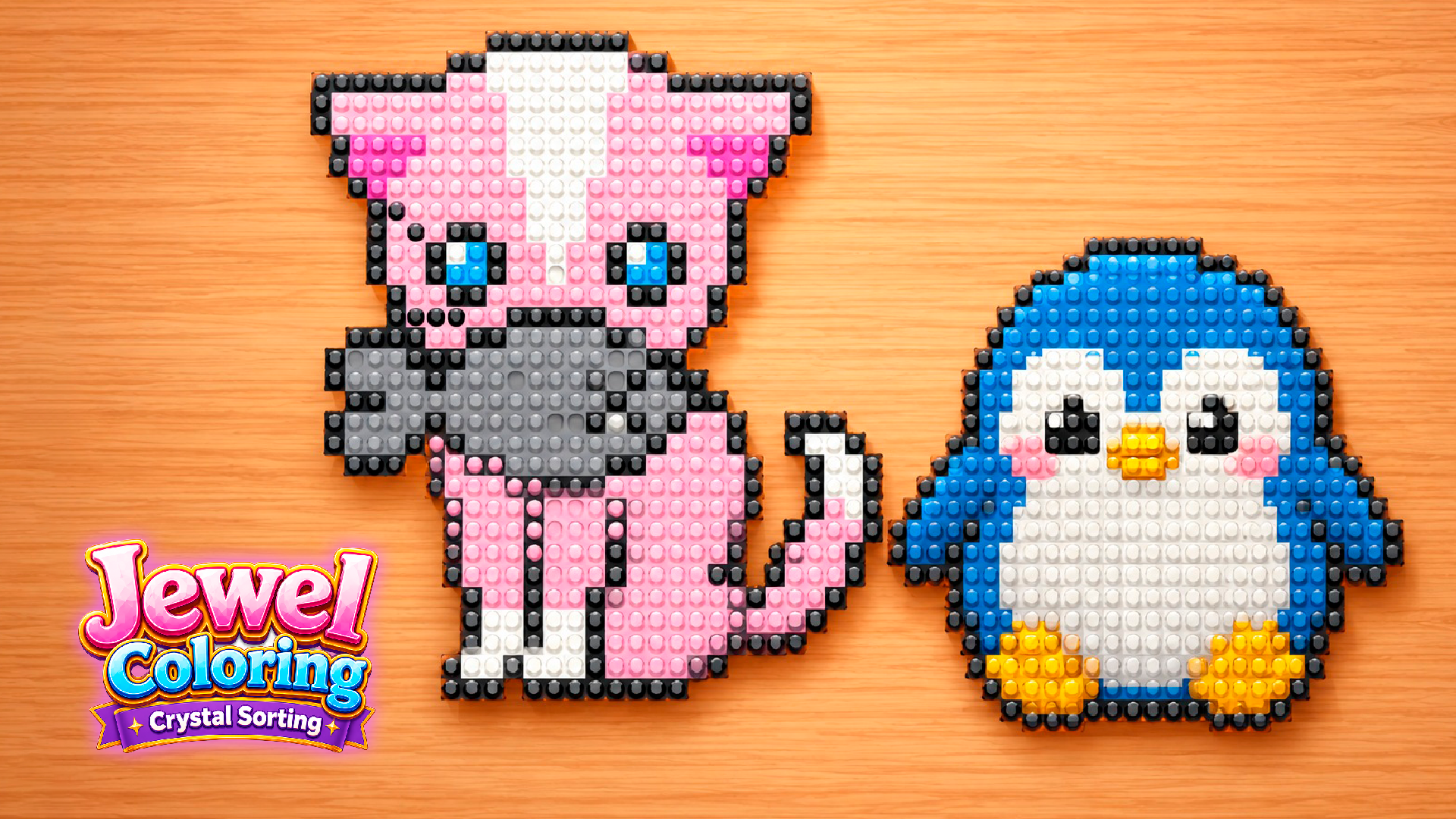
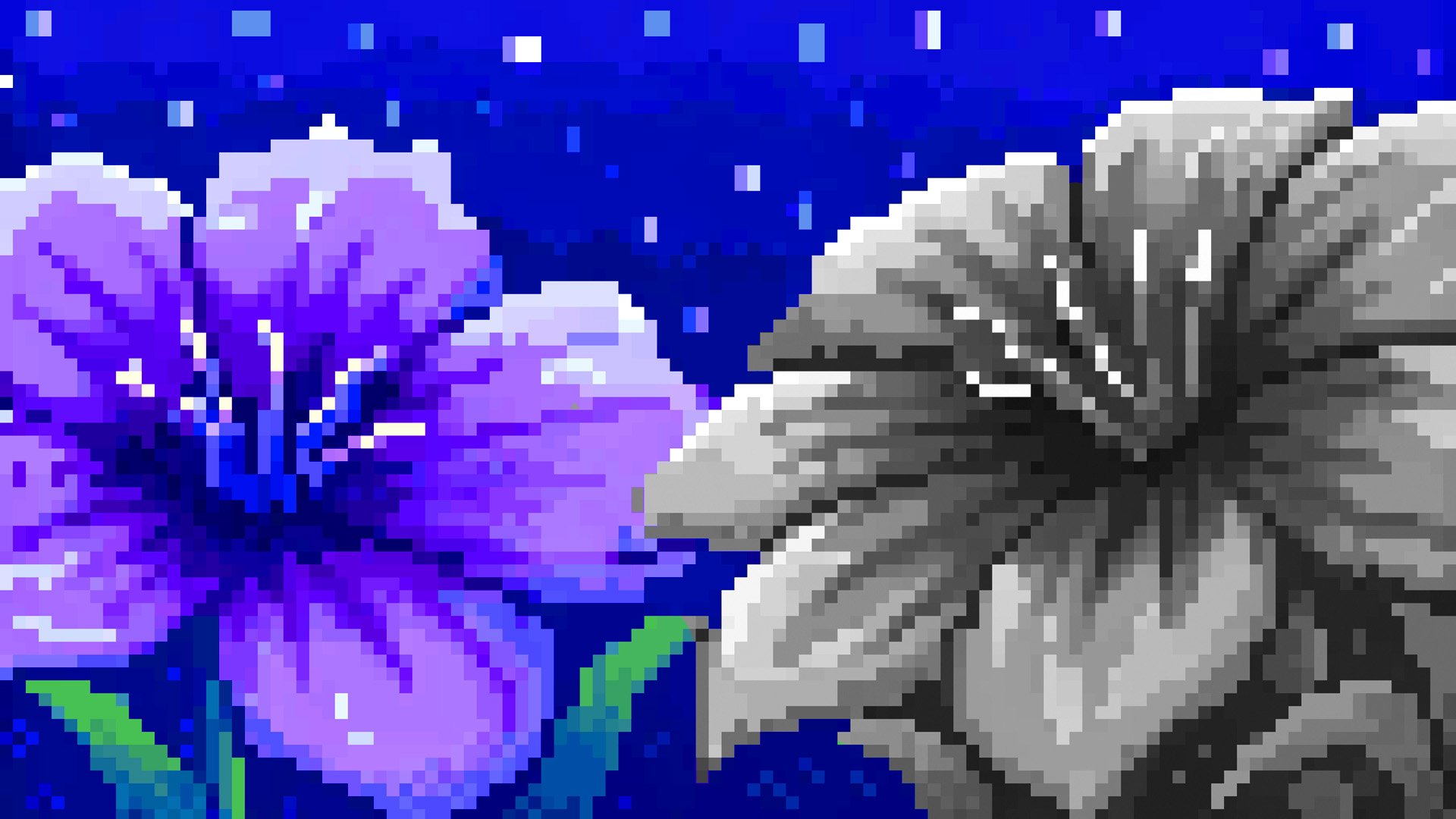
If you've ever wanted to zone out with something productive, this is your ticket. Numicolor is a color-by-number game where you tap numbered areas on line-art images to fill them with the right colors—cats, anime characters, fantasy scenes, fruits, you name it. It's like those adult coloring books, but digital and with zero cleanup. The goal? Complete pictures, relax, and maybe train your attention span a bit without feeling like you're working.

Key Features

    • Growing Image Library: Hundreds of templates across categories like animals, anime, nature, and fashion. New ones drop regularly.
    • Multiple Game Modes: Classic color-by-number, plus "Reveal" and "Mystery" modes that add a puzzle twist to the standard formula.
    • Smart Filtering System: Sort by difficulty (Easy/Medium/Hard) or theme so you're not scrolling forever to find what you want.
    • Cross-Platform Friendly: Works on PC and mobile without any lag. The UI scales perfectly whether you're on a phone or laptop.

How to Play Numicolor

It's stupidly simple to start, but finding every last pixel can get obsessive real quick.

Pick Your Image and Color

You browse the gallery, choose something that looks appealing—maybe a cute cat or a fantasy dragon—then you're dropped into the workspace. A color palette sits on the right side of your screen. Tap a color, and all the numbered zones that match light up. Click or tap those areas to fill them in. That's it.

Hunt Down the Stubborn Pixels

The tricky part hits when you're 95% done and can't find that one tiny numbered spot hiding in a corner. You can zoom in with your mouse wheel or pinch gestures, or use the hint button (the lightbulb icon) to highlight what's left. The game tracks your progress, so you always know how close you are to finishing.

Complete and Unlock More

Once you finish an image, it saves to your "Completed" tab. Some images are locked behind progression or the shop system, so you'll need to finish easier ones first or watch an ad to unlock premium categories. There's a daily gift system that drops hints or unlocks, keeping you coming back.

Who is Numicolor for?

This is built for anyone who wants a low-stakes, meditative activity. Perfect for adults looking to unwind after work, or parents wanting something harmless for their kids. If you're the type who listens to podcasts or music while gaming, this fits that vibe perfectly. It's not challenging in a "git gud" way—it's challenging in a "where the hell is pixel #47" way. Safe for teens and kids, zero violence, just pure coloring.

The Gameplay Vibe

It's zen. The whole experience is calm and slow-paced—no timers, no enemies, no losing. The line art is clean but generic; it uses that traced-from-photo aesthetic you see in a hundred similar apps. The color palettes are pleasant enough, though the UI feels a bit cookie-cutter. Visually, it's functional over fancy. There's no music in the version I played, just soft sound effects when you tap, which honestly works better—lets you throw on your own background noise. The gameplay loop is hypnotic: pick color, tap-tap-tap, watch the picture come to life. It's the digital equivalent of knitting.

Technical Check: Saves & Performance

The game auto-saves your progress in browser cache, so if you close the tab mid-picture, you can pick up exactly where you left off—just don't go nuking your browsing data. Performance is solid; I tested it on an older laptop and my phone, and both ran without hiccups. The zoom feature is responsive, and there's no lag even on images with 200+ color zones. It's optimized well for mobile-first play, which makes sense given the UI layout.

Quick Verdict: Pros & Cons

A competent color-by-number app that does what it promises without trying to reinvent the wheel.

    • ✅ Pro: Legitimately relaxing. Great for decompressing after a stressful day.
    • ✅ Pro: Huge variety of images and regular updates keep it fresh.
    • ❌ Con: The shop and locked content can feel pushy. Some of the best images are paywalled or ad-gated, which breaks the chill vibe.

Controls

Responsive and easy to pick up. No complaints here—everything works as expected.

    • Desktop: Mouse to click colors and numbered zones. Scroll wheel to zoom in/out.
    • Mobile: Tap to select colors and fill zones. Pinch to zoom, drag to pan around the image.

Release Date & Developer

Developed by medoborodyj and released on August 22, 2025. It's a recent drop, so expect more content updates down the line.

FAQ

Where can I play Numicolor?

Play it free on Playgama. It works on PC and Mobile without downloads.

What happens if I can't find the last numbered pixel?

Hit the hint button (lightbulb icon) at the top of the screen. It highlights an uncolored zone so you're not hunting forever. You get a few free hints, then you'll need to earn more or watch an ad.

Is there a mobile version?

Yes, the game fits any screen size and supports touch controls.

Video

Screenshots

screenshot-0screenshot-1
Free Online Games at PlaygamaPlaygama features the latest and best free online games. You can enjoy playing fun games without interruptions from downloads, intrusive ads, or pop-ups. Just load up your favorite games instantly in your web browser and enjoy the experience.
Random Game