
























Cozy Coloring






About Cozy Coloring: Color-by-Number Calm Creativity
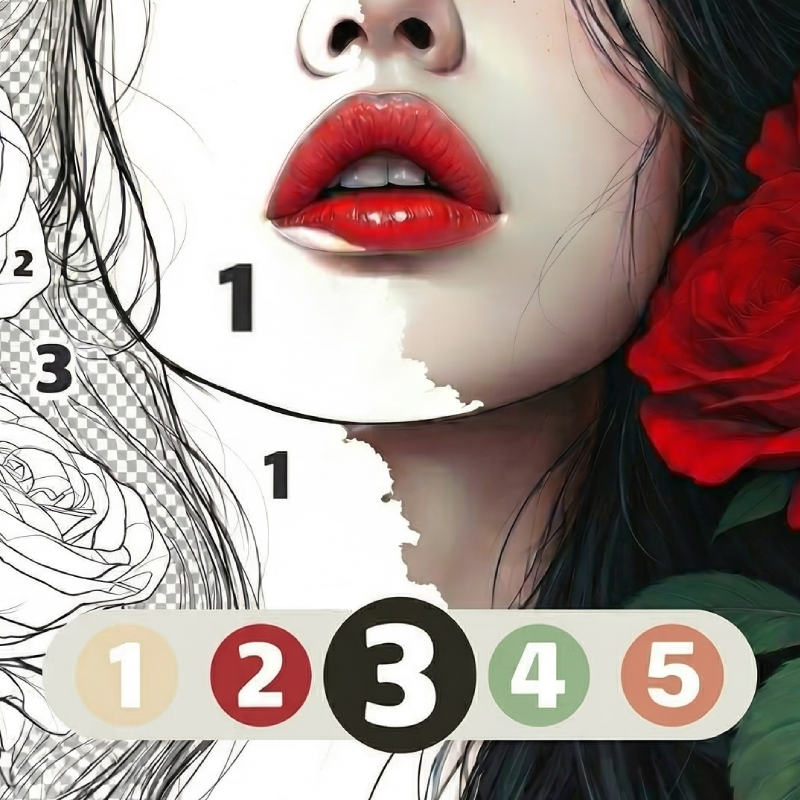
Cozy Coloring is a color-by-number game built around vibrant colors and calm creativity. Each picture is divided into numbered areas — choose a color from the palette and tap the matching sections to gradually bring the image to life. No drawing skills are needed; the structure of the numbered zones does all the guiding.
The collection spans pictures for every mood and age: cute images for kids, detailed illustrations for adults, animals, flowers, nature, food, patterns, mandalas, and more. One scene shows a butterfly illustration composed entirely of connected triangular shapes. Another uncolored line drawing depicts a wolf head surrounded by flowers and mountains. Alongside the standard numbered approach, a creative mode lets you color any image entirely in your own style.
Whether it's a short break, a peaceful evening, time after school or work, or a family session, Cozy Coloring is designed to take your mind off daily worries and build a personal collection of finished colorful artworks.
How to Play Cozy Coloring: Choose, Tap, and Complete
- Choose a picture from the collection.
- Tap a color in the palette.
- Find the animated areas that correspond to that color.
- Color the zones with one tap.
- Use hints if small details are hard to locate.
- Complete the picture and view your finished artwork.
Controls
- Tap a color: Select it from the palette
- Tap a numbered zone: Fill that area with the selected color
- Tap hints: Reveal small or hard-to-find details
Games You Might Like
If the calm, creative pace of Cozy Coloring appeals to you, the broader Cozy games category on Playgama is full of similarly relaxing titles worth exploring at your own pace.
Fans of the artistic side of Cozy Coloring will also find plenty to enjoy in the Drawing games collection, where creativity and color take center stage.
Video
Use this link to embed the game on your website using an iframe
 Sign in to Embed and Monetize Games