
























Word Search & Quiz






Word Search & Quiz - Play Online
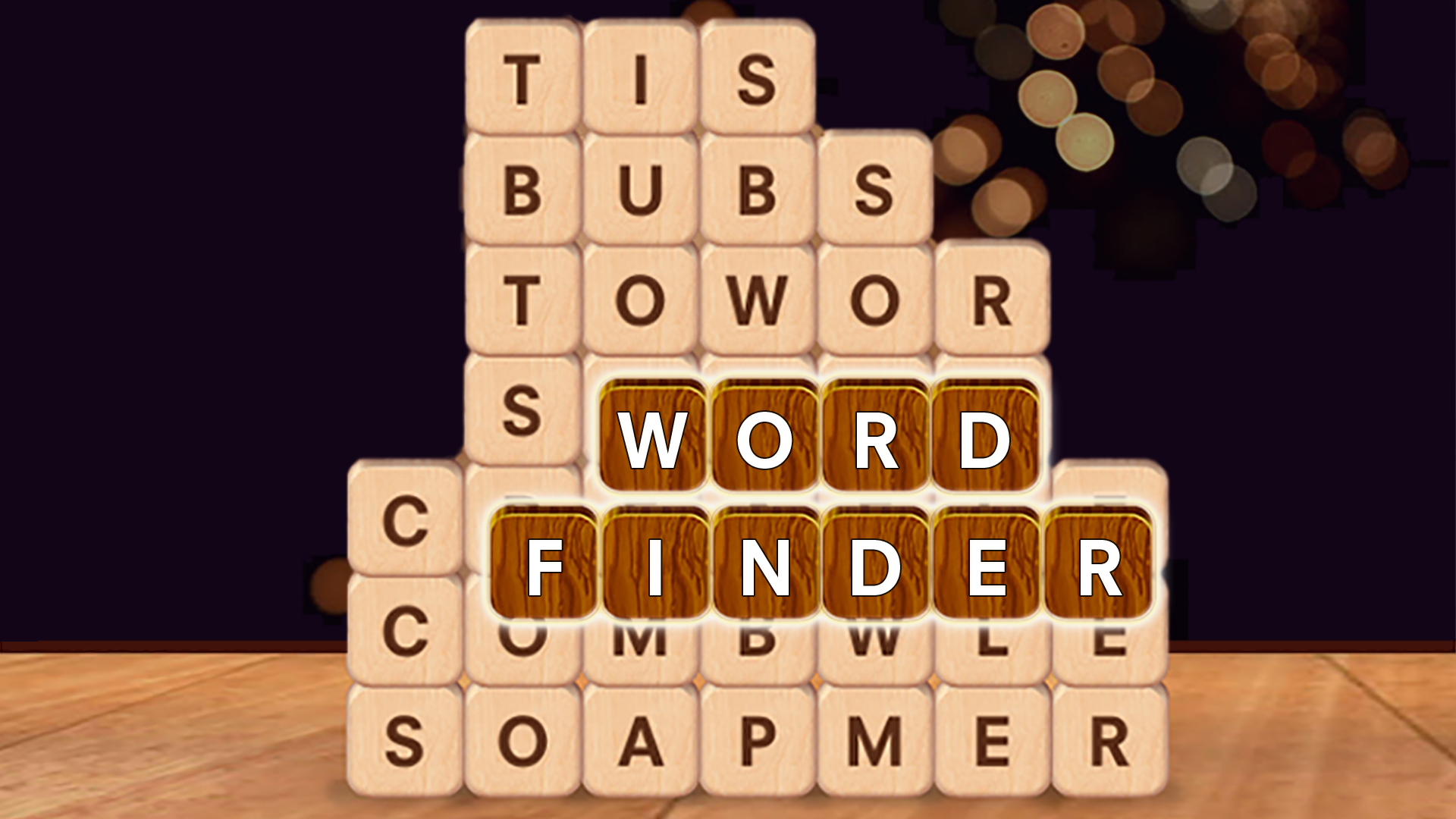
Brain training game? Check. Five game modes? Check. Word Search & Quiz mixes classic word hunts with trivia puzzles. Drag letters. Answer questions. Keep your mind sharp. Developed by Alexander Denisov, this HTML5 puzzle delivers endless vocabulary challenges across desktop and mobile.
How to Play Word Search & Quiz
The mission is simple: Find hidden words. Answer trivia. Progress through themed chapters. Each mode tests a different skill—pattern recognition, logic, spelling, knowledge. Complete chapters to unlock new ranks. Hit 100% to move forward. Endless mode waits at the end.
Core Modes: Five Ways to Solve
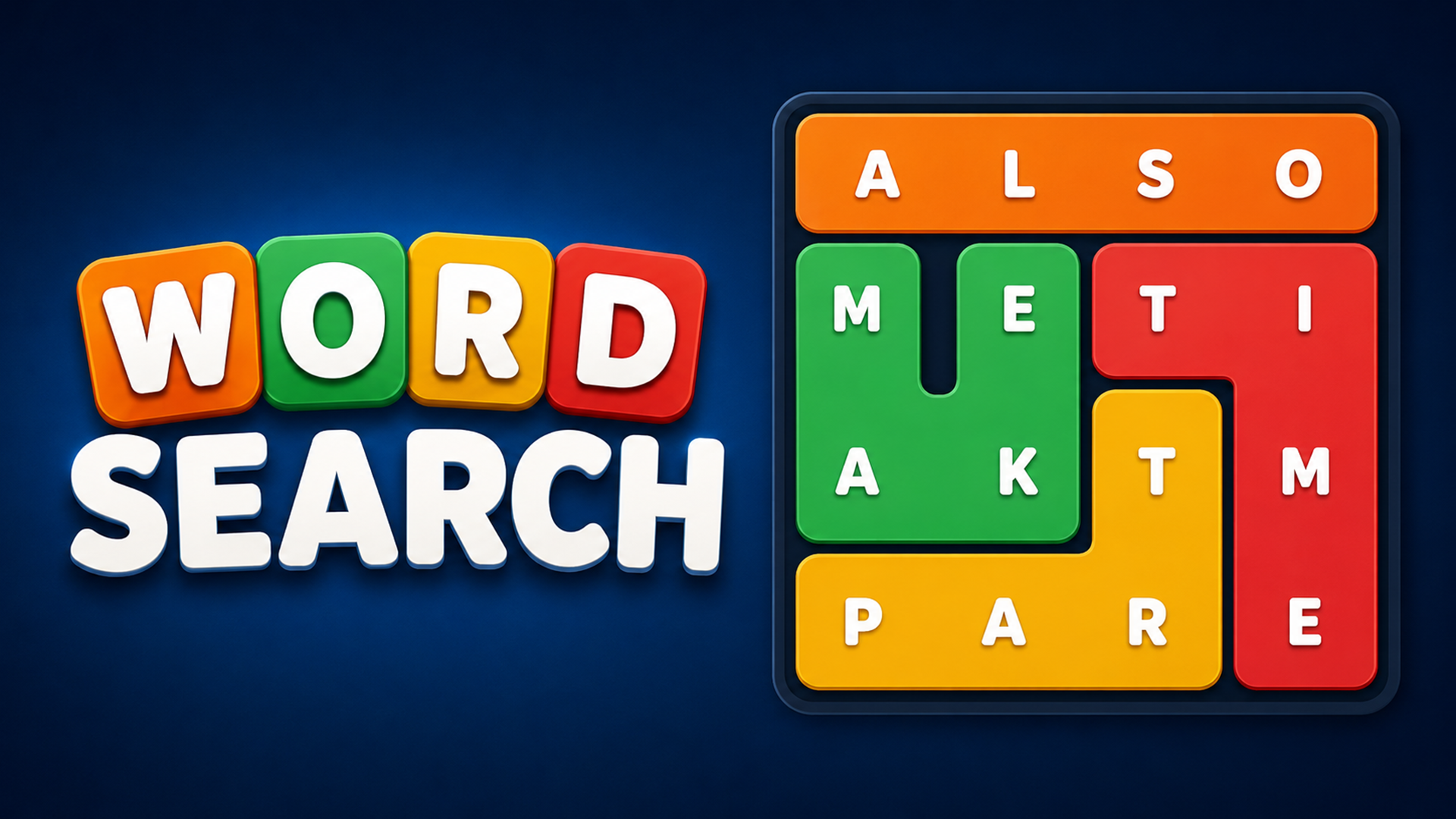
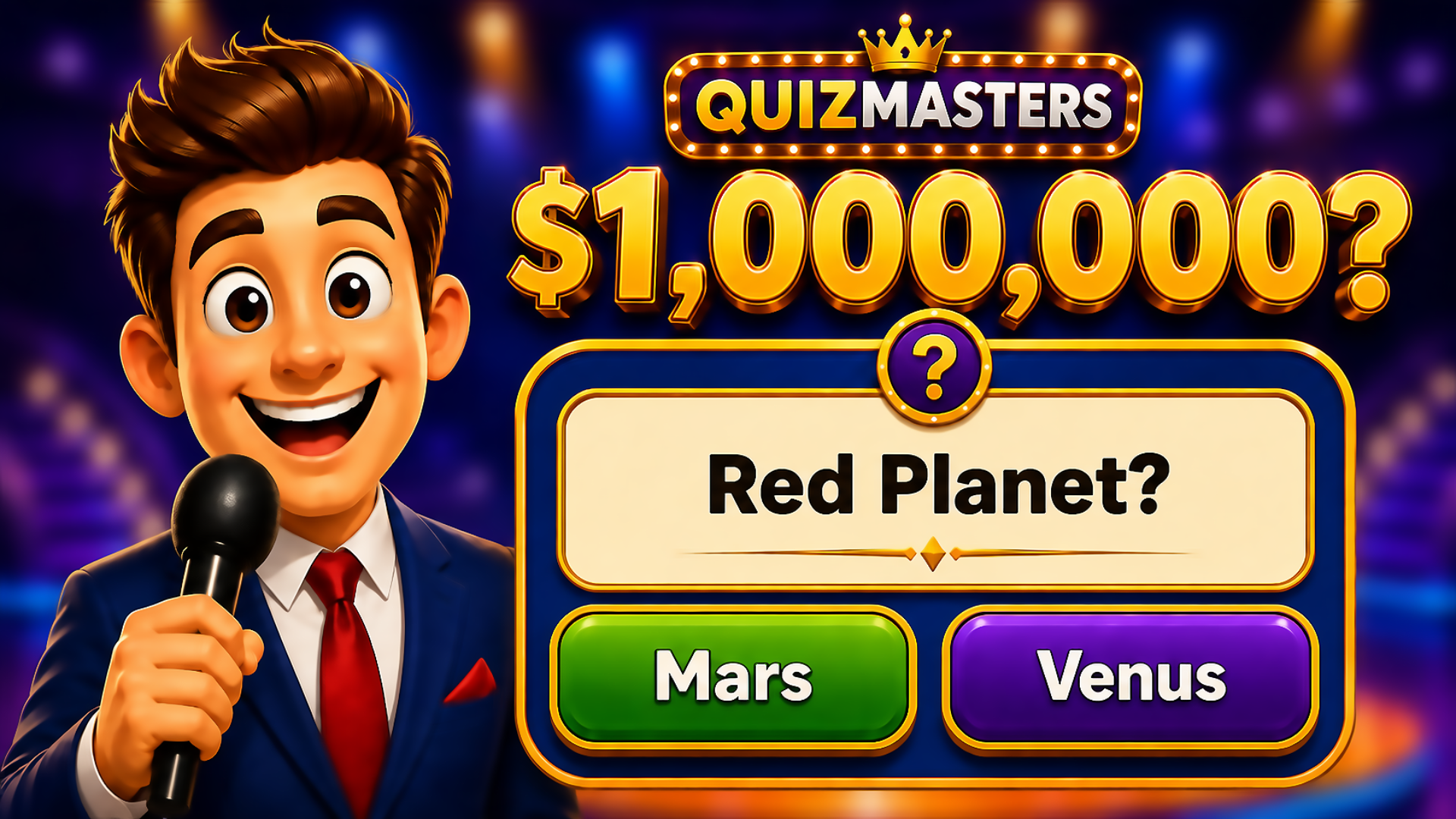
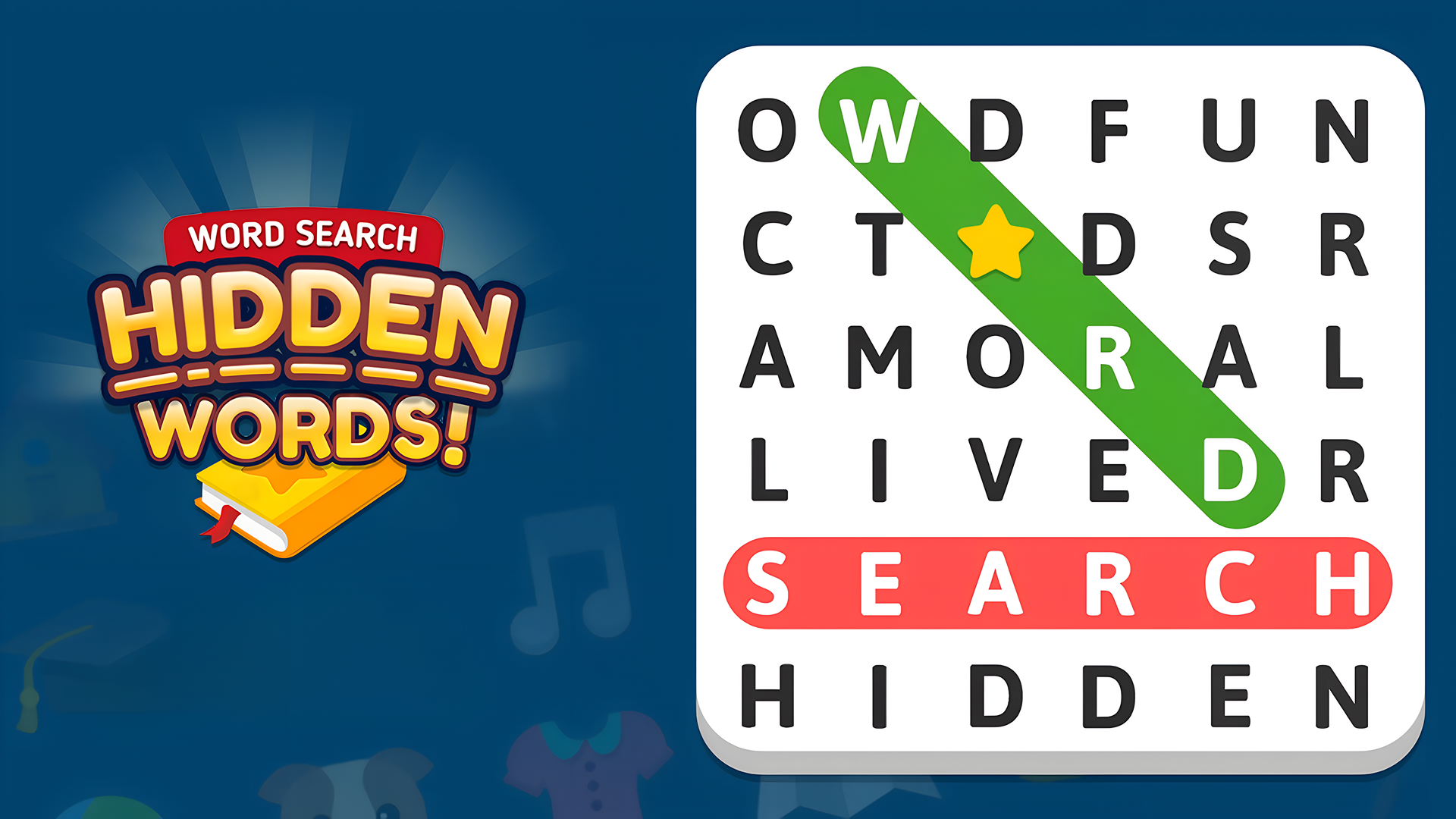
Classic Word Search: Scan the grid. Swipe to connect letters. Words hide horizontally, vertically, diagonally. Use the clue list to guide you. "Orange citrus with peel"? Hunt for ORANGE. Picture Puzzles: Look at the image. Find related words in the grid. Visual hints replace text. Riddle Word Search: Read the riddle. "Fastest land animal." Find CHEETAH buried in the 6x5 grid. Word From Image: See a photo. Tap scrambled letters to spell it. Quiz Mode: Read the question. Pick the correct answer from multiple-choice buttons. Green = right. Red = wrong. Move on.
Progression: Chapters and Currency
Earn Gold Coins for every solved puzzle. Spend 100 coins to buy a hint when stuck. Hints reveal letters or remove wrong answers. Track completion percentage per chapter. Replay questions to hit 100%. Unlock new themes as you advance. Questions start easy. Get harder as you climb. Cloud saves keep your progress across devices.
Strategy: When to Hint, When to Grind
Don't waste coins on simple grids. Save hints for riddles with no obvious clue. In trivia mode, use elimination—wrong answers cost nothing to guess. In Word From Image, common nouns appear most. Start with short words. For word search, scan edges first. Corner letters limit possible directions. Color-coded paths show completed words—use them to avoid overlap.
Key Features
- Five Game Modes: Classic Search, Picture Puzzles, Riddles, Word From Image, Quiz. Variety keeps the loop fresh.
- Clean Mobile UI: Vector-style 2D graphics. Rounded buttons. Gradient backgrounds. Runs lag-free on any device.
- Chapter System: Multiple themed chapters. Beautiful background art changes per stage. Unlock new content by completing levels.
- Hint Economy: Soft currency system. 100 coins per hint. Earn by solving. Spend strategically.
- Cloud Saves: Progress syncs across desktop, Android, iPhone. Pick up where you left off.
- Endless Mode: After finishing chapters, play unlimited practice rounds. No pressure. Pure training.
Who is Word Search & Quiz for?
Perfect for puzzle lovers and trivia fans. Great for quick brain exercises or long vocabulary-building sessions. Suitable for all ages. Casual players wanting low-stress cognition. 5-minute breaks or full commutes—it scales.
Release Date & Developer
Word Search & Quiz was developed by Alexander Denisov. Released in January 2026.
Controls
- Mouse/Touch Drag: Swipe to highlight letters in word search grids.
- Tap: Select scrambled letters in Word From Image mode.
- Click: Choose multiple-choice answers in Quiz mode.
- Hint Button: Spend 100 coins to reveal letters or remove wrong answers.
- Navigation Arrows: Switch between levels in a chapter.
FAQ
Where can I play Word Search & Quiz online?
How do hints work in Word Search & Quiz?
What are the five game modes?
Can I replay levels to improve my score?
Is Word Search & Quiz free to play?
Video
Use this link to embed the game on your website using an iframe
 Sign in to Embed and Monetize Games