






























Parking Traffic Jam 3D

Parking Traffic Jam 3D - Play Online

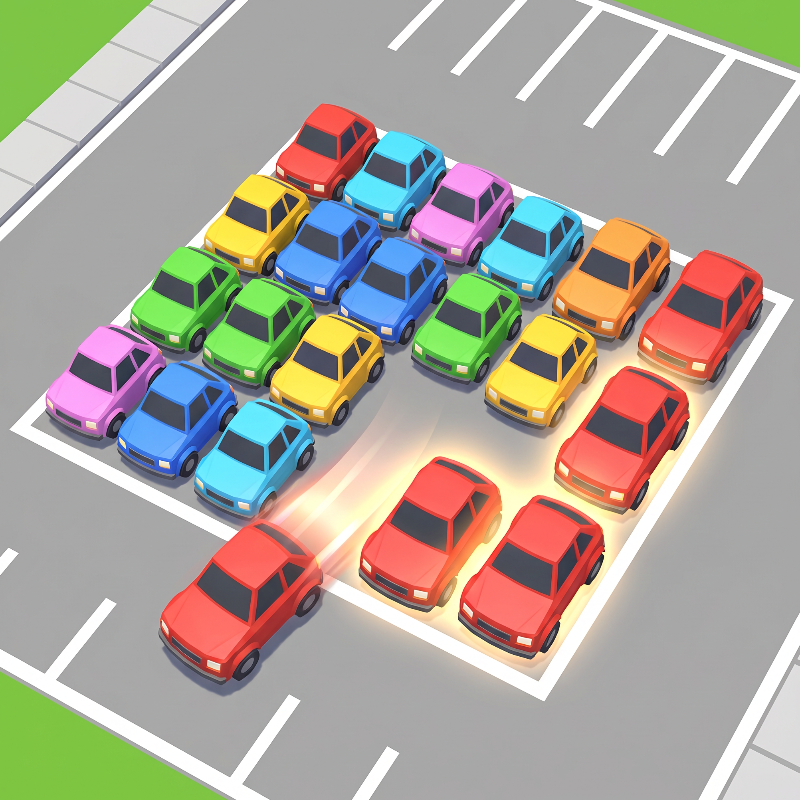
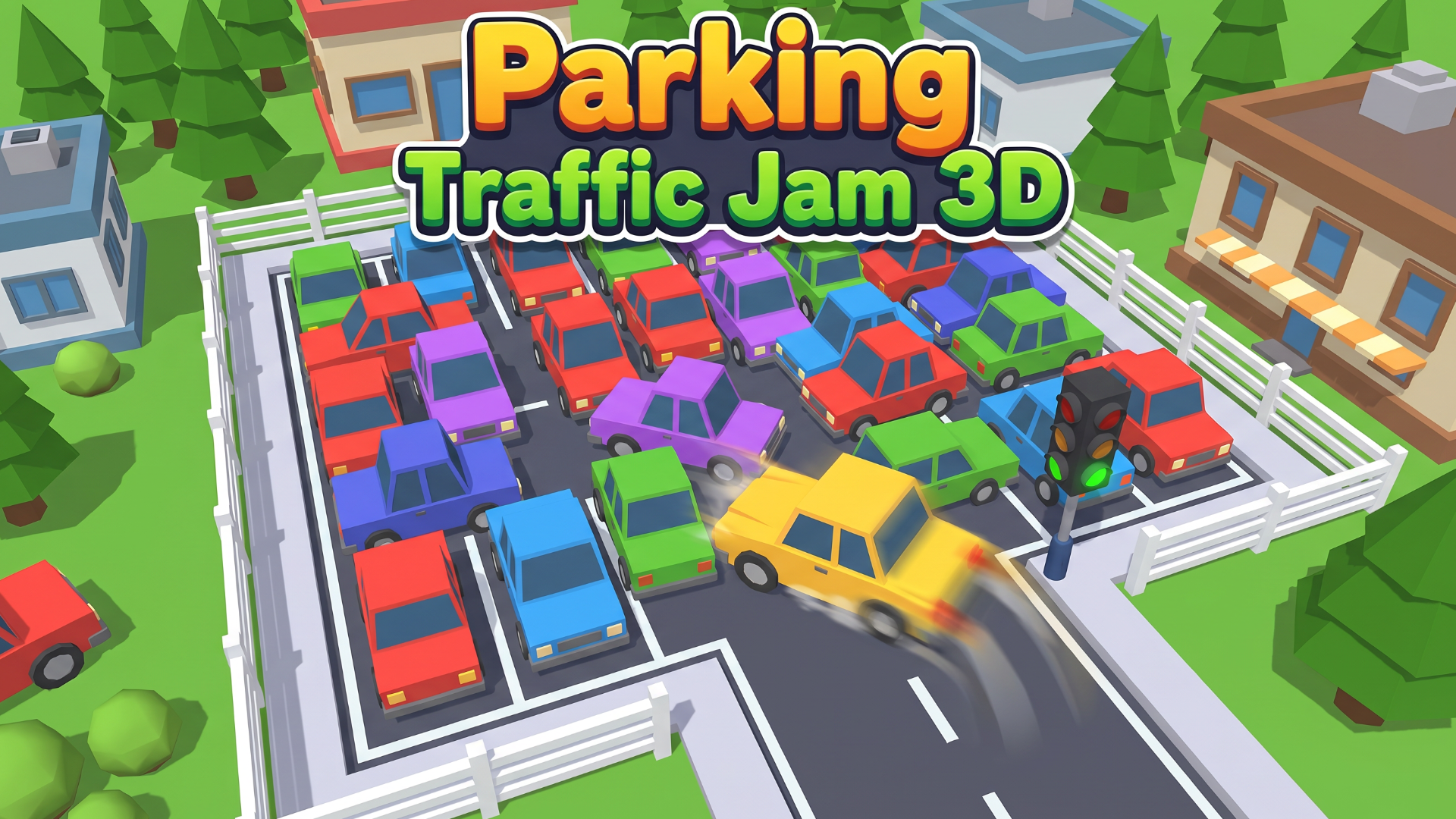
Stuck in a gridlocked parking lot with cars blocking every exit? Tap, slide, match three identical vehicles and watch them vanish from the jam. Parking Traffic Jam 3D fuses match-3 clearing with spatial sliding puzzles in a compact Unity-powered browser experience. Rotate the camera, spot your color combos, and clear a path before your move counter hits zero. No downloads—click and play.

How to Play Parking Traffic Jam 3D

Free your car by sliding other vehicles into triple-matches. When three identical cars line up by color and type, they disappear. Clear blockers, open the exit lane, drive out. Limited moves per level—plan every slide.
Slide and Match to Clear the Grid
Tap any car with a free lane forward or backward. On desktop, click the vehicle, then click an empty grid space in its row. On mobile, tap the car, then tap the highlighted open slot. Three matching cars aligned? Gone. The grid tightens as cars vanish, opening new slide paths. Watch for chains—one match can cascade into another if you set up combos early. If you love the triple-match logic, Good Sort Master: Triple Match applies the same satisfying clear mechanic to shelf puzzles with identical grouping strategy. Rotate the 3D view using the camera button to spot hidden matches behind taller vehicles.
Coins, Levels, and Progression
Complete a level, earn coins. Later stages pack more cars into tighter lots with one-way lanes and elevated platforms. The coin counter climbs as you solve faster layouts. Skip Level button with an AD badge lets you watch a rewarded video for a free pass on brutal jams. No in-game shop visible—coins track progress. Parking Traffic Jam 3D ramps difficulty by adding vehicle density, not mechanics. Level 5 starts with a simple 3×3 grid; Level 9 doubles the car count and shrinks exit paths. Every ten levels introduce environmental props like bins and trees that narrow slide angles.

Pro Strategy: Sequence Your Slides
Always clear the cars farthest from the exit first. Sliding a front-row blocker too early traps rear vehicles. Scan for triple-match setups before making any move—wasting a slide on a non-matching car burns precious attempts. Use the rotate view to check if a match is hidden behind another vehicle's mesh. If a level offers multiple color combos, prioritize the one that opens the widest lane toward your exit. For players who enjoy this kind of 3D spatial reasoning and camera manipulation, Tap 3D Wood Block Away delivers similar depth with rotating wooden block clusters in a Unity environment built for quick sessions.
Key Features
- Match-3 Meets Sliding Puzzle: Remove three identical cars in a row to clear blockers—hybrid mechanic rarely seen in traffic jam games.
- Flat-Shaded 3D Visuals: Low-fidelity mobile aesthetics with uniform lighting and hard shadows from a single directional light source for instant load times.
- Coin Progression: Earn coins per level; track your skill improvement as the counter climbs with each completed jam.
- Rotate-to-Solve Camera: Spin the 3D grid to reveal hidden matches and plan multi-step combos from every angle.
Who is Parking Traffic Jam 3D for?

Built for hyper-casual mobile gamers ages 10-65 who want low-session puzzles with zero learning curve. If you enjoy color-sorting logic and gridded spatial challenges, this delivers bite-sized brain teasers in under five minutes per level. Anyone hunting puzzle games with instant browser access and no install friction will find the tap-and-slide loop addictive. Fans of sequential clearing puzzles should also check out Nuts Puzzle: Sort By Color, which rewards the same careful planning with clean, minimalist visuals and progressively challenging layouts. Players who prefer path-clearing logic over match-3 mechanics can jump to Arrow Puzzle for similar gridded sequence-solving with blocked routes.
Developer
Parking Traffic Jam 3D was developed by Devseesharp. The game runs directly in your browser on desktop, Android, and iOS devices, combining match-3 color logic with classic car games parking-jam mechanics for a hybrid puzzle experience that loads in seconds.

Controls
- Mouse Click / Tap: Select a car, then click or tap an empty grid slot in its lane to slide it forward or backward.
- Rotate Button: Spin the 3D grid to view the parking lot from different angles and spot hidden matches.
- Skip Level (AD): Watch a rewarded video to bypass the current jam and jump to the next level.
FAQ
How do I remove cars in Parking Traffic Jam 3D?
Slide cars along their lanes until three identical vehicles (same color and type) line up in a row. When the match forms, all three vanish from the grid, opening space for more moves.
What happens if I run out of moves?
Each level grants a fixed move count. If you exhaust all moves without clearing the exit path, you must restart the level or use the Skip Level button with an AD to watch a rewarded video and bypass the jam.
Can I play Parking Traffic Jam 3D on mobile?

Yes. The game runs in mobile browsers on Android and iOS, plus desktop browsers. Tap on a car, then tap a highlighted empty spot in its lane to slide it. The Unity-based 3D grid scales automatically to any screen size.
What do coins do in the game?
Coins track your cumulative progress. You earn them by completing levels. The counter climbs with each solved jam, giving you a running total of your puzzle-solving skill. There is no visible in-game shop for spending them.
How does the rotate camera help?
Tap the rotate button to spin the 3D parking lot and reveal cars hidden behind taller vehicles or environmental props. Viewing from different angles lets you spot triple-match opportunities you might miss from the default camera position.
Use this link to embed the game on your website using an iframe
Sign in to Embed and Monetize Games

Melon Sandbox
Hidden Object: Street Of Secrets
Hazmob FPS: Online Shooter
My Town Home: Family Playhouse
Hedgies
Hidden Object: My Hotel
Playground Man! Ragdoll Show!
MR RACER - Car Racing