


























Ball Editor









About Geometry Dash: Ball Editor — Create Your Own Ball Mode Levels
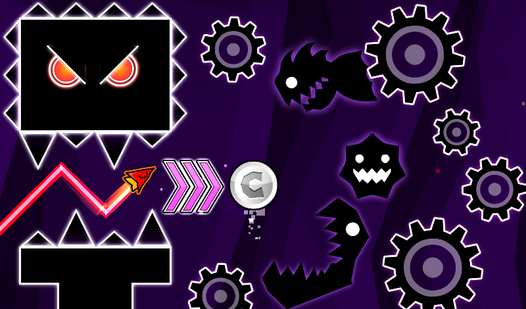
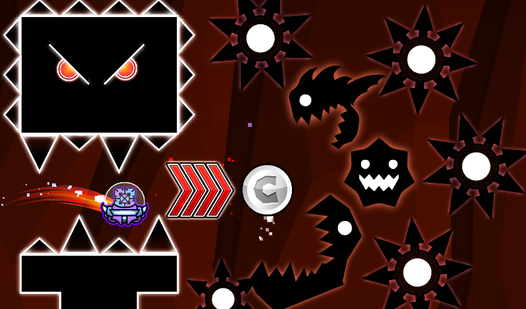
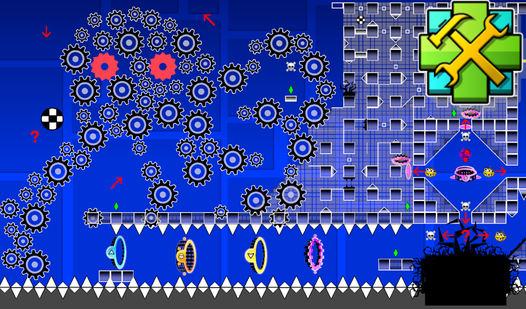
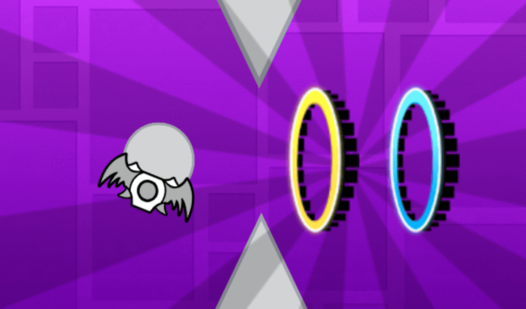
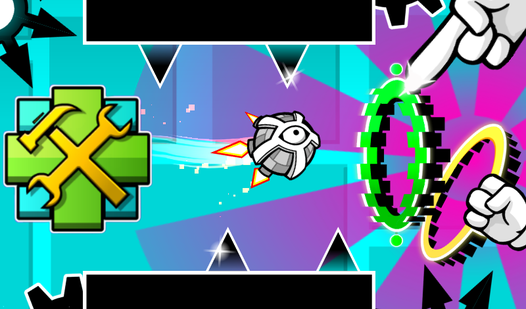
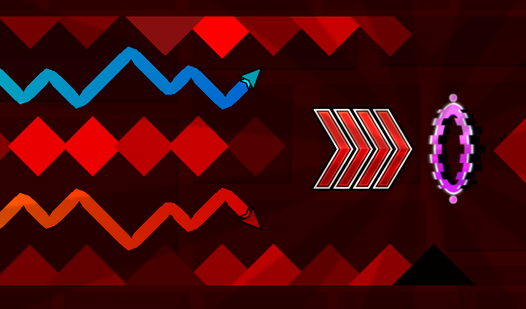
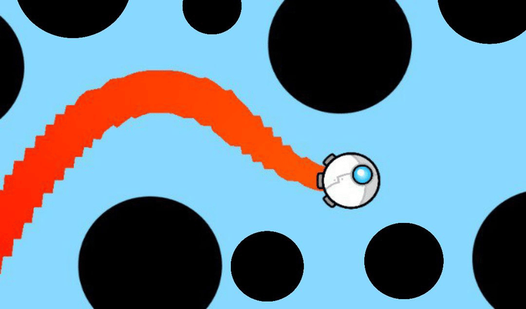
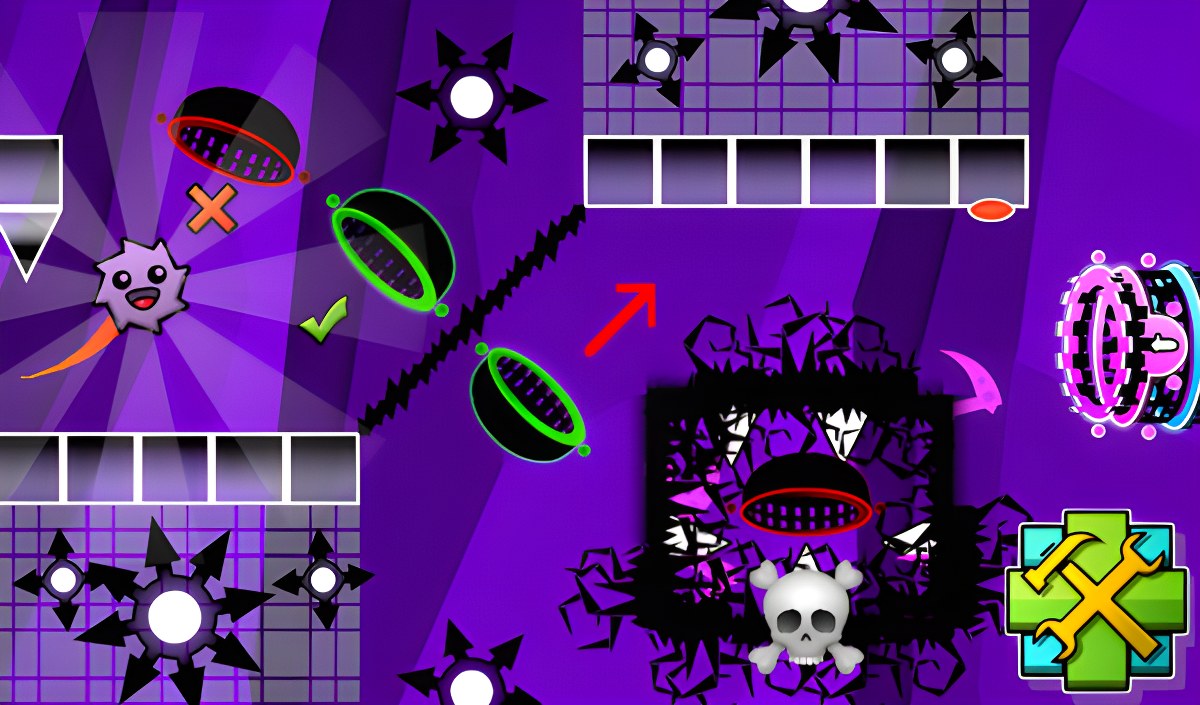
Geometry Dash: Ball Editor takes the ball mode from Geometry Dash and hands the design tools directly to you. Instead of running someone else's course, the entire point is building your own levels from scratch — stacking blocks, placing saws, dropping in portals that alter the ball's properties, and adding portals that shift its speed. Several scenes show black saw-toothed circular shapes with white and grey concentric centers placed across the canvas. Vertical glowing rings in blue, orange, and green with black dashed outlines also appear across multiple views. One scene shows a solid green background filled with rectangles and squares of a slightly darker green shade.
The creative loop is wide open: combine every available element in any configuration, experiment with layouts, and dial the challenge anywhere from breezy to flat-out impossible.
How to Play Geometry Dash: Ball Editor
The editor supports any difficulty tier — easy, difficult, insane, and even impossible levels are all on the table. The screen displays a set of buttons, each tied to a specific mechanic.
Building Your Level
- Click the image of an obstacle or portal to spawn it at the center of the screen, then drag it to any position.
- The two-arrow button moves the screen so construction can continue further along the path.
- The gear-shaped button changes the background color.
- The trash can button deletes objects — when it lights up red, anything clicked is removed.
Playing Your Level
- The Play button launches your level so you are able to test it.
- The ball rolls forward automatically; pressing LMB or tapping the phone screen reverses gravity.
- Use gravity reversal to steer the ball and dodge every obstacle placed in the level.
Controls
- LMB (left mouse button): Reverse the ball's gravity while playing; drag obstacles and portals to position them while building
- Tap (phone screen): Reverse the ball's gravity while playing; drag obstacles and portals to position them while building
Games You Might Like
Geometry Dash: Ball Editor sits naturally alongside other puzzle games that reward careful construction and spatial thinking, and the full Geometry Dash series shares the same gravity-flipping ball mechanics at its core. If you enjoy placing and clearing objects with precision, Arrow Exit Puzzle challenges you to find the right sequence to clear every arrow from a grid, while Arrows asks you to launch directional arrows off a field without collisions and within a limited move count. For something that layers new mechanics gradually the way a well-designed editor level does, Blockibo: Color Blocks has you moving colored blocks past gates and obstacles with each stage raising the bar.
Fans of fast obstacle-based challenges will also find plenty to enjoy across the broader arcade games catalog.