






























Obby: Bicycle
Obby: Bicycle - Play Online
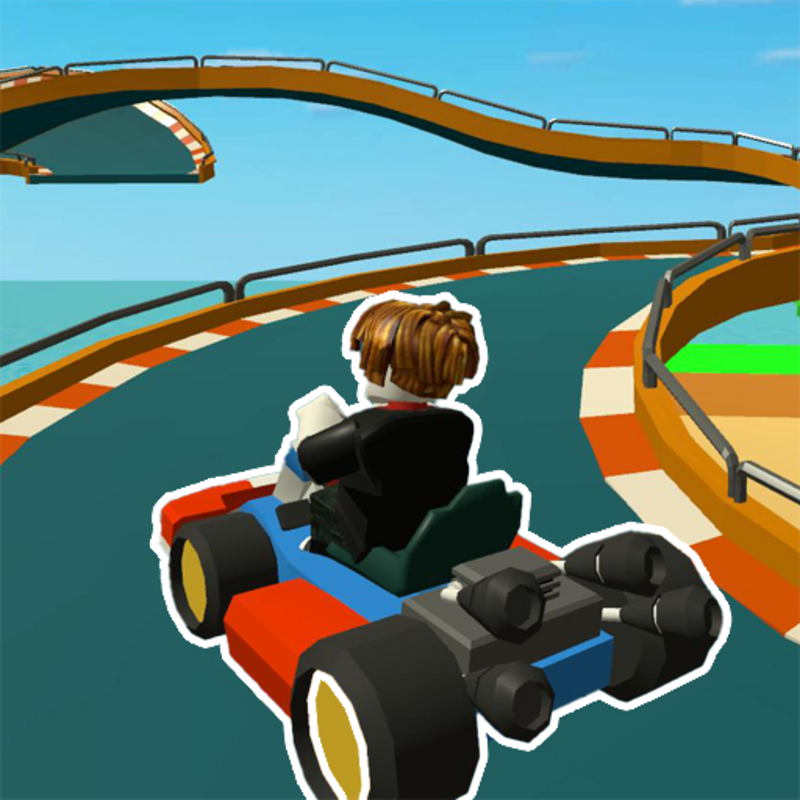
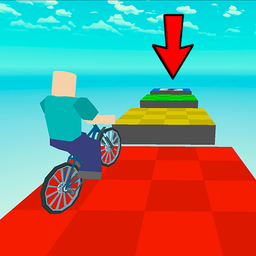
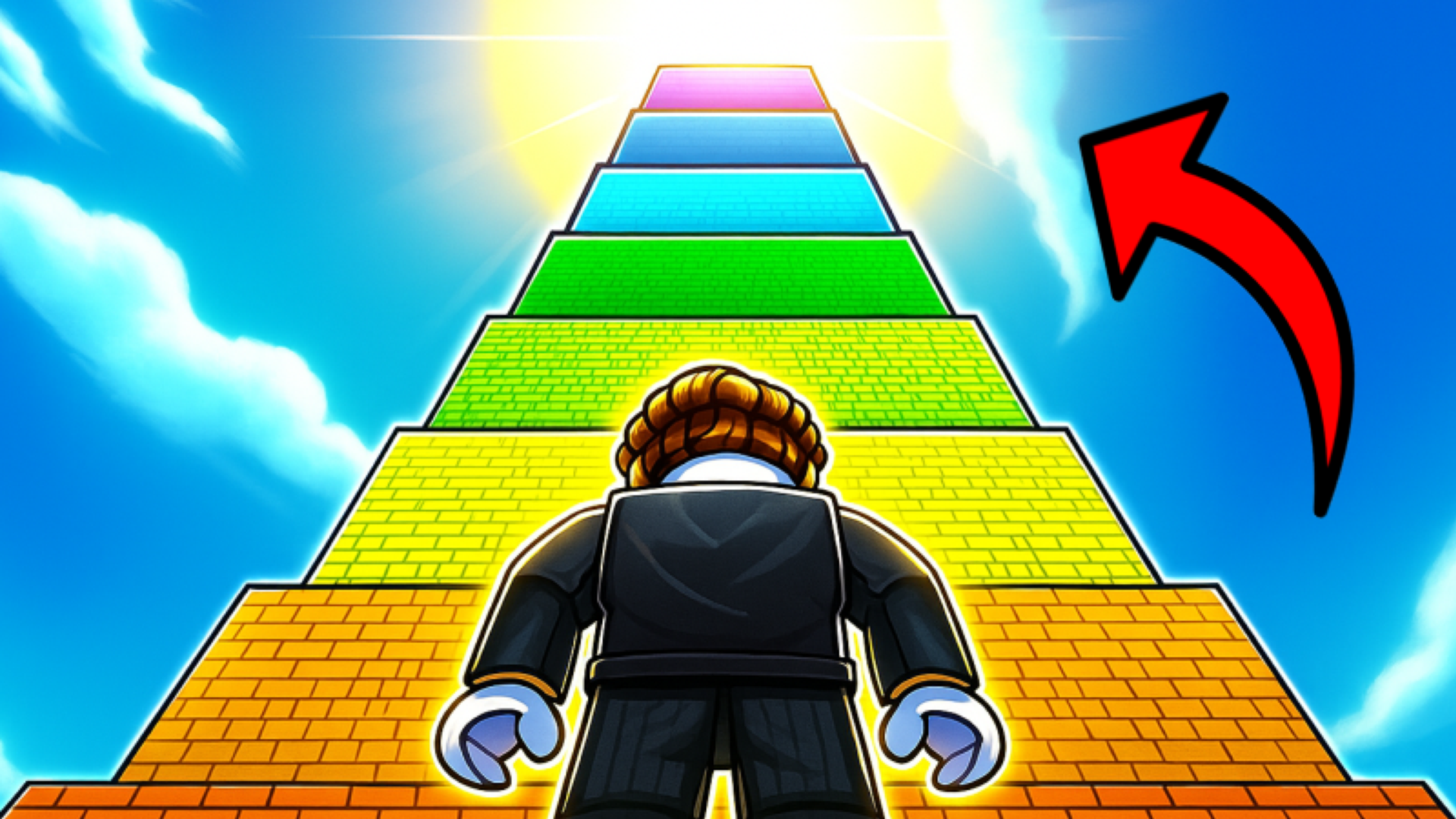
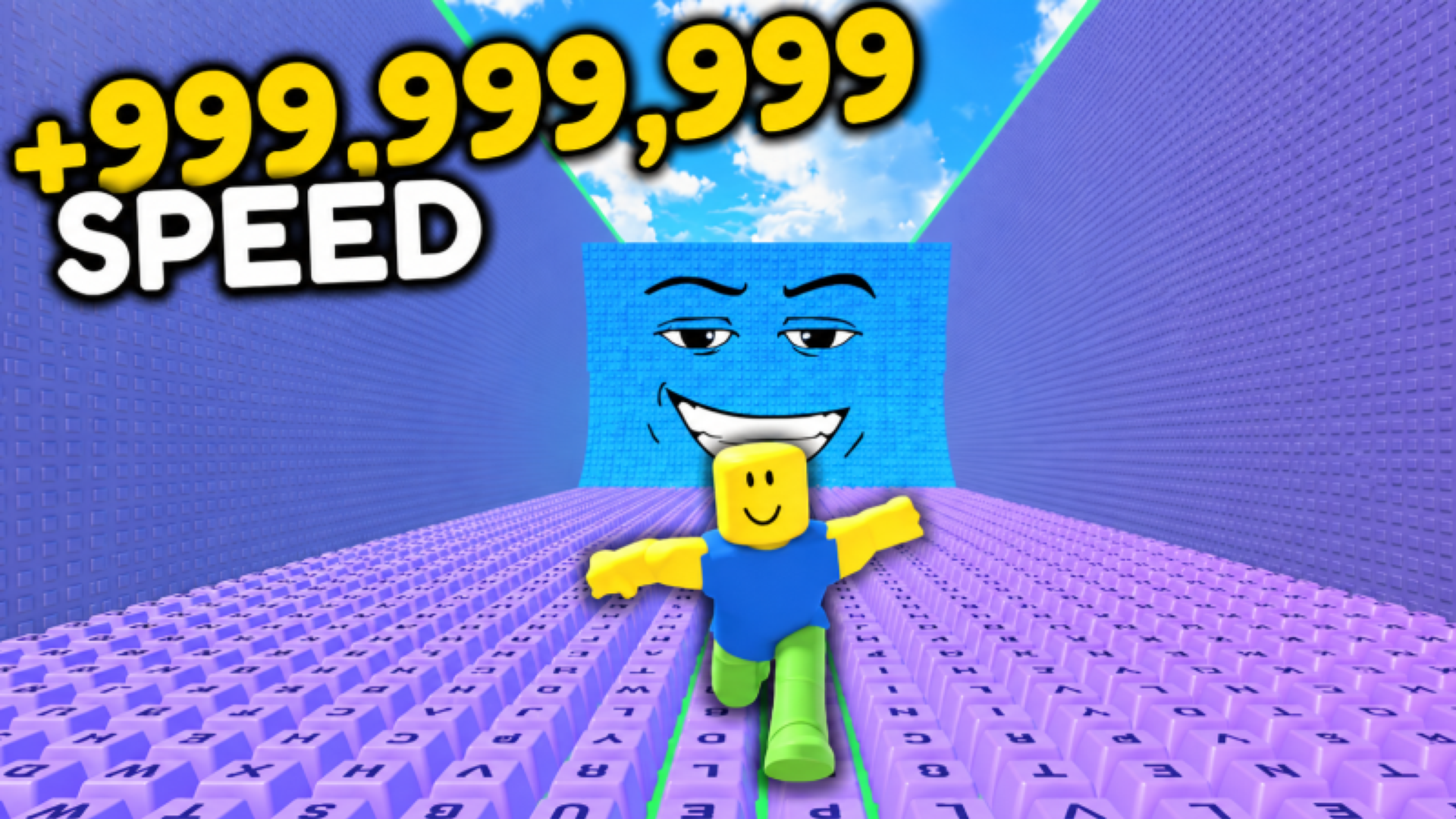
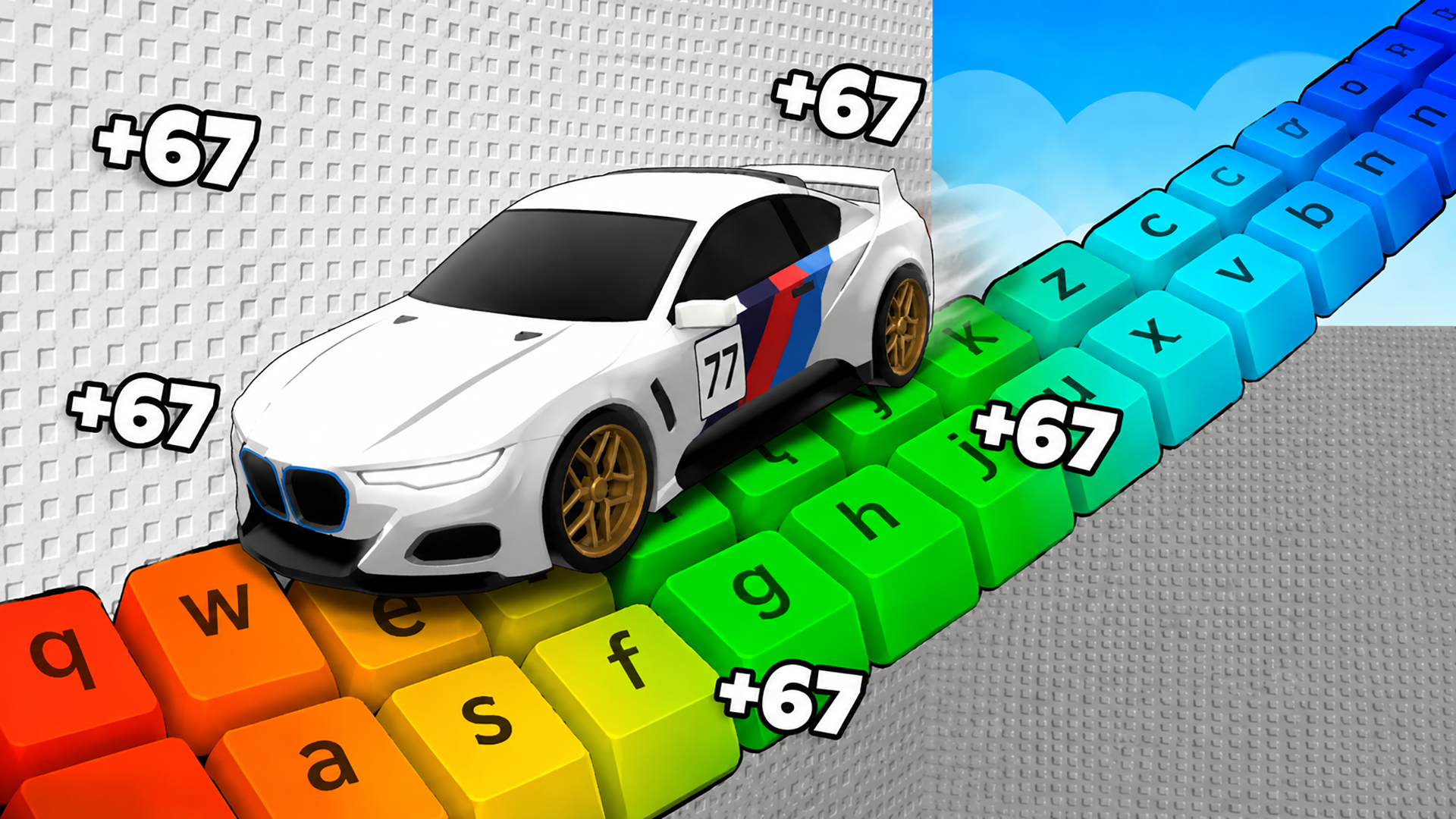
If you've ever played those endless obstacle courses in Roblox (the "Obby" games), this is basically that—but with a bike. You're riding through floating platforms, jumping gaps, and trying not to fall into the void while racing against a timer. The goal is simple: reach 100 checkpoints without losing your mind. It's colorful, repetitive, and built for quick sessions when you're bored.
Key Features
- 100 Checkpoints: A long course broken into bite-sized sections so you don't lose all progress when you fall.
- Works Anywhere: Runs in your browser on PC or mobile—no heavy specs needed.
- Simple Physics Challenge: Balance your bike, time your jumps, and don't oversteer on narrow platforms.
- Roblox-Style Obstacle Course: Classic "Obby" gameplay for fans of jumping puzzles and parkour challenges.
How to Play Obby: Bicycle
Getting started takes five seconds, but you'll restart checkpoints dozens of times before you master the jumps.
Pedal and Balance Across Platforms
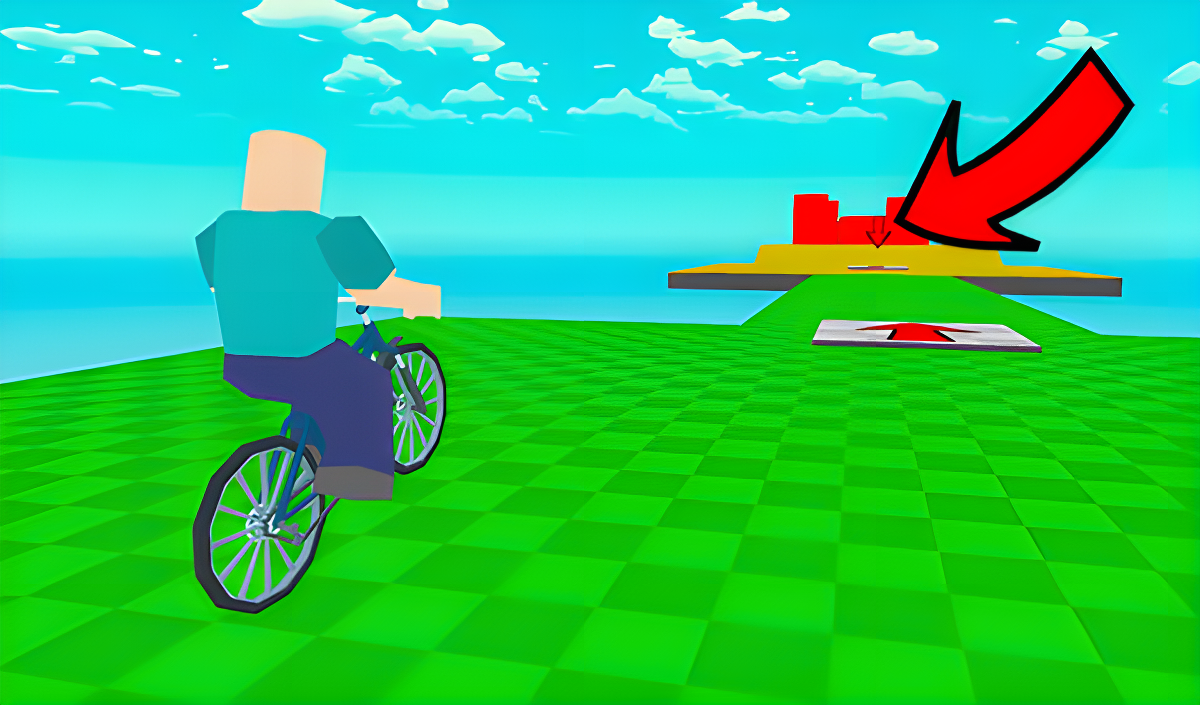
You control a blocky character on a bike using WASD (or the left joystick on mobile). The bike has momentum, so you can't just stop instantly. Tapping forward moves you along the floating tiles, and you rotate the camera with your mouse or by swiping. It feels floaty at first—like riding on ice.
Jump the Gaps Without Falling
This is where the game gets frustrating. You hit spacebar (or the jump button on mobile) to launch off ramps and clear gaps between platforms. The bike's physics are unpredictable—sometimes you soar, sometimes you nosedive straight into the abyss. Red barriers and sharp turns force you to slow down and line up your angle. Miss a platform? You respawn at the last checkpoint and lose 10-20 seconds.
Reach 100/100 to Win
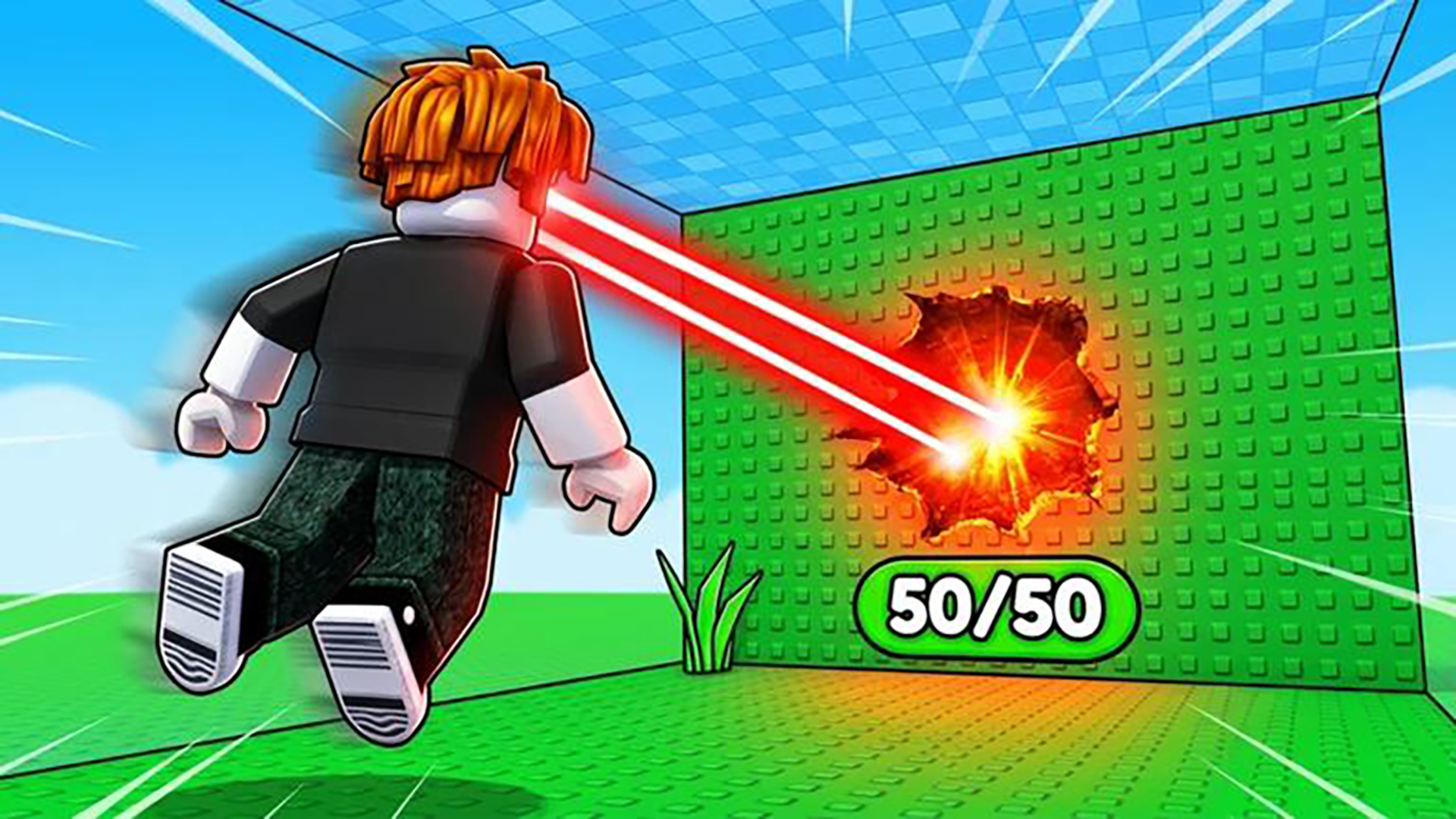
The progress bar at the top tracks your checkpoint count. Every few platforms, you hit a glowing red arrow plate that saves your spot. The timer keeps running, so speedrunners can compete for fast times. There's no final boss or reward cutscene—just the satisfaction of hitting 100/100.
Who is Obby: Bicycle for?
Perfect for kids and casual players who grew up on Roblox obstacle courses. If you like simple, repetitive challenges that don't require strategy—just timing and patience—this will scratch that itch. Not for anyone expecting deep mechanics or flashy graphics. It's a time-waster, plain and simple.
The Gameplay Vibe
It's weirdly meditative once you accept you're going to fall a lot. The music is generic upbeat loops (the kind you'd hear in a free asset pack), and the visuals are super basic—flat colors, blocky models, and a washed-out skybox. The bike itself looks oddly detailed compared to everything else, like it was grabbed from a different game. The whole thing feels like a mobile port of a Roblox clone. No blood, no stress—just you, a bike, and 100 tiny platforms.
Technical Check: Saves & Performance
The game saves your checkpoint progress automatically, but only while your browser session is open. Close the tab and you'll likely restart from zero. Performance is smooth even on older laptops—the graphics are so minimal that lag isn't an issue. Mobile controls work fine, though the dual-joystick setup can feel cramped on small screens.
Quick Verdict: Pros & Cons
A decent distraction if you're into Obby-style games, but don't expect anything groundbreaking.
- ✅ Pro: Instant play in your browser, no downloads or sign-ups.
- ✅ Pro: 100 checkpoints keep it from feeling too punishing when you fall.
- ❌ Con: The bike physics are janky—sometimes you jump too far, sometimes not far enough, and it's hard to tell why.
Controls
Responsive enough, though the bike momentum takes practice. Camera control is smooth on desktop but fiddly on mobile.
- Desktop: WASD to move, Mouse to rotate camera, Spacebar to jump, TAB to pause.
- Mobile: Left joystick for movement, right button to jump, swipe right side of screen for camera.
Release Date & Developer
Developed by DOGSTUDIO and released on November 13, 2024. It's a browser-based Unity game built to ride the wave of Roblox Obby popularity.