






















Geometry Dash 3D: Build a level
Geometry Dash 3D: Build a level - Play Online

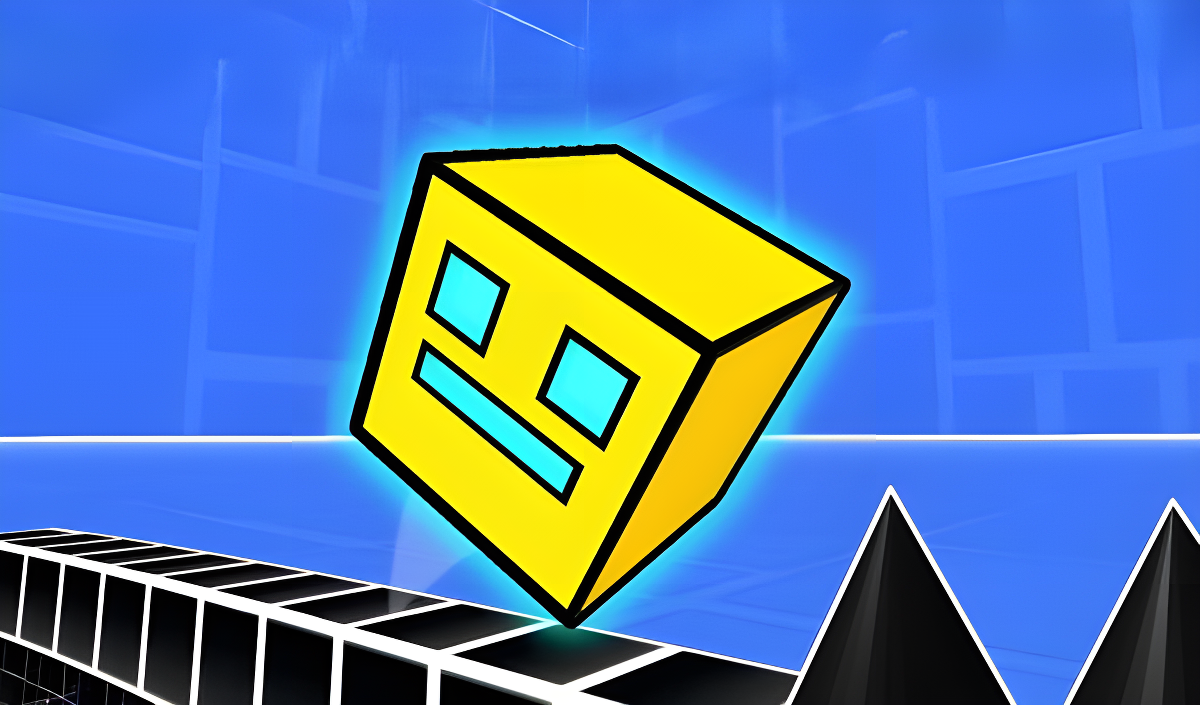
If you've ever played the original Geometry Dash and thought "this needs more depth," well, here you go. This is a 3D spin on the classic rage-inducing rhythm platformer where you guide a cube through deadly obstacle courses. Your goal is simple: jump, survive, and reach the end without smashing into spikes, rotating maces, or falling into the void. It's pure reflex-based mayhem built for quick sessions and endless retries.
Key Features
- Multiple Difficulty Levels: From beginner-friendly courses to nightmare-tier gauntlets marked by emoji difficulty ratings.
- Practice Mode: Checkpoints that let you learn patterns without starting from square one every single time.
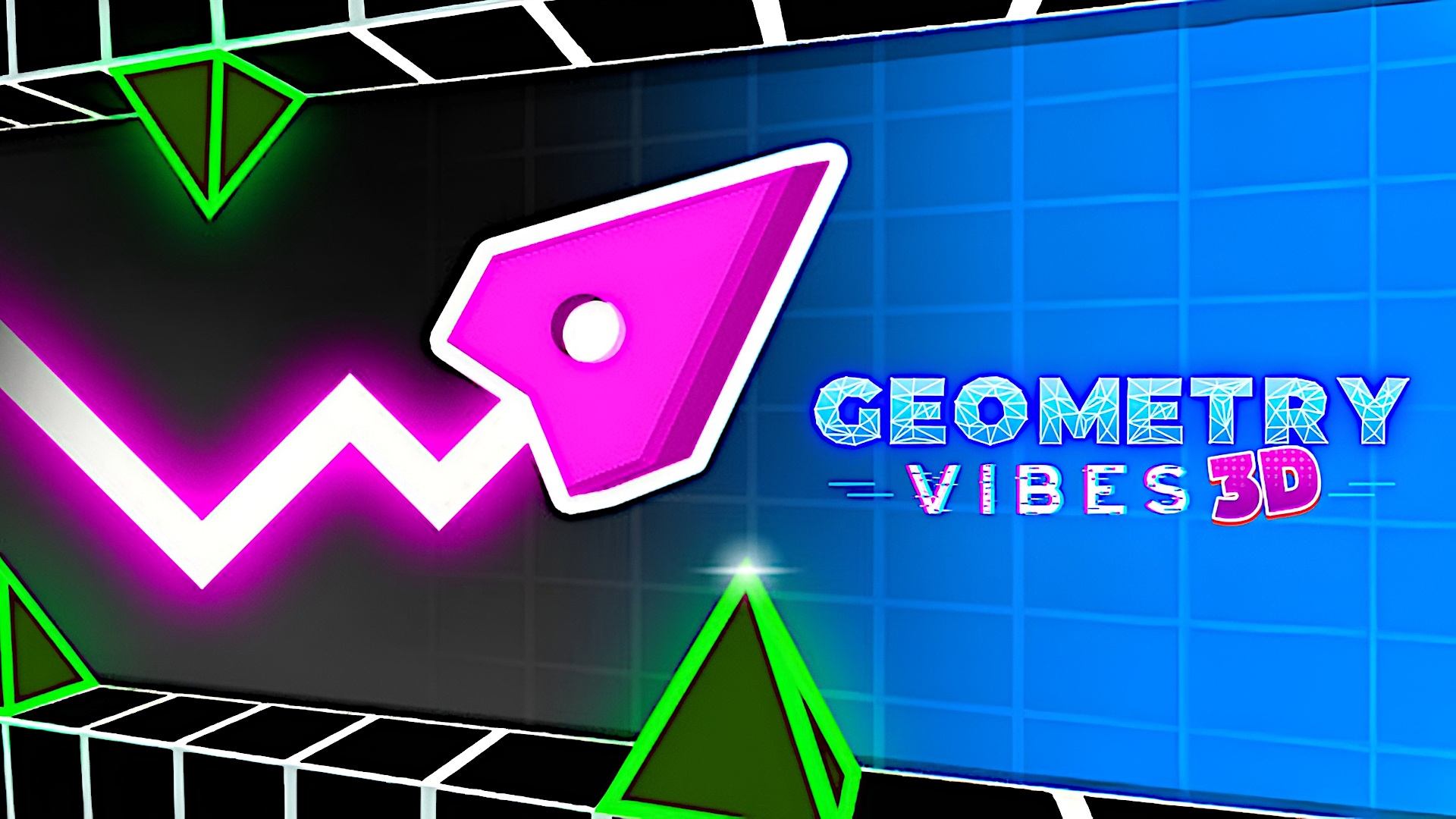
- 3D Visuals: The classic flat aesthetic gets a dimensional makeover with vibrant neon colors and rotating hazards.
- Browser-Based: No downloads needed. Jump in instantly from your PC or mobile browser.
How to Play Geometry Dash 3D: Build a level

Getting started is simple—tap once to jump. Mastering the timing? That's where the real game begins.
Master the Single-Tap Jump
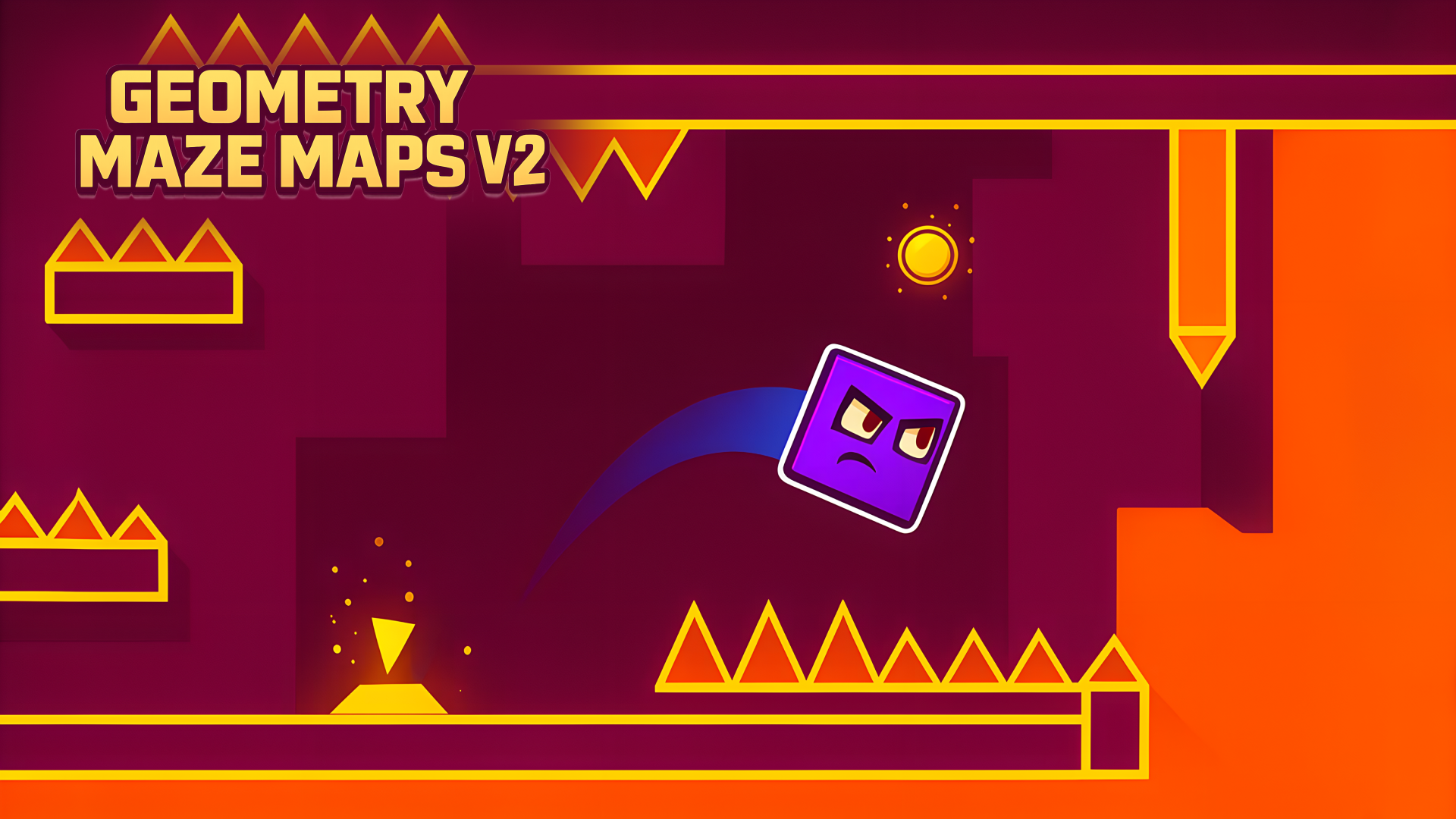
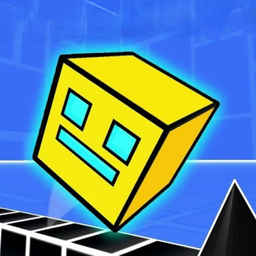
You control a yellow cube that moves automatically forward. Your only input is jumping—tap the screen or click to leap over ground spikes, onto platforms, and through narrow gaps. Timing is everything. Jump too early and you'll land on spikes. Jump too late and you'll crash into walls. The game doesn't slow down for you.
Navigate Portals and Hazards
You'll encounter purple portals that change your gravity or speed, yellow orbs that give you mid-air jumps, and rotating mace hazards on chains that swing in predictable patterns. Memorizing these sequences is half the battle. Each level throws new combinations at you—spiked ceilings, floating platforms, and timed obstacles that require pixel-perfect precision.
Beat Levels to Unlock Harder Challenges
Start with the easier emoji-marked levels to get a feel for the physics. As you progress, the difficulty ramps up fast. Use practice mode from the pause menu to place checkpoints and study the toughest sections. Your goal is hitting 100% completion on each track, which means surviving from start to finish without a single mistake.
Who is Geometry Dash 3D: Build a level for?

This game is built for players who enjoy high-difficulty platformers and don't mind dying dozens of times to memorize a level. If you loved the original Geometry Dash or games like The Impossible Game, you'll feel right at home. It's also decent for casual players who want a quick challenge during a coffee break, but fair warning—this isn't a relaxing experience. Kids and teens who like testing their reflexes will get addicted to the "one more try" loop.
The Gameplay Vibe
It's fast, twitchy, and unforgiving. The moment you start a level, you're locked into constant forward momentum with hazards flying at you from all angles. The 3D perspective adds visual flair but honestly makes it harder to judge distances compared to the 2D original. The neon colors pop against the dark backgrounds, and the simple geometric art style keeps things clean. There's no music analysis here, but the rhythm-based nature suggests you'll want audio on to time your jumps. Expect to feel a mix of frustration and satisfaction as you inch closer to beating a tough section.
Technical Check: Saves & Performance
The game saves your progress automatically using your browser's local storage, so your completed levels and unlocked stages stay put as long as you don't clear your browser data. Performance-wise, this runs smoothly even on older hardware—the basic 3D geometry and flat shading mean you don't need a gaming rig. It's optimized for quick loading and instant restarts, which you'll appreciate after your hundredth death on the same spike trap.
Quick Verdict: Pros & Cons
A solid time-killer if you're into precision platformers, but the 3D gimmick doesn't add much depth to the formula.
- ✅ Pro: Instant action with no install required. Jump in and start playing immediately.
- ✅ Pro: Practice mode is a lifesaver for learning brutally difficult sections without rage-quitting.
- ❌ Con: The 3D perspective sometimes makes it harder to judge obstacle distance compared to the cleaner 2D original.
Controls
Responsive and simple—exactly what you need for a game that demands split-second timing.
- Desktop: Click the mouse or press any key to jump.
- Mobile: Tap anywhere on the screen to make your cube leap.
Release Date & Developer
Developed by Quix and released on June 18, 2025, this browser-based platformer brings the Geometry Dash formula into three dimensions.