
















Orbits: Gravity Assist

About Orbits: Gravity Assist — Space Puzzle About Gravity and Precise Calculation
Orbits: Gravity Assist is a space puzzle game built around gravity and precise calculation. Set a launch angle and force, fire your ship, and watch it glide through the gravitational fields of planets toward a finish planet it must orbit long enough to lock in. The premise sounds straightforward, but every level demands careful thought: gravity pulls the ship off course, planets block the path, and the capture window can be as narrow as one degree.
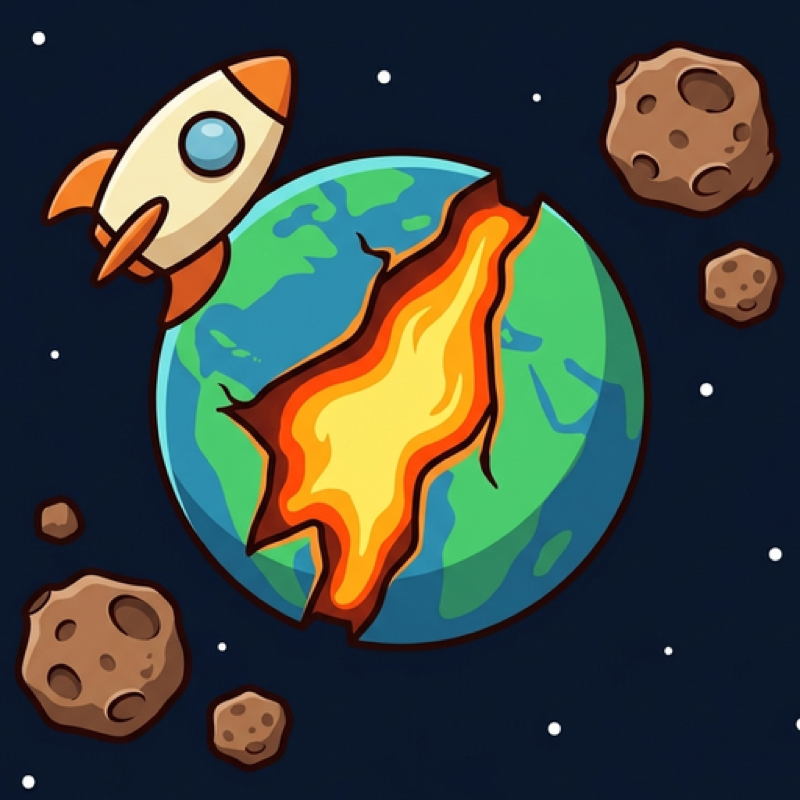
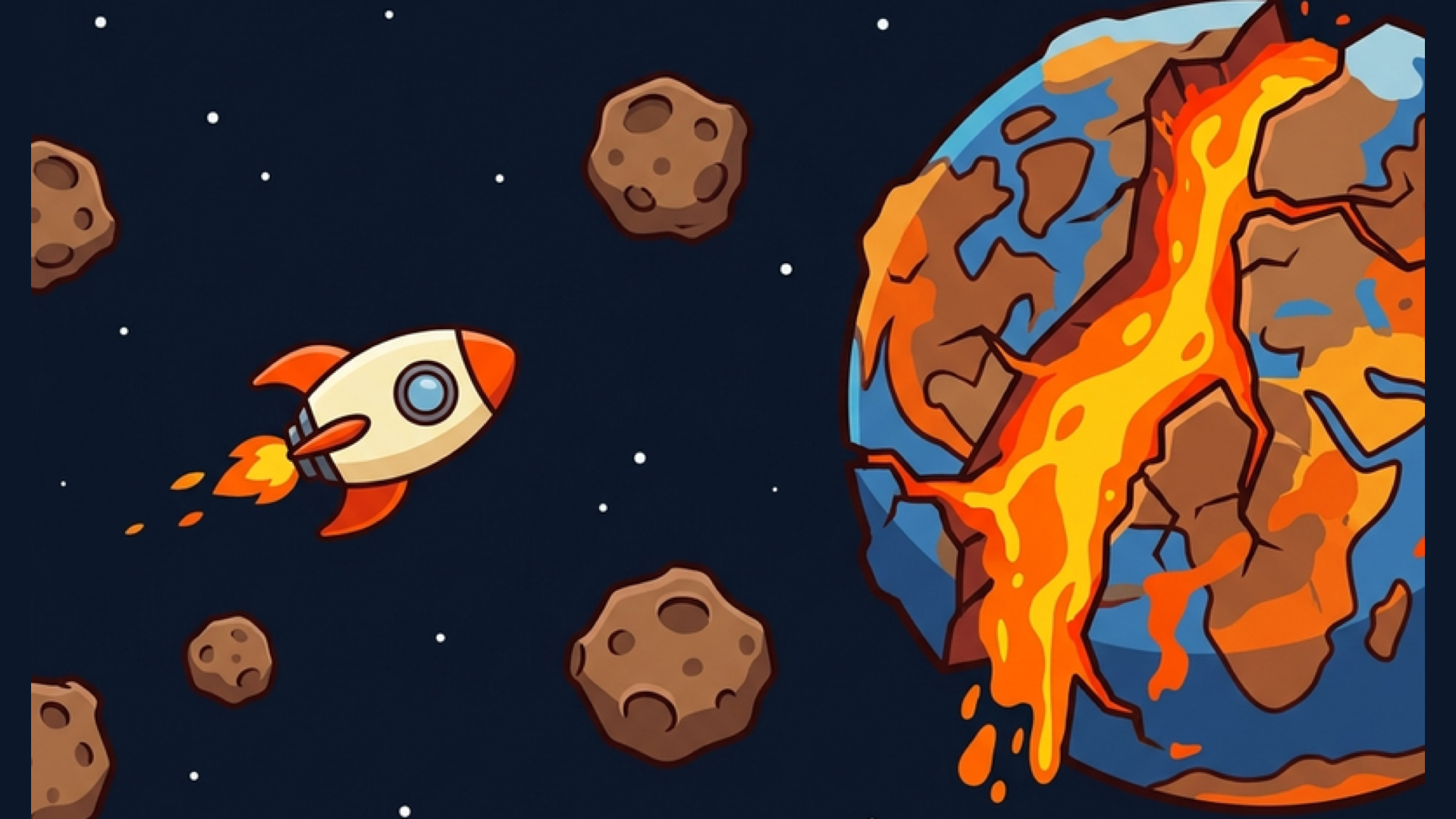
Several scenes show a small rocket with an orange-pointed nose and a single window drifting through celestial environments. Planets are surrounded by light blue or yellow circular halos in multiple views. One large planet appears fragmented, with glowing orange cracks and floating debris visible around it.
Across 14 levels of increasing difficulty, only two parameters — launch angle and force — stand between a clean orbit and a missed approach.
How to Play Orbits: Gravity Assist — Set Angle and Force, Then Launch
The screen is divided into two control zones. The left half governs the launch angle; the right half governs the launch force. A yellow line shows the predicted flight trajectory, giving a visual guide for aiming before committing to a shot.
If it stays inside the finish planet's atmosphere long enough, the level is complete. To reset and try a different approach, tap SETUP SHIP — this returns the ship to its starting position.
When a level proves stubborn, the Angle and Force buttons in the corners reveal hint values for the current level. Bonuses extend the visible flight trajectory, giving more information to work with when planning a tricky shot.
Controls
- Swipe left or right (left half of screen): Set the launch angle from -90° to +90°
- Swipe up or down (right half of screen): Set the launch force
- Tap LAUNCH: Fire the ship
- Tap SETUP SHIP: Return the ship to the starting position
- Angle button (corner): Reveal the hint value for the launch angle on the current level
- Force button (corner): Reveal the hint value for the launch force on the current level
Games You Might Like
For more precision-based challenges, the puzzle games collection covers a wide range of logic and calculation titles worth exploring. If the physics of orbital paths appeals to you, physics games offer plenty of trajectory and force-based puzzles in a similar vein, while space games bring more cosmic settings and sci-fi scenarios to the table.
Arrows shares Orbits' demand for careful planning within a limited number of moves, where every decision to launch matters. Arrow Puzzle similarly rewards methodical thinking as layouts grow more complex and each tap carries real consequences.