





















Noobik and Rocket: Mission to Mars
Noobik and Rocket: Mission to Mars - Play Online

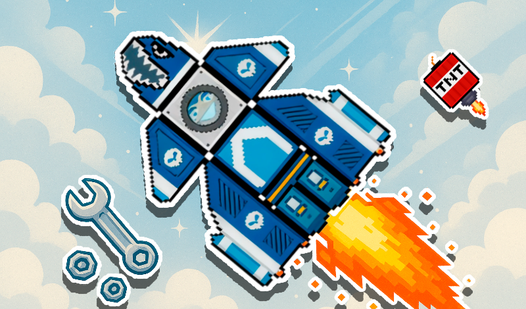
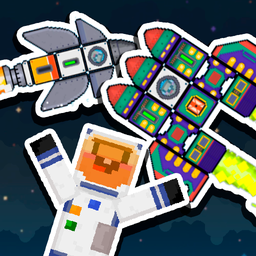
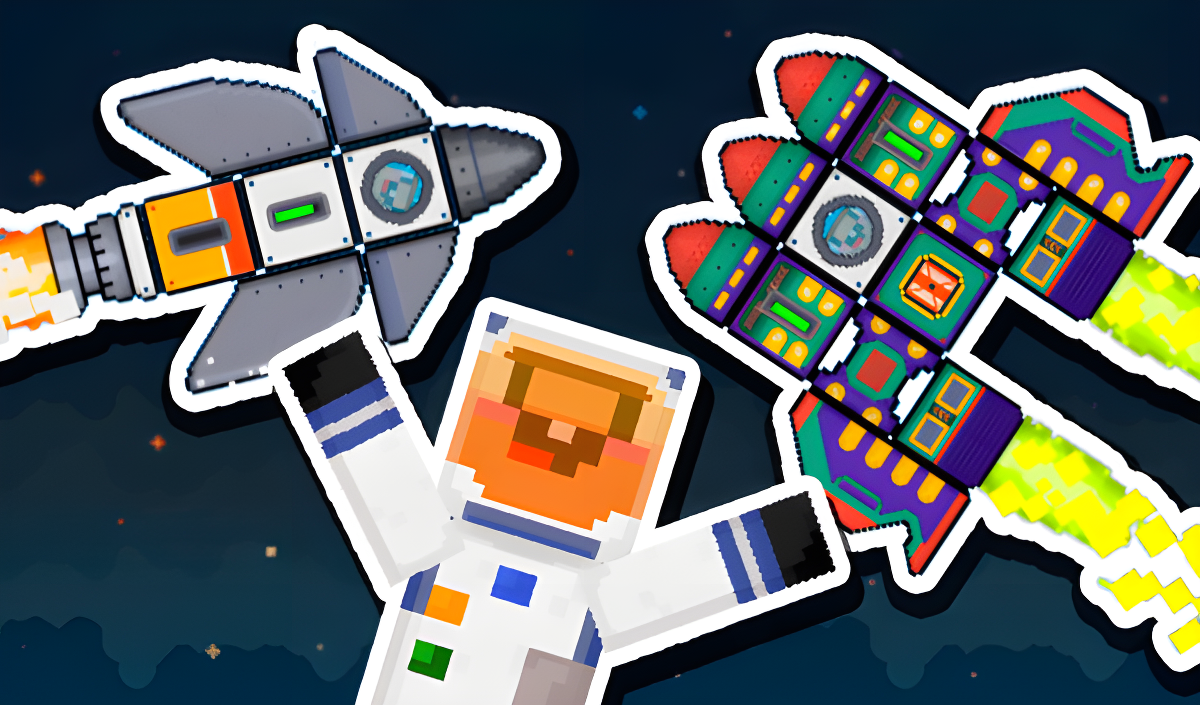
Snap together blocks. Fire engines. Dodge asteroids. Land on Mars. Noobik and Rocket: Mission to Mars drops you into a pixel-art sandbox where every rocket is yours to build and every flight demands real-time physics decisions. No tutorials, no hand-holding—just a grid editor, a star budget, and the Red Planet waiting for your delivery.

How to Play Noobik and Rocket: Mission to Mars

Assemble a functional rocket from unlocked blocks in the grid editor, launch it into space, and guide it through gravity wells and asteroid fields to land safely on Mars. Earn stars with each successful mission to unlock heavier thrusters, parachutes, and structural parts. Crash? Start over. Perfect landing? Stack your stars and expand your inventory.
Build Your Rocket in the Grid Editor
Drag blocks into the tilemap constructor. Engine placement matters—stick boosters on opposite sides and watch your craft spin into oblivion. Balance weight, thrust, and fuel across your design. Check out Minecraft games if you love that same block-by-block freedom. The shop icon in the top-right menu lets you spend earned stars on exotic parts: heavy-duty engines, parachute modules, and reinforced frames for multi-stage builds.
Master Physics-Based Flight
Hit W to ignite engines. Tap A or D to rotate mid-flight. Gravity pulls harder as you climb, so throttle management is survival. On mobile, use the left-side arrows for rotation and the right-side buttons for engine control and parachute deployment. Thrust particles explode in square bursts when you fire, and parallax starfields scroll past as you ascend. If you're craving more altitude action, explore flying games for similar airborne challenges. Every mission requires precision: overshoot and you'll drift into deep space; undershoot and you'll crater on Mars. The altimeter in the top-left corner tracks your vertical progress in real-time.
Complete Delivery Missions and Unlock Parts
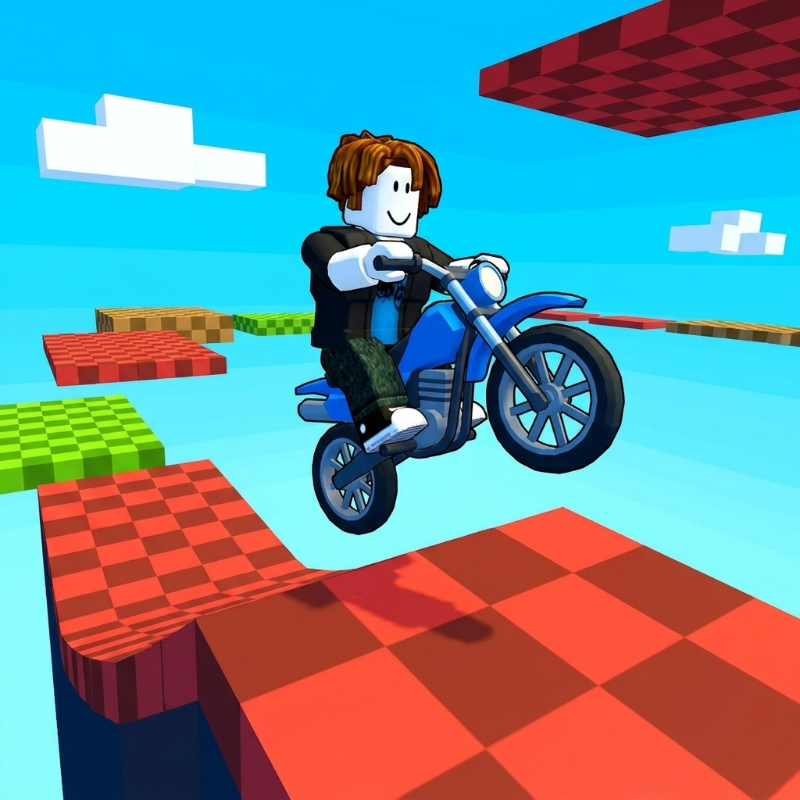
Each successful landing rewards stars based on fuel efficiency, landing speed, and structural integrity. Spend those stars in the shop to unlock advanced blocks: multi-nozzle thrusters for tighter turns, cargo bays for higher payloads, and stabilizer fins for smoother re-entry. Missions escalate—early runs ask for simple touchdowns, later objectives demand pinpoint accuracy through asteroid belts and variable gravity zones. If you enjoyed the newbie character and mission-based progression, try Noob vs Pro: Stick War, which swaps rocket-building for strategic combat but keeps that same achievement-driven structure. Noobik and Rocket: Mission to Mars keeps the loop tight: build, launch, crash, refine, repeat.

Key Features
- Freeform Block Construction: Grid-based editor with no preset templates—every rocket is a custom contraption.
- Pixel-Art Aesthetic: Square-particle thrust effects, retro sprite layers, and parallax starfield backdrops.
- Star Currency System: Unlock new blocks by completing delivery missions and landing within tolerances.
- Realistic Flight Physics: Gravity, inertia, and thrust vectoring simulate orbital mechanics in simplified 2D space.
Who is Noobik and Rocket: Mission to Mars for?

Kids and teens who obsess over construction sandboxes, mobile gamers hunting quick-session physics puzzles, and anyone who wants spacecraft design without the simulation overload. Perfect for players who loved block-based building in Noob Miner: Escape from Prison and want to apply that creativity to interplanetary flight. Touch-optimized controls make it playable on any device—no downloads, instant browser launch on Playgama.
Developer
Noobik and Rocket: Mission to Mars was developed by NiqtiD. The studio built the game around a grid-snapping construction system and physics-driven launch sequences, targeting casual sandbox fans who want spaceflight challenges in short bursts.

Controls
- W: Start or stop rocket engines
- A: Rotate rocket left
- D: Rotate rocket right
- Right-side buttons: Deploy newbie astronaut and parachute during descent
- Mobile arrows (left): Turn rocket mid-flight
- Mobile buttons (right): Launch engines and control deployment systems
FAQ
How do I unlock new rocket parts in Noobik and Rocket: Mission to Mars?
Earn stars by completing delivery missions with efficient fuel use and smooth landings. Spend stars in the shop menu to unlock advanced thrusters, parachutes, and structural blocks for more complex rocket designs.
What happens if my rocket crashes before reaching Mars?
Crashes end the mission immediately. You keep any stars earned from partial progress, but you must rebuild and relaunch to complete the delivery objective. Adjust your design or flight strategy and try again.
Can I play Noobik and Rocket: Mission to Mars on mobile devices?

Yes. The game runs in any modern browser on Android and iOS devices with touch-optimized controls—left-side arrows for rotation, right-side buttons for engines and deployment systems. No app install required.
How does the physics system work during flight?
Gravity pulls your rocket down as you ascend. Thrust from engines counters gravity but consumes fuel. Misaligned engines cause spin. Momentum carries you forward even after cutting engines. Balance weight, thrust placement, and rotation to maintain stable flight paths through asteroid fields and variable gravity zones.
Are there different mission types beyond landing on Mars?
Early missions focus on simple touchdowns. Later objectives add constraints like asteroid dodging, fuel limits, and precision landing zones. Each mission rewards stars based on performance metrics like speed, fuel efficiency, and structural integrity on impact.