







BlockCraft







About BlockCraft: Voxel Sandbox with Biomes, Ores, and TNT
BlockCraft is a Minecraft-style voxel sandbox that runs directly in your browser — no installation, no registration required. The entire world is constructed from blocks, and breaking or placing them is the core of everything: dig mines, raise houses and castles, bridge rivers, or simply reshape the landscape to your liking.
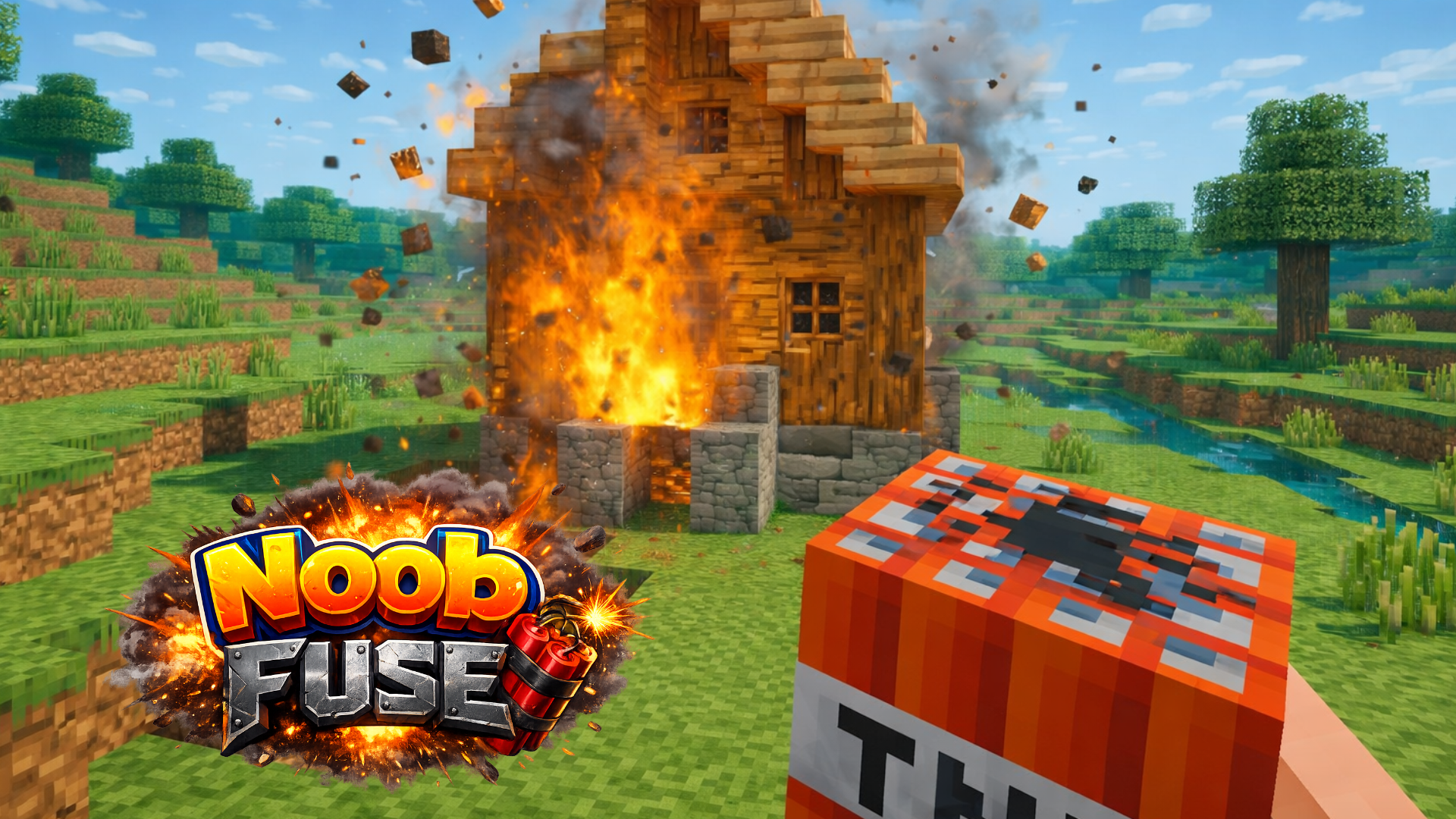
The world spans more than twenty biomes, including oak and birch forests, cactus deserts, snowy mountains, jungles, swamps, acacia savannas, and striped badlands. Ores are buried underground where deep mines grow dark, making glowstone a practical find. The game includes flowing water, TNT with chain explosions, a day-night cycle, flying, and sprinting.
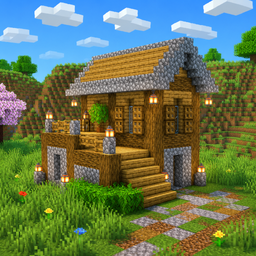
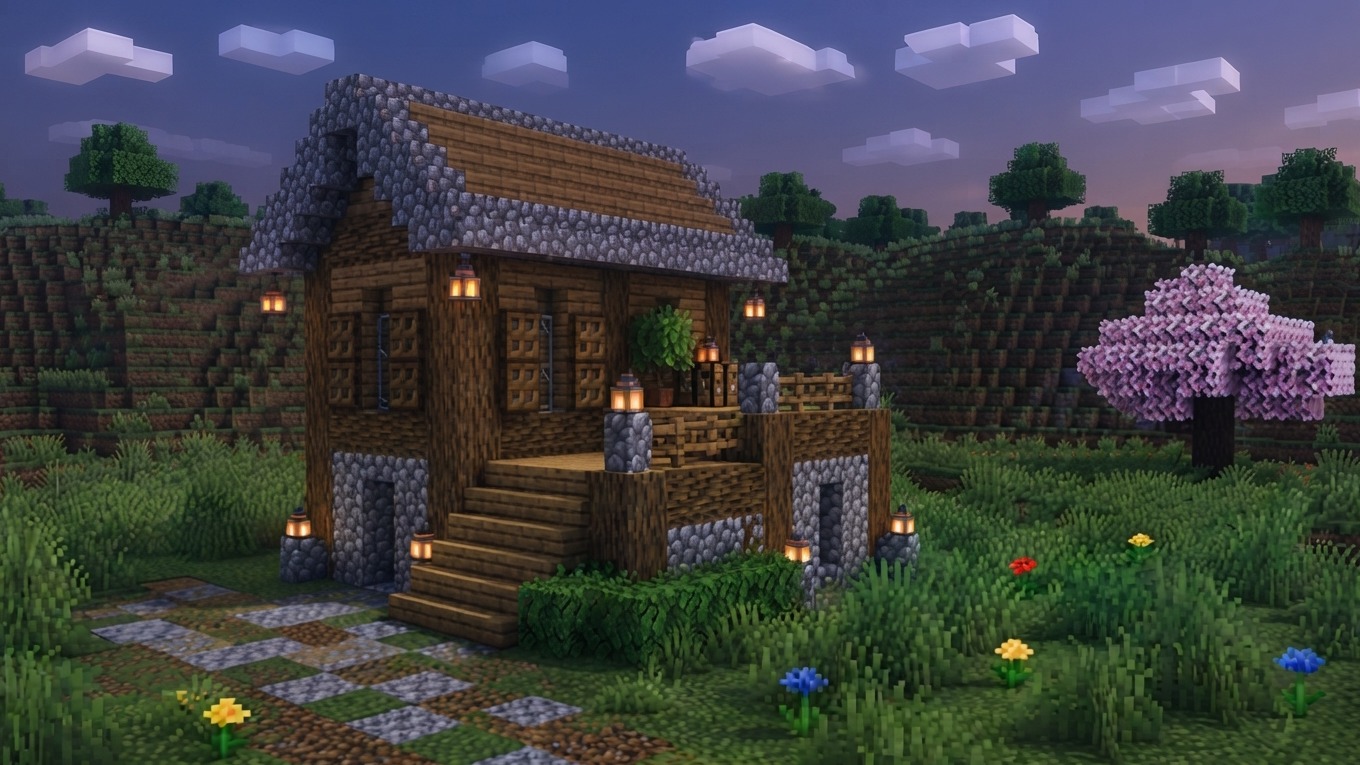
One scene shows a small wooden building with a light-pink tiered roof and two front doors sitting on a grassy field. Another shows a tall slope of orange and beige sand-like blocks rising next to a green grassy area with sparse trees. Green-leafed trees with white and grey patterned trunks grow along the edge of a blue water body in a further scene.
How to Play BlockCraft
The goal is open-ended: break and place blocks to dig mines, construct buildings, and explore a varied world of biomes. Ores hide underground, glowstone lights dark tunnels, and the day-night cycle changes what the world looks like as time passes. TNT triggers chain explosions, and both flying and sprinting are available to cover ground.
Controls
On a Phone
- Left joystick: Move
- Drag finger across screen: Look around
- Quick tap on the world: Place a block
- Press and hold on a block: Break a block; keep holding and slide to break blocks in a row
- Round button on the right: Jump
- Double-tap the jump button: Toggle flying (a descend button appears next to it)
- Grid button at top right: Open inventory to pick a block
- Hotbar at the bottom: Select active block; current block shown in bottom-right corner
On a Computer
- WASD: Move
- Mouse: Look around
- Left mouse button: Break a block
- Right mouse button: Place a block
- Space: Jump
- Double-tap Space: Fly
- E: Open inventory
- Number keys 1–9 or mouse wheel: Select a block
Games You Might Like
If BlockCraft's block-building and open-world exploration appeal to you, the broader Minecraft games category is packed with voxel sandboxes and creative builders worth exploring. Mine - Online lets you dig blocks, build houses and castles, and team up with friends to construct cities and underground tunnels. Kubz.io is a multiplayer voxel sandbox where you mine ore, craft tools and armor, and survive against mobs solo or with others in shared worlds. Block Craft 3D focuses on construction inspired by Minecraft, offering a wide range of blocks in various shapes, colors, and textures to build everything from cozy cottages to skyscrapers.
For more open-world and creative experiences, the 3D games collection covers a wide range of browser-based titles with similar depth and visual style.
Video