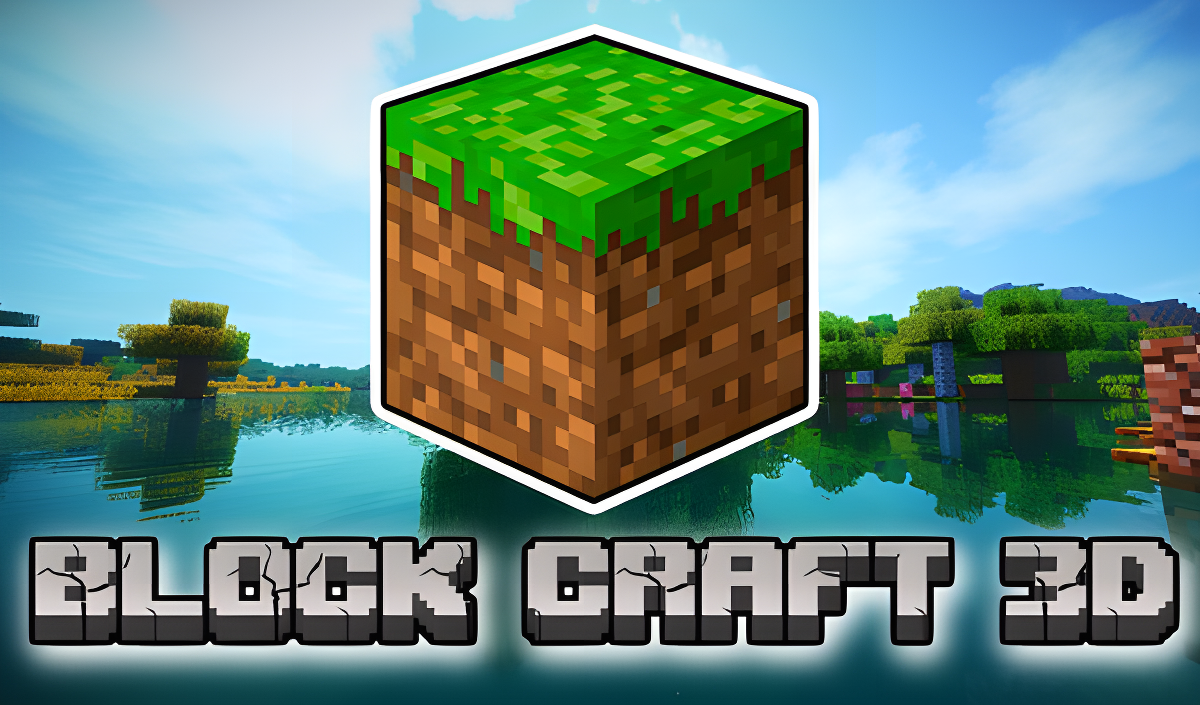











Block Craft 3D







About Block Craft 3D
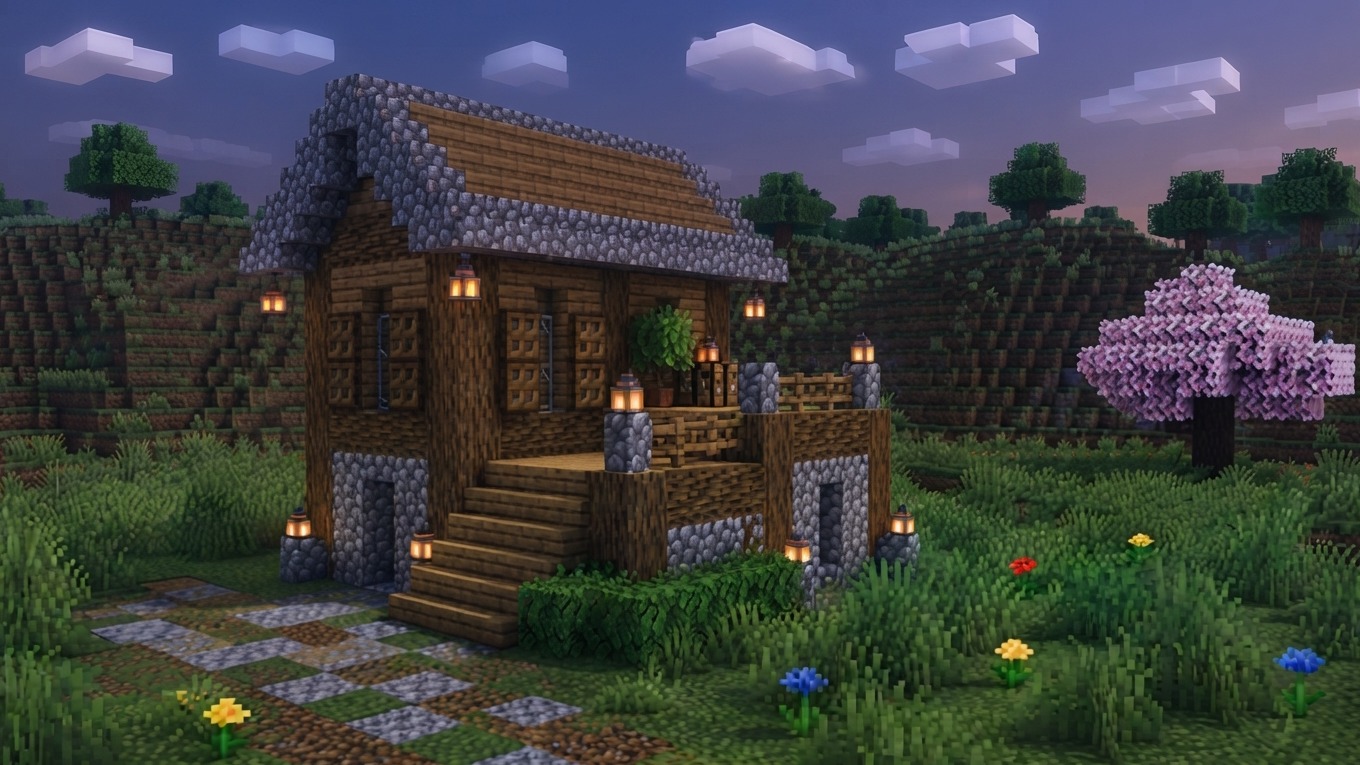
Block Craft 3D drops you into a construction sandbox inspired by Minecraft, where the goal is to raise buildings of any scale from a wide selection of blocks in different shapes, colors, and textures. The range runs from cozy cottages all the way up to grandiose skyscrapers, and the game's intuitive interface and simple tools are designed to let those ideas take shape without unnecessary friction. One scene shows a wall built from various patterned and colored cubes standing on a grassy hillside. In several scenes, small red and yellow three-dimensional floral shapes are scattered across green stepped terrain. Another scene features a rectangular building with reddish-brown walls, a repetitive light-colored grid pattern, and three orange-bordered openings.
How to Play Block Craft 3D
The core loop is straightforward: open your inventory to browse available blocks, place them to construct whatever structure you have in mind, and break any block you want to revise or remove. A flight mode lets you reach higher elevations while building, and saving the map preserves your work at any point. The game describes the creative possibilities as endless, positioning every block placed as one step closer to your ideal building.
Controls
PC Controls
- WASD: Character movement
- Space: Jump
- F: Toggle flight mode on/off
- Space bar (flight mode on): Fly up
- Shift (flight mode on): Fly down
- E: Open inventory
- Q: Save the map
- Left mouse button: Break a block
- Right mouse button: Place a block
- Mouse wheel: Change the current block
Mobile Controls
- Arrow buttons (lower left corner): Character control
- Down arrow button (lower right corner): Jump
- Button with wings (upper right corner): Toggle flight mode
- Arrow buttons (lower right corner, flight mode on): Fly up/down
- Block panel (bottom center): Open inventory
- File button (top center): Save the map
- Cube button (upper left corner): Enable block placement mode
- Tap on screen: Break a block
- Tap on screen (block mode enabled): Place a block
- Yellow arrow buttons: Change the current block
Games You Might Like
If block-based building is your thing, the full Minecraft games collection on Playgama is worth exploring for more creative sandbox experiences in the same spirit. BlockCraft offers a voxel sandbox with over twenty biomes to explore and build across, from snowy mountains to cactus deserts. Mine - Online lets you dig, build, and team up with friends to raise cities and secret underground bases. Sprunki Craft - Sandbox 3D blends block-building with character upgrades and battles for a different creative angle. Mine Together expands the formula with crafting, resource gathering, and dimension travel alongside the building. For a broader look at construction and world-building titles, the simulation games category covers a wide range of creative and management experiences.