




















Backrooms Craft








About Backrooms Craft
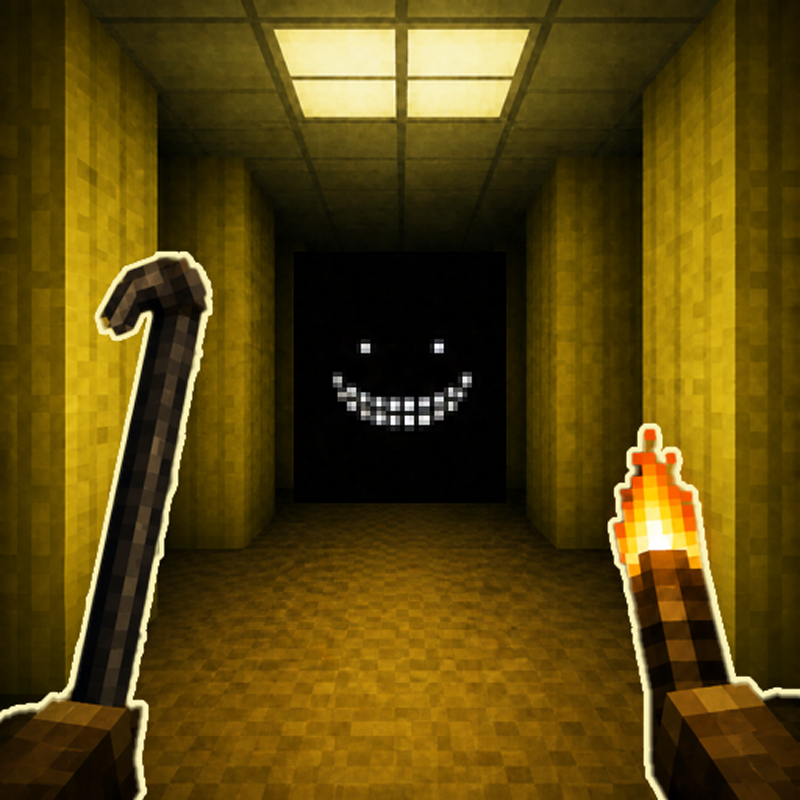
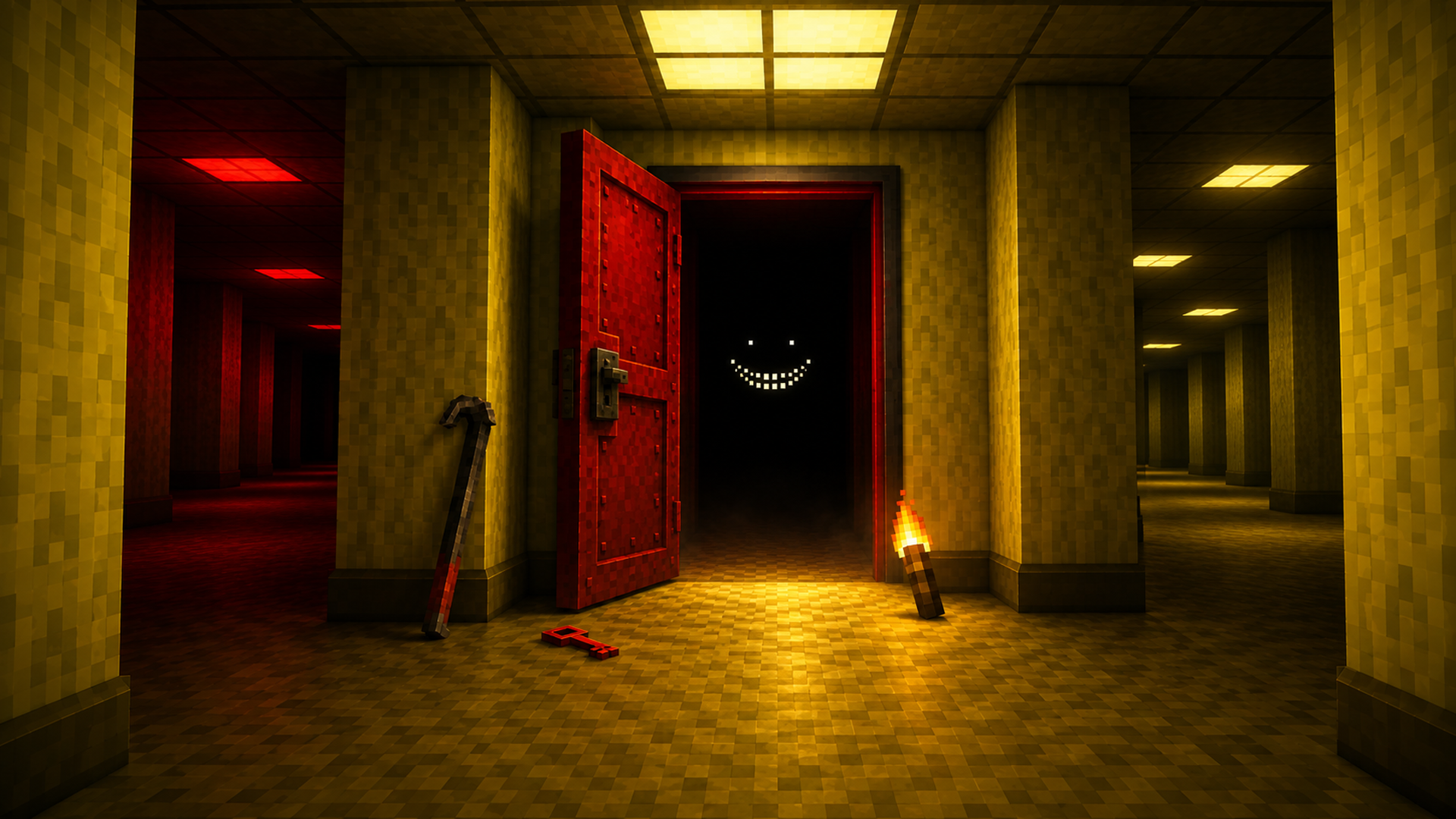
Backrooms Craft drops you into the wrong side of a door — damp carpet underfoot, fluorescent lights humming overhead, yellow wallpaper stretching further than any building has a right to contain. There is no exit waiting for you, only a workbench, a furnace, and whatever the last expedition left scattered around.
The world reshuffles every time a new run begins, with one exception: the first hall stays fixed. A yellow line on the floor marks the boundary — everything built inside it persists, while anything past that border holds nothing.
Beyond the opening hall, the levels shift through poolrooms lined in white tile, server halls bathed in blue half-light, warehouses, and hotel corridors. Locked rooms, anomalous seams, and flickering zones fill the space between, each one logged in the journal as you find it.
How to Play Backrooms Craft
Survival in Backrooms Craft runs on four meters: health, hunger, thirst, and your grip on sanity. Almond water steadies the mind; a bandage closes wounds. In the dark, a torch is the only thing standing between you and what walks there.
Crafting follows a chain of escalating tools. A chair breaks down into sticks, sticks become a torch, boards become a workbench. From there, stone tools open what bare hands cannot, and steel opens what stone cannot. The furnace smelts metal; the salvage bench strips furniture into parts. Each tier unlocks the next stage of what you are able to build and where you are able to go.
Controls
PC
- WASD / Arrow Keys: Walk
- Shift: Run
- Space: Jump
- C: Crouch
- Mouse: Look around
- Hold Left Mouse Button: Mine a block, pull furniture apart, or strike a creature
- Right Mouse Button: Place a block, eat, drink, or open a workbench or furnace
- Keys 1–9 / Mouse Wheel: Select an item from the belt
- E: Open inventory and crafting
- J: Open the journal
- Esc: Pause
Mobile
- Left-side touch stick: Move (appears wherever you first touch the left side of the screen)
- Hold stick against edge: Break into a run
- Drag across the world: Look around
- Hold finger on a block: Begin mining; slide without lifting to continue
- Short tap: Place, use, or hit
- Jump and crouch pads: Located on the right side
- Weapon pad: Appears on the right when holding a weapon
- Bag at the end of the belt: Open inventory and crafting
- Journal icon (top corner): Open the journal
Games You Might Like
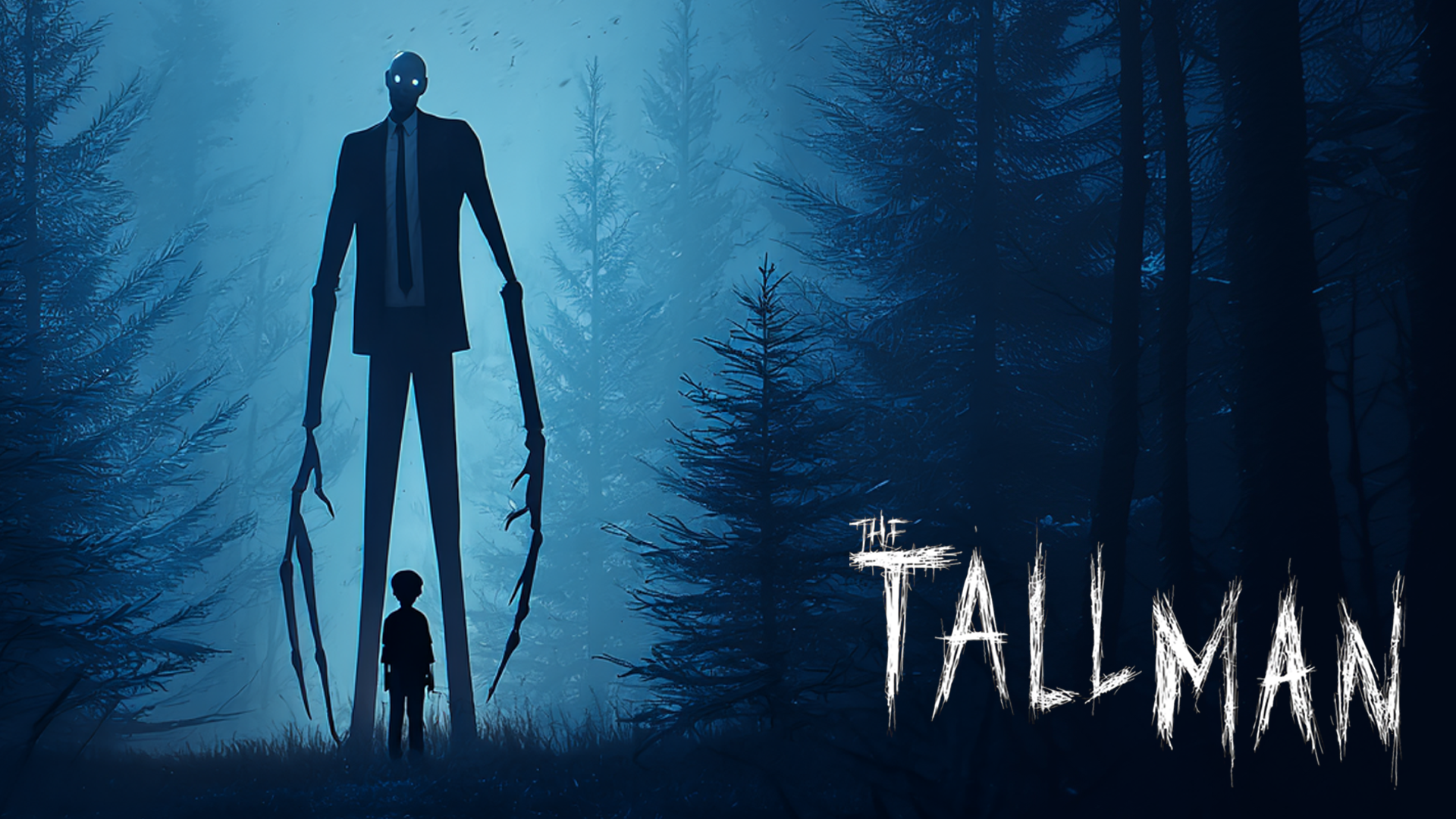
Backrooms Craft sits squarely in the survival genre — if you want more of that tension, the survival games category on Playgama has plenty to explore. For a similar mix of scavenging, crafting, and base-building under constant threat, Wasteland: Last Shelter puts you in a zombie-ravaged world where you fortify a shelter and fight through a story campaign. If the horror of something unseen stalking you through the dark is what keeps you going, The Tall Man delivers that same first-person dread as you search a dark forest for scattered pages while something watches from just out of sight. The broader adventure games category is also worth a look for more open-world exploration with stakes.
Video
Use this link to embed the game on your website using an iframe
 Sign in to Embed and Monetize Games