




















Mine Survival: Noob and Pro








About Mine Survival: Noob and Pro: Survive, Craft, and Defeat the Ender Dragon
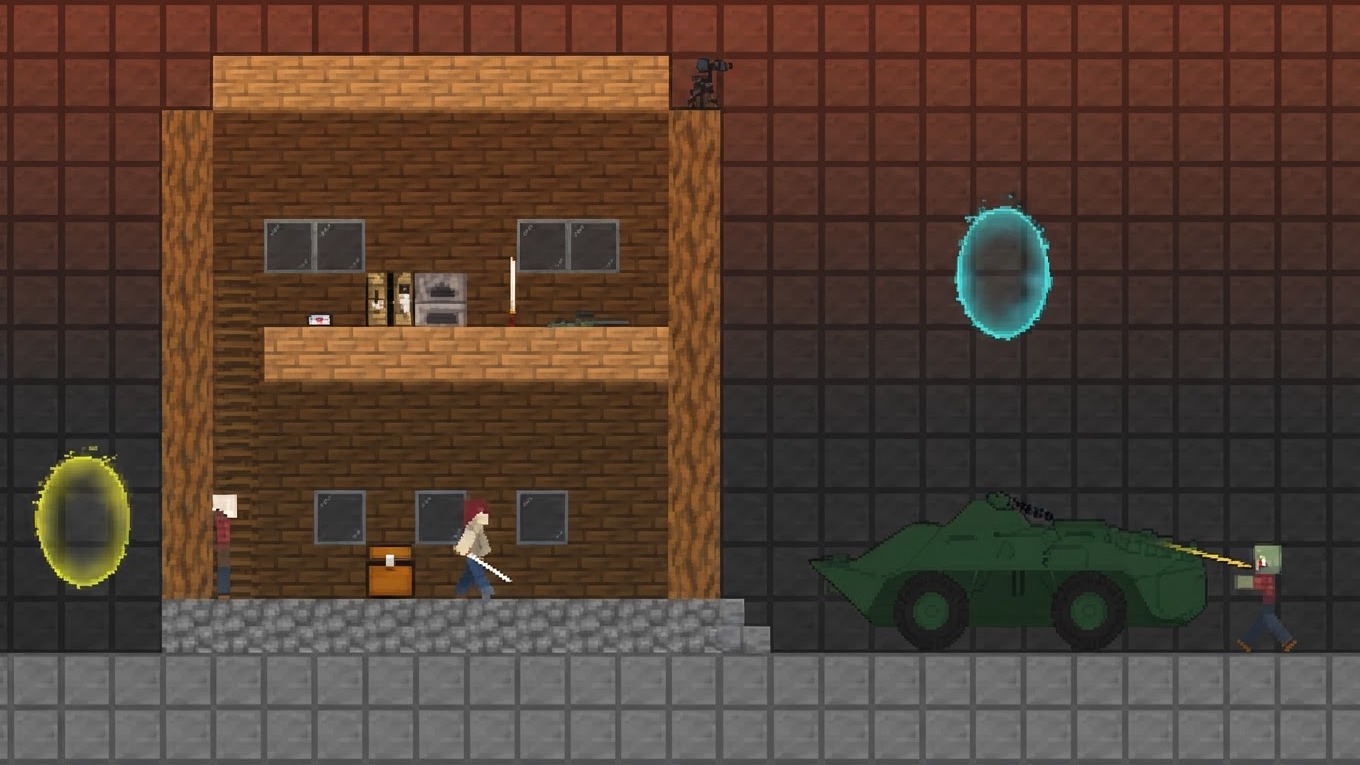
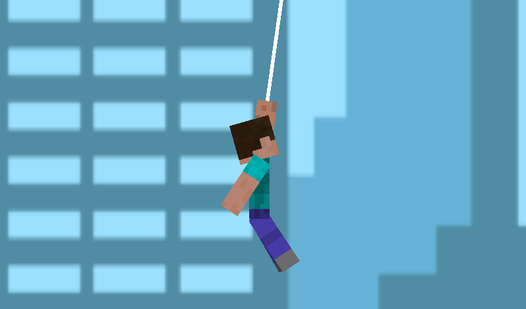
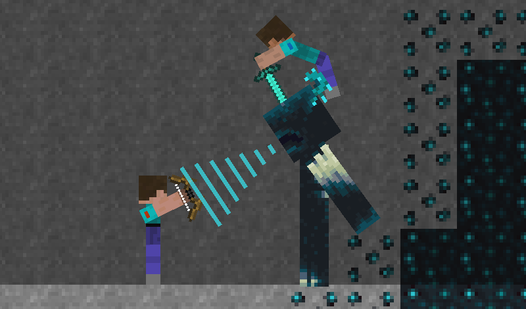
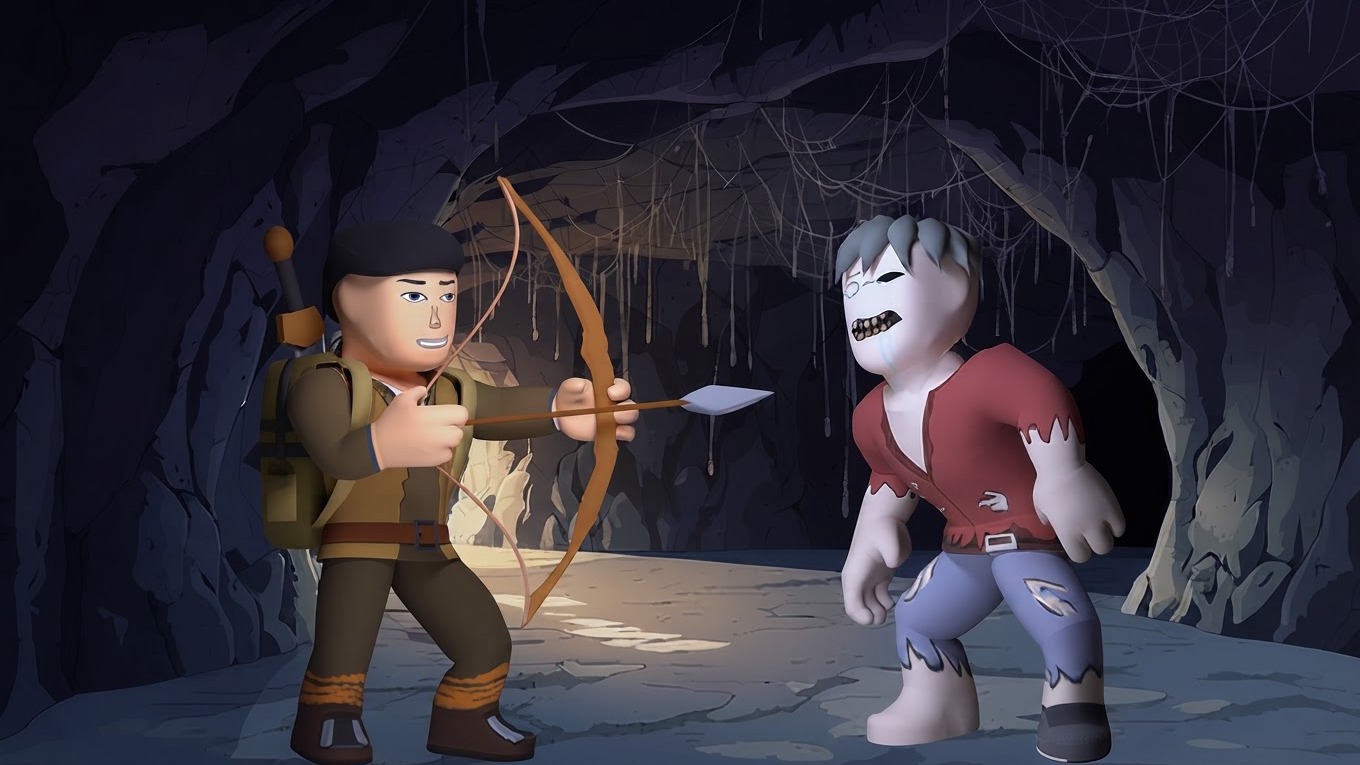
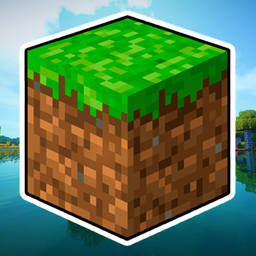
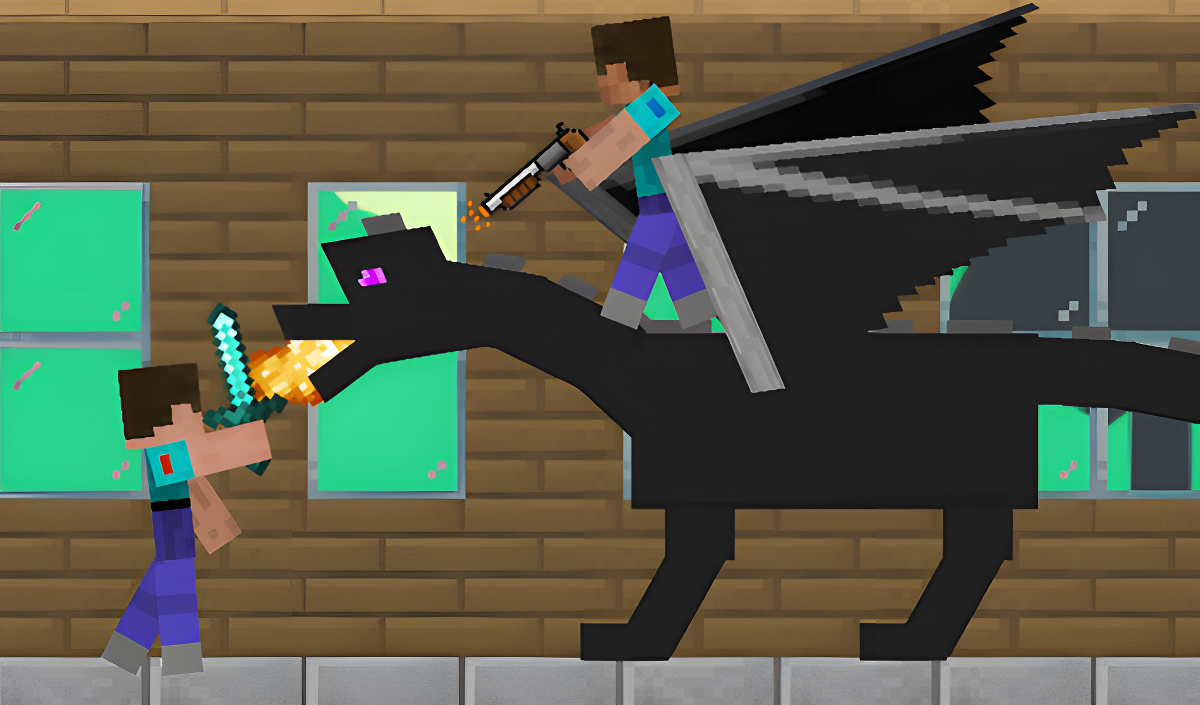
Mine Survival: Noob and Pro drops you into a huge 2D Minecraft-style world where the goal is straightforward but the journey is anything but: gather resources and food, craft and upgrade armor and weapons, trade with residents, improve your characters, explore various game dimensions, and ultimately face the Ender Dragon himself. The game supports both solo and cooperative play, making it a flexible survival challenge whether you go it alone or team up.
One scene shows a birch-textured tree with a white trunk and black marks standing on a grass surface beside red flowers. Several scenes show a grey stone-like structure with a dark opening sitting on the floor inside a wooden room.
How to Play Mine Survival: Noob and Pro
The core loop revolves around collecting resources and food, crafting gear, trading with residents, and pushing deeper into the world to defeat monsters and bosses. When you lose, all your equipment is gone — but resources and in-game purchases carry over, so progress is never entirely wiped. To climb a ladder, hold down the jump button.
Game Dimensions and Bosses
- Various game dimensions to visit and explore
- Monsters and various bosses to defeat
- The Ender Dragon as the ultimate opponent
Controls
On mobile devices, all actions are handled through the graphical buttons displayed on the screen.
On desktop, each character has a dedicated control scheme:
Noob Controls
- A / D: Movement
- Space bar: Jumping
- F: Attacking and using the workbench
- E: Changing weapons
Pro Controls
- Left / Right arrows: Movement
- KeypadPlus or L: Jumping
- KeypadEnter or P: Attacking and using the workbench
- KeypadMinus or O: Changing weapons
Games You Might Like
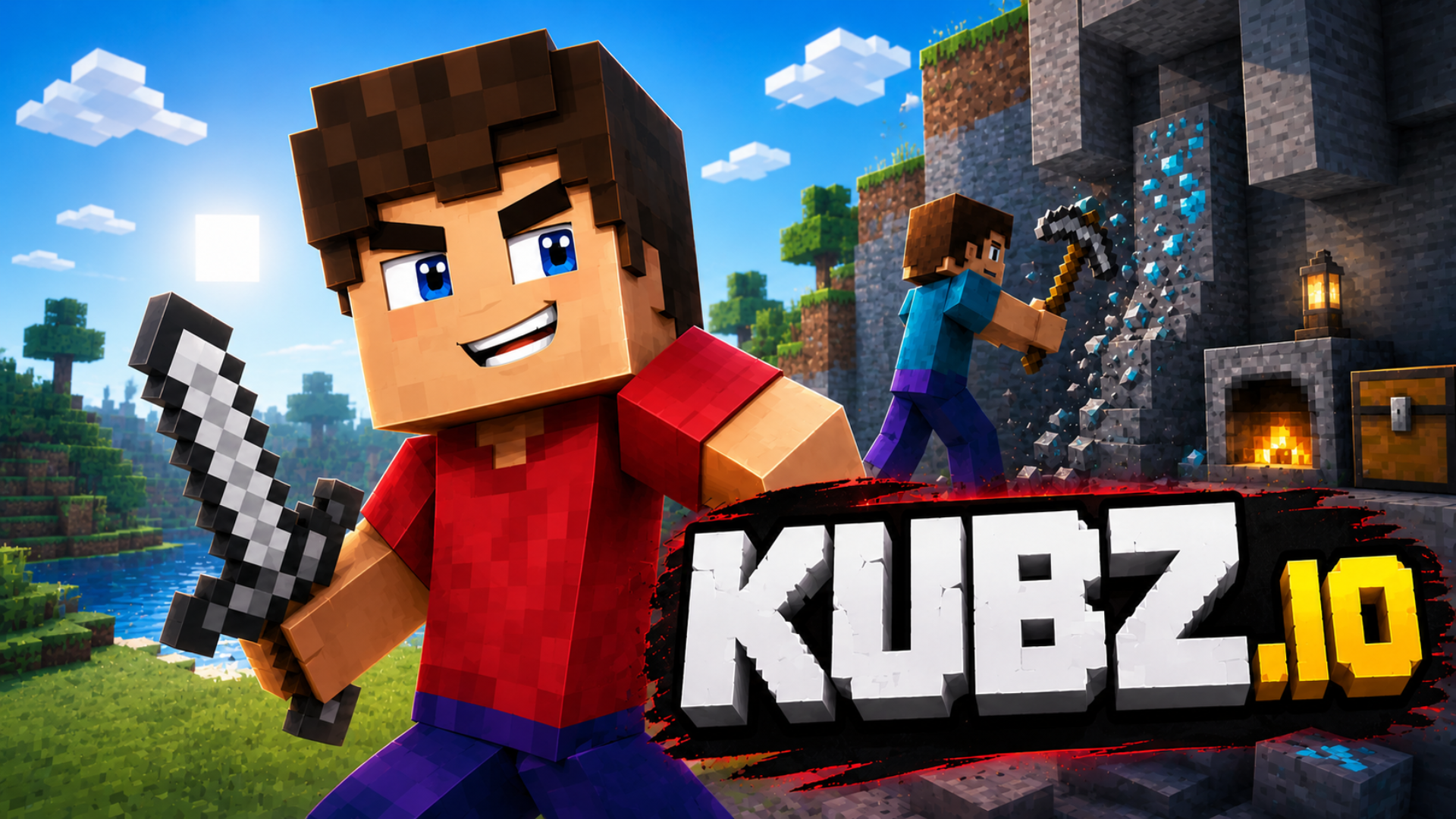
If the Noob and Pro survival formula keeps you hooked, 99 Nights in the Forest with Noob and Pro! extends that 2D Mine-style adventure across 99 nights of resource gathering, building, and survival challenges. For a different spin on the same cast, Trap Craft puts Noob, Pro, Herobrine, and others through six character-specific adventures where protecting a portal from zombies is the central task. Fans of open-ended crafting and survival against mobs will also find plenty to enjoy in Kubz.io, a multiplayer voxel sandbox where mining, crafting tools and armor, and fighting for loot all come together in shared worlds.
Browse the full survival games catalog for more worlds to conquer, or check out the cards games section for a completely different kind of challenge.