















Chicken Merge 2









Chicken Merge 2 - Play Online
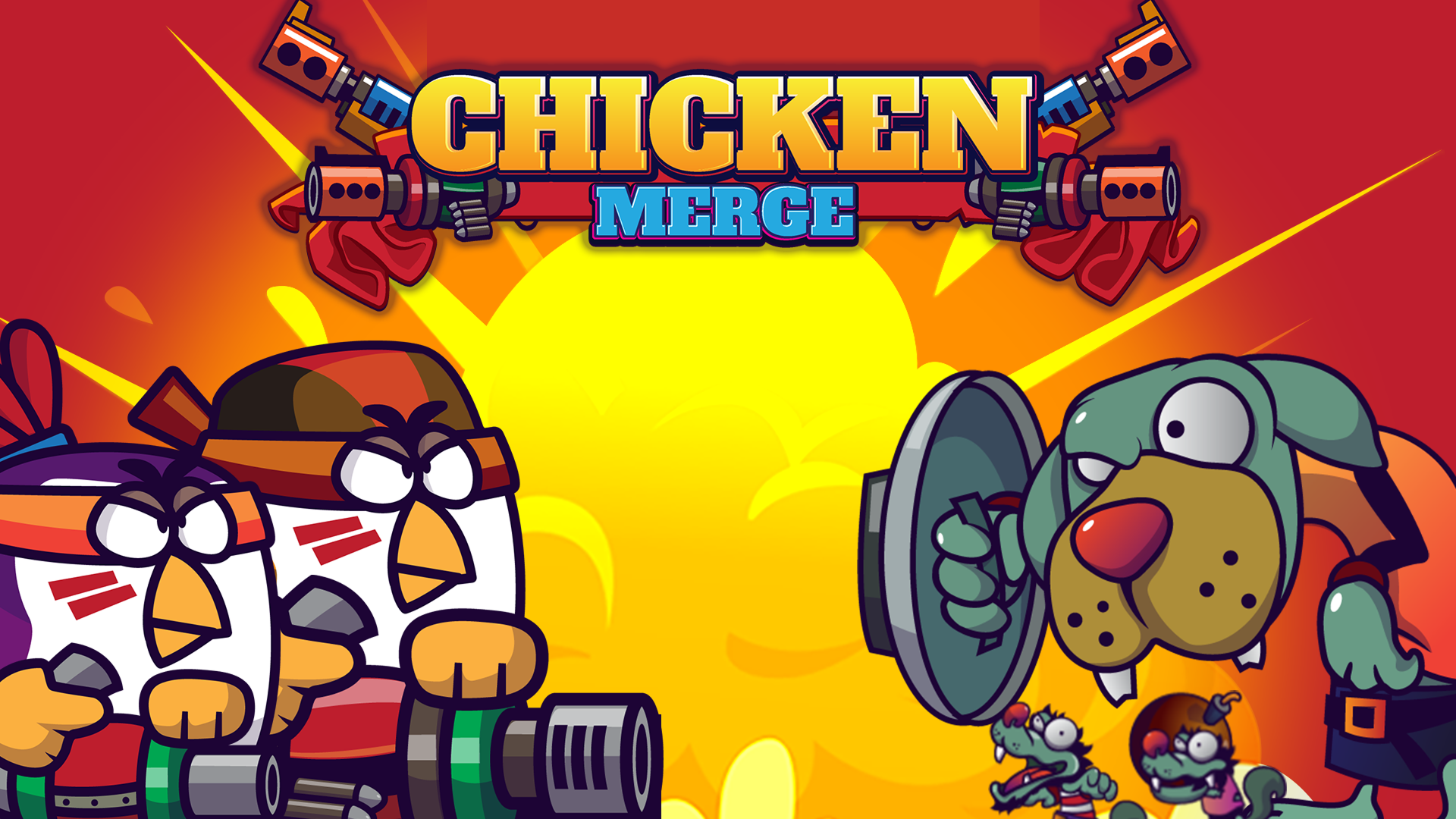
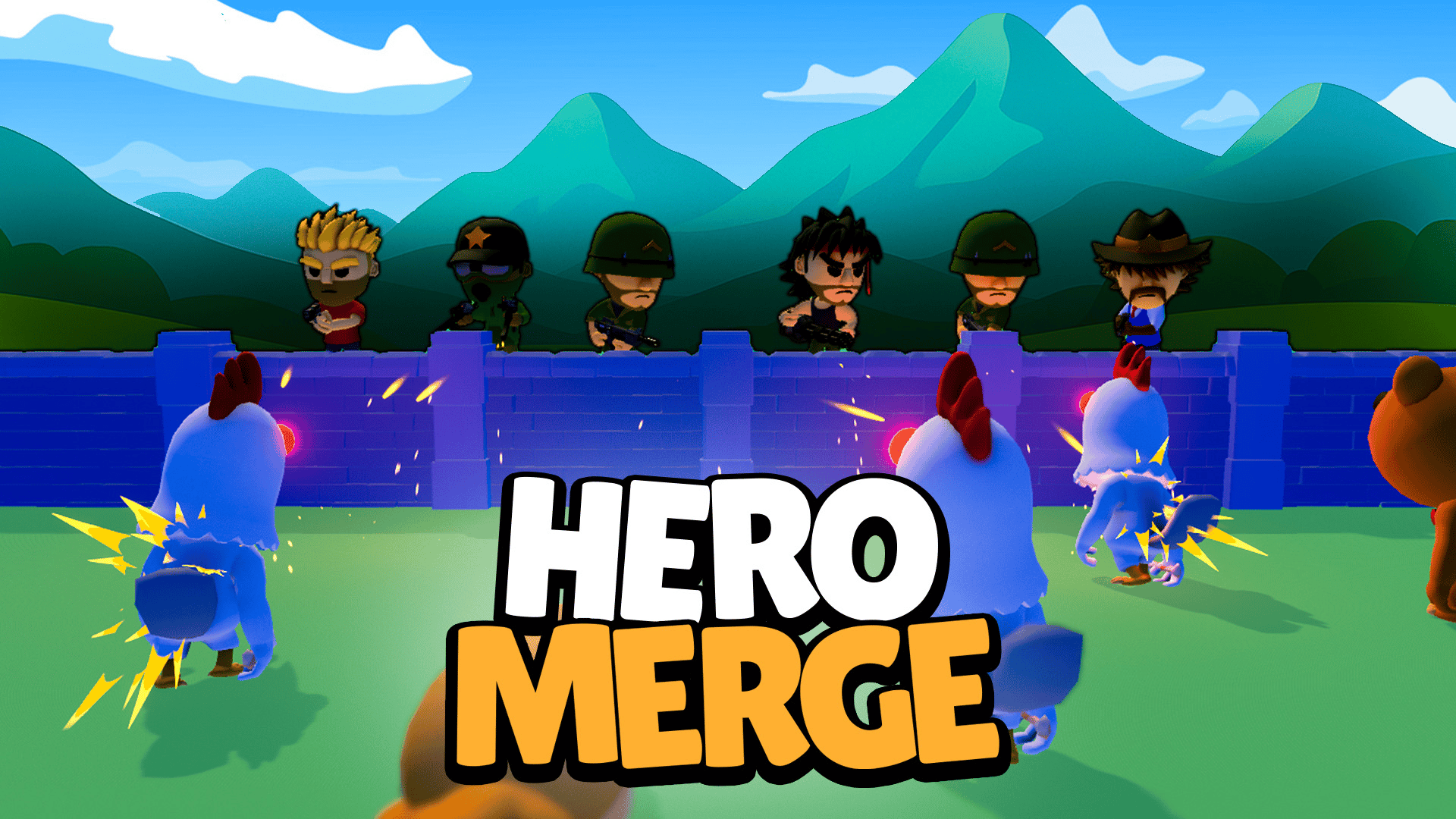
Drag chickens together. Watch them level up. Drop them on the battlefield and hold off zombie dogs with barrels in their teeth. Coins rain after every kill. Spend fast—waves don't wait. Merge units of the same level to create elite defenders with better firepower, then position your strongest birds on the lanes that matter. Use power-ups during clutch moments; cooldowns punish spam. Clear the wave, grab bonus coins, train more chickens, repeat. No downloads, pure click-and-play chaos.
How to Play Chicken Merge 2
Hold the line. Enemies pour in from the right; your chickens shoot from the left. Train basic egg units with coins, drag matching units together to merge them into higher tiers, then drop your best defenders onto the grid. Elite units hit harder and survive longer, so keep merging. Complete each mission to unlock extra coins, which fuel faster training cycles. Power-ups clear sticky situations, but they recharge slowly—save them for overwhelming rushes.
Merge and Deploy
Click to train a new chicken unit. Drag one unit onto another of the same level—they fuse into a stronger bird with improved damage and health. Desktop players use mouse clicks to train and drag-and-drop to merge or reposition. Mobile players tap the UI to train, then drag units across the grid with a finger. Lane placement matters: front slots take the first hits, so park your toughest merged chickens there. Weaker units fill back rows to mop up stragglers.
Progression and Currency
Every defeated zombie drops coins with crunchy particle bursts. Spend coins to train more units or unlock barrier upgrades that slow enemy advances. Completing a wave grants bonus currency and opens the next mission with higher stakes. Ad multipliers double your earnings—watch ads, get free loot, accelerate your grind. As you clear missions, enemy health bars grow thicker and waves spawn faster, demanding constant merging to keep pace. No prestige gates here; progression flows mission by mission.
Strategy and Power-Ups
Place elite units on defense slots that enemies hit first. Scatter mid-tier chickens across remaining lanes to spread damage. Power-ups activate with a tap but lock behind cooldowns, so trigger them when three or more zombies clog a single lane. Prioritize merging over training during the first 20 seconds of each wave to maximize firepower before the rush peaks. If coins pile up, bank a few extra basic units before merging—you'll have instant backup when a lane crumbles. Merge games reward patience; rushed merges leave gaps in your defense.
Key Features
- Lane-Based Tower Defense: Position merged chicken units across a grid to intercept waves of zombie animals marching from the right.
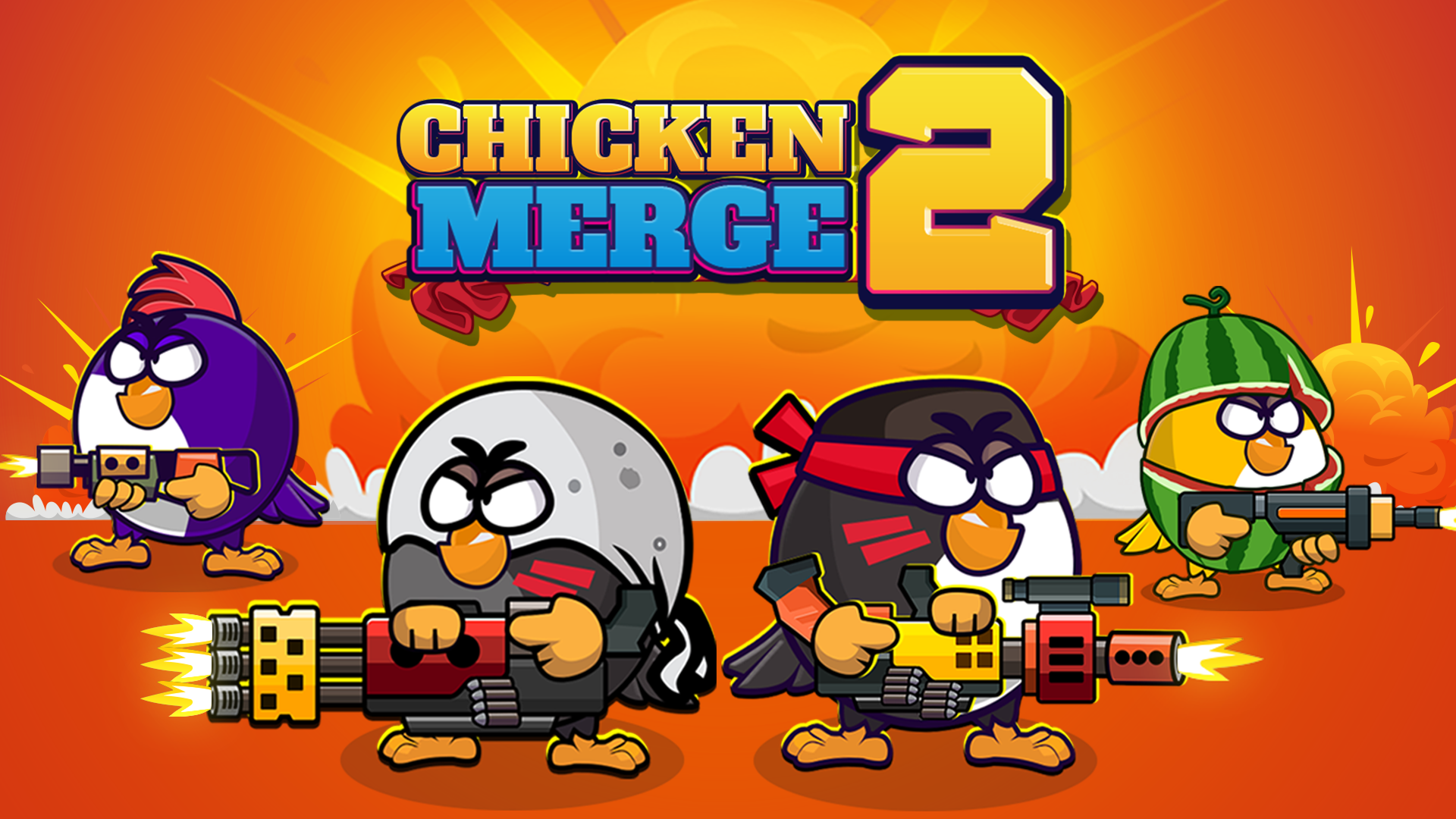
- Vector Art Aesthetic: Flat-shaded 2D visuals with heavy outlines and floating "CRASH!" text keep combat readable at a glance.
- Dual Currency Economy: Earn soft coins by defeating enemies and spend hard gems to accelerate training or unlock premium upgrades.
- Mission Progression: Clear waves to unlock bonus coins and advance through structured missions with escalating difficulty.
Who is Chicken Merge 2 for?
Casual gamers hunting quick sessions on any device. Fans of incremental loops and drag-and-drop merging who enjoy Chicken Merge will find the same rhythm here with tighter wave pacing. Tower defense veterans seeking low-stakes lane combat can jump in with zero tutorial grind. Players who appreciate Flowers vs Zombies or Pirates Merge: War Path will recognize the merge-to-upgrade formula and lane-grid battlefields. If you chase satisfying merge animations and coin particle showers, this delivers that meditative rhythm between waves. Mobile thumb-reach UI makes it ideal for commute sessions, while desktop players enjoy precision drag-and-drop control. Tower Defense games fans craving merge mechanics instead of traditional tower placement will find exactly that here.
Developer
Chicken Merge 2 was developed by Beedo Games. The studio applies the merge-meets-tower-defense hybrid formula to mobile-optimized browser play, letting you train, merge, and deploy chicken defenders without downloads across Android, iOS, and desktop platforms.
Controls
- Mouse Click (Desktop): Train new chicken units from the UI.
- Drag and Drop (Desktop): Merge same-level units by dragging one onto another; reposition units across grid slots.
- Screen Touch (Mobile): Tap the UI to train units.
- Drag and Drop (Mobile): Merge same-level units by dragging one onto another; move units between slots.
- Power-Up Buttons: Tap or click active power-ups during waves; cooldowns apply after each use.
FAQ
How do I merge chickens in Chicken Merge 2?
Drag one chicken unit onto another of the same level. They fuse into a higher-tier unit with improved damage and health. On desktop, use your mouse to drag and drop. On mobile, tap and drag with your finger. Only identical levels merge—level 1 plus level 1 creates level 2.
What do power-ups do and when should I use them?
Power-ups clear clustered enemies or boost your chickens' damage temporarily. Activate them when three or more zombies clog a single lane. Each power-up locks behind a cooldown after use, so avoid spamming them early in the wave. Save charges for overwhelming rushes near the end of each mission.
Where should I place my strongest merged units?
Drop elite units on defense slots at the front of the grid—these lanes face enemy waves first. High-tier chickens absorb more damage and deal consistent firepower. Fill back rows with mid-tier units to handle stragglers that slip past your front line. Reposition units by dragging them to new slots as the wave shifts.
How do I earn more coins in Chicken Merge 2?
Kill zombie enemies—each drops coins with particle bursts. Complete waves to unlock bonus currency. Watch ads for x2 multipliers that double earnings per mission. Spend coins to train more basic units, then merge them into stronger defenders who clear waves faster and generate more coins per kill.
Can I play Chicken Merge 2 on mobile and desktop?
Yes. Launch it instantly in any browser on Android, iOS, or desktop—no downloads required. Mobile players use touch controls to tap the UI and drag units. Desktop players rely on mouse clicks and drag-and-drop. Progress syncs if you log in, so you can switch devices mid-session. For fans of competitive merging, Brainrots Merge adds autobattler PvP with similar cross-platform support.
Use this link to embed the game on your website using an iframe
 Sign in to Embed and Monetize Games