





























silver coin
3000Daily bonus
Battleships Armada
Battleships ArmadaNew
Battleships Armada
Battleships Armada
Battleships ArmadaNew
Save IconKeep your progress on every device — log in

Battleships Armada

★★★★★★★3.9 / 103 votesG
Developer: Enrique
Game Orientation: Portrait
Platforms: PC, Android, iOS
Release date: January 2026
Last Update: February 2026
Supported Languages: English

Battleships Armada - Play Online

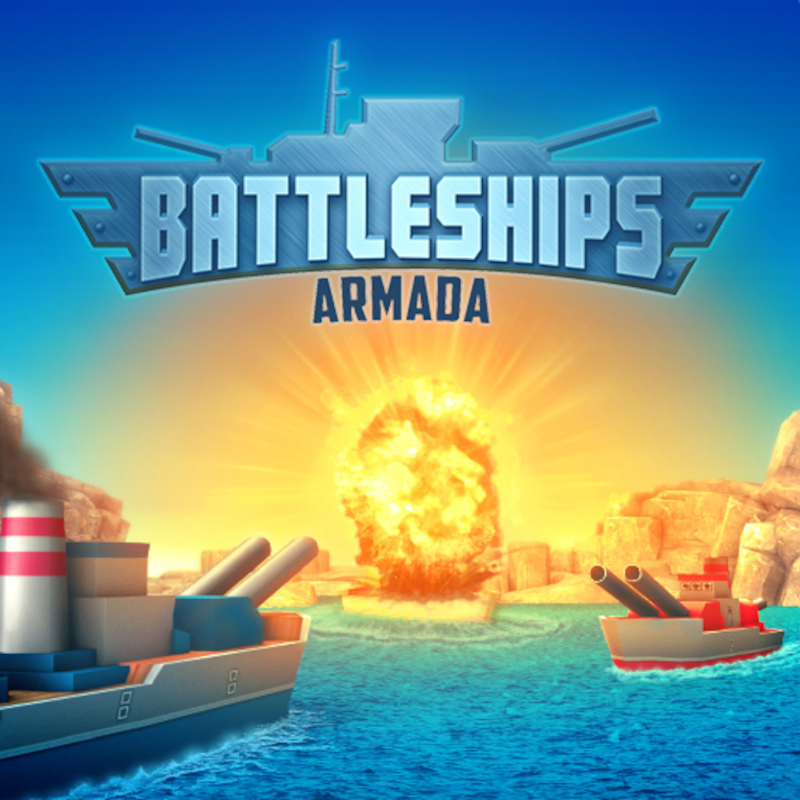
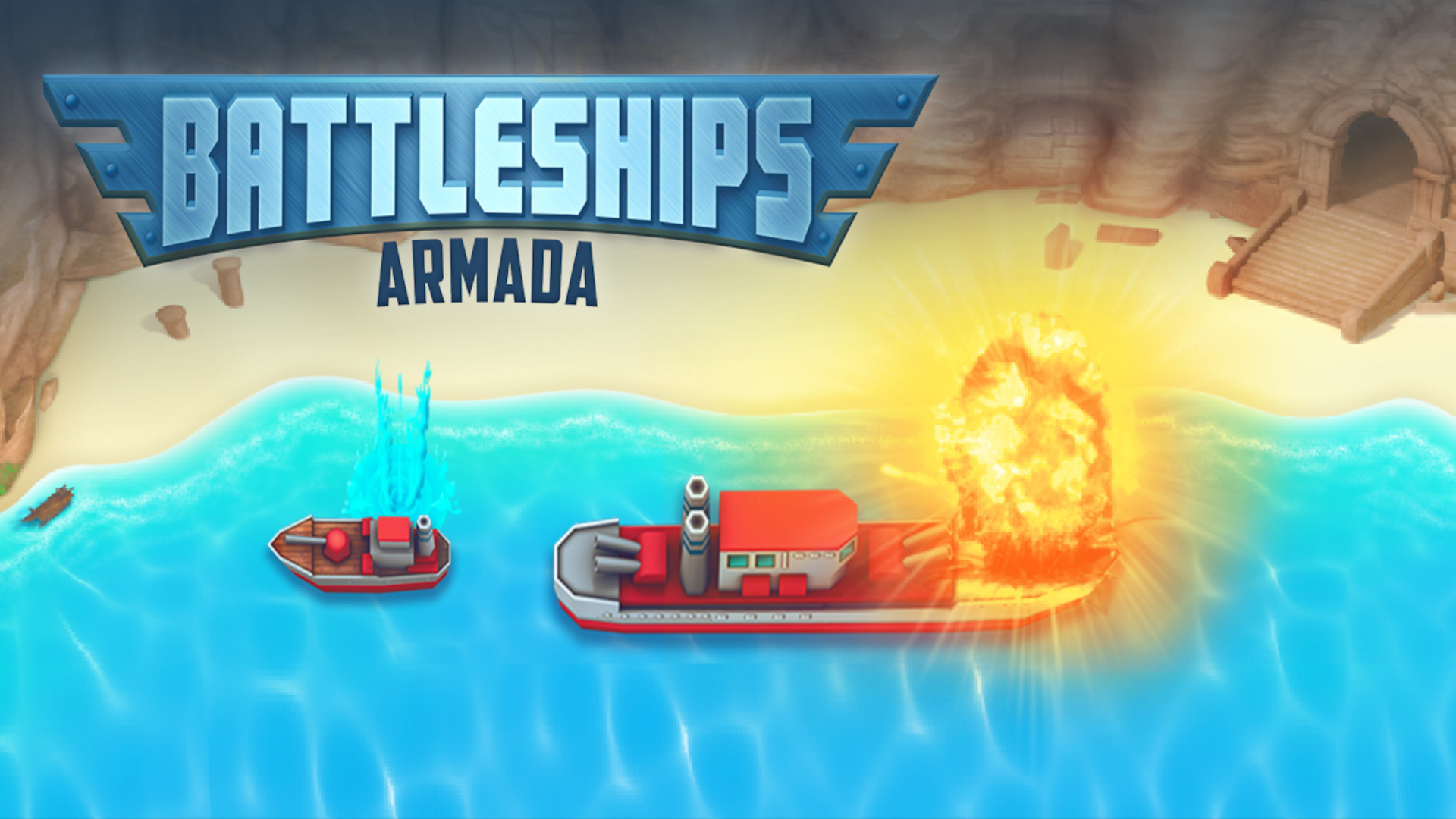
Battleships Armada brings the legendary board game to your browser with zero downloads required. You're commanding a naval fleet on a 10x10 grid, hunting down enemy ships while protecting your own destroyers and cruisers. It's like the paper-and-pencil classic your grandparents played, but now with rocket animations and that satisfying "boom" when you score a direct hit.

Key Features

    • Three Difficulty Modes: Face the AI in Easy, Normal, or Hard—each level sharpens the computer's aim.
    • Clean Grid Interface: Neon blue boards with flat textures keep the focus sharp and load times instant.
    • Strategic Placement Phase: Position your fleet manually or hit "Auto" to jump straight into the firefight.
    • Turn-Based Combat: Classic alternating missile strikes—sink their battleship before they sink yours.

How to Play Battleships Armada

Simple rules, brutal mind games. You'll learn in 30 seconds but still lose to Hard mode.

Controls

Runs smooth on anything with a screen.

    • Desktop: Click to drag ships onto your grid during setup. Click enemy tiles to launch missiles.
    • Mobile: Tap to place your fleet. Tap opponent's grid squares to fire—perfect for one-handed play on the bus.

Deploy Your Fleet

Before firing a single shot, you drop all ships onto your 10x10 grid. Rotate them to fit tight spaces (the game tells you how). Or smash the "Auto" button and let the AI scatter them randomly. Risky? Maybe. Fast? Absolutely.

Fire Missiles and Track Hits

Your turn: Tap a square on the enemy's hidden board. Red X means miss. Direct hit? You see smoke and fire—and you get another turn to press your advantage. Mark the spots, remember the patterns, and hunt down every last ship.

Survive the Counterattack

Now it's the Rival's turn. Watch helplessly as rockets rain down on your grid. If they nail one of your cruisers, that ship takes damage. Lose all units? Game over. The AI in Hard mode doesn't miss twice.

Who is Battleships Armada for?

Perfect for nostalgia hunters and puzzle fans who want quick 3-5 minute strategy bursts. If you grew up yelling "B-7!" across a table, this is your comfort food. Also ideal for killing time during conference calls—no one will notice you're sinking battleships.

The Gameplay Vibe

It's turn-based chess on water. Slow-burn tension when you're one hit away from victory. Rage-inducing when the AI guesses your carrier's location on turn two. The minimalist 2D art keeps it distraction-free—no fancy explosions stealing your focus. Runs at solid FPS even on ancient hardware because the engine doesn't waste cycles on particle spam.

Technical Check: Saves & Performance

1. Saves: Browser cache holds your progress between tabs—refresh mid-game and you're back in the fight.
2. Performance: Lightweight 2D sprites mean zero lag on mobile or desktop. The symmetric board layout loads instantly.

Quick Verdict

If you want pure strategy stripped to the studs, Battleships Armada delivers the naval showdown without the bloat.

    • The Hook: One good guess can snowball into a total wipeout—or backfire spectacularly.
    • Retro Charm: Flat neon grids and basic gradients nail that classic arcade feel without looking dated.
    • Pro Tip: Spread your ships to opposite corners in Hard mode—clumping them makes you an easy target.
    • The Challenge: Hard AI reads your soul. Expect to lose your first three matches while you relearn probability.

Release Date & Developer

Battleships Armada was developed by Enrique. Released in January 2026.

FAQ

Where can I play Battleships Armada online?

You can play Battleships Armada for free on Playgama. It runs in your browser without downloads.

What's the difference between Easy, Normal, and Hard mode?

Easy mode gives the AI random guessing patterns. Normal mode adds basic logic. Hard mode uses advanced probability—it remembers every miss and calculates ship placement patterns like a chess computer.

Should I use the Auto button to place ships?

Auto-placement is fast but risky—it might cluster your fleet in predictable corners. Manual placement lets you control spacing and angles, giving you better survival odds against Hard AI.

Can I play Battleships Armada on mobile devices?

Yes. The game is optimized for touchscreens with tap controls for ship placement and missile targeting. The vertical layout fits perfectly on phone screens for one-handed play.

How many ships do I control in Battleships Armada?

You deploy a full fleet with varying unit counts—destroyers, cruisers, and carriers occupy different grid spaces. The ship inventory bar at the bottom shows exactly what you need to place before combat starts.
Embed this Game

Use this link to embed the game on your website using an iframe

playgama.com/export/game/battleships-armada
Sign in to Embed and Monetize Games
Free Online Games at PlaygamaPlaygama features the latest and best free online games. You can enjoy playing fun games without interruptions from downloads, intrusive ads, or pop-ups. Just load up your favorite games instantly in your web browser and enjoy the experience.
Random Game