Fighting Games
Master Hand-to-Hand Combat in Action-Packed Fighting Games
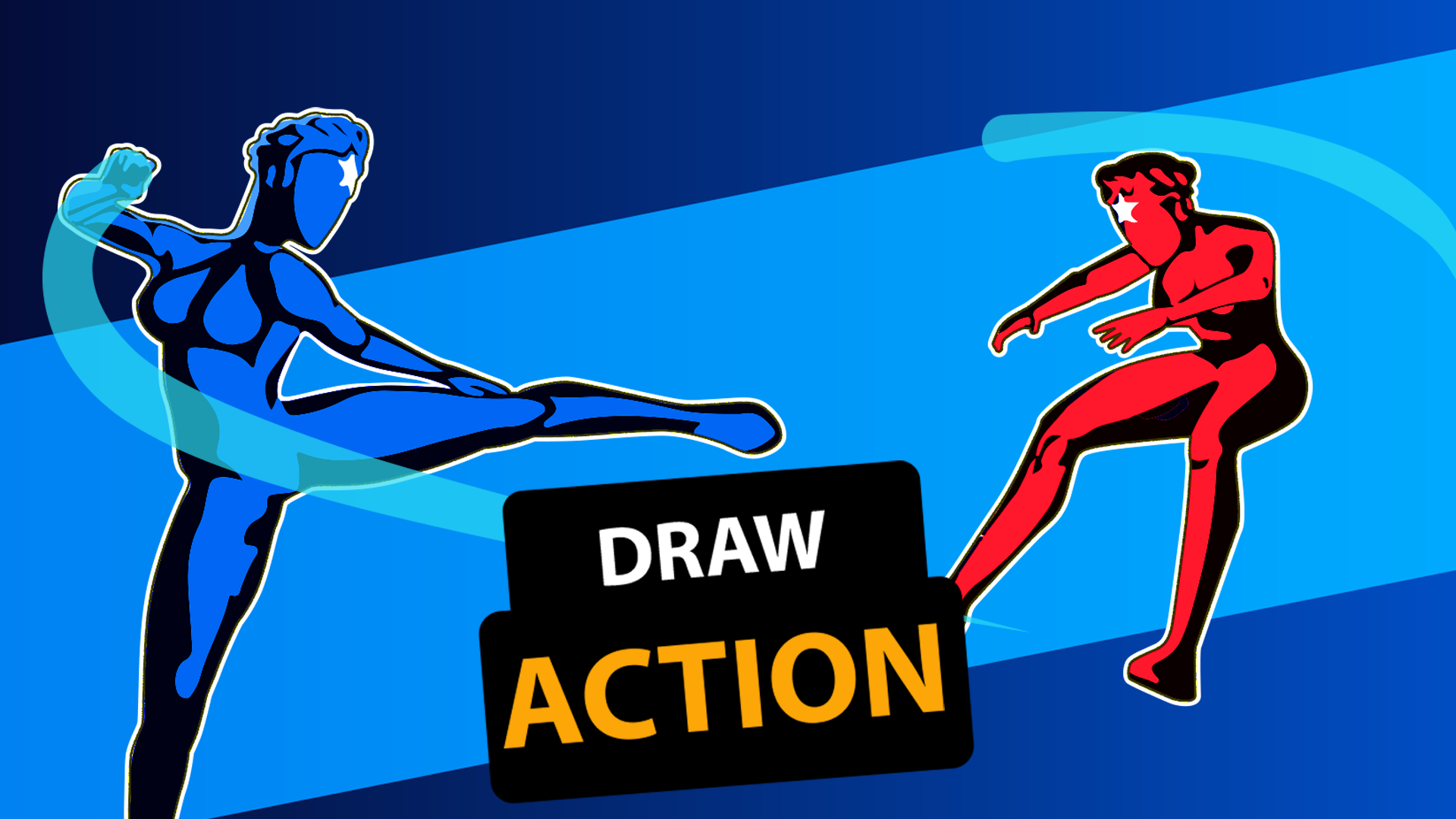
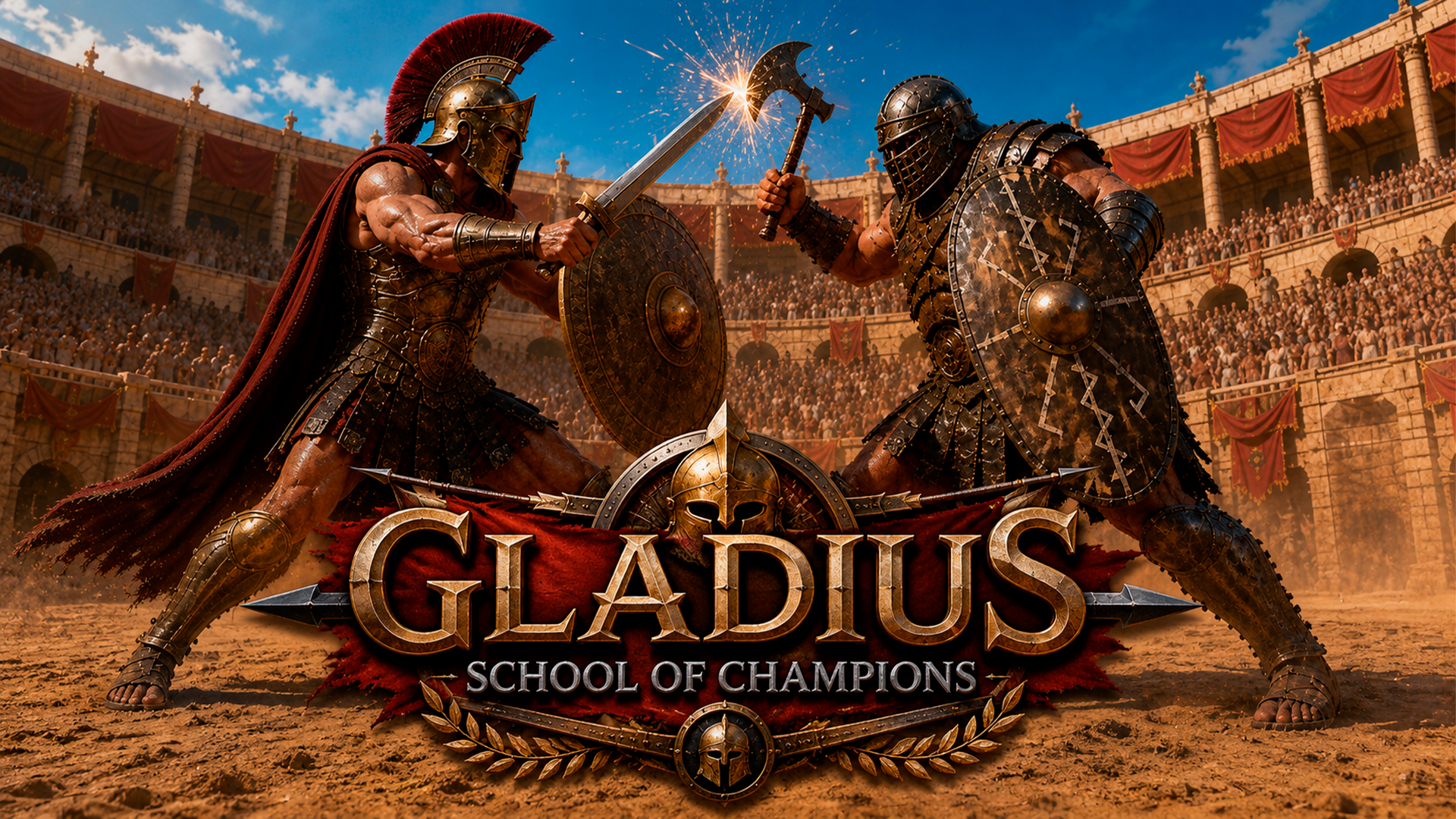
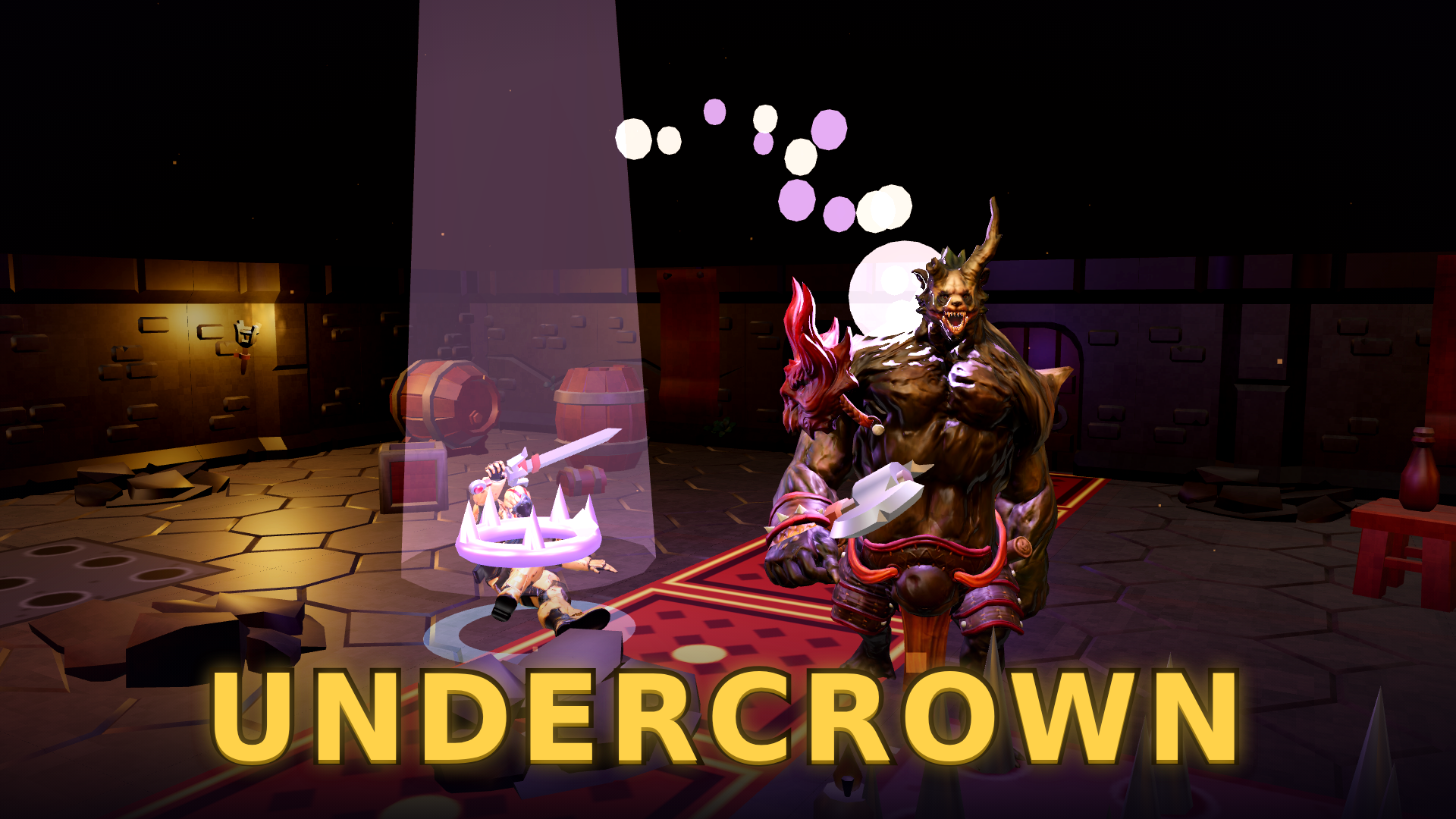
Fighting games focus on hand-to-hand combat, weapon-based duels, and arena battles between characters. You control a fighter to defeat opponents using various attacks, blocks, and special moves. Playgama offers a collection of 200+ fighting titles that run directly in your browser on both desktop and mobile devices. Iconic series like Street Fighter, Mortal Kombat, and Tekken have defined the genre for decades, showcasing a wide array of combat styles and character designs.
Stickman and Ragdoll Physics
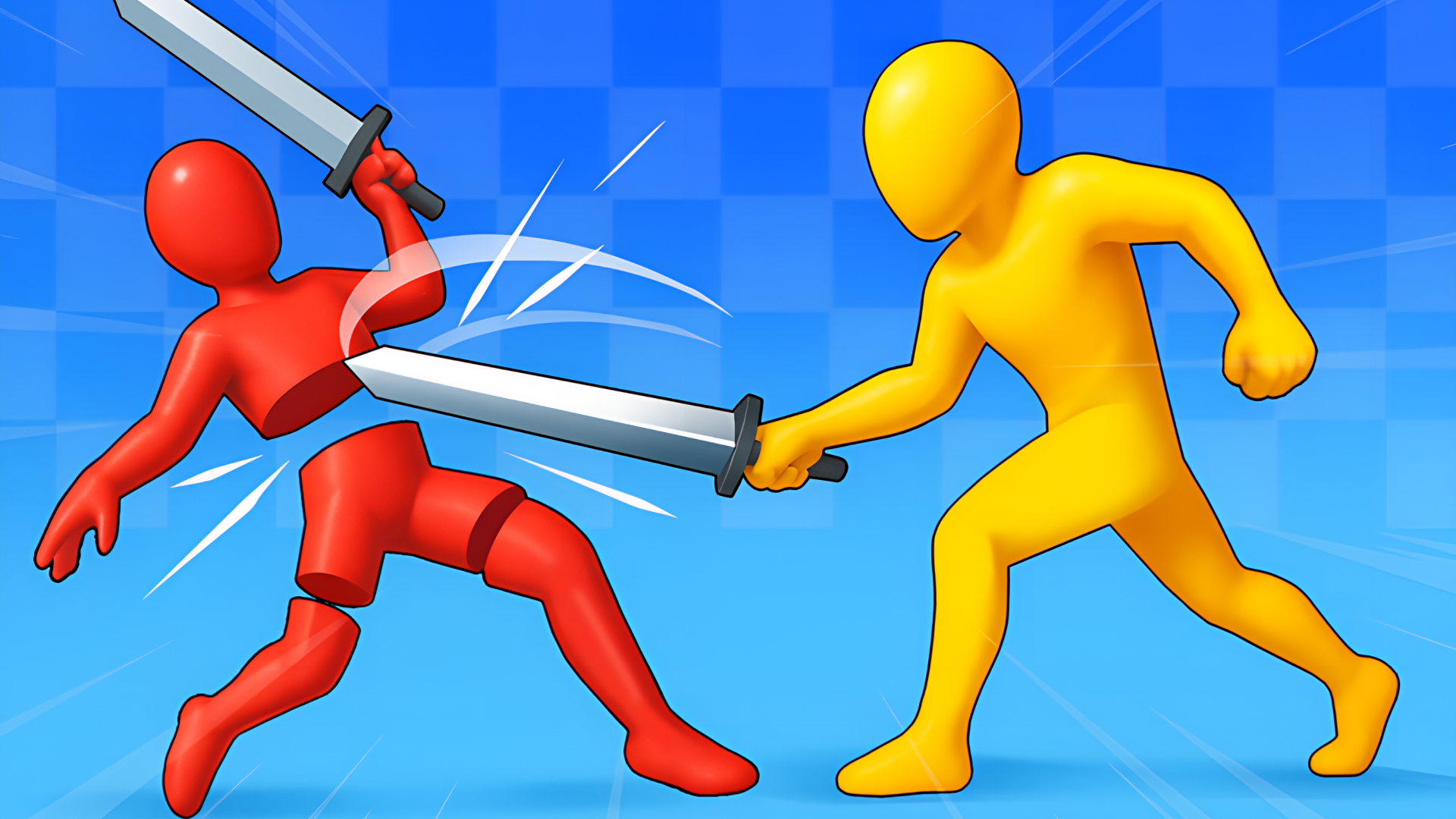
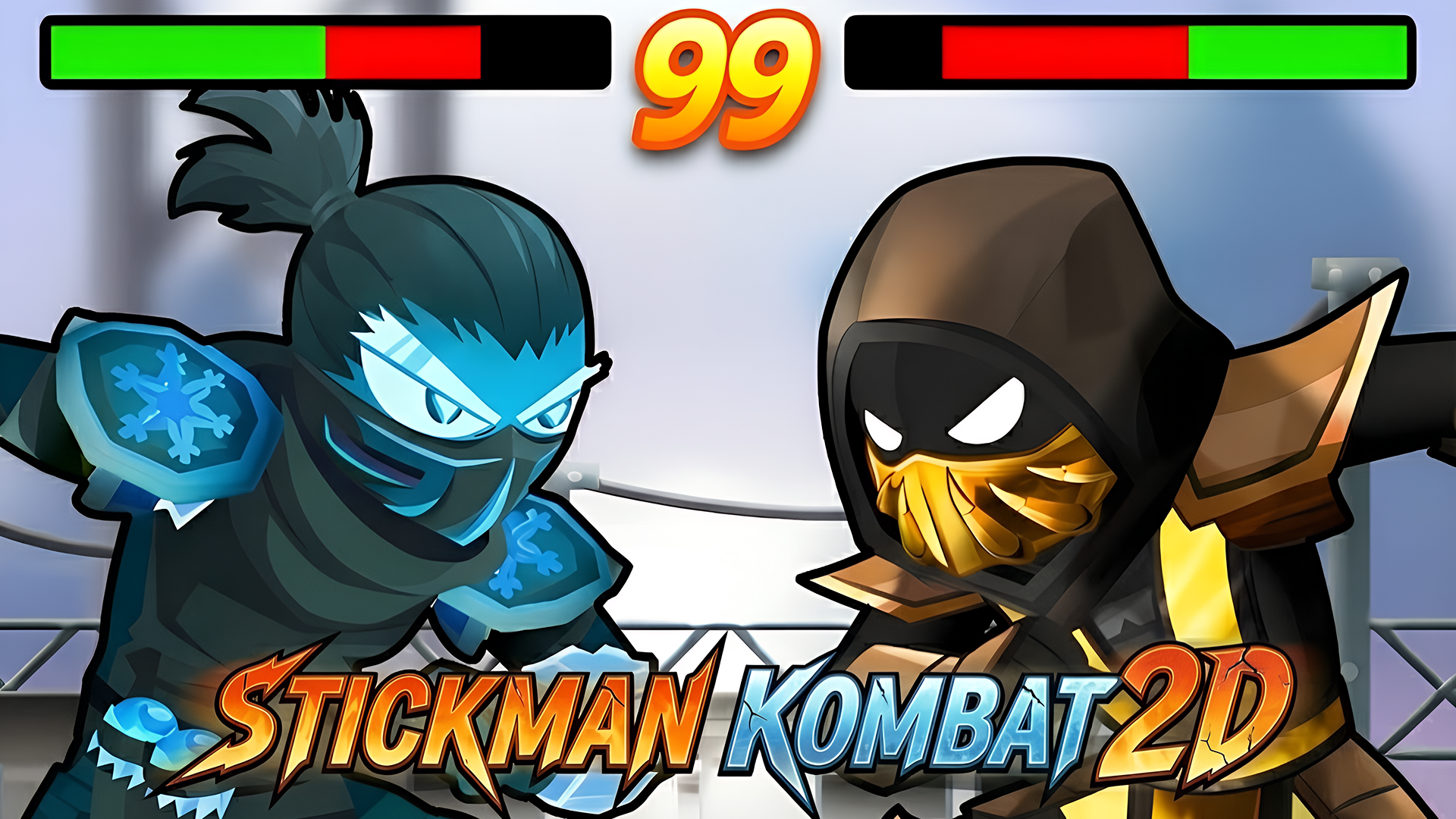
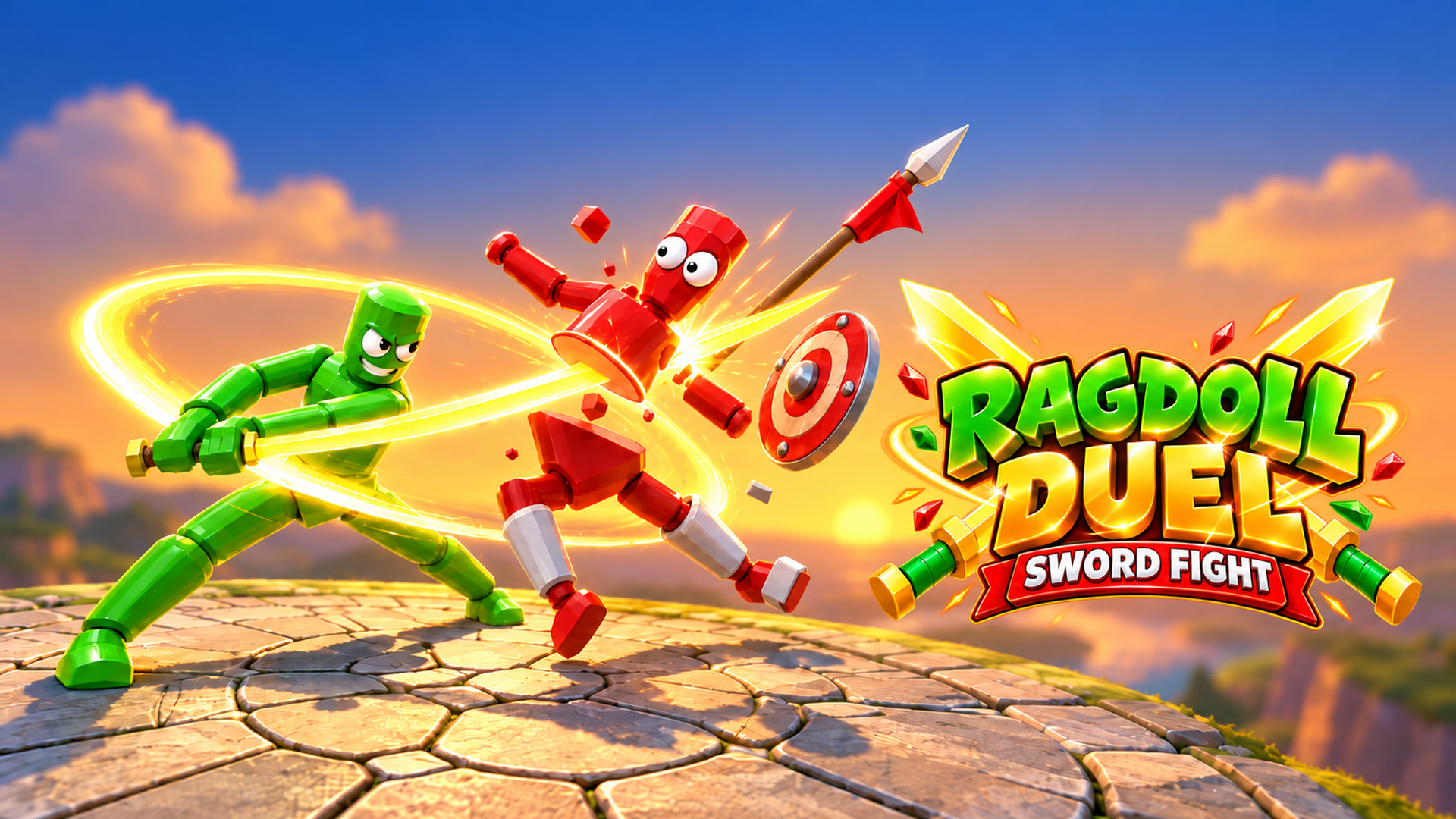
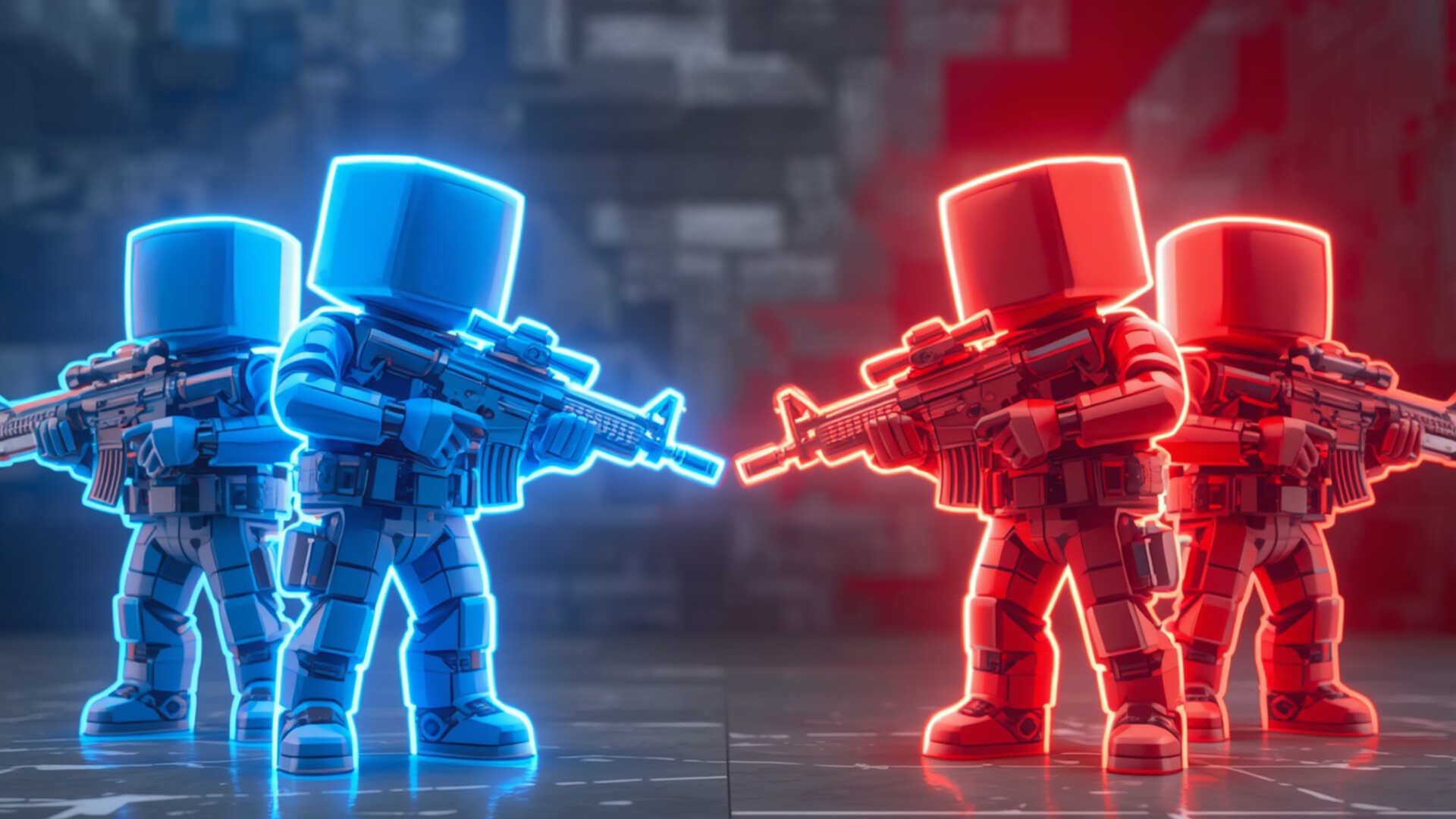
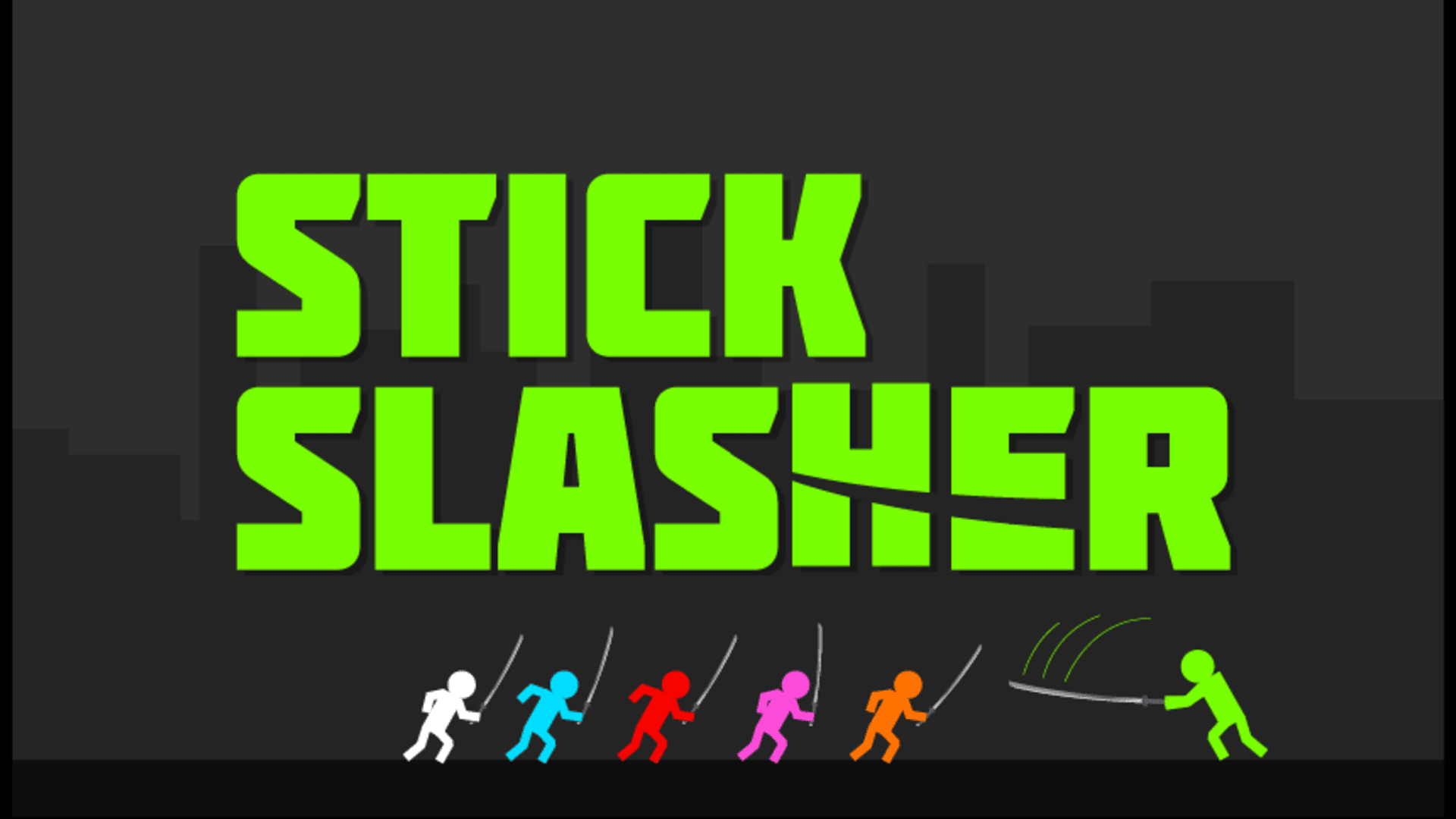
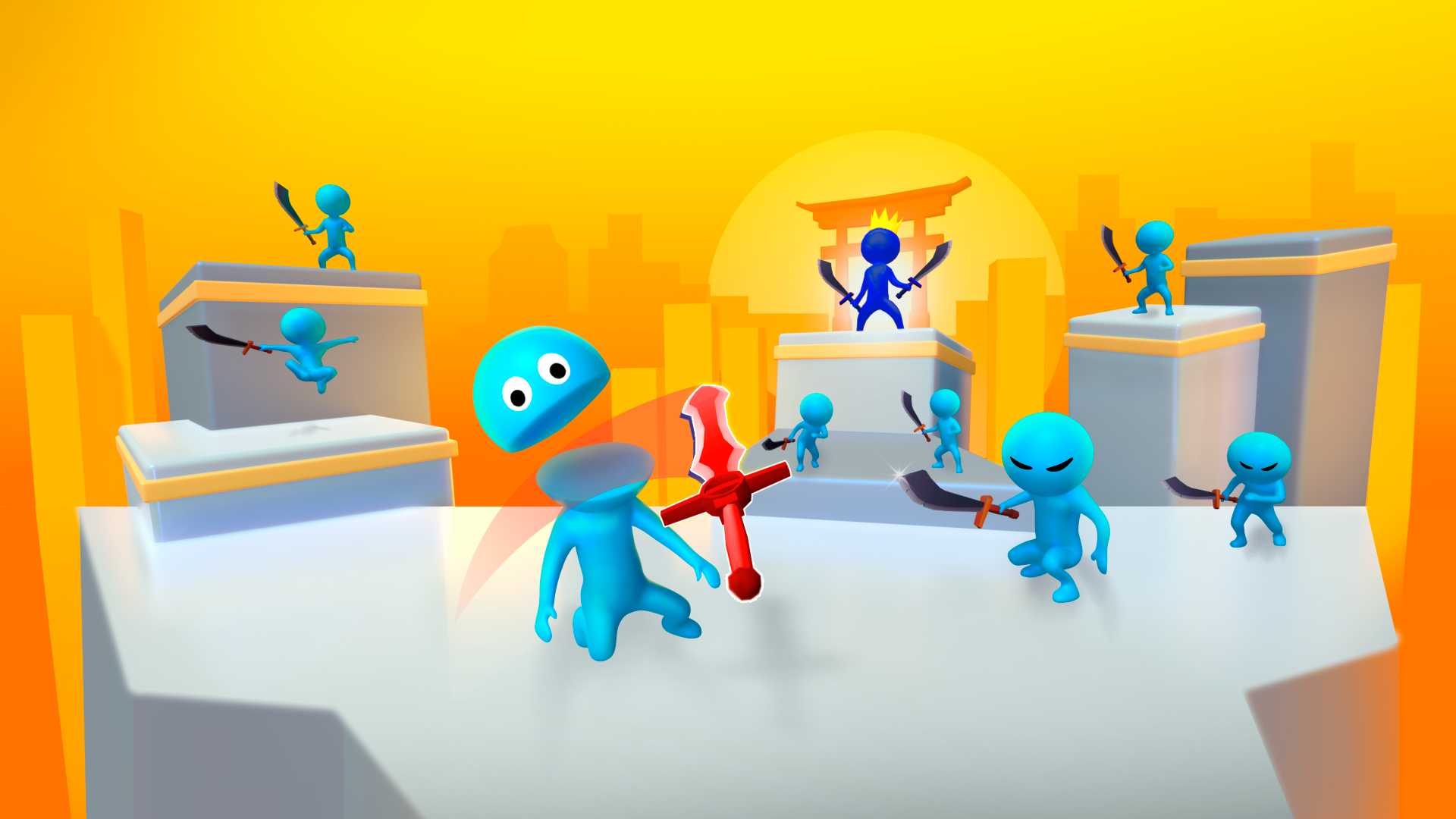
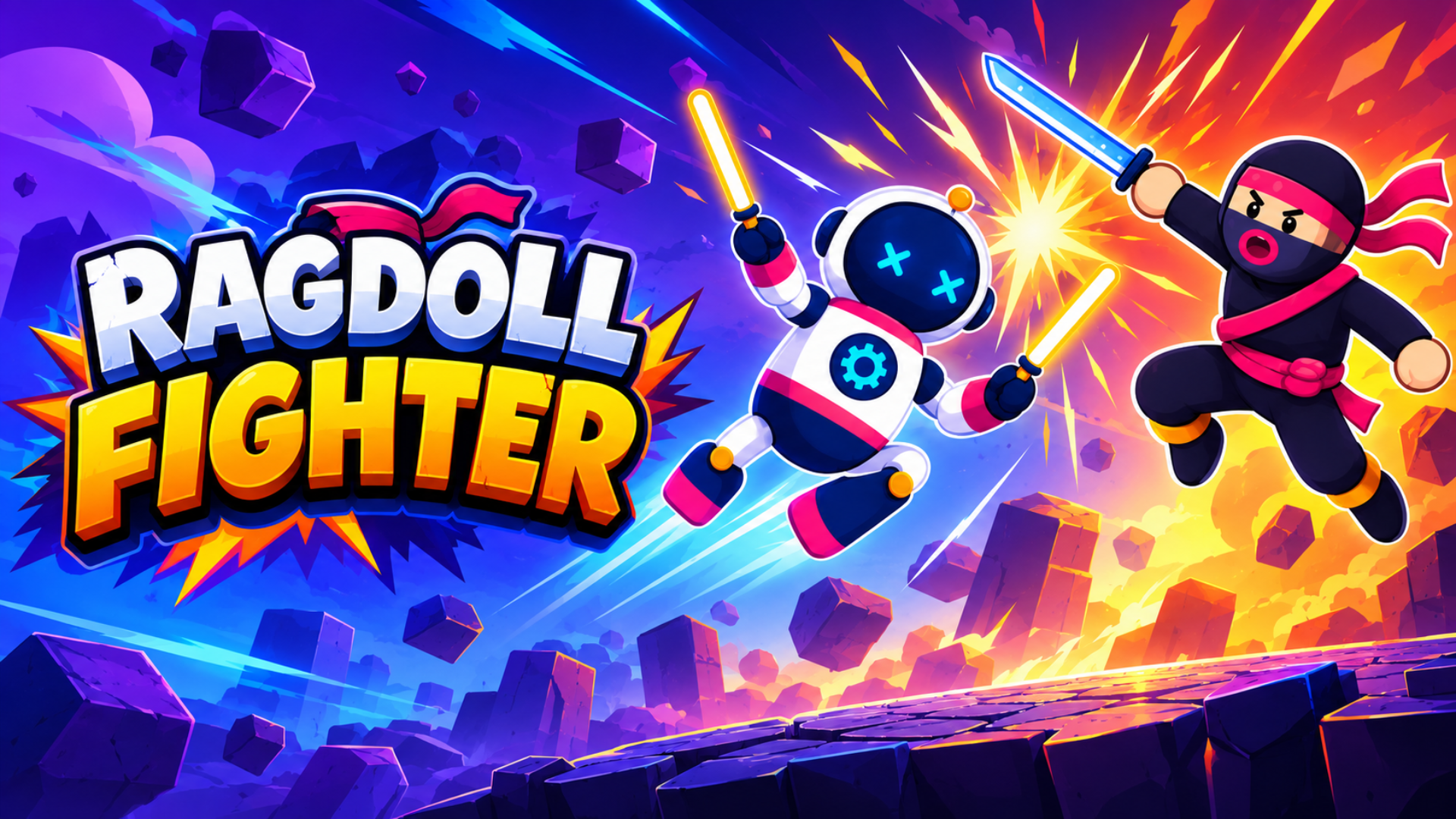
Many fighting titles utilize physics-based mechanics to determine the outcome of a match. In Stickman Kombat 2D, you execute precise combos and block incoming attacks in a traditional 2D environment. Other Combat Games like Epic Sword Battle! Fight in the Ragdoll Arena! and Duelist Stick use ragdoll physics, requiring you to manipulate your character's weapon or momentum to strike the opponent. You can also engage in competitive weapon-based duels in Battle of the red and blue agents.
Arena Battles and Creative Combat
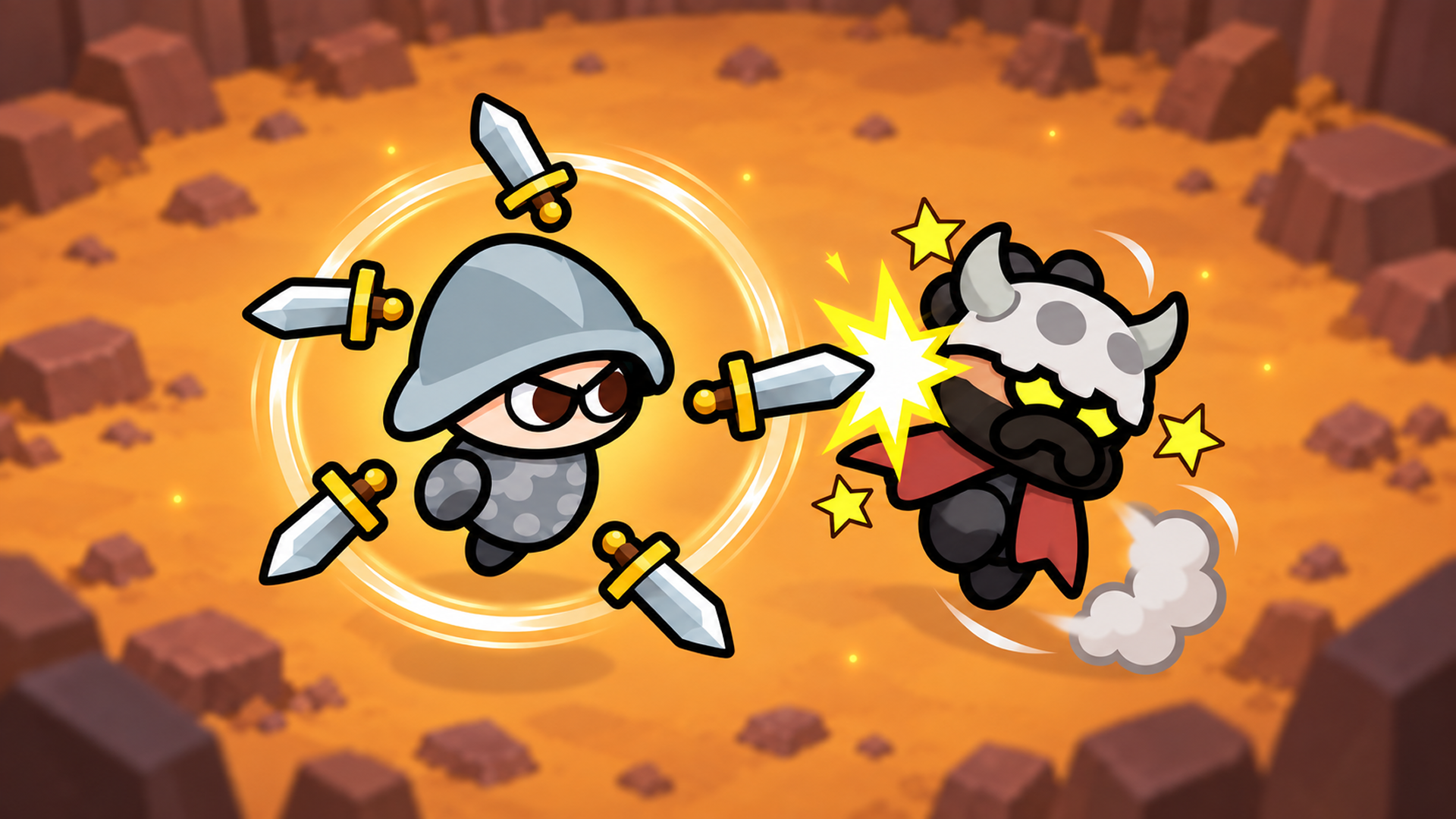
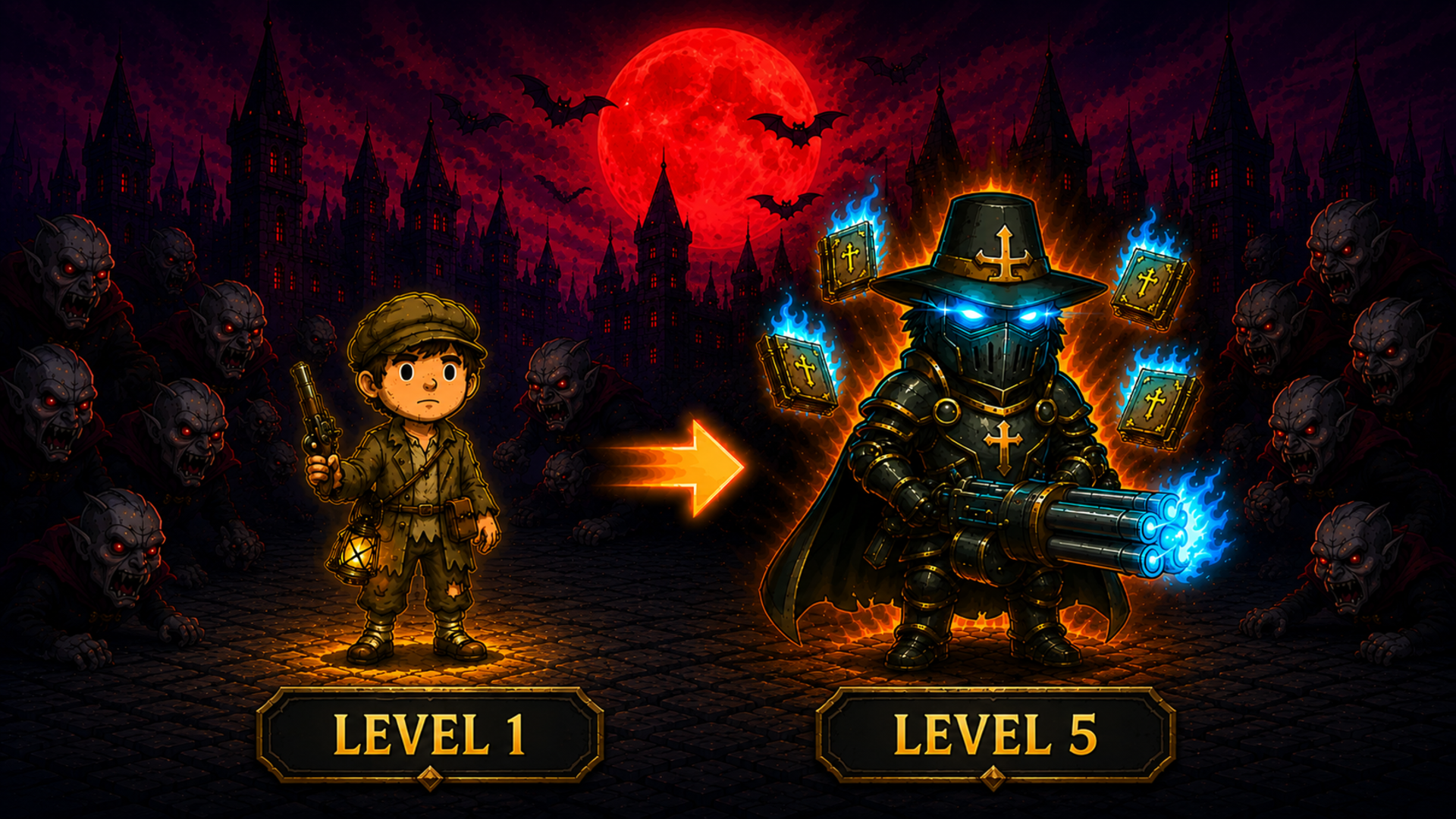
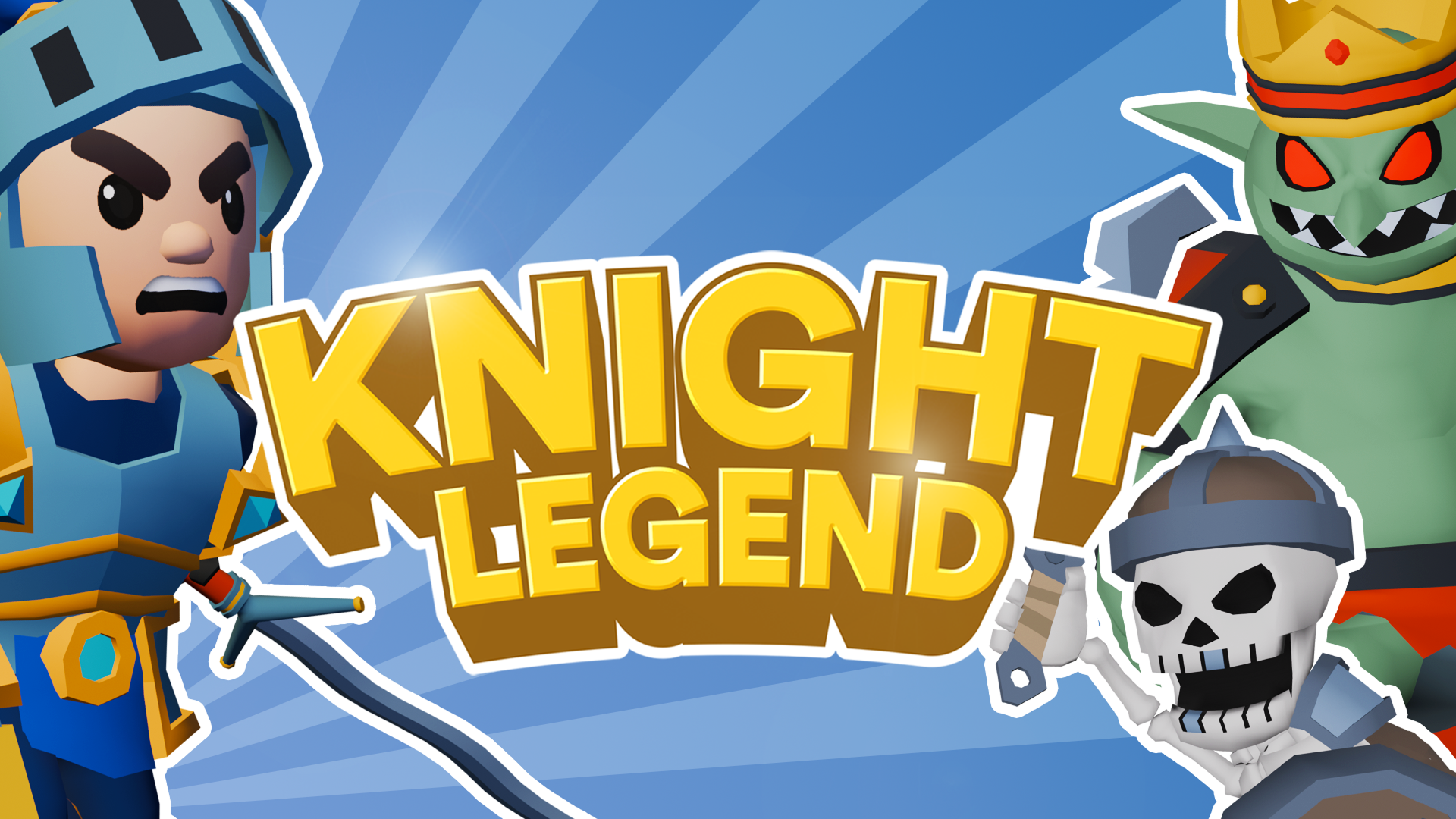
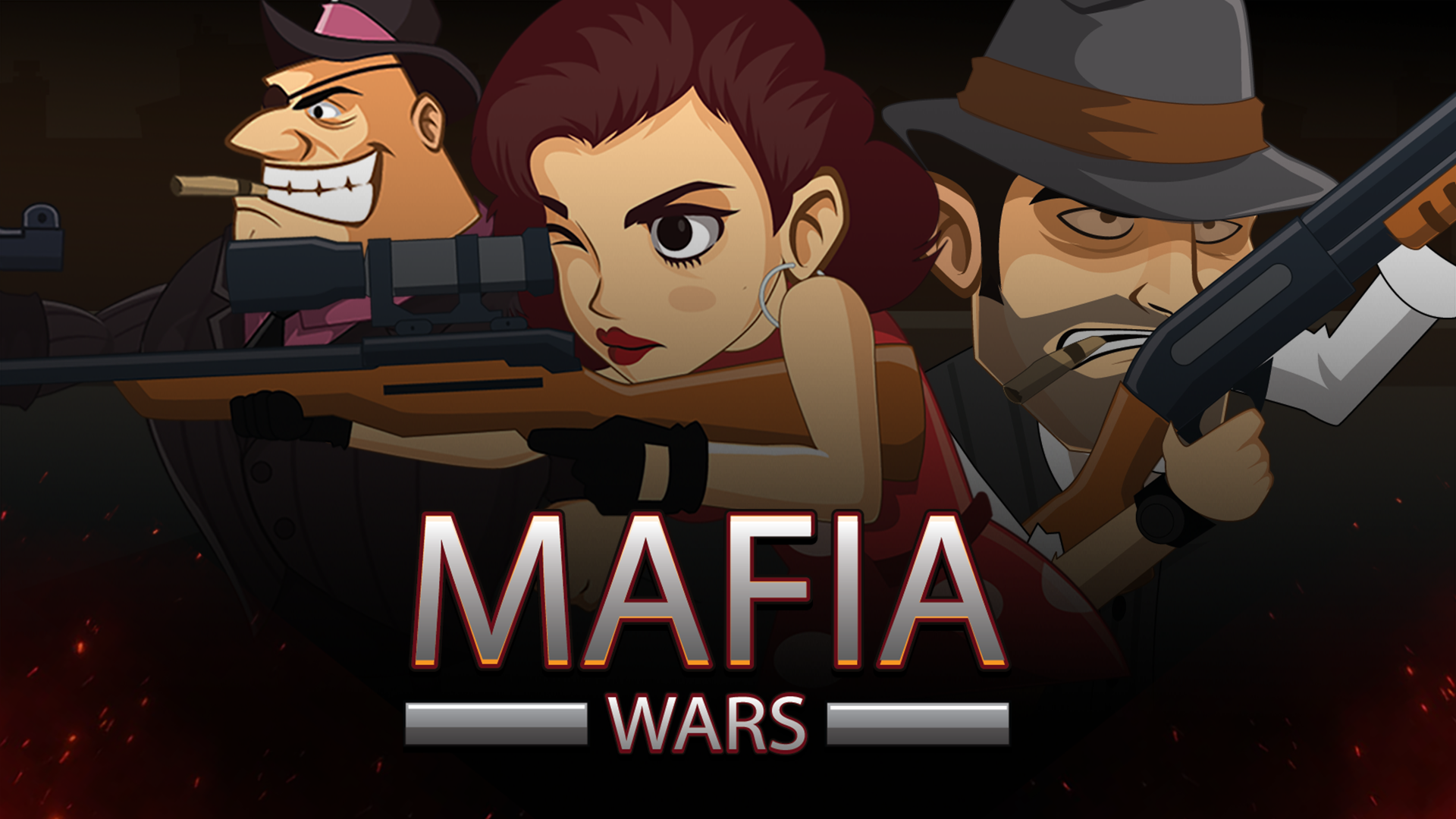
The genre also includes top-down arena formats and hybrid mechanics designed for 1v1 or multi-enemy encounters. In Brawl Simulator 3D, you navigate a 3D environment to aim and shoot at enemies while collecting prizes. Draw Joust! introduces a creative element where you must draw a vehicle structure before entering the jousting arena. For players interested in progression alongside combat, Knight Legend combines fighting with equipment upgrades, while Mafia Wars incorporates shooting mechanics where you tap to direct your cowboy's fire against mafia bosses. Games like Super Smash Bros. also exemplify arena-based combat, focusing on knocking opponents off the stage rather than depleting a health bar.
Iconic Fighting Game Characters and Developers
The fighting game genre is rich with memorable characters and influential developers. Characters such as Ryu from Street Fighter, Scorpion from Mortal Kombat, and Kazuya Mishima from Tekken are instantly recognizable. Developers like Capcom, NetherRealm Studios, and Bandai Namco have consistently pushed the boundaries of fighting game design, while Nintendo has made significant contributions with its unique approach to the genre.
Features of Fighting Games
- Diverse Combat Styles: Engage in hand-to-hand brawls, weapon duels, or ranged combat mechanics.
- Physics Systems: Utilize ragdoll mechanics and momentum to control your strikes and defend against attacks.
- Arena Environments: Navigate 2D stages or 3D arenas to gain a positional advantage over your opponent.
- Progression Mechanics: Upgrade your character's armor, weapons, and abilities between matches to defeat stronger enemies.
- Multiplayer Options: Compete against the computer or challenge other players in local and online modes.
FAQ
What are the most popular Fighting?
These fighting titles have accumulated the highest player ratings and engagement across our platform.
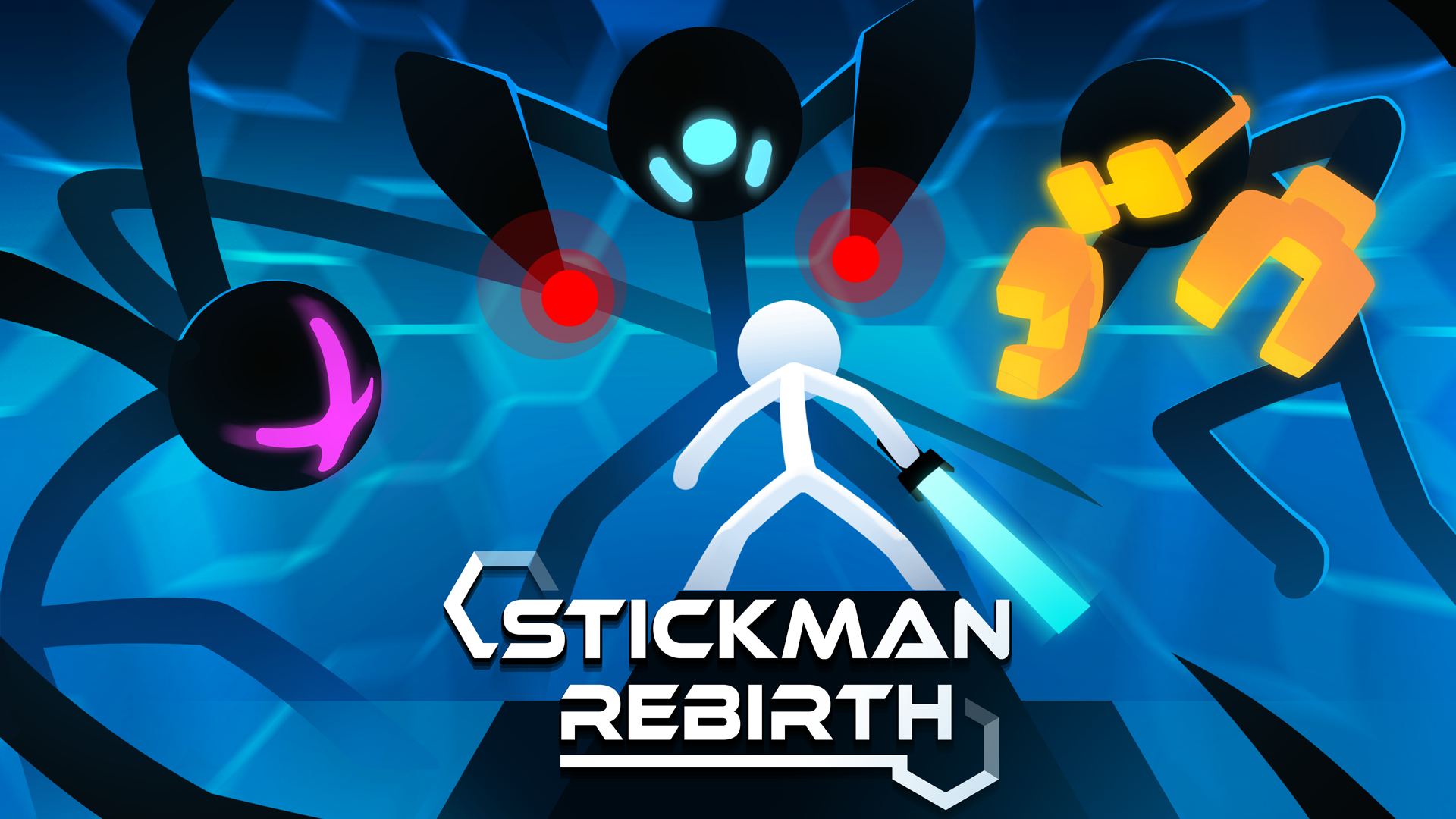
- Stickman Rebirth
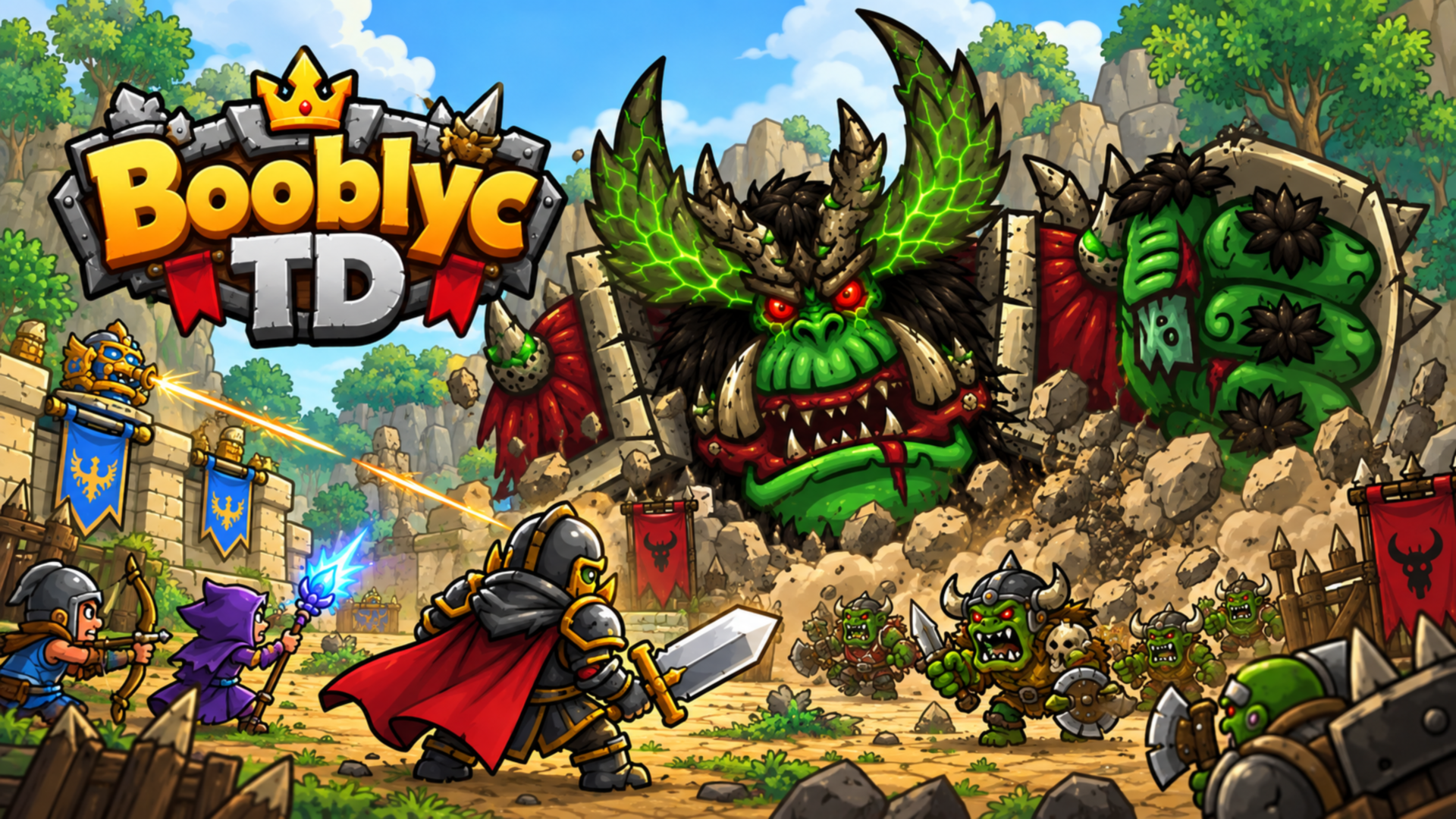
- Booblyc TD: Card Tower Defense
- Epic Sword Battle! Fight in the Ragdoll Arena!
- Stickman Kombat 2D
- Block Zero
- Army Evolution: Merge & Tactics
- Mine Fight! Cut Mob Army!
- Ragdoll Duel: Sword Fight
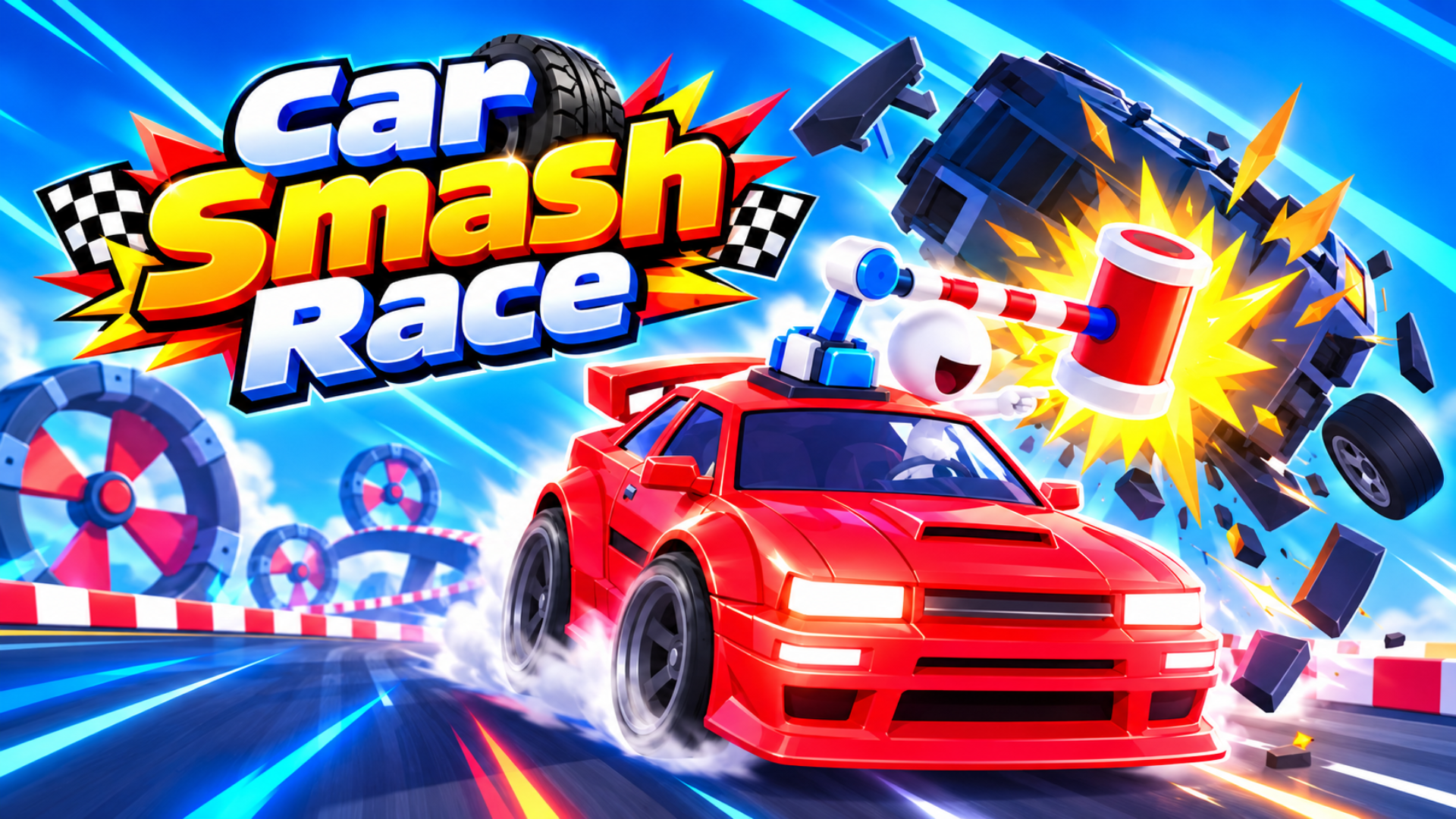
- Car Smash Race
- Age Arena
What are the best Fighting for mobile?
You can play these touch-optimized fighting games directly on your smartphone or tablet browser.