























Robbie: The Magic Tycoon










About Robbie: The Magic Tycoon: Build a Magic Factory and Duel Other Mages
Robbie: The Magic Tycoon drops you into a world of magic where the goal is to build and grow your own magic factory. Earn resources, spend your money on various magic items, upgrade your building, and unlock new magical gear as your operation expands. Beyond the factory-building side, the game opens up into competitive mage duels and a set of challenges that reward you for winning.
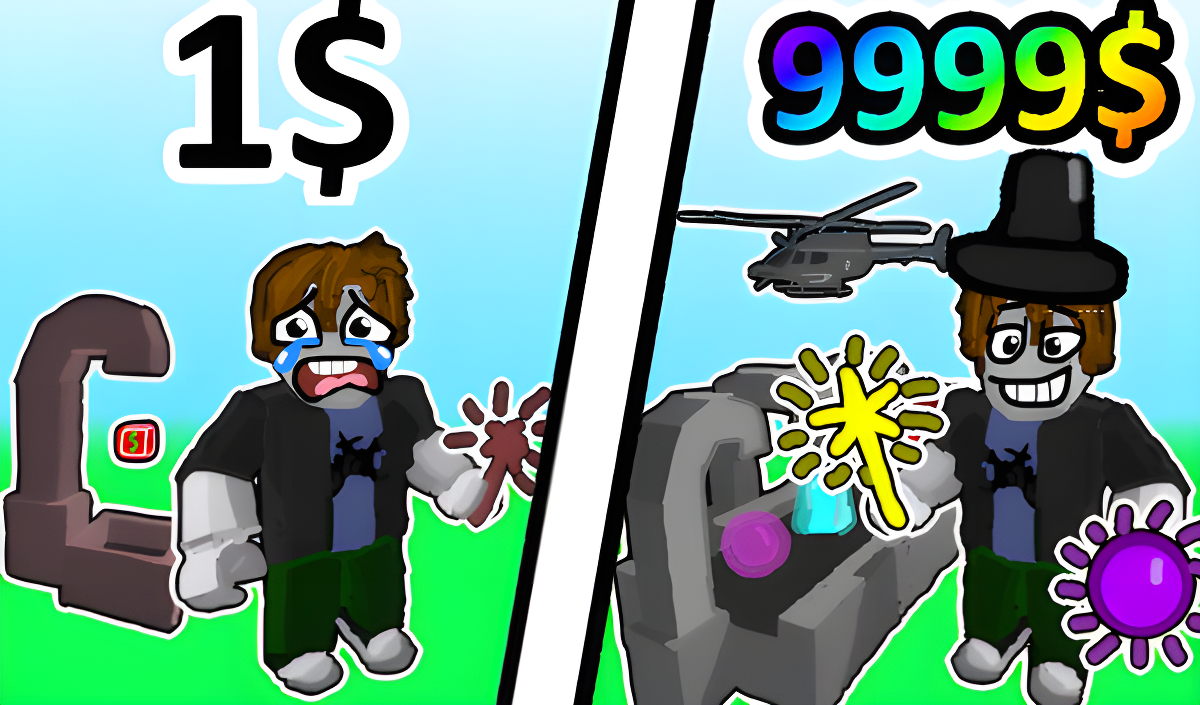
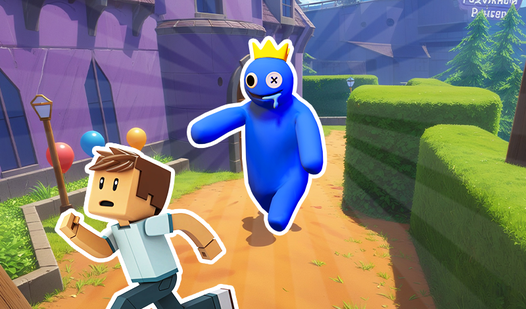
One scene shows a glowing green liquid in a flask, a textured brown sphere, and a purple orb resting on a black moving surface. In another moment, small cubes in teal, orange, blue, and red travel along a dark platform beneath gray arched structures. A player-character appears wearing a blue crown with a yellow jewel.
The game suits both players who prefer a relaxed tycoon pace and those drawn to competitive duels and challenges — the description puts it plainly: everyone will find something different in this world.
How to Play Robbie: The Magic Tycoon: Earn, Upgrade, and Fight
Start by earning resources and using the money you collect to buy magic items and upgrade your building. As your factory grows, new magic items become available to unlock. Alongside the tycoon loop, fight other mages in epic duels by using your abilities, upgrading your arsenal of magical skills, and unlocking new abilities to find new ways to beat opponents. The game also presents challenges — complete them to earn valuable rewards.
Controls
PC Controls
- WASD: Character movement
- Space: Jump
- Right mouse button: Rotate the camera
- Mouse wheel: Zoom in and out
- C: Fixing the camera
- Numbers 1, 2, 3, 4, 5, 6, 7, 8, 9, 0: Select an item in the inventory
- F or mouse buttons: Interact with items
- I: Open inventory
Mobile Controls
- UI buttons: Control
- Joystick: Character movement
Games You Might Like
If the obby side of Robbie: The Magic Tycoon appeals to you, the broader Obby games category is packed with obstacle-course adventures worth exploring. Obby: Mini-Games brings competitive multi-mode action — parkour, colorful floor, glass bridge, and falling tiles — that matches the challenge-and-win spirit here. For more tower-climbing and resource-collecting in a Roblox-style world, Robby: Climb and Jump Tower lets you ascend with wings and pets while stacking up coins. Obby Parkour: Tower of Hell delivers giant maps, multiple modes, and unlockable skins for players who want a stiff obstacle challenge. Build and Jump: Aura Obby Tower combines block-building with gold-earning tower runs, echoing the build-and-upgrade loop at the heart of this game.
Browse the full Arcade games collection for fast-action titles, or check out Kids games for more colorful, accessible picks in the same spirit.
Video