







Obby: Paint Your Keyboard!




About Obby: Paint Your Keyboard!
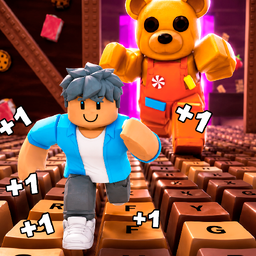
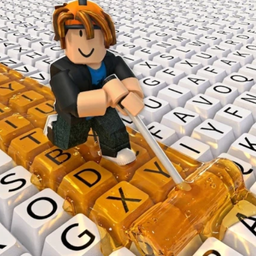
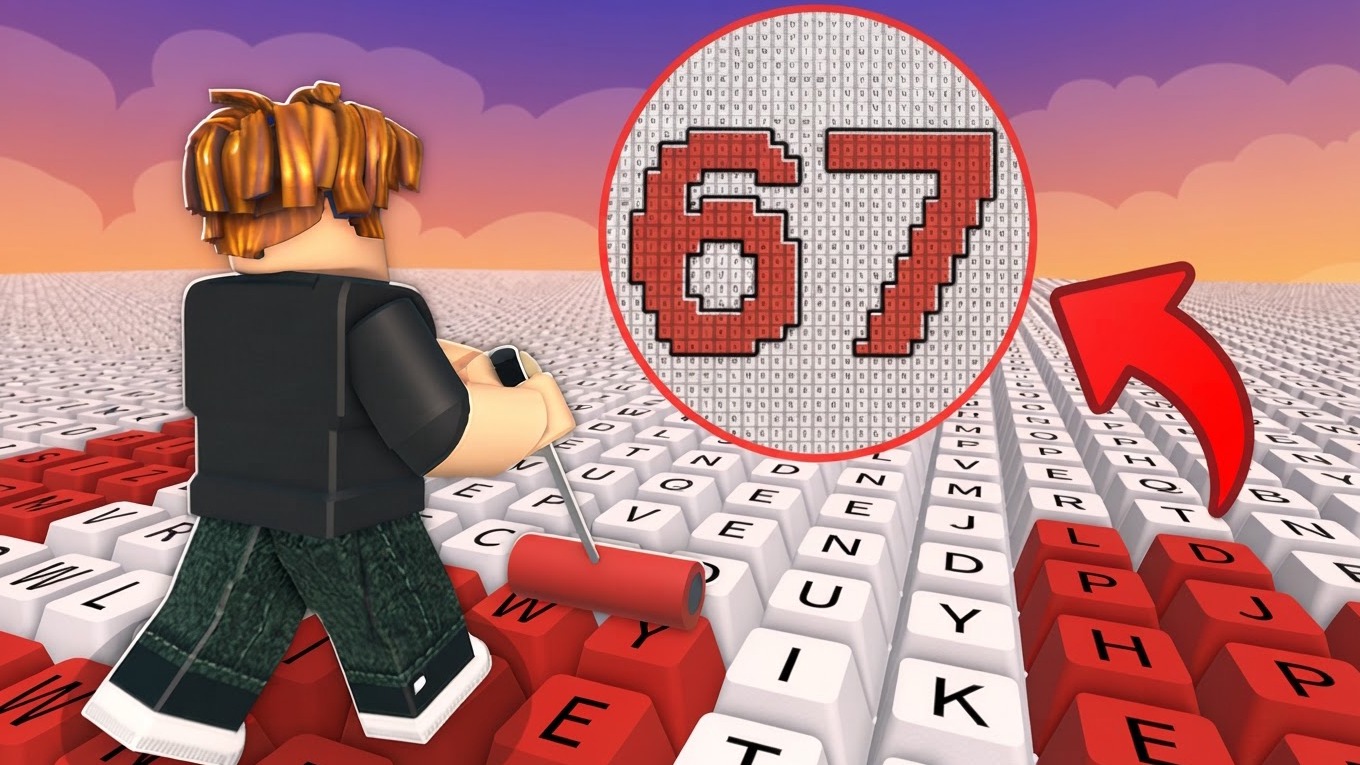
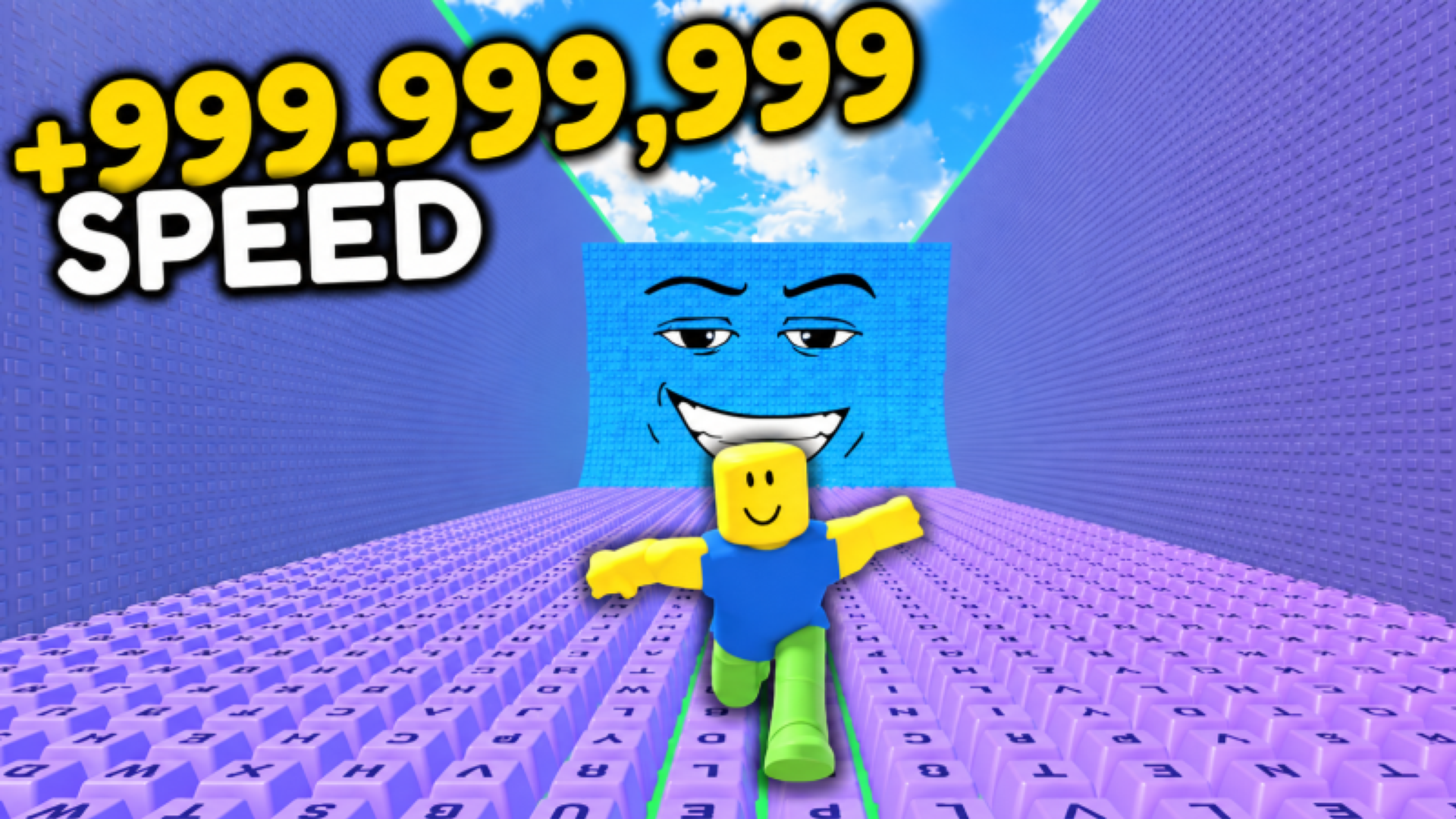
Obby: Paint Your Keyboard! puts you in charge of a roller on a giant keyboard, painting keys to claim territory and rack up in-game currency with every stroke. The goal is straightforward and satisfying: cover every last key in color, grow your base, and outpaint everyone else on the leaderboard. The game runs in clean 3D graphics, and one scene shows yellow rubber duck figures perched on top of purple-textured block structures.
How to Play Obby: Paint Your Keyboard! — Paint Keys, Earn Currency, Expand
Move your character across the keyboard and paint keys to generate in-game currency. Each painted key adds to your income, so the more ground you cover, the faster your earnings grow. Save up coins to purchase new plots and push your keyboard to an unbelievable size. Hire workers to paint keys automatically and keep currency flowing even when you step away. Upgrade your character and equipment to move faster and paint more efficiently. Compete on the leaderboards for the top spots in keys painted and total score.
Paints
- Honey
- Galactic
- Lava
Each new paint type massively increases your income compared to the previous one.
Progression and Economy
- Workers: Hired helpers that automatically paint keys and deliver in-game currency.
- Upgrades: Improve your character and equipment to run faster, paint more efficiently, and earn significantly more.
- Expansion: Save coins, buy new plots, and grow your keyboard to a larger size.
Controls
PC
- WASD: Character movement
- Space: Jump
- Right mouse button: Camera rotation
- Mouse wheel: Camera zoom in/out
- Hold E: Interact with objects
Mobile
- Left joystick: Character movement
- Invisible panel on the right: Camera rotation
- On-screen buttons: Jump, interact, and other actions
Games You Might Like
If keyboard-based obby games are your thing, the Obby games collection on Playgama is packed with obstacle courses worth exploring. +1 Speed Keyboard Escape: Obby shares the keyboard setting and adds leaderboard racing, rebirths, and trail unlocks for a different competitive angle. For a keyboard world with a speed-and-cars twist, Obby: Supercar Race on Keyboard has you collecting supercars, clearing stages, and using a rebirth system to push your speed further. If colorful casual progression with pets and leaderboards appeals to you, Bubble Gum Simulator delivers bubble-inflating, island-hopping, and pet-collecting in a similarly bright arcade style. More casual and arcade titles are waiting in the Arcade games category for when you want to branch out.
Video