



About Obby: Be a Lucky Block!
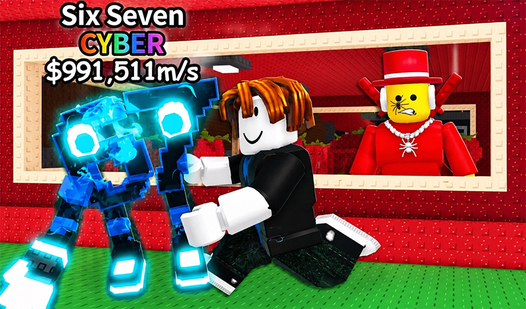
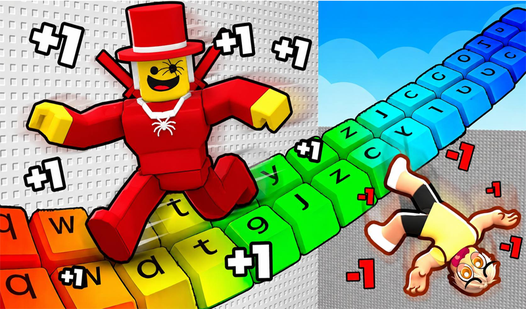
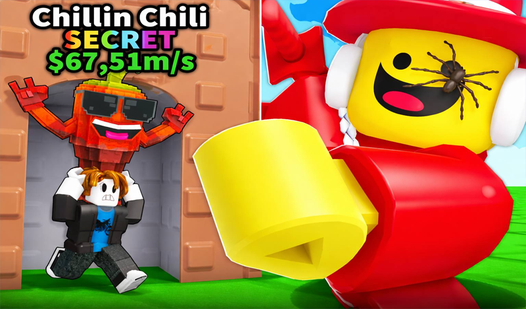
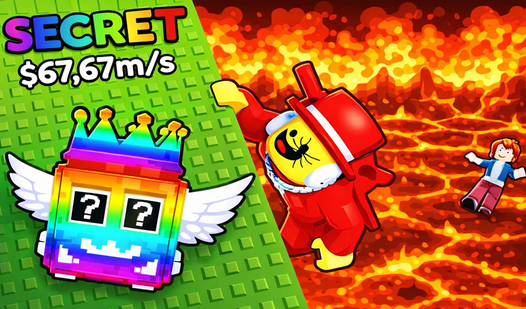
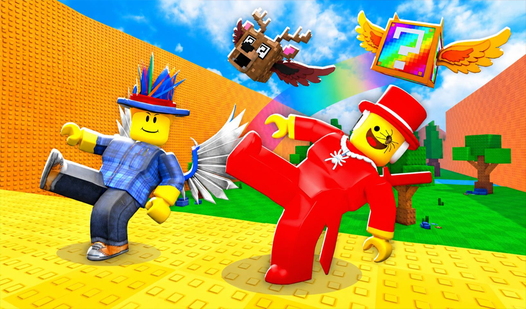
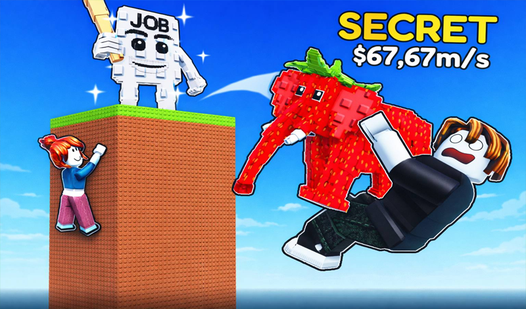
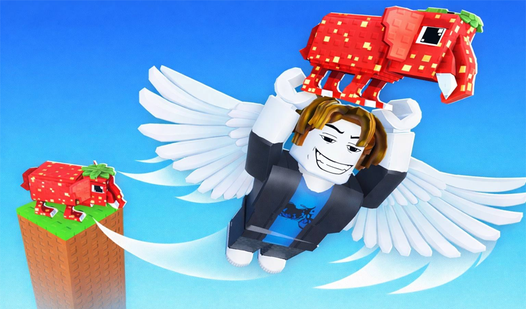
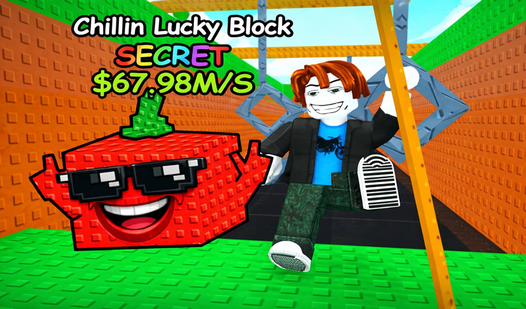
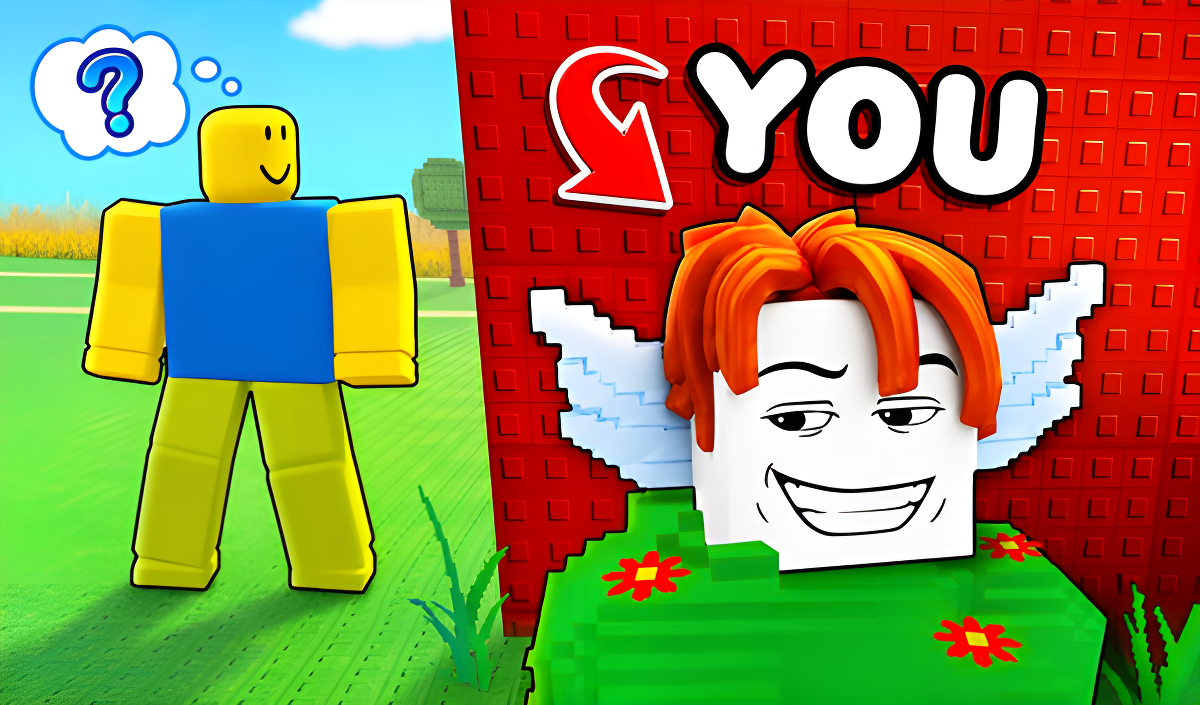
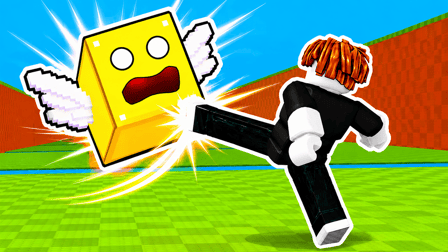
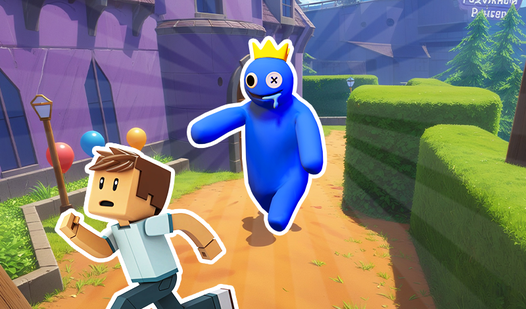
Obby: Be a Lucky Block! puts you in the role of a lucky block trying to break free from the grip of Brainroth. The premise leans hard into meme-game energy — you are not chasing the brainrot, you are one, and the whole run is about getting out. Several scenes show a character in a red hat and red suit wearing a silver chain with a spider pendant. Green and white rectangular tiles appear across a purple, stud-textured floor in multiple views of the game.
How to Play Obby: Be a Lucky Block! — Upgrade, Rebirth, Conquer
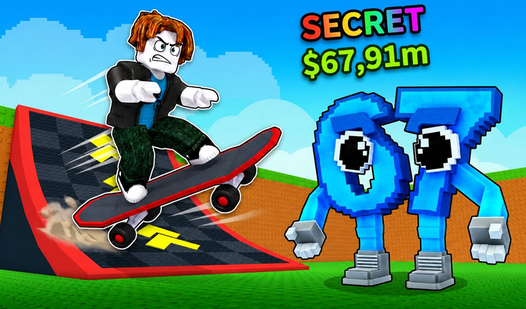
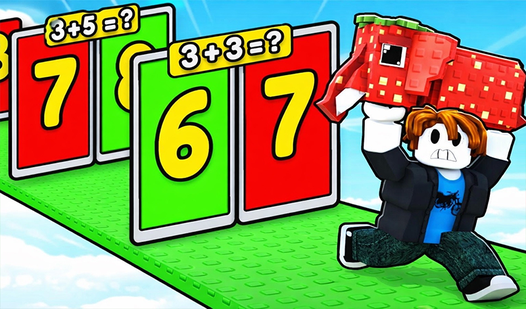
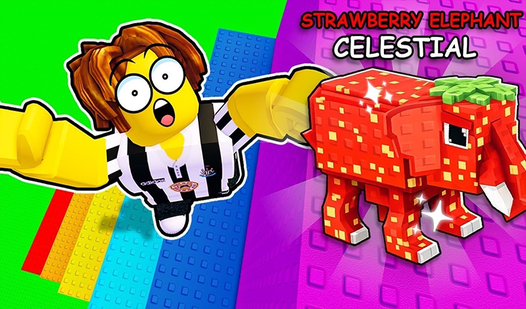
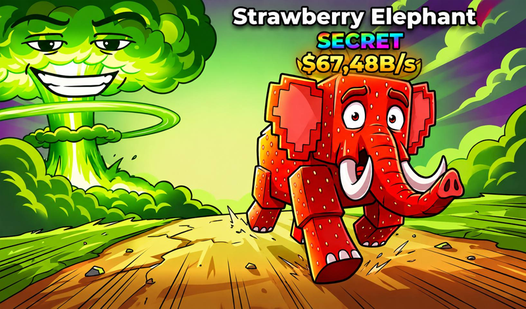
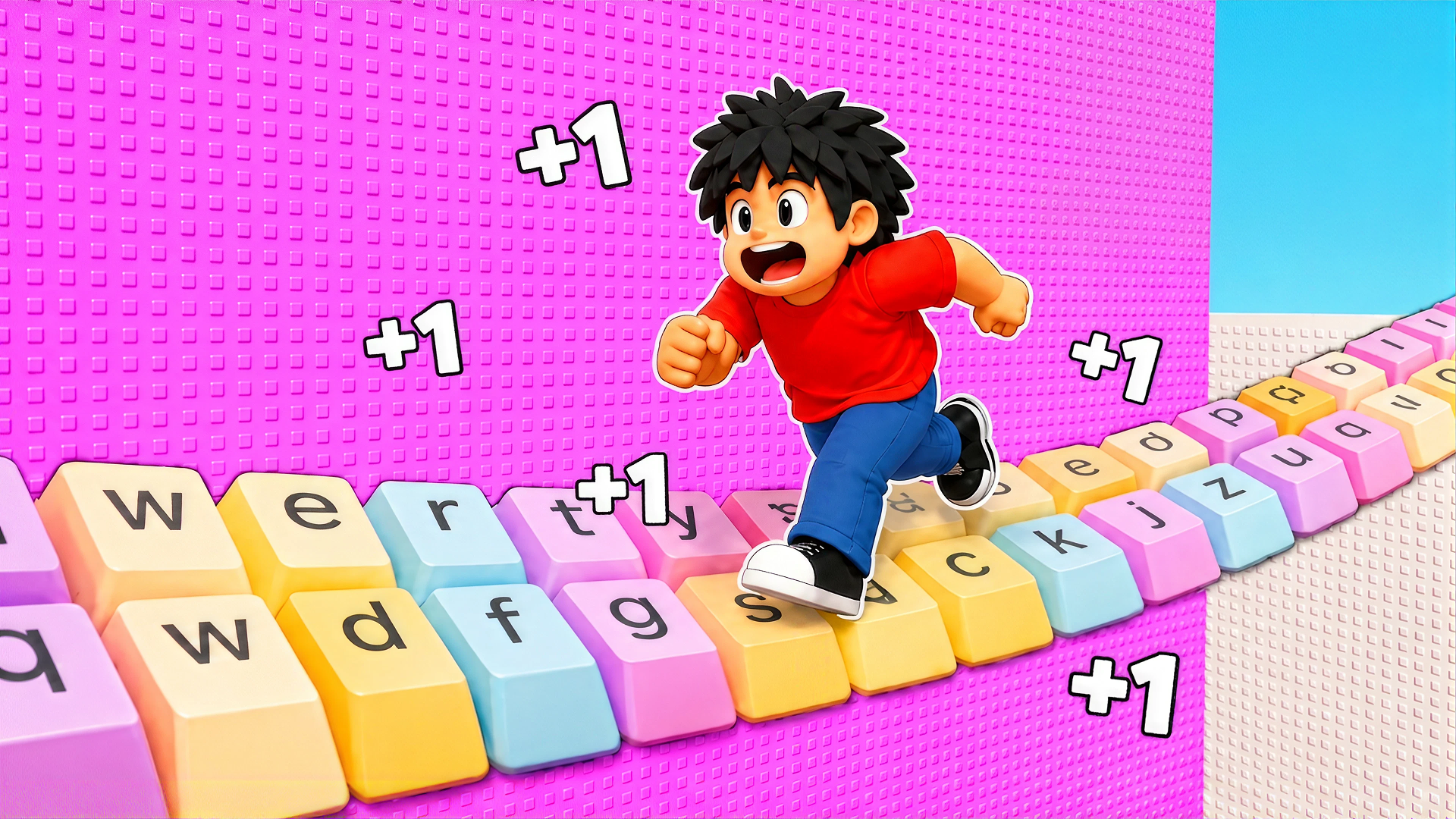
The core loop revolves around three escalating goals: boost your speed to move around the map further, buy new lucky blocks to collect cool brainrots, and perform rebirths to unlock new floors of the base. Climbing the leaderboard against top players is the long-term target.
Controls
- WASD: Movement
- Space: Jump
- U: Bag
- R: Into the bag
- PCM (right mouse button): Camera rotation
Games You Might Like
If the lucky block loop keeps you hooked, Lucky Brainrot Blocks Online expands the formula with multi-zone exploration, brainrot collection, and escalating risk the deeper you push. For a wave-survival spin on the same theme, Escape Waves for Lucky Blocks has you collecting lucky blocks across the map while surviving relentless incoming waves and building up a brainrot base.
Speed upgrades are central to Obby: Be a Lucky Block!, and Speed per Click: Obby takes that obsession further with a clicker-driven speed simulator built around parkour tracks, a rebirth system, and pets that multiply your speed per click. Browse the full Obby games collection for more obstacle-course adventures, or check out the wider Boys games category for action-packed picks across every style.
Video