

MineClick! Clicker on the movie!
MineClick! Clicker on the movie! - Play Online
If you ever thought Minecraft needed less crafting and more mindless clicking, here's your game. MineClick! Clicker on the movie! is a browser-based idle clicker that borrows heavily from the Minecraft aesthetic—sand blocks, stone textures, crafting benches—and wraps it around the classic "click to earn currency" loop. Your goal? Click on blocks to collect cake currency (yes, cakes), buy upgrades like wooden cursors and ovens, and watch your passive income climb while the numbers get bigger. It's an endless grind dressed in familiar blocky pixels, aimed squarely at casual players, kids, and anyone who finds comfort in watching digits rise.
Key Features
- Minecraft-Style Aesthetic: Familiar voxel textures and crafting-themed upgrades make it instantly recognizable.
- Idle Progression: Buy passive generators like workbenches and ovens that earn currency while you're AFK.
- Ad-Boosted Rewards: Watch a video ad to double your balance temporarily—classic mobile monetization.
- Endless Upgrade Path: Level up your evolution tier and unlock progressively expensive tools with no defined endpoint.
How to Play MineClick! Clicker on the movie!
Getting started is as simple as it gets, but mastering the upgrade economy takes patience and a lot of clicking.
Start Clicking the Blocks
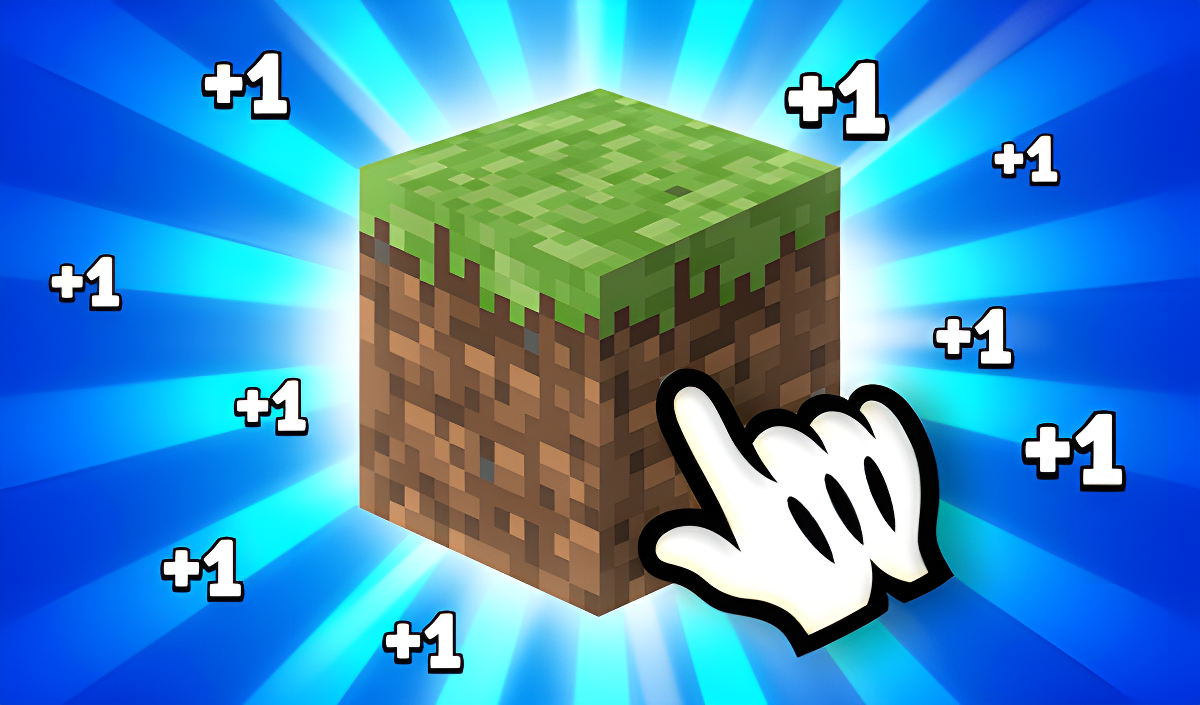
You click on the center block—sand, stone, whatever's showing—to generate cake currency. Every click drops a few cakes, and you'll see floating numbers pop up to confirm your earnings. Early on, you're doing all the work manually. The more you click, the faster you accumulate enough cakes to buy your first upgrades. On desktop, it's just left-click spam. On mobile, tap until your thumb hurts.
Buy Upgrades to Automate
Once you've scraped together enough cakes, head to the shop sidebar on the right. Your first purchases should be a workbench and a wooden cursor—the workbench generates passive income per second, and the cursor boosts how much you earn per click. As you progress, you unlock ovens, stone cursors, and other generators. Each purchase raises the cost of the next tier, forcing you into that classic idle game rhythm: grind, buy, wait, repeat. The "x2 balance" ad button sits at the top-left, tempting you to double your stash if you're willing to sit through a video.
Evolve and Push Higher Numbers
There's a progress bar labeled "Level 2" at the top that fills as you earn. Leveling up doesn't radically change the gameplay, but it unlocks higher-tier upgrades and keeps the progression treadmill moving. There's no final boss or ending—just bigger numbers and fancier-sounding tools. If you're into watching wealth accumulate with minimal effort, this is your endgame.
Who is MineClick! Clicker on the movie! for?
This is squarely aimed at casual players, kids, and teens who want something brainless to poke at during downtime. If you're a Minecraft fan who enjoys clicker games like Cookie Clicker, the visual familiarity might hook you for a session or two. It's also perfect for bored students on a school Chromebook—it runs in-browser, requires zero skill, and you can leave it running in a tab while doing homework. Hardcore gamers will bounce off this immediately; there's no challenge, no strategy, just patience and clicking stamina.
The Gameplay Vibe
It's meditative in the worst way—there's no real depth, just the gentle dopamine drip of watching numbers tick upward. The pixel art is extremely basic, with flat textures that look lifted straight from a Minecraft clone asset pack. The UI is functional but uninspired: rounded rectangles, stock pixel fonts, and a rigid layout that screams "mobile port." There's background music, but it's forgettable and loops endlessly. Audio cues for clicks and purchases are minimal. Visually and sonically, it's the bare minimum to keep the loop going. If you're looking for something to zone out to while listening to a podcast, it fits the bill. If you want actual gameplay, look elsewhere.
Technical Check: Saves & Performance
The game saves your progress automatically using browser cache, so as long as you don't clear your history or switch browsers, you'll pick up where you left off. Performance-wise, it's lightweight—built in Unity for web, it runs smoothly even on older laptops or cheap tablets. I didn't encounter any lag, and the mobile version adapts well to touch controls. Just be aware that the ad button is positioned exactly where you might accidentally tap it, which feels intentional.
Quick Verdict: Pros & Cons
MineClick! is a shameless clicker clone wrapped in Minecraft's visual skin—it does the job if you need a mindless distraction, but it brings nothing new to the table.
- ✅ Pro: Instant access—no downloads, no login, just click and go.
- ✅ Pro: Runs on anything with a browser, from potato PCs to phones.
- ❌ Con: Zero originality—it's a blatant asset flip with the most basic clicker mechanics imaginable.
Controls
Responsive enough for what it is—clicking registers instantly, and the shop buttons are big enough to avoid misclicks (except for that ad button, of course).
- Desktop: Left-click to mine, navigate shop with mouse.
- Mobile: Tap the center block to earn, tap shop icons to purchase.
Release Date & Developer
Developed by SvetikGames and released on June 18, 2025. It's a browser-first title designed for casual play across desktop and mobile platforms.