

























Build an Island!










About Build an Island!: A Relaxing Island-Building Adventure
Build an Island! puts you in charge of your own private island, built entirely from the ground up on your terms. Starting with nothing but open land, you clear towering trees and weathered stones, turning raw materials into the foundation of something entirely your own. The game frames itself as a journey of creation rather than competition—a relaxing adventure where building is everything.
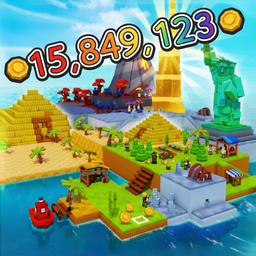
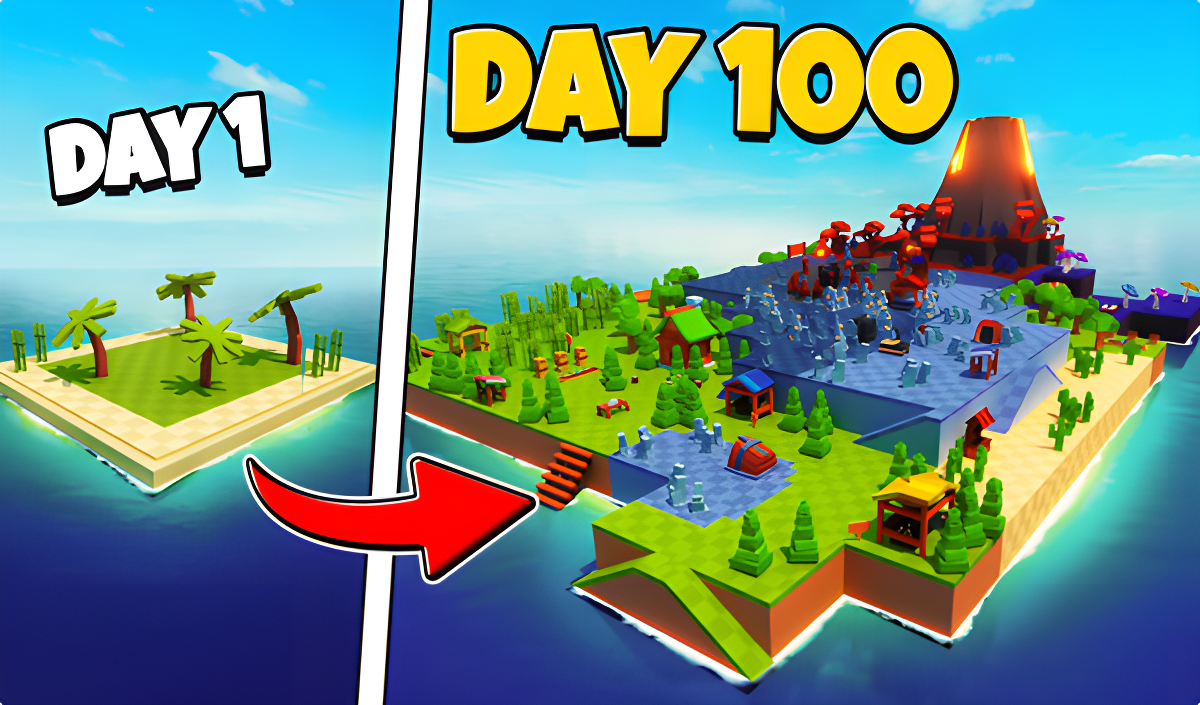
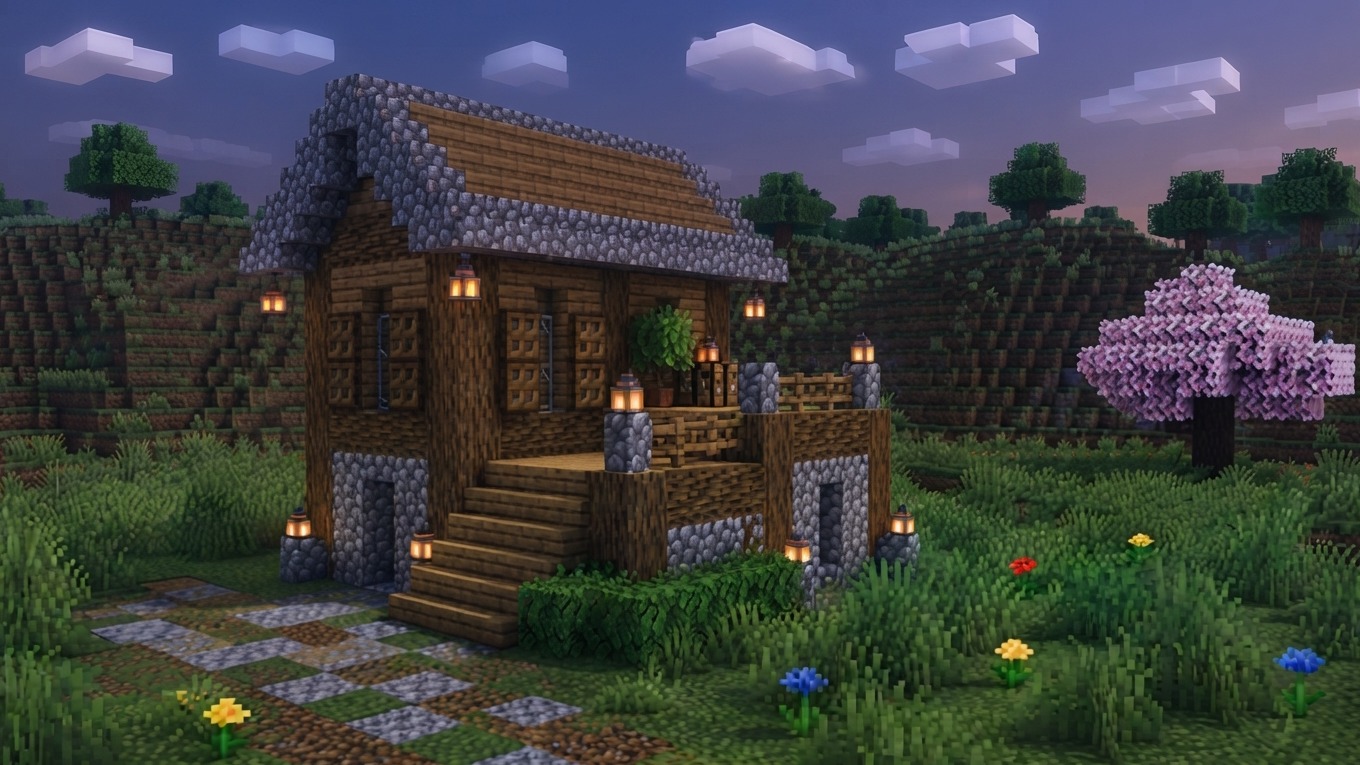
As the island grows, so does its life. A first farm takes shape in the fields, trade routes open up, and a crew of hired helpers takes over the day-to-day work so you are able to focus on the next big project. Several scenes show the island filling with structures, greenery, and activity as choices accumulate over time.
How to Play Build an Island!
The loop begins with clearing space—chopping trees and breaking stones to gather materials. From there, construct a farm, sow the fields, and harvest crops to sell. Reinvest that money into new structures and expand your territory. Hiring helpers frees you from routine tasks, letting you plan larger projects. To unlock new areas, stand on the white square while carrying the required resources. Planting works by selecting an item in the inventory and clicking on a garden bed.
Controls
PC Controls
- WASD keys: Move character
- Spacebar: Jump
- Hold Right Mouse Button: Camera control
- Left Mouse Button: Interact with the interface and world
- Mouse wheel: Zoom camera in/out
- Number keys: Switch items in inventory
- E key: Talk or interact with environment
Smartphone Controls
- Left stick: Move character
- Right button with arrow: Jump
- Hold finger on screen: Control the camera
- Tap the buttons: Interact with the interface and the world
- Item button (right side): Use items
Games You Might Like
If the building and resource loop in Build an Island! appeals to you, Build an Aquapark offers a similar buy-and-construct rhythm as you piece together wild water slides from purchasable parts. Fans of farm-and-collect gameplay will find plenty to enjoy in Obby: Grow a Garden Brainrot, where unlocking characters and expanding territory drives the loop forward. For something with a strong progression climb, Get Tall And Fall sends you through locations and worlds as you grow bigger with food, pets, and potions. Robby: Climb and Jump Tower keeps the coin-collecting and upward-progress energy going with towers, pets, and speedy wings.
Browse the full Obby games collection for more obstacle and adventure titles, or explore the wider Simulation games category for games that share Build an Island!'s relaxed, build-at-your-own-pace spirit.
Video