























Wooden 100 Block Puzzle
Wooden 100 Block Puzzle - Play Online

If you've ever played those endless block puzzle games on your phone while waiting in line, you already know this formula. Wooden 100 Block Puzzle is a straightforward brain teaser where you drag Tetris-style shapes onto a 10x10 grid, clearing rows and columns to rack up points. It's pure logic—no timers, no pressure—just you, a wooden board, and the satisfying click of lines vanishing. Perfect for killing time or keeping your mind sharp during a coffee break.

Key Features
- Classic 10x10 Grid: The standard layout that's easy to learn but tricky to master as the board fills up.
- No Time Limits: Take as long as you need to plan your next move—this is strategy, not speed.
- Browser-Based Play: Runs directly in your browser with no downloads, works on older laptops and tablets.
- Endless Scoring: Keep playing until you literally run out of space—compete against your own high score.
How to Play Wooden 100 Block Puzzle

The rules are dead simple to understand, but you'll need sharp spatial thinking to survive past 10,000 points.
Drag and Drop Your Blocks
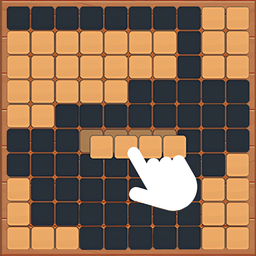
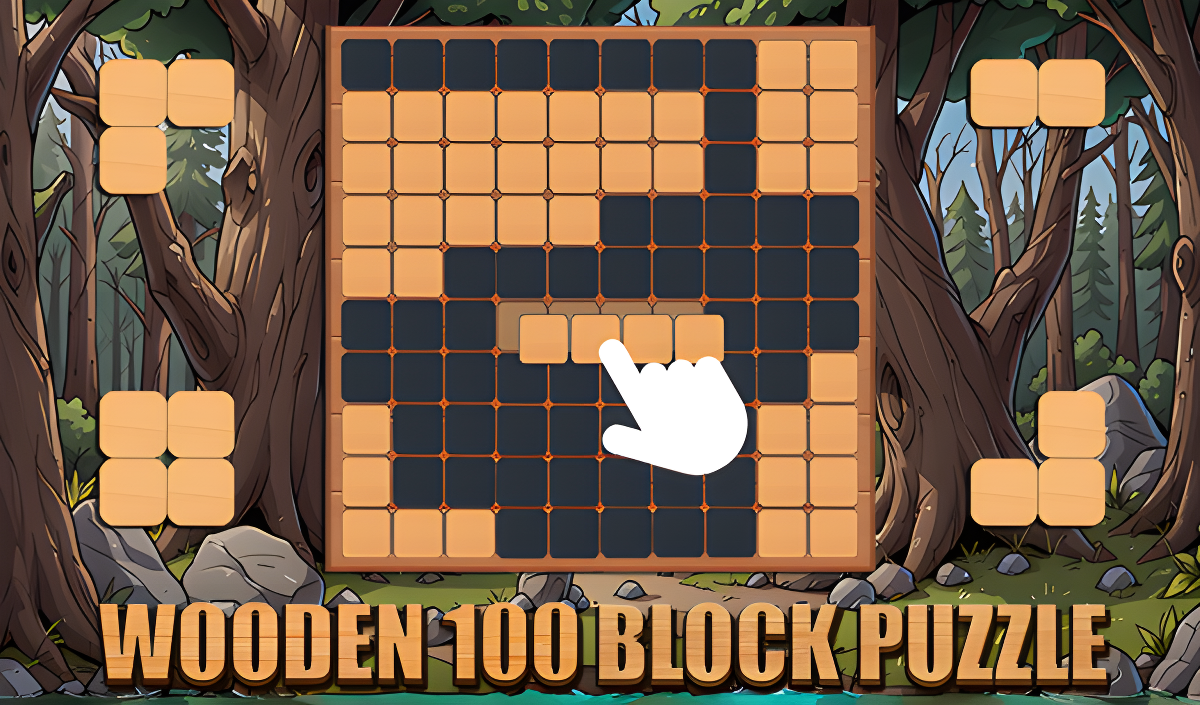
You get three random shapes at the bottom of the screen—bars, L-shapes, squares, and other Tetris-like pieces. Click and drag them onto any empty spot on the grid. Unlike Tetris, these blocks don't fall or rotate—you place them exactly where you drop them. The challenge is finding the right spot before the board gets too crowded.
Clear Lines to Stay Alive
Fill an entire row or column with blocks, and it disappears instantly, giving you breathing room and points. You can even clear multiple lines at once for bigger combos. The game ends when none of your three available pieces can fit anywhere on the board—so you're constantly weighing short-term placement versus long-term survival.
Chase Your High Score
There's no "winning" here—just an endless grind to beat your previous best. The score counter ticks up with every cleared line, and you'll find yourself restarting over and over, trying to optimize your strategy. The game tracks your top score with a little trophy icon, so you always know what you're aiming for.
Who is Wooden 100 Block Puzzle for?

This is built for casual players who want something low-stress and repeatable. If you're the type who plays Sudoku on the train or keeps a Rubik's Cube on your desk, this hits that same itch. It's great for kids learning spatial reasoning, and also perfect for older folks who just want a brain workout without flashy distractions. No violence, no chaos—just clean logic puzzles.
The Gameplay Vibe
Honestly, it's as chill as puzzle games get. There's no music during gameplay (at least not anything memorable), just the quiet satisfaction of placing blocks and watching lines vanish. The visuals are basic—flat wooden textures on the grid, colorful blocks with zero shading, and a random forest background that doesn't really connect to anything. It's not ugly, but it's not trying to impress you either. This is a "play while listening to a podcast" kind of game. The meditative loop of dragging, placing, and clearing is weirdly addictive once you get into the rhythm.
Technical Check: Saves & Performance
The game saves your high score automatically using your browser's local storage, so you won't lose progress unless you clear your cache or switch devices. Performance-wise, this runs on anything—it's a lightweight Unity build with minimal graphics, so even a five-year-old laptop will handle it fine. I didn't notice any lag or stuttering, even after playing for 20 minutes straight. It scales well to mobile screens, though dragging blocks with your finger can feel a little less precise than using a mouse.
Quick Verdict: Pros & Cons
A solid time-killer that does exactly what it promises—no more, no less.
- ✅ Pro: Zero stress—you can think through every move at your own pace.
- ✅ Pro: Instant to load and play, no tutorials or forced menus.
- ❌ Con: The visuals are generic and forgettable—this looks like a thousand other block puzzle clones.
Controls
Responsive and simple, though mobile dragging can occasionally feel imprecise if your finger covers the block.
- Desktop: Click and drag blocks with your mouse to place them on the grid.
- Mobile: Tap and drag with your finger—works on phones and tablets.
Release Date & Developer
Developed by Game-xl and released on January 1, 2023. It's a straightforward browser game built for casual puzzle fans.