


























Fiorella - Flower Shop










About Fiorella - Flower Shop: Cozy Flower Growing, Bouquet Building, and Shop Decorating
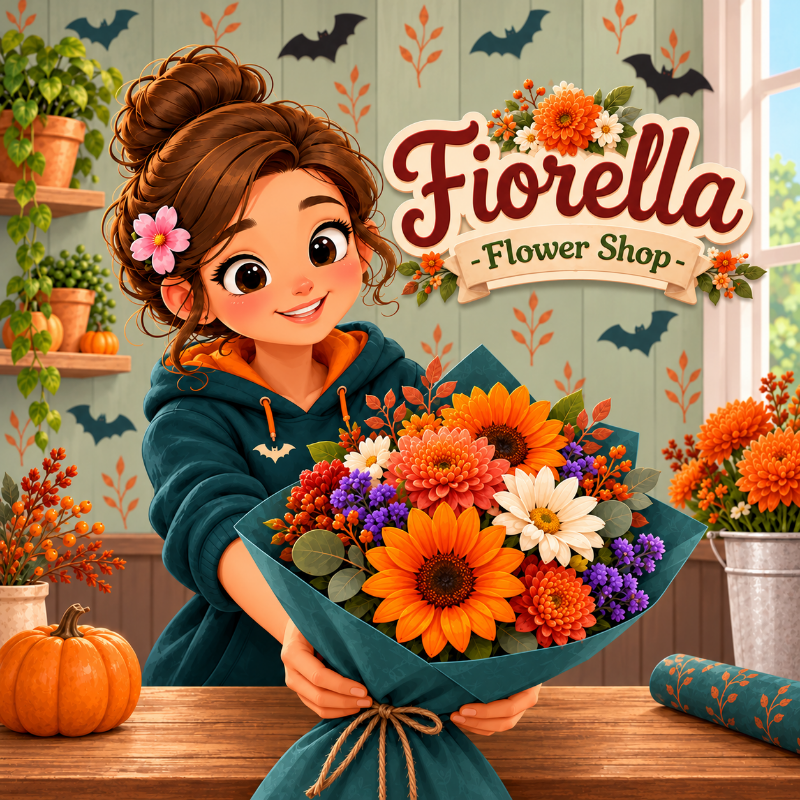
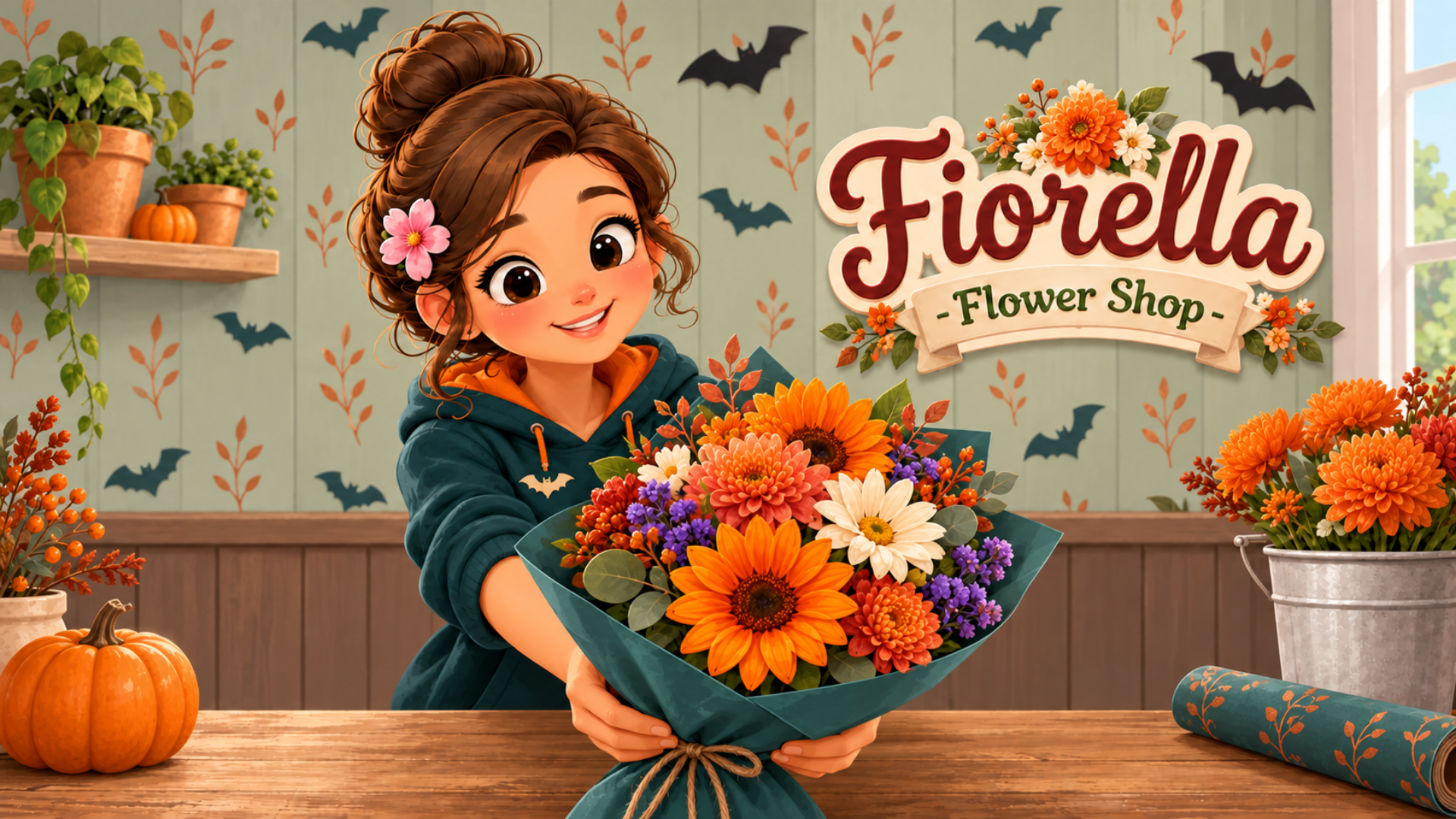
Fiorella - Flower Shop is a calm, casual management game about running your own flower shop — growing blooms from seed, hand-crafting bouquets, and building up the business at your own pace. Seeds go into pots, pots get watered, and flowers grow in real time even while you are away, with idle progress and no timers to beat. Nothing ever wilts.
A row of light bulbs hangs on a black string against a green and white striped wall in several scenes. Several potted plants and ceramic containers, including one with a rainbow, sit on a white tiered shelf and the floor across multiple views. A grey and white cat sits on a small rug next to a tall reddish-brown vase and a wooden toy robot in one scene.
Beyond the greenhouse and workbench, the shop itself is yours to shape — floors, walls, windows, lamps, rugs, statuettes, and more. A mirror lets you dress your florist in everything from a work apron to a princess dress, adjusting skin, hair, eyes, brows, cheeks, hairpins, and outfits. Photograph your best bouquets for the shop page to attract followers and bring in new orders. Funny, gentle, and built for girls, kids, and anyone who enjoys decoration and dress-up alongside their management loop.
How to Play Fiorella - Flower Shop: Grow, Arrange, Sell, and Decorate
Start by planting seeds in pots, watering them, and waiting for flowers to bloom in real time. Once a flower is ripe, cut it and carry it to the workbench. There, build the bouquet yourself: place every stem, add greenery, wrap it in paper. Each order is a small puzzle — match the flowers it asks for exactly, hand it over, and get paid. The money feeds back into the business: more pots, rarer species, and shop upgrades. Photograph finished bouquets for the shop page to grow your following and draw in new orders.
Controls
Desktop Controls
- Left Mouse Button: does everything — click a thing in the room to work at it (the back half of the room opens the greenhouse, the table opens the bouquet bench, the book on the table opens orders, the phone opens your shop page), pick a tool from the bottom bar, buy from the catalog cards, press buttons
- Click and Hold: water a pot with the watering can, cut a ripe flower with the shears — a ring fills while you hold; let go early and nothing is spent
- Click, then Click: take a pot or a flower with one click and set it down with the next — a pot onto a highlighted spot, a flower into the bouquet ring; dragging it there in one motion does the same thing
- Click and Drag: pull the tie across a bouquet to tighten or loosen the ring, pull a paper corner to the mouth to fold the wrap, move a wrapped bouquet up and down inside its wrapping, carry furniture and decor around the room, drag any long list to scroll it
- Press and Move Up/Down on a flower already in the bouquet: change how deep it sits
- Mouse Wheel: scroll the bottom bar, the catalogs, and the phone feed
- Arrow Keys or WASD: step between stations in the room and along lists; Enter presses the focused button; Space clicks wherever the pointer is
- Esc or Backspace: close a popup, leave a station back to the room, leave the room to the shelf of shops
- Top Right Corner: gear — sound, music, volume, and language; roller — redecorating; the florist's face — the mirror; door — out to the shelf
- Bottom Bar: × leaves back to the room, ✓ confirms the step, ← steps one back
Mobile Controls
- Tap: same as a click — open a station, take a tool, plant a seed, place a pot, put a flower in the bouquet, choose a card, press a button
- Touch and Hold: water and cut — hold until the ring closes
- Drag: fold the paper corners, pull the tie, move decor, and drag up or down on a flower in the bouquet to set its depth
- Swipe: scroll the bottom bar, the catalogs, and the phone feed
- Menu Button (top right, portrait): opens the corner — roller, mirror, door, and gear
No keyboard needed on mobile — the whole game runs on taps and drags, in portrait and landscape.
Games You Might Like
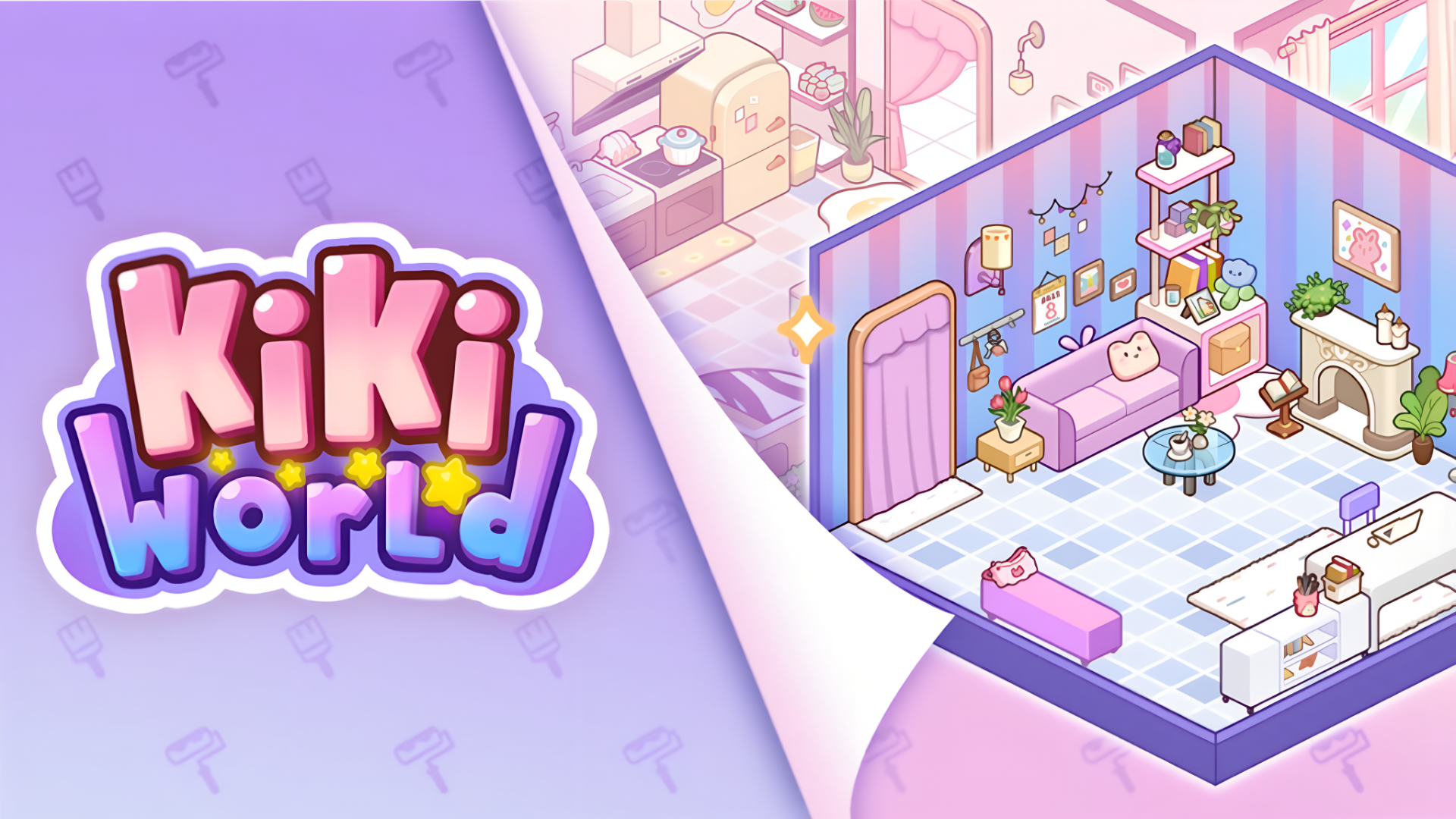
If the cozy shop-management loop in Fiorella - Flower Shop appeals to you, Flufflings: Pocket Pets offers a similarly gentle collect-and-care experience where you attract stray kittens, fill their bowls, and build a cozy home for them. For another customer-order challenge with creative hands-on crafting, 3D Acrylic Nail: Nail Art Game has you satisfying unique style requests and upgrading your salon. Fans of the room decoration side of Fiorella will find plenty to enjoy in Kiki World: Kawaii Doll Decor, a home design game about transforming cluttered rooms into stylish living spaces.
Browse the full Girls games collection for more titles in this vein, explore the Dollhouse Games series for decoration-focused fun, check out the broader Simulation games category for management and building experiences, or head to Kids games for more relaxed, accessible picks.