











Cubeburg: Survival and Craft
About Cubeburg: Survival and Craft — First-Person 3D Block Sandbox
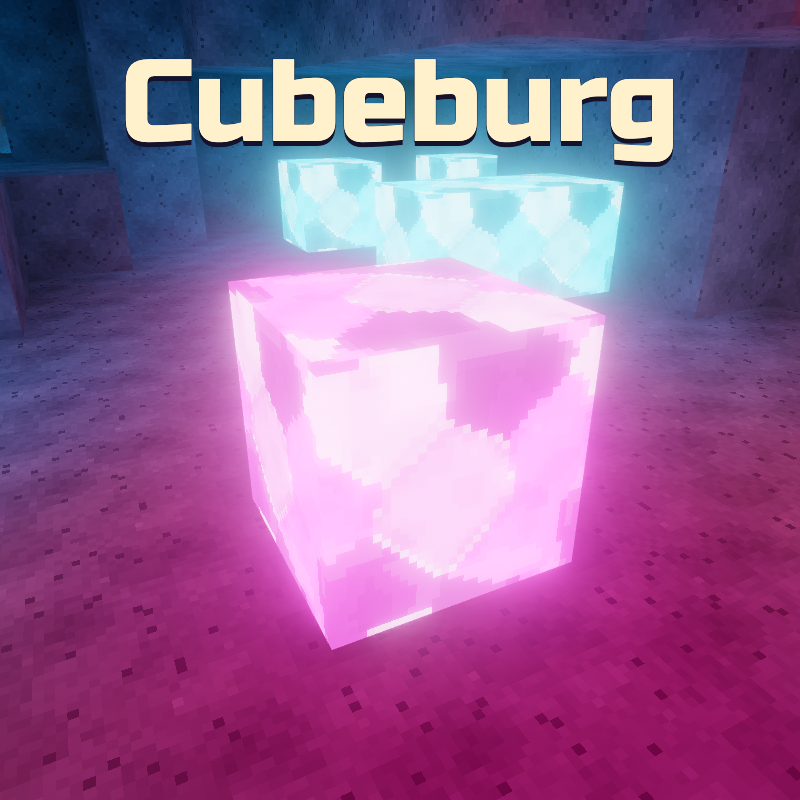
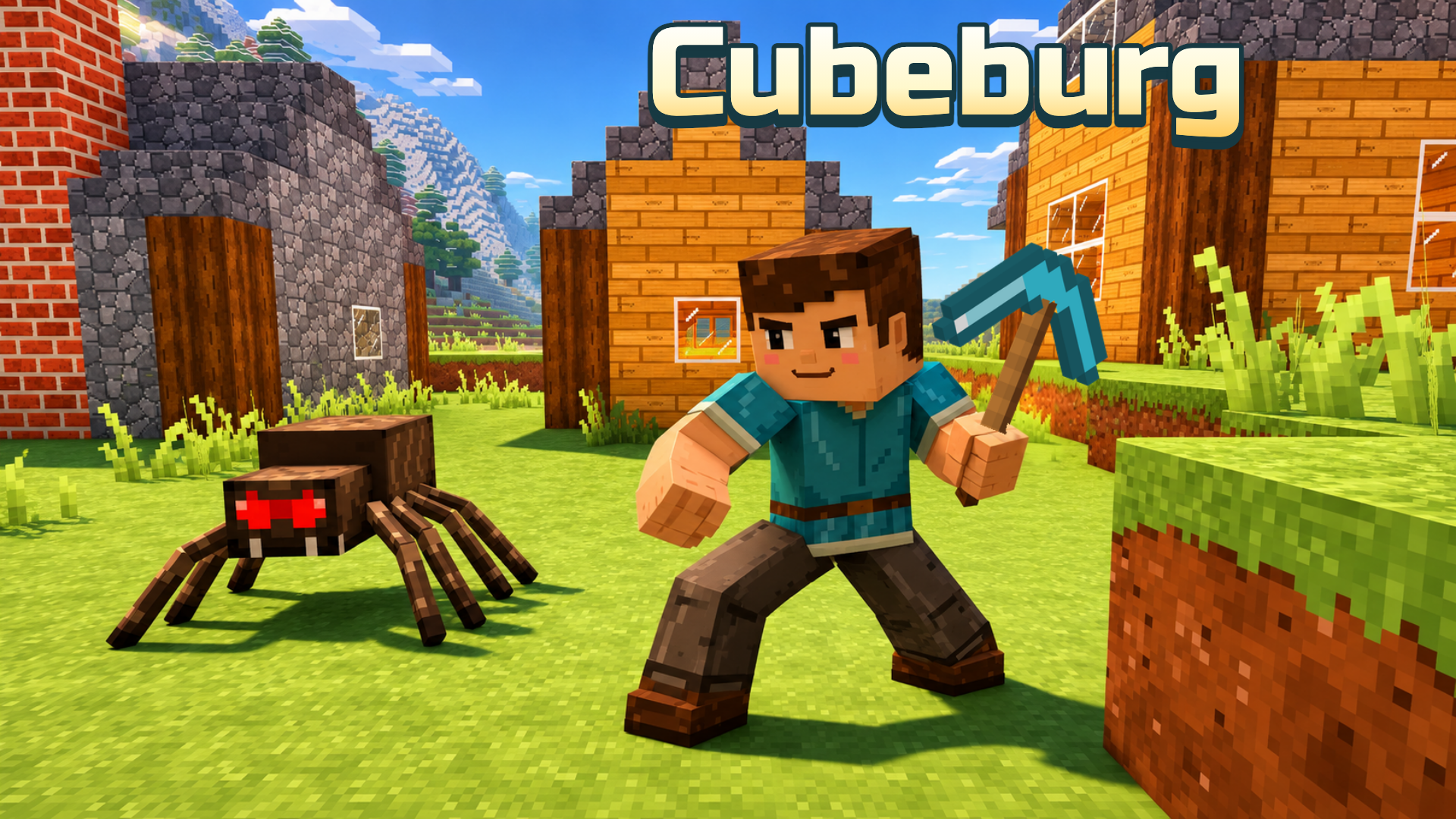
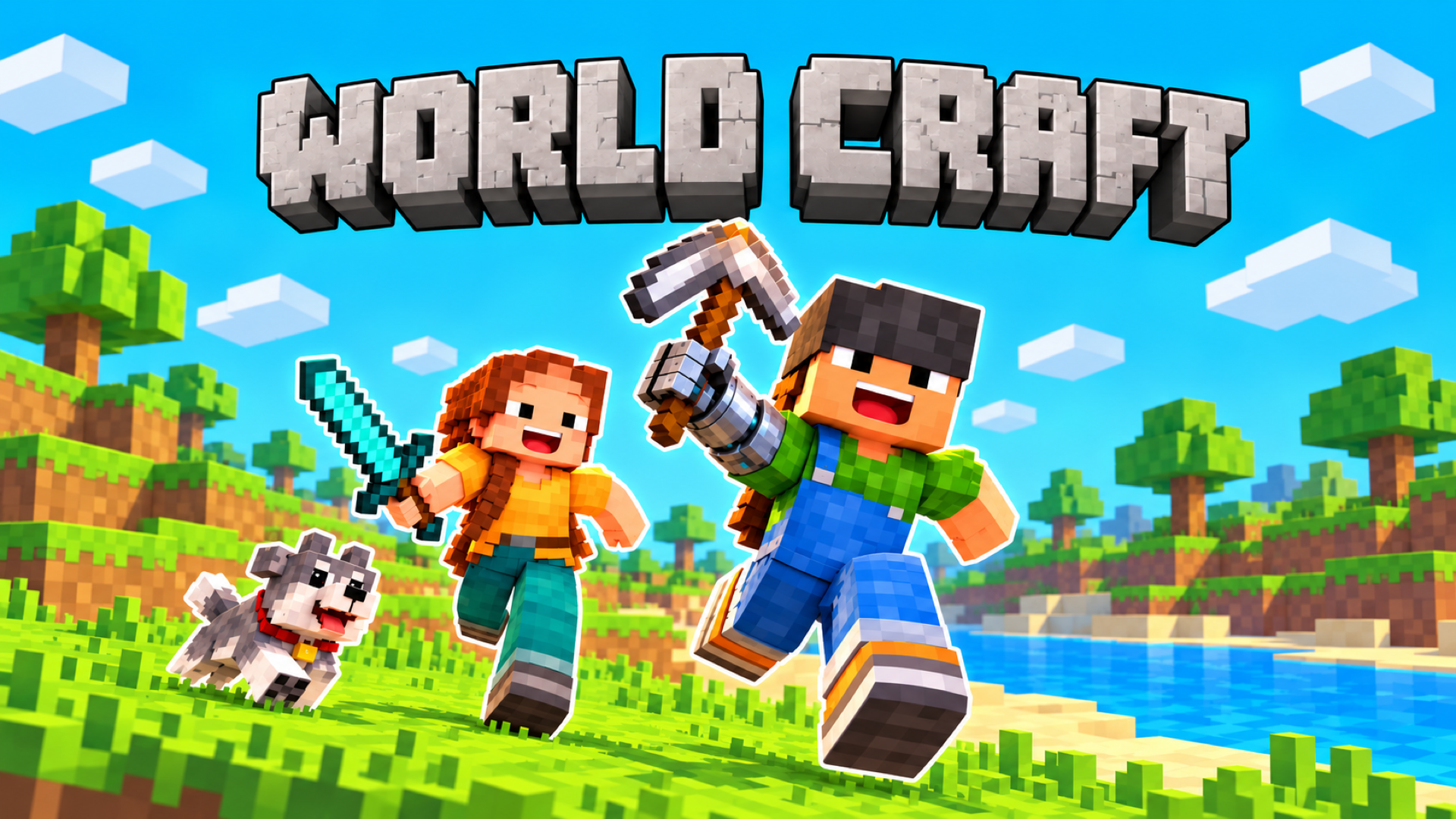
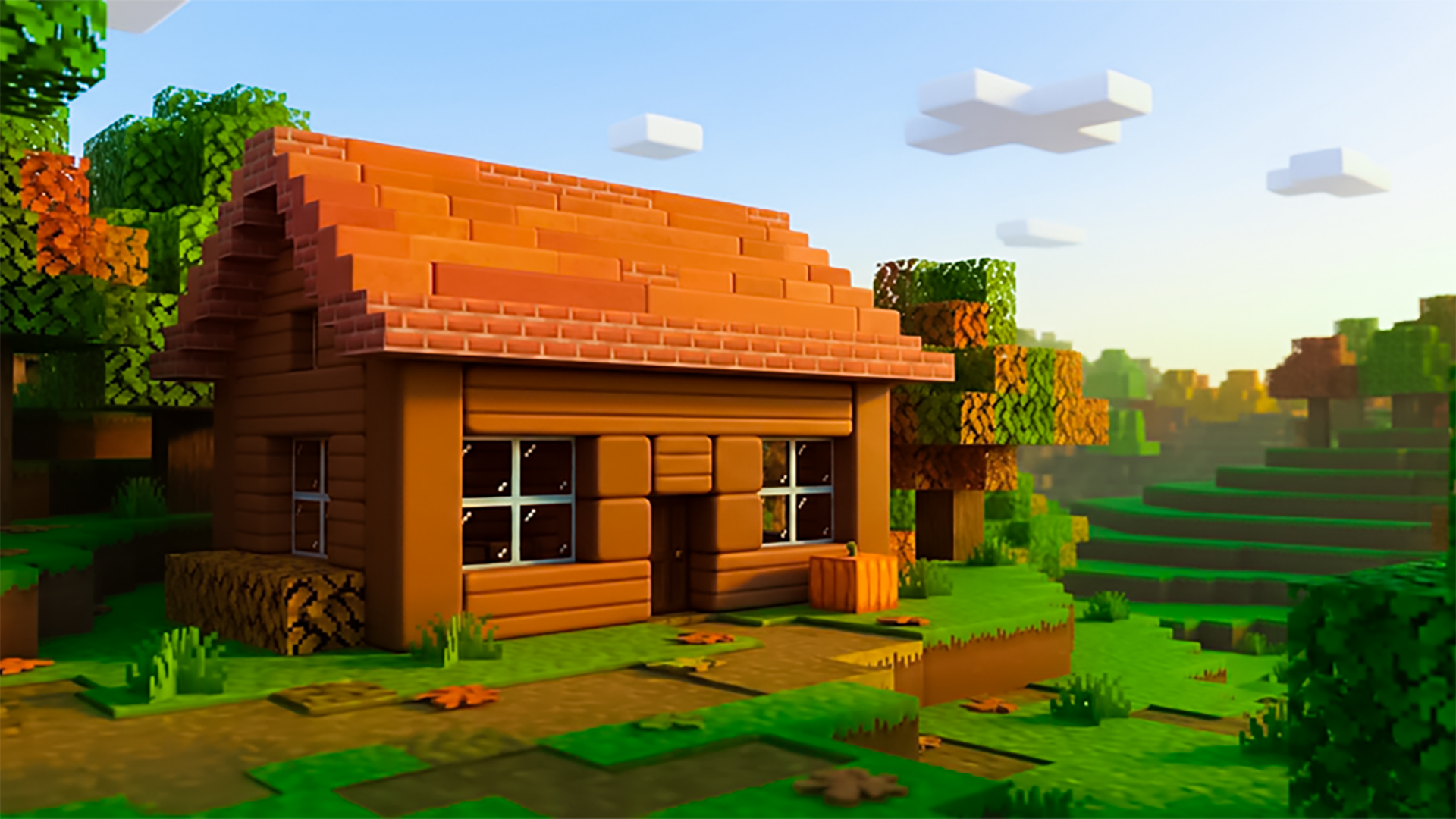
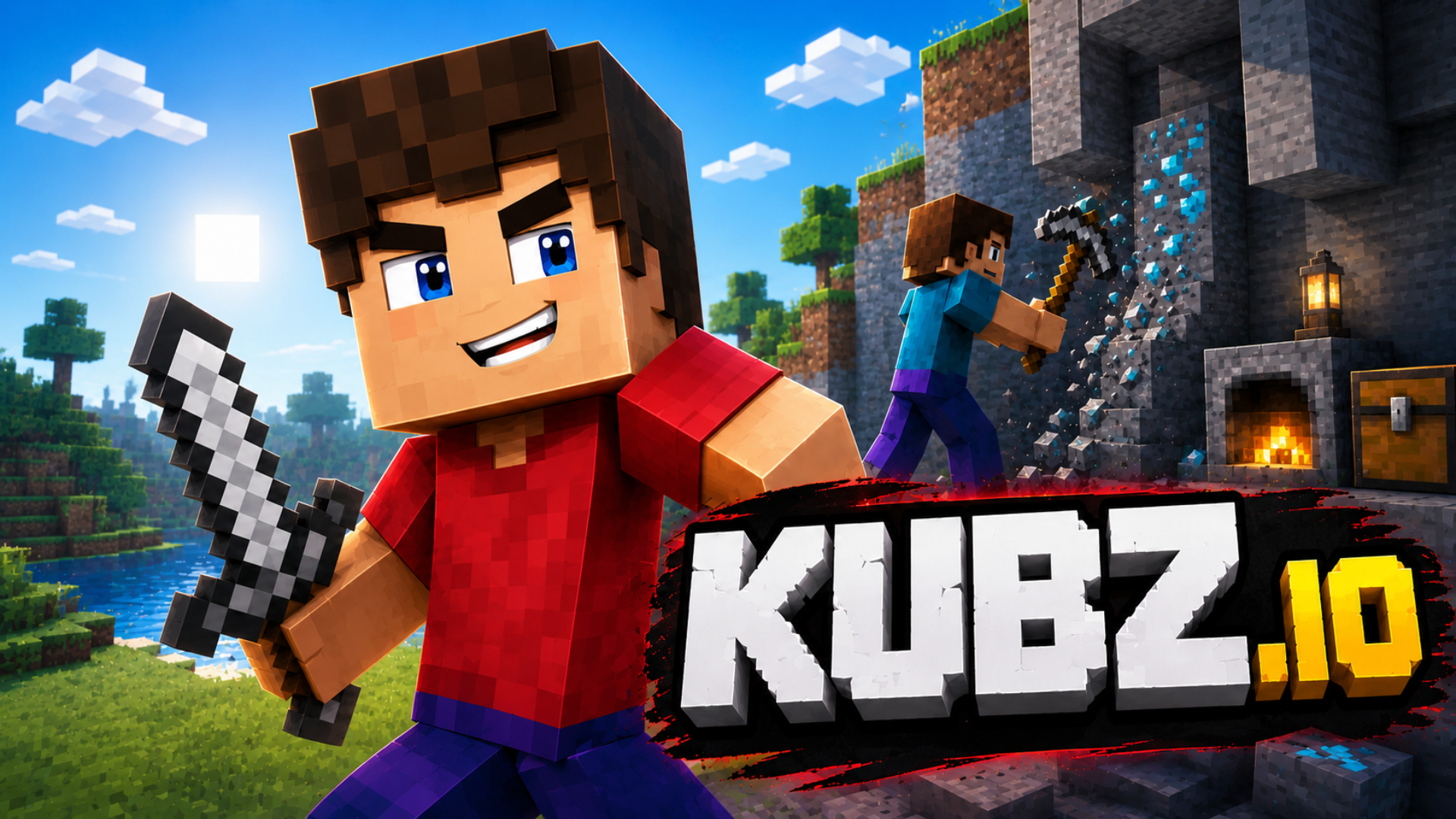
Cubeburg: Survival and Craft drops you into a first-person 3D block world where building, crafting, and survival all run together. Chop trees, mine stone, iron, gold, and crystals, then turn raw materials into tools, shelters, and stored supplies before the sun goes down. Monsters emerge at night, and dark caves carry their own dangers even in daylight. Animals roam meadows and fish swim in the water, giving the open world a lived-in feel beyond simple resource gathering.
Two distinct modes shape every session. Survival mode demands food, shelter, and vigilance — from the second night onward, a bed lets you sleep through the darkness as long as no monsters are nearby, and a daily reward is available to claim. Creative mode removes damage and monsters entirely, hands you a full block catalogue, and lets you fly freely to build whatever you have in mind. Each world is created with a chosen mode, and up to three worlds can be kept at once. The Cubeburg HD texture pack adds extra detail to blocks and creatures across both modes. Environments range from forests, deserts, and snowy mountains to villages, abandoned mines, pyramids, and shipwrecks waiting to be explored.
How to Play Cubeburg: Survival and Craft
Start by gathering wood: chop trees to make planks, craft sticks, and assemble a workbench. From there, select a recipe beside the crafting grid to arrange materials into tools and other items. Load a furnace with ingredients and fuel to smelt or cook. Keep a close eye on health and hunger, and get a shelter built before sunset. Store supplies in a chest to keep your inventory manageable, and cook food to stay fed through longer expeditions.
Exploration rewards preparation. Forests, deserts, and snowy mountains each hold different resources, while villages, abandoned mines, pyramids, and shipwrecks offer discoveries beyond ordinary terrain. In creative mode, the block catalogue and free flight let construction take center stage without the pressure of survival.
Controls
Desktop
- WASD / Arrow keys: Move
- Mouse: Look
- Space: Jump
- Shift: Crouch
- Double-tap W / R while moving forward: Run
- Hold left mouse button: Break blocks or attack
- Right-click: Place blocks, open a workbench, furnace, or chest, or use a bed
- Hold right mouse button (while holding food): Eat
- Mouse wheel / 1–9: Select an item
- E: Open and close the inventory
- F (creative mode): Toggle flight
- Space (creative flight): Move up
- Shift (creative flight): Move down
Mobile
- Left stick: Move
- Swipe across the world: Look
- Hold finger on target: Break blocks or attack
- Tap: Place blocks or use an item
- Right-side buttons: Jump, run, descend, and eat
- Bottom bar: Select items
- Top buttons: Inventory and pause
- Double-tap jump (creative mode): Toggle flight
Games You Might Like
If the open-world block sandbox of Cubeburg: Survival and Craft appeals to you, World Craft Dream Island extends the formula with Survival, Creative, Skyblock, and OneBlock modes alongside villages, portals, and giant bosses. For a different take on voxel worlds, TNT Simulator puts demolition front and center, letting you bring down block-built structures with explosives across 21 contracts. Fans of blocky mining will find plenty to dig into with Mining Tycoon, a 3D mining game spanning 10 themed mines with ores to sell and tools to upgrade.
Browse the full simulation games catalogue for more sandbox and crafting experiences, or check out the adventure games and 3D games sections for exploration-driven titles that share Cubeburg's spirit.