

















Avatar Stylist








About Avatar Stylist: Avatar Creation and Virtual World Simulation
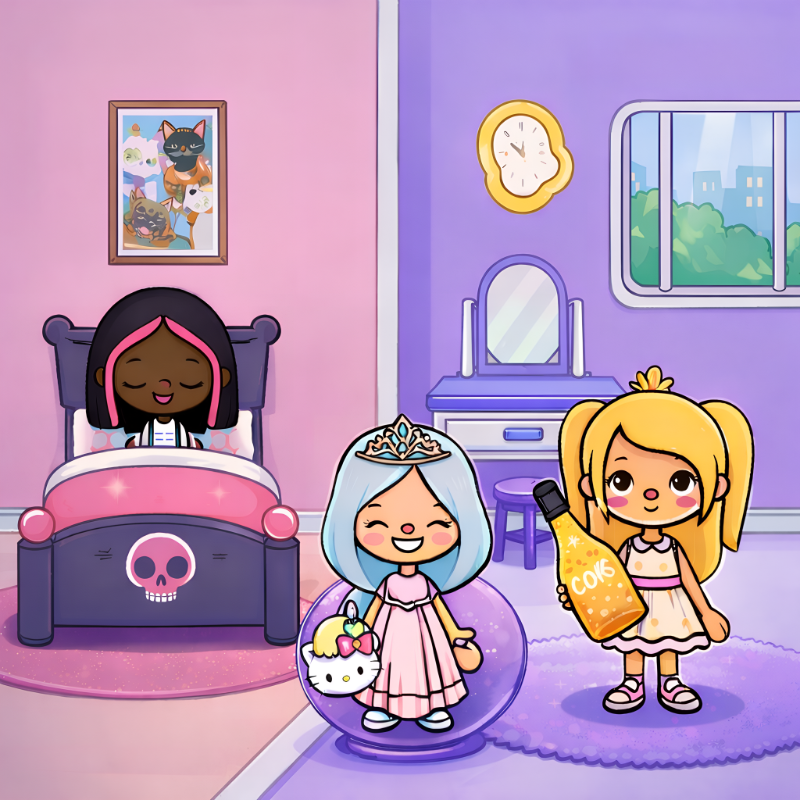
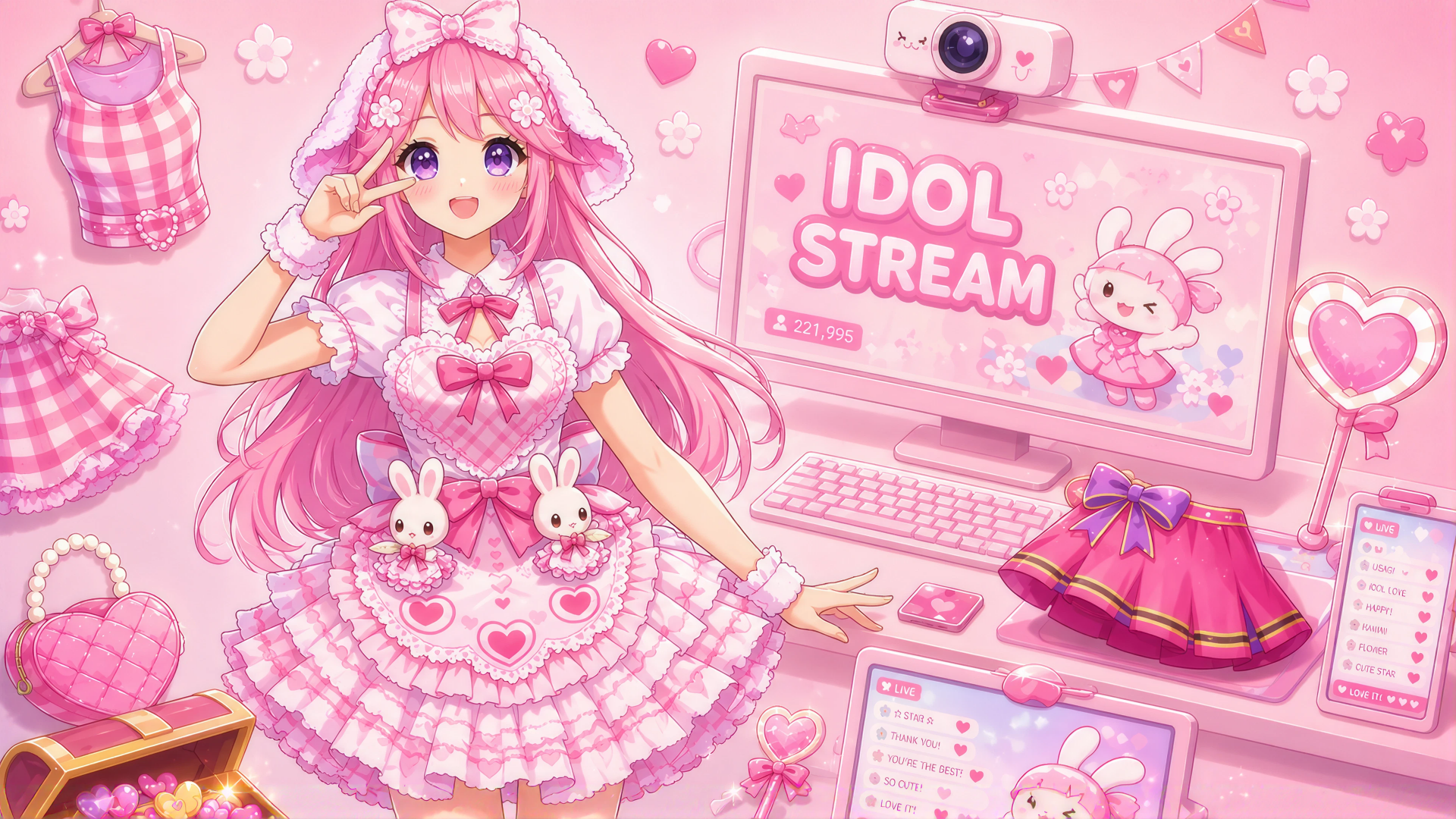
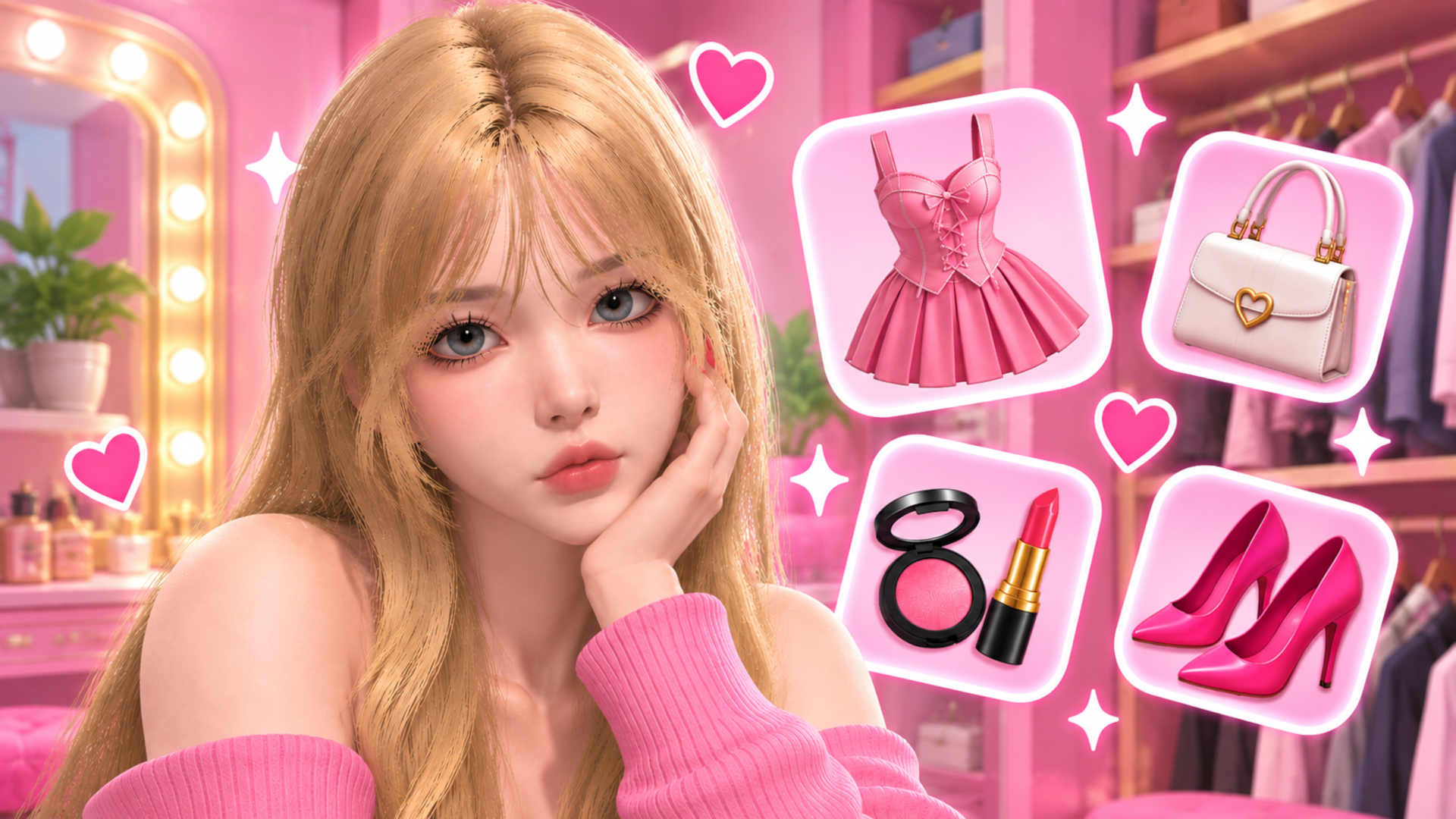
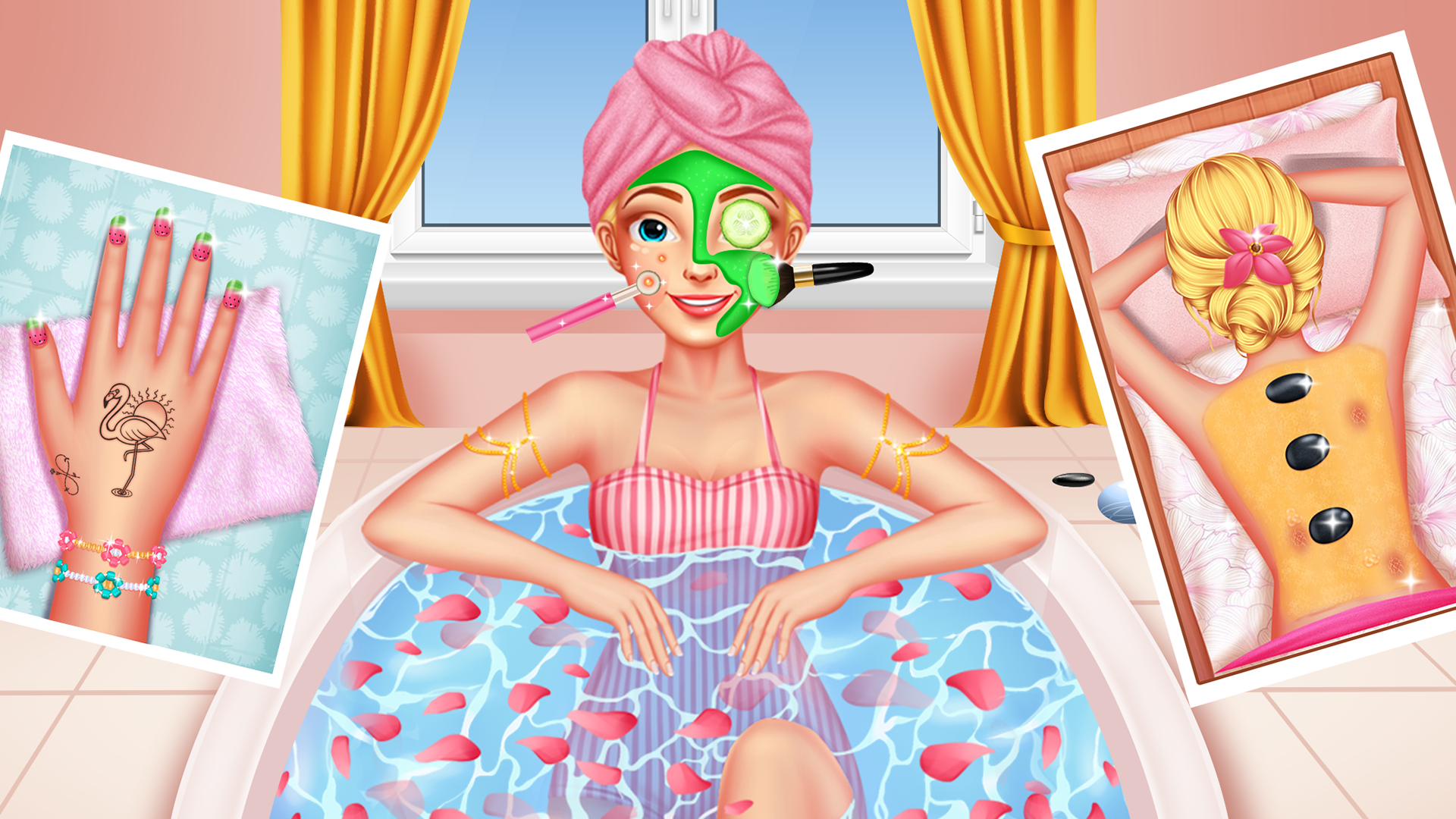
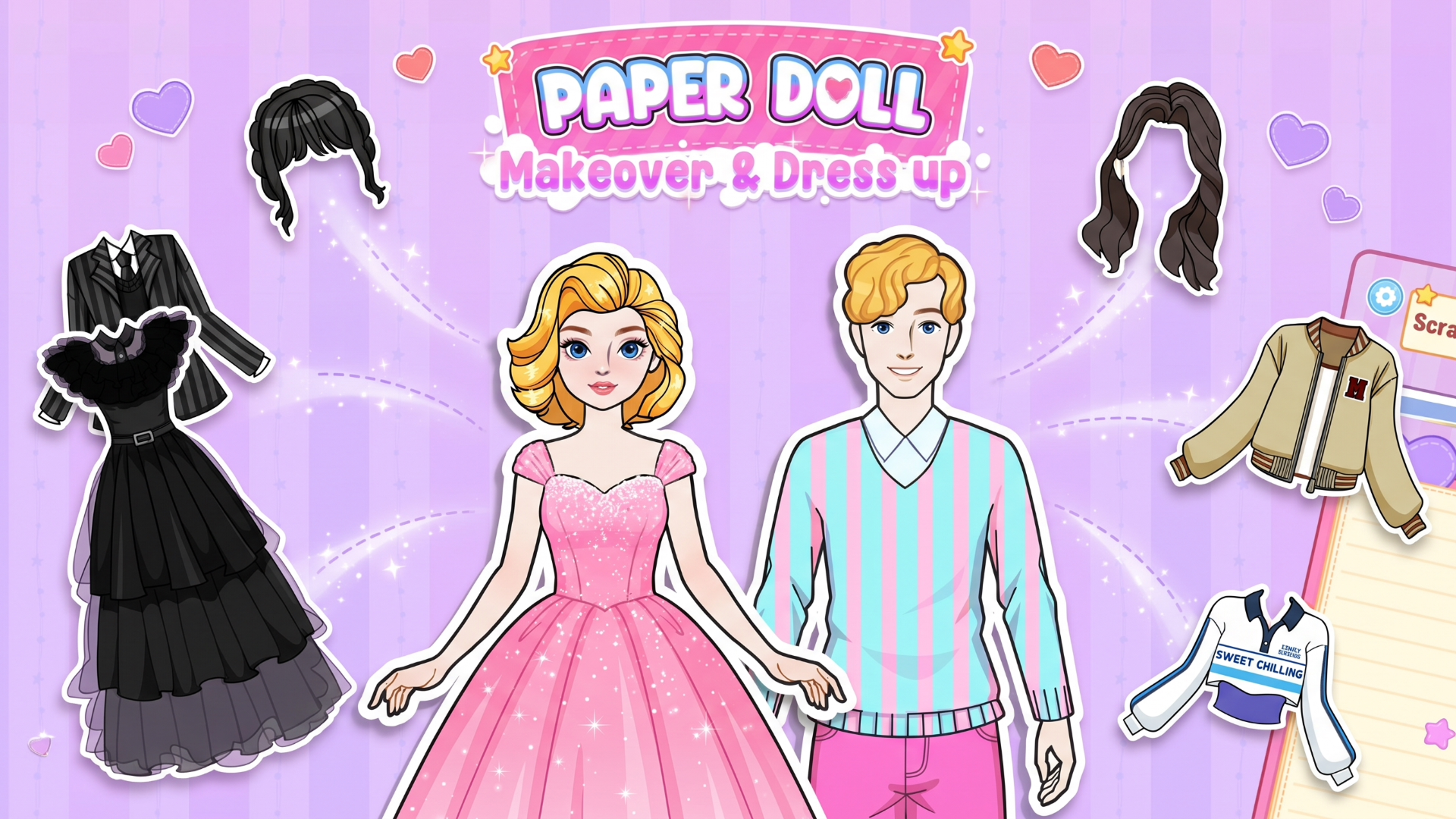
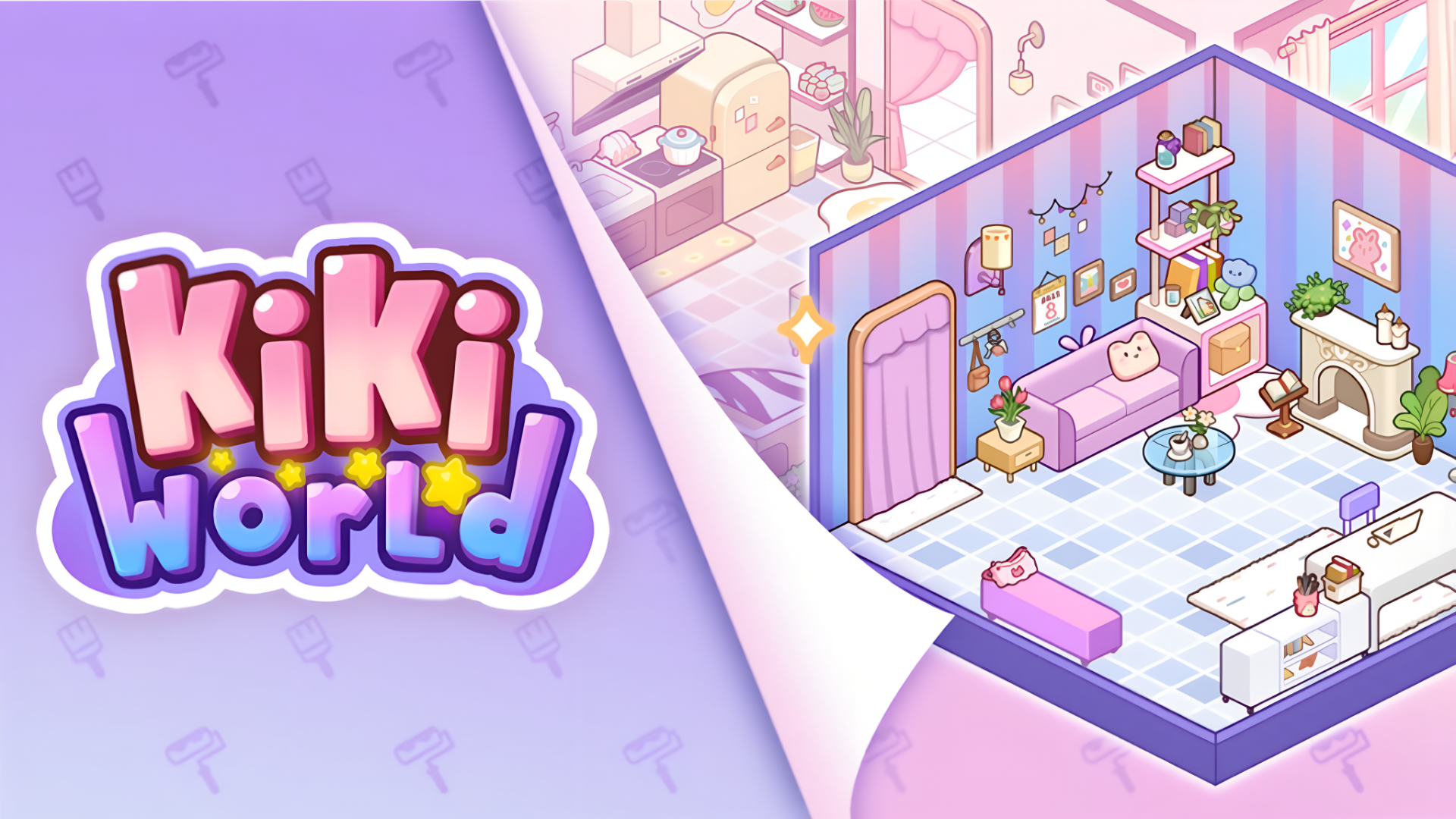
Avatar Stylist drops you into a bright, diverse world of virtual adventures built around creative expression. The game lets you create and customize your own avatar, selecting clothes, accessories, and other style elements to shape a look that's entirely your own. Beyond dressing up, you are able to build and decorate a virtual space using a wide variety of objects and decorations.
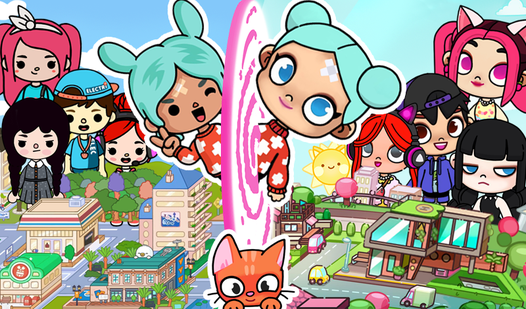
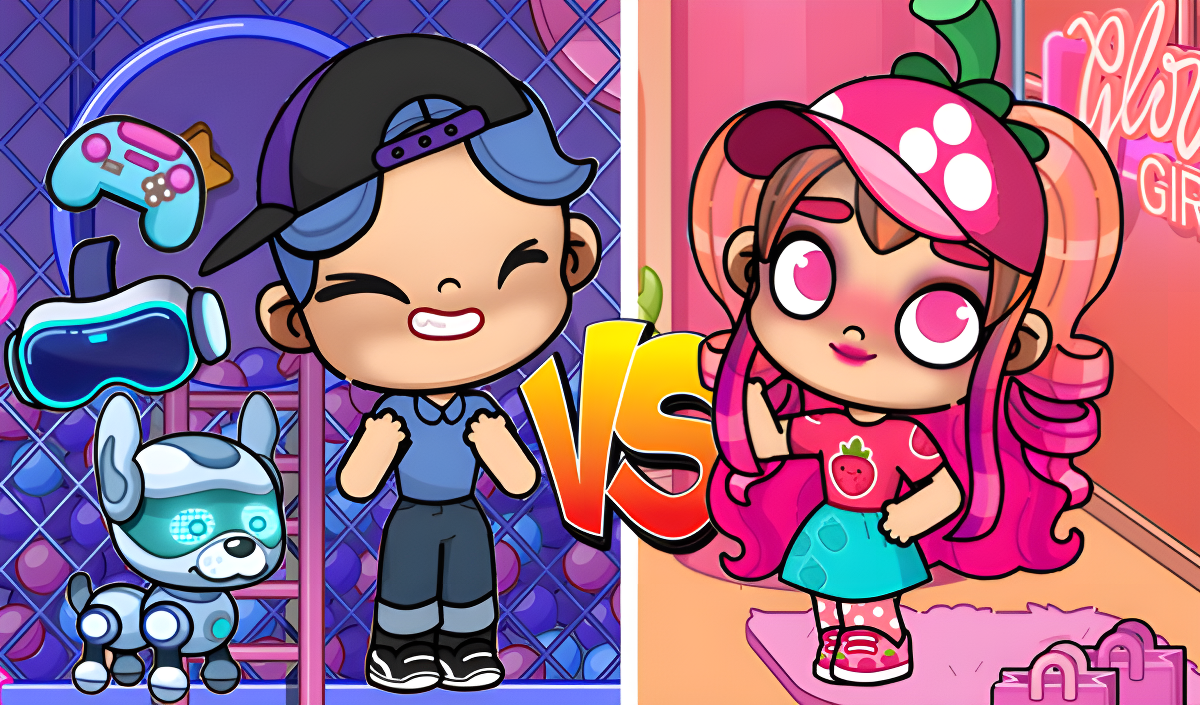
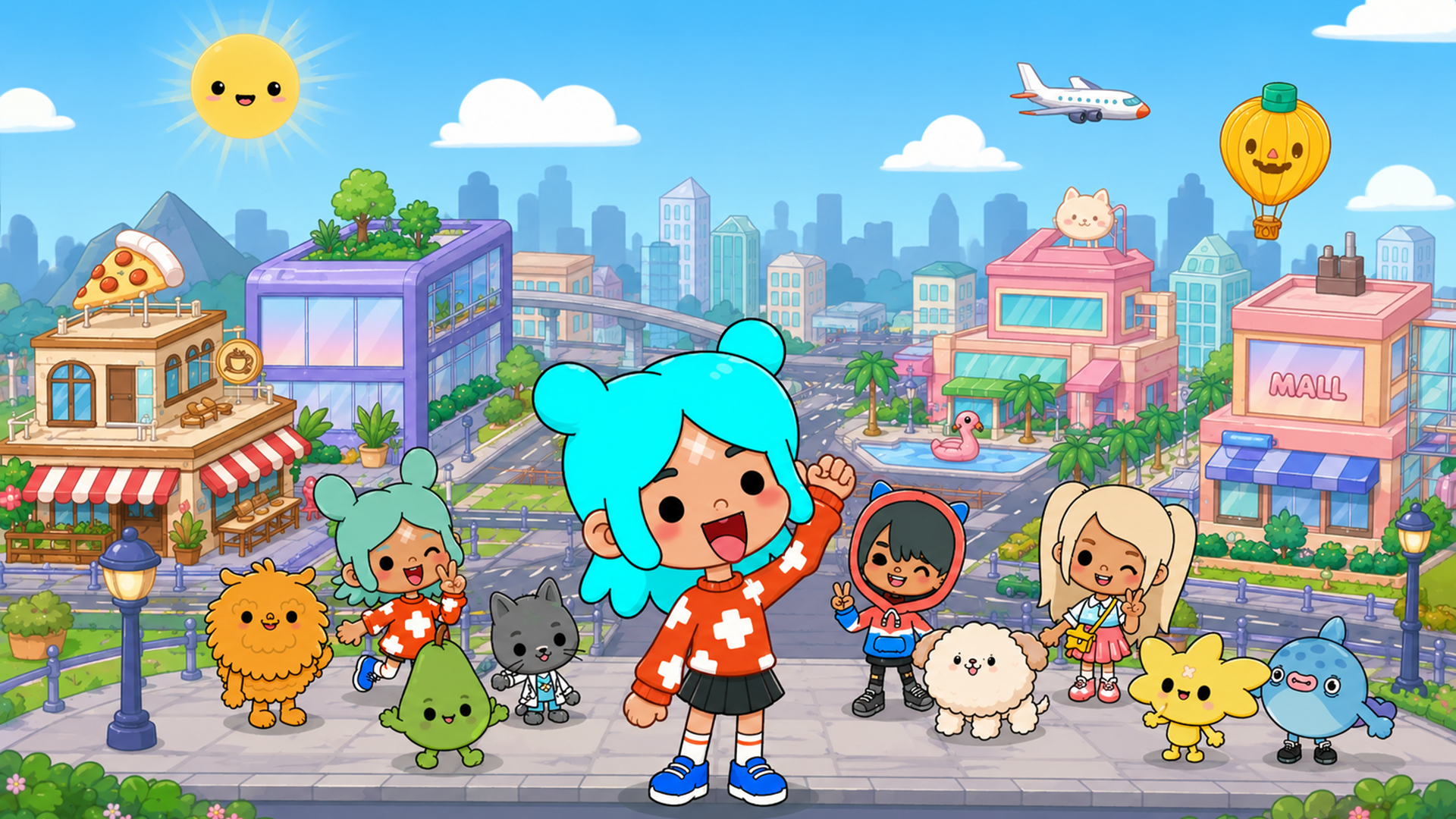
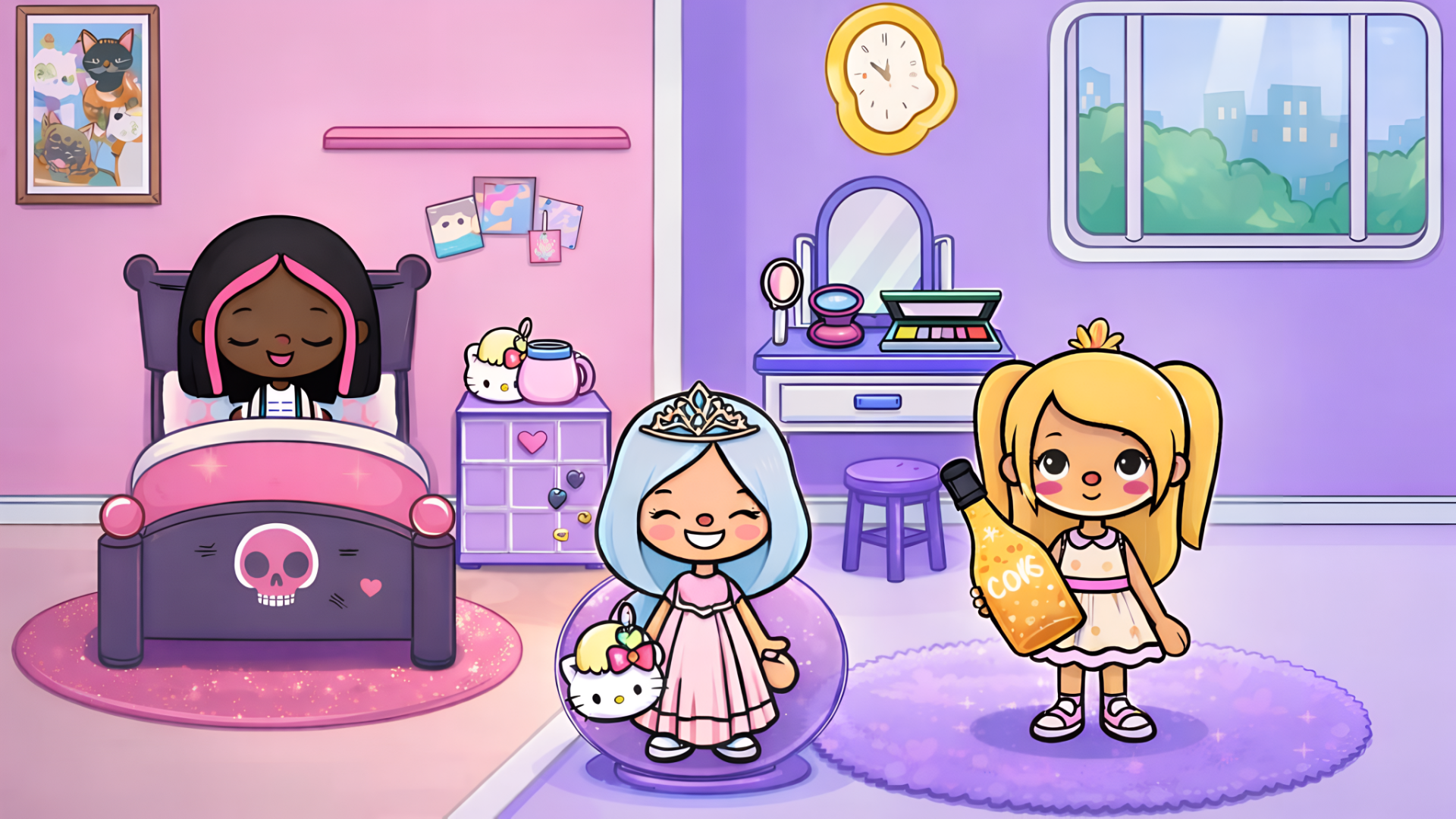
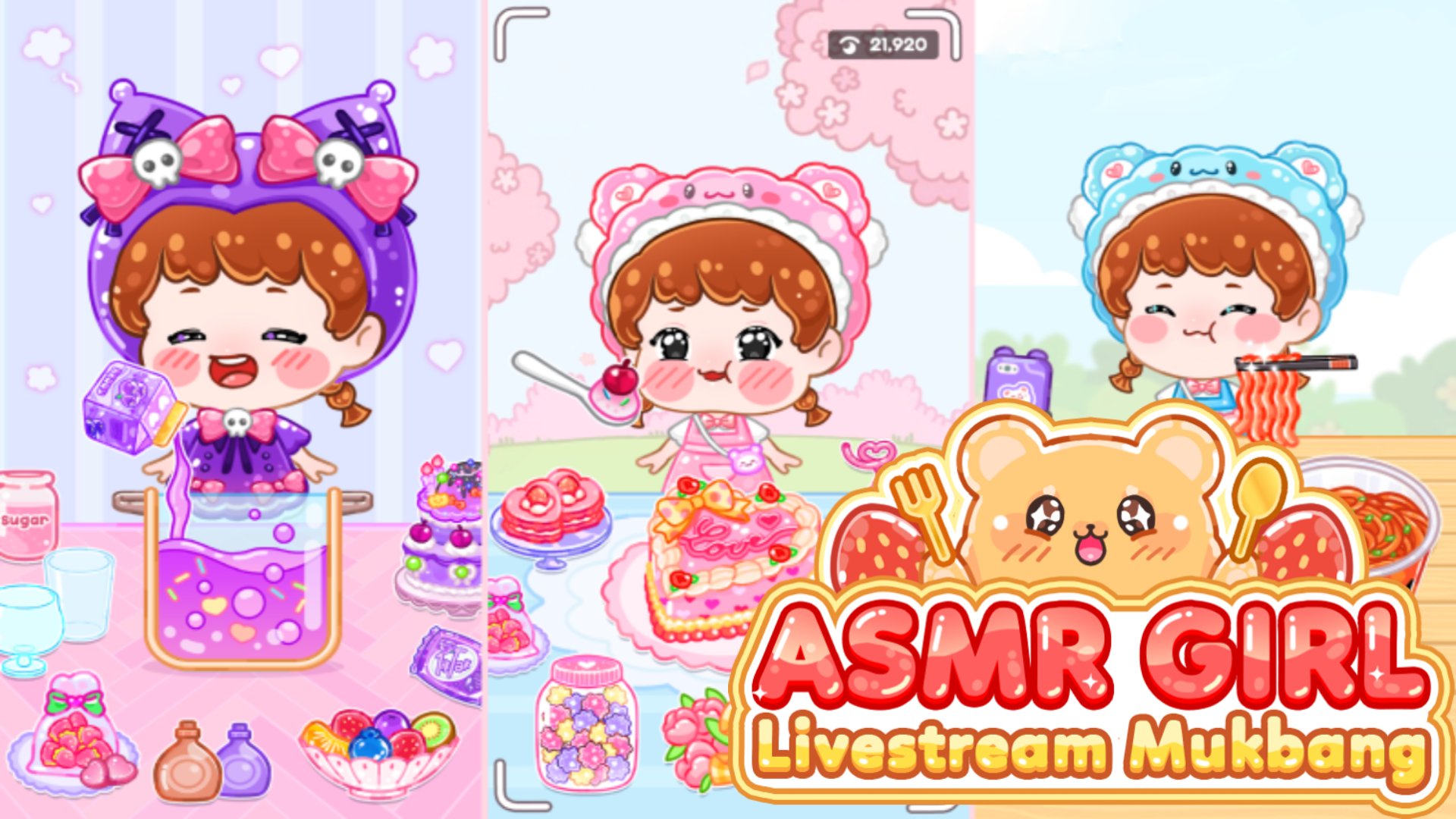
Several scenes show characters with oversized heads, large circular eyes, and small limbs. One scene opens inside a shop area where garments hang on racks and shoes line the shelves. Another scene shows a town landscape with a modern house, a blue pool, and a building marked with a red cross.
The game also populates its world with characters you are able to interact with directly — controlling their actions, observing their behavior, and setting up unique situations. A built-in screenshot feature lets you capture and save standout moments from your adventures.
How to Play Avatar Stylist: Create, Decorate, and Interact
The core loop moves between avatar styling, interior decoration, and character interaction, each handled through straightforward point-and-drag controls.
Character and Object Interaction
- Click or tap a character or object to select it, then hold and drag it to move it around the location.
- Place an object directly into a character's hands to interact with it — food and drink items can be used to feed your characters.
Interior Creation
- The interior creation location provides a dedicated menu stocked with interior items.
- Switch between different categories of furniture suited to different rooms and needs.
- Click a furniture item to place it in the interior, then hold and drag it to position it exactly where you want.
Taking Photos
- Click the photo icon at any moment to take a screenshot and save a memorable scene.
Controls
- Click / Tap: Select a character or object
- Hold and Drag: Move a character or object to a new position in the location
- Place object in hands: Interact with a character; feed them if the item is food or drink
- Click furniture item: Make it appear in the interior
- Hold and Drag (furniture): Move the placed furniture to the desired spot
- Click photo icon: Take a screenshot
Games You Might Like
If the creative and social side of Avatar Stylist appeals to you, Toca World Adventure expands that formula with a vibrant city full of locations, characters, and deep home-decoration options. For a more focused avatar-building experience, Anime Couple: Avatar Maker lets you design detailed anime-style characters and couples with extensive outfit and accessory choices. TB World shares Avatar Stylist's dual focus on crafting unique looks and decorating cozy interiors from scratch.
Browse the full Girls games collection for more styling and simulation titles, explore the Kids games category for family-friendly picks, or check out Games For PC for desktop-friendly options in the same spirit.
Video