




















Avatar: Build a City










About Avatar: Build a City
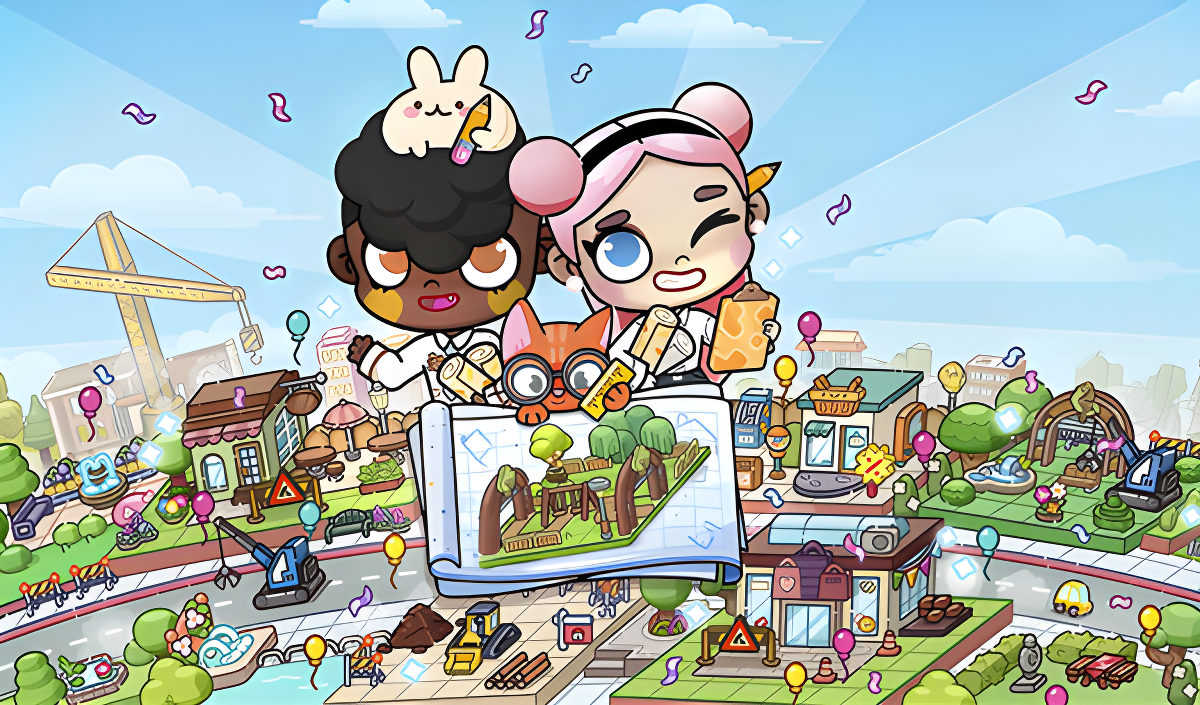
Avatar: Build a City puts you in the role of architect for a warm, detail-rich city built entirely on your own terms. You'll find no skyscrapers forced on you and no rigid templates to follow — just open plots, a toolkit of buildings and decorations, and the freedom to shape neighbourhoods exactly as you like. The building system is described as simple and intuitive, and any area can be revisited and refined at any time.
One scene shows a building with a large red stethoscope design worked into its roof and facade. In another moment, a pink car and a white delivery truck travel along a grey paved road near a brown arched bridge. A green soccer pitch with two white goals and orange perimeter lines appears in a suburban area of one scene.
How to Play Avatar: Build a City
Launching Construction
Tap the Construction icon in the top corner of the screen to enter building mode. A menu opens with two categories: Houses, covering various residential buildings, and Objects, which includes benches, fountains, lanterns, trees, and more.
Placing Houses and Objects
From the Houses tab, choose a house from the list, drag it to an empty plot, and release to place it. To add decorative and public elements, switch to the Objects tab, select the desired item, and place it anywhere in the city.
Finishing Up
The game allows returning to any area later to refine it further.
City Balance Goals
- Balance residential areas, public spaces, and green areas
- Maintain an atmosphere that makes the city a pleasant place to live
- Create neighbourhoods of varying densities, from quiet streets to bustling districts
Controls
- Tap Construction icon: Launch building mode
- Tap category tab (Houses / Objects): Open the corresponding item menu
- Drag item to plot: Move a selected building or object to the desired location
- Release: Place the item on the chosen spot
- Tap Done button: Finish the current construction session
Key Features
- A simple and intuitive building system
- Freedom of creativity — no rigid templates, only your own ideas
- Houses available in various sizes and shapes
- Ability to return and refine any area at any time
- Benches: seating for city dwellers to relax
- Fountains: water features for visual and atmospheric appeal
- Lanterns: lighting for warm evening strolls
- Trees, bushes, and flowers: greenery to bring life to the streets
Games You Might Like
If building and decorating your own spaces appeals to you, Toca World Adventure lets you design homes and colorful locations with a cast of unique characters, and Toca World - Superstar's Mansion challenges you to decorate eight distinct houses and develop styles for eight characters. For a cozy dollhouse experience with room-by-room creativity, My Town Home: Family Playhouse offers six unique rooms to explore and furnish. TB World is another outlet for designing one-of-a-kind looks and interiors from scratch.
Browse the full Girls games collection for more creative titles, or explore the Kids games category for a wider range of imaginative play.