


Association - Connect Word
Association - Connect Word - Play Online

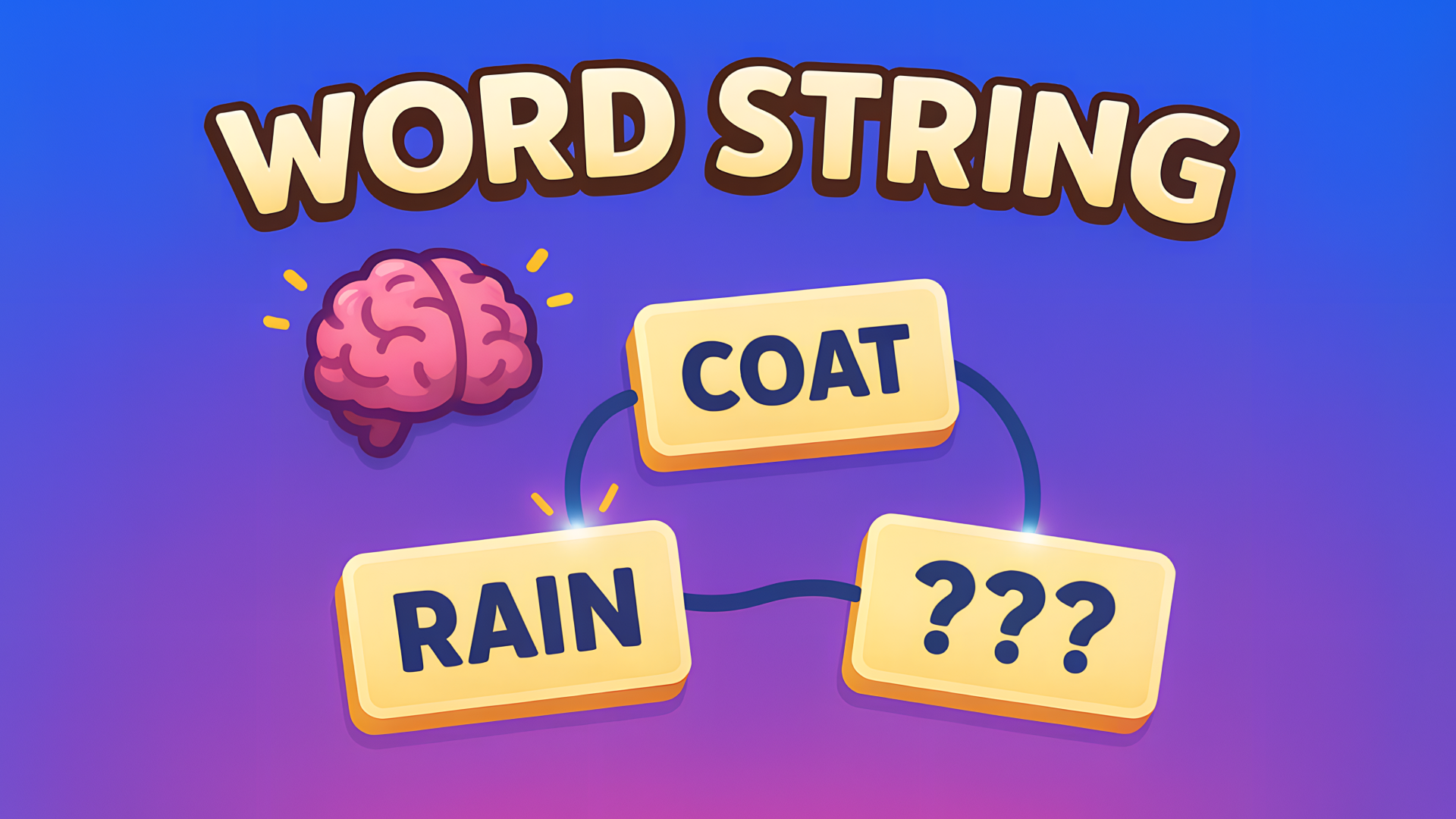
Ever stare at a bunch of random words and suddenly see the pattern? That's the rush here. Association - Connect Word is basically the New York Times Connections puzzle if it became a full browser game. Your job is simple: look at a grid of words, find the hidden connections, and group them into themed categories. It's casual brain training that starts friendly and slowly turns into a "wait, how do these fit together?" challenge. Perfect for killing time while actually exercising your vocabulary.

Key Features
- Dozens of Levels: Progress through themed puzzles that get harder as you go, from basic groupings to tricky associations.
- No Time Pressure: Play at your own pace without countdown timers stressing you out—take breaks mid-level if needed.
- Hint System: Stuck? Use power-ups to reveal connections or nudge you toward the right answer without giving everything away.
- Clean 2D Design: Flat, readable interface that works smoothly even on older devices or low-spec machines.
How to Play Association - Connect Word

Getting started is easy—figuring out the trickier connections is where it gets fun.
Scan the Grid and Select Your Words
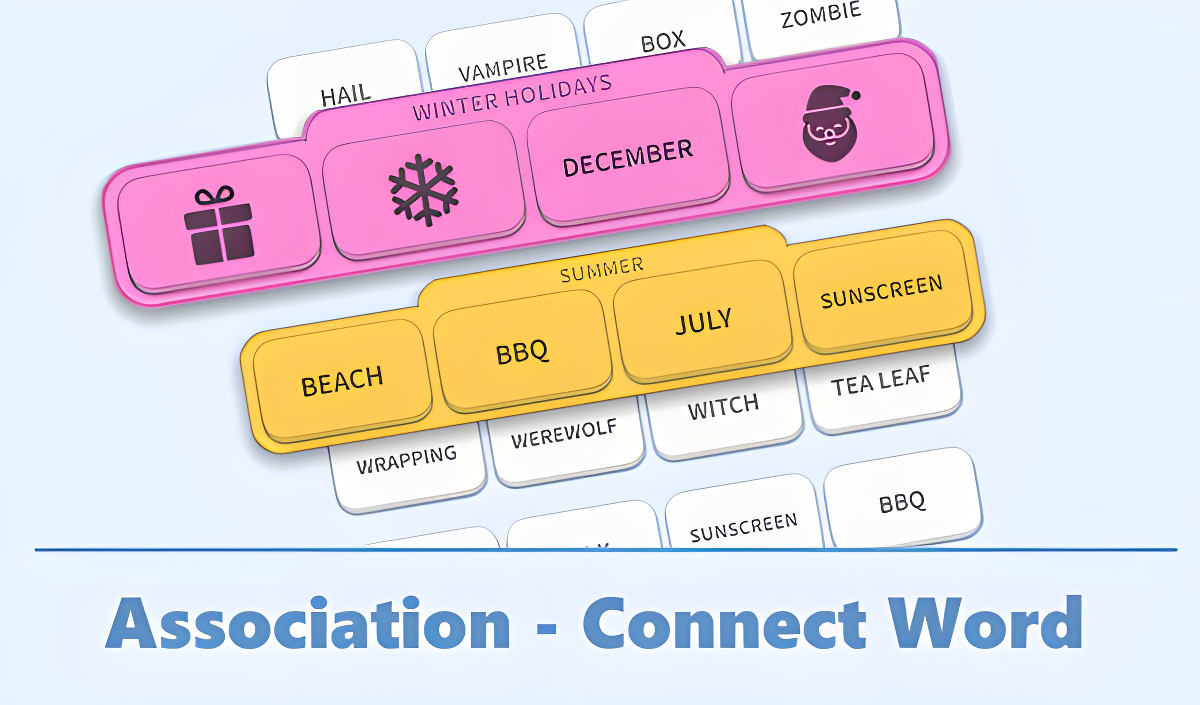
You start each level with a grid of 16-24 words scattered randomly. Your job is to tap or click four words that share a common theme. Maybe they're all types of trees (Pine, Oak, Birch, Maple) or all related to summer (Beach, Sun, Tan, Vacation). Select four tiles, and if you're right, they lock into a colored row at the top. If you're wrong, nothing happens—just deselect and try again. The game doesn't punish you for guessing, which keeps it chill.
Spot the Hidden Themes
Here's where your brain gets a workout. The words aren't just randomly thrown together—there are usually 4-6 distinct categories hiding in the mix. Some are obvious (Shapes: Circle, Square, Triangle, Pentagon). Others? Not so much. You might have "Light Colors" versus "Dark Colors," or "Winter Holidays" mixed with "Autumn" terms. The difficulty ramps up when categories overlap or use abstract connections. That's when you'll lean on logic, vocabulary knowledge, and occasionally a hint button.
Clear All Categories to Win
Once you group all the words correctly, the level completes and you unlock the next one. There's a progress bar that tracks how many levels you've beaten, and new themes get introduced as you advance. The game doesn't have a true ending—it's designed to keep feeding you puzzles as long as you want to play. If you get stuck, the hint power-ups are there (though they're limited and you'll likely need to earn or buy more eventually).
Who is Association - Connect Word for?

This is for anyone who likes word games but doesn't want the stress of Scrabble or the speed of Boggle. Perfect if you have 10 minutes to kill on the bus or during a coffee break. It's safe for kids and teens—no violence, no dark themes, just vocabulary and logical thinking. If you enjoyed Wordle, Contexto, or the NYT Connections puzzle, you'll feel right at home. Older players or non-native English speakers will appreciate the no-timer approach, since you can think things through without pressure. Not recommended for adrenaline junkies—this is a brain game, not a reflex test.
The Gameplay Vibe
It's super meditative. You can play this while listening to music or a podcast without losing focus. The visuals are minimal—flat colors, clean sans-serif fonts, no distracting animations. It's built for clarity, not spectacle. The audio is basically nonexistent (just a few soft clicks when you select tiles), which honestly works in its favor. The game doesn't try to hype you up or stress you out; it just sits there and lets you puzzle at your own speed. The real satisfaction comes from that "aha!" moment when you finally see the connection you missed for five minutes.
Technical Check: Saves & Performance
The game saves your progress automatically in the browser cache, so you can close the tab and come back later without losing your place. Just don't clear your browser history or you'll start over. Performance-wise, this runs smoothly on pretty much anything—old laptops, budget tablets, even phones from 2018. It's a lightweight HTML5 game with no heavy graphics or physics engines, so lag isn't an issue. Fullscreen mode works great if you want to eliminate distractions.
Quick Verdict: Pros & Cons
A solid pick for casual brain training without the stress. It won't blow your mind with innovation, but it does what it promises.
- ✅ Pro: No time limits—play at your own pace without sweating the clock.
- ✅ Pro: Actually improves vocabulary and pattern recognition without feeling like homework.
- ❌ Con: Hints are limited, and the "plus" buttons clearly push you toward spending if you get stuck often.
Controls
Simple and responsive—no complaints here. Point and click, or tap and go.
- Desktop: Click words to select them, click again to deselect. Hover works smoothly.
- Mobile: Tap tiles to select. The touch targets are big enough that you won't misclick on smaller screens.
Release Date & Developer
Developed by OneDevAndGirl and released on November 27, 2025. A solo or small-team effort, which explains the no-frills design approach.