



















WildBlocks — A Tiny Living World









About WildBlocks — A Tiny Living World: Cozy Voxel Adventure of Exploring and Building
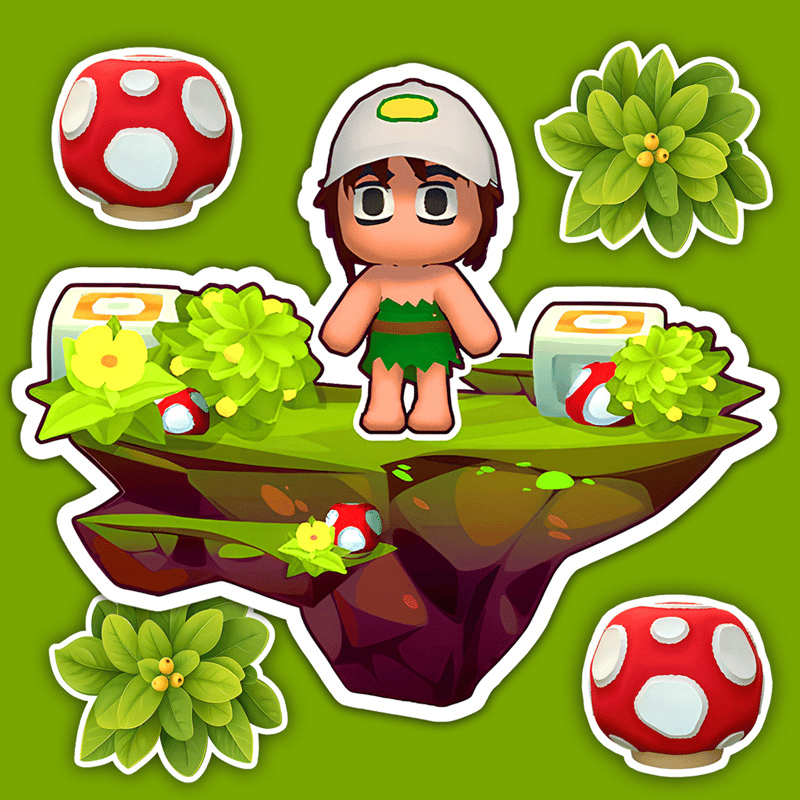
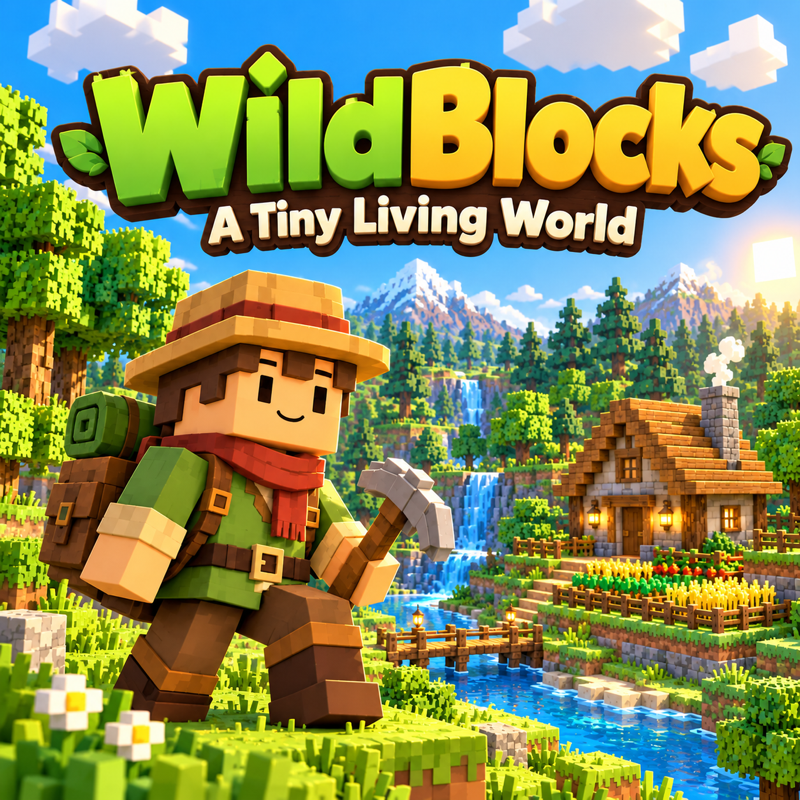
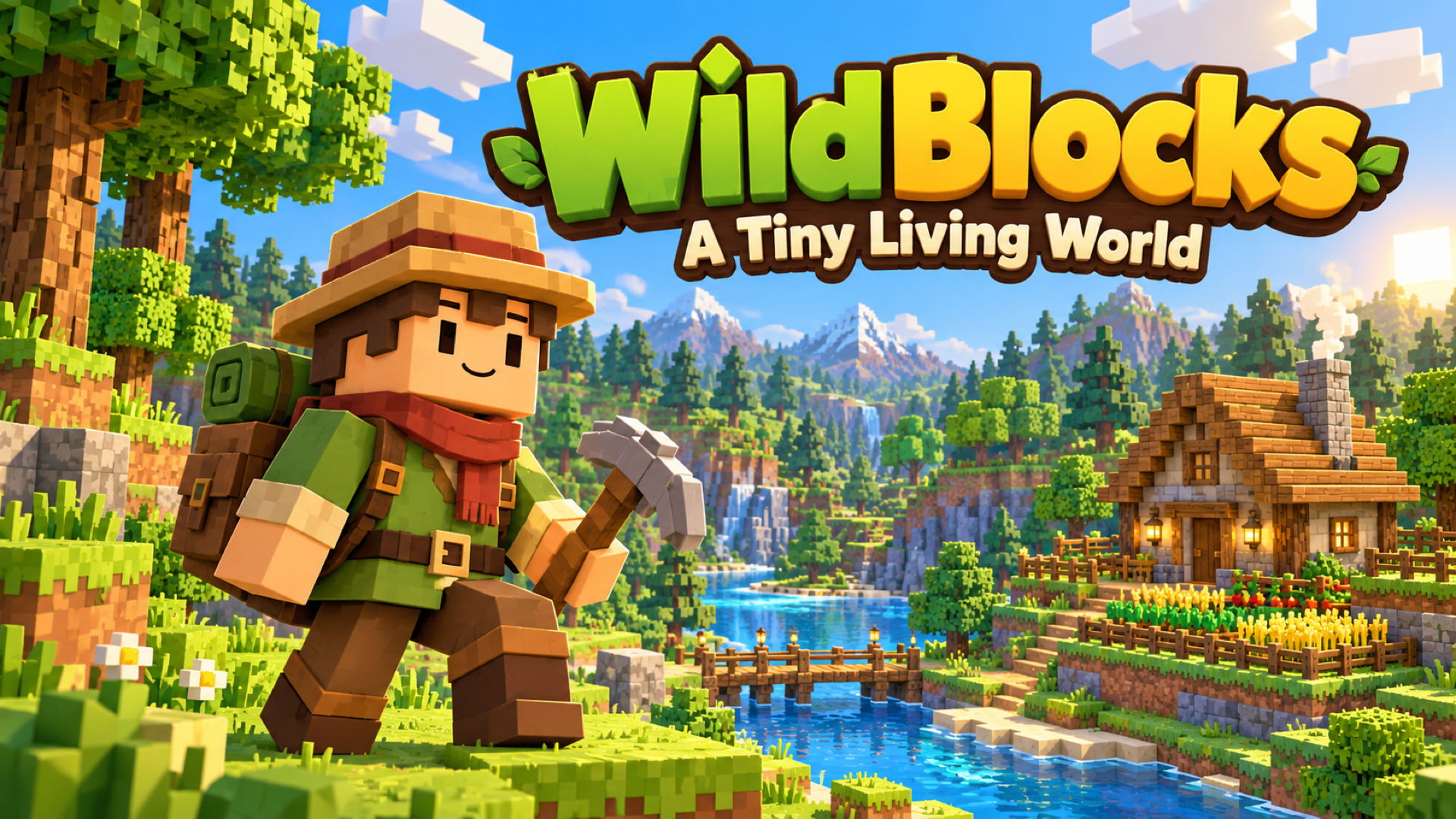
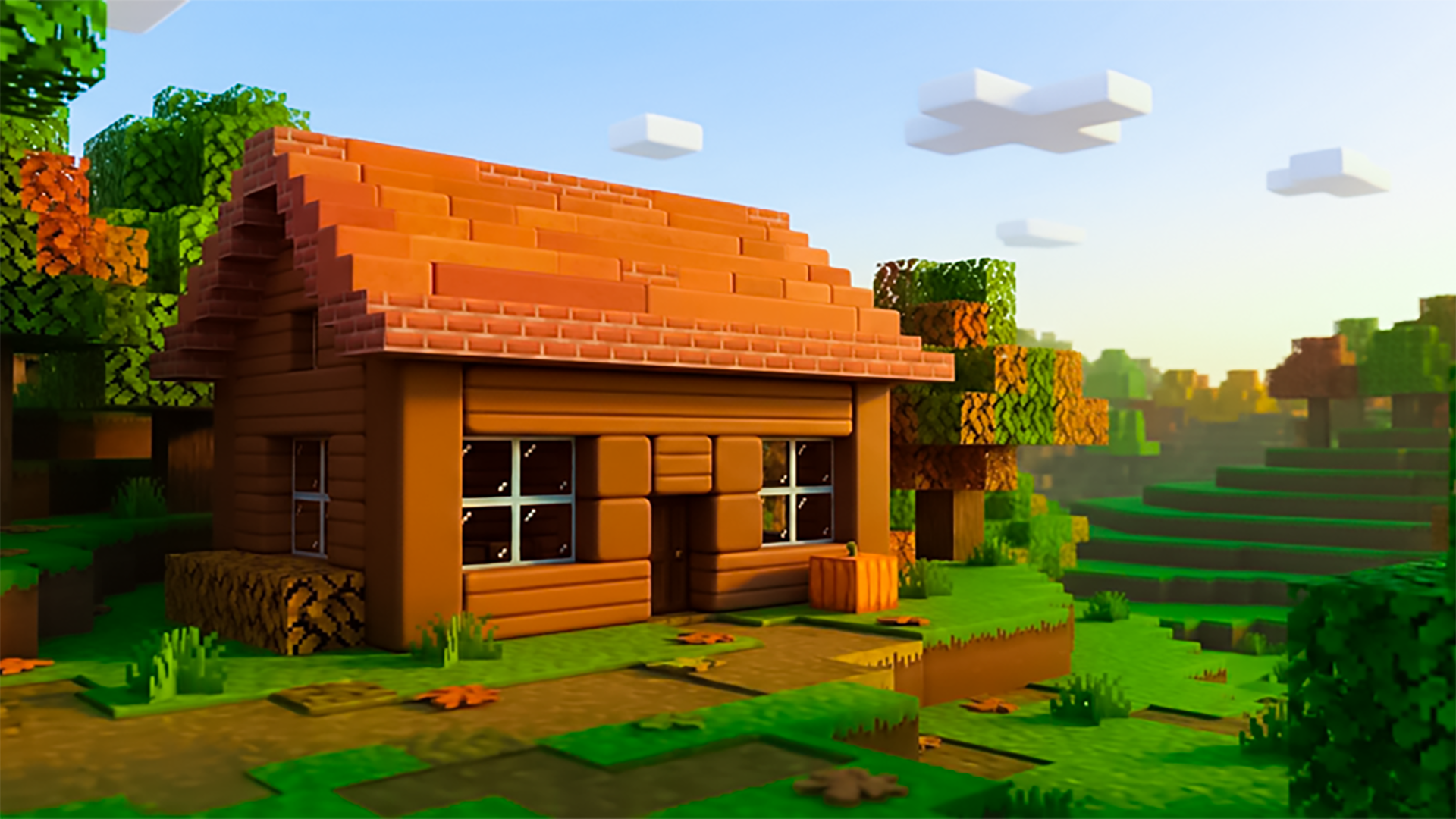
WildBlocks — A Tiny Living World is a cozy voxel adventure built around exploring, crafting, and building a place to call home. Wander through meadows, forests, rivers, caves, and ancient ruins, meeting the creatures that share your world along the way. Chop trees, collect resources, craft tools, grow crops, and cook food as you improve your Homestead and uncover new places. The game supports solo play, cooperative building with friends, and multiplayer battles, and worlds can be saved and returned to at any time.
How to Play WildBlocks — A Tiny Living World: Explore, Craft, and Build Your Homestead
Start by choosing New World to begin a survival adventure or Build Home to create freely with unlimited materials. In Survival, the starting quests guide early progress — gather wood and other resources, then open the Backpack and Recipe Book to craft tools and useful items. Build a shelter, plant crops, prepare food, and explore to improve your Homestead. Aim at objects to use them, and keep favorite tools in the hotbar for quick access.
Difficulty and Modes
- Peaceful difficulty: a gentler adventure without the challenges of the wilds
- Standard survival: face the full challenges of the world while following quests and building your Homestead
- Build Home: unlimited building materials and dedicated tools for walls, rooms, roofs, furniture, gardens, and more — walk through creations, save blueprints, and keep shaping your dream home
- Multiplayer: create or join a room, share its code with friends, and build together or try multiplayer battles; requires an internet connection
Survival Progression
- Follow starting quests to learn the basics of gathering and crafting
- Open the Backpack and Recipe Book to craft tools and useful items from collected resources
- Build a shelter, plant crops, and prepare food to sustain your adventure
- Explore new areas and complete quests to improve your Homestead
Build Home
Open the catalog, choose a material or object, and use the building tools to place and shape your home. Rotate pieces, select the remove tool to clear mistakes, and undo or redo changes as needed. The in-game How to Play guide provides the complete building reference for both desktop and touch devices.
Saving and Returning
Use Save & Quit to Menu when finishing a session. Choose Continue or select a saved world to pick up exactly where you left off.
Controls
Desktop
- WASD: Move
- Mouse: Look around
- Space: Jump
- Shift: Sprint
- Ctrl or C: Crouch
- Hold left mouse button: Chop, mine, break, or attack
- Right mouse button: Place a block or use the held item
- F: Interact with objects and creatures
- E: Open Backpack and Recipe Book
- 1–9 or mouse wheel: Select hotbar item
- J: Open Journal
- M: Open map
- V: Toggle first / third-person view
- Backtick: Free cursor / return to mouse-look
- Esc: Pause menu
- B (Build Home): Open the building catalog
- R (Build Home): Rotate selected piece
- X (Build Home): Select the remove tool
- Ctrl+Z / Ctrl+Y (Build Home): Undo / redo
- Click game view: Capture the mouse when prompted
Default bindings can be changed in Settings → Controls. Build Home and Deathmatch have additional mode-specific controls in the in-game guide.
Phone or Tablet
- Device orientation: Turn to landscape before playing
- Left joystick: Move
- Drag right side of screen: Look around
- Tap screen: Use the selected item
- Press and hold: Break blocks
- Onscreen buttons: Jump, place, interact, and open the Backpack
- Tap hotbar slots: Select items
- Tool drawer and onscreen actions (Build Home): Place and shape your home
The in-game How to Play guide explains the full touch controls and each mode.
Games You Might Like
If the open-world crafting and cozy exploration of WildBlocks appeal to you, the broader Adventure games catalog on Playgama has plenty more worlds to discover. For a different kind of building and collecting experience, The Farmers: Grace's Island lets you cultivate crops, craft recipes, and explore islands while uncovering secrets and meeting characters across an expanding farm world. Fans of open-world exploration with a collecting twist will find Pet Ride rewarding — hatch pets ranging from Common to Mythic, ride across a sunny open world, and build a ranch that earns coins while you are away. Ride Your Pet! offers a similar egg-hunting and pet-riding adventure across a big open world, with creatures like tigers, dragons, and phoenixes to discover. Block-building fans may also enjoy browsing Lego Games for more creative construction challenges, and the Crafting games category is a natural next stop for anyone who loves gathering resources and making something new.
Video
Use this link to embed the game on your website using an iframe
 Sign in to Embed and Monetize Games