





































Hazmob FPS: Online Shooter
Animal Evolution Simulator
Shape Transforming: Shifting Run
Zombie Check: Survival Shelter
MR RACER - Car Racing
Car Destruction KingWild Hunter 3D
Wild Hunter 3D - Play Online
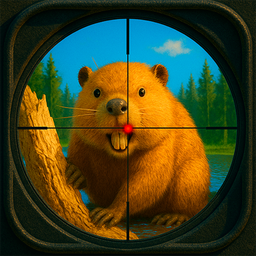
Grab your rifle and head into the wilderness—this is a no-frills hunting simulator where you track down wild animals across 100 levels. If you ever played those classic arcade hunting games or Deer Hunter back in the day, you'll recognize the vibe instantly. Your goal is simple: spot the animal, take the shot, collect your reward, and upgrade to bigger guns. It's a straightforward browser shooter built for quick sessions, whether you're on PC or killing time on mobile.
Key Features
- 100 Levels of Hunting: Plenty of stages to work through, each with different animal targets.
- 5 Weapon Types: Start with basic gear and upgrade to more powerful rifles and shotguns as you earn rewards.
- 3 Distinct Biomes: Hunt in forests, snowy villages, and desert canyons—each environment changes the feel of the hunt.
- Reactive Animal AI: Animals actually get spooked and run away if you miss or make too much noise, adding a bit of challenge.
How to Play Wild Hunter 3D
The tutorial shows up on level one, but honestly, you'll figure it out in seconds—it's point and shoot.
Track Your Target
You spawn into an open area with trees, rocks, and wildlife roaming around. Use WASD to move and Shift to sprint when you need to close the gap. Your target animal is marked, so you're not wandering aimlessly. The challenge is getting close enough without scaring them off—yeah, they actually react and bolt if you're too loud or miss your first shot.
Line Up the Shot
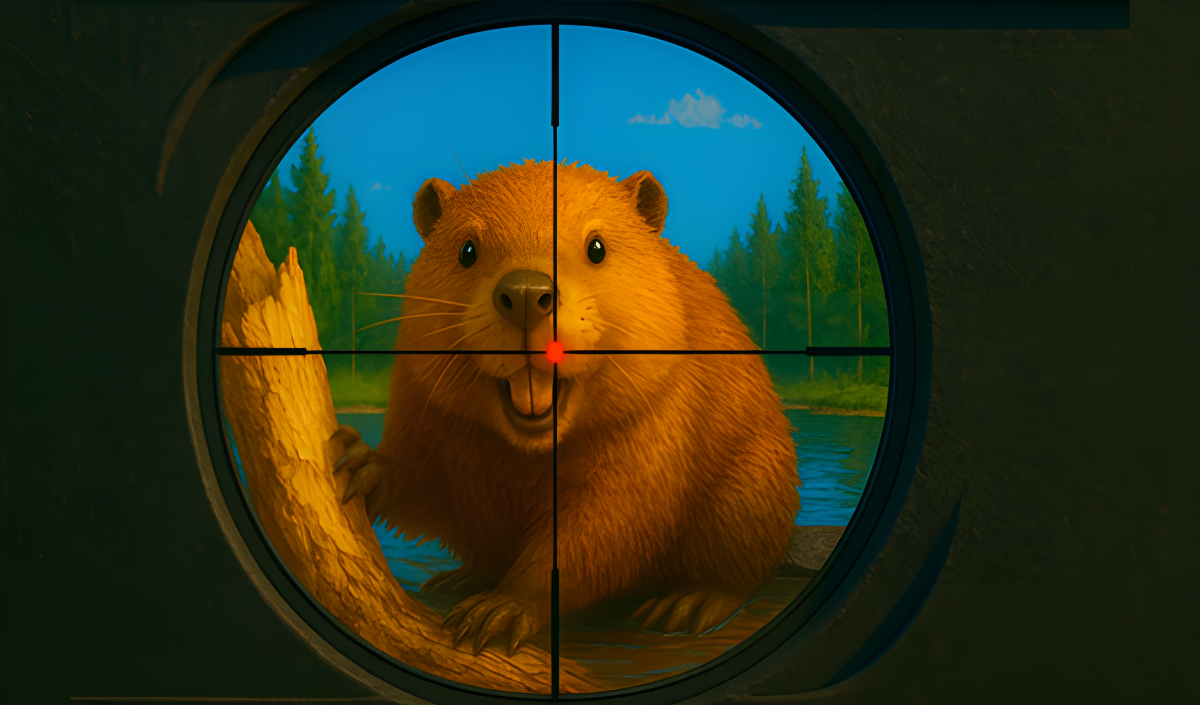
Right-click brings up your scope, and that's when you need steady hands. The scope zooms in tight, and you'll see a simple crosshair overlay. Left-click fires. If you're using a shotgun, you can get away with being a bit sloppy up close, but rifles demand precision. Animals don't stand still forever, so you've got a small window before they sprint into the treeline.
Collect Rewards and Upgrade
Each successful hunt drops cash. Between levels, you hit the shop and spend your earnings on better weapons—more damage, better range, faster reload. The progression is linear: you need the upgrades to tackle tougher animals like bears and buffalo in later levels. There's no skill tree or complex systems—just buy the next gun and move on.
Who is Wild Hunter 3D for?
This is for casual players who want a chill, low-stakes hunting experience without the complexity of a full sim. Kids and teens will enjoy the straightforward gameplay loop—there's no gore, just animals that disappear when shot. If you're looking for something you can play during a break without committing to a long session, this fits the bill. It's not for hardcore simulator fans expecting realistic ballistics or survival mechanics.
The Gameplay Vibe
It's relaxed and repetitive in a good way—like popping bubble wrap. The low-poly art style is clean but extremely basic; everything looks flat and washed out with minimal shading. It's clearly built from standard Unity asset packs, so don't expect visual innovation. There's no real soundtrack to speak of, just ambient nature sounds and gunshot effects. The vibe is more "arcade cabinet at a rest stop" than "immersive hunting expedition." Perfect for zoning out, honestly.
Technical Check: Saves & Performance
Your progress saves automatically in your browser's local storage, so you can pick up where you left off—just don't clear your cache or you'll lose everything. Performance-wise, this runs on a potato. The graphics are so stripped down that even older laptops and budget phones handle it without stuttering. No loading screens between levels either, which keeps the flow smooth.
Quick Verdict: Pros & Cons
A solid time-killer for fans of simple hunting games, but don't expect depth.
- ✅ Pro: Instant action—no tutorials to slog through, just hunt.
- ✅ Pro: Runs flawlessly on low-end devices and browsers.
- ❌ Con: Gets repetitive fast—every level feels like the last one with a different animal skin.
Controls
Responsive and tight on desktop; mobile touch controls are functional but aiming with a virtual joystick takes some getting used to.
- Desktop: WASD to move, Shift to sprint, Spacebar to jump, Left Mouse to shoot, Right Mouse to aim.
- Mobile: Virtual stick for movement, tap to shoot, on-screen buttons for aiming, jumping, and sprinting.
Release Date & Developer
Developed by FenixGames and released on November 13, 2024.