
































Tile Guru
Tile Guru - Play Online
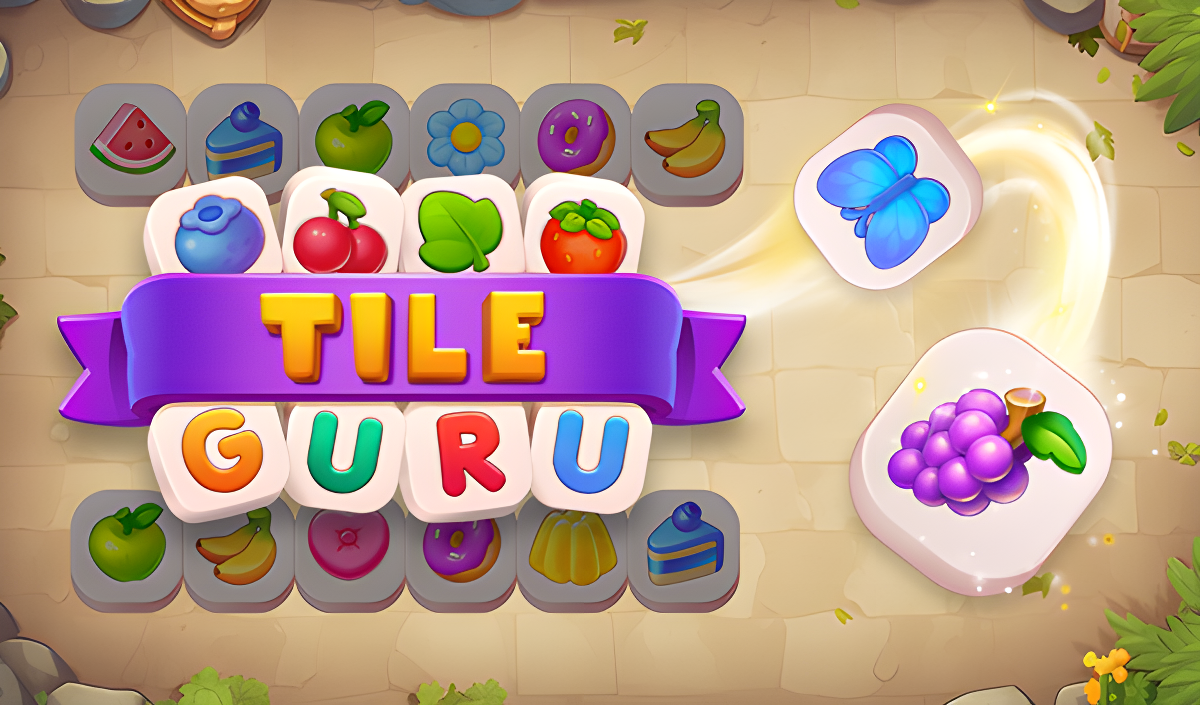
If you've ever played those satisfying match-3 mobile games that pop up everywhere, Tile Guru is exactly that formula—but honestly, it works. This is basically a Mahjong Solitaire remix with a slot buffer mechanic that forces you to think three moves ahead. Your goal is simple: tap matching tiles, group them in sets of three, and clear the entire board before you run out of space. It's designed for short bursts of brain training wrapped in pastel colors and fruit icons.
Key Features
- Level-Based Progression: Dozens of stages with gradually increasing difficulty—starts easy, gets genuinely tricky around level 20.
- 7-Slot Buffer System: The core twist—you can only hold seven tiles at once, forcing you to plan your matches carefully.
- Power-Ups and Hints: Shuffle, undo, and hint boosters available when you're stuck (costs coins, of course).
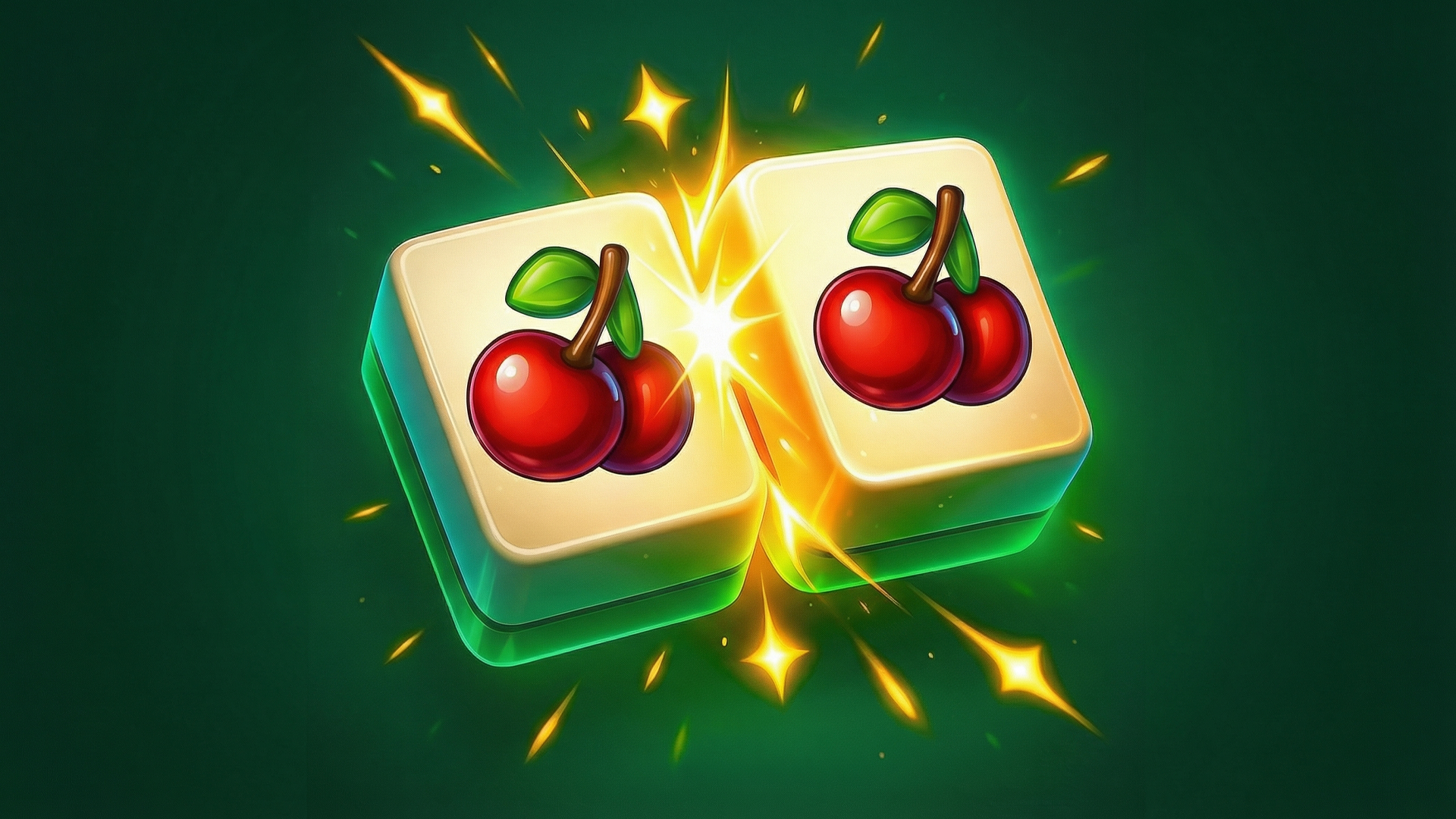
- Multiple Tile Themes: Fruits, balloons, cubes, and other colorful objects keep the visuals rotating between levels.
How to Play Tile Guru
The rules are dead simple, but mastering the strategy takes focus.
Finding and Tapping Open Tiles
You tap tiles that aren't blocked by others on top of them. Each tile you select flies down to your buffer bar at the bottom of the screen. The trick is identifying which tiles are actually "open"—if something's buried under two layers, you can't touch it yet. Pay attention to the 3D stack layout.
Managing Your Seven Slots
Here's where it gets stressful: you only have seven slots in your buffer. If you fill all seven without making a match-three combo, you lose the level. This forces you to think backwards—don't just grab any open tile, grab tiles that will actually complete a set. I lost twice before I learned to scan for triples before tapping anything.
Clearing the Board and Using Boosters
Once you match three identical tiles, they vanish and free up slots. Keep going until the entire board is empty. If you get stuck, you can spend coins on a shuffle (rearranges tiles), an undo (takes back your last move), or a hint (highlights a good match). The game gives you a few free boosters early on, but after that, you're either grinding or watching ads.
Who is Tile Guru for?
This is perfect for casual players who want a low-stress puzzle fix during coffee breaks or commutes. It's not fast-paced or competitive—there's no timer, no combat, no pressure except the self-imposed kind when you're one tile away from failure. Parents, this is totally safe for kids too. Bright colors, no violence, and it actually does make you think about patterns and memory. If you're looking for something hardcore or skill-based, though, this isn't it.
The Gameplay Vibe
It's calm but quietly addictive. The pastel backgrounds, soft lighting, and cheerful tile designs give off that "zen planner app" aesthetic—everything's rounded, gradient-heavy, and inoffensive. There's no real music to speak of, just gentle pops and swooshes when you match tiles. Honestly, it's perfect for multitasking. I played a dozen levels while listening to a podcast and never felt rushed. The difficulty ramps up slowly enough that you don't notice until suddenly you're restarting a level for the third time because you didn't plan your buffer correctly.
Technical Check: Saves & Performance
The game auto-saves your progress in your browser cache, so as long as you don't clear your browsing data, you'll pick up right where you left off. Performance-wise, this runs smoothly even on older laptops or budget phones—it's not graphically demanding at all. The engine is likely Unity, but it's optimized enough that I didn't experience any lag or stuttering on a mid-range device. Load times between levels are nearly instant.
Quick Verdict: Pros & Cons
A solid time-killer that's better than most generic match-3 clones, but it doesn't reinvent the wheel.
- ✅ Pro: No timer pressure—play at your own pace without stress.
- ✅ Pro: The 7-slot buffer mechanic actually adds strategic depth compared to basic match-3 games.
- ❌ Con: The coin/booster system feels engineered to nudge you toward watching ads or paying once you hit the harder levels.
Controls
Super responsive and intuitive. Point-and-click on desktop works flawlessly, and touch controls on mobile are just as smooth.
- Desktop: Left-click to select and match tiles. Click booster icons when needed.
- Mobile: Tap tiles directly. Tap boosters at the bottom to activate power-ups.
Release Date & Developer
Developed by Clever Apps Pte. Ltd. and released on January 1, 2023. They've clearly studied the mobile puzzle market—this has all the hallmarks of a proven formula.