































Melon Sandbox
Hidden Object: My Hotel
Snake 2048
Hazmob FPS: Online Shooter
Hidden Object: Clues and Mysteries
Sprunki World Online RP - Play with Friends!
My Town Home: Family Playhouse
Fruit Merge: Juicy Drop GameTile: Family Adventure
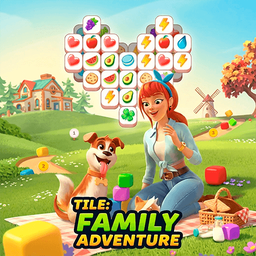
Tile: Family Adventure - Play Online

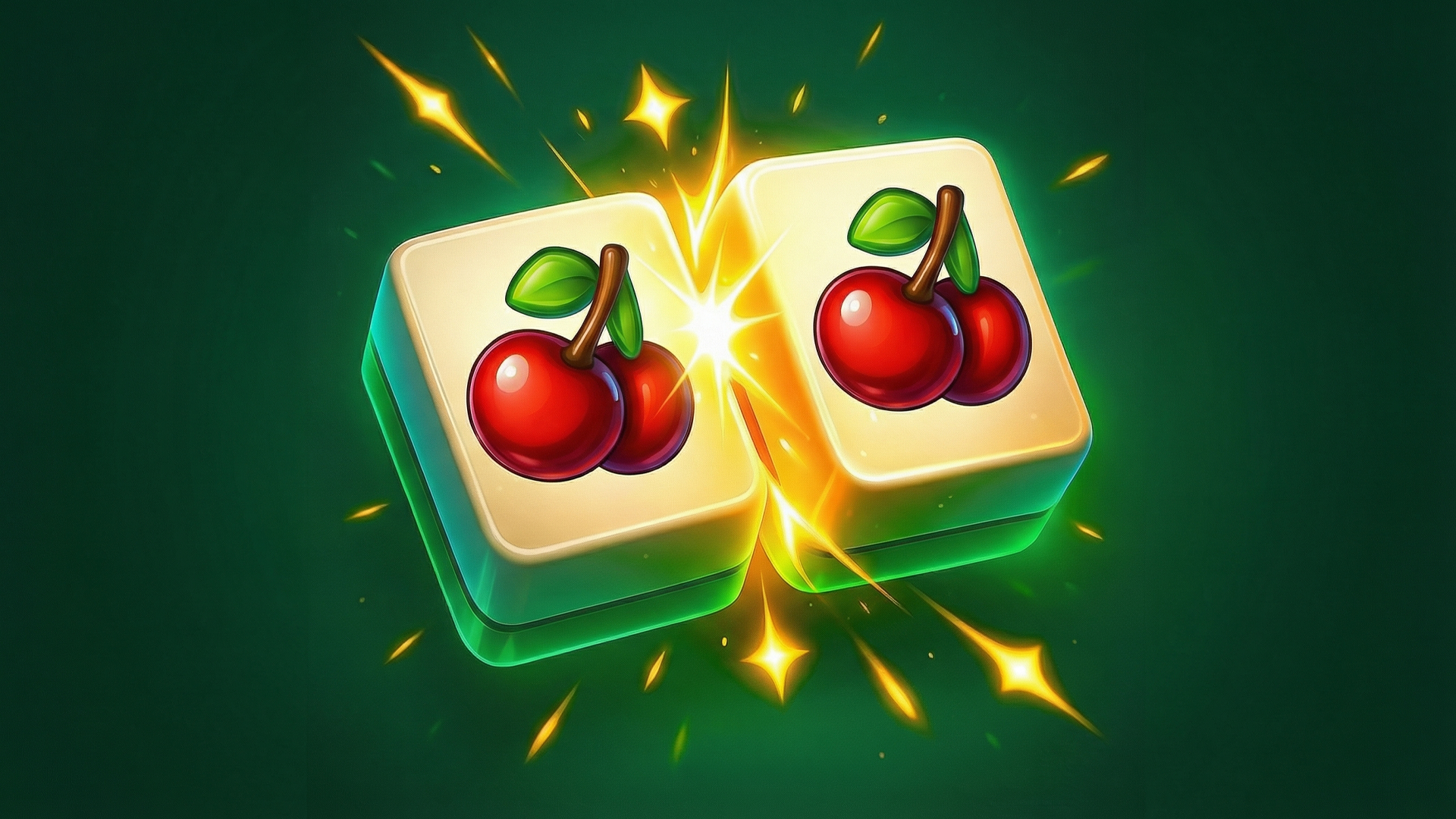
This is your classic "match three tiles" brain teaser dressed up with colorful icons and a map that stretches on forever. If you've ever played those addictive mobile puzzle games like Tile Master or Zen Match, you know exactly what you're getting into here. The goal is simple: tap three matching tiles before your bottom bar fills up, clear the board, and move on to the next of what feels like a thousand levels. It's designed to be picked up during coffee breaks or while waiting in line—pure casual brain candy.
Key Features
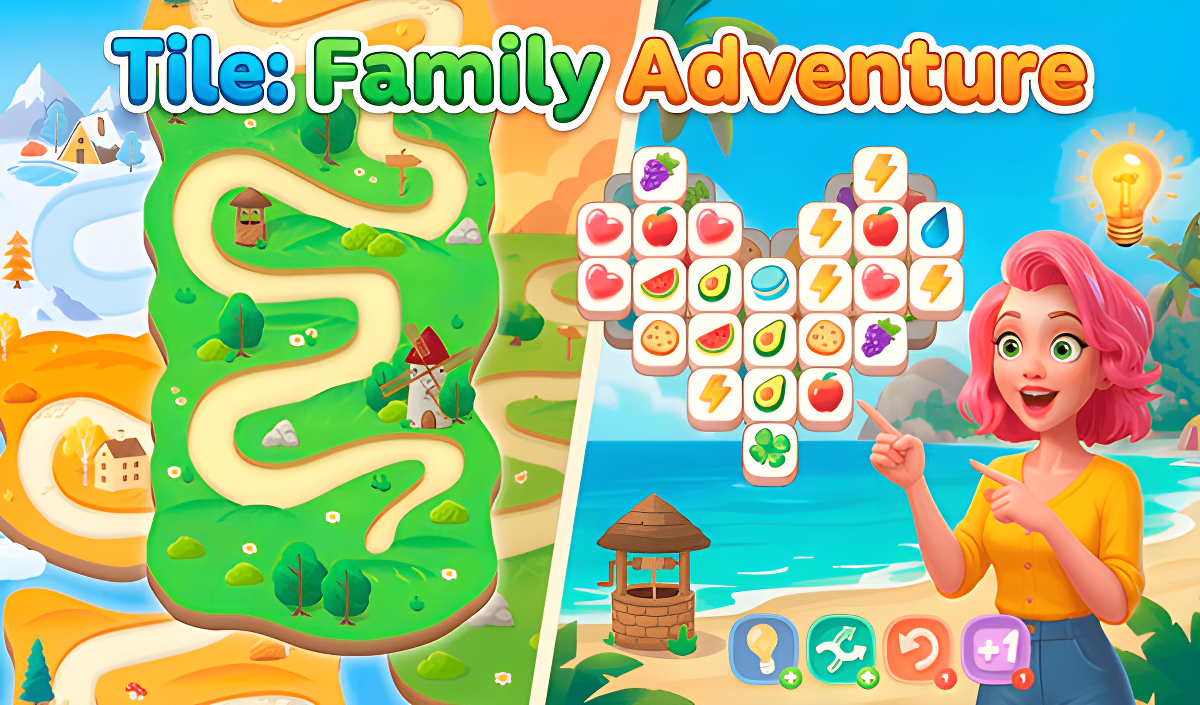
- Hundreds of Levels: The saga-style world map keeps going through different seasonal themes (Autumn, Summer, Winter).
- No Install Required: Runs directly in your browser using Unity, works on both desktop and mobile.
- Simple Match-3 Logic: No timers or complex combos—just find three identical tiles and clear them.
- Family-Friendly Icons: Pizza slices, watermelons, avocados, and other bright, recognizable objects.
How to Play Tile: Family Adventure

The learning curve is basically flat, but don't let that fool you—later levels get genuinely tricky.
Tap to Collect Tiles
You click on any tile that isn't blocked by others stacked on top of it. Each tile you tap slides down into the matching bar at the bottom of the screen, which has seven slots. Your job is to get three identical icons into that bar so they automatically clear out and make room.
Manage Your Limited Space
Here's where it gets sticky: if you fill all seven slots without making a match, it's game over for that level. You need to think a few moves ahead, especially when tiles are stacked in complicated patterns like hearts or crosses. The layering means you can't just grab whatever you want—you have to work from the top down.
Clear the Board to Progress
Once every tile is matched and gone, you beat the level and unlock the next node on the map. Stars and progress markers show up, giving you that little dopamine hit. Then you click the next level and do it all over again with a slightly harder layout.
Who is Tile: Family Adventure for?
This is tailor-made for casual players who want zero stress and maximum zone-out time. Parents can hand this to kids without worry—there's no violence, no confusing mechanics, and the colorful food icons are instantly recognizable. It's also perfect if you're the type who plays puzzle games on the couch while watching TV. If you need adrenaline and fast reflexes, look elsewhere. This is slow, methodical, and meditative.
The Gameplay Vibe
It feels like digital bubble wrap. The pace is entirely up to you—there's no timer ticking down, no enemies chasing you. You can stare at the board for five minutes deciding your next move and nobody cares. Visually, it's generic but clean: flat 2D graphics with basic gradients and that asset-store aesthetic you've seen in a hundred other mobile puzzles. The backgrounds are simple landscapes that change themes as you progress. I didn't notice any standout music or sound effects—it's all pretty forgettable, which honestly works for a game like this. You're probably playing it muted anyway.
Technical Check: Saves & Performance
Your progress saves automatically in the browser cache, so you can close the tab and come back later without losing your spot. Just don't go clearing your browsing data or you'll start over. Performance-wise, this runs smooth as butter even on older laptops or budget phones. The graphics are so simple that you'd have to try hard to find a device that struggles with it. No lag, no stuttering, no excuses.
Quick Verdict: Pros & Cons
A solid time-killer that does exactly what it promises, but don't expect any surprises.
- ✅ Pro: Instant, stress-free gameplay with no learning curve.
- ✅ Pro: Works flawlessly on both PC and mobile without downloads.
- ❌ Con: Zero originality—this is a straight clone of dozens of other tile matchers, and the repetition kicks in fast.
Controls
Responsive and simple. No complaints here—everything works exactly as you'd expect.
- Desktop: Click on tiles with your mouse to select them.
- Mobile: Tap tiles directly with your finger.
Release Date & Developer
Developed by NovaGames and released on November 13, 2024.