





















Classic Spider Solitaire









About Classic Spider Solitaire
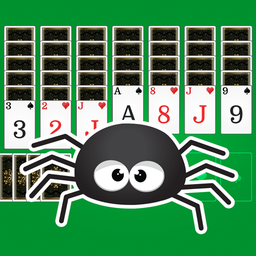
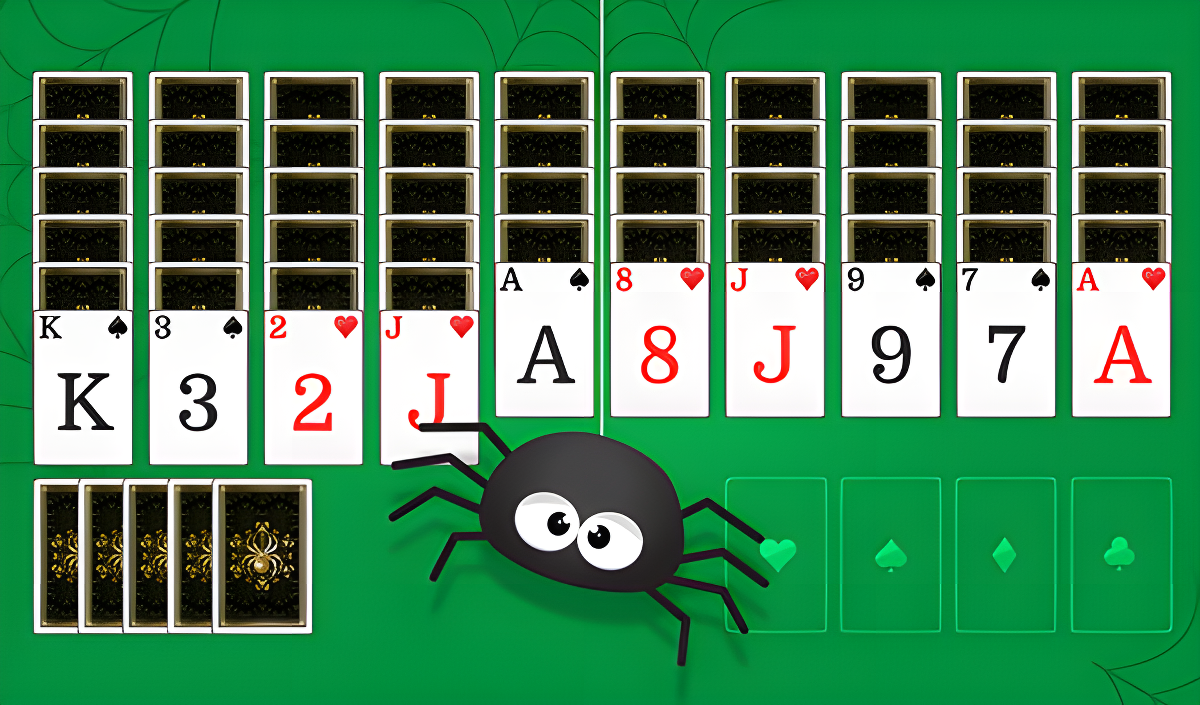
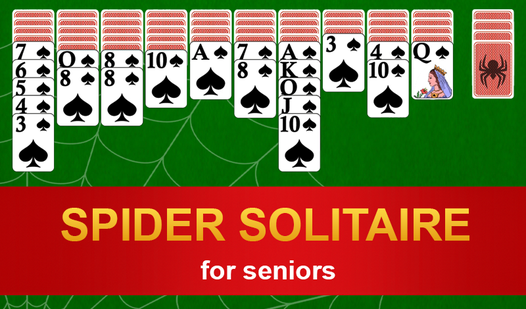
Classic Spider Solitaire is one of the most popular card games on the internet, challenging players to clear the entire table by building complete suits from king to ace. The game suits everyone from first-time players to seasoned card game veterans, thanks to its three distinct difficulty modes. Several scenes show a green background with a repeating cross-hatch texture. A faint spiderweb illustration also appears across those same views.
Every royal flush completed earns 100 points, but each individual move costs 1 point — so careful, deliberate thinking pays off more than rushing through the deck.
How to Play Classic Spider Solitaire
The goal is to remove all cards from the field by assembling complete royal flushes of the same suit, running from king down to ace. Each completed flush scores 100 points, while every move made deducts 1 point, making it worthwhile to plan sequences before committing to them.
One scene shows ten columns of cards arranged horizontally across the top section of the play area. Groups of cards can be moved together as long as they are already sorted and all belong to the same suit. When no valid moves remain, dealing a new round of cards is possible by clicking the stack in the lower right corner of the screen, which places one card into each column.
Controls
- Mouse drag: Move a card or a sorted same-suit group of cards across the table
- Click (lower right corner stack): Deal one card to each column when moves run out
Games You Might Like
If Classic Spider Solitaire has you hooked on suit-building challenges, the broader cards games collection on Playgama is worth exploring for more deck-based fun. Spider Solitaire "Classic" lets you choose between 1, 2, or 4 suits and is easy to pick up if you've played Klondike or Tri Peaks before. Solitaire Spider Master also offers three difficulty tiers and uses two decks, with same-suit sequences clearing to the foundation. Spider Solitaire: Emerald Web brings the classic spider format online with 1, 2, or 4 suit options to train logic and memory. For a clean, distraction-free experience with large easy-to-read cards, Spider Solitaire for Seniors offers hints and both vertical and horizontal play modes. The puzzle games category is another great destination if you enjoy brain-training card challenges like this one.
Video