
Puzzle Games

 Piece of Cake: Merge & Bake
 Arrow Puzzle
 Hidden Object: Street Of Secrets

 Fruit Merge: Juicy Drop Game
 Hidden Object: My Hotel

 Tap 3D Wood Block Away



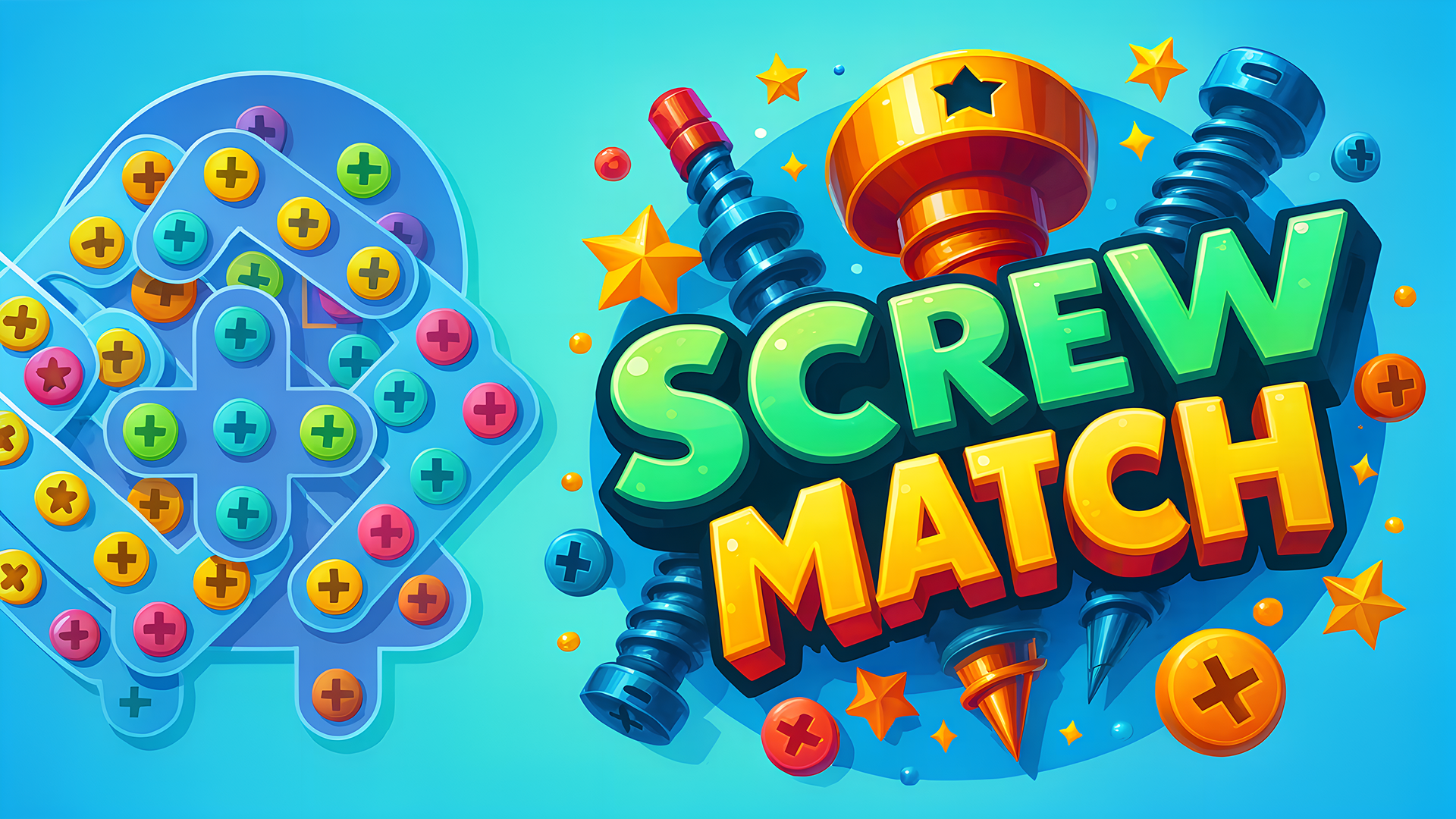


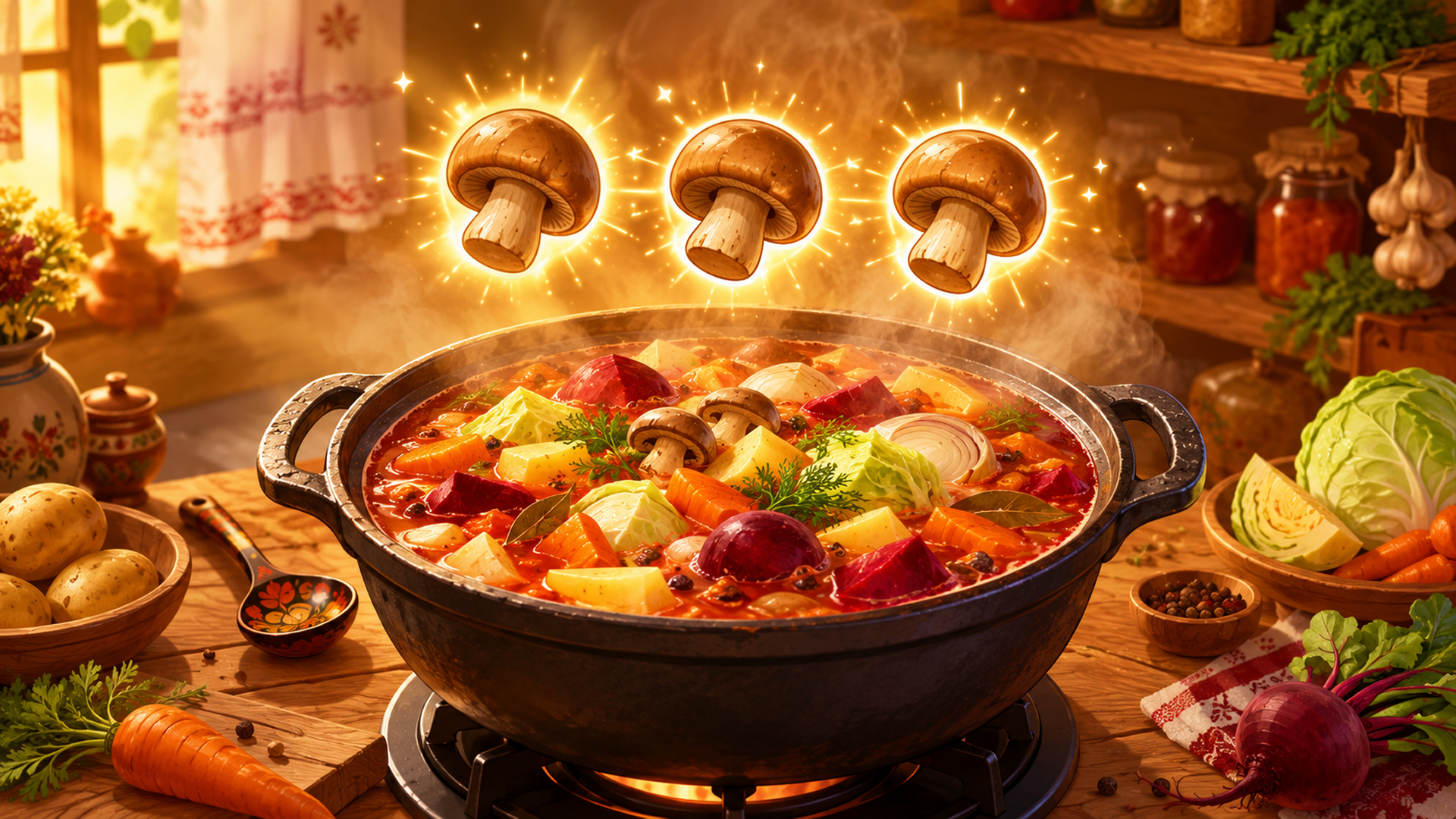
 Cook Soups: 3 in a Bowl
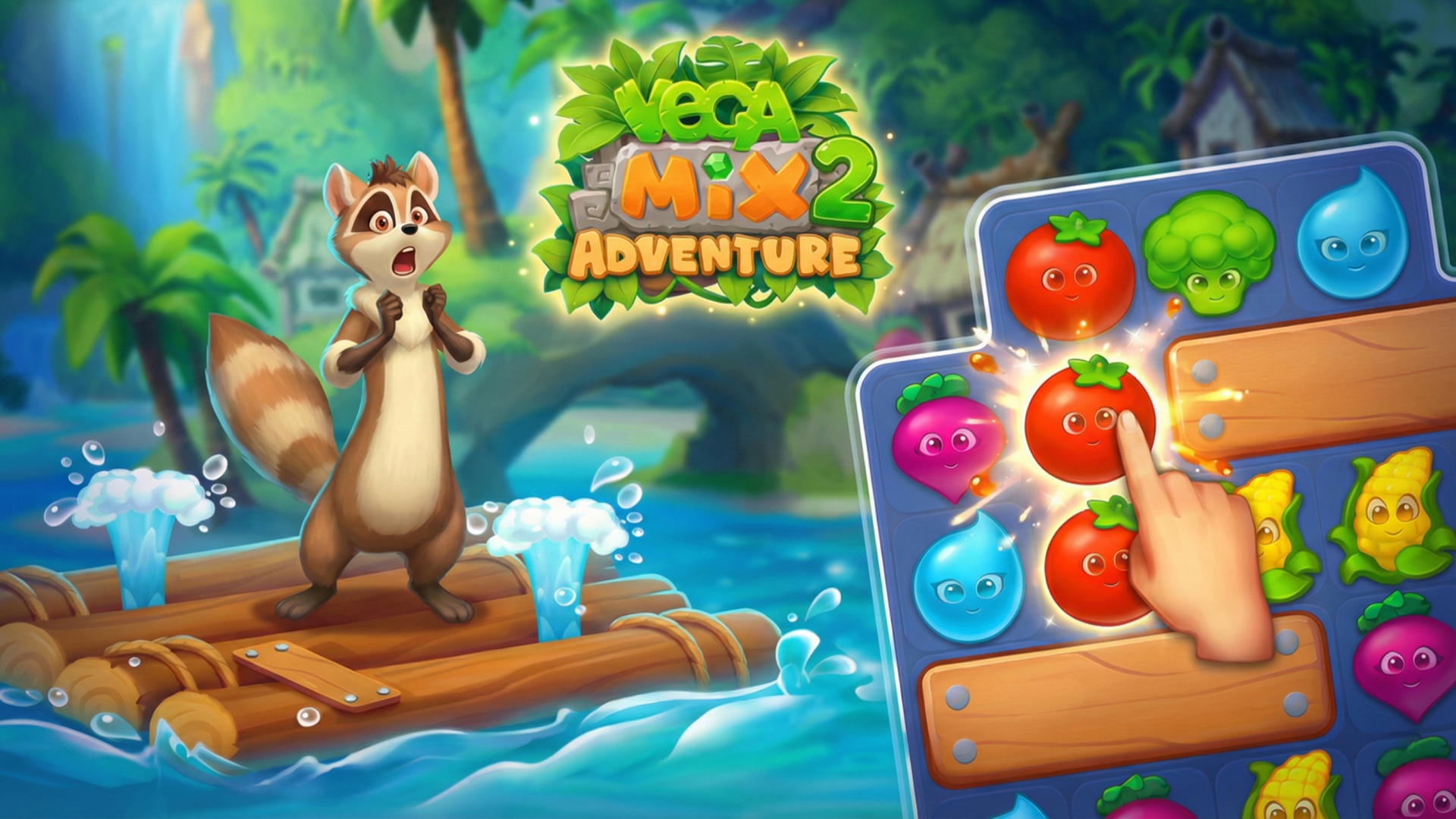 Vega Mix 2: Adventure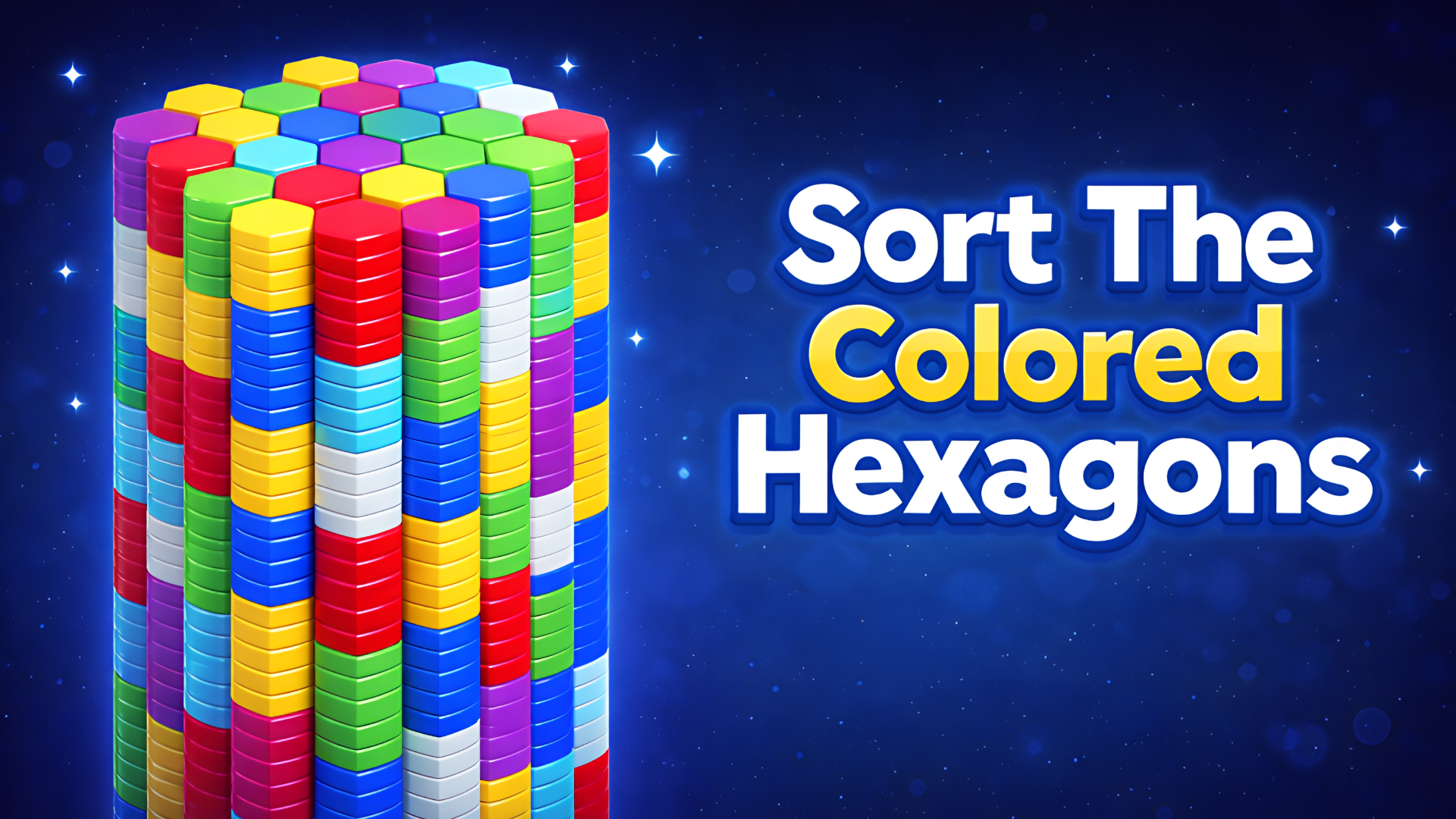


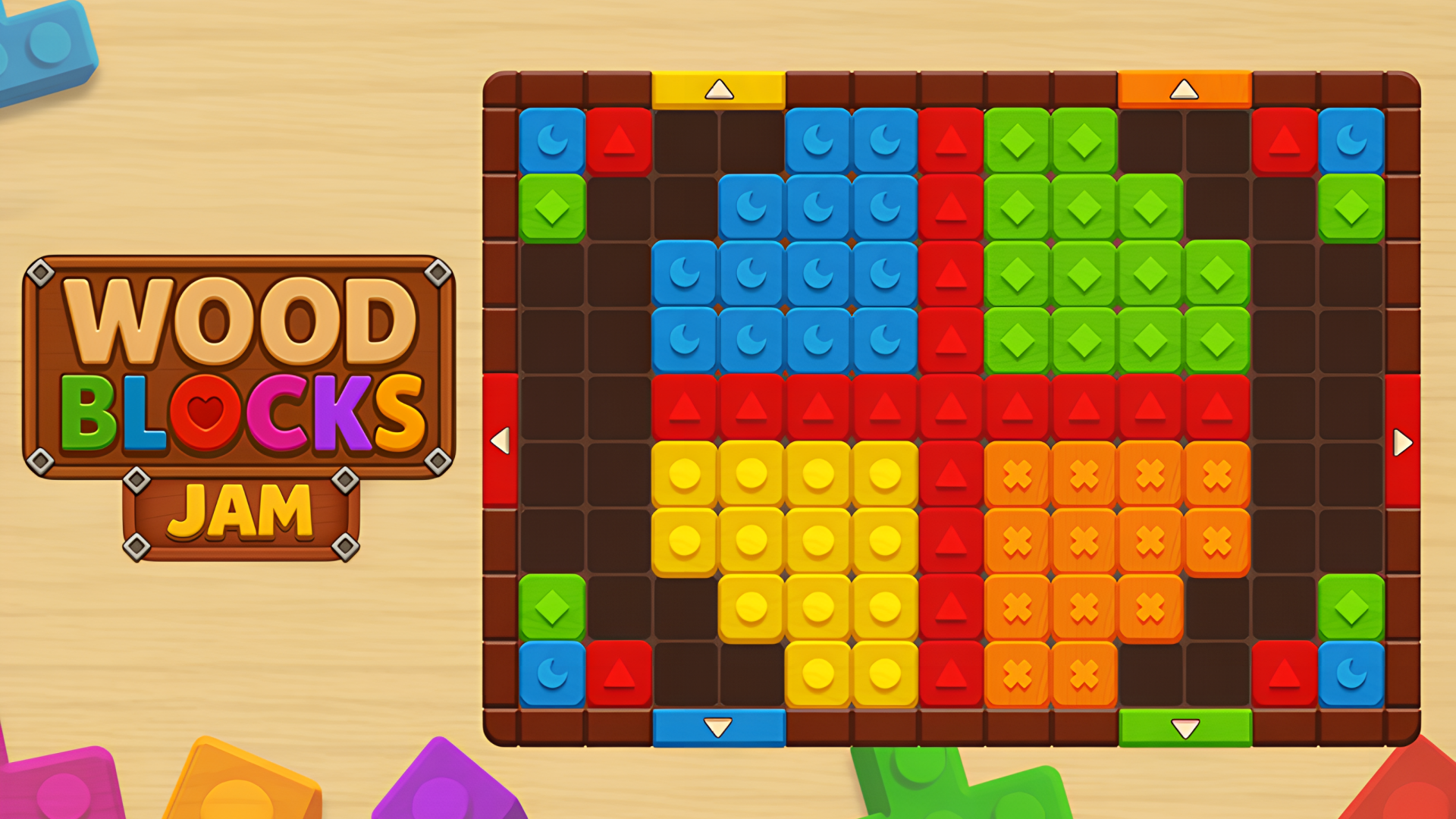 Wood Blocks Jam



Sharpen Your Mind with Engaging Puzzle Challenges
Puzzle games challenge your problem-solving skills, pattern recognition, and Logic. Playgama offers a collection of 4500+ titles designed for casual gamers. You can play these games directly in your browser on both desktop and mobile devices without requiring any downloads.
Matching and Merge Games
Matching and merge games require you to combine identical items to progress. In Fruit Merge: Juicy Drop Game, you drop and combine similar fruits to create larger varieties. Piece of Cake: Merge & Bake integrates puzzle-solving mechanics with cafe management tasks. For traditional match-3 mechanics, Vega Mix 2: Adventure involves swapping pieces to clear lines and overcome board obstacles.
Block and Tile Puzzles
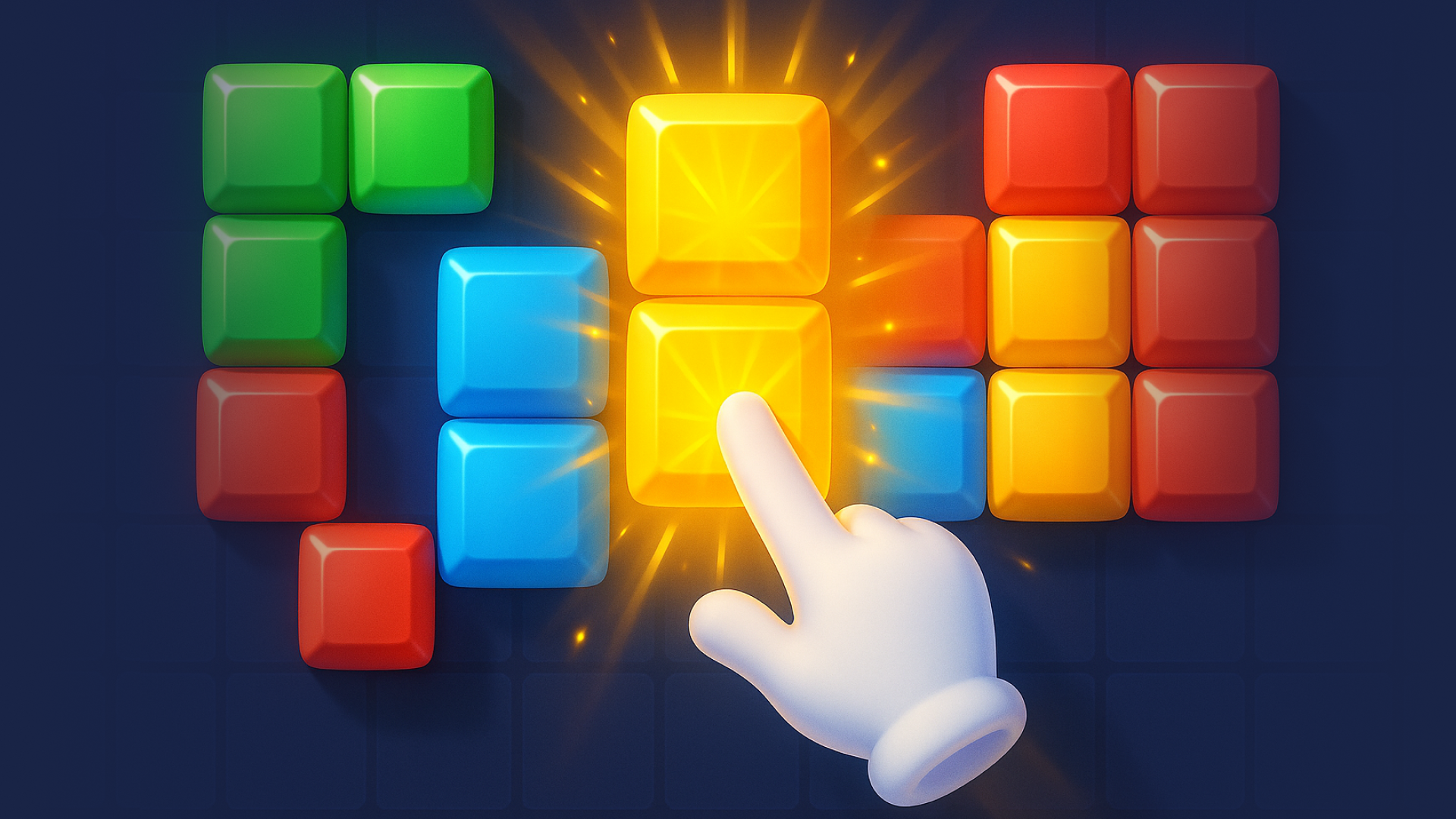
These games focus on spatial reasoning and clearing boards using specific rules. Mahjong Magic Islands offers a solitaire experience where you match pairs of free tiles. For a modern approach to Tiles Games, Tap 3D Wood Block Away requires you to rotate 3D structures and tap blocks to dismantle them. Similarly, Wood Blocks Jam tasks you with sorting colored blocks into corresponding gates.
Hidden Object and Logic Challenges
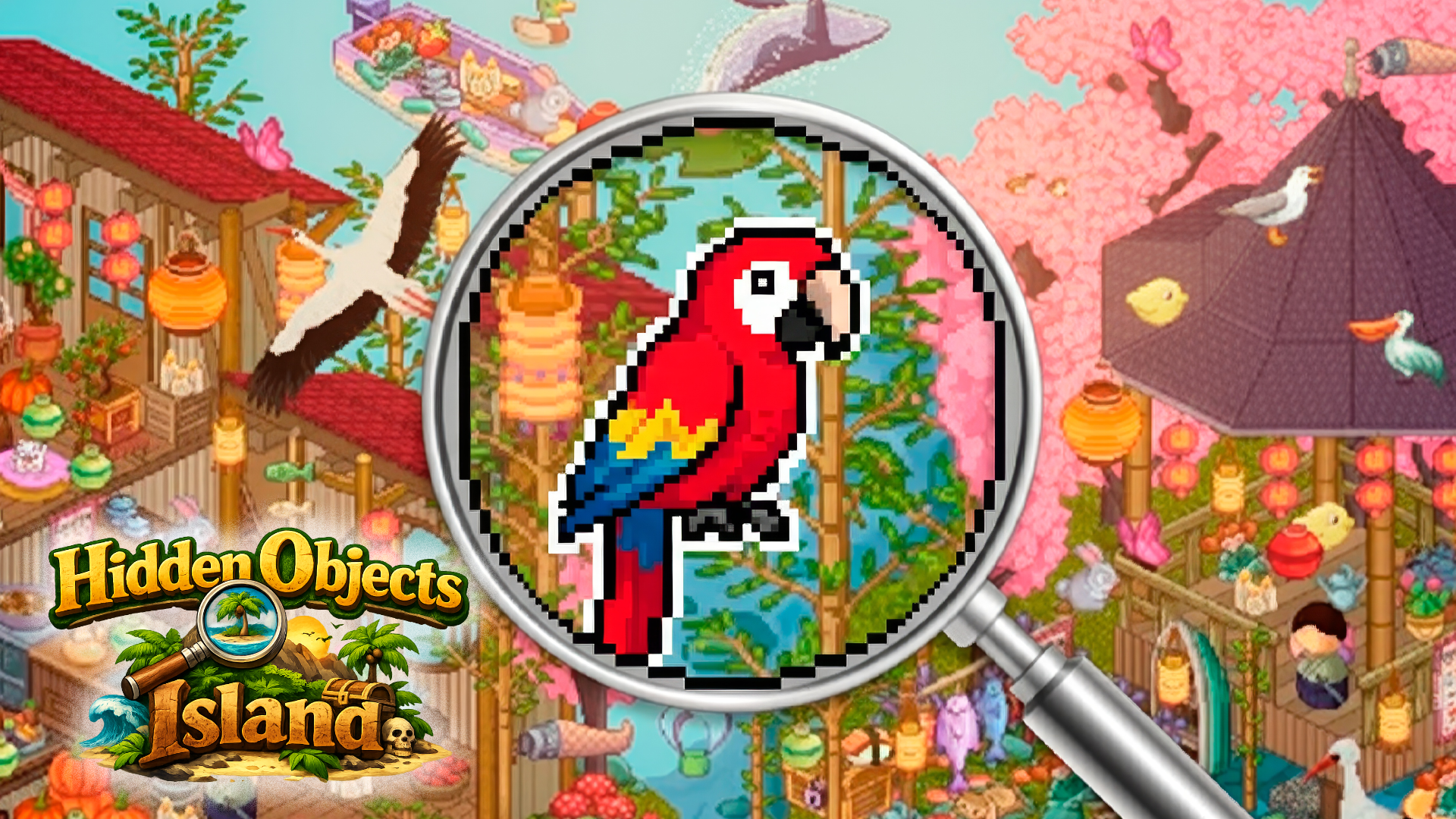
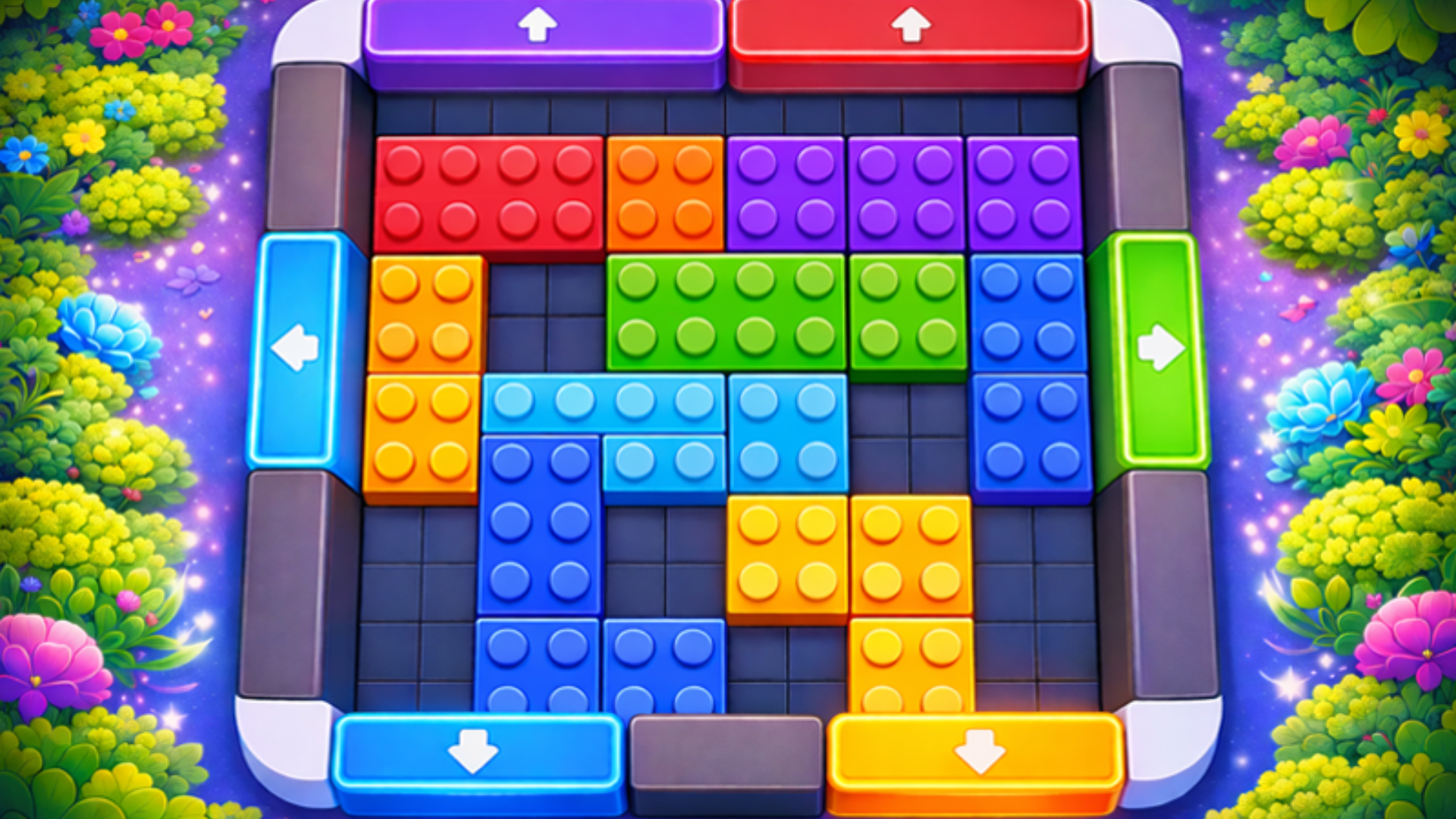
These titles test your observation and deduction skills, functioning as interactive Mind Games. Hidden Object: My Hotel tasks you with finding specific items hidden within cluttered room environments. In Arrow Escape: Puzzle, you must determine the correct sequence to move interlocking arrows and clear the board.
Features of Puzzle Games
- Brain Training: Gameplay focuses on memory, attention, and spatial awareness tasks.
- Cross-Platform Play: Titles are optimized for touchscreen mobile devices and desktop mouse controls.
- Single-Player Focus: Most games offer standalone, 1-player experiences without strict time limits.
- Diverse Mechanics: Objectives range from color matching and hidden object searches to sliding blocks.
FAQ
What are the most popular Puzzle?
These top-rated puzzle titles offer the most frequently played mechanics and logic challenges for users.
- Piece of Cake: Merge & Bake
- Arrow Puzzle
- Hidden Object: Street Of Secrets
- Good Sort Master: Triple Match
- Fruit Merge: Juicy Drop Game
- Hidden Object: My Hotel
- Nuts Puzzle: Sort By Color
- Mahjong Classic
- Tap 3D Wood Block Away
- Yarn Fever! Unravel Puzzle
What are the best Puzzle for mobile?
These touchscreen-optimized puzzle games provide intuitive drag-and-drop controls for playing on mobile devices.
