



















Nonograms: Pixel Garden










About Nonograms: Pixel Garden
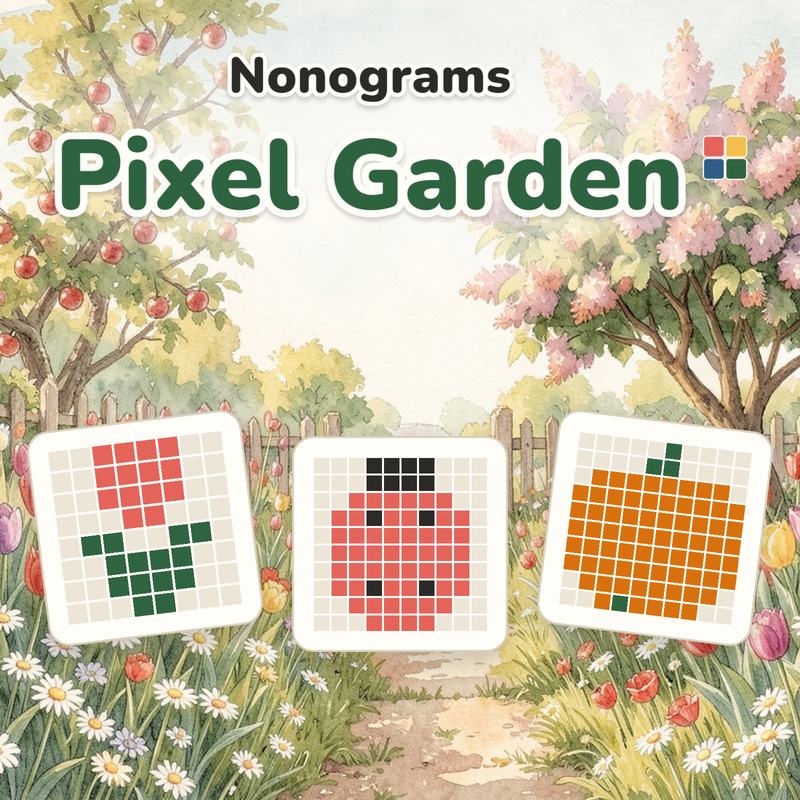
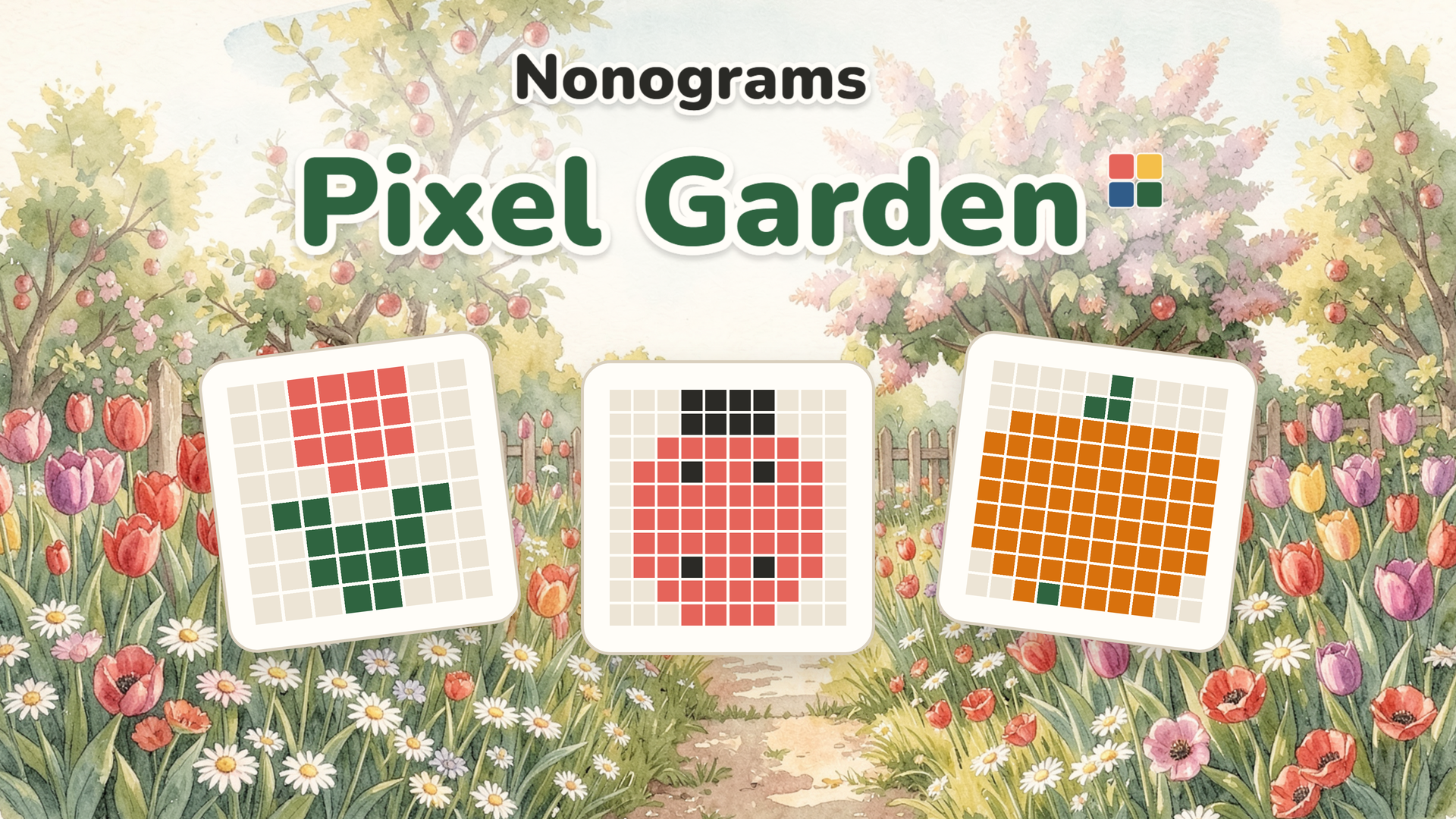
Nonograms: Pixel Garden is a coloured nonogram game built entirely on logic — no guessing, no timer, no competition. Fill cells according to numbered clues along rows and columns, and a picture gradually takes shape from the cells themselves, then settles into its place in the garden. The collection spans 168 pictures ranging from compact 5×5 grids to expansive 30×30 grids, organised across 14 garden corners, with a fresh daily 10×10 puzzle added every day.
Large, high-contrast numbers keep the clues readable at a glance. A big grid opens already zoomed in, and a "Whole field" view lets you see the entire puzzle at once.
How to Play Nonograms: Pixel Garden: Fill Cells, Reveal Pictures
Each number beside a row or column represents the length of a consecutive run of filled cells, and its colour identifies the colour of that run. When multiple numbers appear, they describe multiple runs in that exact order. Runs sharing the same colour must have at least one empty cell between them.
Game Modes
- Main garden: 168 pictures across 14 garden corners, unlocked with seeds earned by solving puzzles
- Endless mode: a continuous path of black-and-white puzzles that grow from 5×5 up to 30×30
- Random puzzle: choose your preferred size and difficulty
- Daily puzzle: a new 10×10 puzzle every day
Checking and Saving
- With mistake checking: a wrong cell is corrected immediately, costing one of three leaves
- Classic: no checking at all — pure logic from start to finish
- Undo: unlimited, taking back one move at a time
- Auto-save: an unfinished grid is saved after every move
Hints and Navigation
- The "+1 cell for 3 seeds" hint reveals one correct cell
- A finished line greys out its numbers, marking it complete
- Starting with lines whose numbers nearly fill them is the recommended approach
Controls
- Tap a cell: fill it with the selected colour
- Drag: fill a line of cells
- Colour buttons (below grid): pick the active colour
- × button: mark cells that are surely empty
- Zoom / pinch: zoom in on the grid
- One finger (zoomed): paint cells
- Two fingers (zoomed): pan across the grid
- Arrow keys: move the cursor (computer)
- Space or Enter: fill the current cell (computer)
- X key: cross/mark a cell as empty (computer)
- 1–5 keys: pick a colour (computer)
- Z key: undo (computer)
- + and − keys: zoom in and out (computer)
- 0 key: reset zoom (computer)
- Esc key: open settings (computer)
- Scroll wheel: pan a big grid (computer)
Games You Might Like
If the logic-first, picture-revealing structure of Nonograms: Pixel Garden appeals to you, the broader puzzle games catalogue on Playgama is a natural next stop for more grid-based and visual challenges. Arrowscape: Arrow Puzzle shares the same satisfying loop of clearing a board in the right order to uncover a cute picture across themed worlds. For a word-based grid challenge with daily puzzles and hand-tuned levels, Word Sudoku brings wooden letter blocks and crossword logic together in a similarly relaxed format.
Fans of fast-reflex brain challenges can also explore arcade games or sharpen their precision further with skill games, both offering a different kind of satisfying mental workout.
Video
Use this link to embed the game on your website using an iframe
 Sign in to Embed and Monetize Games