









Mine Block 3D: Survival in a Blocky World








About Mine Block 3D: Survival in a Blocky World — Free Browser Sandbox
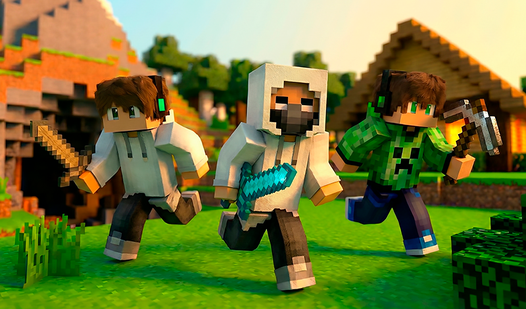
Mine Block 3D: Survival in a Blocky World is a free sandbox game built in the style of Minecraft, playable directly in your browser with no download and no sign-up required. The premise is wide open: reshape a huge blocky world however you like, mining resources, crafting tools and weapons, and constructing everything from simple houses to castles and whole cities. Pixel 3D graphics and simple controls keep the experience accessible while total freedom defines its character.
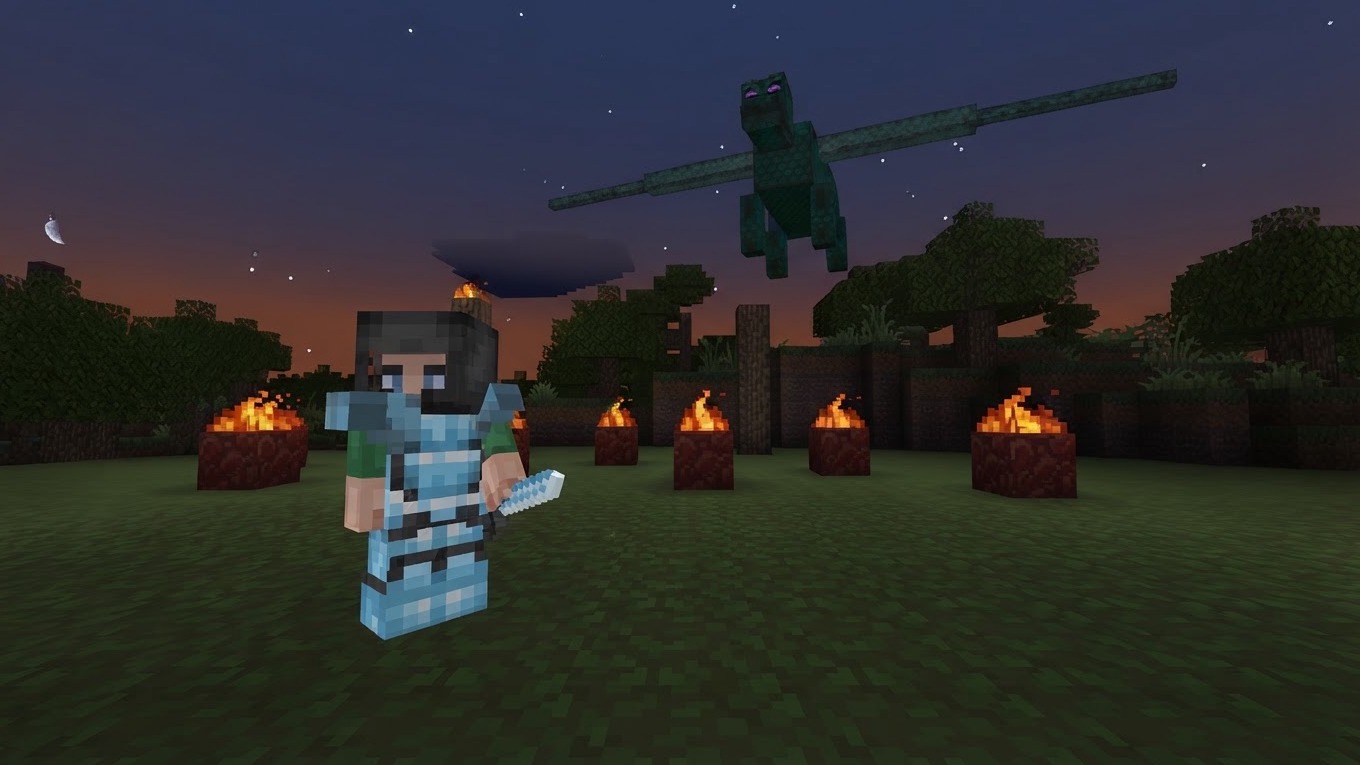
One scene shows a large circular area of glowing orange textured blocks surrounded by dark jagged rocks in a grey cave. Another moment captures small flickering orange and yellow shapes distributed across green grass and tree trunks at night. A separate scene presents a floating rectangular purple field framed by black blocks and two stone pillars topped with fire.
How to Play Mine Block 3D: Survival in a Blocky World: Mine, Craft, Build, Survive
The core loop is straightforward: mine resources, craft tools, build shelter, and survive in an endless blocky world. By day, gather wood and stone; by night, fend off monsters — or switch to peaceful mode and focus purely on creating. The game's own tip points to a clear early path: craft a workbench from planks to unlock bigger recipes, make a pickaxe, and head down into the caves for ore. Find iron, coal, and diamonds, and build a shelter before dark.
Game Modes
- Survival: gather resources, build, fight zombies and mobs, and make it to sunrise
- Creative: unlimited blocks and flight; build anything with no limits
- Adventure: explore caves, mines, and dungeons in search of treasure
What You Can Do
- Craft and build from dozens of block types
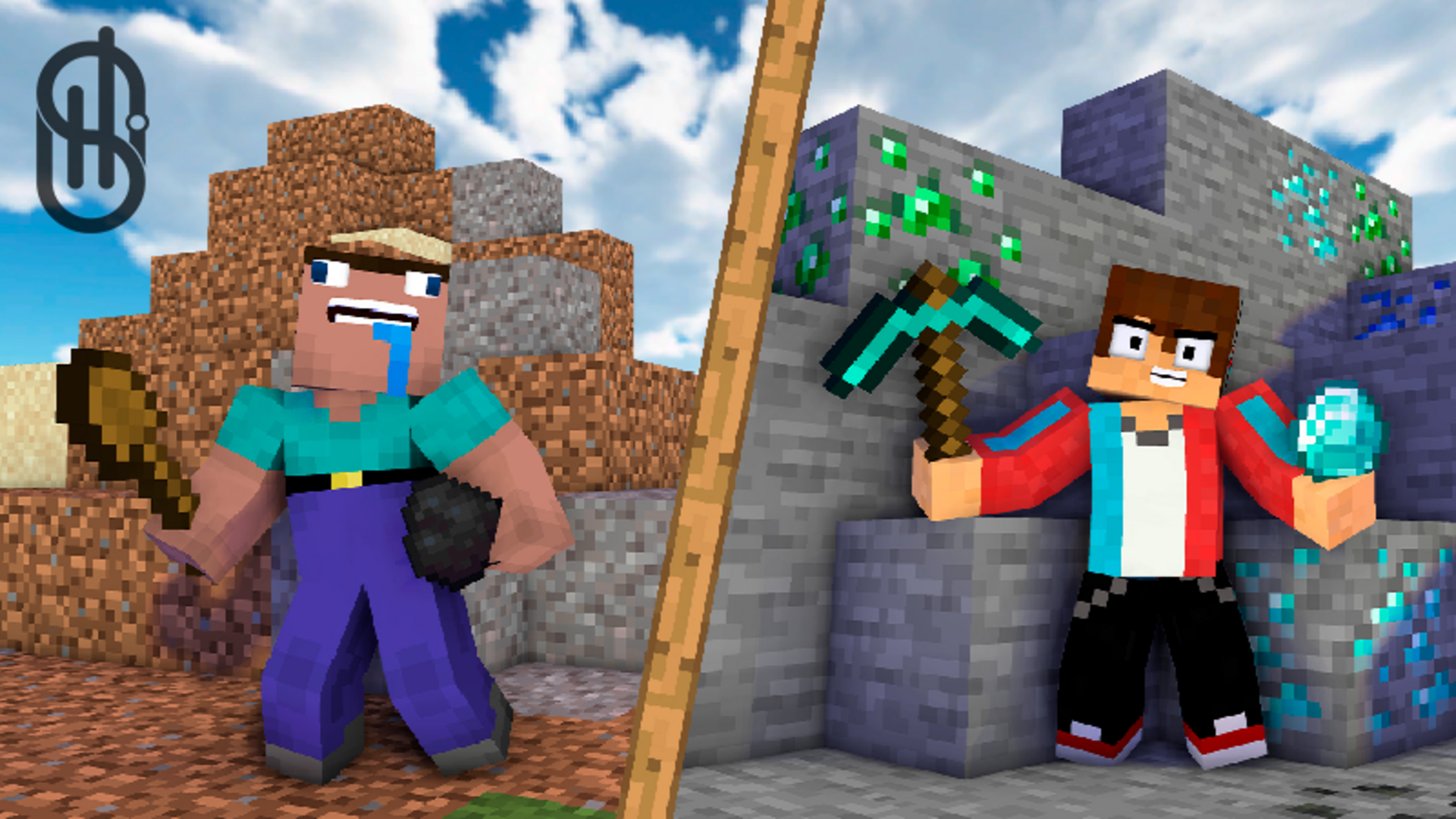
- Mine ore with a pickaxe deep in the shafts
- Fight monsters and defend your base
- Tame animals and start farms
- Change your character's skins
Controls
PC
- WASD: move
- Space: jump
- Mouse: look
- LMB: break block
- RMB: place/use
- Shift: run (or double-tap W)
- C: crouch
- 1–9 or mouse wheel: select item
- E: inventory and crafting
- Q: drop item
- F: offhand
- V: third-person view
- R / T / Y: load and unload the furnace
Mobile
- Left stick: move
- Swipe the screen: look
- Tap: place block
- Hold: break block
- Jump and crouch buttons: on the right side of the screen
- Item bar: at the bottom of the screen
Games You Might Like
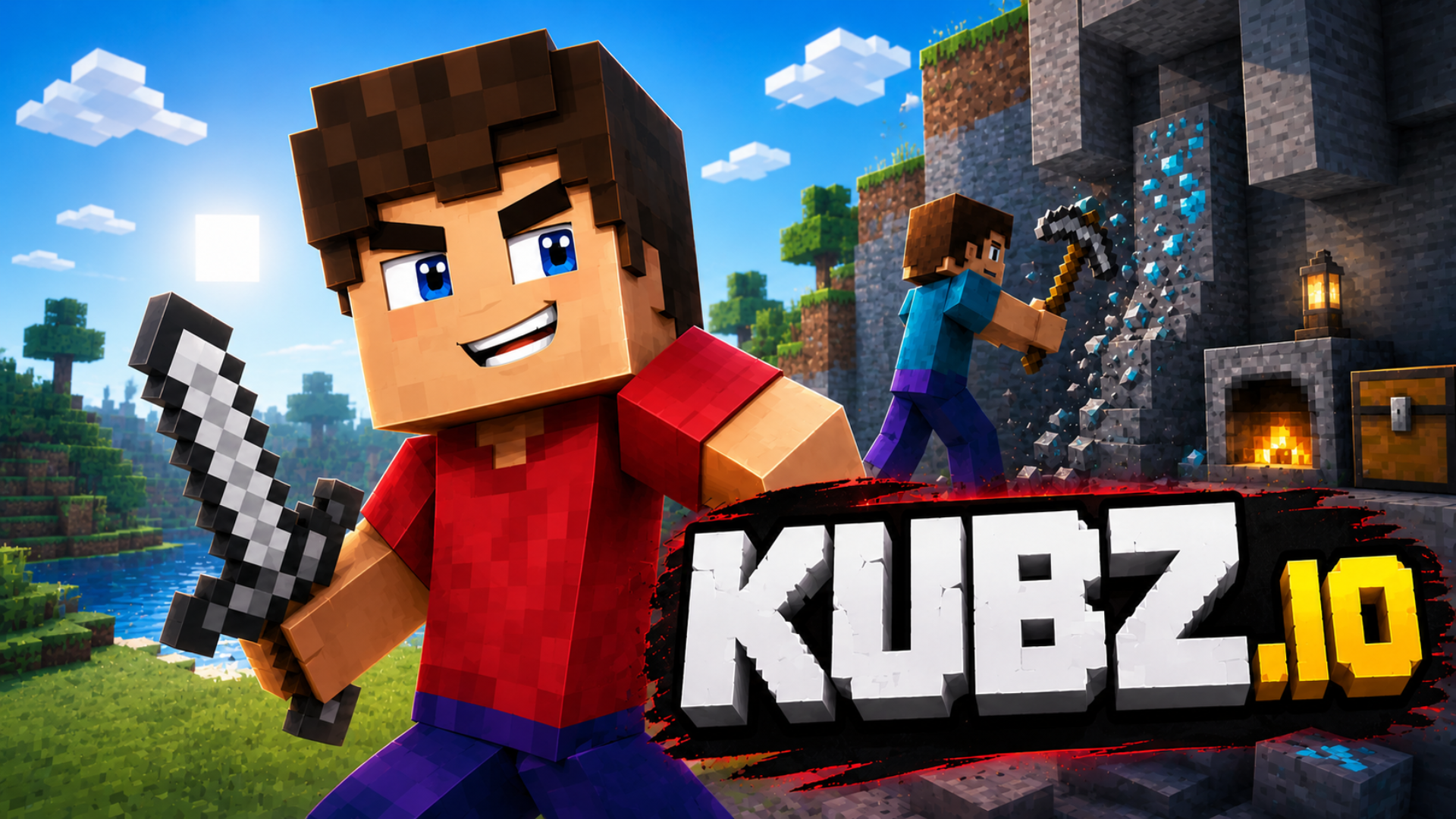
If the survival and crafting loop here appeals to you, survival games on Playgama offer a wide range of challenges across many styles and settings. For a fresh twist on the blocky survival formula, Skyblock 3D: Survival puts you on floating islands where you gather resources, battle monsters, trade with villagers, and build plantations — a compact but deep take on the genre. Fans of multiplayer voxel building will find Kubz.io familiar ground, with tree-punching, ore mining, crafting, and mob fights playable solo or with friends in shared worlds.
Mine Together expands the sandbox further with dimension travel, armor and weapon crafting, hunting, cooking, and a legendary Warden to confront — playable solo or in pairs. For more titles in the same vein, browse 3D games or dive into the dedicated Minecraft games collection for browser-based block-building adventures.