Word Games
Expand Your Vocabulary with Challenging Word Games
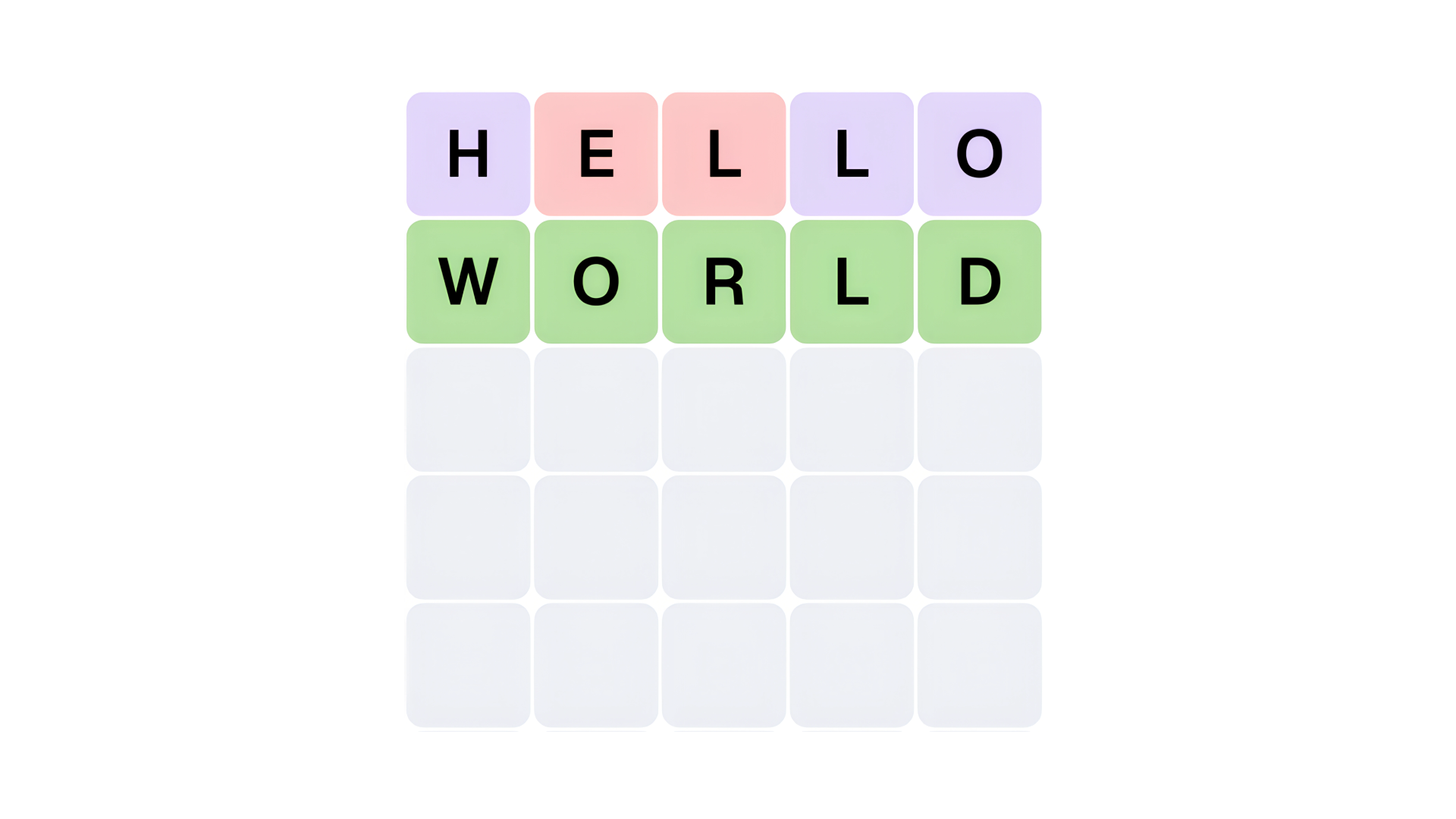
Word games test vocabulary, spelling, and pattern recognition. Players connect letters, solve anagrams, or find hidden words within a grid. Playgama features a collection of 100+ word titles that run directly in your browser on both desktop and mobile devices without requiring downloads. Popular examples include Wordle, a daily word puzzle that challenges players to guess a five-letter word in six tries, and Boggle, where players try to find as many words as possible from a grid of letters within a time limit.
Search and Crossword Puzzles
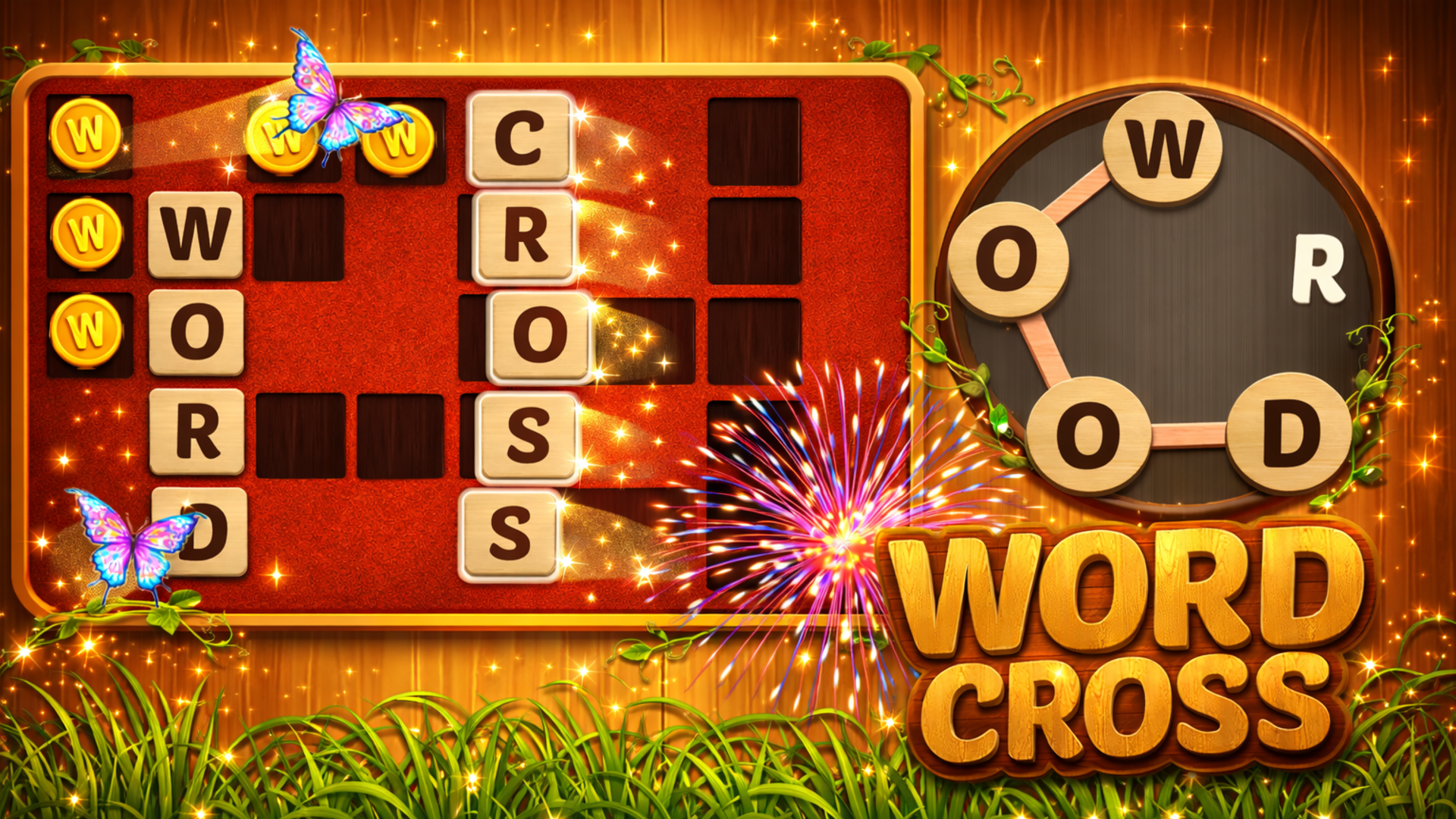
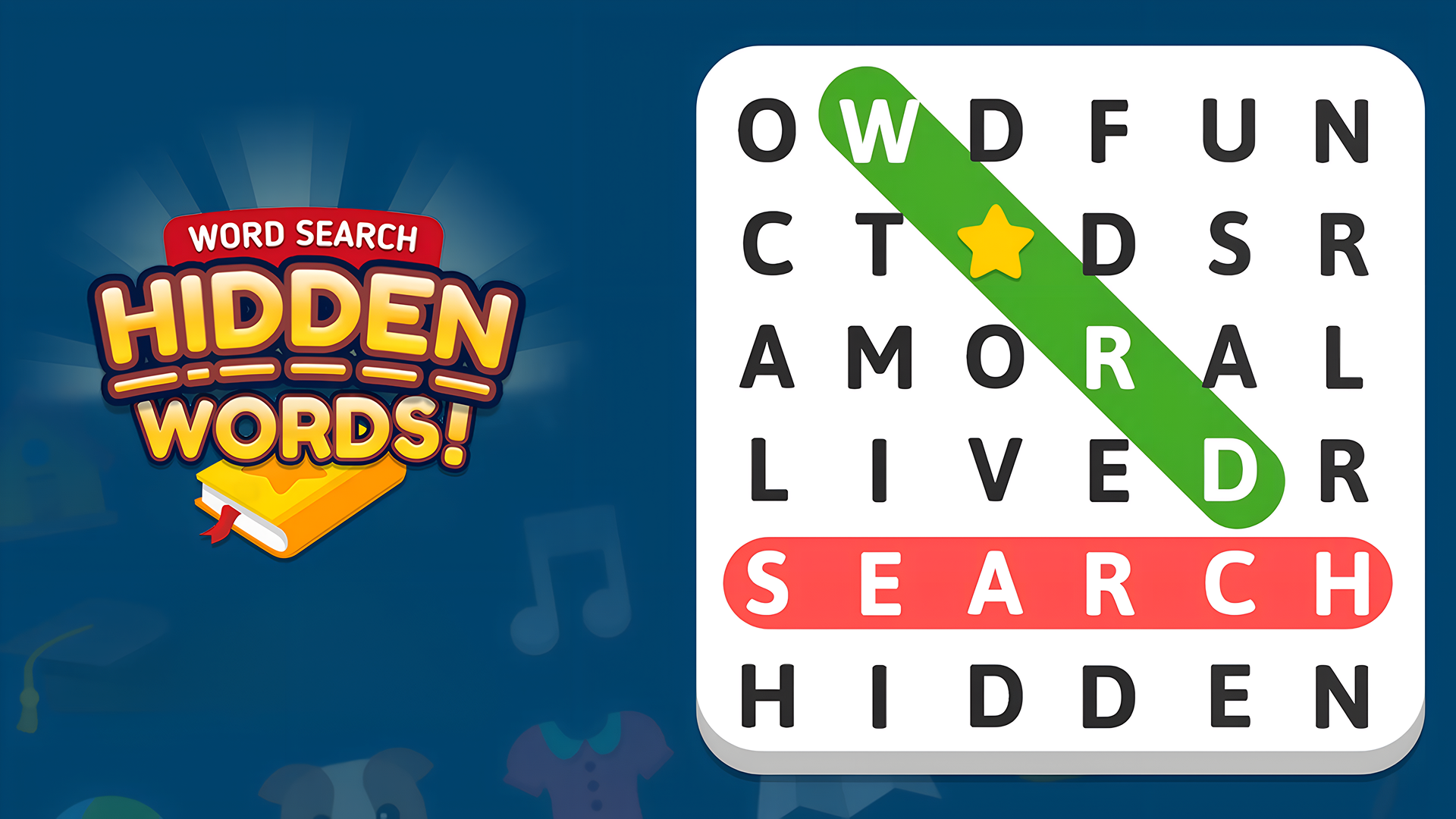
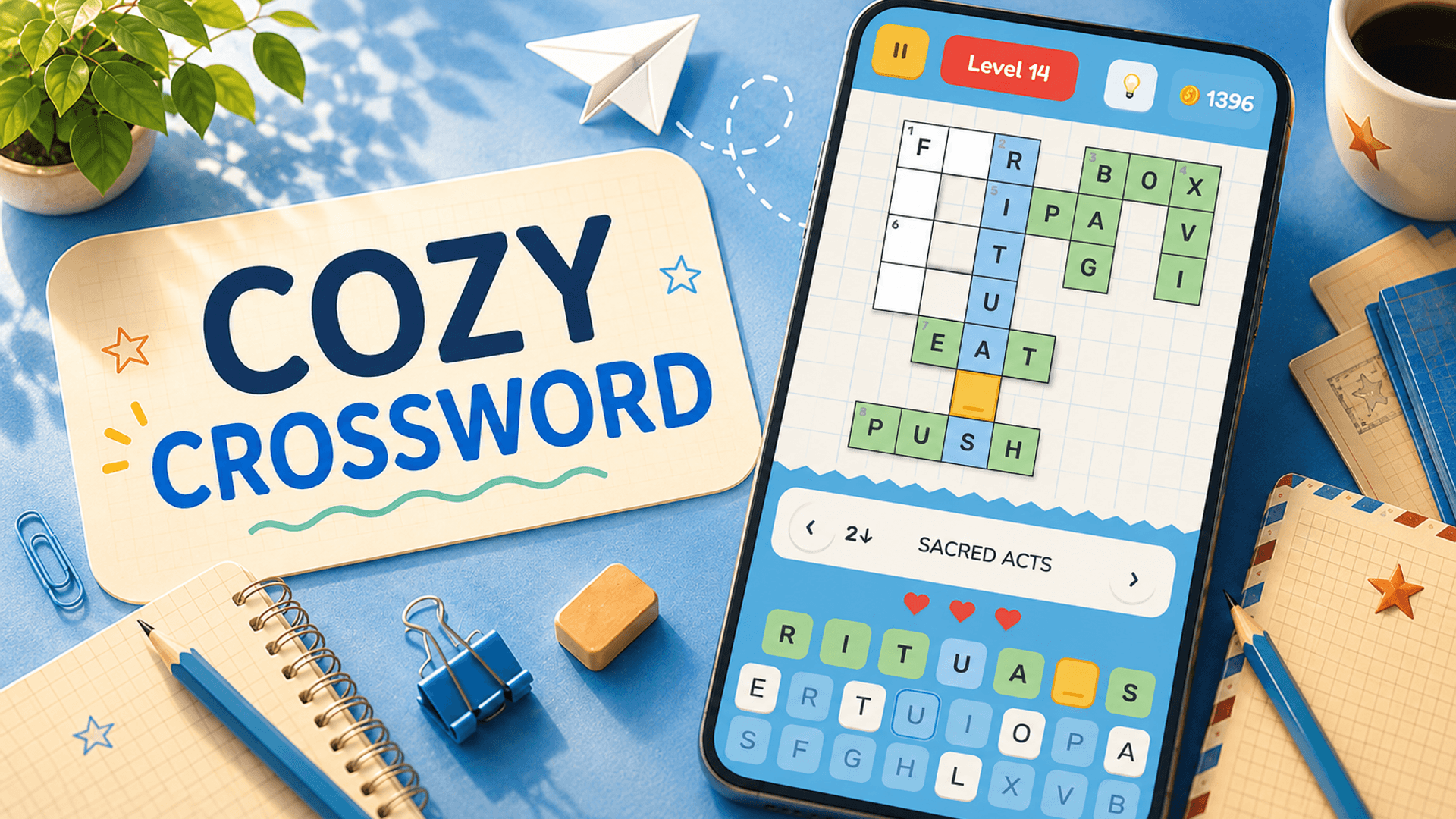
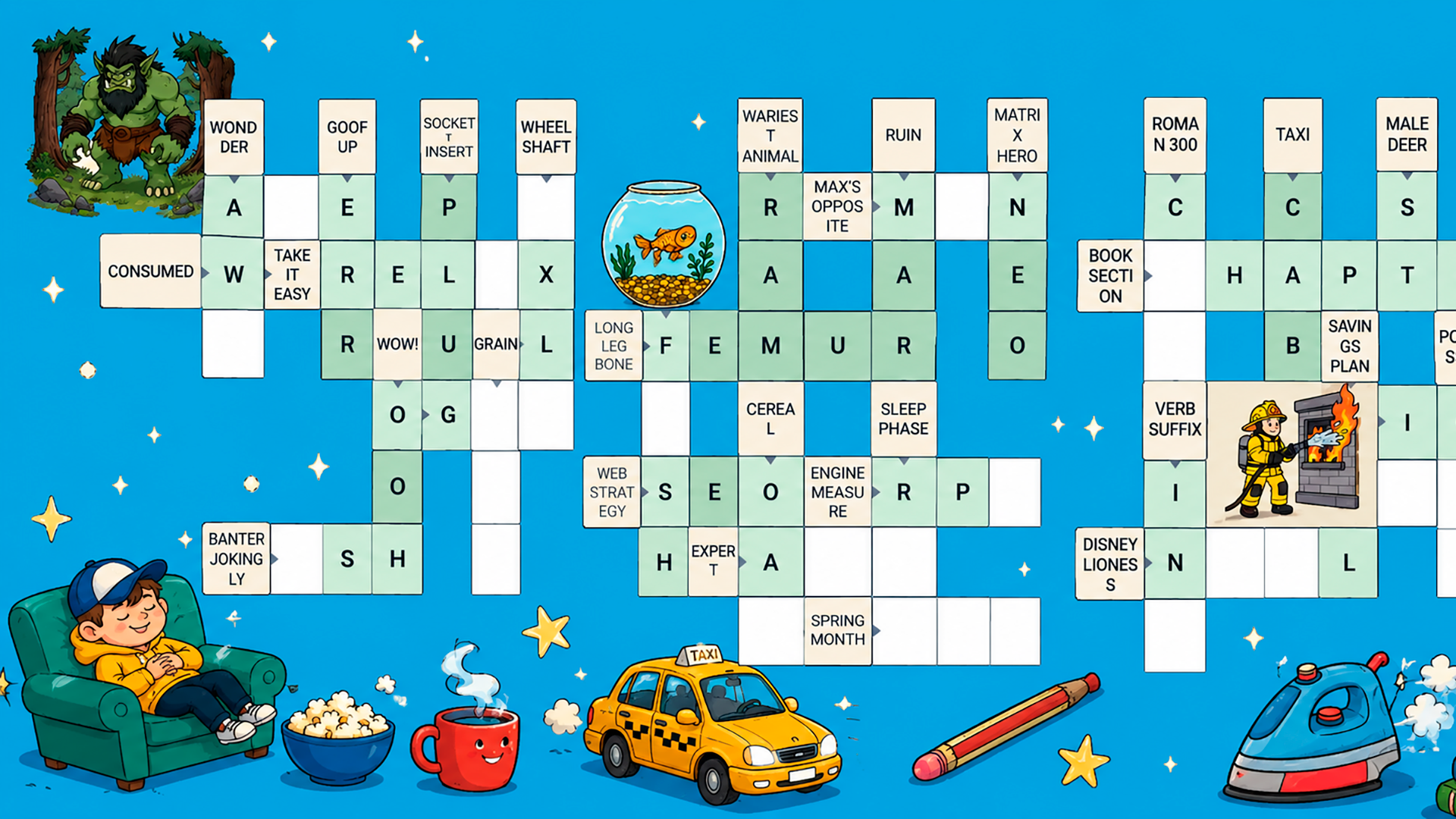
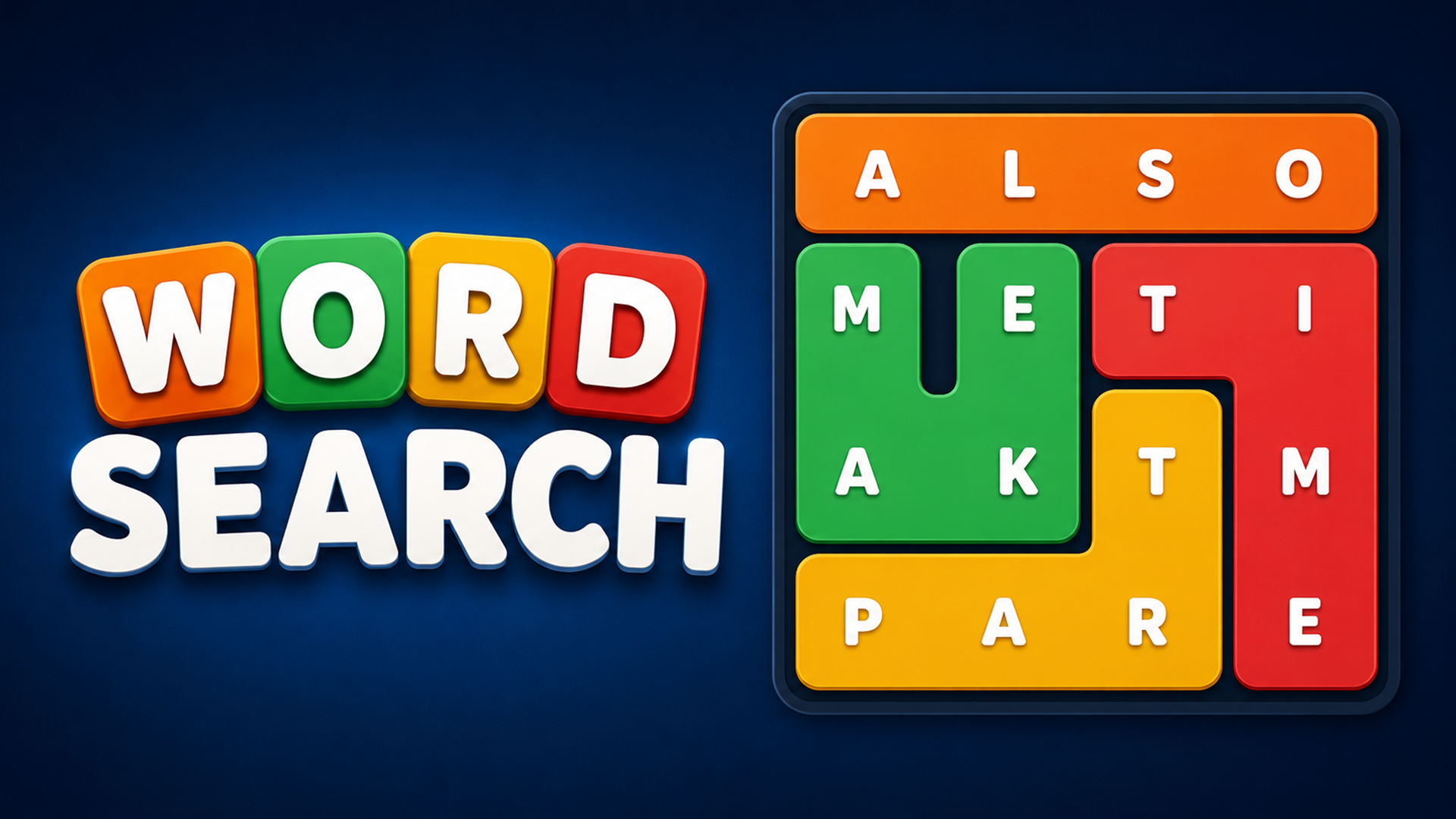
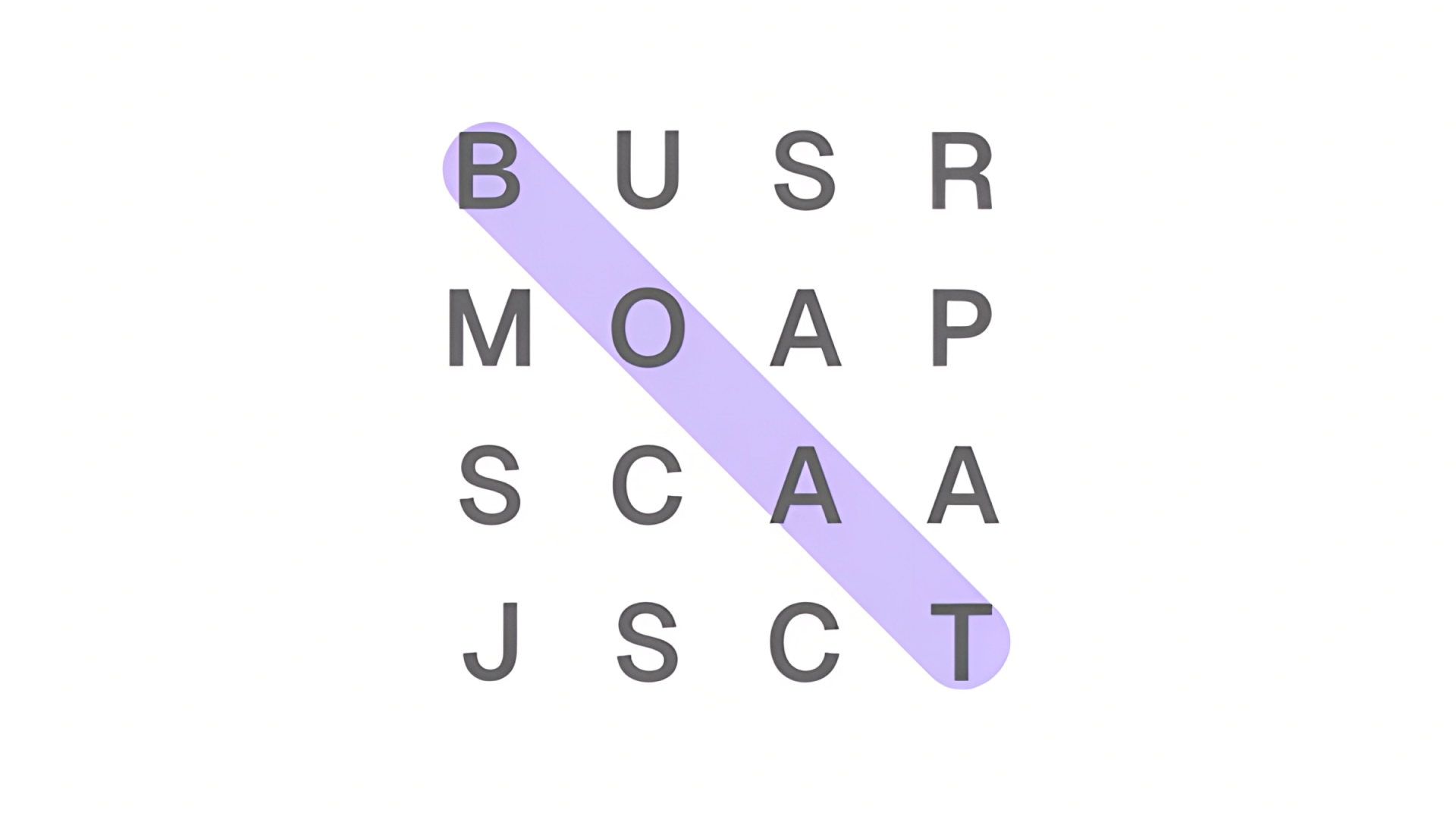
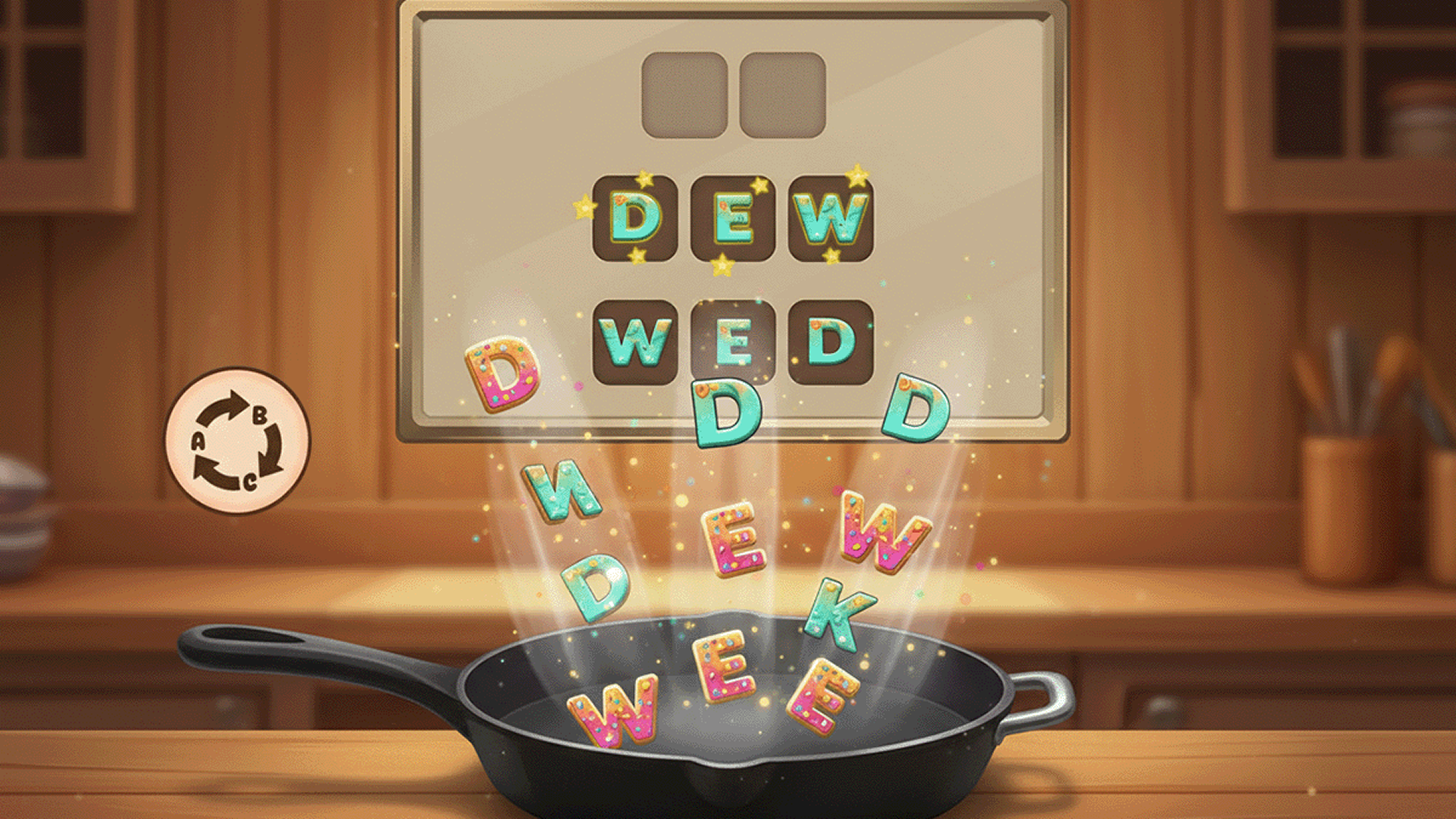
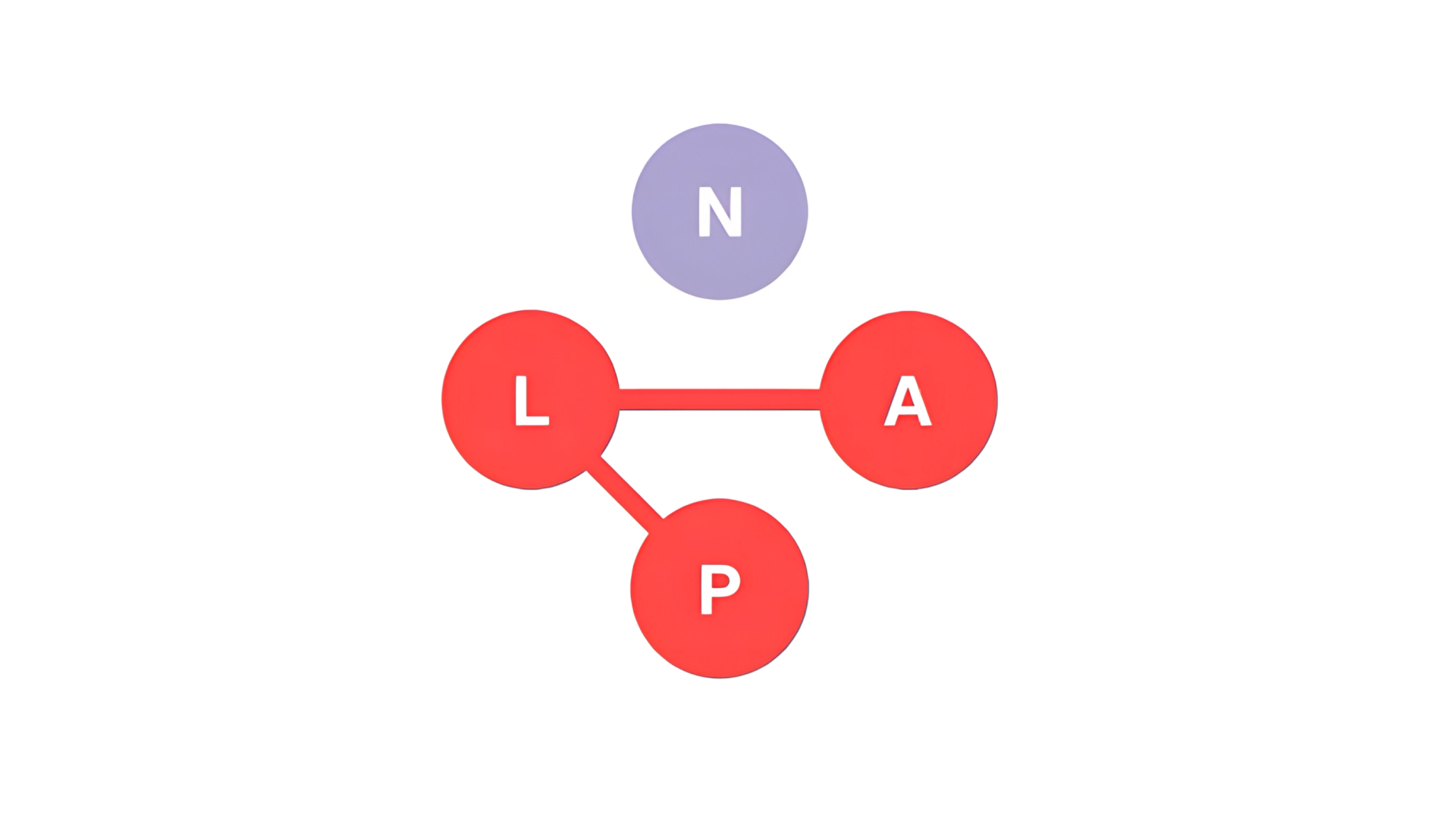
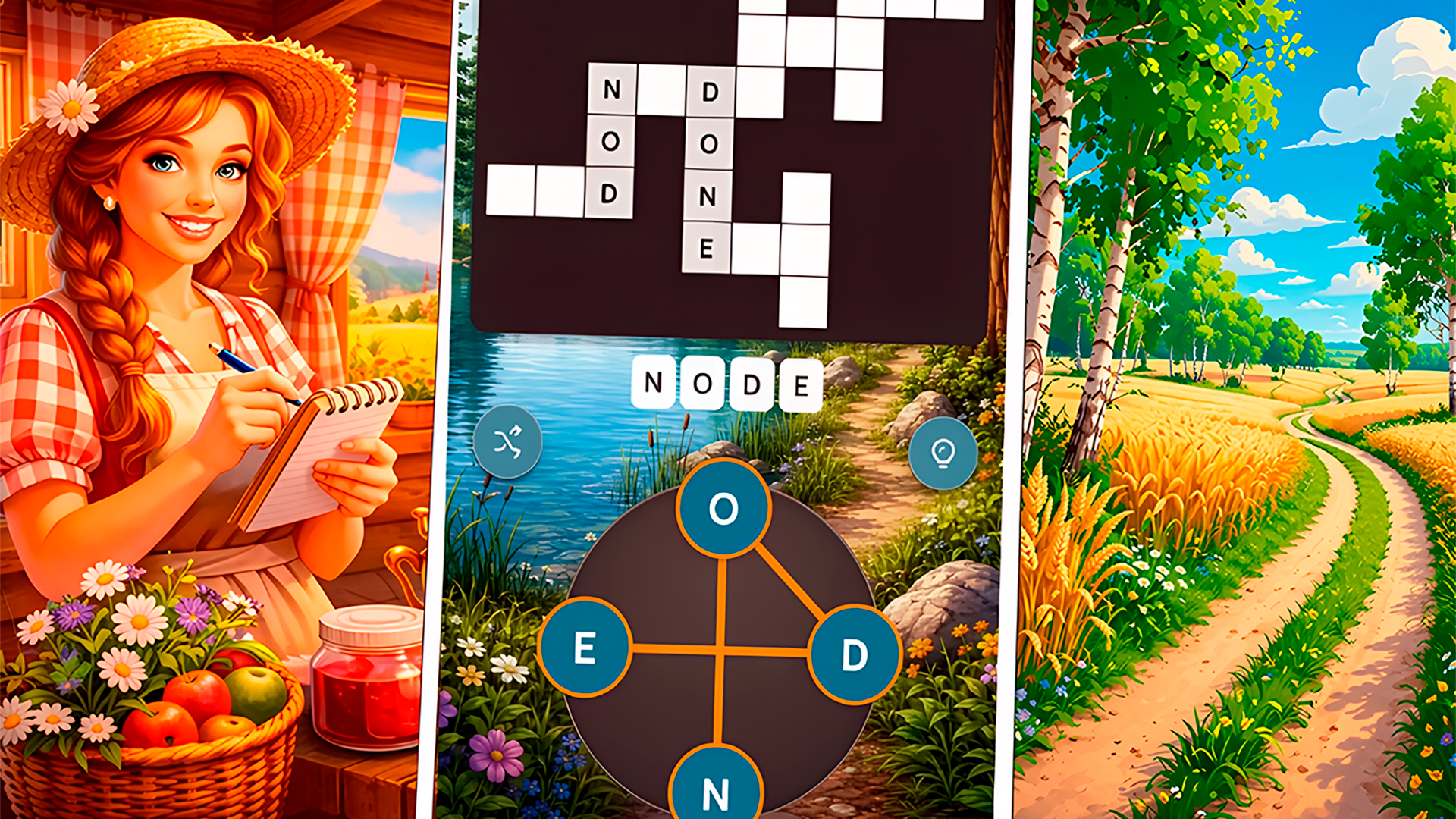
Many titles in this category focus on locating specific terms within a grid of letters. In Word Search Hidden Words and Word Search: Relaxing Puzzles, you swipe horizontally, vertically, or diagonally to highlight hidden text. Other games combine anagrams with traditional grid formats. For instance, Word Cross and Words from words: Sea require you to swipe across a set of given letters to form words that fill a crossword puzzle layout. If you enjoy these mechanics, you can explore more Crossword Games. Another well-known game in this style is Word Connect, which challenges players to find words from a given set of letters to fill a crossword-like grid.
Spelling and Multiplayer Mechanics
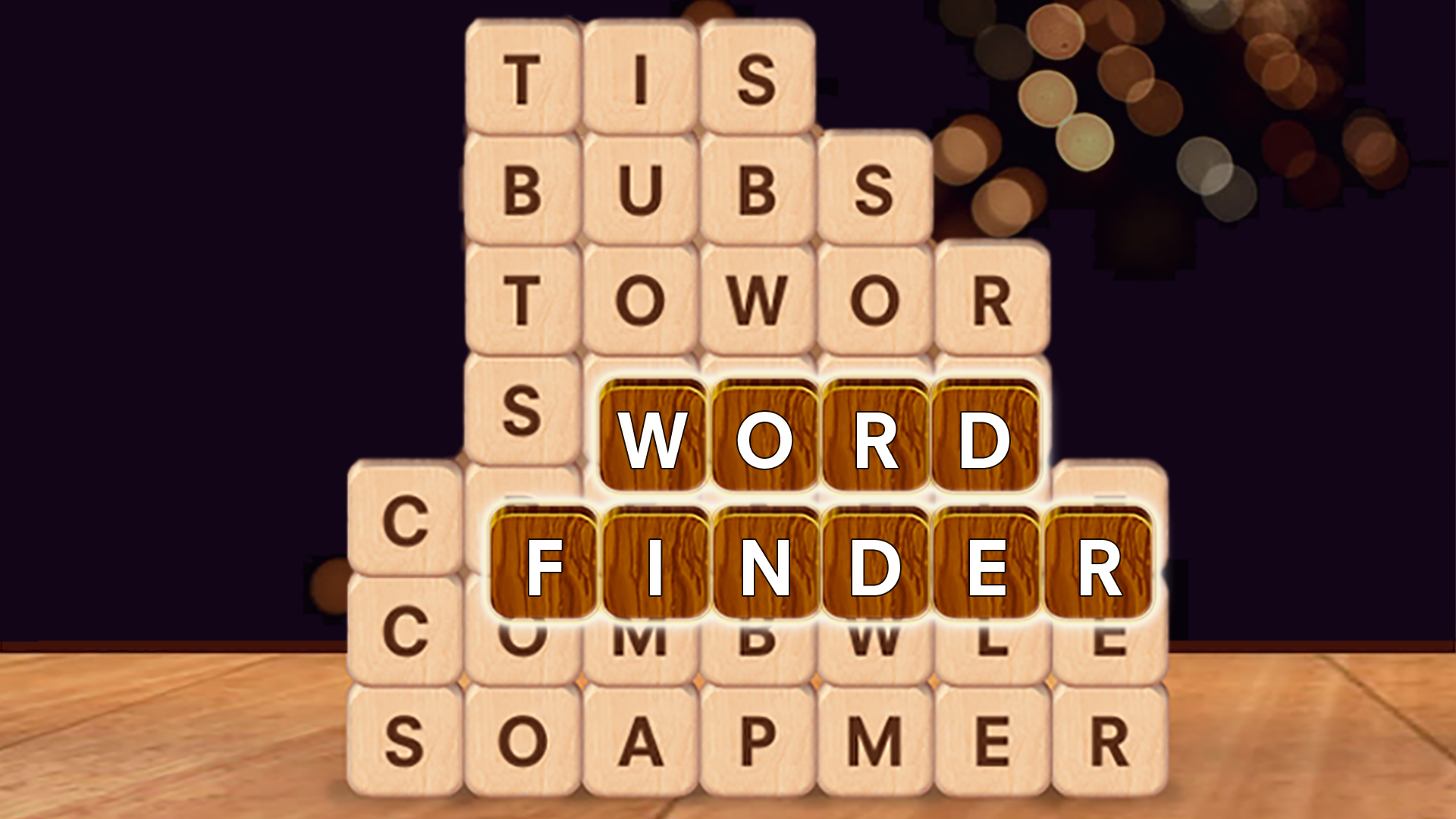
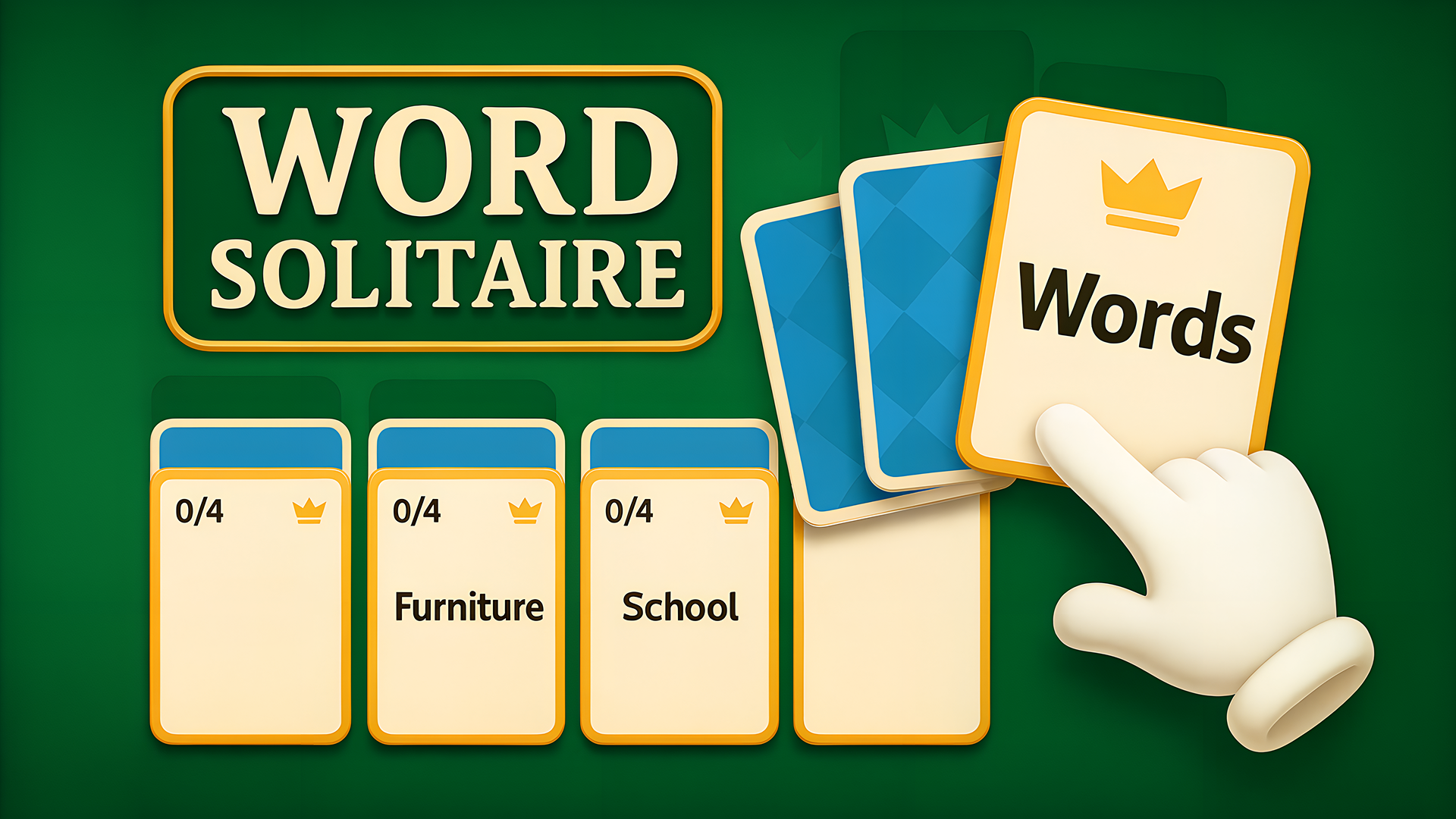
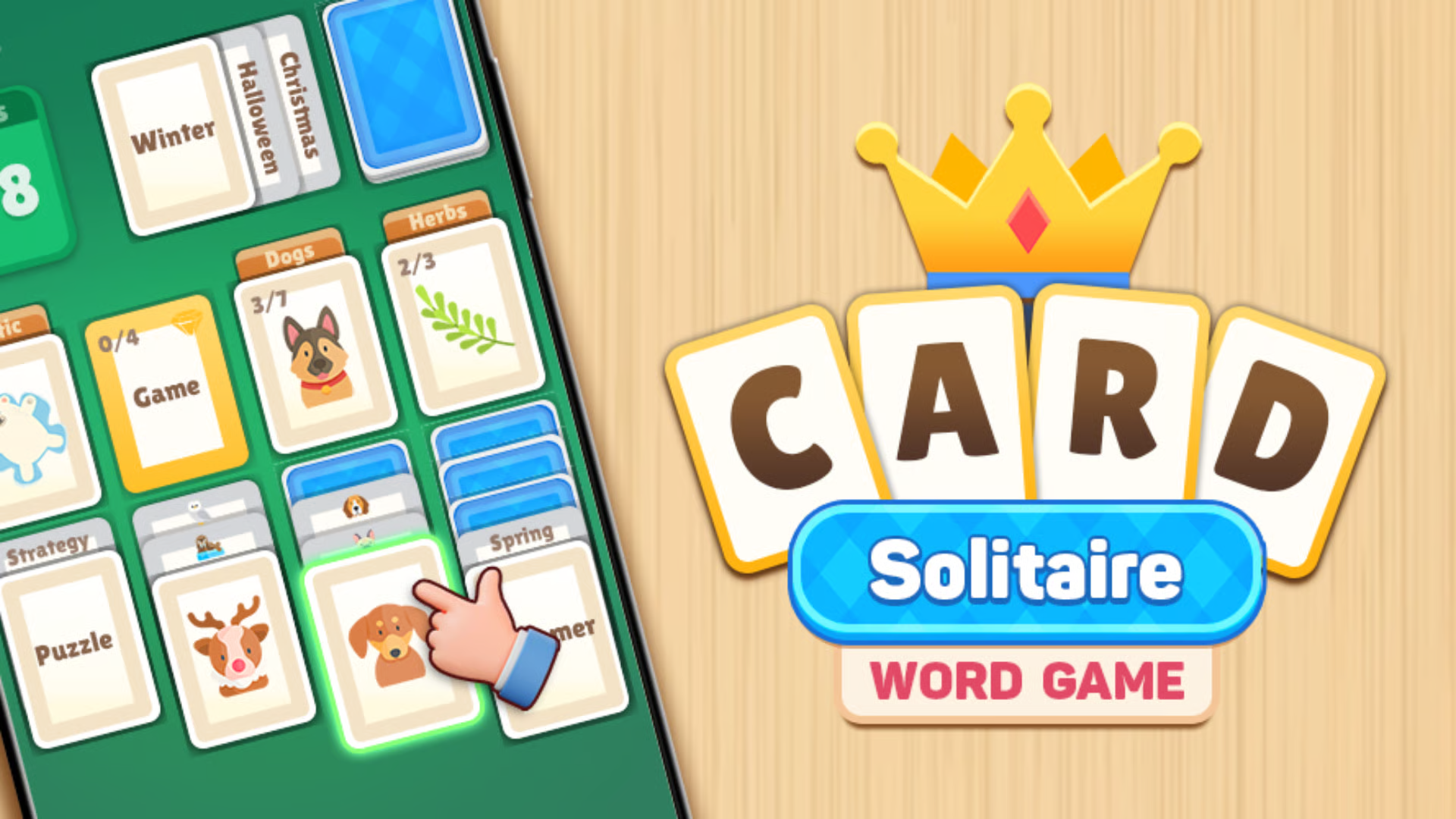
Some games emphasize competitive spelling or trivia elements. Words Online is a multiplayer game where you compete against friends or global opponents by placing letter tiles on a board to score points, similar to classic board games. You can find similar titles in the Scrabble category. A widely recognized game in this genre is Words With Friends, which allows players to compete against friends in a Scrabble-like format. If you prefer solo challenges, Word Finder tests your ability to identify related terms, while Word Solitaire replaces traditional playing cards with word categories. Additionally, General Trivia Quiz tests your general knowledge across various topics like history, science, and pop culture. Games like Upwords also offer a unique twist on tile-based word building by allowing players to stack letters on top of others to change existing words.
Classic Word Puzzles
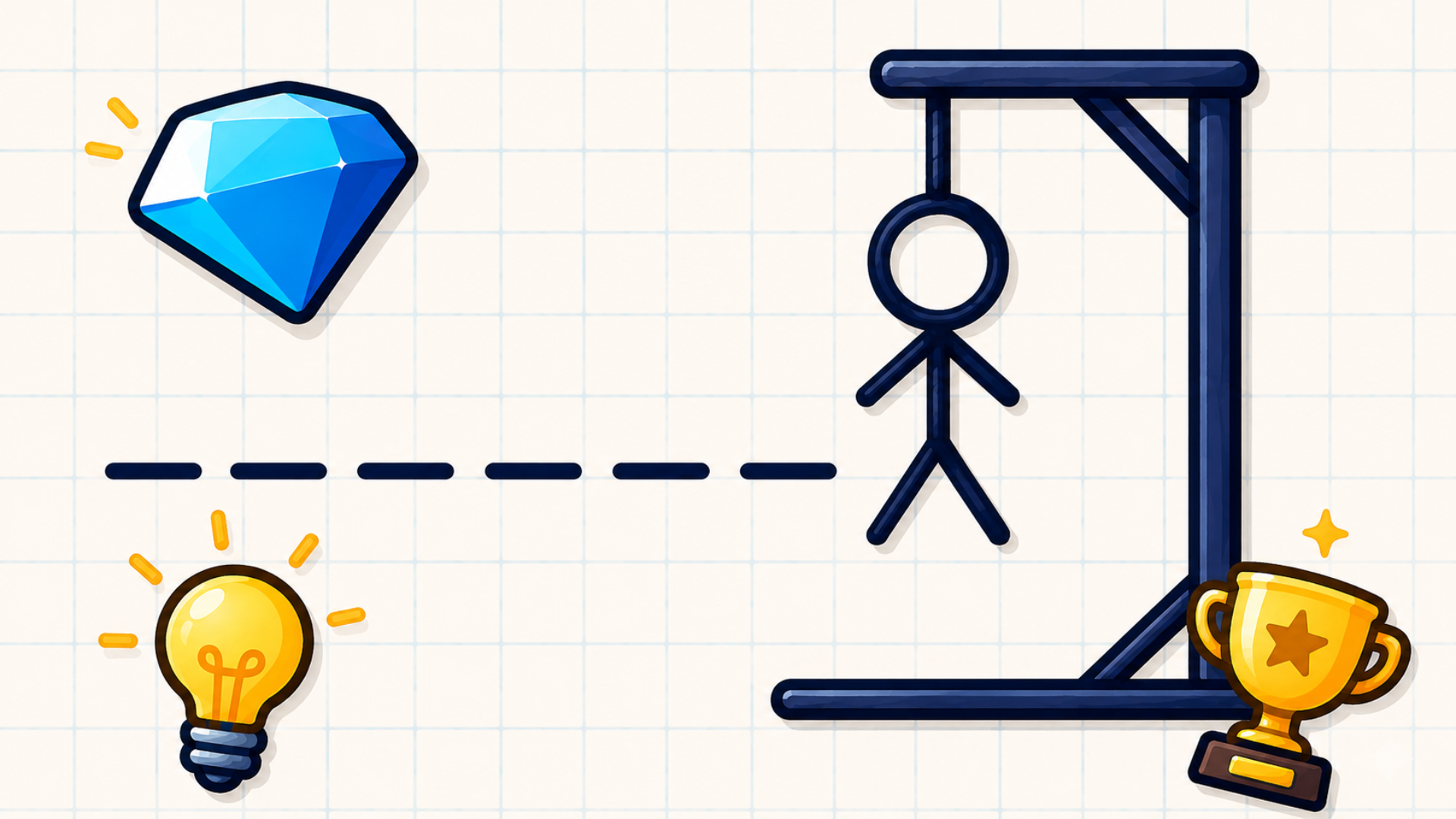
Many word games draw inspiration from traditional pen-and-paper or board game formats. These include guessing games like Hangman, where players try to guess a word letter by letter before a stick figure is fully drawn, and party games like Codenames, which involves giving one-word clues to identify agents on a grid.
Features of Word Games
- Vocabulary Building: Form specific terms from randomized letters or anagrams.
- Grid Navigation: Locate hidden text horizontally, vertically, diagonally, or backwards.
- Multiplayer Options: Compete against other players in turn-based spelling matches.
- Brain Training: Solve puzzles that require logic, pattern recognition, and memory recall. Discover more in the Brain category.
FAQ
What are the most popular Word?
These titles rank highly among players for their engaging puzzle mechanics and daily vocabulary challenges.
- Word Finder
- Word Cross
- Word Search Hidden Words
- Bubble Word Jam
- Words Online
- Word Solitaire
- Word Associations Solitaire
- Cozy Crossword
- Word Search: Relaxing Puzzles
- Crosswords: Big Collection
What are the best Word for mobile?
These touchscreen-optimized titles allow you to easily swipe and connect letters directly on your smartphone or tablet.