

















Robbie: Draw your Sword
Fruit Merge: Juicy Drop Game
Hidden Object: Clues and Mysteries
My Town Home: Family Playhouse
TB World
Deadly Descent
Sprunki Sandbox: Ragdoll Playground Mode
Piece of Cake: Merge & BakeTricky Challenges: Mini Games
Tricky Challenges: Mini Games - Play Online

Remember those "Brain Out" and "Satisfying Games" apps that flooded your phone in 2020? This is basically that whole trend crammed into one browser game. You're facing a random collection of micro-tasks—tapping, slicing, timing—that test your reflexes and sometimes your brain. Each level is a totally different puzzle. Pass them all and you'll join that claimed "5%" who actually finish. Spoiler: most people won't, because the game throws curve balls every few seconds.
Key Features
- Hyper-Casual Variety Pack: Dozens of different mini-games bundled together—no two levels feel the same.
- Zero Learning Curve: Each level tells you exactly what to do in plain text. Tap here, slice there, avoid this.
- Mobile-First Design: Works perfectly on phones with vertical orientation and simple touch controls.
- Quick Sessions: Each challenge takes 5-15 seconds. Perfect for bathroom breaks or waiting in line.
How to Play Tricky Challenges: Mini Games

Getting started is stupid easy, but actually beating every challenge? That's where it gets tricky.
Read the Prompt and React
You get dropped into a level with a simple instruction at the top. "Cut in two equal halfs" [sic]. "Required: 45 Hits." Just read what it says and do it. Most levels use tap controls—you'll be tapping the screen like crazy to swing hammers, activate knives, or trigger actions. The controls are responsive enough that you won't blame the game when you mess up.
Dodge the Gimmick
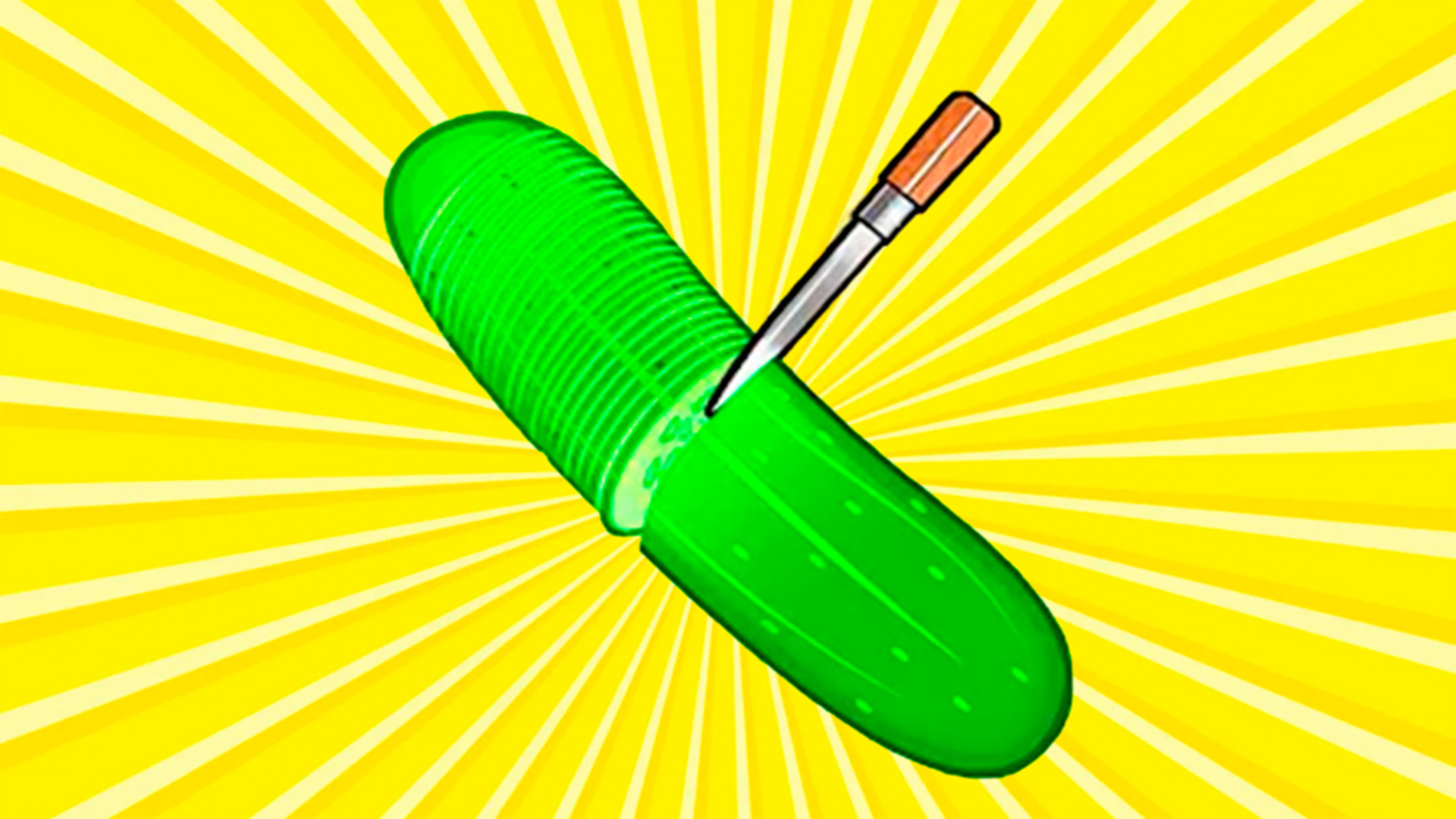
Here's the catch: every level has a twist. One second you're bouncing a ball between a pillar and the screen edge while dodging arrows. The next you're precision-slicing a watermelon. Then you're racing against a timer to hit an egg 45 times in 11 seconds. The game constantly shifts genres on you—physics puzzles, dexterity tests, logic problems. You can't get comfortable.
Progress Through the Gauntlet
There's a progress counter (like "3/15") showing how far you've made it. Beat a challenge and you move to the next random task. There's a skip button if you get stuck, but using it feels like admitting defeat. The goal is to plow through all the levels and prove you've got better reflexes than the thousands of people who failed before you.
Who is Tricky Challenges: Mini Games for?

This is pure time-killer material. Perfect if you have 10 minutes on the bus or you're waiting for your coffee to brew. Kids will love it because the mechanics are brain-dead simple and there's zero violence—just colorful objects and basic physics. If you're a hardcore gamer looking for depth, this ain't it. But if you want something mindless that still makes you feel clever when you win? Yeah, it works.
The Gameplay Vibe
It's frantic in short bursts. Each challenge only lasts a few seconds, so there's this constant dopamine loop of "complete task, get points, next level." The visuals are aggressively basic—flat 2D vector art with thick outlines and minimal effects. The watermelon has some shading, but the egg and ball are just solid colors. Honestly, it looks like they grabbed assets from different packs and glued them together. The backgrounds are blank white or neutral colors to keep your eyes on the task. No music stuck in my head, which is either good or a sign it's forgettable. The whole vibe screams "mobile ad game," which makes sense because this is clearly designed to show you ads between levels.
Technical Check: Saves & Performance
The game saves your progress automatically in your browser cache, so you can close the tab and pick up where you left off—just don't go clearing your history or you'll start over. Performance-wise, it's lightweight as hell. This runs on a potato. The simple graphics and zero loading screens mean even older phones or cheap laptops will handle it fine. No lag, no stuttering. It's optimized for speed because that's the whole point of hyper-casual games.
Quick Verdict: Pros & Cons
A decent distraction if you need something brainless and fast, but don't expect anything memorable.
- ✅ Pro: Instant action with no tutorials or waiting—just tap and go.
- ✅ Pro: Huge variety of mechanics keeps it from getting boring too fast.
- ❌ Con: The art style is inconsistent and looks cheap, like they raided a free asset store.
Controls
Super responsive for what it is. Taps register instantly, which matters when you're racing timers.
- Desktop: Use your mouse to click objects and drag when needed.
- Mobile: Tap the screen—that's it. Swipe for slicing challenges.
Release Date & Developer
Developed by Welwise Studio and released on November 5, 2025. Pretty fresh, though it feels like a dozen other games I've seen before.
FAQ
Where can I play Tricky Challenges: Mini Games?
What happens if I can't beat a challenge?
Is there a mobile version?
Video
Screenshots
Use this link to embed the game on your website using an iframe
Sign in to Embed and Monetize Games