






























Flower Collection - Play Online
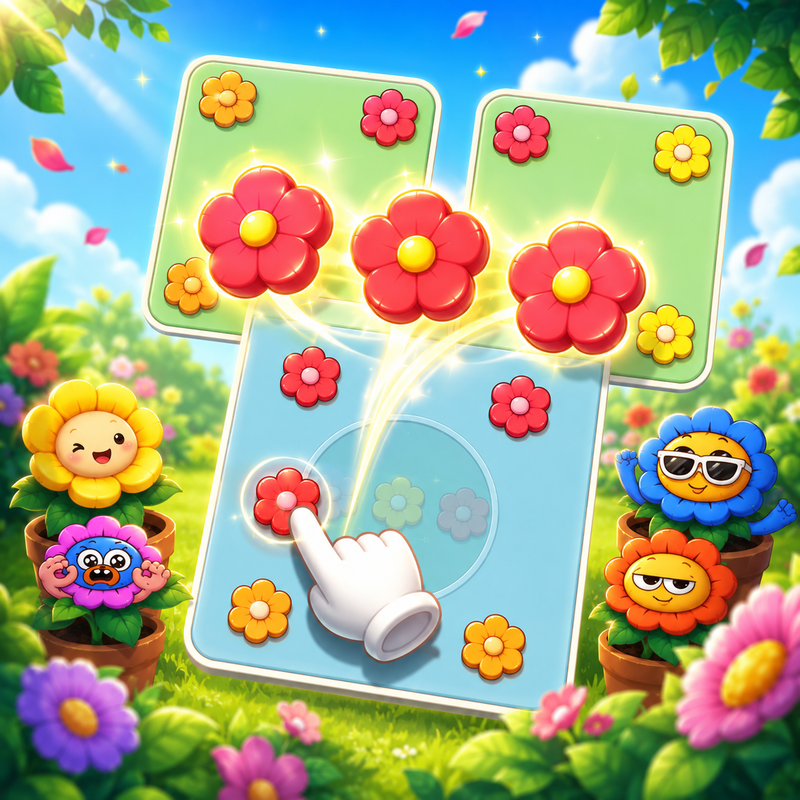
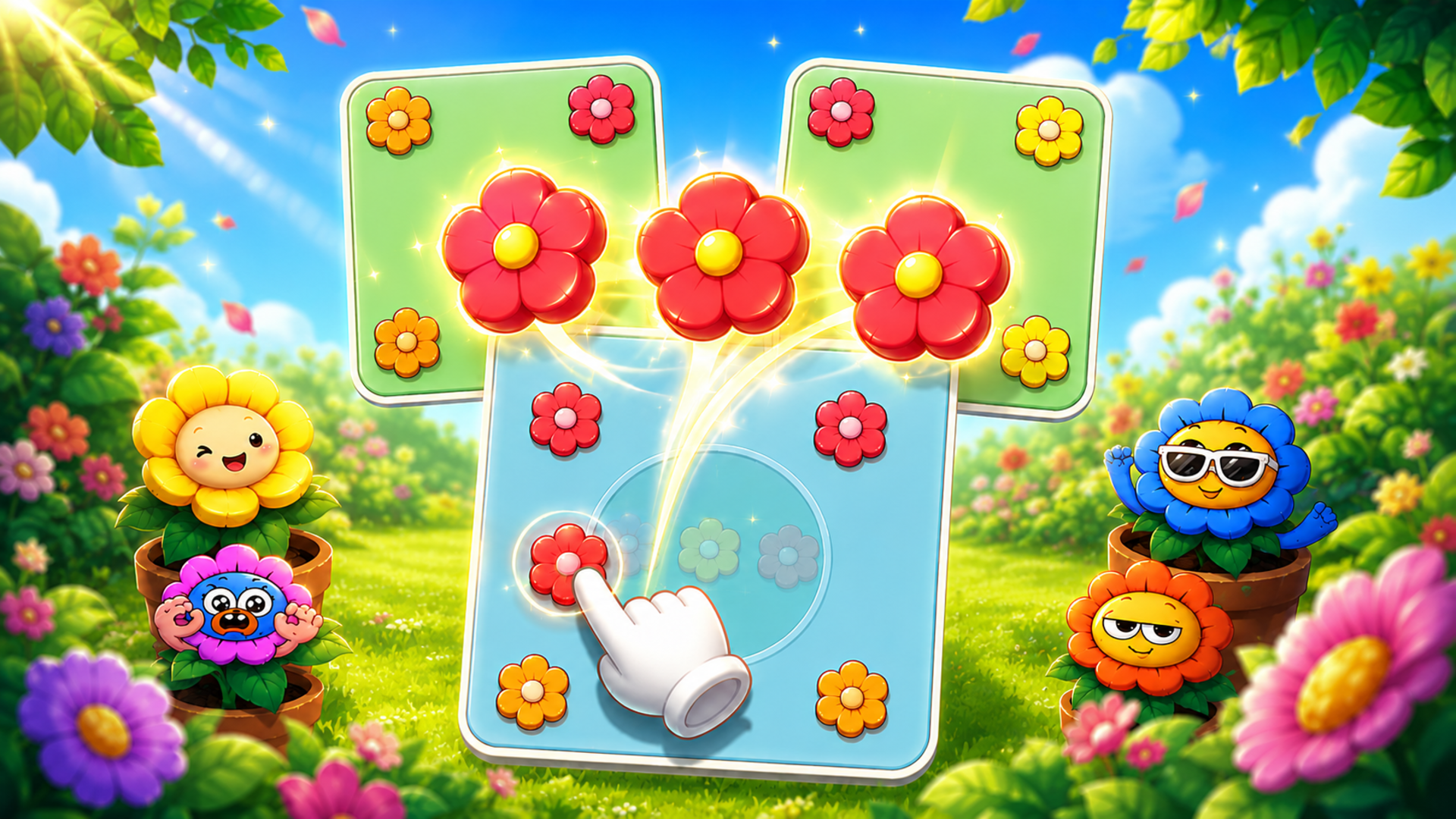
Tap, match, and clear. Flower Collection drops you into a layered tile puzzle where petals stack on a board and your job is to send them to matching pots before slots run out. Each level ramps up the chaos—more layers, trickier arrangements, smarter plays. Flat vector flowers fill the screen, power-ups unlock board space, and the loop clicks into gear fast. No downloads, just instant puzzle action on any device.
How to Play Flower Collection
Clear every tile on the board by matching flower petals to their corresponding pots. Tap layered tiles to move petals into limited board slots, then watch them fly to matching pots when three identical blossoms connect. Run out of slots and the level restarts. Complete objectives, unlock new challenges, and climb the numbered progression.
Tile Selection and Slot Management
Tap any exposed tile to send its petal to the board slots below. Only the top layer is clickable—buried tiles stay locked until you clear what's above. Board slots fill fast, so prioritize matches that free up space. Three identical petals trigger an instant clear, opening room for the next wave. Misjudge the order and you'll jam the board with mismatched flowers, forcing a restart. Scan the stack, plan two moves ahead, and keep slots cycling.
Power-Ups and Strategic Tools
Unlock boosters to punch through tough boards. Shovel removes a single tile without using a slot. Hammer clears a matched set instantly. Broom shuffles the board when you're stuck. Each tool costs currency earned from completed levels, so burn them on high-density puzzles where slot management breaks down. Preview special flower effects by holding press on mobile—some tiles reveal bonus clears or extra moves when matched.
Pro Tips for High Scores
Focus on the deepest layers first. Clearing bottom tiles early exposes more options and prevents bottlenecks. Always leave one slot open for emergency swaps. If the board fills with two petals of one color and one of another, use a power-up to break the deadlock before tapping more tiles. Replay early levels to farm currency for later puzzles—grinding pays off when difficulty spikes. For fans of puzzle games with color-matching hooks, Flower Collection delivers that satisfying click-and-clear rhythm without clutter.
Key Features
- Layered Tile Mechanics: Tap exposed petals to send them to board slots, then match three identical blossoms to clear and free up space for the next wave.
- Flat Vector Aesthetics: Clean 2D gradients and minimal shading keep the focus on tile patterns, perfect for short mobile sessions or quick desktop breaks.
- Power-Up Toolkit: Shovel, Hammer, and Broom boosters unlock strategic paths through dense boards when slot management fails.
- Progressive Difficulty: Numbered levels introduce more layers, tighter slot limits, and complex arrangements that demand smarter planning and booster timing.
Who is Flower Collection for?
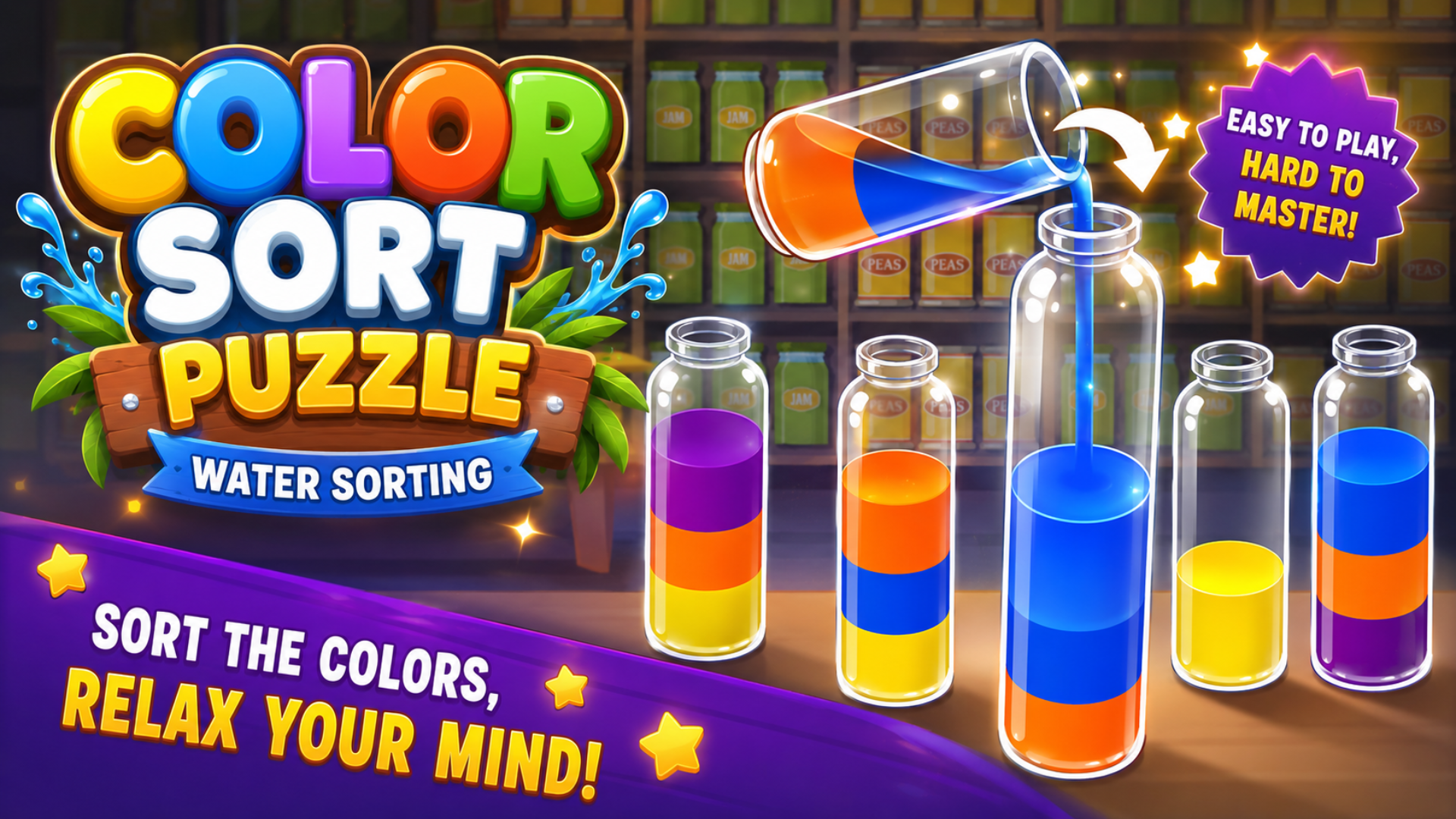
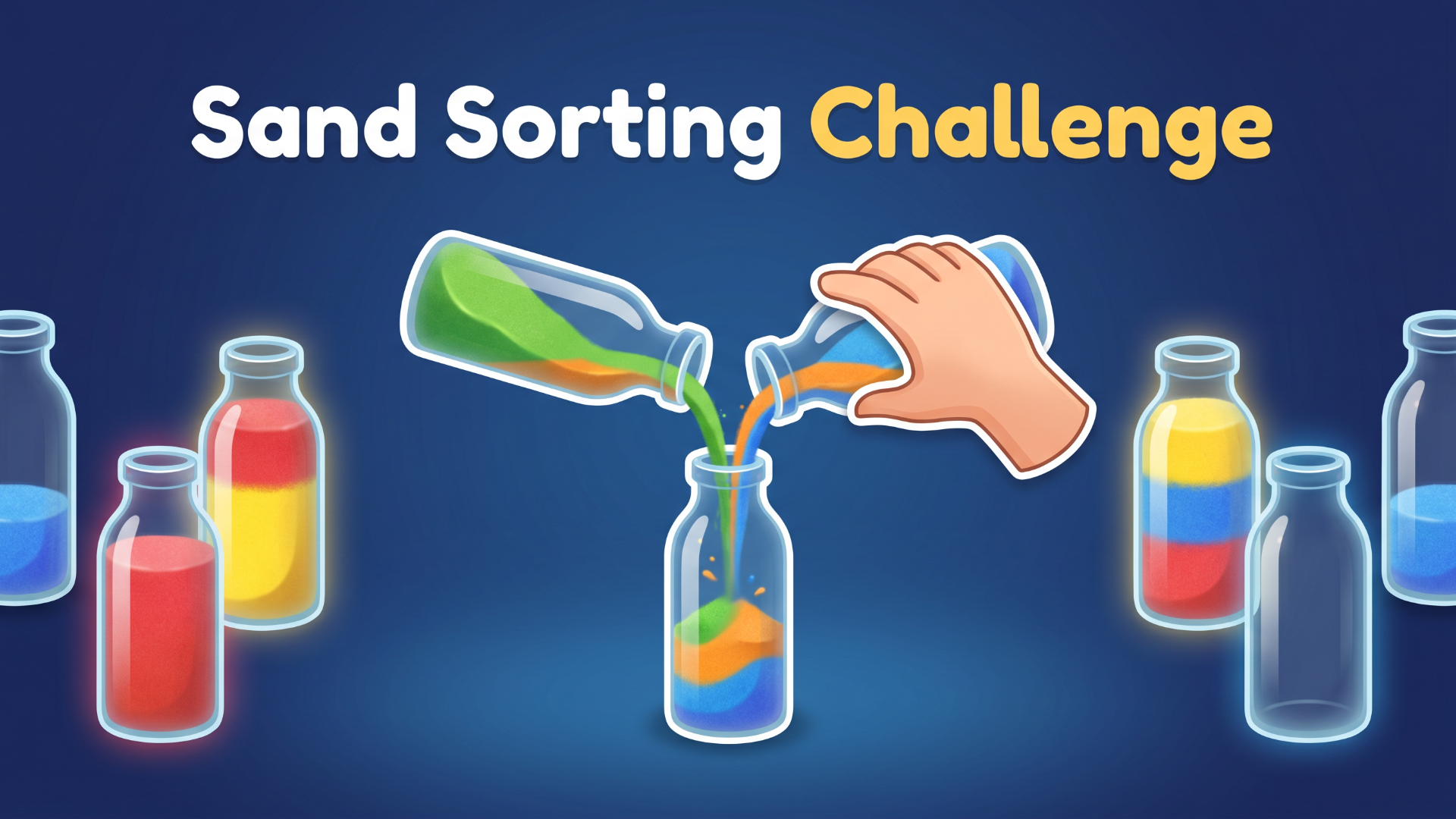
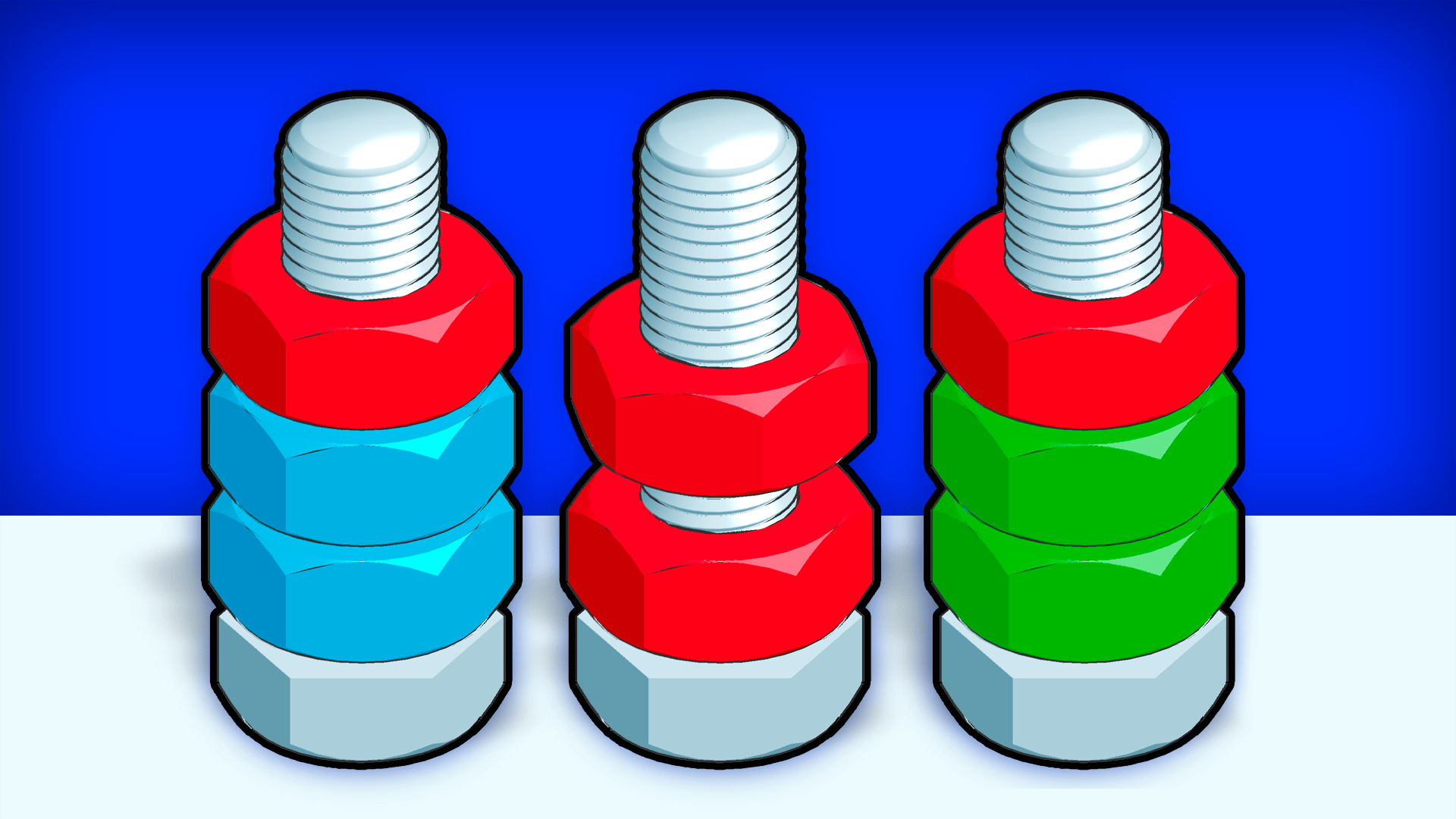
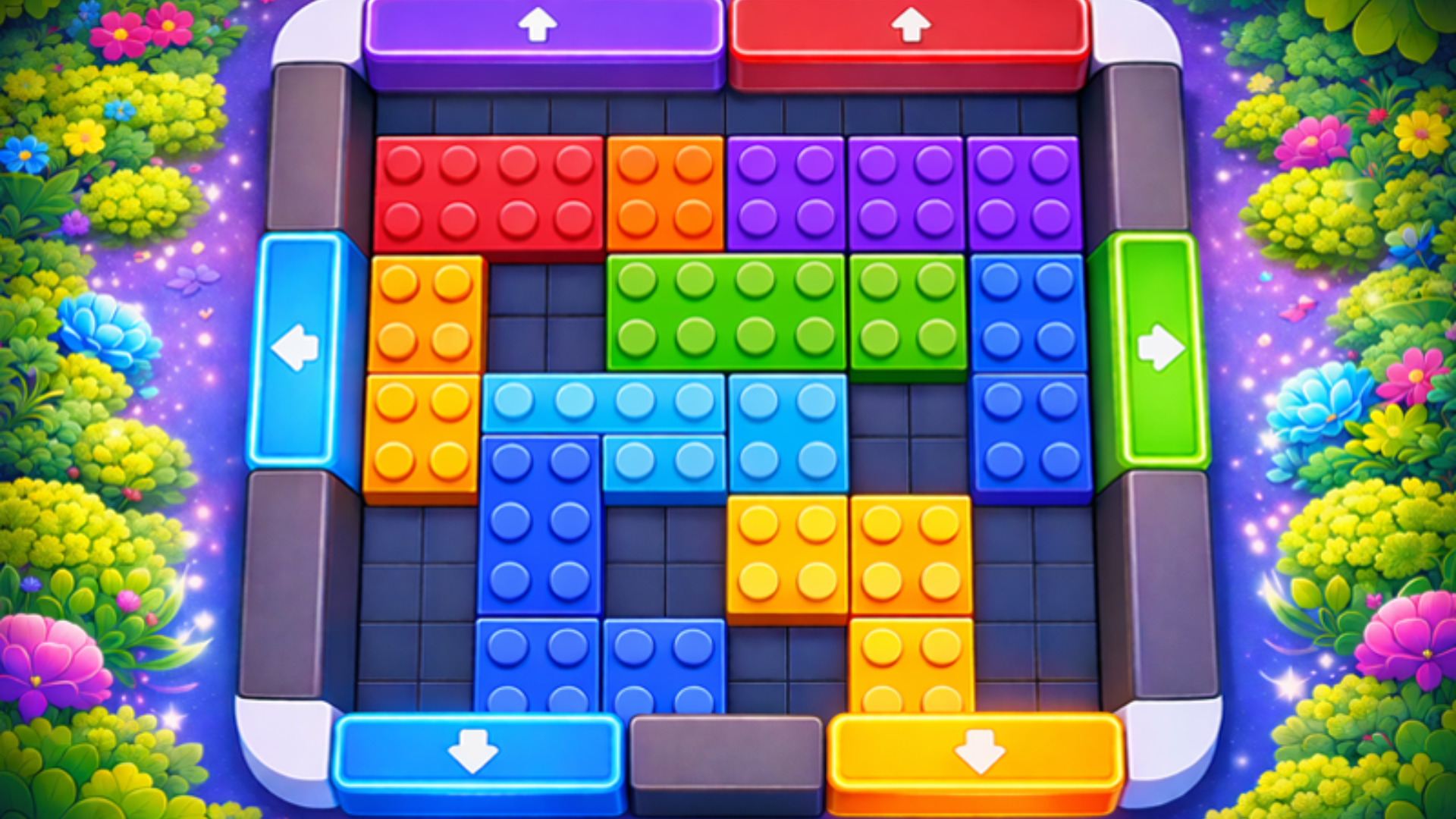
Built for casual players hunting low-friction tile puzzles during commutes or coffee breaks. If you chase that zen loop of clearing boards with precise taps, or you grind Good Sort Master's triple-match shelf organization, you'll lock into the rhythm here. Players who enjoy Vega Mix 2's match-3 flower mechanics and high-saturation visuals will recognize the same color-matching satisfaction with a tile-stacking twist. Also targets anyone who appreciates Nuts Puzzle's color-sorting and strategic tile management, since both games demand careful planning to clear boards with limited moves. Optimized for portrait mode on mobile but runs smooth on desktop browsers—no install required. Perfect for players seeking meditative puzzle loops with incremental challenge curves, or anyone exploring brain games that mix strategy with visual clarity. Fans of Yarn Fever's relaxing color-based puzzles and booster systems will find the same soothing progression and helpful power-ups wrapped in a floral skin.
Developer
Flower Collection was developed by wavegame. The game fuses classic tile-matching with slot-based inventory management, delivering a hyper-casual puzzle loop playable instantly in any browser across Android, iOS, and desktop platforms.
Controls
- Mouse Drag / Swipe: Move and match flowers across the board.
- Left Click / Tap Screen: Select tiles to send petals to slots or activate power-ups.
- Hold Press (Mobile): Preview special flower effects before committing to a match.
- Scroll / Click: Switch between Shovel, Hammer, and Broom tools.
FAQ
How do I unlock more board slots in Flower Collection?
You start with a fixed number of slots per level. Some levels unlock extra pots that expand your working space temporarily. To maximize slot efficiency, match flowers as fast as possible to keep slots cycling, and use the Shovel power-up to remove tiles without filling slots when the board gets crowded.
What's the best strategy for clearing layered tiles?
Always target the deepest layers first. Tiles at the bottom block multiple pieces above, so clearing them early exposes more options and prevents slot jams. If you tap tiles randomly from the top layer, you'll bury key matches and run out of space before completing the board.
When should I use power-ups instead of saving them?
Burn power-ups on high-density puzzles where slot management breaks down—usually levels with more than four flower colors and deep layering. The Hammer clears matched sets instantly, freeing space when you're one move from losing. Save the Broom for endgame shuffles when the board fills with mismatched petals and no viable taps remain.
Can I replay earlier levels to farm currency in Flower Collection?
Yes. Replaying completed levels earns currency for power-up purchases. Early levels clear faster and demand fewer boosters, making them efficient for grinding petals. Stack currency before tackling later stages where tile density and slot limits require multiple tool uses per level.
Does Flower Collection work on desktop and mobile browsers?
Yes. The game runs in any modern browser on Android, iOS, and desktop without installation. Controls adapt automatically—mouse drag and left click on desktop, swipe and tap on mobile. The flat vector design keeps performance smooth on low-end devices, and portrait mode optimizes the tile layout for phone screens.
Use this link to embed the game on your website using an iframe
 Sign in to Embed and Monetize Games