


























Fill Line: Cover Every Cell










About Fill Line: Cover Every Cell: One-Stroke Logic Puzzle
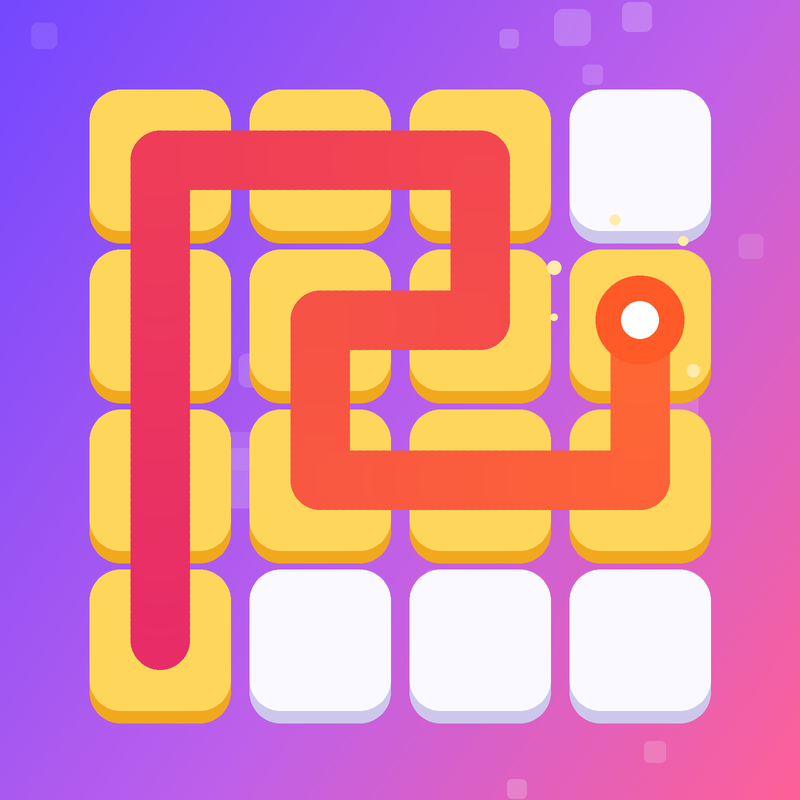
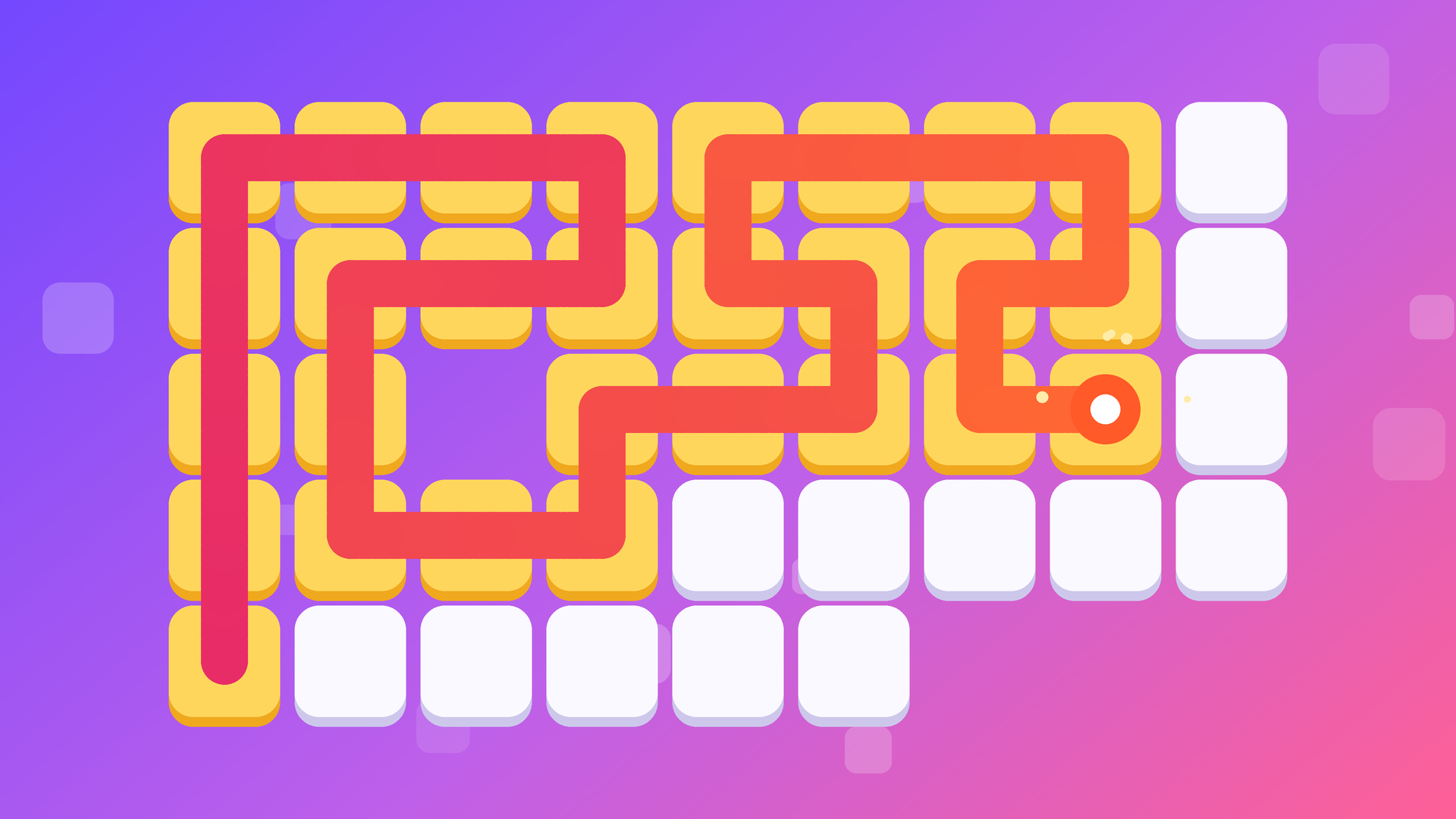
Fill Line: Cover Every Cell is a calm one-stroke logic puzzle built around a single elegant rule: start from the marked cell and draw one continuous line that covers every block on the board. No cell can be visited twice, and diagonal moves are off the table. The challenge sounds straightforward, but the boards grow with every chapter and the solutions become steadily trickier.
The game spans over 1,000 levels across 41 chapters. Each chapter carries its own color theme, and difficulty rises smoothly — easy breather levels alternate with harder ones, and a boss level closes out every chapter. New mechanics arrive as progress continues: double blocks that must be crossed twice, bridges where the line crosses itself, and arrows that fix the direction of travel. A new daily puzzle with a reward opens every day, and coins can be spent to unlock themes, each with its own sound. You'll find no timers, no lives, and no game over — just logic and the satisfying sound of filling cells.
How to Play Fill Line: Cover Every Cell: Fill Every Cell in One Line
The marked starting cell is already filled and pulses to signal where the line begins. Without lifting a finger or releasing the mouse button, draw the line through neighboring cells — up, down, left, or right — until every block on the board is covered by that single continuous path.
Correcting Mistakes
- Drag the line back over itself to undo steps one by one.
- Tap any cell already on the line to continue from that point instead.
- The Undo button removes the last step.
- Restart begins the level again from scratch.
- Tap Hint and the game shows the next steps when progress stalls.
Special Cells
- Double block (ring): a block marked with a ring must be crossed twice.
- Bridge: crossed once vertically and once horizontally; the line cannot turn on a bridge.
- Arrow: can only be passed in the direction the arrow points.
Controls
- Arrow keys or WASD: move one step
- Z or Backspace: undo last step
- R: restart the level
- H: hint
- Esc: pause
Games You Might Like
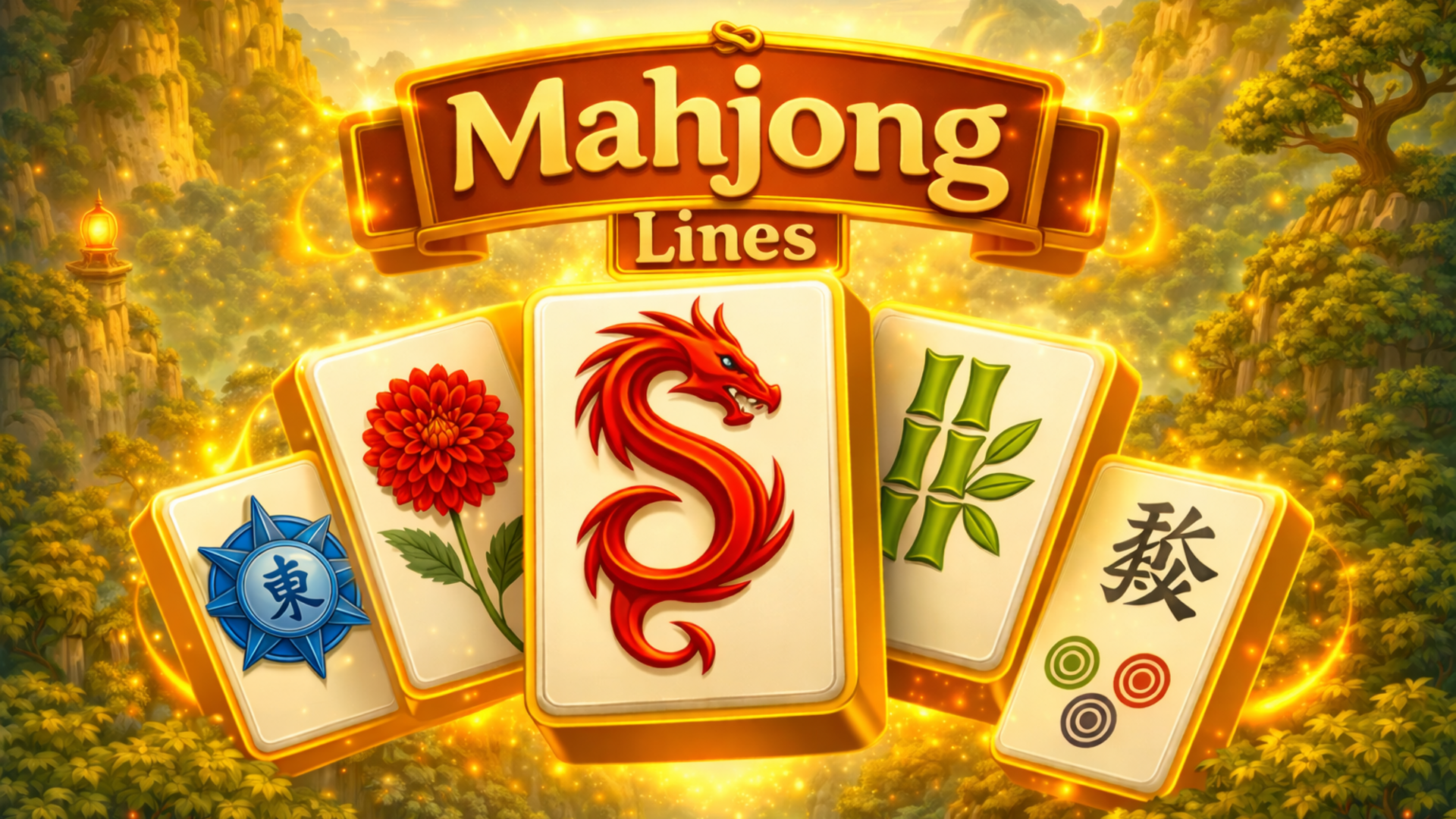
If the grid-clearing logic of Fill Line appeals to you, puzzle games on Playgama offer a wide range of similar brain-training challenges. For another path-based board puzzle, Mahjong Lines asks you to connect matching tile pairs across a single-level board using paths of no more than three straight lines. Arrowscape: Arrow Puzzle shares Fill Line's arrow-direction mechanic and wraps it in a picture-reveal format across 100 levels. Blockibo: Color Blocks is another calm, gradually deepening puzzle where every move matters and new mechanics appear as levels progress. Word Sudoku brings the same daily-puzzle rhythm and 300 hand-tuned levels to a crossword-meets-sudoku format.
Browse arcade games for a faster-paced change of pace, or explore brain games for more logic-focused titles in the same relaxing spirit.
Video
Use this link to embed the game on your website using an iframe
 Sign in to Embed and Monetize Games